

Synthesia
Platform for generating videos with AI avatars based on a text script.
Overview
Synthesia
Description of the Synthesia neural network
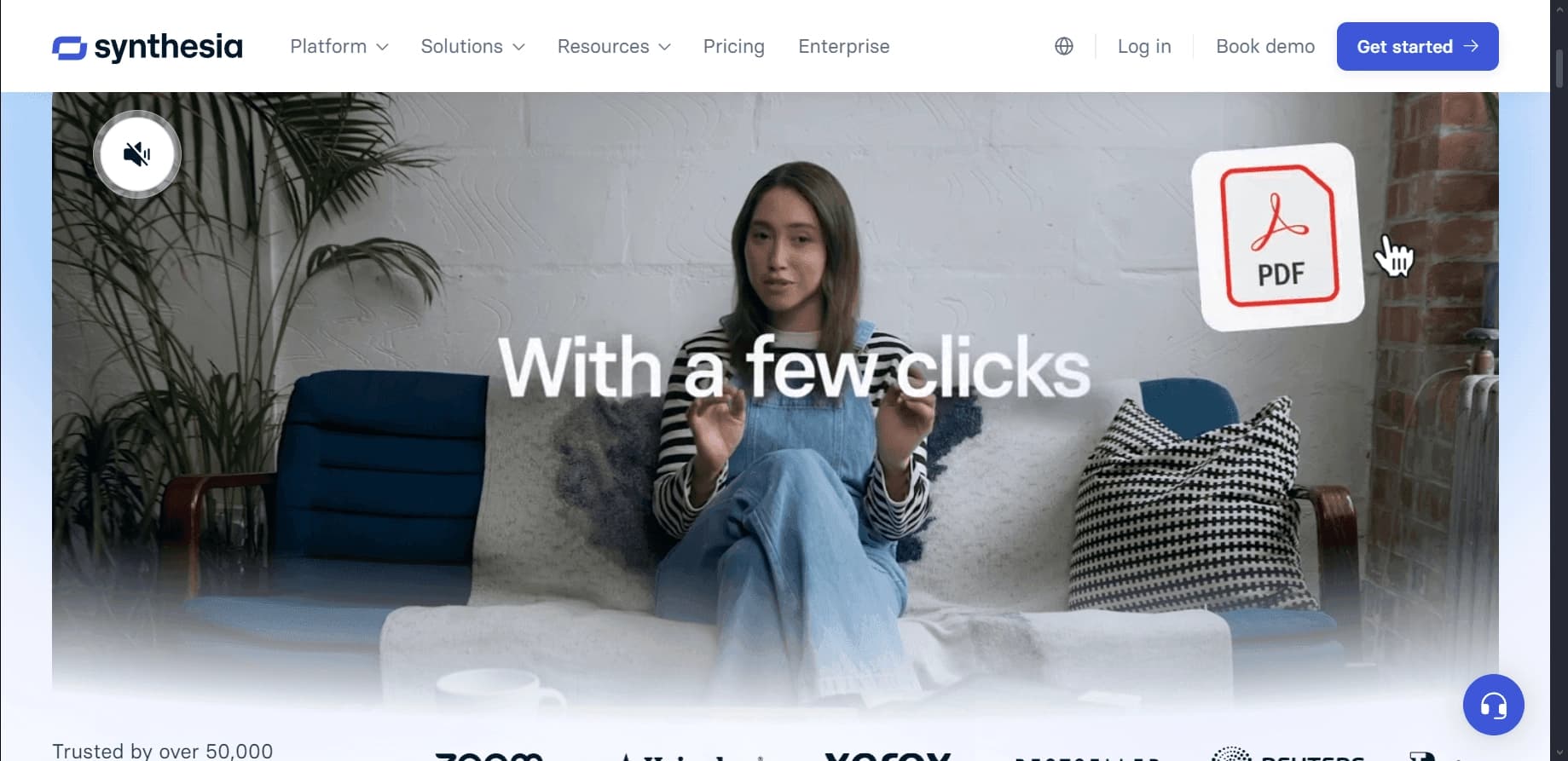
Synthesia is an online platform that uses artificial intelligence to create videos. Instead of traditional filming with actors and a studio, the service offers to turn text into a ready-made video featuring digital avatars as presenters. The user only needs to write a script, choose an avatar from the library or create their own, and the system will automatically generate a video with synthesized speech and lip synchronization. The tool is aimed at business users, marketers, and learning specialists who need fast video production without professional equipment.
Key features of Synthesia
| Characteristic | Value |
|---|---|
| Type | Video creation, video generation, text-to-video |
| Business model | Freemium (free tier with limitations + paid versions) |
| Number of avatars | 230+ (pre-made) |
| Custom avatar creation | Yes (from a photo, selfie avatar technology) |
| Number of dubbing languages | 29+ (AI Dubbing), video language support — 140+ |
| Platforms | Web browser, Windows, macOS |
| API availability | Yes |
| Russian language in the interface | Not available, but Russian is supported for videos |
| Year founded | 2017, London |
| Mobile app | Yes (according to some sources) |
| Browser extension | Yes |
Who is Synthesia suitable for?
Business users and marketers
Synthesia is suitable for companies that regularly produce ads, explainer videos, and social media content. Marketers can quickly create personalized videos for different audience segments without having to organize shoots every time.
HR departments and learning specialists
HR and corporate training departments use the platform to create instructions, welcome videos for new employees, and training courses. SCORM export allows videos to be integrated into learning portals.
Educators and educational projects
The platform is suitable for creating learning materials in different languages. Educators can record lectures with an avatar without spending time on filming and can easily adapt content for an international audience.
How to use Synthesia?
Registration and avatar selection
To get started, you need to register on the official Synthesia website. After logging in, the user enters the editor, where they choose one of more than 230 ready-made avatars. You can also create a personal avatar by uploading a photo using selfie avatar technology.
Entering the script and settings
The next step is to enter the script text or upload a text file. The user can adjust the voice, language, speech tempo, and change the avatar's style. The platform supports more than 140 languages, allowing multilingual videos to be created.
Generation and export
After setting everything up, click the “Create video” button. The system processes the request and generates the finished video in a few minutes. The finished video can be downloaded to your computer, published directly to social media, or exported to SCORM for learning portals. Everything is done in the browser; nothing needs to be downloaded.
Core features of Synthesia
Creating videos with talking avatars
The core feature is turning text into a video with a realistic digital presenter. The avatar speaks the written script with lip synchronization, creating the effect of a live performance. No camera or studio is needed.
Avatar library and custom avatar creation
The platform offers more than 230 ready-made avatars of different genders, ages, and appearances. In addition, there is a feature for creating a personal avatar from a photo — selfie avatar technology lets you get a digital copy of a person.
AI Dubbing — multilingual dubbing
The automatic dubbing feature lets you instantly re-voice a video in 29+ languages with synchronized avatar lip movements. This saves months of work for translators and voiceover studios.
Integrations and enterprise tools
Synthesia supports integration with enterprise systems via API, SCORM export for learning portals, and team collaboration with commenting and versioning. Users can edit ready-made templates — changing text, logos, and colors.
Advantages of Synthesia
Saving time and resources
The platform doesn't require actors, video cameras, studio equipment, or professional editing. Videos are created in minutes, which is especially important for businesses with high content needs.
Broad language support
Support for more than 140 languages and automatic dubbing make it easy to localize videos for international audiences. This makes Synthesia a convenient tool for global companies.
Ease of use
The service works like a builder — you don't need editing or programming skills. Everything is managed in the browser through an intuitive interface.
Professional results
Finished videos look natural and sharp, with realistic speech and lip synchronization. Video quality is suitable for corporate presentations and marketing materials.
Disadvantages of Synthesia
Free version limitations
The free plan has strict limits: 3 to 30 minutes of video per month depending on the source, and access to only 9 avatars. Full use requires a paid subscription.
Limited avatar customization
Avatars can only be chosen from those available in the system or created from a photo, but fine-tuning of appearance is limited. Users cannot upload and edit their own recordings or photos arbitrarily.
Avatars and voices can look unnatural
Despite the realism, AI avatars sometimes seem unnatural, and synthesized voices don't convey the full range of emotions of a real person. This can be noticeable in long or emotionally charged videos.
No mobile app (conflicting data)
According to some sources, a mobile app exists; according to others, it doesn't. In any case, the main work is done through a web browser, which limits use on the go. The platform isn't suitable for live streaming or live video.
What tasks does Synthesia solve?
Creating professional videos without a film crew
The platform lets you produce high-quality videos for training, presentations, and advertising without hiring camera operators, directors, or actors. This is especially relevant for small businesses and startups with limited budgets.
Multilingual content localization
Thanks to AI Dubbing and support for a large number of languages, Synthesia handles translating and voicing videos for international audiences. Companies can quickly adapt one video for dozens of markets.
Automating video production
The tool is suitable for regular content output: weekly instructions, product updates, and welcome videos for employees. API integration allows video generation to be embedded into corporate workflows.
Synthesia pricing
Synthesia operates on a Freemium model with several plans:
- Free plan: up to 3–30 minutes of video per month (depending on the source), access to 9 avatars. Essentially a demo mode for getting familiar with the functionality.
- Starter: $29/month — 10 minutes of video, 125+ avatars, and the ability to download videos.
- Creator: $89/month — 30 minutes of video, 180+ avatars, custom avatar creation, AI voiceover, and API access.
- Enterprise: custom pricing — for large teams, unlimited minutes, 230+ avatars, and team collaboration.
An annual subscription is also available and is cheaper than paying monthly. According to some sources, the starting plan can cost from $18/month, while the Enterprise plan has individual pricing.
Terms of use for Synthesia
To get started, you need to register on the official platform website and have a stable internet connection. No additional software needs to be downloaded — everything works through a web browser. Full use is only possible after switching to a paid plan, since the free version is heavily limited.
Synthesia availability
Synthesia is available through the official website in a web browser on Windows and macOS. According to some sources, there is also a mobile app and a browser extension. Russian is supported in videos (you can create videos in Russian), but the platform interface isn't translated into Russian. Registration is required to create videos. The platform was founded in 2017 in London.
How Synthesia differs from alternatives
Number of languages and avatars
Synthesia beats many competitors (DeepBrain, HourOne) in the number of supported languages — more than 140 — and in the size of its avatar library — more than 230 ready-made characters. This makes it one of the most versatile platforms for multilingual content.
Ease of interface and generation speed
The platform stands out for its intuitive interface, which is suitable even for beginners. Video generation speed is high — a video is created in a few minutes, which is faster than some alternatives.
Better integration with enterprise systems
Synthesia offers API integration and SCORM export, making it the preferred choice for large companies that want to embed video generation into their learning portals and corporate workflows.
Comparison with specific alternatives
- HeyGen offers more options for customizing your own avatars.
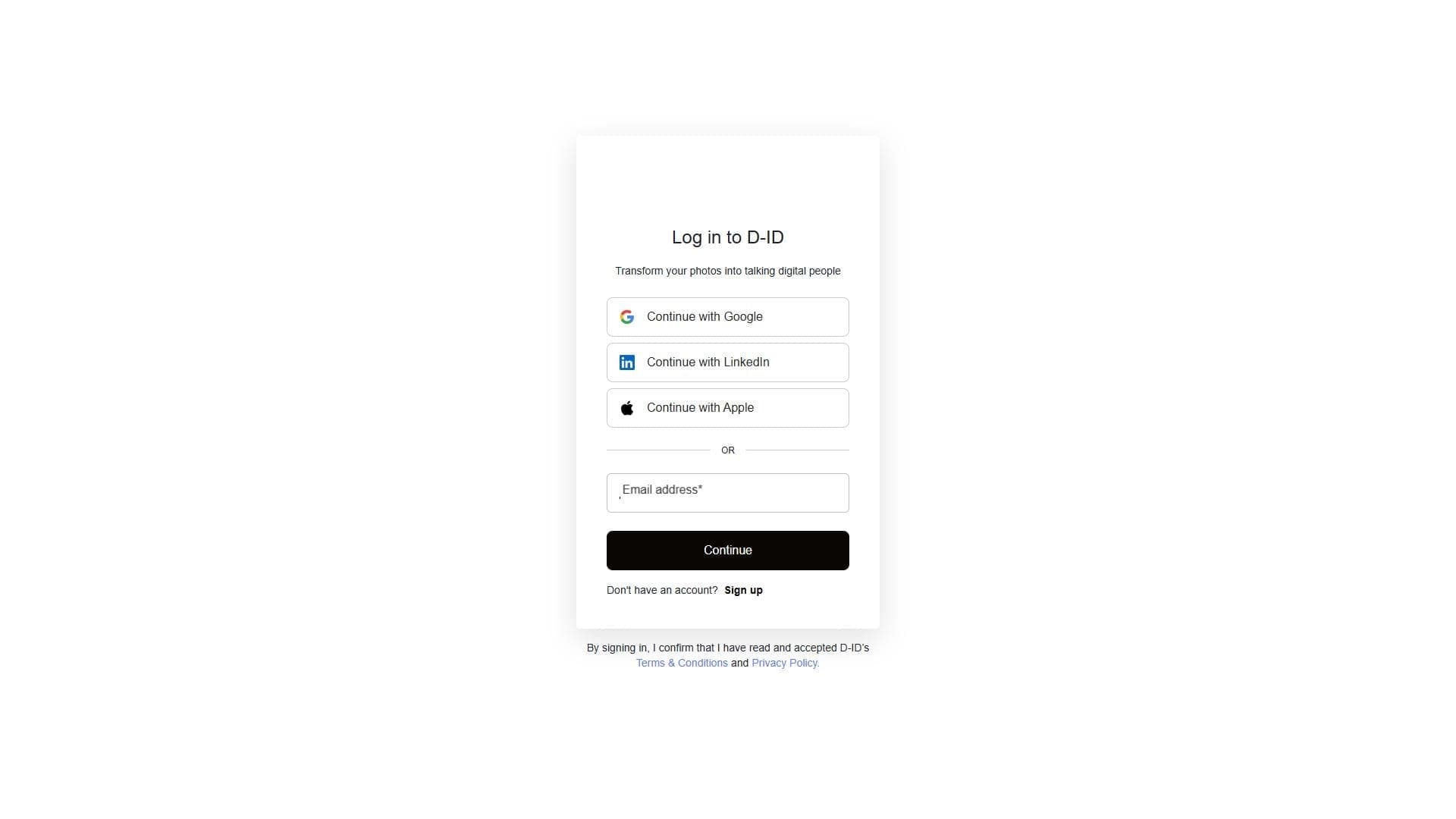
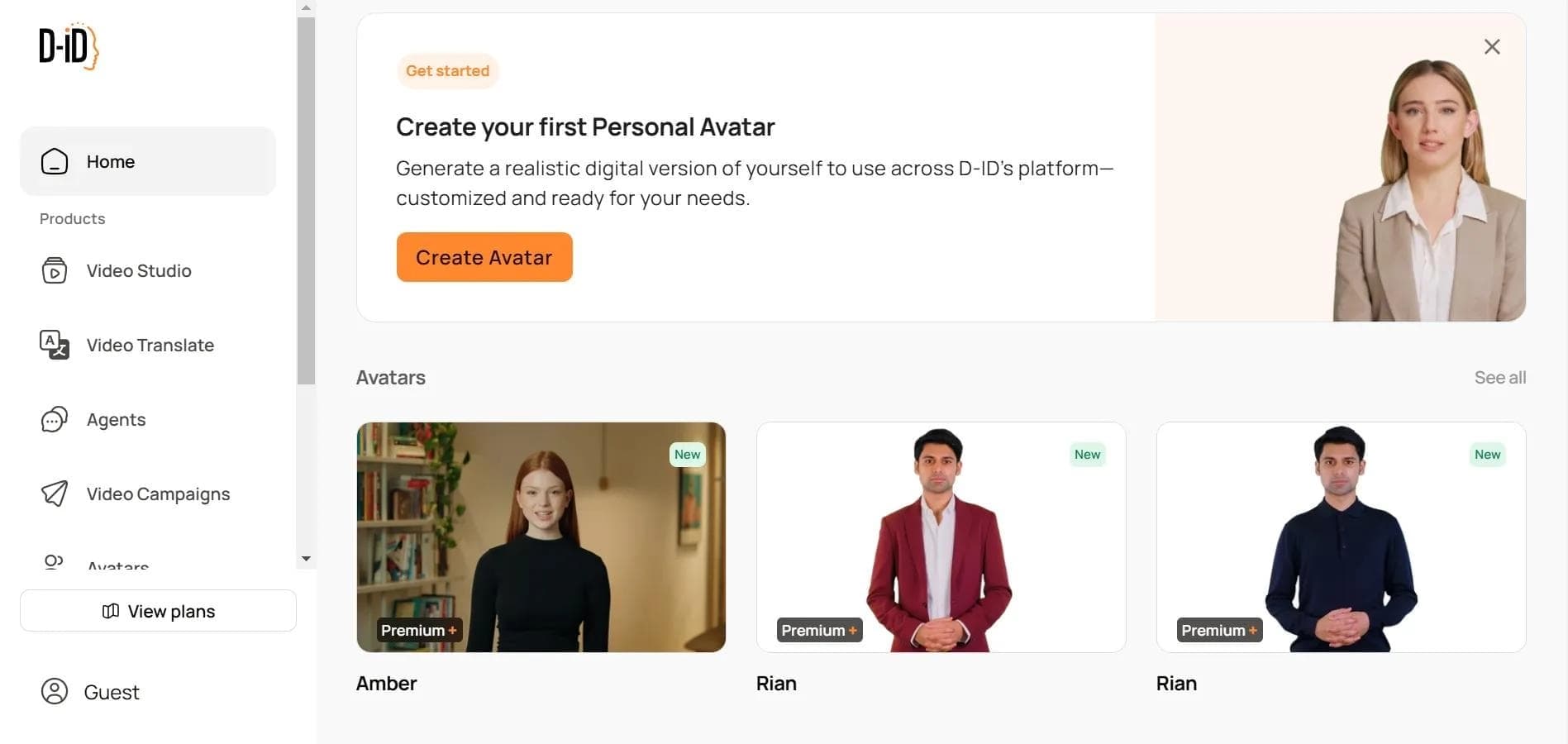
- D-ID turns photos into talking characters and is better suited for chatbots.
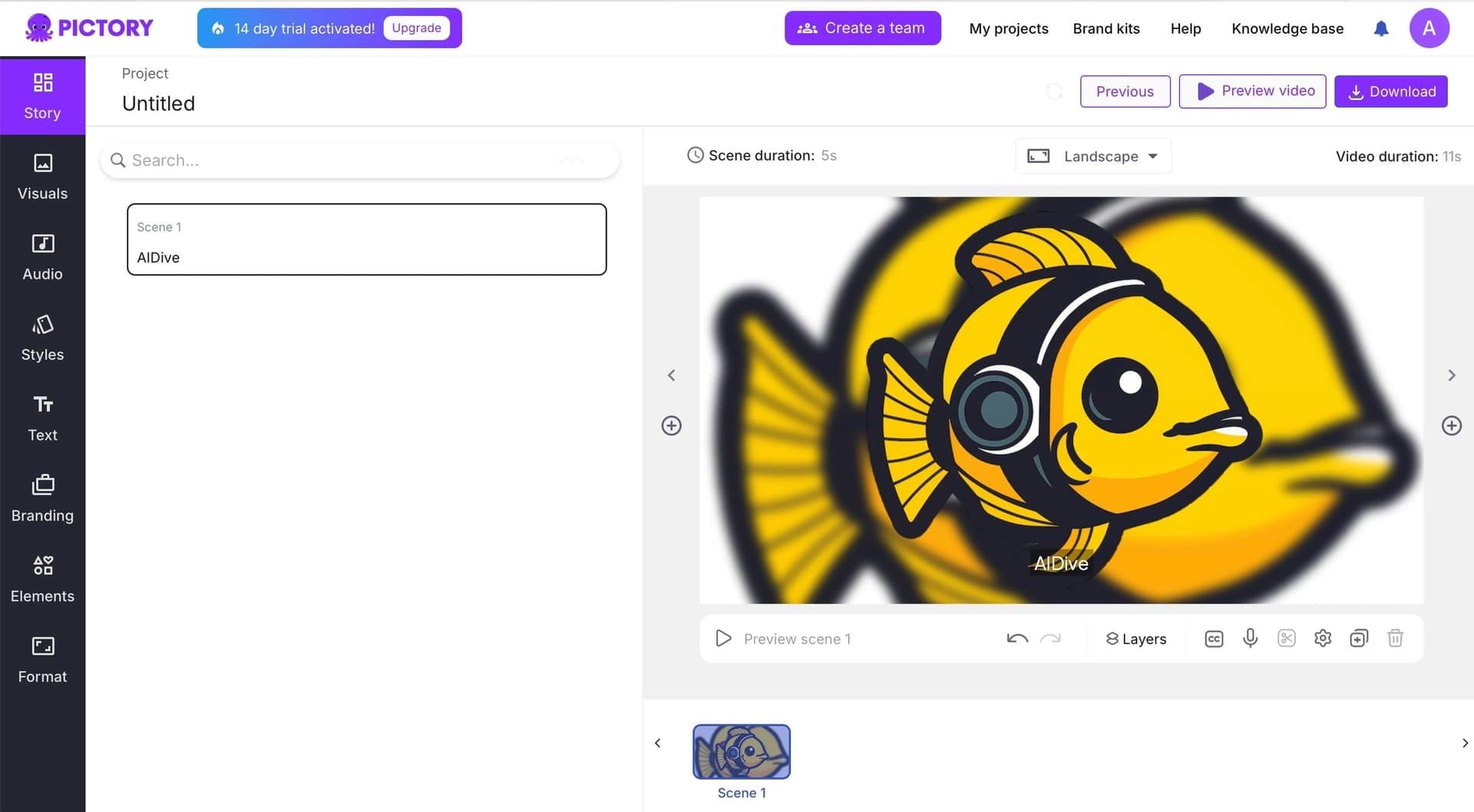
- Pictory specializes in creating videos from text for social media.
- DeepBrain and HourOne lag behind Synthesia in the number of languages and ease of use.
Conclusion
Synthesia is a powerful AI tool for creating avatar-based videos from text, solving video content production tasks without traditional filming or translation. The platform is especially useful for business, marketing, and corporate training, where speed, multilingual support, and budget savings matter. However, it isn't suitable if you need full animation freedom, unique characters, or emotional live voiceover. When choosing, consider the limitations of the free version and compare alternatives depending on your specific tasks.
Pricing
Frequently asked questions






















See also
AI tool for generating and editing videos based on a text description or source video material.

AI-based web service for creating and processing videos, including face swapping, text-to-video generation, and animation.

Generative neural network from Adobe for creating and editing images, vectors, and videos based on text.

Financial platform with an AI assistant for managing accounting, taxes, and budgets.

AI tool for creating and planning video content for social media.
A project management platform with a built-in AI assistant for task automation and content creation.

An online platform for creating and editing videos using neural networks based on text descriptions.

A workflow automation platform that connects thousands of apps without requiring coding.