

Invideo AI
A cloud platform that generates ready-made videos from a text description, with automatic selection of script, visuals, voiceover, and music.
Overview
Invideo AI
Description of the Invideo AI neural network
Invideo AI is a cloud-based generative video studio that creates ready-made videos based on a text description. The user describes an idea, chooses a style and target platform, and the neural network independently writes a script, selects visuals from a library of licensed media files, synthesizes voiceover, and adds background music. The entire process takes from one to five minutes.
The key feature of the service is conversational editing. Instead of a traditional editing timeline, the user interacts with the neural network through text commands: you can ask to change a scene, replace the narrator, change the background, or shorten the duration. This makes it possible to produce content without video editing skills.
The service supports more than 60 languages (including Russian for generated content), includes a built-in image generator based on Stable Diffusion XL, a library of digital avatars, and a voice cloning feature. InVideo AI runs in the browser and is also available on mobile devices.
Invideo AI Characteristics
| Characteristic | Value |
|---|---|
| Type | Cloud-based generative video studio |
| Category | Video generation, Text to video, Video editing |
| Platforms | WEB, Mobile (iOS, Android) |
| Interface languages | English and others (Russian interface is not available) |
| Content generation language support | More than 60 languages, including Russian |
| Business model | Freemium |
| Free plan available | Yes |
| VPN required | Yes (for access from some regions) |
| Launch year | 2021 |
| Developer company | Invideo |
Who is Invideo AI suitable for?
Brands and marketers
Invideo AI allows you to quickly create advertising creatives and A/B test different ad formats. Marketers can launch video campaigns without involving a production studio, reducing time and budget for production.
Course creators and EdTech teams
The platform automates voiceover, subtitle generation, and video lecture preparation. This is especially useful for educational projects that require regular content output in multiple languages.
Small and medium businesses
For entrepreneurs who need videos for social media, advertising, or their website, InVideo AI replaces a full editing studio. There is no need to hire a videographer or master complex editors.
Bloggers and influencers
InVideo AI is suitable for daily content production: you can quickly turn a text idea into a ready-made video for TikTok, Instagram Reels, or YouTube Shorts without burning out from routine editing.
How to use the Invideo AI neural network?
Generating video from a text description
The user describes an idea in natural language — for example, "a video ad for Instagram with a female voice and dynamic rhythm." The system generates a finished clip with a script, visual footage, voiceover, and music within a minute. You can specify the topic, style, duration, and target platform.
Conversational editing
After the video is generated, you can refine it through text chat. Commands like "make the scene shorter," "change the background to a cityscape," or "change the voice to male" are instantly applied by the neural network. No classic editing timeline is required — all edits are made through dialogue with the AI.
Working with templates and export
You can start from a ready-made template or create a video "from scratch." Various export formats are available: vertical (9:16), horizontal (16:9), and square (1:1) — for YouTube, TikTok, Instagram, and other platforms. Generation is possible in resolutions up to 4K with codec and bitrate selection.
Key features of Invideo AI
Video generation from text
The user enters a text prompt (up to 32,000 characters), and the neural network independently writes a script, selects footage, and adds subtitles, music, transitions, and voiceover. This is the core function that replaces traditional editing.
Media library and generative graphics
The platform provides access to more than 16 million licensed photos and video files. Additionally, it includes a built-in image generator based on Stable Diffusion XL, allowing you to create unique visual elements from a text description.
Voice and visual clones
A library of digital actors (AI Actor Library) is available, as well as the ability to create up to five personal voices for voiceover. Users can upload their own video to create a personalized avatar.
Conversational Editing
Editing is done through text chat without using an editing timeline. You can remove scenes, change the narrator's accent, replace shots, and adjust any video elements with simple commands.
Collaboration and analytics
For teams, there is a real-time editing mode and a comment system tied to timestamps. Built-in analytics lets you track video metrics: viewer retention, views, engagement, and audience geography.
Advantages of Invideo AI
- Fast video generation from text — a finished clip is created in one to five minutes.
- Clear interface and flexible settings — requires no video editing skills, works right in the browser.
- Free plan available — you can try the service without any financial investment.
- Russian language support in content — the neural network understands prompts in Russian and generates voiceover, subtitles, and scripts in Russian.
- Large amount of licensed media — a library of over 16 million files and integration with iStock and Shutterstock.
- Multilingual support — more than 60 languages for content generation, 75+ languages for translation.
- Editing with text commands — no need to master complex video editors.
Disadvantages of Invideo AI
- VPN required — to access the service from some regions, you need to use a VPN.
- No Russian interface — the control panel and settings are not translated into Russian, although content in Russian is generated.
- The free plan has significant limitations — a watermark on videos, a duration limit (up to 10 minutes per month), and a limit on the number of exports.
- Advanced features are only available on paid plans — generative capabilities, digital actors, and the chatbot require a subscription.
- Voiceover quality may not be ideal — sometimes synthesized speech sounds unnatural.
- Videos can turn out formulaic — due to the automatic selection of visuals, there may be a lack of uniqueness.
What tasks does Invideo AI solve?
Fast creation of advertising creatives and A/B tests
Marketers can generate multiple versions of promotional videos for different audiences and platforms, test hypotheses, and launch campaigns without lengthy production.
Automating voiceover and subtitles for courses and lectures
Educational projects gain the ability to quickly create multilingual video lessons with automatic subtitle generation and synthesized voiceover.
Reducing filming and post-production costs for businesses
Companies can avoid hiring videographers and renting studios by using the ready-made media library and automatic generation.
Content production for bloggers with minimal human involvement
Bloggers and influencers can maintain a regular publishing schedule by turning text ideas into videos in just a few minutes.
Creating videos for social media and content plans
Invideo AI is suitable for producing content in any format: from short clips for TikTok to in-depth videos for YouTube.
Invideo AI Pricing
The platform offers four main pricing plans, as well as an Enterprise corporate solution with flexible terms.
Free — free plan:
- Up to 10 minutes of video generation per month
- 4 exports with the InVideo watermark
- No access to generative features
- No credit card required for registration
Plus — from $15–28 per month:
- 50 minutes of generation per month
- 2 voices for voiceover
- 100 GB of storage
- Export without watermarks
Max — from $50 per month:
- 200 minutes of generation per month
- 5 voices for voiceover
- 400 GB of storage
- Access to digital actors (AI Actor Library)
Generative — from $60–100 per month:
- 400 minutes of generation per month
- 10 voices for voiceover
- 1 TB of storage
- Full access to all AI features
Enterprise — individual terms for teams, from $899 per month.
With annual payment, a discount of up to 20% applies.
Invideo AI Terms of Use
To get started, registration on the official website or installation of the mobile app is required. In some regions, a VPN may be needed to access the service.
The free plan has limitations:
- InVideo watermark on all exported videos
- Limit of 10 minutes of generation per month (according to some sources — up to 10 minutes per week)
- Maximum of 4 exports
- No access to generative features (image generation, digital actors, chatbot)
Paid plans unlock access to all AI features and allow exporting videos without watermarks. No credit card is required to use the free plan.
Invideo AI Availability
Invideo AI is available as a web application (works in the browser without installing any software) and as a mobile app for iOS and Android.
The service interface is available in English and other languages, but Russian is not present in the control panel. At the same time, content generation (scripts, voiceover, subtitles) is supported in Russian and more than 60 other languages.
A VPN is required to access the service from some countries. The largest share of users comes from the US (about 16%), India (about 14%), Brazil, the UK, and the Philippines.
How Invideo AI differs from alternatives
Wide functionality
Compared to alternatives such as Synthesia, Lumen5, or Celsy AI, InVideo AI stands out with a broader set of capabilities. In addition to generating video from text, the platform includes support for character animation, 3D graphics, an image generator based on Stable Diffusion XL, and a library of digital avatars.
Conversational editing
The main difference of InVideo AI is Conversational Editing. While many competitors only offer generation through templates or a classic editor, InVideo AI lets you make changes via text commands in chat, which greatly simplifies the video refinement process.
Limitations
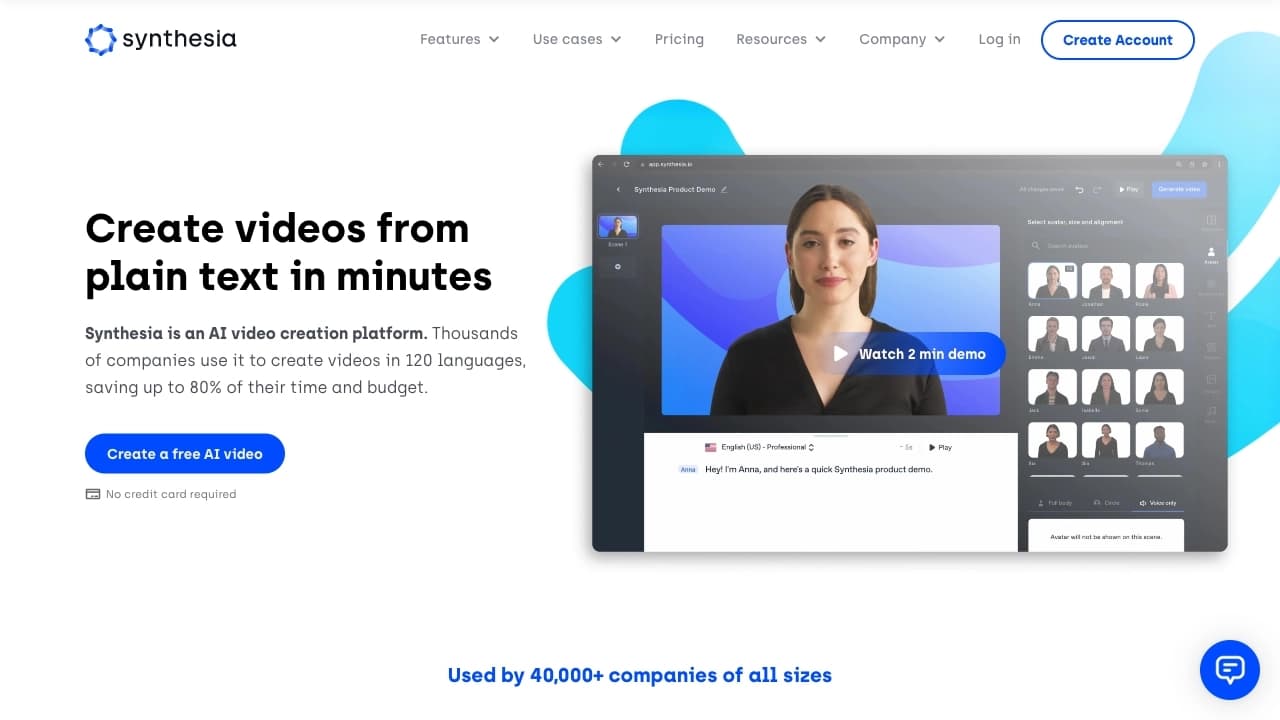
At the same time, InVideo AI falls short of some alternatives in the quality of photorealistic digital avatars — for example, Synthesia provides higher-quality generation of virtual presenters. Also, InVideo AI videos can be formulaic, and the quality of synthesized speech is not always ideal.
Other alternatives include Adobe Premiere Pro, Final Cut Pro, WeVideo, and Animoto. However, these solutions either require installation and editing skills, or lack text-to-video generation features.
Conclusion
InVideo AI is a cloud-based generative video studio that creates ready-made videos with a script, visuals, voiceover, and music from a text description. Thanks to conversational editing via chat and no need for editing skills, the service is suitable for a wide range of tasks — from creating advertising creatives to educational courses and social media content. The free plan allows you to test the platform's capabilities, while paid subscriptions unlock advanced features, including digital avatars and voice cloning. The main limitations are the need for a VPN to access the service, the lack of a Russian interface, and watermarks in the free version.
Pricing
Frequently asked questions
Similar AI tools



See also


AI tool for automating social media marketing, including content generation, post scheduling, and analytics.

Catalog of neural networks and online tools for generating images, animations, and videos.


A set of more than 200 ready-made prompts for business and SEO, adaptable to ChatGPT, Claude, and Gemini.


A tool for automated SEO content creation with keyword research and long-form text generation.


AI platform for automatic workday planning, task management, and prioritization.


AI-powered virtual clothing try-on service.

Automates sending personalized direct messages on X (Twitter) for cold outreach.
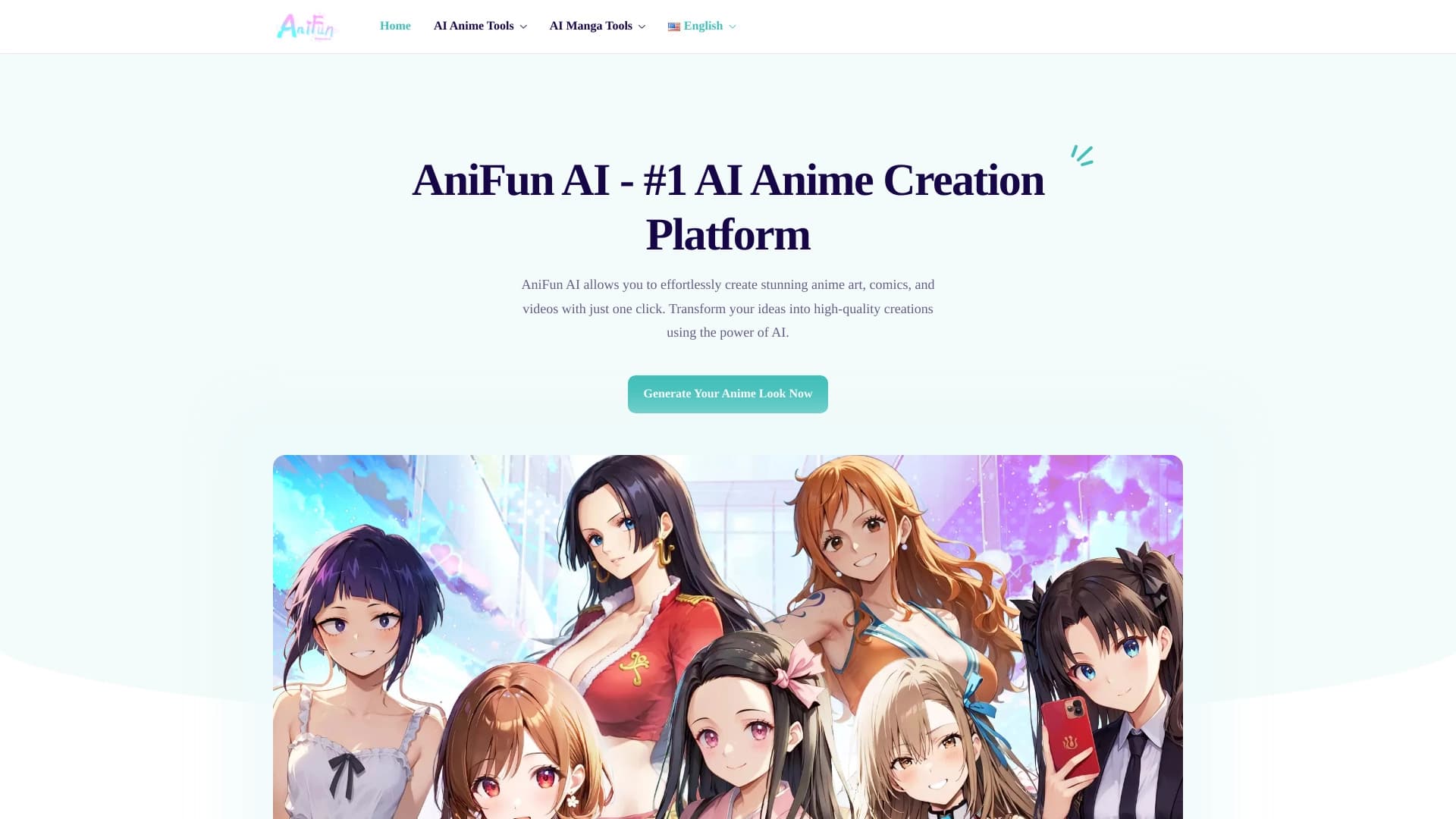

Platform for creating anime art, comics, and videos with AI.