

Magic Hour
Веб-сервис на основе ИИ для создания и обработки видео, включая замену лиц, генерацию из текста и анимацию.
Место в рейтингах
Обзор
Magic Hour
Описание нейросети Magic Hour
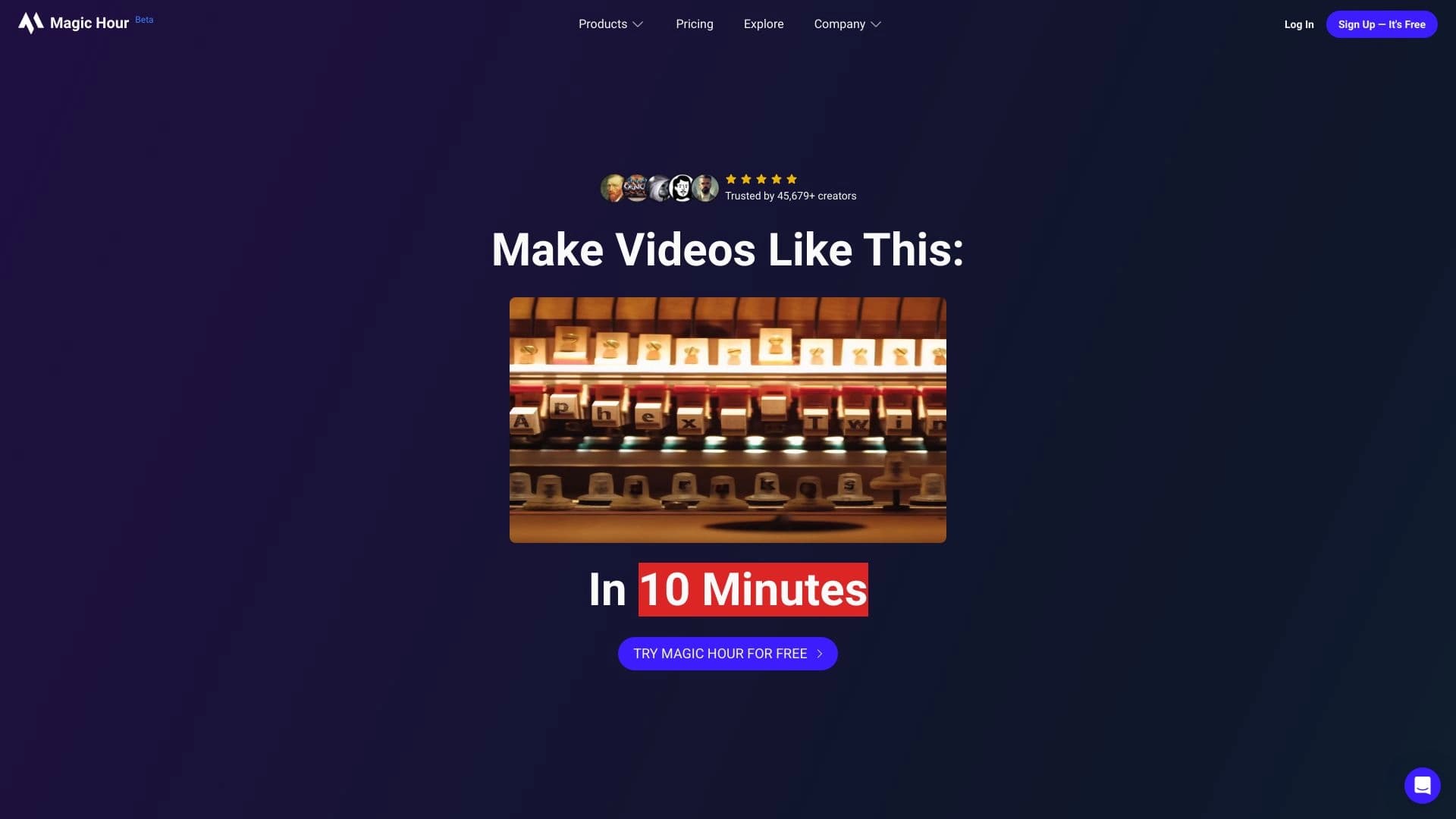
Magic Hour — это веб-платформа для создания и обработки видео на основе искусственного интеллекта, запущенная в июне 2023 года. Сервис объединяет в себе набор генеративных инструментов для работы с видеоконтентом: замену лиц, генерацию видео из текста, анимацию изображений, синхронизацию движений губ с аудиодорожкой, улучшение качества до 4K и удаление фона.
Платформа предлагает пользователям более 2000 шаблонов и рассчитана на широкий круг специалистов — от создателей контента и блогеров до маркетологов и видеопродюсеров. Распространяется по модели freemium: доступен бесплатный тариф с ограничениями, а также платные планы без водяных знаков для коммерческого использования.
Характеристики Magic Hour
| Характеристика | Значение |
|---|---|
| Тип | Нейросеть для создания и обработки видео; виртуальная студия с генеративными AI-инструментами |
| Категории | Генерация видео, дипфейк, замена лица, редактирование видео, для блогеров |
| Дата запуска | Июнь 2023 года |
| Платформа | Веб (работает в браузере, приложения нет) |
| Язык интерфейса | Английский |
| Модель распространения | Freemium |
| Наличие бесплатного тарифа | Да (лимит 400 кадров) |
| Число пользователей | Более 171 000 (на апрель 2025) |
| Количество инструментов | 9 на основе 5 ИИ-моделей |
| Оценка редакции | 9.2 из 10 |
| Рейтинг пользователей | 4.3 из 5 |
| Доступ из России | Только с VPN |
Для кого подходит нейросеть Magic Hour?
Создатели контента и блогеры
Magic Hour ориентирован в первую очередь на авторов, которые регулярно производят видеоролики для социальных сетей. Инструменты замены лица, стилизации и анимации позволяют быстро создавать оригинальный и заметный контент без глубоких навыков монтажа.
Маркетологи и продюсеры
Сервис подходит для подготовки рекламных и маркетинговых материалов, а также для профессионального видеопроизводства. Возможность генерации видео из текста, синхронизации губ и работы с шаблонами помогает ускорять производственные циклы и персонализировать видеосообщения.
Образовательные учреждения и широкий круг пользователей
Платформа также полезна для подготовки учебных видеоматериалов и создания персонализированных роликов. Благодаря бесплатному тарифу и простому интерфейсу сервис доступен даже тем, кто только начинает работать с видео.
Как использовать нейросеть Magic Hour?
Регистрация и выбор инструмента
Для начала работы необходимо зарегистрироваться на сайте magichour.ai через электронную почту. После входа в аккаунт пользователь может выбрать один из девяти доступных инструментов — в зависимости от типа видеопроекта, будь то замена лица, анимация или генерация видео.
Загрузка и настройка контента
Далее нужно загрузить файлы (в том числе поддерживается загрузка по YouTube-ссылкам) или сгенерировать контент средствами платформы. После этого следует настроить параметры обработки, такие как степень деноизинга или формат итогового видео.
Запуск генерации и экспорт результата
После настройки параметров запускается процесс генерации. Готовый результат можно просмотреть и скачать на устройство либо экспортировать для дальнейшего использования. Весь процесс занимает от нескольких секунд до пары минут в зависимости от выбранного инструмента.
Основные функции Magic Hour
Генерация и анимация видео
- Генерация видео из текстового описания с частотой 24 кадра в секунду.
- Анимация статичных изображений с частотой 12 кадров в секунду.
- Преобразование видео в рилсы с изменением стиля.
- Перенос художественного стиля на видеоматериалы.
Работа с лицами и аватарами
- Замена лиц в роликах — обработка 900 кадров примерно за 30 секунд.
- Синхронизация движений губ с аудиодорожкой в реальном времени.
- Создание анимированных аватаров из селфи примерно за 10 секунд.
- Поддержка многослойной замены лиц.
Улучшение и обработка изображений
- Повышение качества картинки до 4K.
- Удаление фона с точностью около 98%.
- Генерация QR-кодов с кастомным дизайном.
Преимущества Magic Hour
Высокая скорость и удобство
- Быстрая замена лица — 900 кадров обрабатываются примерно за 30 секунд.
- Обработка видео без длительного хранения данных — сырьё автоматически удаляется через 48 часов.
- Поддержка загрузки видео по YouTube-ссылкам.
- Ролики создаются с коммерческими правами для пользователя.
Богатая библиотека и гибкость
- Библиотека из 2000 шаблонов, которые обновляются каждые две недели.
- Регулировка параметра denoising strength для тонкой настройки результата.
- Интеграция с MidJourney через API.
- Комплексный набор AI-инструментов, позволяющий создавать видео профессионального качества без опыта.
Доступность и поддержка
- Бесплатный тариф и ежедневный бонус 100 бесплатных кадров.
- Не требуется предоставление кредитной карты для начала работы.
- Поддержка от акселератора Y Combinator.
Недостатки Magic Hour
У сервиса есть несколько ограничений, которые стоит учитывать. Отсутствует публичный открытый исходный код, поэтому невозможно проверить внутреннее устройство моделей. На сайте нет прямых ссылок на магазины приложений или расширения для браузера — сервис работает исключительно через веб-интерфейс. Кроме того, детали ценообразования и точные лимиты требуют уточнения на странице тарифов, а бесплатный план включает водяной знак и ограниченный доступ к инструментам. Для пользователей из России доступ к сервису возможен только через VPN.
Какие задачи решает Magic Hour
Создание и преобразование видео
- Генерация видео по текстовому описанию.
- Преобразование видео в видео (video-to-video) с переносом стиля.
- Создание стилизованных рилсов для социальных сетей.
- Видеомонтаж и подготовка контента для публикации.
Работа с лицами и изображениями
- Замена лиц в видеороликах.
- Улучшение качества видео и изображений.
- Удаление фона.
- Создание анимированных аватаров.
Автоматизация и коммерческие сценарии
- Автоматизация сложных задач при создании видео.
- Подготовка учебных видеоматериалов.
- Проведение маркетинговых кампаний.
- Создание персонализированных видеосообщений.
Цены Magic Hour
Бесплатный тариф
Базовый план доступен бесплатно и включает лимит в 400 кадров. Этого хватает примерно на 17 секунд видео с разрешением 512px и наложенным водяным знаком. Дополнительно сервис начисляет ежедневный бонус в 100 бесплатных кадров.
Платные тарифы
- Creator — 10 USD в месяц, 5000 кадров, разрешение 1024px, без водяного знака (примерно 1 час видео в год).
- Pro — 30–49 USD в месяц, 15 000 кадров, разрешение 1472px (примерно 7 часов видео).
- Business — 100–249 USD в месяц, 50 000 кадров, разрешение до 4K (примерно 35 часов видео).
При годовой оплате действует скидка около 17% (2 месяца бесплатно). Кредитная карта для регистрации не требуется, а пожизненных планов не предусмотрено.
Условия использования Magic Hour
Для начала работы требуется регистрация аккаунта через электронную почту на сайте magichour.ai. Все инструменты работают через браузер, отдельного приложения у сервиса нет. Бесплатный план включает водяной знак на выходном видео и ограниченный доступ к инструментам и шаблонам; снятие этих ограничений возможно при переходе на платную подписку.
Доступность Magic Hour
Magic Hour — веб-платформа, доступная через браузер на сайте magichour.ai. Интерфейс выполнен на английском языке. Основная аудитория сервиса сосредоточена в США (около 24,5% трафика), далее идут Россия (примерно 9,9%), Индия (7,6%), Великобритания (4%) и Нидерланды (3,2%). Для использования из России потребуется VPN.
Чем отличается Magic Hour от аналогов
В отличие от многих аналогичных решений, Magic Hour объединяет широкий набор инструментов в одной платформе: замену лиц, генерацию видео из текста, анимацию изображений, синхронизацию губ и улучшение качества — вместо отдельных узкоспециализированных сервисов. Платформа выделяется скоростью обработки (900 кадров примерно за 30 секунд), библиотекой из более чем 2000 регулярно обновляемых шаблонов и ежедневным бонусом бесплатных кадров, что нетипично для большинства конкурентов.
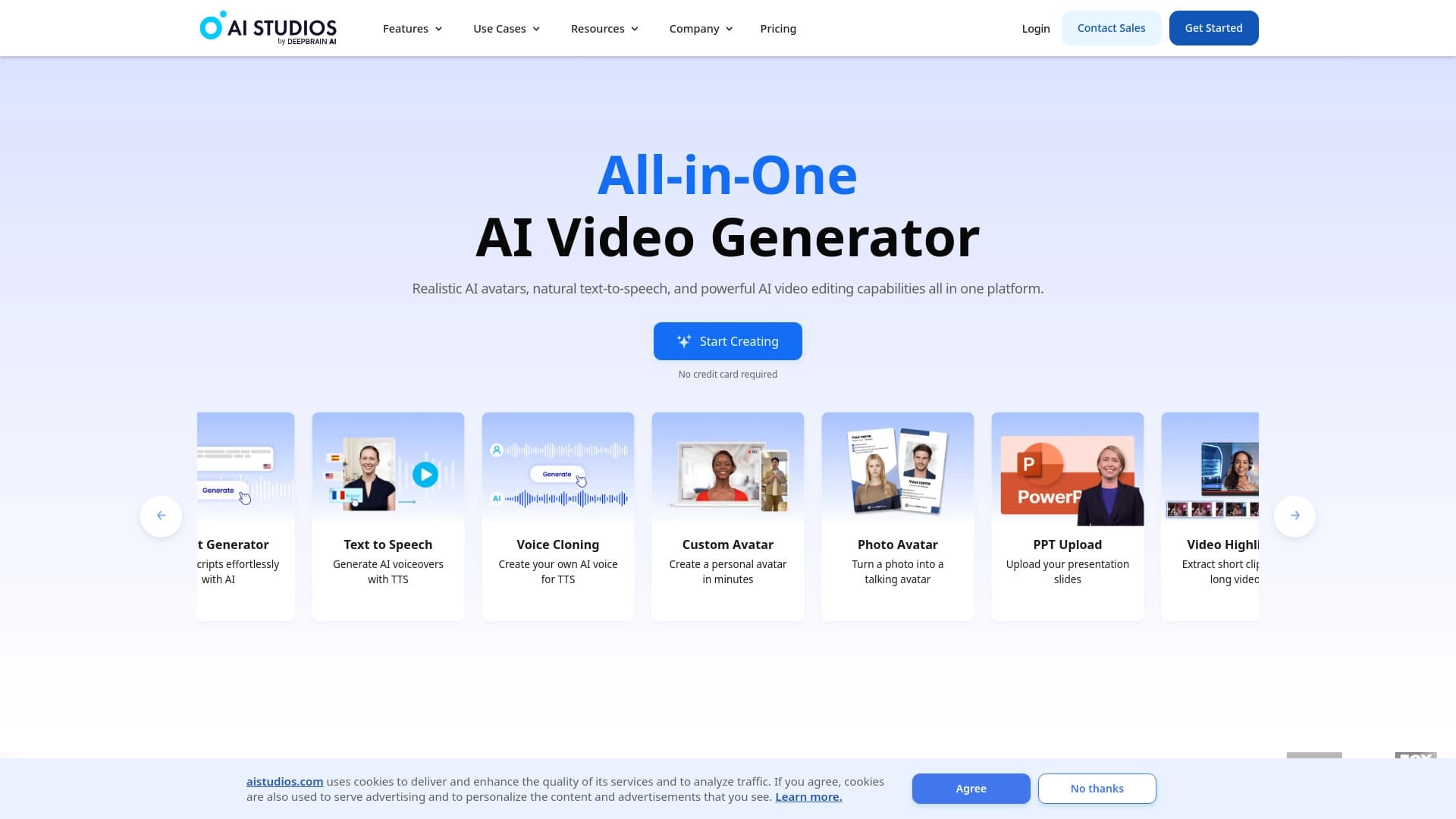
Среди ближайших аналогов сервиса — Runway ML, Synthesia, DeepBrain, Visper, Revid AI и Нейропродюсер. От части из них Magic Hour отличается фокусом именно на замене лица и работе с аватарами, а также веб-форматом без необходимости установки приложений. В отличие от сервисов, распространяемых по принципу строгой подписки, Magic Hour предлагает щедрый бесплатный тариф с ежедневным пополнением кредитов.
Заключение
Magic Hour — это многофункциональная веб-платформа на базе искусственного интеллекта для создания и обработки видео, которая объединяет замену лиц, генерацию из текста, анимацию, синхронизацию губ и улучшение качества в одном сервисе. Ориентированная на создателей контента, маркетологов и продюсеров, платформа предлагает более 2000 шаблонов, быструю обработку материалов и гибкую модель freemium с бесплатным тарифом и ежедневным бонусом кадров. При наличии некоторых ограничений, таких как веб-формат без приложений и водяной знак на бесплатном плане, Magic Hour остаётся удобным и доступным инструментом для самых разных сценариев видеопроизводства.
Тарифы
Часто задаваемые вопросы
Похожие нейросети















Смотрите также


AI-помощник для проверки грамматики, орфографии и стиля английского текста, доступный как браузерное расширение и веб-редактор.


ComicLLM — это AI-инструмент для создания комиксов по текстовому описанию или готовым шаблонам.


Платформа для генерации и редактирования изображений и видео на основе искусственного интеллекта.

Онлайн-сервис для создания реалистичного клона голоса по короткой аудиозаписи и озвучивания текста.


Сервис на базе ИИ для автоматической генерации текстового контента различного формата.


Сервис для автоматической расшифровки аудио и видео в текст с поддержкой более 100 языков.


Онлайн-инструмент для создания дипфейков и редактирования изображений с помощью ИИ.


Нейросеть для генерации изображений и коротких видео по текстовым описаниям.