

Pictory
Инструмент для преобразования текста и длинных видео в короткие ролики с помощью ИИ.
Место в рейтингах
Обзор
Pictory
Описание нейросети Pictory
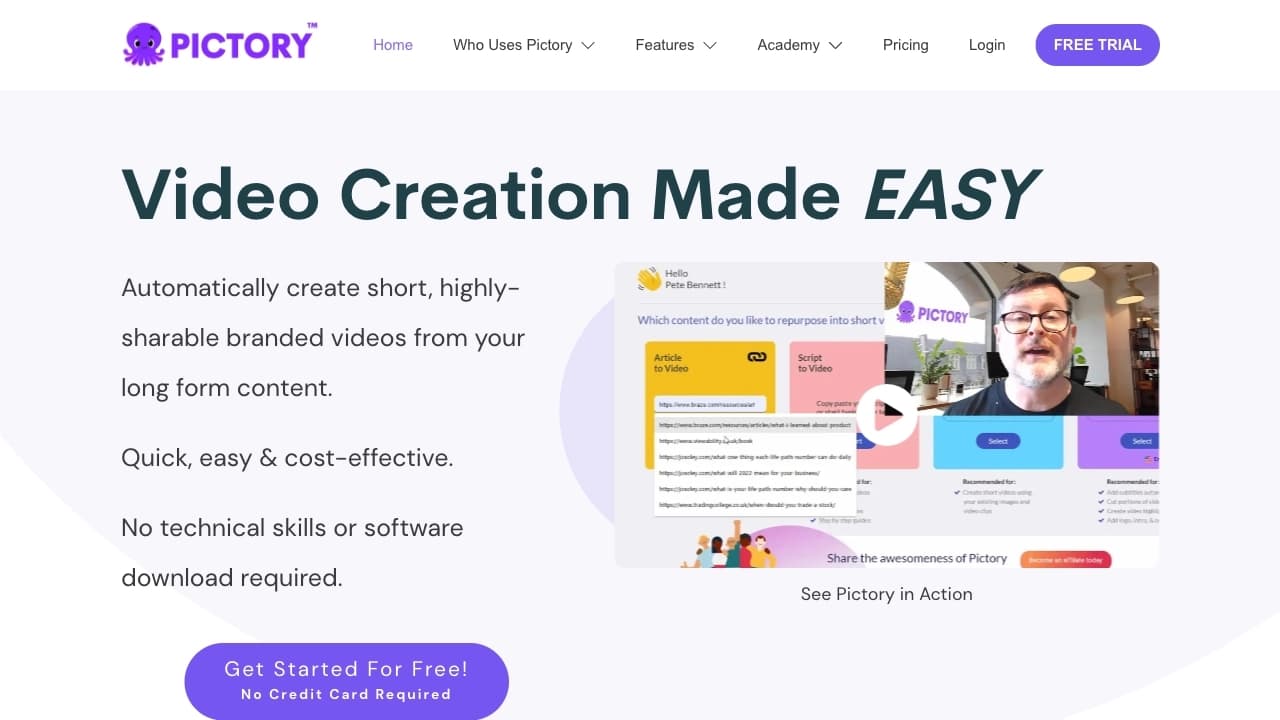
Pictory — это веб-платформа на базе искусственного интеллекта, предназначенная для автоматизации создания видеоконтента. Сервис анализирует текстовые материалы (статьи, сценарии, ссылки на блоги) и длинные видео, после чего преобразует их в короткие ролики с субтитрами, голосовой озвучкой и подобранным визуальным рядом. Встроенная медиатека содержит миллионы изображений, видеоклипов и аудиозаписей, которые ИИ подбирает автоматически в соответствии с содержанием исходного текста. Pictory работает полностью в браузере, не требует установки программного обеспечения и поддерживает русский язык, что делает его доступным для пользователей из разных стран.
Характеристики Pictory
| Характеристика | Значение |
|---|---|
| Тип инструмента | AI-платформа для создания и редактирования видео |
| Категории | Текст в видео, Субтитры, Голоса и озвучка, Маркетинг, Образование |
| Платформы | Веб-браузер (pictory.ai) |
| Бизнес-модель | Free Trial (14 дней) + Freemium |
| Стоимость подписки | от $19/месяц |
| Поддержка русского языка | Да |
| Доступ из России | Только с использованием VPN |
| Оценка редакции | 9.2 из 10 |
| Рейтинг пользователей | 4.4 из 5 |
| Месячная посещаемость | ~980 тыс. визитов |
Для кого подходит нейросеть Pictory?
Маркетологи и предприниматели
Специалисты по маркетингу могут быстро создавать рекламные ролики, промо-материалы и контент для соцсетей без привлечения видеомонтажёров. Предприниматели и владельцы малого бизнеса получают возможность генерировать профессиональные видео для презентации продуктов и услуг с минимальными временными и финансовыми затратами.
Блогеры и создатели контента
Pictory особенно полезен для YouTube-блогеров, SMM-менеджеров и инфлюенсеров, которым нужно регулярно выпускать короткие видео для Instagram, TikTok, LinkedIn и других платформ. Инструмент позволяет превращать длинные стримы, вебинары или записи Zoom в серию коротких хайлайтов с автоматическими субтитрами.
Образовательные специалисты
Преподаватели, тренеры, авторы онлайн-курсов и создатели учебных материалов могут конвертировать текстовые лекции и методички в наглядные видеоинструкции и обучающие ролики без навыков монтажа.
Новички без опыта видеомонтажа
Главная особенность Pictory — отсутствие требований к технической подготовке пользователя. Любой человек, умеющий работать в браузере, может создать видео за несколько шагов.
Как использовать нейросеть Pictory?
Регистрация и начало работы
Для старта необходимо зарегистрироваться на сайте pictory.ai. После создания аккаунта открывается 14-дневный бесплатный пробный период, в течение которого можно оценить все основные функции сервиса.
Основной процесс создания видео
- Выберите шаблон или начните новый проект с чистого листа.
- Введите текстовый сценарий, URL статьи или загрузите готовый текстовый файл.
- Укажите стиль и формат будущего видео (горизонтальный для YouTube, квадратный для Instagram, вертикальный для TikTok).
- Нейросеть автоматически подберёт видеоклипы, изображения и аудиодорожку из медиатеки, наложит субтитры и голосовую озвучку.
- Внесите финальные правки: отредактируйте сцены, добавьте эффекты переходов, настройте текст и музыку.
- Просмотрите готовое видео и сохраните его на устройство или поделитесь напрямую в социальные сети.
Командная работа
Сервис поддерживает совместное редактирование, что удобно для маркетинговых отделов и агентств, где над одним проектом могут работать несколько человек.
Основные функции Pictory
Автоматическое преобразование текста в видео
ИИ анализирует введённый текст, выделяет ключевые смысловые блоки и для каждого подбирает подходящий видеоряд из встроенной библиотеки, содержащей более 3 миллионов клипов, изображений и аудиофайлов. Пользователь может вручную заменить любой элемент.
Интеллектуальное редактирование на основе скрипта
Pictory позволяет редактировать видео через текстовый сценарий: достаточно изменить или удалить слова в скрипте, и соответствующие фрагменты видео будут автоматически скорректированы. Это упрощает работу с длинными записями вебинаров и подкастов.
Автоматические субтитры и транскрипция
Сервис самостоятельно распознаёт речь в видео и генерирует синхронизированные субтитры. Также доступна функция транскрипции — преобразования аудиодорожки в текст, который можно отредактировать и использовать как основу для нового видео.
Голосовая озвучка и суммаризация
Встроенный модуль Text-to-Speech озвучивает текстовые сценарии голосом на нескольких языках, включая русский. Дополнительно Pictory может автоматически обобщать (суммаризировать) длинные видео или тексты, выделяя основные моменты для создания коротких версий.
Адаптивная верстка под платформы
Все созданные видео можно мгновенно адаптировать под требования различных соцсетей — менять соотношение сторон, обрезать края и перекомпоновывать элементы интерфейса без повторной загрузки проекта.
Преимущества Pictory
Экономия времени и отсутствие технических требований
Создание профессионального ролика занимает минуты, а не часы. Пользователю не нужно устанавливать программы, разбираться в кодеках, слоях и ключевых кадрах — всё делается через веб-интерфейс.
Доступность для пользователей любого уровня
Pictory одинаково подходит как новичкам, которые впервые делают видео, так и опытным маркетологам, стремящимся масштабировать производство контента. Интерфейс интуитивно понятен и не требует обучения.
Юридическая чистота медиафайлов
Все изображения, видео и музыка, встроенные в платформу, являются роялти-фри, что избавляет пользователей от риска нарушения авторских прав при публикации контента на YouTube, в соцсетях или на образовательных платформах.
Гибкость и масштабируемость
Сервис подходит как для индивидуальных создателей, выпускающих несколько видео в месяц, так и для крупных компаний с постоянным потоком контента. Тарифные планы позволяют работать в команде.
Недостатки Pictory
Ограниченный бесплатный период
Бесплатная версия доступна только в течение 14 дней, после чего для продолжения работы требуется оформление платной подписки. Полноценного бесплатного тарифа (free forever) не предусмотрено.
Необходимость VPN для пользователей из России
По состоянию на октябрь 2024 года доступ к платформе из России осуществляется только через VPN-соединение, что создаёт дополнительные неудобства для русскоязычных пользователей.
Зависимость от встроенной медиатеки
Хотя библиотека Pictory насчитывает миллионы файлов, пользователи не могут загружать собственные изображения и видео в полном объёме без подписки более высокого уровня. Творческие решения ограничены доступным набором медиа.
Какие задачи решает Pictory
Создание маркетингового видео
Платформа позволяет быстро генерировать рекламные ролики, промо-видео для продуктов, демонстрации услуг и контент для email-рассылок без привлечения подрядчиков.
Преобразование блогов и статей в видео
Блогеры и владельцы сайтов могут конвертировать текстовые публикации в короткие видеоверсии для YouTube Shorts, Instagram Reels и TikTok, повышая охват аудитории.
Создание образовательных материалов
Инструкторы и преподаватели используют Pictory для превращения лекций и учебных текстов в наглядные видеоуроки, а также для создания коротких саммари по длинным курсам.
Автоматизация постпродакшена длинных видео
Сервис извлекает ключевые моменты из записи вебинаров, конференций и интервью, превращая их в серию коротких клипов с субтитрами — это востребовано SMM-менеджерами и контент-командами.
Цены Pictory
Pictory работает по модели freemium с 14-дневным бесплатным пробным периодом. После окончания триала пользователь может выбрать один из платных тарифов.
Базовая стоимость подписки начинается от 19 долларов США в месяц. Конкретные тарифные планы различаются количеством доступных видеороликов, длительностью контента, размером медиатеки и возможностями командной работы. Для индивидуальных пользователей и небольших команд доступны более дешёвые тарифы, для агентств и крупных компаний — расширенные пакеты с увеличенными лимитами.
Точные цены и описание каждого тарифа рекомендуется уточнять на официальном сайте pictory.ai, так как они могут меняться.
Условия использования Pictory
Для работы с сервисом обязательна регистрация на платформе — создание аккаунта с указанием электронной почты и пароля. Бесплатный пробный период предоставляется автоматически при регистрации; для его активации не требуется вводить данные банковской карты, но по окончании 14 дней доступ к функциям блокируется до оформления подписки.
При использовании платформы необходимо соблюдать стандартные условия: не нарушать авторские права (все медиафайлы из встроенной библиотеки лицензированы для коммерческого использования), не создавать контент, противоречащий законодательству страны проживания пользователя.
Доступность Pictory
Pictory работает как веб-приложение — для использования достаточно современного браузера на компьютере или мобильном устройстве с выходом в интернет. Приложение не требует скачивания или установки дополнительного ПО.
Сервис поддерживает русский язык интерфейса и озвучки, а также интегрируется с основными социальными сетями, позволяя публиковать видео напрямую с платформы. По данным статистики трафика, наибольшее количество пользователей Pictory приходится на США (около 16%), Индию (11%), а также Иорданию, Пакистан и Испанию.
Для пользователей из России настоятельно рекомендуется использовать VPN, так как прямой доступ к ресурсу может быть ограничен.
Чем отличается Pictory от аналогов
Главное отличие Pictory от других AI-генераторов видео — ориентация на работу с уже готовыми текстами и длинными видеофайлами. В то время как многие конкуренты требуют написания сценария с нуля или создания видео из шаблонов, Pictory умеет анализировать ссылки на статьи и записи вебинаров, извлекать смысловые блоки и автоматически монтировать короткие ролики.
Ключевое преимущество — функция редактирования видео через текстовый скрипт: пользователь правит текст, а видеоряд перестраивается сам. Это делает Pictory особенно удобным для тех, кто работает с перезаписью длинных трансляций (Zoom, Teams, вебинары) и хочет быстро получать из них десятки коротких клипов с субтитрами и озвучкой.
Среди прямых аналогов на рынке можно выделить Fliki, Synthesia, Lumen5, InVideo и Veed.io. Однако Pictory выигрывает за счёт автоматической суммаризации (извлечения «золотых самородков» из длинного контента) и встроенной библиотеки с 3 миллионами роялти-фри файлов. При этом сервис не требует навыков монтажа, что ставит его в один ряд с инструментами для начинающих пользователей, но функциональность позволяет применять его и в профессиональных маркетинговых отделах.
Заключение
Pictory — эффективный веб-инструмент для автоматизированного создания видео из текста и длинных записей, который подходит как новичкам, так и профессиональным маркетологам. Сервис экономит время за счёт автоматического подбора медиа, наложения субтитров и голосовой озвучки, а также позволяет редактировать видео через текстовый сценарий. Основные ограничения — 14-дневный бесплатный период и необходимость использования VPN для пользователей из России. При цене от 19 долларов в месяц Pictory остаётся доступным решением для быстрого производства качественного видеоконтента без специальных навыков и установки программного обеспечения.
Часто задаваемые вопросы
Похожие нейросети













Смотрите также


Онлайн-сервис на базе ИИ для быстрого создания презентаций по заданной теме или загруженному документу.


AI-платформа для автоматического планирования рабочего дня, управления задачами и приоритезации дел.

AI-клавиатура для устройств Apple, которая ускоряет набор текста с помощью исправлений, перевода и генерации ответов.
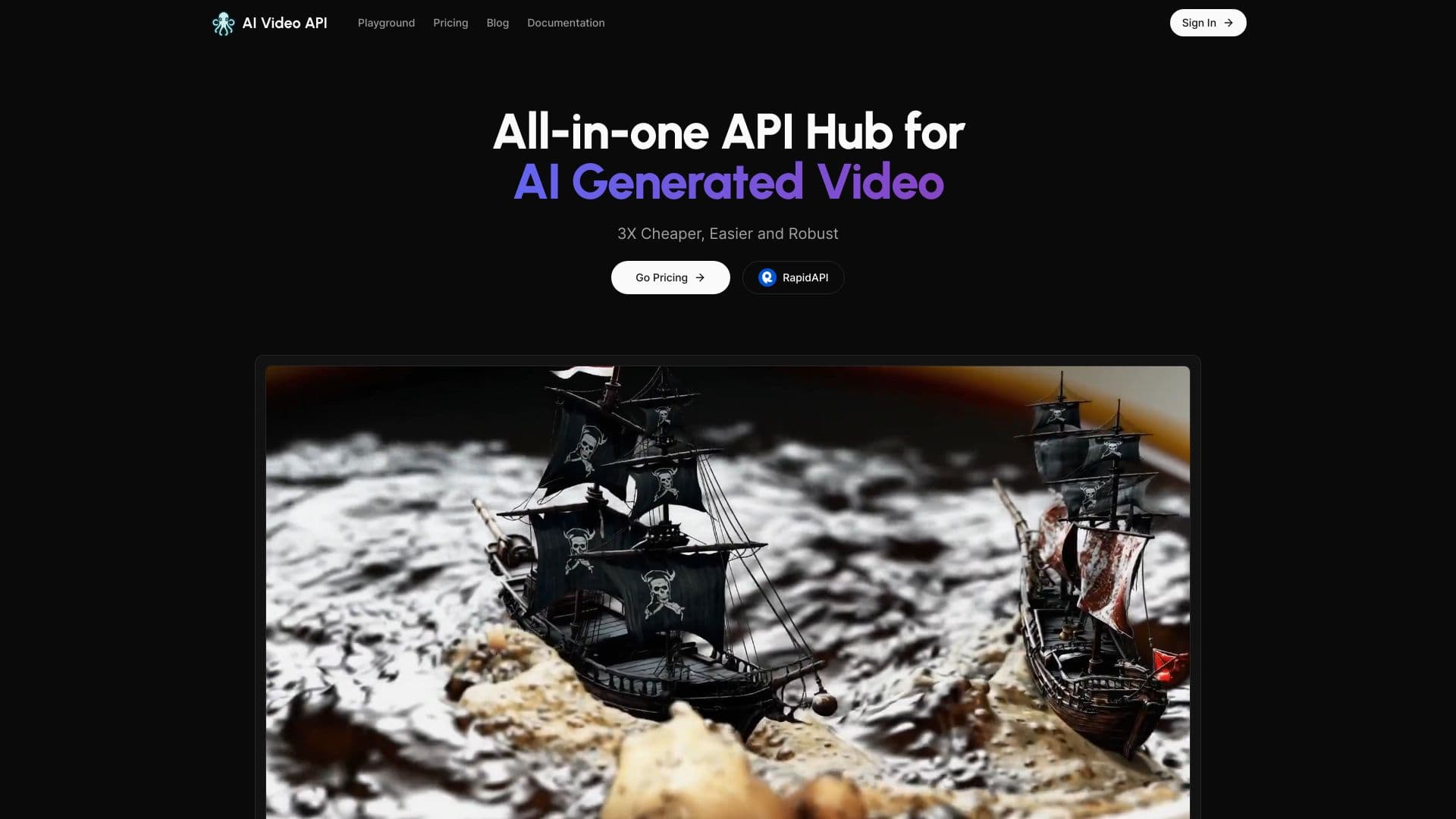

Сервис для генерации коротких вертикальных видео с помощью нейросети через API или мобильное приложение.


Платформа на основе ИИ для создания и редактирования изображений и видео товаров для продавцов в электронной коммерции.

Платформа на базе искусственного интеллекта для генерации и улучшения изображений, видео и логотипов в реальном времени.
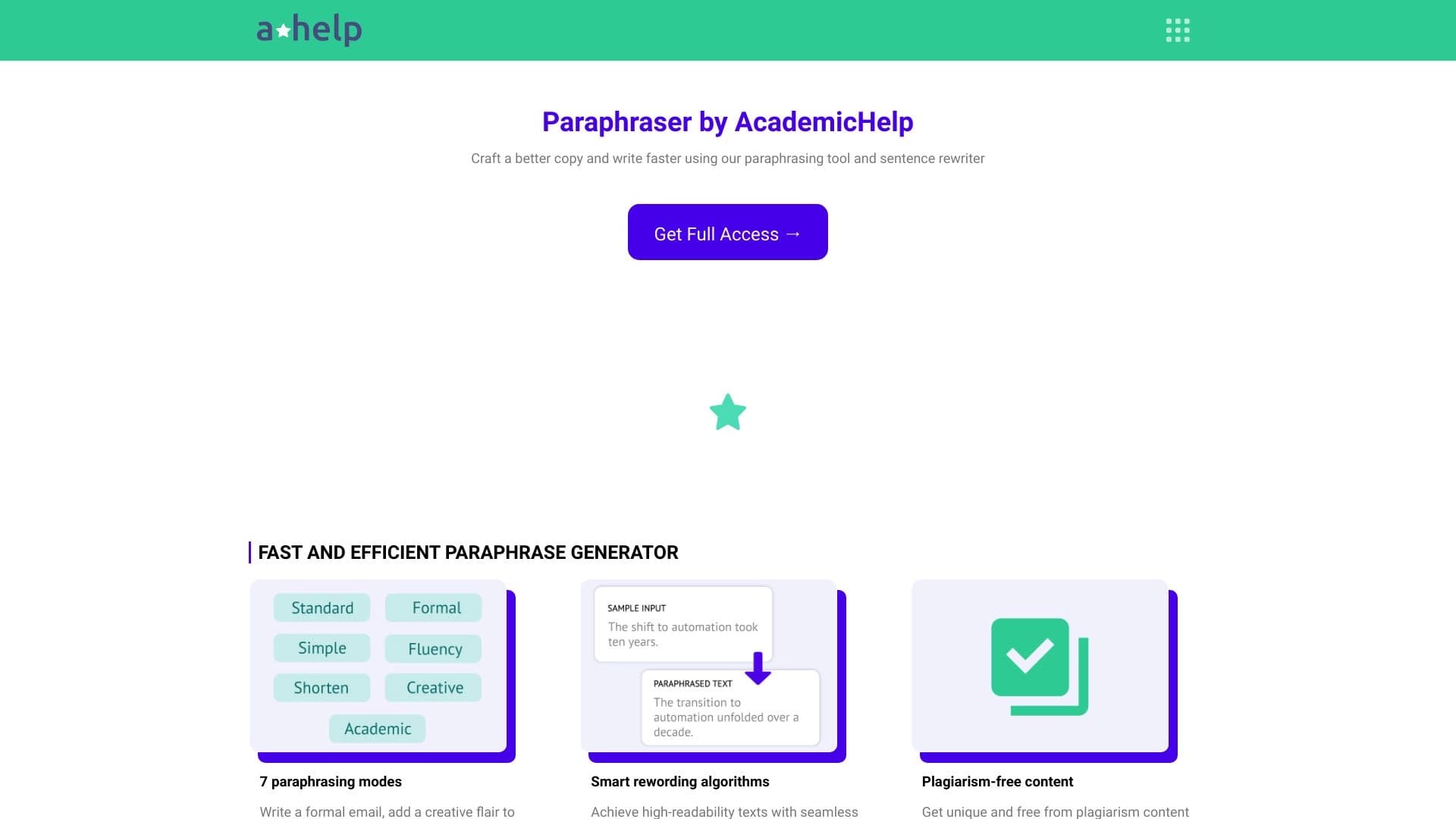

Онлайн-сервис для перефразирования текста с семью режимами, помогающий создавать уникальный контент.


Платформа с искусственным интеллектом для поддержки пользователей в приложениях, включающая чат-бота и тикет-систему.