

Zapier
Платформа для автоматизации рабочих процессов, соединяющая тысячи приложений без необходимости программирования.
Место в рейтингах
Обзор
Zapier
Описание нейросети Zapier
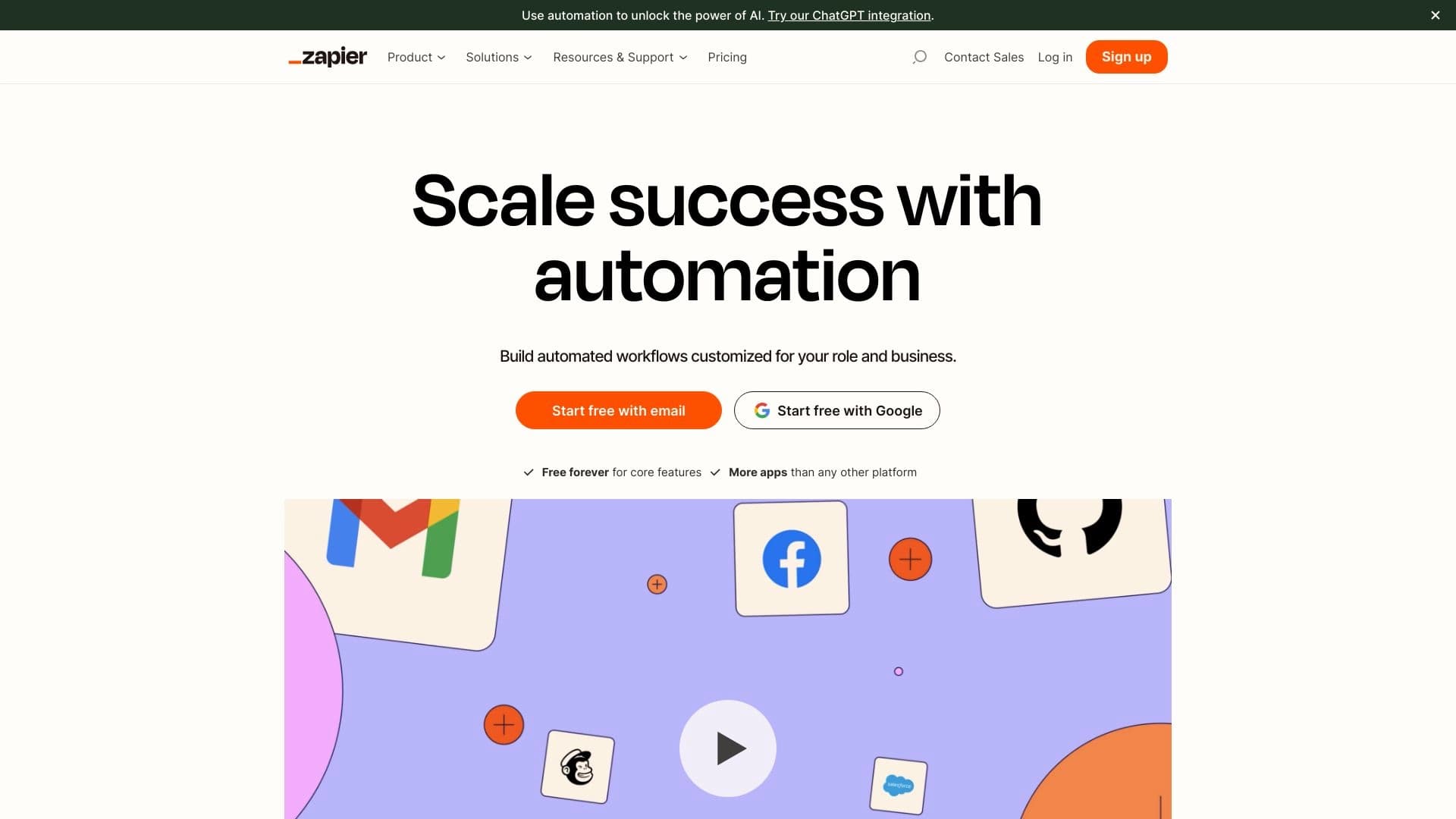
Zapier — это платформа для автоматизации рабочих процессов, которая соединяет тысячи приложений и сервисов без необходимости программирования. Пользователи создают цепочки автоматических действий, называемые «запы» (Zaps), работающие по принципу «если произошло событие в приложении А, то выполни действие в приложении Б». Сервис поддерживает интеграцию с более чем 5000 приложений, включая бизнес-инструменты, CRM, сервисы коммуникации и AI-решения. Zapier подходит как малому бизнесу, так и крупным компаниям, помогая сокращать ручной ввод данных и ускорять рутинные операции.
Характеристики Zapier
| Характеристика | Значение |
|---|---|
| Тип | Автоматизация, бизнес-инструмент |
| Бизнес-модель | Freemium |
| Платформы | Web, Android, iOS |
| Количество поддерживаемых приложений | Более 5000 (до 7000–8000 по разным данным) |
| Бесплатный тариф | Есть |
| Доступ из РФ | Не работает напрямую — требуется зарубежный способ оплаты |
Для кого подходит нейросеть Zapier?
Владельцы малого бизнеса и фрилансеры
Автоматизация помогает сократить время на повторяющиеся задачи, такие как перенос данных между системами, отправка уведомлений и создание задач. Не требуется знание программирования — все настраивается через визуальный интерфейс.
Корпоративные команды и менеджеры проектов
Крупные компании используют Zapier для синхронизации данных между CRM, системами управления проектами и инструментами коммуникации. Сервис поддерживает разветвлённую логику автоматизации с условиями и фильтрами.
Цифровые маркетологи и менеджеры электронной коммерции
Маркетологи автоматизируют публикации в социальных сетях, генерацию отчётов и управление заказами. Менеджеры электронной коммерции настраивают цепочки действий между платформами для обработки заказов и обновления данных о клиентах.
Как использовать нейросеть Zapier?
Регистрация и подключение приложений
Для начала работы необходимо зарегистрироваться на платформе Zapier и подключить нужные приложения из списка доступных интеграций. Сервис предлагает готовые шаблоны для типичных бизнес-процессов, которые можно использовать как основу.
Настройка Zaps через визуальный конструктор
Пользователь выбирает триггер — событие в одном приложении (например, получение нового письма), и указывает действие, которое должно произойти в другом приложении (например, создание задачи в Trello). Можно создавать многоэтапные автоматизации с условиями, фильтрами и передачей данных между шагами.
Тестирование и активация сценариев
Перед запуском Zapier позволяет протестировать созданный сценарий, чтобы убедиться в корректной работе. После успешного тестирования сценарий активируется и работает автоматически без участия человека.
Основные функции Zapier
Интеграции с тысячами приложений
Zapier поддерживает более 5000 приложений, включая AI-инструменты, CRM, сервисы для маркетинга, управления проектами и коммуникации. Пользователи могут подключать практически любые популярные бизнес-инструменты.
Многоэтапные автоматизации с условной логикой
Сервис позволяет создавать сложные цепочки действий с несколькими шагами, условиями и фильтрами. Например, можно настроить сценарий, который проверяет данные перед их передачей в другое приложение.
Готовые шаблоны для быстрой автоматизации
Zapier предлагает библиотеку готовых шаблонов для распространённых бизнес-процессов. Пользователь может выбрать шаблон, настроить его под свои нужды и запустить автоматизацию за несколько минут.
Создание собственных AI-агентов без программирования
Платформа позволяет создавать и развёртывать AI-рабочие процессы без участия IT-отдела. Пользователи могут настраивать AI-агентов и чат-ботов для автоматизации задач, используя визуальный конструктор.
Преимущества Zapier
Экономия времени и снижение ручного труда
Автоматизация рутинных задач между приложениями позволяет экономить часы рабочего времени каждую неделю. Сервис берёт на себя повторяющиеся операции, освобождая пользователя для более важных задач.
Отсутствие необходимости в программировании
Визуальный конструктор Zapier не требует навыков программирования. Любой пользователь может настроить автоматизацию через простой интерфейс с выбором триггеров и действий.
Безопасность корпоративного уровня
Платформа соответствует стандартам безопасности SOC 2, GDPR и CCPA. Данные пользователей защищены, что особенно важно для крупных компаний и организаций, работающих с конфиденциальной информацией.
Недостатки Zapier
Зависимость от сторонних интеграций
Надёжность работы Zaps зависит от стабильности и доступности подключённых приложений. Если одно из приложений временно недоступно, автоматизация может не сработать.
Ограничения кастомизации
Zapier не является решением с открытым исходным кодом, что ограничивает возможности глубокой настройки для продвинутых пользователей. Некоторые специфические сценарии могут потребовать дополнительных инструментов.
Время на обучение для новых пользователей
Несмотря на простой интерфейс, новым пользователям может потребоваться время, чтобы разобраться в логике создания многоэтапных автоматизаций и использования условной логики.
Какие задачи решает Zapier
Автоматизация рутинных задач между приложениями
Сервис позволяет переносить данные между системами, отправлять уведомления, создавать задачи и обновлять записи без ручного ввода. Например, при получении нового заказа в интернет-магазине автоматически создаётся задача в CRM.
Синхронизация данных о клиентах между платформами
Zapier автоматически обновляет информацию о клиентах во всех подключённых сервисах: CRM, почтовых платформах, инструментах аналитики и системах учёта.
Оптимизация маркетинговых кампаний и публикаций
Маркетологи настраивают автоматическую публикацию контента в социальных сетях, генерацию отчётов по кампаниям и сбор данных из разных источников в единую систему.
Управление заказами в электронной коммерции
Для интернет-магазинов Zapier автоматизирует обработку заказов: от получения уведомления до обновления статуса в системе учёта и отправки информации клиенту.
Цены Zapier
Zapier работает по модели Freemium. Бесплатный тариф включает 100 AI-задач в месяц и неограниченное количество Zaps. Платные тарифы:
- Professional (Pro) — от 19,99 USD в месяц при годовой оплате. Включает многошаговые Zaps, неограниченные премиум-приложения, вебхуки и поддержку.
- Team — 69 USD в месяц для 25 пользователей. Предоставляет общие Zaps, папки и расширенные возможности.
- Enterprise — индивидуальные условия для крупных компаний с неограниченным числом пользователей и расширенным контролем.
Доступна скидка 33% при годовой оплате и 15% для некоммерческих организаций. Есть бесплатный пробный период Professional плана на 14 дней без запроса кредитной карты.
Условия использования Zapier
Для работы с сервисом требуется регистрация. Бесплатный план ограничен 100 AI-задачами в месяц, при этом количество Zaps не ограничено. Пробный период Professional тарифа доступен на 14 дней без указания кредитной карты. Для пользователей из РФ требуется зарубежный способ оплаты — напрямую из России сервис не работает.
Доступность Zapier
Zapier доступен на веб-платформе, а также в виде мобильных приложений для Android и iOS. По данным аналитики, основная аудитория сервиса сосредоточена в США (около 36%), Великобритании (7%), Индии (7,8%), на Филиппинах (3,8%) и в Канаде (3,6%). Для пользователей из России доступ к платформе ограничен: для регистрации и оплаты требуется зарубежный способ оплаты.
Чем отличается Zapier от аналогов
Zapier отличается от аналогов, таких как Tray.io, Microsoft Power Automate, Automate.io, IFTTT и Integromat, широкой поддержкой приложений — более 5000 интеграций. Платформа ориентирована на пользователей без навыков программирования и предлагает простой визуальный конструктор. В отличие от IFTTT, который больше подходит для личных задач, Zapier ориентирован на бизнес-процессы. По сравнению с Microsoft Power Automate, Zapier более универсален в плане поддерживаемых сервисов, но менее глубоко интегрирован с экосистемой Microsoft.
Заключение
Zapier — это мощная платформа для автоматизации рабочих процессов, соединяющая тысячи приложений и сервисов без необходимости программирования. Сервис подходит широкому кругу пользователей: от фрилансеров и владельцев малого бизнеса до крупных корпораций. Zapier предлагает как бесплатный тариф с базовыми возможностями, так и платные подписки с расширенным функционалом. Основное ограничение для пользователей из России — необходимость зарубежного способа оплаты. В целом, Zapier остаётся одним из самых популярных инструментов для автоматизации бизнес-процессов благодаря простоте использования, широкой поддержке приложений и наличию AI-возможностей.
Тарифы
Часто задаваемые вопросы
Похожие нейросети








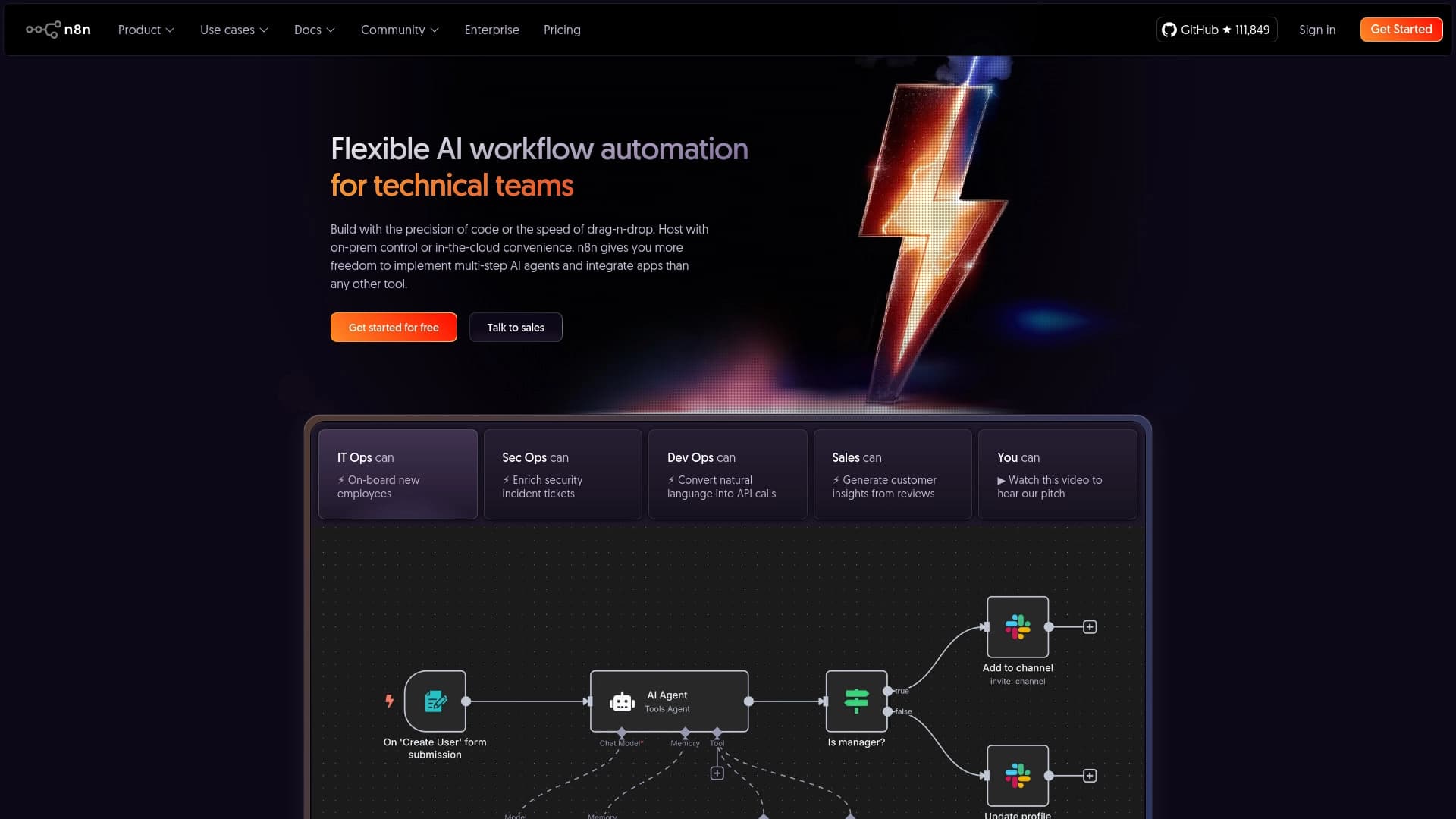
Смотрите также

Браузерное расширение и веб-сервис с функциями ИИ-ассистента: ответы на запросы, суммаризация видео и документов, перевод текста.


Платформа на основе искусственного интеллекта для генерации юридических документов, анализа контрактов и получения правовой информации.
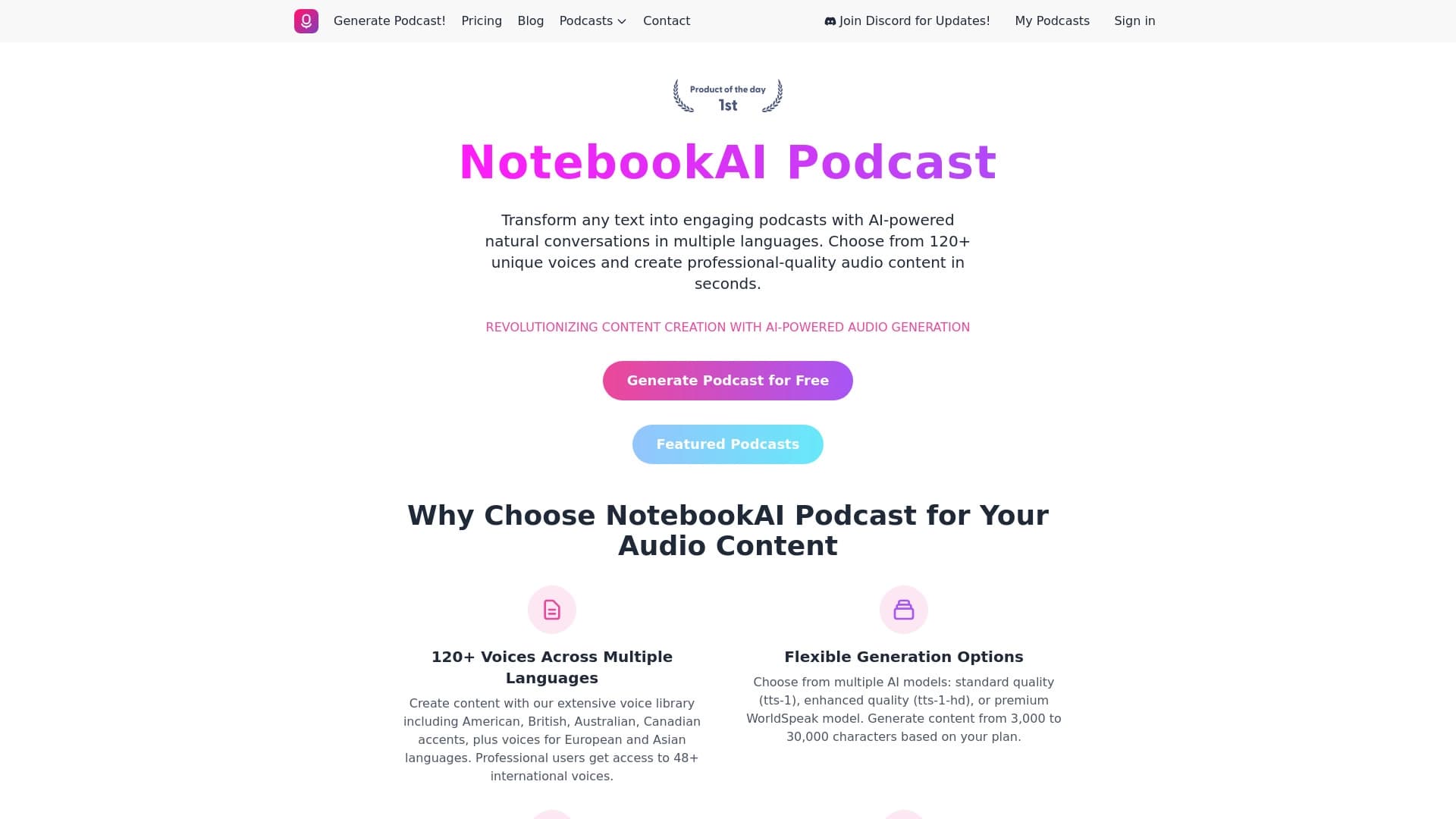

Сервис для превращения текста в подкасты с естественно звучащими голосами на разных языках.


Платформа на основе ИИ для генерации, редактирования изображений и создания рекламных креативов.


Онлайн-сервис на основе ИИ для автоматического создания презентаций из текста, PDF, аудио, видео или URL-ссылок.
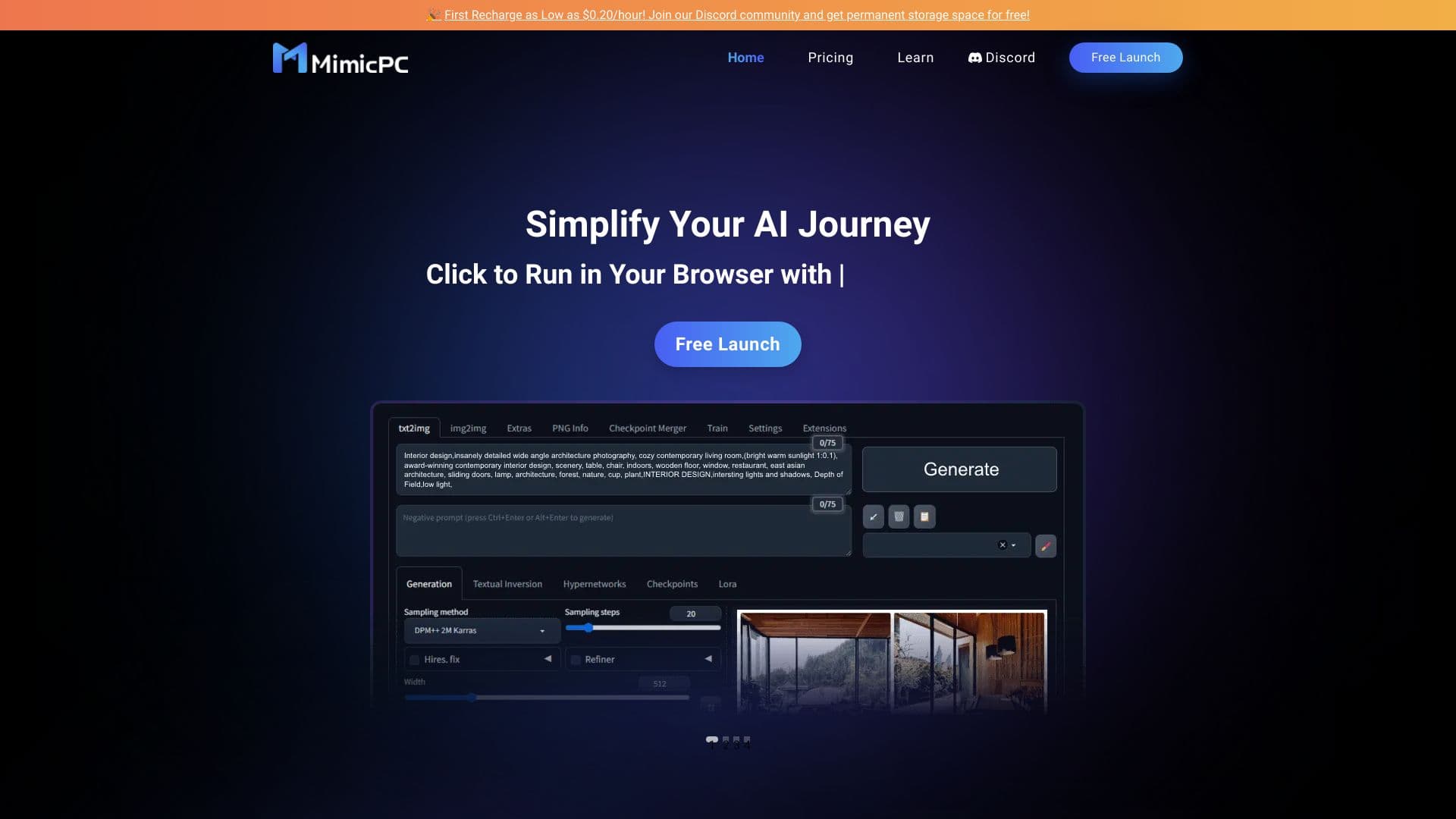
Облачная платформа для запуска ИИ-приложений прямо в браузере без установки.


Нейросеть для генерации SEO-оптимизированных статей и автоматизации ведения блогов.

AI-платформа для быстрого скрининга резюме, помогающая рекрутерам отбирать подходящих кандидатов.