

HeyGen
Платформа для генерации видео с помощью ИИ, создающая ролики с цифровыми аватарами на основе текстового сценария.
Место в рейтингах
Обзор
HeyGen
Описание нейросети HeyGen
HeyGen — это платформа для генерации видео на базе искусственного интеллекта, позволяющая создавать ролики с цифровыми аватарами на основе текстового сценария. Сервис объединяет несколько направлений видеопроизводства: преобразование текста в видео, работу с виртуальными ведущими, перевод и дубляж контента с синхронизацией губ, а также инструменты для совместной работы команды.
Платформа даёт возможность выбирать из более чем 700 готовых аватаров или создавать собственные цифровые двойники, настраивать их внешность, добавлять жесты и эмоции. HeyGen поддерживает синхронизацию речи и движения губ на десятках языков, что делает видео естественными. Сервис работает в браузере и представляет собой таймлайн-редактор, где в реальном времени доступны настройки текста, визуалов, субтитров, выбор голосов и фоновой музыки.
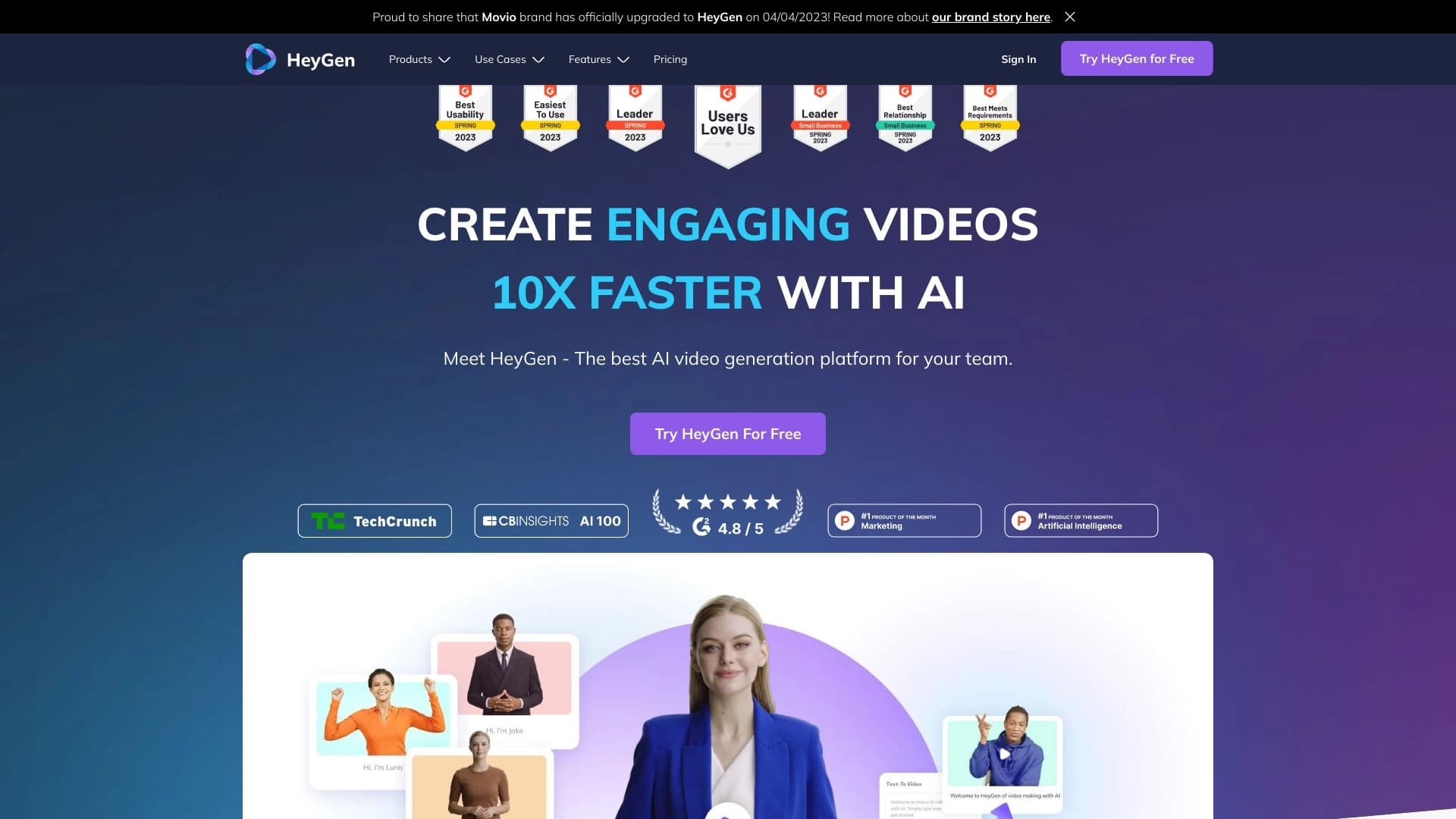
По оценке редакции, HeyGen набирает 9.2 балла из 10, а пользовательский рейтинг составляет 4.9 — один из самых высоких среди инструментов для создания AI-аватаров.
Характеристики HeyGen
| Характеристика | Значение |
|---|---|
| Тип | AI-платформа для создания видео |
| Категории | Генерация видео, текст в видео, перевод видео, синхронизация губ, генерация аватаров |
| Платформы | Web, расширение браузера |
| Язык интерфейса | Английский |
| Поддерживаемые языки перевода | 40+ языков (синхронизация губ), 175+ языков (перевод и дубляж) |
| Поддерживаемые форматы видео | mp4, mov, webm |
| Наличие бесплатного тарифа | Да |
| Необходимость VPN для доступа из России | Да (по некоторым источникам) / Нет (по другим данным) |
| Максимальный размер загружаемого файла | 500 МБ |
| Максимальное разрешение видео | До 4K (в зависимости от тарифа) |
Для кого подходит нейросеть HeyGen?
Бизнес и корпорации
Платформа подходит компаниям, которым нужно создавать корпоративные презентации, обучающие материалы и рекламные ролики без привлечения профессиональных видеопродакшенов. HeyGen позволяет масштабировать производство видео: от отдельных проектов до регулярного выпуска контента на уровне отдела или компании.
Блогеры и контент-мейкеры
Создатели контента для TikTok, YouTube, Instagram и других социальных платформ могут быстро выпускать ролики с виртуальным ведущим, не тратя время на съёмки и монтаж. Инструмент подходит как для регулярного постинга, так и для создания промо-роликов.
Образовательные проекты
Преподаватели, авторы онлайн-курсов и образовательные платформы используют HeyGen для создания лекций, объясняющих видео и учебных модулей. Аватары и синтезированная речь позволяют записывать материалы без участия живого ведущего и быстро локализовать контент на разные языки.
Контент-менеджеры
Специалисты, которым необходимо создавать бизнес-видео без навыков видеомонтажа, могут работать с HeyGen через простой интерфейс таймлайн-редактора. Это снижает порог входа в видеопроизводство и ускоряет выпуск контента.
Как использовать нейросеть HeyGen?
Работа в веб-редакторе
Сервис работает полностью в браузере и не требует установки дополнительного ПО. Интерфейс представляет собой таймлайн-редактор, где пользователь в реальном времени настраивает текст сценария, визуальное оформление, субтитры, выбирает аватаров и голоса. Поддерживается импорт PowerPoint, PDF и видеофайлов.
Перевод и дубляж видео
Для перевода готового видео нужно загрузить исходный файл на платформу (поддерживаются форматы mp4, mov, webm, объём до 500 МБ), выбрать целевой язык, настроить параметры перевода и субтитров, запустить обработку. После завершения генерации видео можно скачать в исходном разрешении. Процесс может занимать несколько часов — это зависит от длительности ролика и загрузки сервера.
Создание аватаров
Пользователи могут либо выбрать одного из более чем 700 готовых аватаров, либо создать собственного цифрового двойника. Для этого достаточно записать короткое видео с собой — на его основе HeyGen генерирует персонализированного аватара с возможностью настройки эмоций, жестов и внешности.
Основные функции HeyGen
Генерация видео из текста (Video Agent)
Основная функция платформы — преобразование текстового сценария в готовое видео с виртуальным ведущим. Пользователь вводит текст, выбирает аватара, настраивает визуальные элементы — сервис автоматически генерирует ролик с синхронизированной речью и движениями губ.
Создание цифровых аватаров и двойников
HeyGen предлагает библиотеку из более чем 700 готовых AI-аватаров. Кроме того, можно создать собственного цифрового двойника, записав видео с собой. Платформа также позволяет клонировать голос с настройкой эмоций и жестов для персонализированных видео.
Перевод и дубляж с синхронизацией губ
Сервис поддерживает перевод и дубляж видео на более чем 40 языков с синхронизацией движения губ. При этом сохраняются естественные интонации и тембр оригинального голоса. Для собственно перевода доступно более 175 языков и диалектов.
Анимация статичных фото (Talking Photos)
Функция позволяет «оживлять» статичные изображения — добавлять к ним озвучку и анимацию, превращая обычные фотографии в говорящие видео.
Запись экрана и презентаций
Платформа поддерживает запись экрана с одновременным отображением аватара, что удобно для создания демонстраций продукта, слайд-шоу и обучающих роликов. Доступны брендированные шаблоны и инструменты для командной работы.
Преимущества HeyGen
Богатая библиотека аватаров и голосов
Более 700 готовых AI-аватаров и 300+ голосов на разных языках позволяют подобрать подходящего виртуального ведущего практически для любого проекта — от корпоративного видео до развлекательного контента.
Многоязычная поддержка
Перевод на более чем 175 языков с сохранением естественной интонации и тембра голоса — ключевое преимущество для компаний, работающих на глобальных рынках. Синхронизация губ на 40+ языках делает локализованные видео качественными и естественными.
Гибкая кастомизация
Пользователи могут настраивать эмоции, жесты и внешний вид аватаров, создавать индивидуальные цифровые двойники и клоны голосов. Это позволяет адаптировать видео под конкретные задачи и бренд.
Командные инструменты
Платформа предлагает функции для коллаборативного редактирования, бренд-киты и шаблоны, что делает её удобной для использования в отделах маркетинга, обучения и продаж. Возможность масштабирования от индивидуальных проектов до корпоративного уровня.
Высокие оценки пользователей
Рейтинг 4.9 из 5 среди пользователей и оценка редакции 9.2 из 10 подтверждают качество сервиса и удовлетворённость клиентов.
Недостатки HeyGen
Ограничения бесплатного тарифа
Бесплатный план позволяет создавать видео длительностью до 3 минут в разрешении 720p. Для более серьёзных проектов требуется платная подписка.
Платная платформа
Для полноценного использования большинства функций, включая экспорт в 1080p или 4K, работу с командой и создание большого количества видео, необходима платная подписка. Тестовый режим доступен бесплатно, но с ограничениями.
Ограничение на размер загружаемого видео
При переводе и дубляже максимальный размер загружаемого файла составляет 500 МБ. Для длинных или высокобитрейтных видео это может быть неудобно.
Время генерации
Обработка видео, особенно перевод и дубляж, может занимать несколько часов. Это не подходит для задач, требующих мгновенного результата.
Отсутствие русского интерфейса
Интерфейс платформы полностью на английском языке. Пользователи, не владеющие английским, могут испытывать трудности при навигации.
Ограничения доступа
По некоторым данным, для доступа к сервису с территории России может потребоваться VPN. Однако другие источники указывают, что VPN не нужен — это зависит от текущих ограничений платформы.
Какие задачи решает HeyGen
Создание промо-роликов и видеообъявлений
Платформа позволяет быстро генерировать рекламные и маркетинговые видео с виртуальным ведущим, что особенно важно для малого бизнеса без собственной видеопродакшн-студии.
Разработка онлайн-курсов и обучающих материалов
HeyGen подходит для создания видеолекций, объясняющих видео и учебных модулей. Преподаватели могут записывать курсы с аватаром, не тратя время на съёмки с реальным ведущим.
Подготовка корпоративных презентаций
Бизнес использует платформу для создания внутренних обучающих материалов, презентаций и видео для адаптации новых сотрудников. Инструменты командной работы упрощают коллективное редактирование.
Быстрый выпуск контента для соцсетей
Блогеры и SMM-специалисты могут ежедневно выпускать ролики для TikTok, YouTube, Instagram без участия оператора, ведущего и монтажёра.
Демонстрация товаров с кастомными аватарами
Для E-commerce доступна настройка аватаров под конкретный бренд и продукт, что позволяет создавать персонализированные видеообзоры и рекламу.
Локализация видеоконтента
Возможность перевода видео на 175+ языков с сохранением голоса и интонаций — решение для компаний, работающих на международных рынках. Позволяет адаптировать рекламу, обучение и презентации под разные страны.
Цены HeyGen
Платформа предлагает четыре тарифных плана:
- Free (бесплатный) — до 3 минут видео, разрешение 720p. Подходит для знакомства с сервисом и тестирования базовых функций.
- Creator ($29/мес) — до 30 минут видео, разрешение 1080p. Основной план для индивидуальных пользователей и небольших проектов.
- Team ($39/место/мес, минимум 2 места) — до 30 минут видео на пользователя, разрешение до 4K. Включает инструменты для командной работы, бренд-киты и шаблоны.
- Enterprise (по запросу) — безлимитное время видео, до 4K, индивидуальные условия. Для крупных корпораций с масштабными потребностями.
Для функции перевода и дубляжа видео предусмотрен тестовый режим (бесплатно), но полноценно сервис работает по платной модели.
Условия использования HeyGen
Для работы с платформой необходима регистрация. Бесплатный тариф даёт доступ к базовым функциям, но с ограничениями: до 3 минут видео, разрешение 720p. Для загрузки видео на перевод действует ограничение на размер файла — до 500 МБ. Поддерживаемые форматы для загрузки: mp4, mov, webm.
Командные планы требуют минимум двух мест. Для корпоративных заказчиков предусмотрены индивидуальные условия — их необходимо согласовывать с командой HeyGen через запрос.
Доступность HeyGen
Платформы
Сервис доступен на веб-платформе и в виде расширения для браузера. Для работы достаточно любого современного браузера и интернет-соединения. Установка дополнительного программного обеспечения не требуется.
Языки
Интерфейс платформы полностью на английском языке. Русский язык не поддерживается. При этом сам сервис поддерживает перевод видео на более чем 175 языков, включая русский — речь и субтитры могут быть на русском, но интерфейс управления — нет.
Региональные ограничения
Данные разнятся: одни источники указывают, что HeyGen доступен из России без использования VPN, другие — что требуется VPN. Рекомендуется проверить доступность непосредственно при попытке открыть сайт сервиса.
Чем отличается HeyGen от аналогов
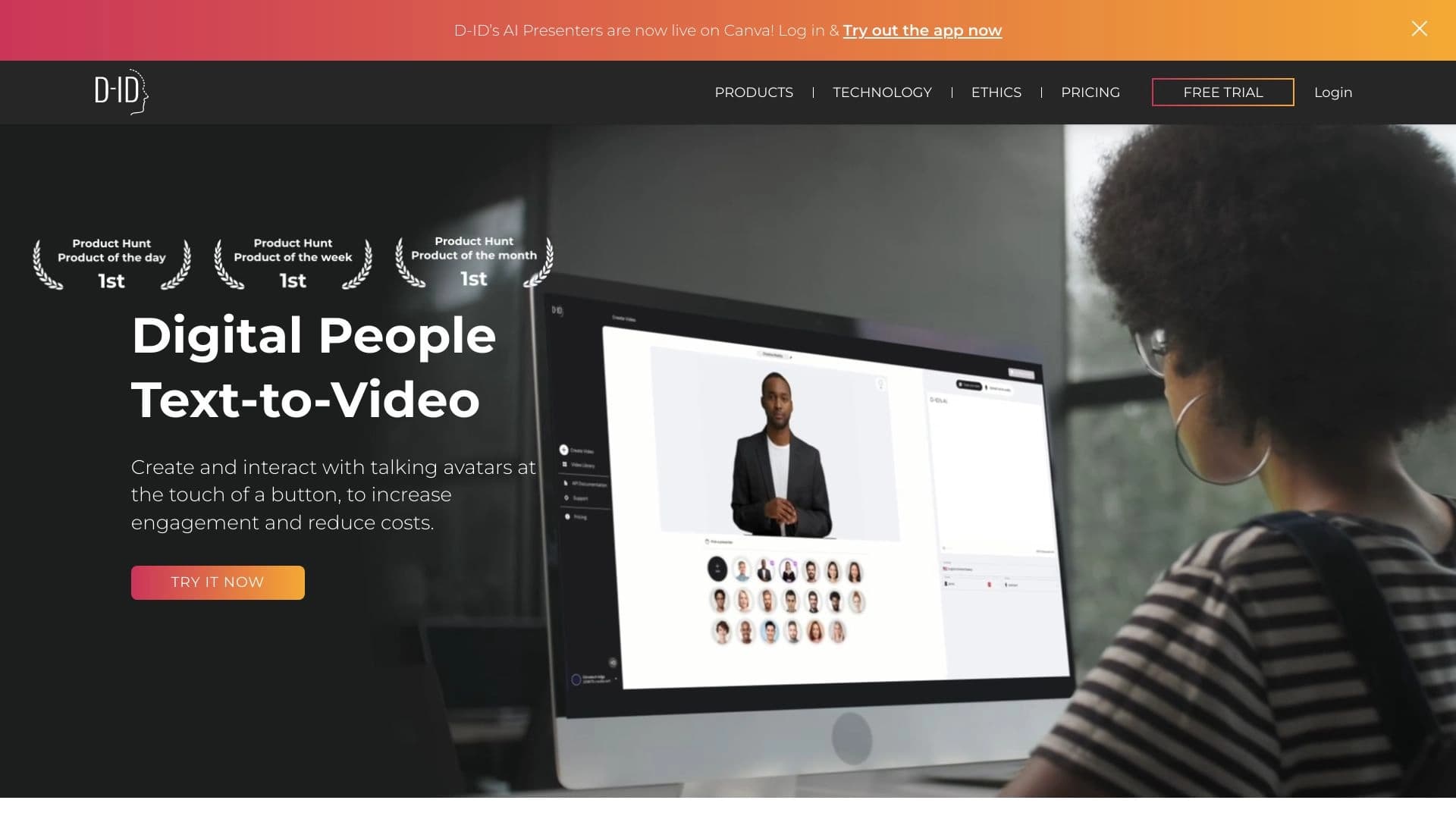
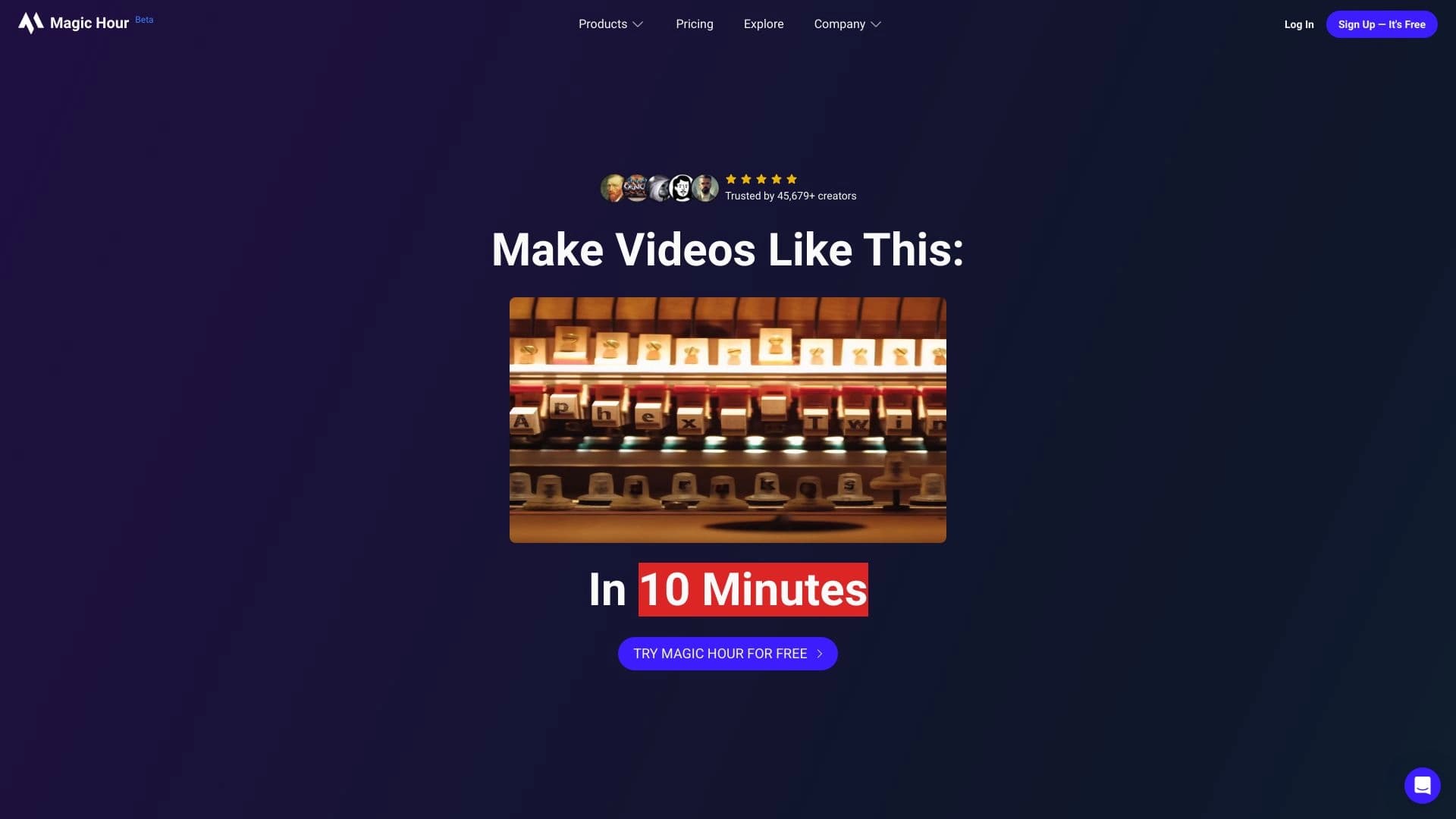
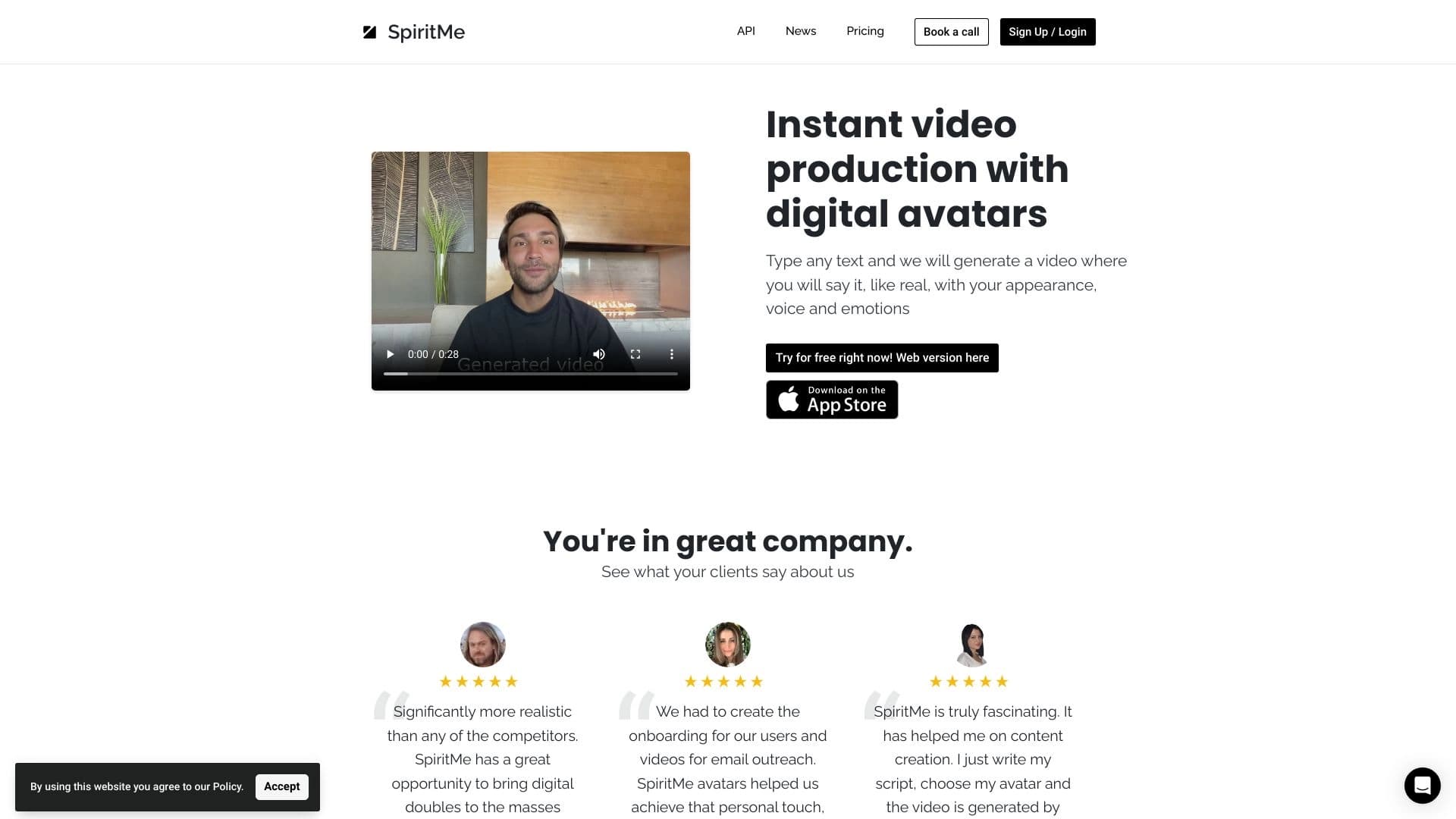
HeyGen выделяется среди конкурентов по нескольким параметрам. В отличие от таких аналогов, как Magic Hour, Visper, Revid AI или Нейропродюсер, платформа предлагает наиболее обширную библиотеку готовых аватаров — более 700 штук. Кроме того, HeyGen сочетает в себе функции генерации видео из текста, перевода с синхронизацией губ, создания цифровых двойников и клонов голосов — это делает её не узкоспециализированным инструментом, а полноценной экосистемой.
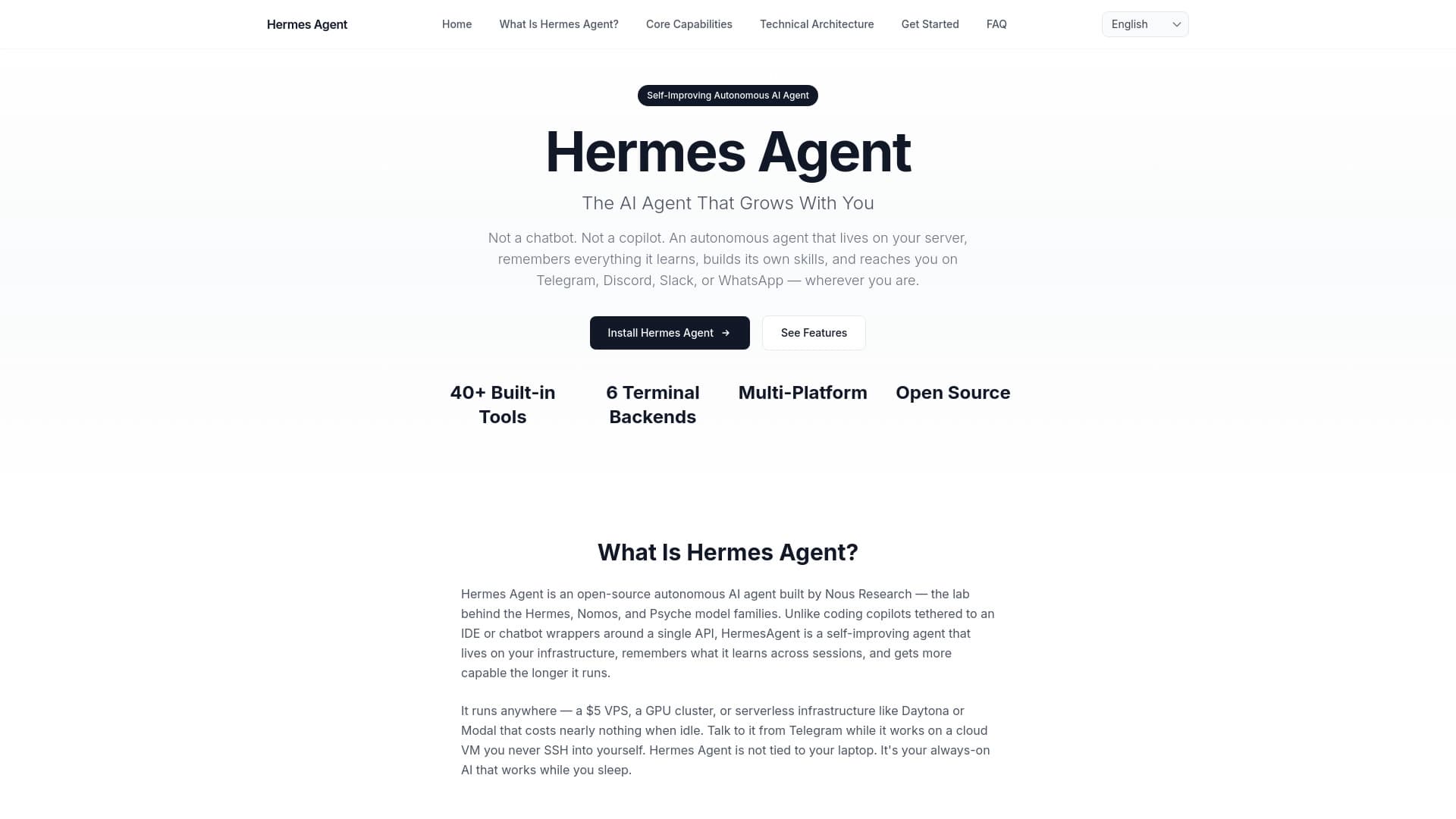
Среди других отличий — поддержка более 175 языков для перевода (против 40–60 у многих конкурентов) и высокая оценка пользователей (4.9 из 5). Аналоги вроде Hermes Agent, Higgsfield AI, Narakeet, Checksub или Vaani обычно решают только часть задач: либо перевод видео, либо создание аватаров, либо преобразование текста в речь. HeyGen же закрывает весь цикл видеопроизводства.
Однако стоит учитывать, что некоторые конкуренты могут быть дешевле или предлагать более простой интерфейс для узких задач. Выбор между HeyGen и аналогами зависит от конкретных потребностей: если нужно именно многоязычное видео с аватарами — HeyGen будет оптимальным вариантом.
Заключение
HeyGen представляет собой полноценную экосистему для видеопроизводства на базе искусственного интеллекта, охватывающую весь цикл — от текстовой идеи до готового ролика с цифровым аватаром. Богатая библиотека аватаров и голосов, поддержка перевода на десятки языков с синхронизацией губ и инструменты для командной работы делают её одним из самых мощных решений для малого бизнеса, блогеров, образовательных проектов и корпораций. При этом платформа имеет ряд ограничений: платная модель для полноценного использования, отсутствие русского интерфейса и потенциальные сложности с доступом в некоторых регионах. Тем не менее, высокие рейтинги пользователей и оценка редакции подтверждают, что HeyGen — это зрелый и качественный продукт на рынке AI-видеоинструментов.
Тарифы
Часто задаваемые вопросы





















Смотрите также

Онлайн-сервис, который позволяет общаться с PDF-документами в чате: задавать вопросы и получать краткие ответы с указанием источника.

Онлайн-сервис для создания реалистичного клона голоса по короткой аудиозаписи и озвучивания текста.


Онлайн-инструмент для создания дипфейков и редактирования изображений с помощью ИИ.


Платформа для создания корпоративных чат-ботов на основе собственных документов без программирования.


Расширение для Chrome, которое помогает управлять вкладками, историей и закладками с помощью ИИ-ассистента.


AI-помощник для быстрого создания и редактирования текстов в различных форматах.


Веб-сервис для генерации аниме-изображений по текстовым запросам с помощью ИИ.


Сервис для виртуальной примерки одежды с помощью ИИ.