

Pika Labs
Neural network for generating short animated videos and animating images from a text description.
Overview
Pika Labs
Description of the Pika Labs neural network
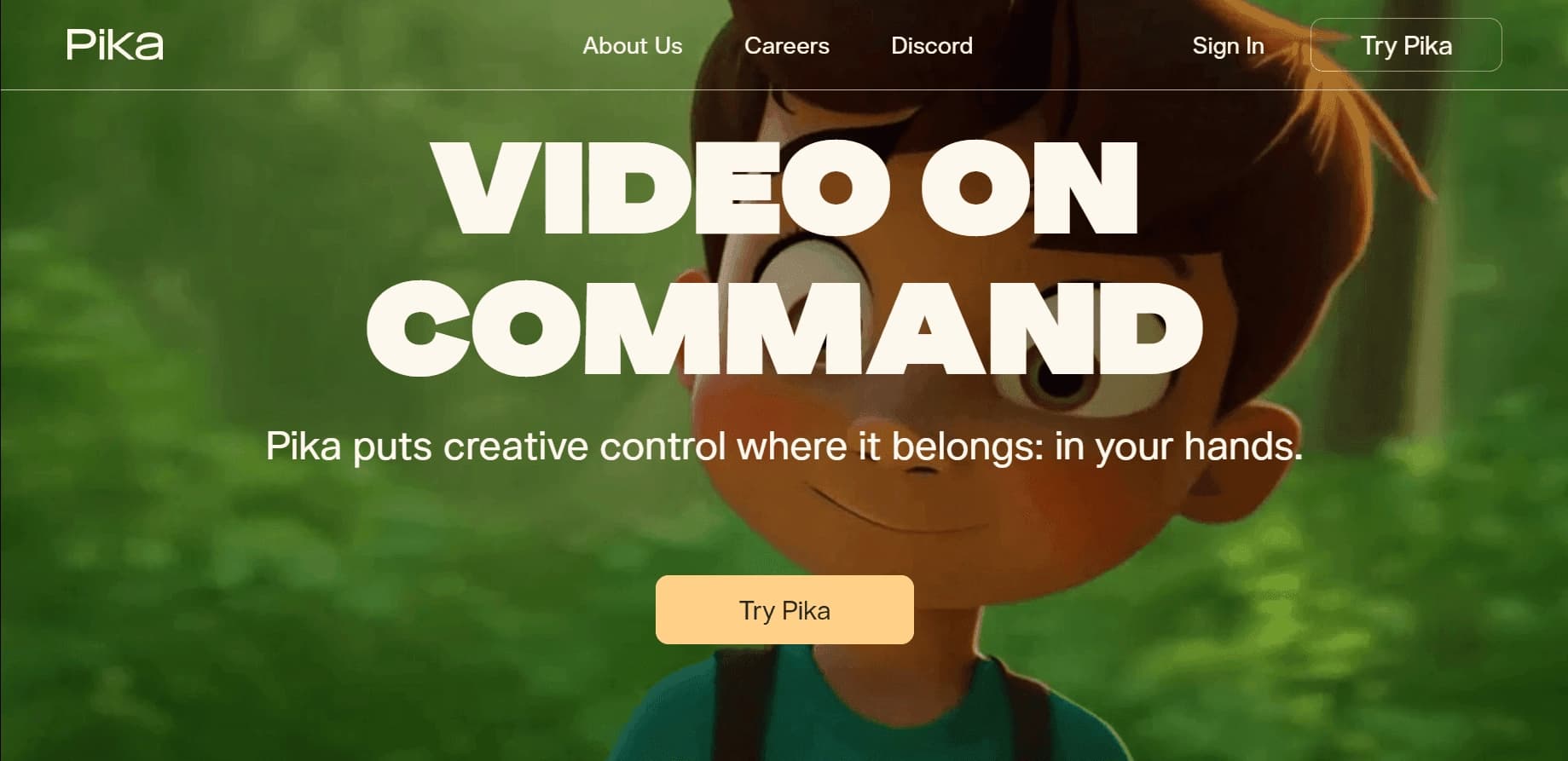
Pika Labs is a neural network for generating short animated videos and animating images based on text descriptions. The platform allows you to create videos up to 10 seconds long in 1080p resolution by entering text prompts or uploading images to bring them to life. The service is aimed at a broad audience, including those without professional video editing skills.
Pika Labs offers intuitive editing tools, object customization, and ready-made effects, including apocalyptic filters. The neural network was developed by Demi Guo and Chenlin Meng, graduates of Stanford's doctoral program in computer science. Release date: August 28, 2023. The service works through a web interface and Discord, understands Russian-language prompts (although the interface is in English), and offers free access with a daily credit limit, as well as paid subscriptions to expand capabilities. Business model: freemium.
Pika Labs characteristics
| Characteristic | Value |
|---|---|
| Type | AI-powered video generation |
| Category | Video, AI Video Generators, Animation |
| Platforms | WEB, Discord |
| Interface language | English (understands Russian-language prompts) |
| Free plan available | Yes, 30–80 credits per day (depending on source) |
| VPN required | No |
| Release date | August 28, 2023 |
| Developers | Demi Guo and Chenlin Meng (Stanford) |
| Business model | Freemium |
| Maximum resolution | 1080p |
| Maximum video length | 10 seconds |
Who is Pika Labs suitable for?
Pika Labs is designed for users of different skill levels, from beginners to professionals who need quick visualization of ideas.
Everyday users and content creators
The tool suits those who want to create short animated videos for social media, blogs, or personal projects without learning complex video editors. The platform makes it easy to turn a text idea into a finished clip.
Artists and designers
Designers, marketers, and visual artists use Pika Labs to quickly generate concepts, prepare animations for presentations, and create visual storytelling. The tool helps show an idea to a client or team without lengthy post-processing.
Bloggers and experimenters
Bloggers who want to stand out with an unusual visual approach can use ready-made Pikaffects filters—for example, turning an ordinary video into an apocalyptic scene with elements of destruction. The service suits those who experiment with visual solutions.
How to use Pika Labs?
Working with Pika Labs is designed to be simple—the service is available through a browser and Discord, with no software installation required.
Through the web app
To get started, go to pika.art and create an account (via email, Google, Facebook, or Discord). Then you can upload an image or enter a text prompt, optionally combining them. The system produces a short animated video. You can change the description, add details, and generate new versions. The finished video can be saved or shared directly on social media.
Through Discord
Pika Labs is also available through the Discord social app. Users enter text prompts in dedicated channels, optionally adding an image for animation. The bot processes the request and returns a finished video. This option is convenient for those who already actively use Discord.
Customization and refinement
The platform lets you choose motion templates, adjust animation intensity and speed, and add an audio track for synchronization (a “talking” image). You can upload a video and apply one of the preset effects—the result is processed on the platform’s servers, not on the user’s device.
Key features of Pika Labs
Pika Labs offers a set of tools for creating and editing videos with AI.
Text-to-video generation
Users describe a scene or idea in text, and the neural network generates an animated video that matches the description. You can change prompt details, add clarifications, and get new versions of the clip. The system emphasizes style and creativity over realism.
Image-to-video animation
By uploading a still image, you can bring it to life with a text command. This feature includes realistic facial expressions (bringing photos to life), audio synchronization for a talking-image effect, and adjustable motion, intensity, and animation speed.
Ready-made effects and editing
The platform includes a set of preset Pikaffects effects—for example, turning an ordinary video into an apocalyptic scene with elements of destruction. Object customization tools (Scene Ingredients, Pikaframes, Pikadditions) are available for refining the result.
Advantages of Pika Labs
Ease of use
The tool is aimed at non-professionals: it requires no heavy software installation and works online through a browser. The interface is intuitive—just describe an idea to get a result. Device performance does not affect processing speed, since all computing is done on the platform’s servers.
Free access
At the time of review, the service provides free access with a daily credit limit (30–80 credits per day, depending on the source). This lets you evaluate the platform’s capabilities without financial commitment. Basic features are free, and a subscription can be purchased to increase limits.
Fast generation and creative results
Pika Labs lets you quickly generate multiple versions of a clip with different visual styles. The output is creative and unconventional, making it suitable for design tasks, social media, and concepts. Quickly changing descriptions and experimenting with prompts helps you find the desired visual solution.
Drawbacks of Pika Labs
No Russian interface
The platform interface is only available in English. Although Pika Labs understands Russian-language prompts, Russian language and a Russian interface are not supported. This may create difficulties for users who do not speak English.
No mobile app
The service has no mobile app for Android or iOS. Everything is done through the web version or Discord, which is less convenient for users accustomed to working on mobile devices.
Free-version limitations and quality
The free version is limited to basic functions and a daily credit limit. Videos look more like animation than realistic footage, which limits use in strict business tasks. The short format (up to 10 seconds) is not suitable for long videos. Results can be unstable—sometimes the visuals are not what you expected and require several attempts. Control over scene details is limited.
What tasks does Pika Labs solve?
Creating creative videos for social media
The tool makes it easy to generate unusual video content for Instagram, TikTok, YouTube Shorts, and other platforms. Users can create animations that attract attention with unconventional visual presentation.
Visualizing ideas and concepts
Pika Labs is suitable for preparing ad or design concepts and creating animations for presentations and projects. Designers and marketers use it to quickly demonstrate an idea without a long production cycle.
Animating still images
The photo-bringing-to-life feature is useful for creating content from existing images—from animating portraits to adding motion to static scenes. Audio synchronization support lets you create short videos with “talking” characters.
Pika Labs pricing
At the time of this review, Pika Labs uses a freemium model. The free plan provides access to basic features with a daily credit limit—according to different sources, from 30 to 80 credits per day.
Paid plans are designed to expand limits and functionality:
- Standard — from $10/month with increased limits and generation speed.
- Pro — from $25+/month with priority processing and expanded features.
Payment can be made by bank cards, e-wallets, and cryptocurrency. After subscribing, details and access are sent to your email along with step-by-step instructions. Specific prices for paid plans may change, so current pricing should be checked on the official website.
Terms of use for Pika Labs
Registration is required to access the platform’s features—via email, Google, Facebook, or Discord. The free version works without restrictions within the daily credit limit. The platform understands Russian-language prompts, but the interface remains in English.
No VPN is required for the service to work. The developers state that user data privacy is preserved. Detailed terms of use (license agreement, data processing policy) are not provided in available sources and can be clarified on the service’s official website.
Pika Labs availability
Pika Labs is available through the web version on the official site pika.art and through the Discord social app. There is no mobile app for Android or iOS. The service processes requests on the platform’s servers, without requiring software installation on the user’s device.
The interface language is English. The platform understands requests in Russian, but no full interface localization is provided. No VPN is required. The service accepts bank card payments. The site receives 129 million monthly visits.
How Pika Labs differs from alternatives
The main difference between Pika Labs and other video generators (for example, Hailuo) is that the platform focuses on style and visual presentation rather than templated content and realism. Pika Labs is better suited for design and creative tasks where an unusual atmosphere and expressive imagery matter.
Unlike Sora, Google VEO, or Kling AI, which target more realistic generation, Pika Labs creates animated videos with a pronounced artistic style. This is both an advantage (for creative projects) and a limitation (for business tasks with strict realism requirements).
Compared with Hailuo, which is more focused on quick social-media clips and templated content, Pika Labs offers more flexible tools for experimenting with visuals and changing scene variants. However, other tools may be needed for long videos or strict commercial projects.
Conclusion
Pika Labs is a tool for generating animation and short videos, focused on creative content where visual style and idea matter. It is easy to learn, allows fast experimentation with prompts, and produces multiple versions of a clip. The free plan with daily credits lets you evaluate the functionality without investment. The main limitations are the short video format (up to 10 seconds), the lack of a Russian interface, and the emphasis on animated rather than realistic output. Pika Labs is best suited for social media, presentations, and visual concepts, but it is not always suitable for strict business tasks with clear requirements.
Pricing
Frequently asked questions
Similar AI tools









See also

Experimental model from Stability AI for generating short videos from text descriptions or uploaded images.

Web service for converting text into video with AI voiceover and automatic video selection.
An AI platform that turns text content into video and creates short clips from long videos and podcasts.

Multimodal family of Google models that combines text, code, images, video, and audio processing in a single system.
Video generator in cinematic 1080p format from text descriptions or images.

Platform from CapCut (ByteDance) for generating and editing images and videos using AI.

A platform for creating talking videos with a teleprompter, AI-generated scripts, subtitles, and avatars.


A set of AI tools for faster video creation and editing through text-based control.