

Kling AI
Нейросеть для генерации реалистичных видео из текстовых описаний и изображений с синхронизированным звуком.
Обзор
Kling AI
Описание нейросети Kling AI
Kling AI — это китайская нейросеть для генерации реалистичных видео из текстовых описаний и статичных изображений. Система делает основной акцент на правдоподобной физике движения, естественном освещении и глубине сцены. Пользователь описывает, что должно происходить в кадре, какие объекты и действия участвуют, а модель генерирует готовый видеоролик с учётом взаимодействия элементов между собой.
Инструмент способен создавать ролики длительностью до 3 минут в разрешении 4K и поддерживает синхронизированный звук, музыку и диалоги. При этом для стабильного результата важно точно формулировать запросы: чем детальнее описание сцены, тем выше шанс получить качественный ролик с первого раза.
Характеристики Kling AI
| Характеристика | Значение |
|---|---|
| Тип | Генераторы видео с ИИ, генеративная нейросеть |
| Категория | Создание видео, генератор изображений |
| Разработчик | Kuaishou (Китай) |
| Бизнес-модель | Freemium |
| Актуальная версия (на начало 2026) | Kling 2.6 (заявлена Kling 3.0) |
| Модели | Kling 3.0, Kling 2.6, Kling 2.5, Kling 2.0, Kling 1.6, Kling 1.5 |
| Максимальная длина видео | до 3 минут |
| Максимальное разрешение видео | 4K |
| Ежемесячные посещения | 223M |
| Доступность | kling.ai |
Для кого подходит нейросеть Kling AI?
Маркетологи и рекламщики
Специалисты по маркетингу могут использовать Kling AI для визуализации рекламных идей без съёмки. Инструмент помогает создавать концепты будущих роликов, которые можно показать заказчику до реального производства. Особенно это полезно там, где важна правдоподобность происходящего на экране.
Блогеры и создатели контента
Для блогеров и авторов контента Kling AI открывает возможности по созданию вертикальных видео для Stories и Reels. Нейросеть позволяет генерировать цепляющий визуал без привлечения съёмочной группы, дорогого оборудования и декораций.
Специалисты по видеопродакшну
Профессионалы, связанные с видеопроизводством, могут использовать сервис для анимации инфографики, оживления портретов и создания объясняющих материалов. Kling AI также подходит для задачи Motion Capture без специальных костюмов и датчиков.
Как использовать нейросеть Kling AI?
Регистрация и старт работы
Для начала работы достаточно зарегистрироваться по электронной почте на сайте сервиса. После регистрации пользователь получает ежедневные кредиты, которые позволяют генерировать видео бесплатно в рамках тарифа.
Создание промпта и генерация
Пользователь описывает сцену: что происходит, где разворачивается действие, какие объекты и персонажи участвуют. Система формирует видеоролик с учётом движения, освещения и взаимодействия объектов. Если результат не устраивает, описание можно уточнить и перегенерировать сцену до получения нужного эффекта.
Практические рекомендации
Для генерации видео со звуком необходимо выбирать режим Professional — по умолчанию он не включён. Также рекомендуется составлять промпты на английском языке, так как это даёт более качественные и стабильные результаты по сравнению с русскоязычными запросами.
Основные функции Kling AI
Генерация видео по тексту и изображениям
Модель умеет создавать видеоролики по текстовым описаниям и оживлять статичные фотографии. Пользователь может загрузить готовое изображение, и нейросеть превратит его в динамичную сцену с движением.
Физика движения и детализация сцены
Kling AI формирует сцены с физически правдоподобным движением объектов и людей. Система прорабатывает освещение, текстуры, глубину сцены и взаимодействие элементов между собой, за счёт чего видео выглядит как реальная съёмка, а не собранная из кусков анимация.
Работа со звуком
Инструмент генерирует видео с синхронизированным звуком, музыкой и диалогами. Звуковая дорожка согласуется с контекстом сцены, движением губ персонажей и фоновой атмосферой.
Дополнительные инструменты редактирования
В Kling AI доступны функция Motion Control (перенос движений из одного видео на другого персонажа), инструмент Transformation (быстрая смена фона, стиля или персонажа в готовом ролике) и функция Elements (объединение разных объектов в одной сцене). Также поддерживается генерация изображений по промптам.
Преимущества Kling AI
Реализм и глубина проработки
Главное преимущество сервиса — высокий уровень реализма. Движения, свет и окружение в сгенерированных видео выглядят приближёнными к реальной съёмке. Видео не выглядит плоским или искусственно собранным, что отличает его от многих аналогов.
Полноценные видео с аудиодорожкой
Kling AI позволяет создавать законченные ролики со звуком без отдельной склейки аудио и видео. Синхронизация звука с действием на экране, движением губ и атмосферой сцены происходит автоматически.
Доступность и гибкость
Сервис доступен из России без ограничений. Ежедневные кредиты позволяют пользоваться генерацией бесплатно, а также предусмотрена хорошая интеграция с другими генераторами изображений, такими как Midjourney и Stable Diffusion. Kling AI подходит для визуализации сложных идей, которые дорого или трудно снять в реальности.
Недостатки Kling AI
Зависимость от формулировок
Основная сложность — правильно описать сцену. Неправильная или неполная формулировка промпта может привести к слабому результату. Иногда приходится пробовать несколько вариантов описания, чтобы добиться нужного эффекта.
Нестабильность результатов
Модель не всегда выдаёт стабильный результат: возможны странные или нелогичные сцены, требующие нескольких попыток перегенерации. Также у пользователя нет полного контроля над каждым элементом сцены — важно учитывать это при планировании работы.
Ограничения и недоработки
Сервис находится на раннем этапе развития, поэтому возможны функциональные ограничения и недоработки. Для создания видео со звуком нужно вручную выбирать режим Professional, а для лучшего качества промптов рекомендуется использовать английский язык. Ограниченный доступ означает, что не все пользователи могут свободно работать с сервисом.
Какие задачи решает Kling AI
Создание рекламных и маркетинговых материалов
Инструмент позволяет создавать рекламные ролики без съёмки и готовить концепты для тестирования сценария перед запуском полноценного производства. Полноценное использование в коммерции зависит от доступа и стабильности результатов.
Работа с контентом для соцсетей
Kling AI подходит для генерации контента для социальных сетей с дорогим визуалом, включая материалы для Stories и Reels. Оживление портретов и создание цепляющих роликов для блогов — ещё одна популярная задача.
Визуализация идей и образовательные материалы
Сервис помогает визуализировать идеи для презентаций и проектов перед запуском, а также анимировать инфографику и объясняющие материалы. Это ускоряет работу над креативными задачами: сценариями, визуалами и идеями.
Цены Kling AI
Kling AI работает по модели Freemium. Пользователи получают бесплатные ежедневные кредиты для генерации видео и изображений. Beta-доступ предоставляется бесплатно, а коммерческие тарифы на текущий момент полностью не объявлены.
При этом предусмотрена возможность покупки и продления подписки, а также пополнения лимитов. Оплата принимается с карт банков РФ, электронных кошельков и криптовалют. После оформления подписки детали и доступы приходят на электронную почту вместе с инструкцией.
Условия использования Kling AI
Для использования сервиса требуется регистрация по электронной почте. На раннем этапе развития инструмент имел ограниченный доступ через тестирование: работа была доступна не всем пользователям, для получения доступа запрашивалось приглашение или ранний доступ. На текущий момент условия могли измениться с переходом на модель Freemium с ежедневными кредитами.
Доступность Kling AI
Сервис доступен через веб-интерфейс на сайте kling.ai. Kling AI работает из России без ограничений. Интерфейс поддерживает русский язык, однако для достижения лучших результатов рекомендуется составлять промпты на английском. Модель активно развивается и находится в центре внимания как один из самых обсуждаемых инструментов для генерации видео.
Чем отличается Kling AI от аналогов
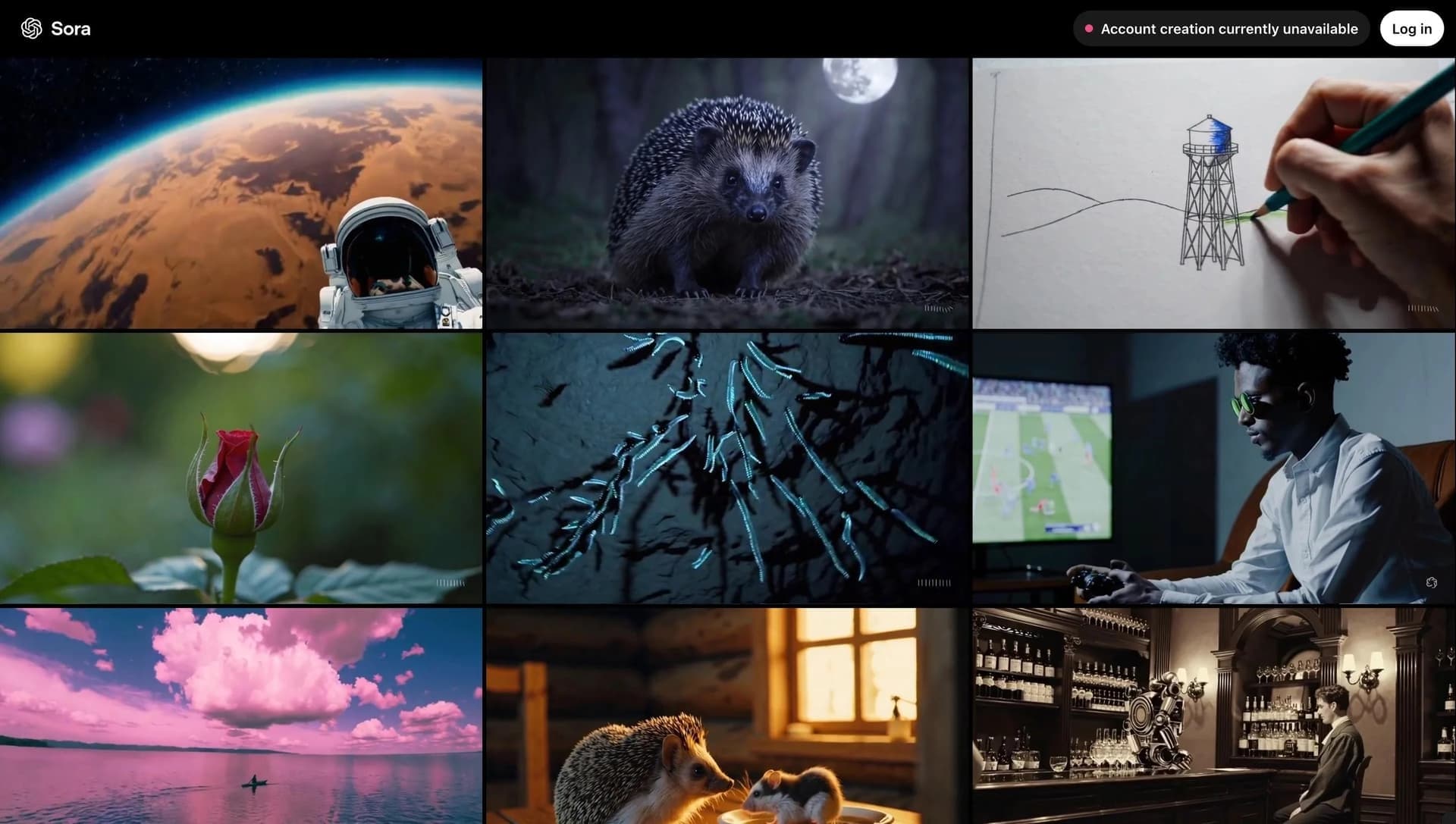
Kling AI часто сравнивают с Sora. Основное отличие заключается в подходе к генерации: Kling делает акцент на физике и реалистичности движения, за счёт чего сцены выглядят более живыми и естественными. Sora также работает с реализмом, но использует другой механизм генерации.
Помимо Sora, на рынке присутствуют и другие конкуренты: Yandex Art (Шедеврум), Google VEO, Hailuo, Pika Labs и Study24. Kling AI выделяется среди них вниманием к деталям физики движения, глубине сцены и взаимодействию объектов, а также возможностью создания видео длиной до 3 минут в 4K-качестве со звуком.
Заключение
Kling AI — один из самых обсуждаемых инструментов для генерации видео с акцентом на реализм и физику движения. В России сервис активно рассматривается как альтернатива более известным зарубежным решениям. Он подходит для создания рекламных концептов, визуализации идей, генерации контента для соцсетей и анимации объясняющих материалов. При этом инструмент находится на раннем этапе развития, требует точных формулировок в промптах и может выдавать нестабильные результаты, поэтому для достижения желаемого эффекта часто требуется несколько попыток.
Часто задаваемые вопросы
Похожие нейросети






Смотрите также

Каталог нейросетей и онлайн-инструментов для генерации изображений, анимаций и видео.

Облачная платформа для создания видео с помощью ИИ-аватаров, синтезированной речи и автоматического перевода роликов на десятки языков.


Набор инструментов для генерации и редактирования видео с помощью ИИ, включая аватары, липсинк и клонирование голоса.


Нейросеть для генерации коротких видео по текстовым описаниям или изображениям.
Каталог бесплатных видеоредакторов без водяных знаков для создания и обработки видео.


Многофункциональная платформа для создания и редактирования медиаконтента с помощью искусственного интеллекта.


ИИ-ассистент для создания текстового контента, изображений и работы с голосом, ориентированный на русскоязычных пользователей.

Набор мультимедийных AI-инструментов для редактирования и улучшения фото, видео и PDF-документов.