

Runway
Платформа для генерации и редактирования видео с помощью нейросетей.
Место в рейтингах
Обзор
Runway
Описание нейросети Runway
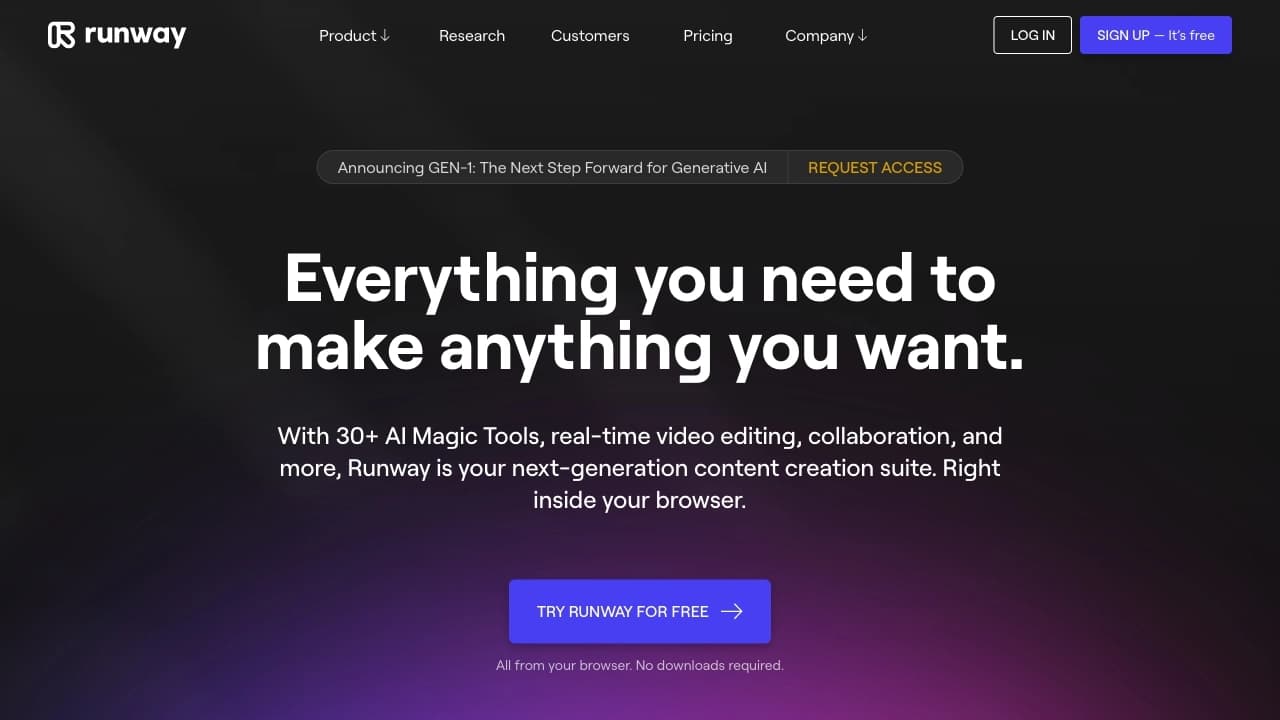
Runway — это многофункциональная платформа для работы с видео, изображениями и 3D-моделями на основе искусственного интеллекта. Она объединяет более 30 различных AI-инструментов, которые позволяют генерировать видеоролики по текстовому описанию или изображению, редактировать готовые сцены, анимировать статичные картинки, удалять фон, синхронизировать губы с аудио и выполнять множество других задач.
В отличие от многих AI-сервисов, которые ориентированы исключительно на эксперименты, Runway используется в реальном продакшене — маркетинге, видеопроизводстве и создании контента. Платформа заменяет собой несколько отдельных программ, закрывая ключевые этапы работы с видео: от генерации и монтажа до наложения эффектов. Runway позволяет создавать ролики длительностью до 60 секунд в разрешении 4K, что делает её пригодной для профессионального использования.
Характеристики Runway
| Характеристика | Значение |
|---|---|
| Тип | Платформа для работы с видео через AI |
| Категории | Генерация видео, Редактирование видео, Генерация изображений, Текст в видео, Изображение в видео |
| Разработчик | Runway AI, Inc. |
| Модель распространения | Freemium |
| Количество AI-инструментов | Более 30 |
| Ежемесячные посещения | 198M |
| Язык интерфейса | Английский |
| Язык запросов | Русский и другие языки |
| Регистрация | Требуется (через Google, Apple ID или email) |
| Тип доступа | #Сайт (онлайн-сервис) |
| Бесплатный тариф | Да (Free — ограниченные кредиты и функции) |
| Максимальное разрешение | 4K |
| Дата добавления | 13.05.2025 |
Для кого подходит нейросеть Runway?
Видеомейкеры и режиссёры
Runway подходит для видеомейкеров, режиссёров и креативных команд, которые хотят быстро создавать видеоконтент без традиционных съёмок. Платформа уже используется крупными студиями, включая Netflix, Amazon и Disney, в постпродакшн-рабочих процессах.
Дизайнеры и художники
Инструмент полезен для дизайнеров, аниматоров и художников, работающих над визуальными эффектами, арт-проектами и концептуальными раскадровками. Runway открывает возможности для создания сложных трёхмерных сцен и стилизации без глубоких технических навыков.
Маркетологи и контент-мейкеры
Платформа подходит для специалистов по маркетингу и создателей контента для соцсетей. Runway позволяет быстро генерировать рекламные ролики, промо и визуалы, тестировать разные идеи без использования классических программ вроде Premiere или After Effects.
Новички
Базовые функции Runway можно освоить быстро, что делает сервис доступным для новичков. Однако для использования всего потенциала платформы потребуется время и практика.
Как использовать нейросеть Runway?
Регистрация и выбор инструмента
Для начала работы необходимо зарегистрироваться на официальном сайте Runway через Google, Apple ID или электронную почту. После входа в систему пользователь выбирает нужный инструмент — например, Gen-3 Alpha для генерации видео из текста или изображений.
Загрузка контента и настройка параметров
Далее пользователь вводит текстовое описание (промт) на английском языке или загружает изображение. Можно настроить параметры длины, стиля, соотношения сторон, фильтры и эффекты. Для получения лучших результатов рекомендуется использовать английский язык — русский анализируется со смысловыми ошибками.
Генерация и доработка
После запуска генерации нейросеть создаёт видеоролик. При необходимости его можно отредактировать во встроенном видеоредакторе, который поддерживает покадровую правку, изменение сцен и добавление эффектов. Готовое видео экспортируется и сохраняется.
Основные функции Runway
Генерация видео
Runway позволяет создавать видеоролики по текстовому описанию (Text-to-Video), а также анимировать статичные изображения (Image-to-Video). Модель Gen-3 Alpha генерирует видео длительностью до 11 секунд в разрешении 720p с реалистичной физической симуляцией, высокой насыщенностью и согласованностью движения. Более новые модели поддерживают создание непрерывных роликов до 60 секунд в 4K.
Редактирование и монтаж
Платформа включает инструменты для работы с готовыми видео: удаление фона без хромакея, замена элементов, изменение сцен, автоматическая цветокоррекция, ретушь, замедление и стабилизация. Функция Lip Sync позволяет синхронизировать губы персонажей с аудиодорожкой.
3D-моделирование и раскадровка
Runway поддерживает создание трёхмерных моделей, раскадровку и визуализацию сцен. Пользователи могут получать 3D-объекты по текстовому запросу и использовать их в своих проектах. На платных тарифах доступно обучение собственных AI-моделей.
Продвинутые инструменты редактирования
Runway включает функцию Aleph — мультизадачный видеоредактор, который позволяет генерировать дополнительные кадры и альтернативные ракурсы, добавлять и удалять объекты (людей, здания, отражения), менять освещение, окружение и стиль (день-ночь, сезон, погода), а также изменять внешность персонажей по текстовому запросу. Все изменения сохраняют логичность и целостность визуального стиля сцены.
Преимущества Runway
Универсальность и широкий функционал
Runway объединяет генерацию, монтаж и обработку видео в одной платформе, заменяя необходимость использовать несколько разных программ. Это закрывает сразу несколько этапов работы с видеоконтентом: от создания сцен до финального экспорта.
Высокое качество и контроль
Платформа обеспечивает высокое качество видео и возможность точного контроля сцен. Инструменты для детализированного управления анимацией, поддержка ключевых кадров и стилистическая консистентность позволяют добиваться кинематографичного уровня визуала без съёмок.
Экономия времени и пригодность для продакшена
Автоматизация процессов значительно сокращает время работы над видео. Runway используется не только для экспериментов, но и для реальных задач в маркетинге, продакшене и создании контента, что подтверждается его интеграцией крупными студиями.
Мультимодальность
Платформа поддерживает работу с видео, изображениями, текстом и 3D-моделями. Пользователь может вводить данные разными способами: текст, изображение, ключевые кадры, видео-в-видео, что обеспечивает гибкость при решении разнообразных задач.
Недостатки Runway
Ограничения бесплатного тарифа
Бесплатный тариф имеет ограниченные кредиты, которые при активном использовании заканчиваются быстро. Кроме того, видео на бесплатном тарифе экспортируются с водяными знаками. Некоторые модели, такие как Gen-3 Alpha, не имеют бесплатного пробного периода и доступны только по платной подписке.
Требуется время на освоение
Несмотря на интуитивный интерфейс, для использования всего потенциала платформы требуется время и практика. Не все функции очевидны для новичков, а интерфейс сервиса доступен только на английском языке.
Нестабильность результатов
Результаты генерации не всегда стабильны — иногда приходится перегенерировать или дорабатывать видео вручную. Для сложных проектов Runway не заменяет полностью классический монтаж, и могут потребоваться дополнительные инструменты.
Зависимость от интернета
Runway работает как онлайн-сервис, поэтому при плохом интернет-соединении или нагрузке на сервер могут возникать задержки. Также сервис недоступен в России без использования VPN.
Какие задачи решает Runway
Создание рекламных и промороликов
Runway позволяет быстро генерировать рекламные ролики и промо, где часть сцен создаётся с нуля, а часть редактируется внутри одного инструмента. Это особенно полезно для маркетинговых кампаний, где нужно тестировать разные идеи и быстро получать результат.
Монтаж контента для соцсетей
Платформа подходит для подготовки визуалов и коротких клипов для социальных сетей без использования классических программ монтажа. Runway закрывает основные задачи по созданию сторителлинга, анимации и эффектов для креативных проектов.
Прототипирование и раскадровка
Runway используется для быстрого прототипирования сцен, создания сторибордов и концепт-видео. Это ускоряет пре-продакшен и позволяет визуализировать идеи до начала основных съёмок.
Визуализация продуктов и 3D-сцен
С помощью Runway можно создавать виртуальные шоурумы, визуализировать продукты и генерировать трёхмерные сцены для презентаций и демонстраций. Это востребовано в дизайне, архитектуре и продакт-менеджменте.
Цены Runway
Runway работает по модели freemium. Ниже представлены основные тарифные планы:
Free (Бесплатный): Предоставляет ограниченные кредиты и функции. При регистрации новый пользователь получает 105 кредитов, которых хватает примерно на 25 изображений и 105 секунд видео. Видео экспортируются с водяными знаками.
Standard: От $12-15 в месяц. Включает больше генераций, доступ к основным инструментам и возможность экспорта без водяных знаков в HD-качестве.
Pro: От $35 в месяц. Расширенные лимиты, более высокое качество генерации, приоритетный доступ и дополнительные функции, включая обучение собственных AI-моделей.
Цены могут незначительно различаться в зависимости от региона и текущих акций разработчика.
Условия использования Runway
Для работы с Runway требуется регистрация на официальном сайте. Пользователь может войти через Google, Apple ID или электронную почту. Работа платформы строится на системе лимитов (кредитов) — каждый инструмент или генерация расходует определённое количество кредитов.
На бесплатном тарифе действуют ограничения по количеству генераций и доступу к некоторым функциям. Для коммерческого использования и полного функционала требуется платная подписка. Видео, созданные на бесплатном тарифе, содержат водяные знаки.
При использовании сервиса рекомендуется писать запросы на английском языке — русский язык анализируется со смысловыми ошибками, что может повлиять на качество результата.
Доступность Runway
Runway работает как веб-сервис (онлайн-платформа) и доступен на официальном сайте runwayml.com. Отдельного приложения для установки на компьютер или мобильные устройства не предусмотрено — весь функционал доступен через браузер.
Для работы требуется стабильное интернет-соединение. При плохом соединении или высокой нагрузке на сервер могут возникать задержки при генерации. На территории России сервис доступен только с использованием VPN.
Некоторые инструменты, такие как новейший видеоредактор Aleph, на момент написания статьи доступны только корпоративным и креативным партнёрам Runway, но ожидается их открытый релиз.
Чем отличается Runway от аналогов
Runway отличается от конкурентов тем, что это не просто генератор видео, а полноценная платформа, объединяющая генерацию, редактирование и монтаж в одном инструменте. В отличие от Sora и Kling AI, которые больше фокусируются на генерации видео как отдельной функции, Runway предоставляет больше контроля и дополнительных инструментов для доработки контента.
По сравнению с Pika Labs и Kaiber, Runway обеспечивает более высокое качество видео и возможность точного контроля сцен. В отличие от Synthesia, платформа не ограничивается работой с аватарами — она работает с любыми видео и изображениями.
Runway также опережает многих конкурентов по скорости и детализации, а версия Gen-3 Alpha многими пользователями считается лучшей моделью текст-в-видео, превосходящей Sora по доступности — в то время как Sora остаётся в режиме приглашений, Runway доступен для широкой аудитории по платной подписке.
Заключение
Runway — это многофункциональная платформа, которая закрывает сразу несколько задач: от генерации видео по тексту и изображению до редактирования, монтажа и наложения визуальных эффектов. Она является одним из самых универсальных сервисов в своей категории, подходя как для новичков, так и для профессиональных студий. Несмотря на необходимость платной подписки для полноценного использования и время на освоение всех возможностей, Runway остаётся востребованным инструментом в производстве контента, маркетинге и креативных проектах благодаря высокому качеству результатов, широкому функционалу и постоянному обновлению моделей.
Тарифы
Часто задаваемые вопросы
Похожие нейросети













Смотрите также


ИИ-ассистент для создания текстового контента, изображений и работы с голосом, ориентированный на русскоязычных пользователей.
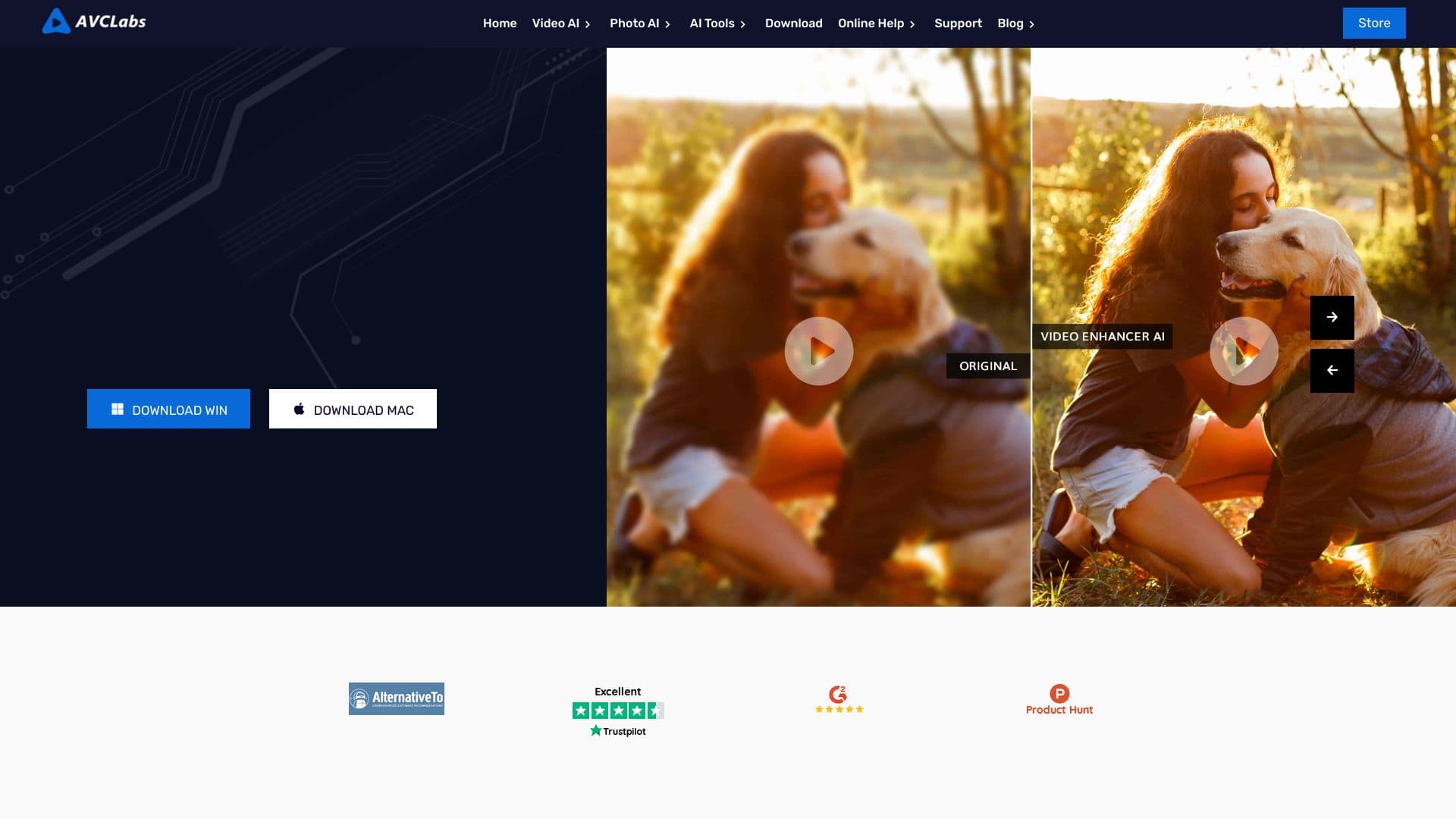

Десктопное приложение для Windows, которое повышает разрешение видео до 4K/8K и улучшает качество старых записей с помощью ИИ.

Многофункциональная AI-платформа для создания контента, объединяющая синтез речи, генерацию текста, создание аватаров и редактирование видео.


Нейросеть для генерации коротких видео по текстовым описаниям или изображениям.
Каталог бесплатных видеоредакторов без водяных знаков для создания и обработки видео.


Многофункциональная платформа для создания и редактирования медиаконтента с помощью искусственного интеллекта.

Облачная платформа для создания видео с помощью ИИ-аватаров, синтезированной речи и автоматического перевода роликов на десятки языков.


Bleepify автоматически находит и заглушает нецензурные слова в видео и аудио.