

Stable Video Diffusion
Экспериментальная модель от Stability AI для генерации коротких видео из текстовых описаний или загруженных изображений.
Обзор
Stable Video Diffusion
Описание нейросети Stable Video Diffusion
Stable Video Diffusion — это экспериментальная модель генерации коротких видео, разработанная британским стартапом Stability AI. В отличие от многих современных решений, эта нейросеть работает в два этапа: сначала по текстовому описанию создаётся изображение (используется встроенный генератор Stable Diffusion), а затем оно анимируется с возможностью настройки движения камеры. Пользователь также может загрузить собственную картинку и сразу перейти к анимации, минуя этап генерации изображения.
Продолжительность создаваемых роликов ограничена четырьмя секундами. Сервис распространяется бесплатно с ежедневным начислением кредитов, однако качество видео пока заметно уступает коммерческим аналогам — модель остаётся сырой и экспериментальной, пригодной скорее для тестов и обучения, чем для реального использования в проектах.
Характеристики Stable Video Diffusion
| Характеристика | Значение |
|---|---|
| Тип | Генератор видео и изображений |
| Категория | Видео генераторы, Генераторы изображений, Текст в Видео |
| Платформы | Веб-версия, демо на Hugging Face, веса и код для установки на компьютер |
| Языки интерфейса | Не поддерживает русский язык |
| Наличие бесплатного тарифа | Бесплатно (ежедневно начисляют 40 кредитов) |
| Цена | Бесплатно (есть возможность докупать кредиты) |
| Разработчик | Stability AI (британский стартап) |
| Дата добавления | 2 июня 2024 |
| Требуется ли кредитная карта | Нет |
Для кого подходит нейросеть Stable Video Diffusion?
Контент-мейкеры и маркетологи
Создатели контента могут использовать Stable Video Diffusion для быстрого получения коротких видео из статичных изображений — например, для социальных сетей или рекламных кампаний. Однако важно понимать, что качество результата пока не дотягивает до профессионального уровня, поэтому инструмент больше подходит для черновых набросков и экспериментальных форматов.
Видеомонтажёры и кинематографисты
Специалисты в области видео и кино могут применять нейросеть для генерации промежуточных анимаций, эффектов вращения камеры вокруг объекта или простых idle-анимаций. Возможность загрузить собственное изображение и настроить движение камеры даёт определённую гибкость на ранних этапах работы над проектом.
Художники и исследователи
Поскольку модель является open-source и распространяется с открытыми весами и кодом, она представляет интерес для художников, изучающих генеративные технологии, и исследователей, желающих поэкспериментировать с AI-анимацией. Педагоги также могут использовать её для создания наглядных учебных материалов.
Как использовать нейросеть Stable Video Diffusion?
Работа через веб-версию
Для начала работы необходимо зайти на сайт stable-video-diffusion.com и создать аккаунт или войти в существующий. После регистрации пользователь может приступить к генерации. При первом способе нейросеть сначала создаёт из текстового описания четыре варианта изображения — на этом этапе списывается 11 кредитов. Затем нужно выбрать понравившуюся картинку и перейти к этапу создания видео.
Настройка параметров анимации
Перед запуском генерации видео можно настроить дополнительные параметры в разделе Advanced, включая движение камеры. Это позволяет контролировать характер анимации. После настройки запускается процесс рендеринга — готовое видео можно скачать и просмотреть.
Анимация собственного изображения
Второй способ — загрузить свою неподвижную картинку и сразу анимировать её, полностью минуя этап генерации изображения. Для этого нужно выбрать файл в поддерживаемом формате, настроить параметры анимации и запустить генерацию. Готовый результат затем можно скачать или поделиться им.
Основные функции Stable Video Diffusion
Генерация видео из текстовых описаний
Нейросеть способна создавать четырёхсекундные ролики на основе текстовых запросов. При этом она неплохо понимает объёмные сцены и «додумывает», как объекты выглядят с разных сторон, что является одним из заметных достоинств модели.
Встроенный генератор изображений Stable Diffusion
Под капотом инструмента работает популярный генератор Stable Diffusion, что обеспечивает достойное качество промежуточных изображений. Пользователь может выбрать один из четырёх сгенерированных вариантов для последующей анимации.
Создание видео из загруженной картинки (оживление фото)
Функция image-to-video позволяет загрузить любое статичное изображение и превратить его в короткое анимированное видео. Это может быть как фотография, так и любое другое неподвижное изображение.
Open-source платформа для тестов
Веса и код модели находятся в открытом доступе. Пользователи могут не только работать через веб-версию или демо на Hugging Face, но и устанавливать нейросеть на свой компьютер для самостоятельных экспериментов.
Преимущества Stable Video Diffusion
Бесплатный доступ с ежедневными кредитами
Stable Video Diffusion распространяется бесплатно — каждый день пользователю начисляется 40 кредитов, что позволяет регулярно тестировать модель без финансовых вложений. Кредитная карта для регистрации не требуется.
Понимание объёмных сцен
Модель хорошо справляется с задачей «додумывания» объектов: если в тексте описана трёхмерная сцена, нейросеть пытается представить, как выглядят элементы с разных сторон, что выгодно отличает её от многих примитивных генераторов.
Открытый исходный код
Возможность скачать веса и код для самостоятельной установки делает инструмент привлекательным для исследователей и разработчиков. Open- source-подход позволяет сообществу вносить свой вклад в развитие модели и адаптировать её под собственные нужды.
Популярный генератор изображений под капотом
Использование Stable Diffusion в качестве основы для первого этапа гарантирует, что промежуточные изображения получаются достаточно качественными, даже если финальная анимация пока далека от идеала.
Недостатки Stable Video Diffusion
Двухступенчатый процесс вместо прямого text-to-video
В отличие от многих современных решений, Stable Video Diffusion не умеет создавать видео напрямую из текста — сначала необходимо сгенерировать изображение, а затем анимировать его. Это усложняет рабочий процесс и увеличивает время создания ролика.
Низкое качество и искажения
Ролики почти всегда получаются с заметными искажениями. Модель плохо справляется со сложными сценами и высокой динамикой. Даже в простых случаях результат часто выглядит неаккуратно, что делает инструмент непригодным для коммерческого использования.
Ограниченная длительность видео
Максимальная продолжительность ролика составляет четыре секунды. Для большинства реальных задач этого явно недостаточно. Кроме того, нейросеть плохо генерирует видео, в которых не предполагается движения — статичные сцены получаются неестественными.
Отсутствие точного текстового контроля и проблемные лица
У пользователя нет возможности точно управлять содержанием видео через текстовые подсказки на этапе анимации. Лица и люди в кадре часто генерируются неточно. Также модель не умеет корректно отображать читаемый текст в видео.
Отсутствие поддержки русского языка
Интерфейс сервиса не поддерживает русский язык, что создаёт дополнительные трудности для русскоязычных пользователей. Оплата российскими картами также невозможна.
Какие задачи решает Stable Video Diffusion
Создание коротких видео из текстового описания
Пользователь может описать сцену текстом и получить четырёхсекундный ролик. Это полезно для быстрого прототипирования идей или создания простых анимаций без навыков видеомонтажа.
Анимация статичных изображений (оживление фото)
Одна из ключевых возможностей — превращение неподвижных фотографий или картинок в короткие анимированные клипы. Это может использоваться для художественных проектов, образовательных материалов или контента для социальных сетей.
Создание простых анимаций
Модель подходит для генерации idle-анимаций (например, лёгкое движение объекта на месте) и эффекта вращения камеры вокруг объекта. Такие сцены не требуют высокой динамики, что соответствует текущим возможностям нейросети.
Эксперименты и обучение
Благодаря открытому исходному коду и бесплатному доступу, Stable Video Diffusion может использоваться для изучения принципов работы генеративных моделей видео, проведения исследовательских тестов и обучения студентов.
Цены Stable Video Diffusion
Stable Video Diffusion распространяется по бесплатной модели. Каждый день пользователю начисляется 40 кредитов, которых хватает на несколько генераций (на первом этапе создания изображения списывается 11 кредитов). Подписки как таковой нет, но можно докупать дополнительные кредиты: от 10 долларов за 500 штук, что примерно соответствует 50 генерациям. Регистрация не требует указания кредитной карты.
Условия использования Stable Video Diffusion
Для начала работы необходимо создать аккаунт на сайте сервиса. Инструмент находится в статусе исследовательского превью (research preview) и официально не предназначен для коммерческого использования. Разработчики прямо указывают на экспериментальный характер модели — на данном этапе она скорее подходит для тестирования, обучения и творческих экспериментов, чем для включения в рабочие процессы. При этом возможность запуска локально (благодаря открытым весам и коду) даёт пользователям больше свободы в использовании.
Доступность Stable Video Diffusion
Stable Video Diffusion доступна в нескольких форматах. Прежде всего, это веб-версия по адресу stable-video-diffusion.com, где можно работать через браузер. Также существует демо-версия на платформе Hugging Face (режим image-to-video). Кроме того, веса и код модели находятся в открытом доступе для установки на собственный компьютер.
Язык интерфейса — английский, поддержка русского языка отсутствует. Использование VPN для доступа к сервису не требуется. Оплата российскими картами недоступна. Инструмент зарегистрирован в каталоге 2 июня 2024 года.
Чем отличается Stable Video Diffusion от аналогов
Open-source и бесплатный доступ
Главное отличие Stable Video Diffusion от коммерческих аналогов (таких как Runway Gen-1, Adobe Firefly или Krea AI) — это полностью открытый исходный код. Пользователи могут не только работать через веб-версию, но и скачивать веса и код для самостоятельного запуска и доработки модели.
Двухступенчатый процесс генерации
В отличие от решений, которые сразу генерируют видео из текста (например, Flux), Stable Video Diffusion сначала создаёт изображение с помощью Stable Diffusion, а затем анимирует его. Это одновременно и преимущество (качество картинки высокое), и недостаток (процесс более громоздкий и менее гибкий).
Экспериментальный статус
Большинство аналогов, такие как Runway Gen-1 или Adobe Firefly, представляют собой коммерческие продукты с более высоким качеством генерации и поддержкой пользователей. Stable Video Diffusion, напротив, остаётся сырой экспериментальной моделью, которая на текущем этапе неконкурентоспособна в commercial-сегменте и ориентирована прежде всего на исследователей и энтузиастов.
Ограниченная длительность и качество
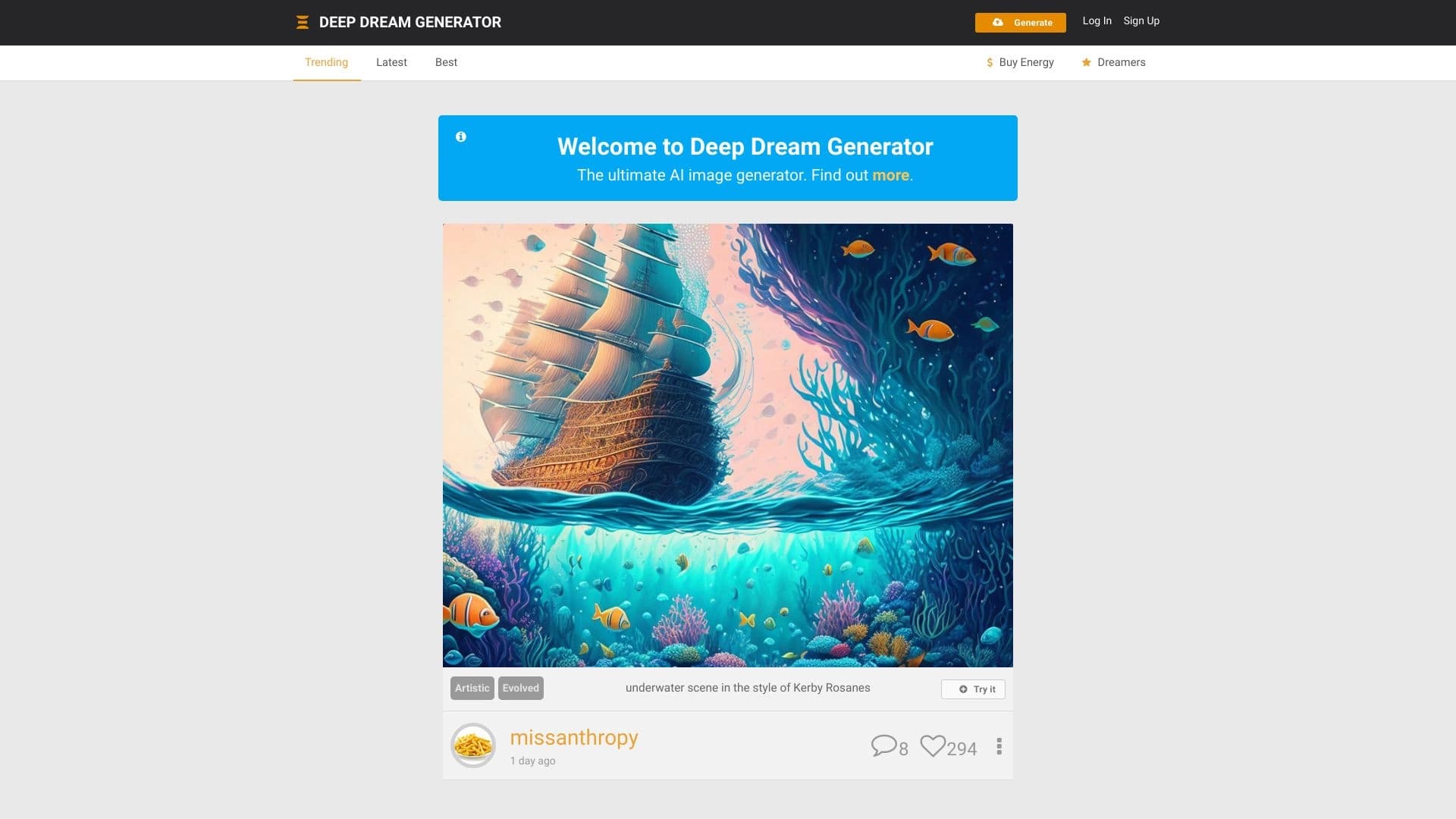
В то время как некоторые конкуренты способны генерировать более длинные и качественные ролики, Stable Video Diffusion ограничена четырьмя секундами и страдает от заметных искажений в большинстве сгенерированных видео. Это делает её менее привлекательной для практического применения по сравнению с такими аналогами, как Kolors или Deep Dream Generator.
Заключение
Stable Video Diffusion — экспериментальный open-source проект Stability AI для генерации коротких видеороликов из текстовых описаний или загруженных изображений. На данный момент модель остаётся сырой, страдает искажениями и заметно уступает коммерческим аналогам. Сервис распространяется бесплатно с ежедневным начислением кредитов, а открытый исходный код позволяет устанавливать его локально. Однако текущее качество видео не предназначено для коммерческого использования — инструмент подходит скорее для исследовательских целей, обучения и творческих экспериментов.
Тарифы
Часто задаваемые вопросы
Похожие нейросети



Смотрите также

Каталог нейросетей и онлайн-инструментов для генерации изображений, анимаций и видео.

Облачная платформа для создания видео с помощью ИИ-аватаров, синтезированной речи и автоматического перевода роликов на десятки языков.


Набор инструментов для генерации и редактирования видео с помощью ИИ, включая аватары, липсинк и клонирование голоса.


Нейросеть для генерации коротких видео по текстовым описаниям или изображениям.
Каталог бесплатных видеоредакторов без водяных знаков для создания и обработки видео.


Многофункциональная платформа для создания и редактирования медиаконтента с помощью искусственного интеллекта.


ИИ-ассистент для создания текстового контента, изображений и работы с голосом, ориентированный на русскоязычных пользователей.

Набор мультимедийных AI-инструментов для редактирования и улучшения фото, видео и PDF-документов.