

Sora
An OpenAI tool for creating and editing videos from a text description or an image.
Overview
Sora
Description of the Sora neural network
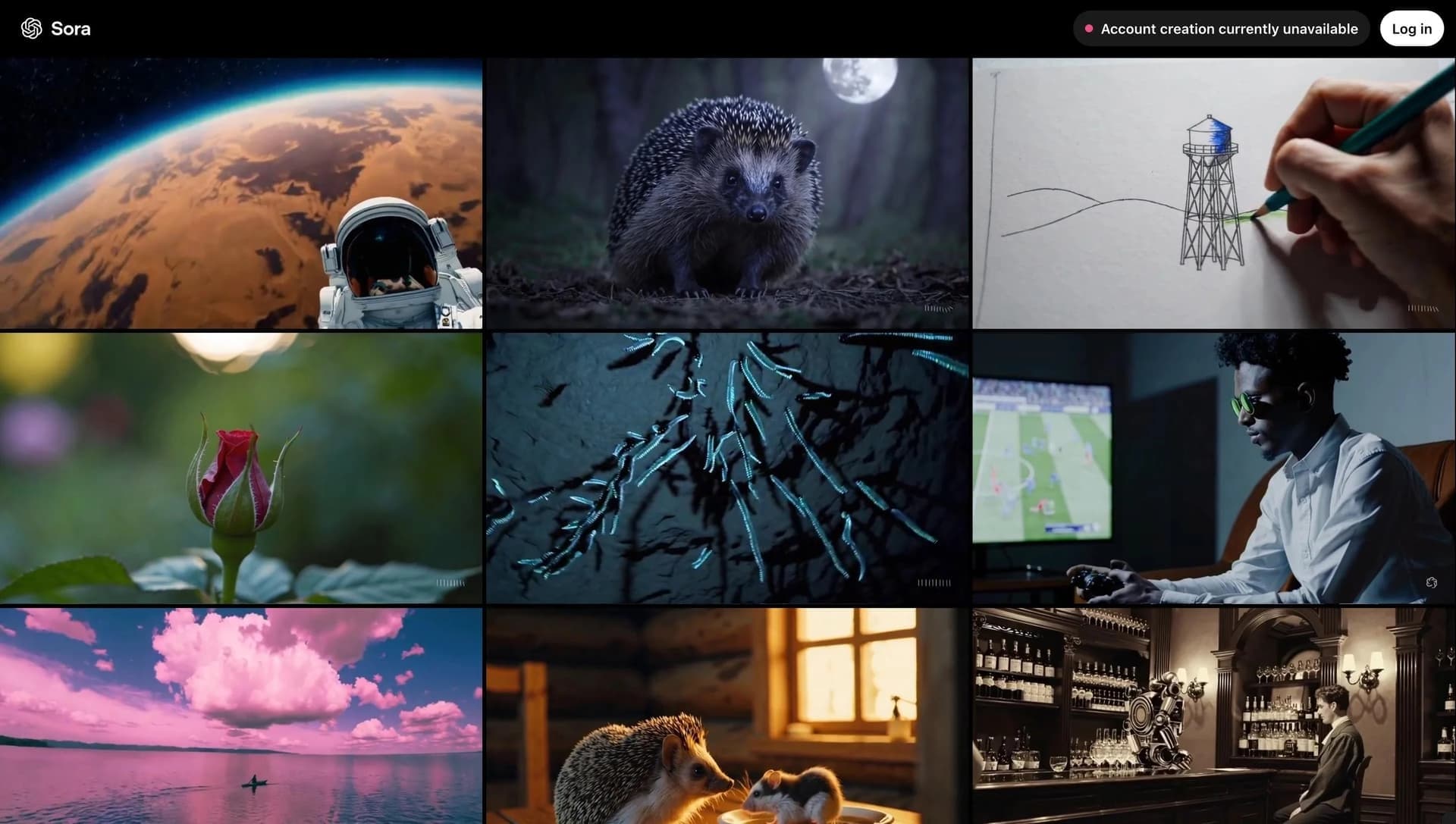
Sora is a neural network model for video generation developed by OpenAI. The tool lets you create realistic videos based on text descriptions or uploaded images. Sora can generate videos up to 60 seconds long at 1080p resolution, supports frame-by-frame editing and animation of still images, and can synthesize soundtracks. The second version of the model offers more realistic physics and built-in audio generation.
Sora characteristics
| Characteristic | Value |
|---|---|
| Type | Video neural network for generating clips from text and images |
| Category | Text → Video, Video generation |
| Developer | OpenAI |
| Website | sora.com |
| Status | Closed. The web version and app were closed on April 26, 2026; the API will be shut down on September 24, 2026 |
| Publication date | March 25, 2025 |
| Last update | May 1, 2026 |
Who is the Sora neural network suitable for?
Video editors and content creators
Sora can be useful for professionals who create video content for social media, advertising campaigns, or educational projects. The tool makes it possible to quickly generate videos from a text script without the need for shooting.
Designers and creatives
Image animation and frame-by-frame editing make Sora suitable for designers working with visual concepts, mood boards, or video prototypes.
Developers and integrators
Thanks to the API, Sora can be used in automated content generation pipelines, for example, to create previews, promo clips, or animated illustrations.
How to use the Sora neural network?
Text-based generation
The user enters a text prompt describing the desired video — plot, action, environment, and style. The model analyzes the prompt and creates a corresponding video sequence based on the specified details.
Image-based generation
Instead of text, you can upload an existing image. Sora animates it, adding motion, scene changes, or object transformations based on the visual foundation.
Frame-by-frame editing
After generating a clip, you can make changes to individual frames: adjust object poses, change lighting, or add and remove elements.
Main features of Sora
Text-to-video generation
Sora's key feature is creating videos from text. The user describes the scene, action, and atmosphere, and the neural network generates a corresponding video sequence.
Image-to-video generation
Sora can take a static image as a base and turn it into an animated video sequence while preserving key elements of the original picture.
Soundtrack synthesis
The second version of the model supports generating audio synchronized with the video, which previously required separate editing.
Advantages of Sora
High realism
The model demonstrates detailed physics of object interactions, plausible lighting, and natural movement, bringing generated video closer to real footage.
Support for multiple input formats
The tool works with both text and images, providing flexibility in choosing the source data for generation.
Built-in audio work
Generating the audio track inside the tool eliminates the need to use third-party services to add sound to clips.
Disadvantages of Sora
Service shutdown
The Sora web version and mobile app have been closed since April 26, 2026. The API will be shut down on September 24, 2026. This means the tool is unavailable for new user scenarios.
Limited operating period
Users with unexported materials should download them as soon as possible through the export page. After the API is shut down, access to the data will no longer be possible.
No support for new users
The service has stopped accepting new users and processing new requests, making it unsuitable for current video generation projects.
What tasks does Sora solve
Creating videos from text descriptions
Sora automates the process of turning text scripts into ready-made videos, eliminating the need to find stock footage or conduct shoots.
Creating videos from images
Static images, such as photos, illustrations, or renders, can be animated while preserving the original visual style.
Editing existing videos
Frame-by-frame editing allows changes to be made to already generated clips, adjusting individual scenes without regenerating the entire material.
Sora pricing
As of April 2026, information about Sora pricing is unavailable because the service is closed to new users and the API is scheduled to be shut down. Previously, the model was distributed through a paid subscription, but exact pricing is no longer published under current conditions.
Sora terms of use
OpenAI recommends that users with created materials export them as soon as possible through the export page. After the API is shut down on September 24, 2026, access to saved data will be discontinued. Using the service for new tasks is currently not possible.
Sora availability
As of April 2026, the Sora web version and mobile app are fully closed. The tool's API will continue to operate until September 24, 2026, after which it will be permanently shut down. New users cannot register or start using the service.
How Sora differs from alternatives
Sora stood out among competitors for its highly realistic physics and built-in audio generation, which was rare among video generators at the time of its launch. However, because of the service shutdown, the main difference now is its unavailability. Users who need text-to-video or image-to-video generation should consider alternative tools such as Runway, Kling AI, Pika, and Hailuo AI, which remain operational and offer similar functionality.
Conclusion
Sora is a video generator from OpenAI that made it possible to create realistic videos from text and images with a high level of detail and sound. However, as of April 2026, the service is closed, and its API will be shut down in September 2026. The tool cannot be used for new tasks, so for video generation you should consider alternative platforms such as Runway, Kling AI, Pika, and Hailuo AI.
Frequently asked questions
Similar AI tools














See also


Bleepify automatically detects and bleeps out profanity in video and audio.
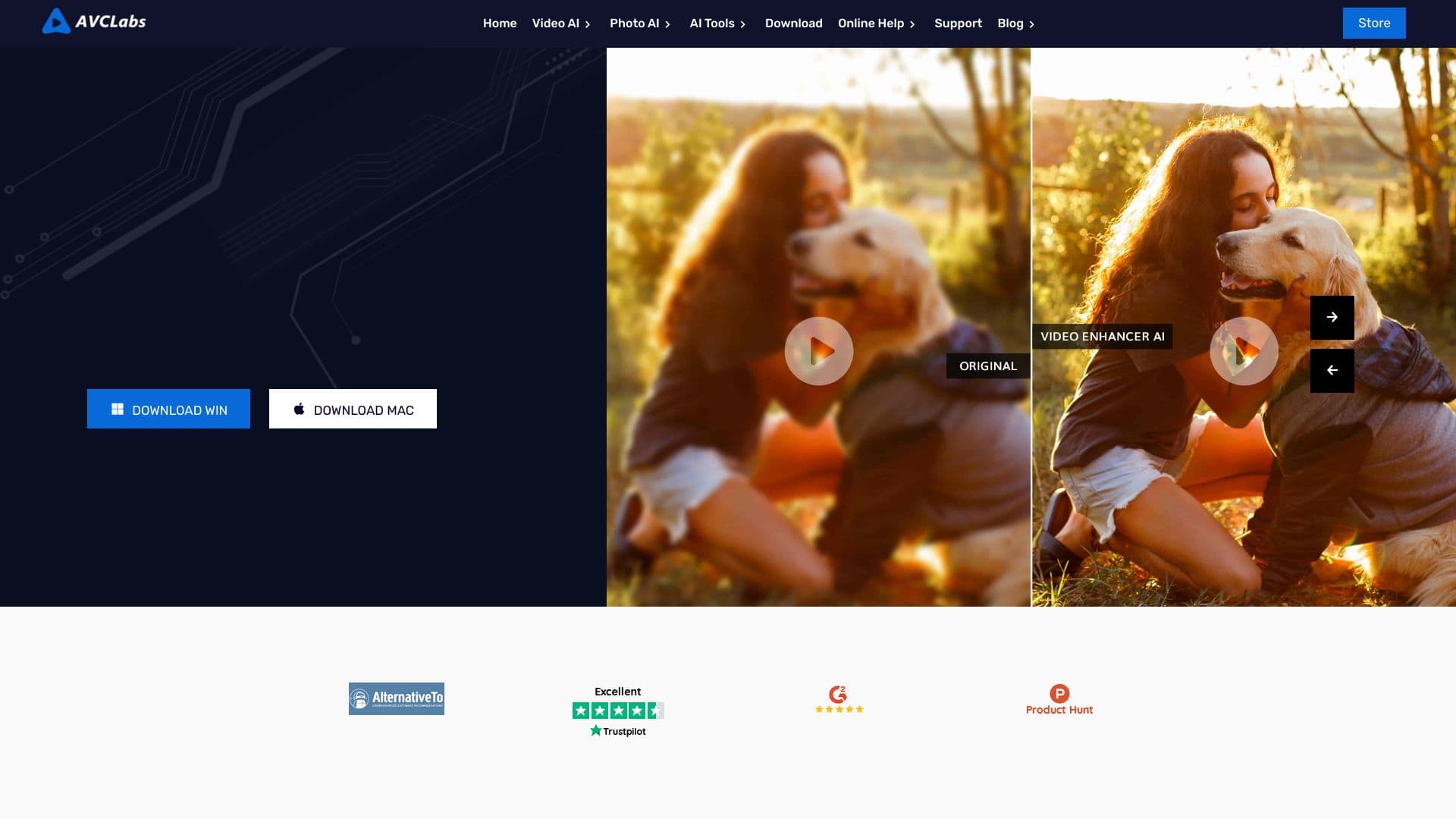

Desktop application for Windows that upscales video resolution to 4K/8K and enhances the quality of old recordings using AI.

Multifunctional AI platform for content creation, combining speech synthesis, text generation, avatar creation, and video editing.


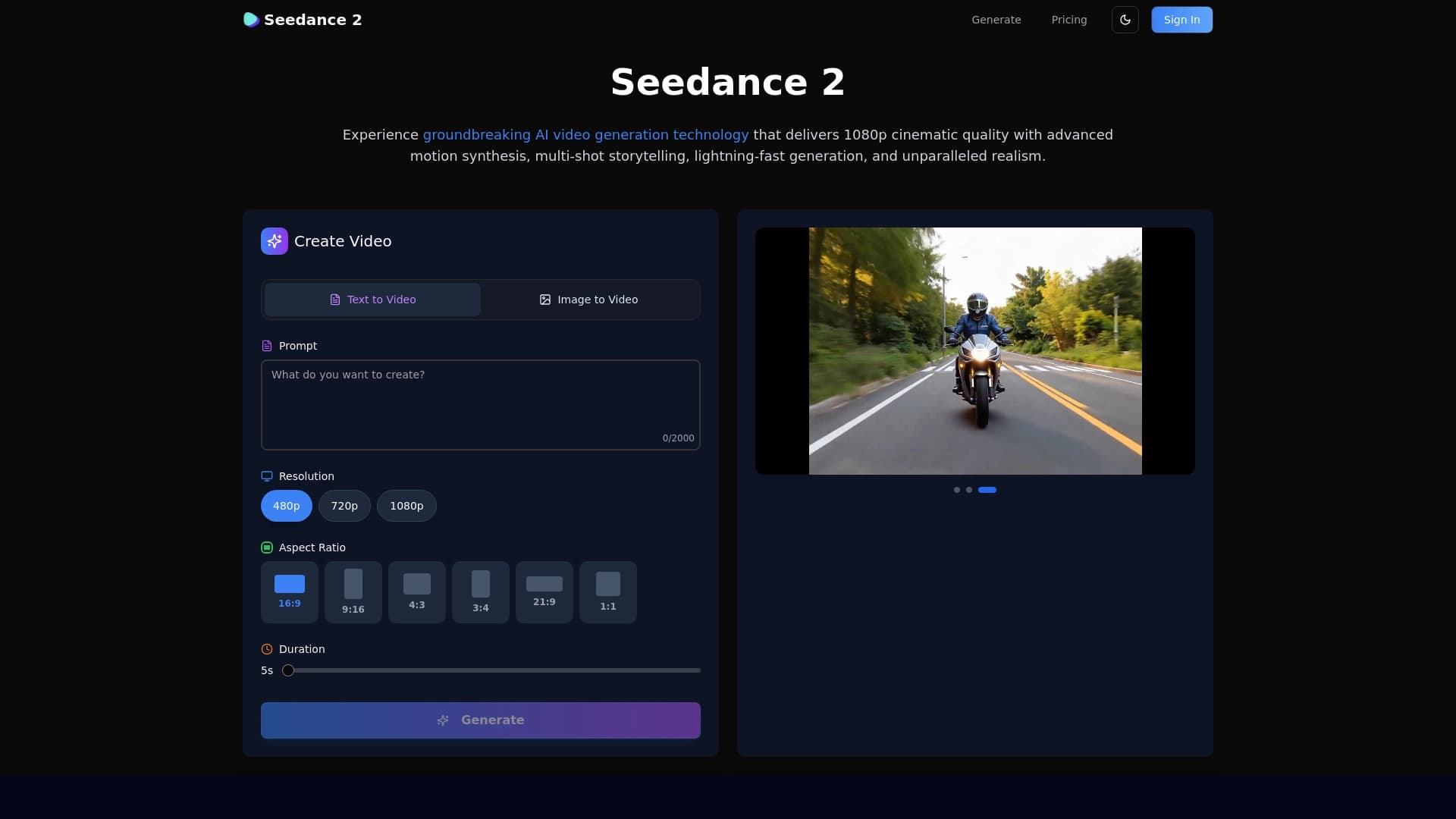
A neural network for generating short videos from text descriptions or images.

Catalog of free video editors without watermarks for creating and editing videos.


A multifunctional platform for creating and editing media content using artificial intelligence.

Cloud platform for creating videos using AI avatars, synthesized speech, and automatic translation of clips into dozens of languages.


AI toolkit for video generation and editing, including avatars, lip-sync, and voice cloning.