

Fliki
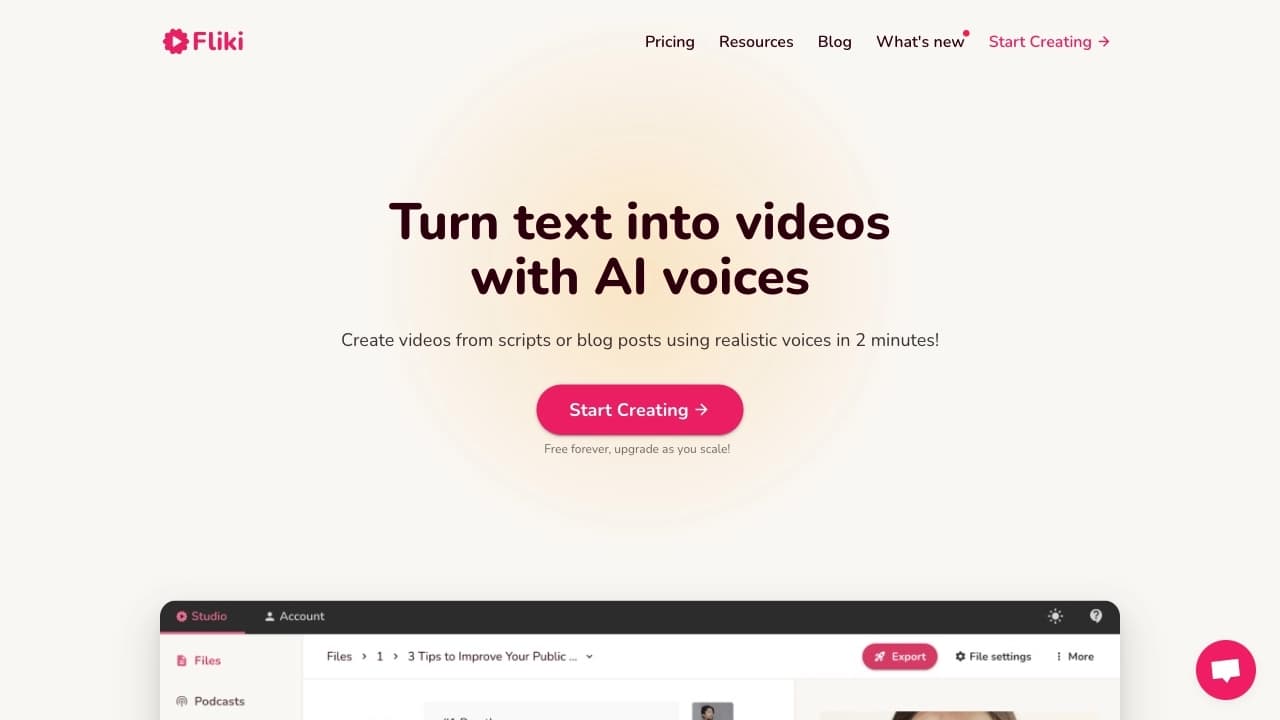
Веб-сервис для преобразования текста в видео с искусственной озвучкой и автоматическим подбором видеоряда.
Место в рейтингах
Обзор
Fliki
Описание нейросети Fliki
Fliki — это веб-сервис, который преобразует текстовый сценарий в готовый видеоролик с искусственной озвучкой и автоматическим подбором видеоряда. Платформа объединяет в одном редакторе сценарий, аудиодорожку, визуальный контент, субтитры и инструменты экспорта, позволяя создавать видео без навыков монтажа и необходимости появляться в кадре.
Сервис поддерживает более 2500 голосов на 80+ языках, включает функции клонирования голоса и генерации ИИ-аватаров. Fliki позиционируется как инструмент для быстрого производства контента: процесс создания ролика занимает 2–3 минуты. Платформа работает по модели freemium — базовые возможности доступны бесплатно, расширенные функции открываются по подписке.
Характеристики Fliki
| Характеристика | Значение |
|---|---|
| Тип | Генератор видео из текста |
| Категории | Текст → Видео, Текст → Речь, Голосовые ассистенты, Субтитры, Клонирование голоса |
| Платформы | Веб-приложение |
| Языки интерфейса | Английский (понимает запросы на русском) |
| Поддерживаемые языки озвучки | Более 80 языков и 100 диалектов |
| Количество голосов | Более 2500 AI-генерированных голосов |
| Количество ИИ-аватаров | Более 70 |
| Наличие бесплатного тарифа | Да |
| Модель распространения | Freemium |
| Разработчик | Nine Thirty Five LLC (Делавэр, США) |
| Есть API | Да (на платных тарифах Premium и выше) |
| Рейтинг | 4.7–4.8 из 5 (на основе отзывов пользователей) |
Для кого подходит нейросеть Fliki?
Создатели контента и блогеры
Платформа ориентирована на авторов, которым нужно быстро производить видеоролики для социальных сетей — Instagram Reels, TikTok, YouTube Shorts. Встроенные шаблоны под форматы площадок и автоматическая сборка видео позволяют публиковать контент регулярно без привлечения монтажёра.
Маркетологи и бизнес-пользователи
Fliki подходит для создания рекламных и обучающих роликов, демонстрации продуктов, внутренних коммуникаций в компаниях. Сервис поддерживает интеграцию с CMS и маркетинговыми платформами, а также предоставляет API для встраивания в рабочие процессы.
Преподаватели и образовательные проекты
Инструмент позволяет создавать учебные видео, лекции с озвучкой и субтитрами. Возможность перевода и дубляжа роликов на разные языки делает его полезным для образовательных платформ с международной аудиторией.
Как использовать нейросеть Fliki?
Подготовка и регистрация
Для начала работы необходимо создать учётную запись на официальном сайте fliki.ai. Бесплатный тариф не требует ввода банковской карты. После регистрации открывается доступ к редактору, где можно выбрать тип контента: текст, статья блога, презентация или продуктовый листинг.
Пошаговый процесс создания видео
- Загрузка текста — вставьте сценарий, текст статьи или ссылку на материал. Минимальный объём текста — 200 символов.
- Настройка озвучки — выберите голос и язык из доступной библиотеки. Можно настроить скорость речи, интонацию и паузы.
- Подбор видеоряда — система автоматически подбирает стоковые изображения и видеоклипы под содержание сценария. Можно вручную заменить медиафайлы или добавить свои.
- Финальная корректировка — просмотрите предварительную версию, при необходимости внесите правки: измените субтитры, добавьте фоновую музыку или эффекты.
- Экспорт — сохраните готовый ролик в нужном формате и разрешении. На бесплатном тарифе доступен экспорт в 720p с водяным знаком Fliki.
Основные функции Fliki
Преобразование текста в видео
Базовый функционал платформы — превращение письменного сценария, статьи или заметки в видеоролик с голосом за кадром. Система самостоятельно разбивает текст на сцены, подбирает визуальное сопровождение и синхронизирует аудиодорожку.
Библиотека голосов и аватаров
Fliki предлагает более 2500 синтезированных голосов на 80+ языках и диалектах. Доступно клонирование собственного голоса на 70+ языках, а также библиотека из 70+ ИИ-аватаров с возможностью создания цифрового двойника с копированием мимики, голоса и манеры речи.
Инструменты для социальных сетей
Платформа включает готовые шаблоны под форматы Reels, Shorts и TikTok. Можно создавать видео в вертикальном формате, настраивать субтитры и обложки. Также доступна генерация сценария и автоматическое создание обложек с помощью ИИ.
Дополнительные возможности
- Перевод и дубляж готовых видео с синхронизацией губ
- Автоматическая генерация субтитров и расшифровок
- Интеграция с CMS и маркетинговыми платформами через API
- Экспорт в различные форматы и разрешения
- Запись экрана и создание презентационных роликов из PowerPoint
Преимущества Fliki
Высокая скорость создания
Видеоролик можно получить за 2–3 минуты — от загрузки текста до готового экспорта. Это существенно быстрее традиционных методов видеопроизводства, особенно для короткого контента под социальные сети.
Широкий выбор голосов и языков
Библиотека из более 2500 голосов на 80+ языках — один из самых больших ассортиментов на рынке. Сервис понимает запросы на русском языке, что упрощает работу русскоязычным пользователям.
Низкий порог входа
Бесплатный тариф не требует регистрации банковской карты. Базовые функции доступны сразу, а готовое видео можно скачать бесплатно в формате mp4 с разрешением 720p. Платформа работает в браузере — не нужно устанавливать дополнительное ПО.
Объединение функций в одном сервисе
Fliki сочетает возможности text-to-video и text-to-speech, автоматический подбор медиа, генерацию субтитров, клонирование голоса и создание аватаров. Весь процесс от идеи до финального ролика происходит в едином редакторе.
Недостатки Fliki
Ограничения бесплатного тарифа
Бесплатный план существенно ограничен: 3–5 минут видео или аудио в месяц, экспорт только в 720p, наличие водяного знака Fliki, доступ к ограниченной библиотеке голосов (около 300). Сложные функции вроде генерации аватаров и клонирования голоса требуют платной подписки.
Качество аватаров
ИИ-аватары Fliki уступают в реалистичности специализированным сервисам вроде HeyGen или Synthesia. Это может быть критично для проектов, где требуется фотореалистичное изображение человека в кадре.
Нюансы работы
- Медленная поддержка пользователей
- Редкие артефакты текста на видео
- Непрозрачная система кредитов на бесплатном тарифе
- Качество перевода и произношения требует ручной проверки
- Состав функций и лимиты зависят от тарифа и региона
Какие задачи решает Fliki
Создание видеоконтента из текстовых материалов
Платформа позволяет превращать текстовые сценарии, статьи блогов, страницы продуктов или заметки в готовые видеоролики с озвучкой. Это решает задачу быстрого производства контента для тех, кто не имеет навыков видеомонтажа.
Озвучка и локализация
Fliki подходит для добавления голосовых комментариев к видео, создания аудиоверсий текстовых материалов, а также для перевода и дубляжа готовых роликов на разные языки с синхронизацией губ.
Регулярный контент для социальных платформ
Инструмент оптимизирован для создания коротких видео под форматы Instagram Reels, TikTok, YouTube Shorts. Встроенные шаблоны и автоматическая сборка ускоряют подготовку публикаций на регулярной основе.
Образовательные и корпоративные проекты
Fliki решает задачи создания учебных материалов, внутренних коммуникаций в компаниях, демонстрации продуктов и обучающих видео. Возможность генерации субтитров и перевода делает контент доступным для международной аудитории.
Цены Fliki
Бесплатный тариф
Базовый план доступен без оплаты, не требует ввода банковской карты. Включает 3–5 минут видео или аудио контента в месяц, экспорт в разрешении 720p, библиотеку примерно из 300 голосов и водяной знак Fliki на готовых роликах.
Стандартный тариф
Стоимость — около 14 USD в месяц при годовой оплате. Предоставляет 2160 минут в год, доступ к 1000 голосов, экспорт в 1080p, отсутствие водяного знака. Подходит для индивидуальных создателей контента и небольших проектов.
Премиум тариф
Цена — около 44 USD в месяц при годовой оплате. Включает 7200 минут в год, более 2000 голосов, до 40 минут на одно видео, все ИИ-аватары, API-доступ и приоритетную поддержку. Предназначен для профессионального использования.
Enterprise
Индивидуальные цены для крупных компаний. Включает собственные кредиты, API-доступ, персонального менеджера и дополнительные возможности интеграции.
При оплате годового плана можно получить скидку до 50% по промокодам. Точные цены зависят от региона и могут меняться.
Условия использования Fliki
Регистрация и доступ
Для использования сервиса требуется регистрация на сайте fliki.ai. Бесплатный тариф не требует ввода банковской карты. Минимальный объём текстового описания для создания видео — 200 символов.
Кредитная система
Ресурсы расходуются через кредиты: озвучка, генерация изображений, создание видео, использование аватаров и экспорт. Сложные визуальные генерации расходуют кредиты быстрее обычной озвучки. Лимиты зависят от выбранного тарифа.
Ограничения бесплатного тарифа
- Лимит 3–5 минут видео или аудио в месяц
- Экспорт только в разрешении 720p
- Водяной знак Fliki на видео
- Доступ к ограниченной библиотеке голосов
- Нет доступа к расширенным функциям (клонирование голоса, аватары, API)
Коммерческое использование
Для коммерческих публикаций рекомендуется платный тариф, включающий коммерческую лицензию. Необходима ручная проверка фактов, произношения и прав на используемые материалы.
Доступность Fliki
Веб-платформа
Сервис работает как веб-приложение в браузере — не требует установки дополнительного ПО или приложений для ПК или мобильных устройств. Доступен на официальном сайте fliki.ai.
Языковая поддержка
Интерфейс представлен на английском языке, но платформа понимает запросы на русском. Поддерживается озвучка более чем на 80 языках и 100 диалектах. Наибольшая доля пользователей из США (около 15%), Индии (около 10%), Пакистана, Бразилии и Италии.
API и интеграции
Для тарифов Premium и Enterprise доступен API, позволяющий интегрировать Fliki с CMS и маркетинговыми платформами. VPN для использования сервиса не требуется.
Региональные особенности
Ограничения по регионам не указаны. Сервис разработан компанией Nine Thirty Five LLC (Делавэр, США). Соответствует стандартам безопасности GDPR и CCPA.
Чем отличается Fliki от аналогов
Fliki против Synthesia и HeyGen
Synthesia и HeyGen сильнее в фотореалистичных аватарах и липсинке (синхронизации движения губ с голосом), но они дороже и сильнее ограничивают минуты в год. Fliki предлагает более широкий выбор голосов и языков при более низкой цене, но его аватары менее реалистичны.
Fliki против InVideo и Pictory
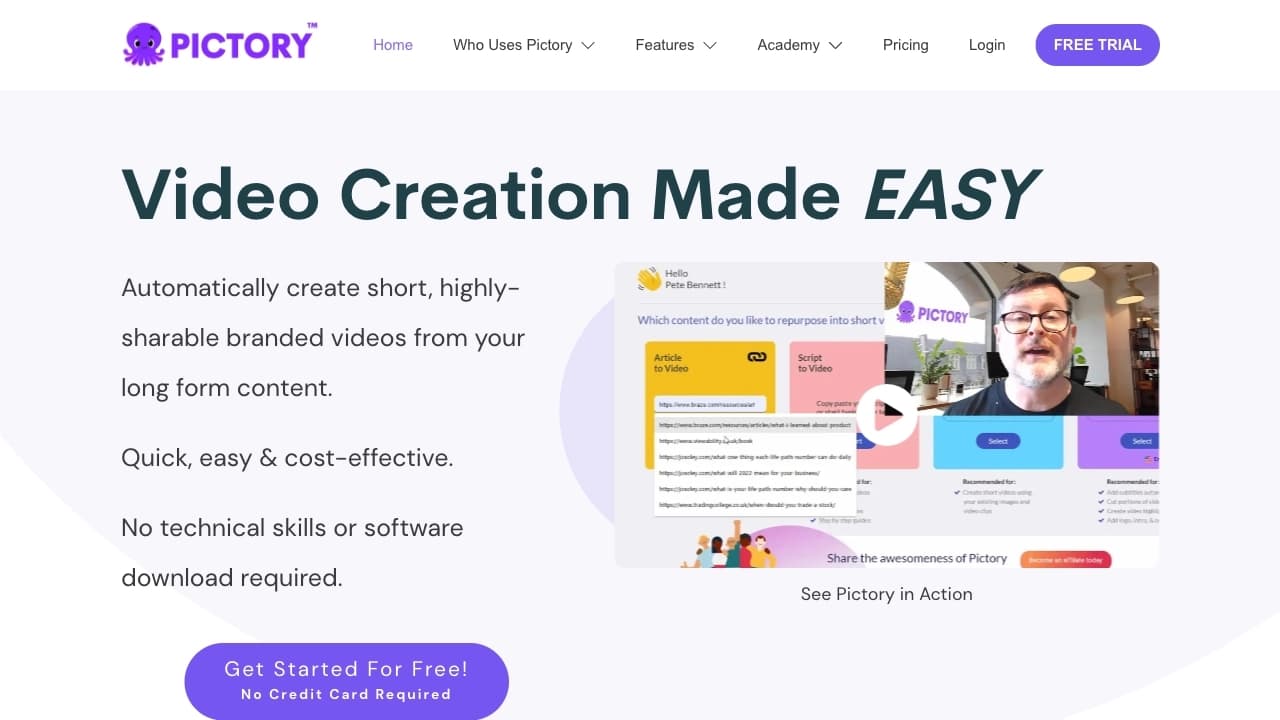
InVideo и Pictory больше заточены под маркетинговый видеоконтент на основе шаблонов и стокового видео. Fliki является более универсальным инструментом для контента с озвучкой на разных языках и предлагает более широкий выбор голосов.
Ключевые отличия Fliki
- Один из самых широких выборов голосов и языков озвучки на рынке
- Объединение функций text-to-video и text-to-speech в одной платформе
- Низкий порог входа благодаря бесплатному тарифу без карты
- Поддержка клонирования голоса и ИИ-аватаров в среднем ценовом сегменте
- API для интеграции на премиум-тарифах
Заключение
Fliki — веб-платформа для быстрого преобразования текста в видеоролики с реалистичной озвучкой, автоматическим подбором видеоряда и возможностью клонирования голоса. Инструмент ориентирован на создателей контента, маркетологов, преподавателей и владельцев бизнеса, которым нужно регулярно производить видео для социальных сетей, обучения или корпоративных коммуникаций. Основные преимущества — широкая библиотека голосов на 80+ языках, доступная цена и бесплатный тариф без карты. Ограничения включают невысокое качество аватаров по сравнению с лидерами рынка и существенные лимиты бесплатного плана. Fliki подойдёт тем, кому важнее широкий выбор языков и низкий порог входа, чем максимальная реалистичность аватаров — для последнего лучше подходят HeyGen или Synthesia.
Тарифы
Часто задаваемые вопросы
Похожие нейросети



Смотрите также


Платформа для генерации и редактирования изображений и видео на основе искусственного интеллекта.
Платформа для профессиональной обработки аудио с AI-функциями разделения треков, мастеринга и изменения голоса.
AIJOURNEY — это каталог и поисковая платформа для подбора AI-инструментов, которая ежедневно обновляется.


AI-инструмент для автоматизации маркетинга в социальных сетях, включающий генерацию контента, планирование публикаций и аналитику.

Платформа-сообщество для поиска, публикации и обмена открытыми моделями генерации изображений на основе ИИ.


AI-помощник для проверки грамматики, орфографии и стиля английского текста, доступный как браузерное расширение и веб-редактор.


Настольный AI-ассистент для macOS, Windows и Linux, который запускается по хоткею поверх всех окон и объединяет несколько языковых моделей в одном интерфейсе.


Набор из более чем 200 готовых промптов для бизнеса и SEO, адаптируемых под ChatGPT, Claude и Gemini.