

Dreamina
Платформа от CapCut (ByteDance) для генерации и редактирования изображений и видео с помощью ИИ.
Обзор
Dreamina
Описание нейросети Dreamina
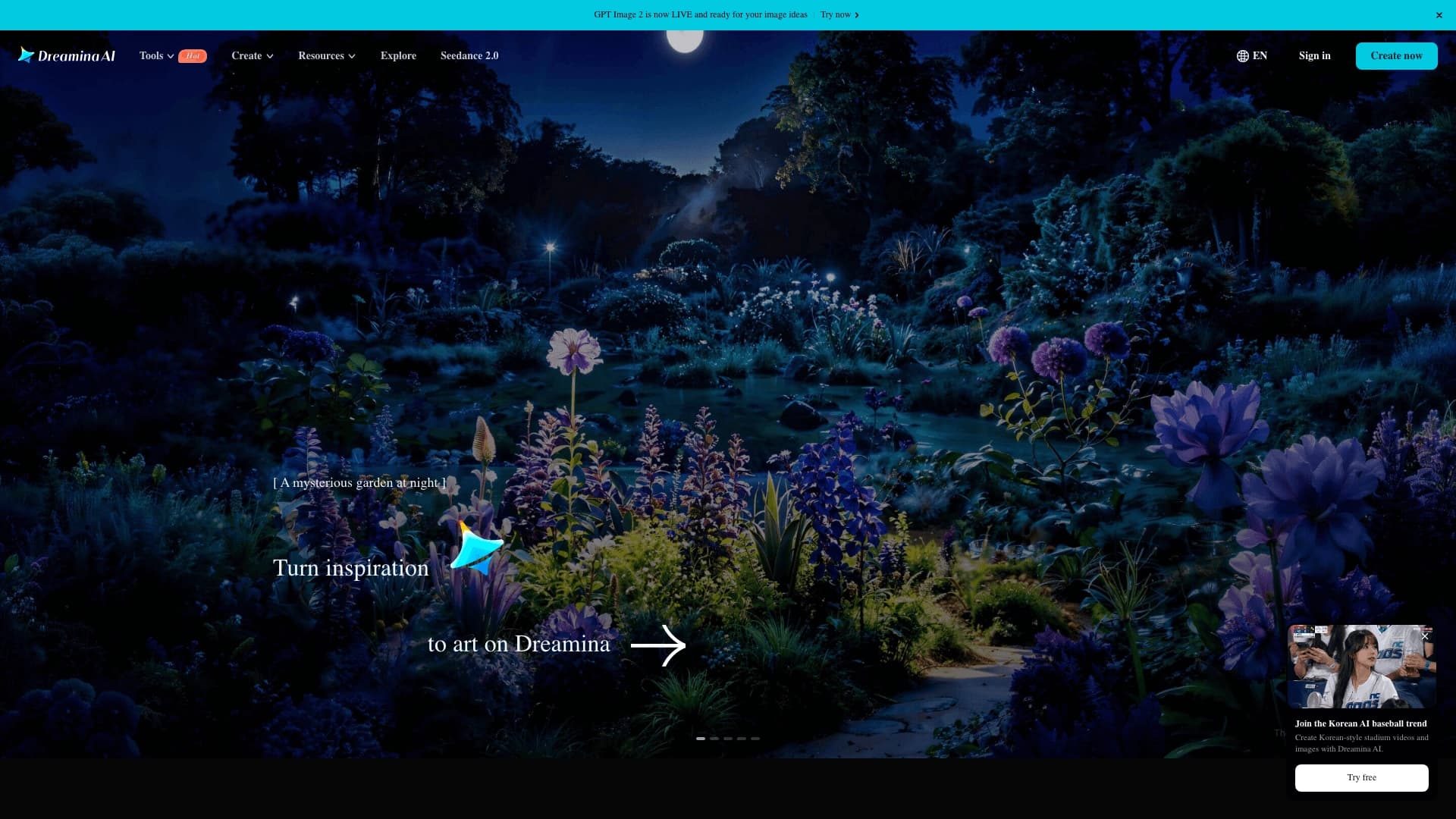
Dreamina — это платформа для генерации и редактирования изображений и видео на основе искусственного интеллекта, разработанная компанией CapCut (входит в экосистему ByteDance). Сервис объединяет несколько моделей ИИ: Seedream (в том числе версии 3.0 и 5.0 Pro) для профессиональной генерации изображений с возможностью экспорта слоёв, Seedance для создания непрерывных видеороликов длительностью до 30 секунд, а также инструменты для анимации и редактирования.
Платформа поддерживает работу с текстом на 14 языках, включая русский, и предоставляет API для интеграции через BytePlus ModelArk и Volcano Engine. Dreamina позиционируется как креативное рабочее пространство, позволяющее пройти путь от идеи до готового визуального материала без переключения между разными сервисами.
Характеристики Dreamina
| Характеристика | Значение |
|---|---|
| Тип | Генерация изображений и видео, редактирование |
| Категории | Дизайн, Реклама и SMM, Разработка игр |
| Разработчик | CapCut (ByteDance) |
| Платформы | Веб (dreamina.capcut.com) |
| Модели ИИ | Seedream 3.0 / 5.0 Pro (изображения), Seedance 2.5 (видео) |
| Языки интерфейса | Английский (русский интерфейс отсутствует) |
| Поддержка текста в генерации | 14 языков, включая русский |
| Модель оплаты | Freemium (бесплатно / от 13–20 $ в месяц) |
| API | Доступен через BytePlus ModelArk и Volcano Engine |
Для кого подходит нейросеть Dreamina?
Дизайнеры и креативные специалисты
Dreamina подходит как профессиональным дизайнерам, так и новичкам. Возможность экспорта слоёв в PNG с прозрачностью позволяет переносить элементы в Photoshop, Figma и другие редакторы без ручного удаления фона. Продвинутый инпэйнтинг и расширение кадра дают инструменты для тонкой доработки композиций.
Маркетологи и SMM-специалисты
Платформа позволяет быстро создавать рекламные баннеры, карточки товаров, обложки и посты для социальных сетей. Генерация видео из текста или изображений подходит для подготовки коротких роликов и рекламных креативов.
Создатели контента и малый бизнес
Для авторов и предпринимателей Dreamina предлагает полный цикл производства визуальных материалов — от разработки идеи и сценария до готового изображения или видео. Это включает создание контента для соцсетей, презентаций и коммерческих проектов.
Как использовать нейросеть Dreamina?
Регистрация и получение кредитов
Для начала работы необходимо зарегистрироваться на платформе dreamina.capcut.com. Новые пользователи получают стартовые кредиты, а ежедневные токены начисляются за активность. На бесплатном плане доступно 150 кредитов в день, что примерно соответствует 50 изображениям.
Создание контента
После входа в аккаунт нужно ввести текстовое описание, настроить параметры (стиль, соотношение сторон, качество) и запустить генерацию изображения или видео. Также можно загрузить готовое изображение в качестве референса или для последующего редактирования на холсте.
Работа на холсте (Canvas)
Dreamina предоставляет единый холст, на котором можно объединять сцены, персонажей, изображения и видео. Доступны функции удаления объектов, расширения кадра, доработки композиций и сборки нескольких слоёв.
Основные функции Dreamina
Генерация изображений (Text to Image и Image to Image)
Модель Seedream позволяет создавать изображения из текстовых описаний, а также преобразовывать загруженные изображения с изменением стиля, фона или позы. Доступен быстрый поиск стиля: фотореализм, иллюстрация, аниме, постер, персонаж или товарное фото. Seedream 5.0 Pro поддерживает сепарацию слоёв — экспорт объектов и фона в PNG с прозрачностью.
Генерация видео (Text to Video и Image to Video)
Модель Seedance 2.5 создаёт непрерывные видеоролики длительностью до 30 секунд за один проход, без склейки коротких клипов. Поддерживается вывод в 4K, улучшенное управление камерой и инструменты для локального редактирования отдельных сцен. Видео можно генерировать по тексту, изображениям, существующим роликам и аудио.
Редактирование на холсте (Canvas)
Инструменты редактирования включают инпэйнтинг (замена отдельных объектов с сохранением освещения, перспективы и композиции), расширение кадра, удаление объектов и доработку композиций. Canvas позволяет работать с несколькими слоями.
Липсинк и анимация
Dreamina поддерживает синхронизацию движений губ с аудиодорожкой (Lip Sync), а также анимацию и «оживление» статичных изображений в короткие видео.
Преимущества Dreamina
Простота использования
Интерфейс платформы интуитивно понятен, что делает сервис доступным для новичков без специальной подготовки. Для генерации достаточно ввести текстовое описание и выбрать параметры.
Бесплатный доступ
Dreamina предлагает щедрый бесплатный план — 150 кредитов в день (примерно 50 изображений). Новые пользователи дополнительно получают стартовые кредиты. Для многих задач этого достаточно без перехода на платные тарифы.
Высокое качество и гибкость
Модели Seedream и Seedance обеспечивают высокую детализацию изображений и плавность видео. Возможность экспорта слоёв, продвинутый инпэйнтинг и поддержка мультимодальных референсов (до 50 одновременно) дают дизайнерам гибкие инструменты для работы.
Единое рабочее пространство
Dreamina объединяет генерацию изображений, видео, редактирование и ИИ-агента в одном сервисе. Нет необходимости переключаться между разными инструментами — весь цикл от идеи до готового результата доступен на одной платформе.
Недостатки Dreamina
Качество зависит от запроса
Результаты генерации изображений и видео могут варьироваться в зависимости от качества текстового описания, выбранных референсов и модели. Для получения наилучшего результата рекомендуется делать несколько вариантов.
Ограничения бесплатного плана
На бесплатном плане генерация видео может занимать длительное время (до 6–8 часов). Также бесплатный план ограничивает доступ к некоторым функциям, например, к экспорту без водяных знаков и более высокому разрешению.
Технические ограничения
Пользователи отмечают возможные сбои при обработке аудио, ложные срабатывания фильтров контента и замедление работы при высокой нагрузке на серверы. Русский интерфейс отсутствует, что может быть неудобно для русскоязычных пользователей.
Какие задачи решает Dreamina
Создание визуального контента
Платформа позволяет создавать уникальные изображения и видео из текстовых описаний, готовить обложки, рекламные баннеры, посты для социальных сетей, карточки товаров и черновики роликов.
Редактирование и доработка изображений
Dreamina решает задачи удаления объектов, замены элементов (инпэйнтинг), расширения кадра, изменения стиля и улучшения качества изображений. Возможность экспорта слоёв упрощает интеграцию с профессиональными графическими редакторами.
Разработка персонажей и логотипов
Сервис подходит для создания последовательных персонажей для игр, мультфильмов или маркетинга, а также для дизайна логотипов и коммерческих макетов.
Планирование и производство видео
Dreamina автоматически разбивает идеи на структурированные проекты и последовательности кадров, сохраняет единый стиль персонажей, объектов и сцен, что упрощает производство рекламных роликов и контента для соцсетей.
Цены Dreamina
Dreamina работает по модели freemium. Бесплатный план предоставляет 150 кредитов в день. Платные тарифы:
- Basic — 18 $ в месяц (1010 кредитов, без водяных знаков, выше разрешение).
- Standard — 42 $ в месяц (4040 кредитов, расширенные возможности для видео).
- Advanced — 84 $ в месяц (13 110 кредитов, оптимально для профессионалов).
Также доступна модель Seedream 5.0 Pro с бесплатным демо-режимом и платным доступом от 13 $ в месяц.
Условия использования Dreamina
Для работы с сервисом требуется регистрация на платформе Dreamina от CapCut. Ежедневные кредиты начисляются за активность пользователя. Необходимо проверять права на исходные изображения перед публикацией и внимательно следить за деталями. Действуют фильтры контента, которые могут выдавать ложные срабатывания.
Доступность Dreamina
Dreamina доступна в веб-версии на сайте dreamina.capcut.com. Платформа работает на всех современных браузерах. Отдельного мобильного приложения не указано. Данные о региональных ограничениях и необходимости использования VPN отсутствуют. Русский интерфейс не поддерживается, однако генерация текста на изображениях доступна на 14 языках, включая русский.
Чем отличается Dreamina от аналогов
Простота и бесплатный доступ
В отличие от платных DALL-E и Midjourney, Dreamina проще в освоении и предлагает полноценный бесплатный тариф с 150 кредитами в день. Это делает сервис доступным для широкого круга пользователей — от новичков до профессионалов.
Генерация видео и единое пространство
Dreamina объединяет генерацию изображений и видео в одной платформе, в то время как большинство аналогов (Midjourney, DALL-E) фокусируются только на изображениях. Модель Seedance 2.5 позволяет создавать непрерывные ролики до 30 секунд в 4K, что выделяет сервис среди видеогенераторов, требующих склейки коротких клипов.
Инструменты для дизайнеров
Экспорт объектов и фона в PNG с прозрачностью (Seedream 5.0 Pro) — уникальная функция, упрощающая интеграцию с профессиональными редакторами. Продвинутый инпэйнтинг с сохранением освещения и композиции также отличает Dreamina от многих конкурентов.
ИИ-агент и планирование сцен
Dreamina Octo включает креативного ИИ-агента, который помогает развивать идеи, предлагает визуальные решения и сохраняет контекст рабочей сессии. Автоматическая разбивка идей на структурированные проекты и последовательности кадров — функция, отсутствующая у большинства аналогов.
Заключение
Dreamina — это мощное и доступное креативное рабочее пространство от CapCut (ByteDance), объединяющее генерацию изображений, видео, анимацию и продвинутые инструменты редактирования. Благодаря моделям Seedream и Seedance платформа подходит как для простых задач (создание постов для соцсетей, обложек, карточек товаров), так и для профессионального производства рекламных материалов и видеоконтента. Щедрый бесплатный план, интуитивный интерфейс и поддержка экспорта слоёв делают Dreamina привлекательным выбором для дизайнеров, маркетологов и создателей контента любого уровня, несмотря на некоторые ограничения бесплатной версии и отсутствие русского интерфейса.
Тарифы
Часто задаваемые вопросы




Смотрите также

Мобильное приложение для обработки фото и создания стилизованных аватаров с помощью ИИ.
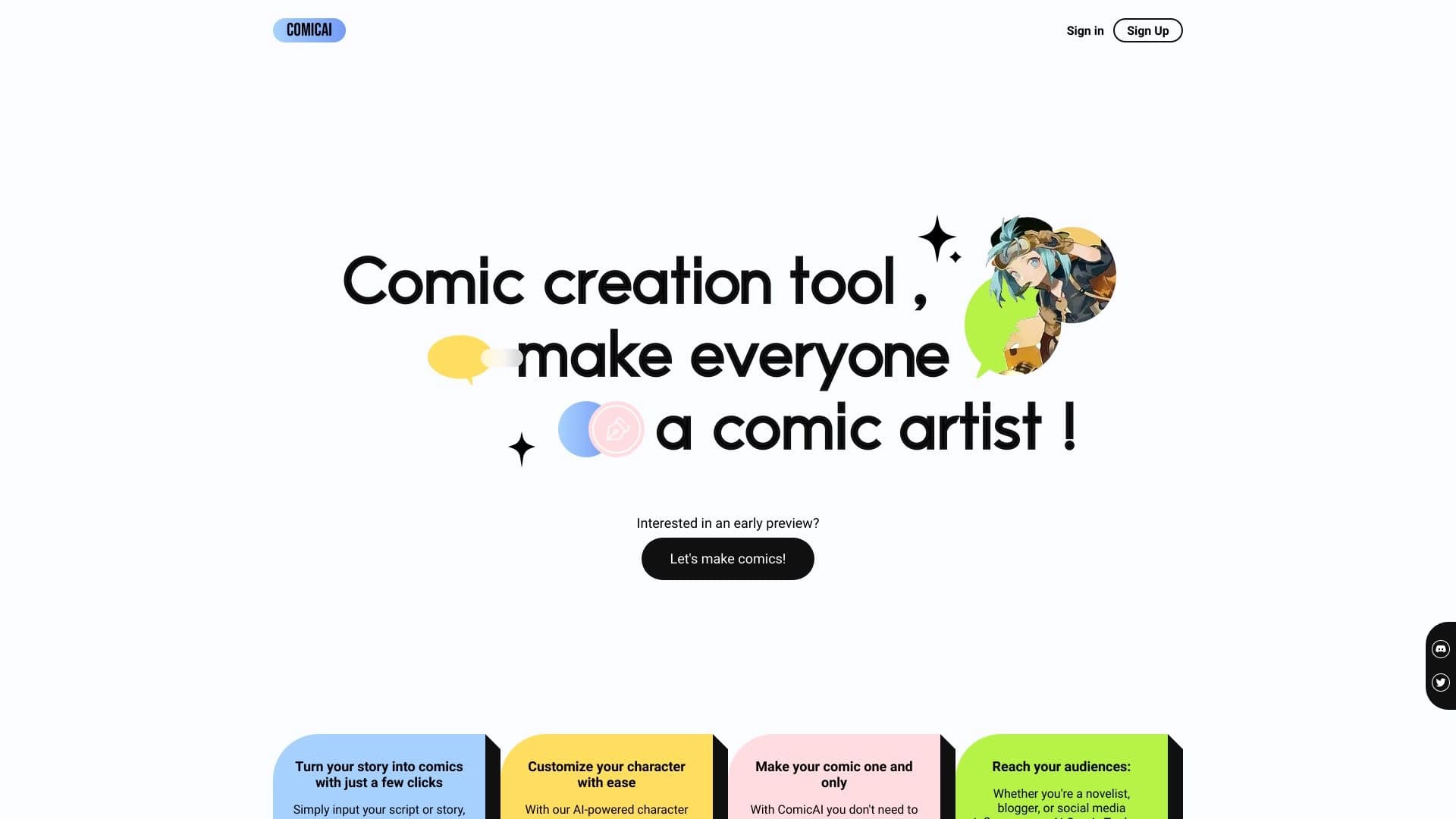
AI-инструмент для автоматического создания комиксов и манги из текстовых сценариев и историй.


Платформа на основе ИИ для генерации, редактирования изображений и создания рекламных креативов.


Нейросеть Google для генерации и редактирования изображений по текстовому описанию на базе моделей Gemini.
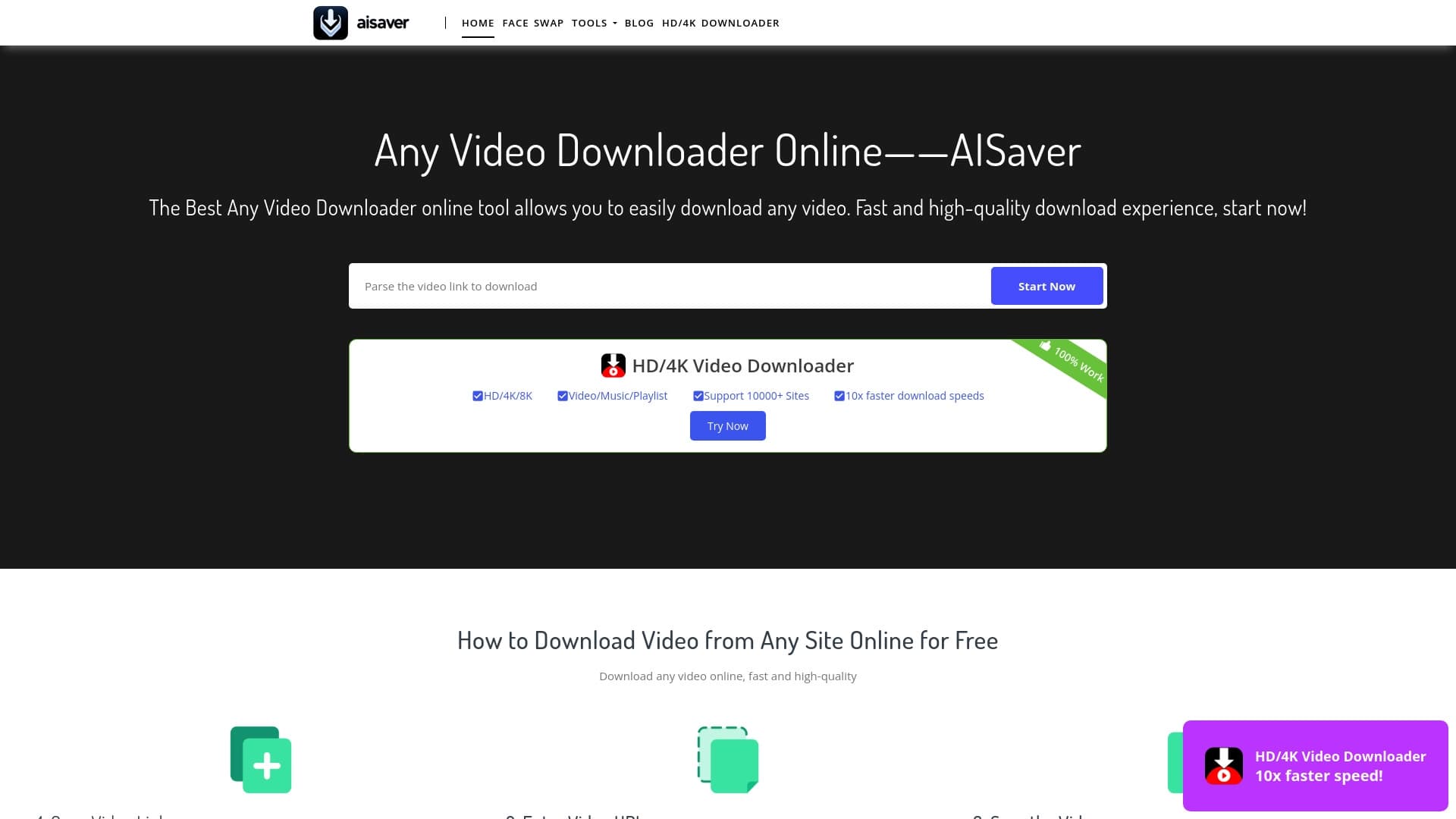

Онлайн-инструмент для быстрой загрузки видео и замены лиц в роликах с помощью ИИ.


AI-платформа для автоматизации видеоредактирования, включая замену лиц, перевод видео и создание аватаров.


Open-source AI-агент для разработки, который помогает генерировать, дорабатывать и отлаживать код прямо в IDE.


AI-генератор аниме-изображений по текстовому описанию с выбором шаблона.