

Tactiq
Automatic transcription and creation of concise summaries of online meetings in real time.
Overview
Tactiq
Description of the Tactiq AI
Tactiq is an AI tool for automatic transcription and summarization of online meetings, lessons, and webinars in real time. The service works as a browser extension and web platform, allowing users to get audio transcripts and structured notes without having to take manual notes. After the meeting ends, Tactiq provides ready-made notes with key topics, questions, decisions, and next steps highlighted, which are saved in the dashboard for later use.
Tactiq Features
| Characteristic | Value |
|---|---|
| Type | AI note-taking tool for online meetings |
| Categories | Notes, Summarization, Meeting notes and minutes |
| Platforms | Google Meet, Zoom, Microsoft Teams |
| Website | tactiq.io |
| Distribution model | Freemium |
| Type | AI Meeting Assistant |
| Platform | Web, Chrome Extension |
| Publication date | May 2, 2026 |
Who is Tactiq AI suitable for?
Product Managers and Marketers
Product Managers and Marketing Professionals actively use Tactiq to capture key moments of strategic meetings, brainstorming sessions, and product discussions. The tool helps avoid missing important ideas and decisions during work meetings.
Remote Teams and Business Executives
Remote Teams and Business Executives can stay aligned on meeting outcomes without having to be physically present. Tactiq automatically creates notes, which is especially valuable for distributed teams across different time zones.
HR Professionals and Educators
HR Professionals use the tool for onboarding and process documentation, while Educators use it to automatically create records of lectures and webinars, freeing up time for actual teaching.
SDR and Sales Teams
Sales departments use Tactiq to analyze customer negotiations, extract key requirements, and build a list of post-meeting action items.
How to use Tactiq AI?
Install the extension
To get started, you need to install the Tactiq extension from the Chrome Web Store. The extension is free and does not require entering bank card details to use the basic functionality.
Launch during a meeting
After installing the extension, join a meeting on Google Meet, Zoom, or Microsoft Teams and activate Tactiq. The tool will start transcribing audio in real time and displaying the text on the screen.
Get results after the meeting
After the meeting ends, Tactiq automatically creates structured notes available in your personal dashboard. Users can view the transcript, summary, and lists of topics, questions, decisions, and next steps.
Key features of Tactiq
Real-time transcription
Tactiq displays the transcript of the conversation directly during the meeting, allowing participants to see what was said without being distracted by manual note-taking.
AI-generated short summaries
After the meeting, the tool automatically creates a brief summary highlighting the main topics, questions, and decisions made. Users can use their own AI prompts to customize the note format.
Action items and next steps
Tactiq extracts action items — specific tasks and decisions — from the conversation, simplifying post-meeting planning and follow-up on agreements.
Advantages of Tactiq
Automated transcript creation
The tool automatically generates transcripts of video calls, saving users from having to manually write down every thought during a lecture or call.
Integration with popular platforms
Tactiq works with Google Meet, Zoom, and Microsoft Teams — the three most widely used video conferencing platforms — making it accessible to most users.
Increased meeting productivity
Thanks to automatic capture of discussions, participants can focus entirely on the conversation rather than on taking notes. After the meeting, all necessary information is already structured and ready to use.
Action item tracking
The system effectively highlights key points and tasks, helping teams avoid overlooking important items and move faster to implementing decisions.
Disadvantages of Tactiq
Dependence on audio quality
Tactiq’s transcription directly depends on audio quality, language of speech, and speaker pace. With poor sound, a strong accent, or fast speech, recognition accuracy may decrease.
Errors in recognizing complex terms
The AI may misrecognize complex words, proper names, technical terms, formulas, and factual data. The developers recommend manually checking transcripts for errors.
Limited information on offline functionality
Official sources do not contain information about whether Tactiq can work without an internet connection, which may be critical for users with an unstable connection.
What tasks does Tactiq solve?
Product development and customer interviews
The tool helps document product meetings, customer interviews, and team stand-ups, ensuring full capture of discussions for later analysis.
Sales and marketing strategies
Sales pitches and Marketing strategy sessions require accurate retention of all arguments and counterarguments — Tactiq automates this process by providing ready-made notes.
HR onboarding and project planning
When onboarding new employees and during Project Planning meetings, the tool captures all stages and decisions, reducing the risk of losing important information.
Educational webinars and lessons
Teachers and students can get structured records of classes, making exam preparation and material review easier.
Tactiq pricing
Tactiq uses a freemium model. A free plan is available and does not require entering bank card details. Information about the cost of paid subscriptions and the availability of lifetime plans is not disclosed in official sources.
Tactiq Terms of Use
To use the service, you need to register on the tactiq.io website. The free plan is available without linking a bank card. Detailed terms of use, privacy policy, and data processing rules are governed by the standard agreements posted on the official website.
Tactiq availability
Tactiq is available as a web platform and a Chrome browser extension. The tool is compatible with Google Meet, Zoom, and Microsoft Teams. The service is used globally — the largest number of users is registered in Brazil, the United States, Indonesia, India, and Peru.
How is Tactiq different from alternatives?
Tactiq competes with tools such as Meet Notes, Otter.ai, Google Keep, Rev, Mem, Turbo AI, Pelajarin AI, Transkriptor, Notta, and Ai Scribe. The main difference of Tactiq is its narrow focus on real-time processing and integration with three key video conferencing platforms. Unlike general-purpose note-taking tools, Tactiq is specifically aimed at post-meeting analytics with action item extraction and discussion structuring. At the same time, it falls behind more advanced alternatives in recognition accuracy for complex terminology and lacks an offline mode.
Conclusion
Tactiq is a practical AI assistant for online meetings that automates transcription and summarization. The tool is suitable for a wide range of professionals, from product managers to educators, helping save time on manual note-taking and systematize meeting outcomes. Despite limitations related to speech recognition quality and the lack of offline functionality, Tactiq remains a popular solution for those who regularly hold meetings on Google Meet, Zoom, and Microsoft Teams.
Frequently asked questions
Similar AI tools








See also
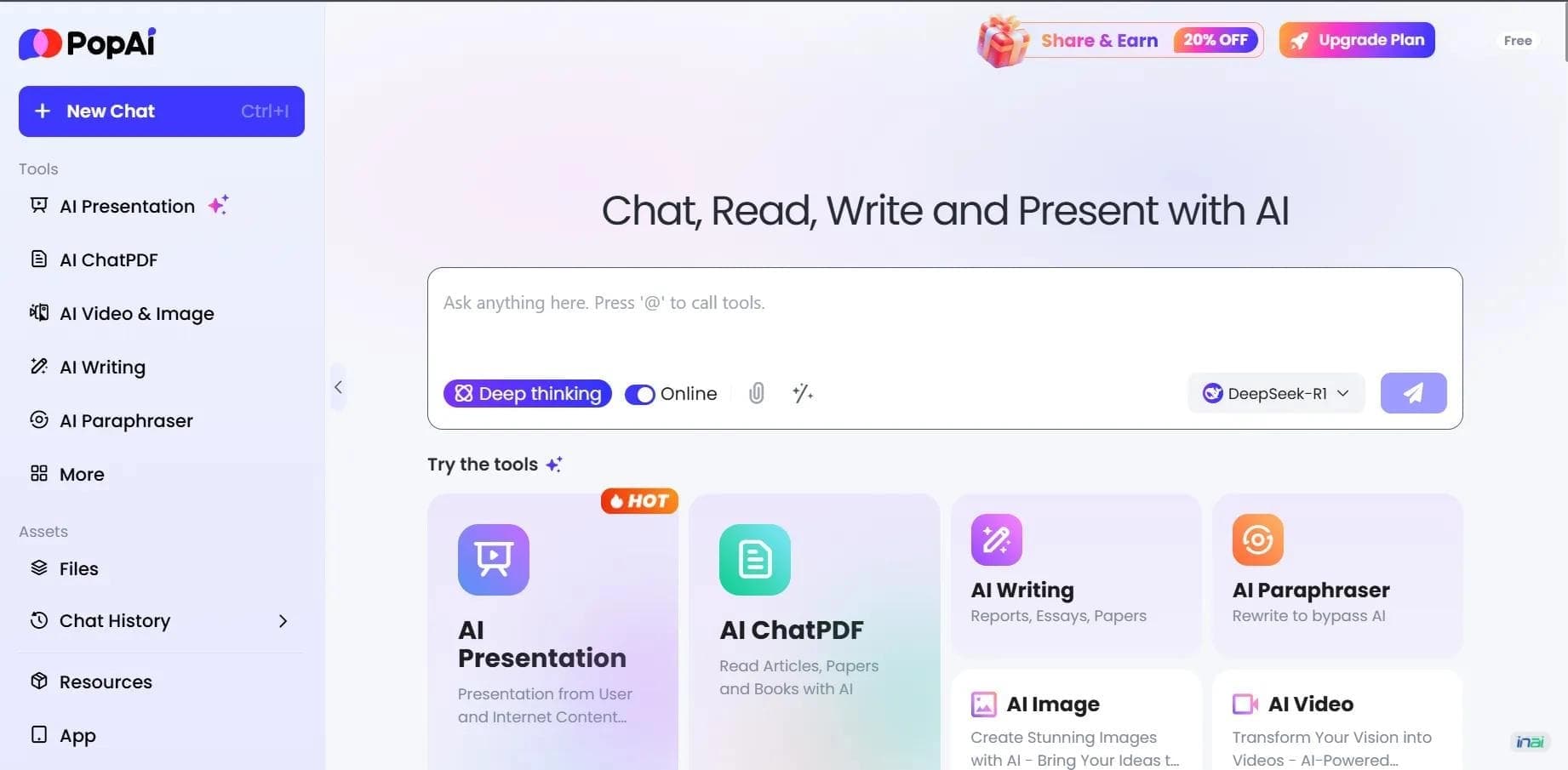

AI platform for working with documents, creating presentations, and generating images.
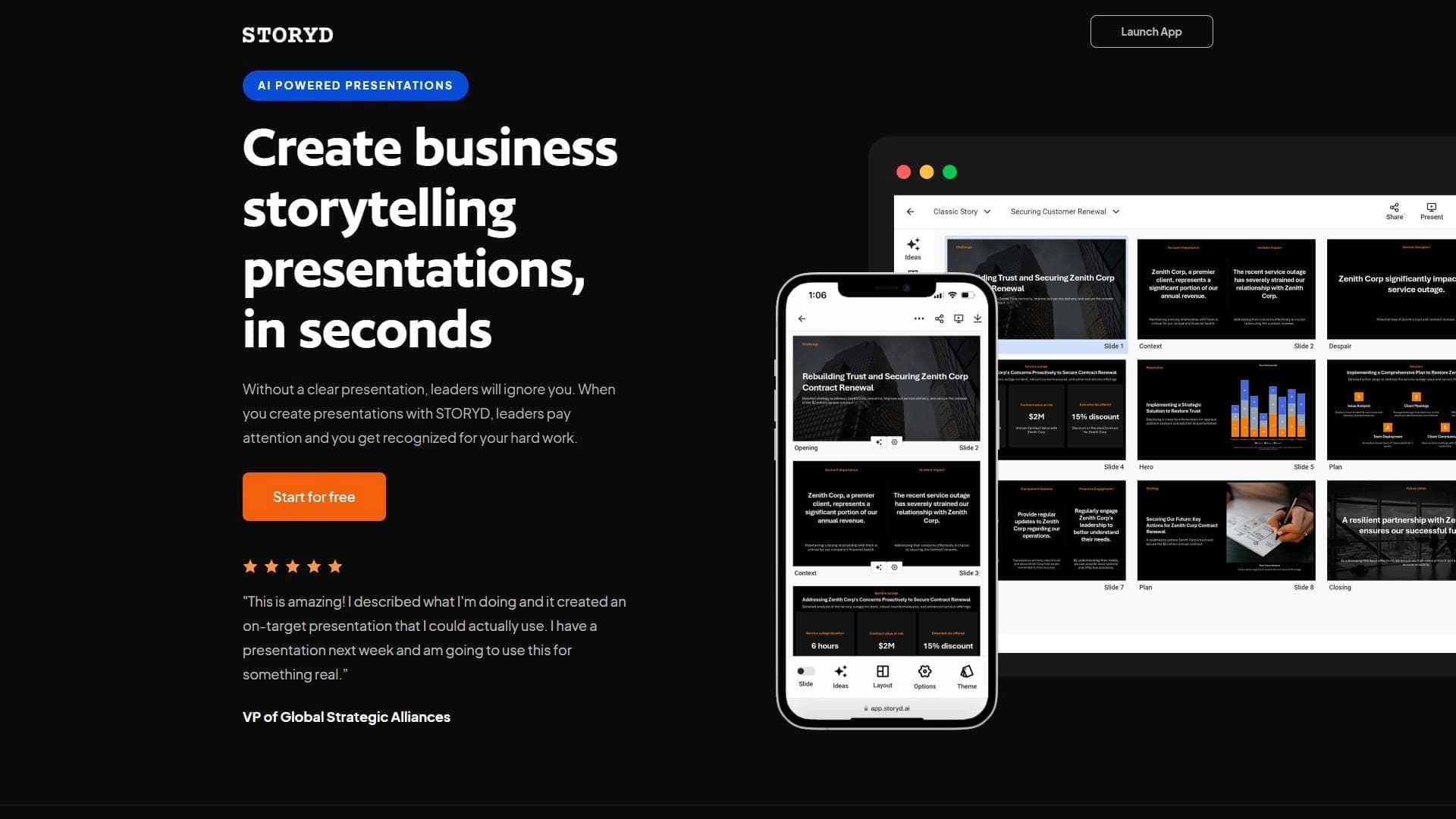

An AI-powered service that turns a brief topic description or bullet points into a structured business presentation in seconds.
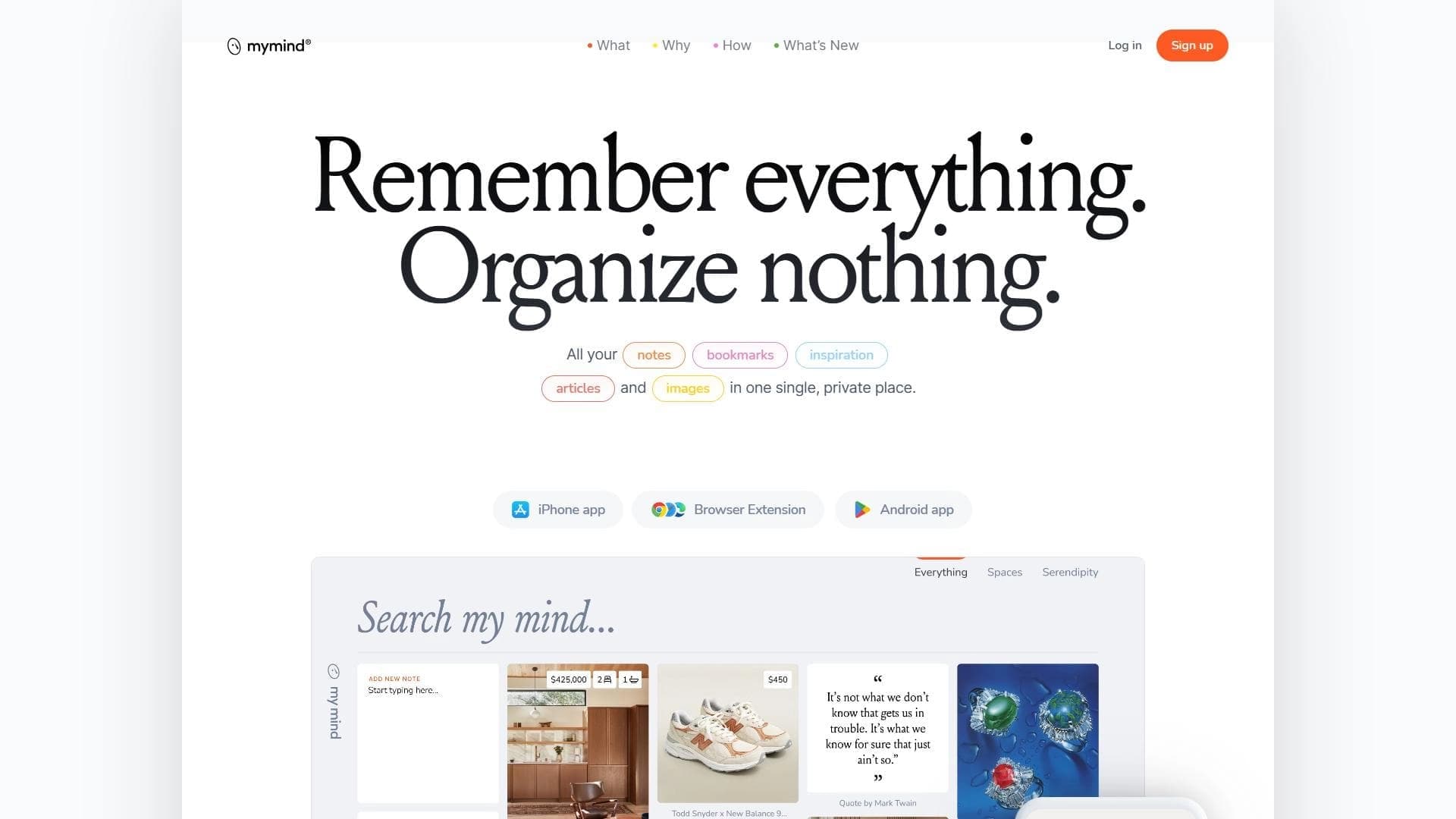

A service for storing and organizing digital information with automatic neural network-based sorting.
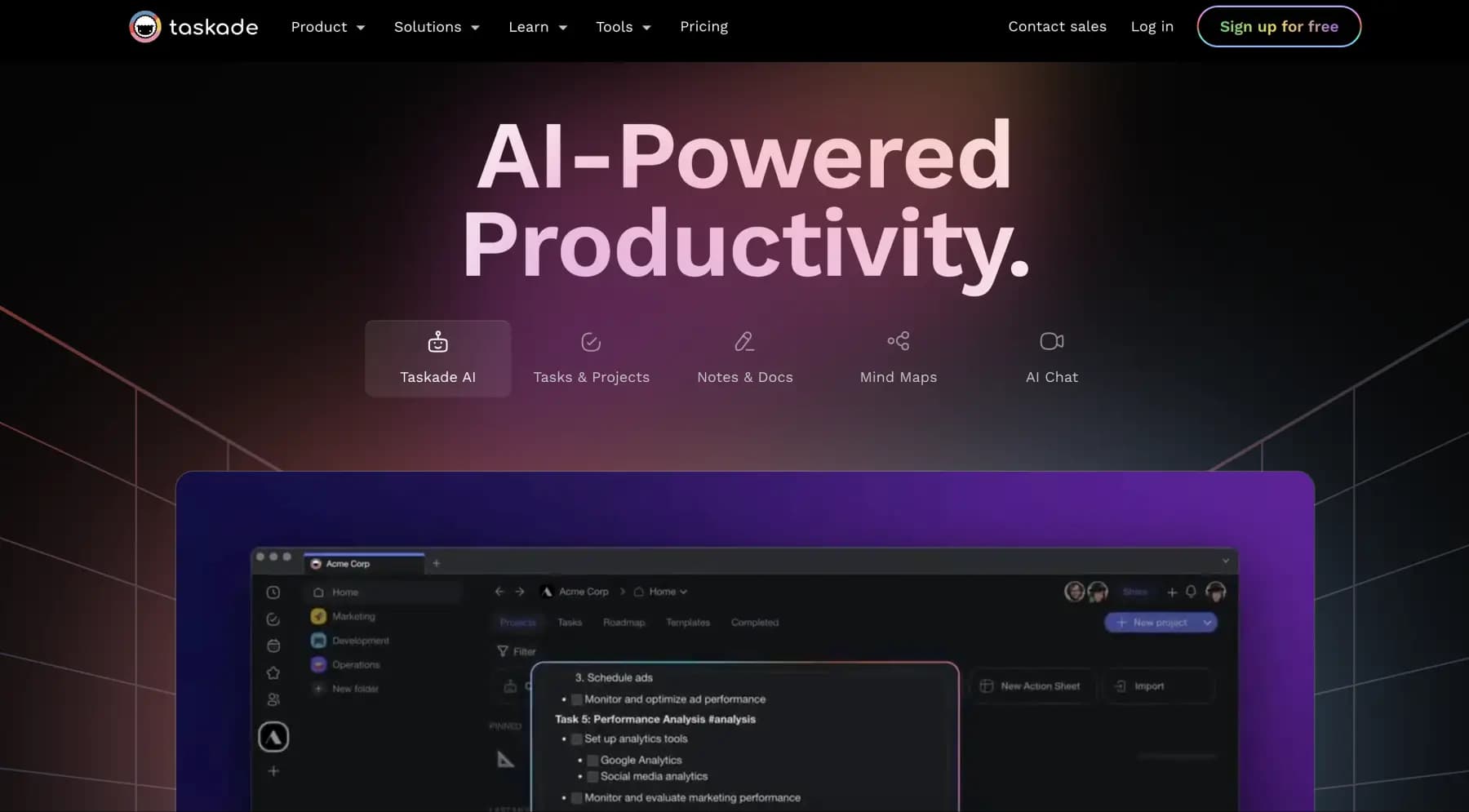
A platform for managing projects and tasks with built-in AI agents and visualization of work in various formats.


AI email assistant that helps quickly draft messages, adapting to the user's style.

A web service that automates job search using artificial intelligence.

An AI assistant for working with email that automates message sorting and helps quickly compose replies.


Free online platform with over 150 AI tools for working with PDFs, images, videos, and text.