

SlideSpeak
Веб-сервис на базе ИИ для быстрого создания презентаций PowerPoint из текстовых документов, PDF-файлов и веб-страниц.
Место в рейтингах
Обзор
SlideSpeak
Описание нейросети SlideSpeak
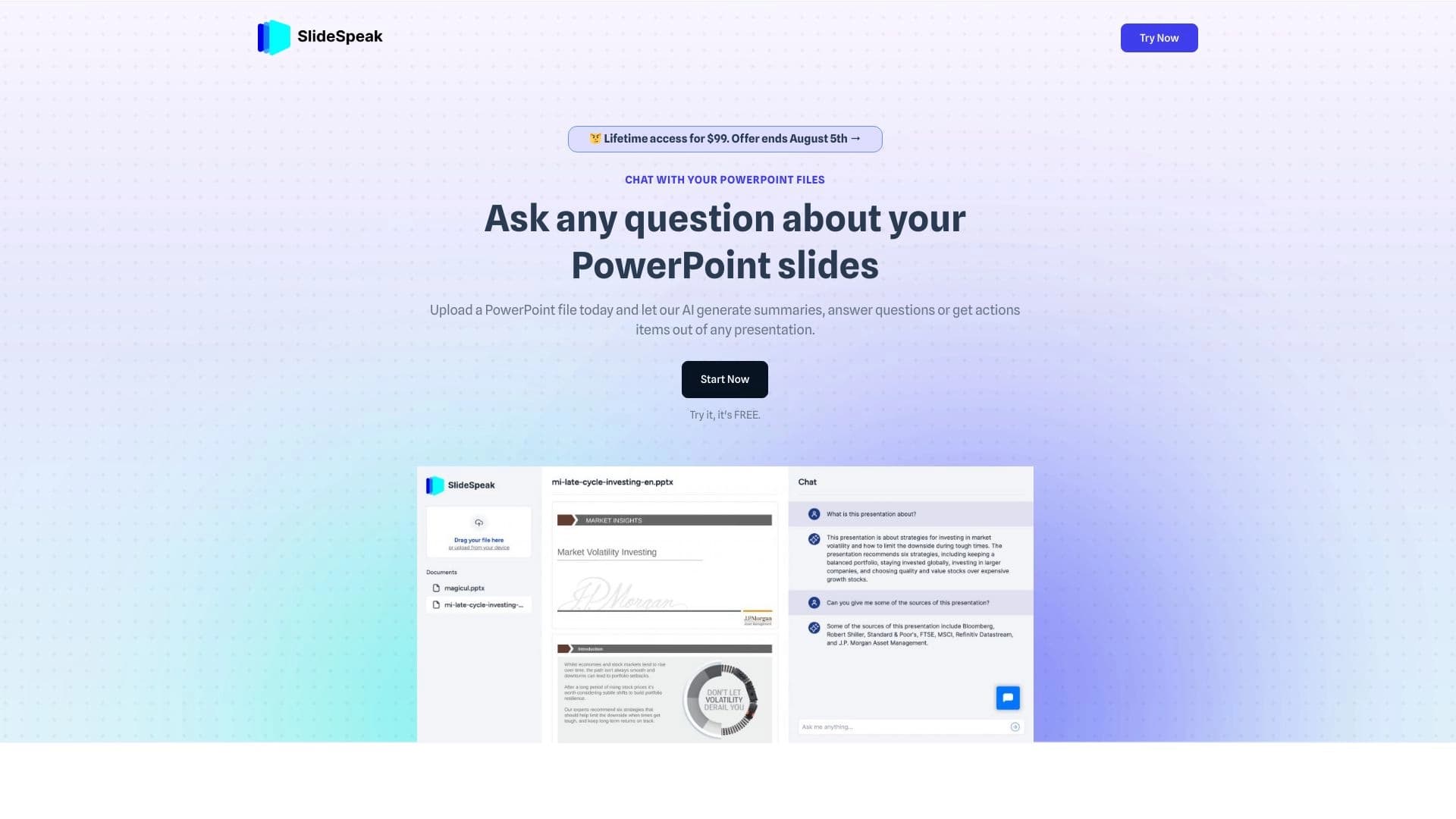
SlideSpeak — это онлайн-сервис на базе искусственного интеллекта, предназначенный для быстрой подготовки презентаций и работы с документами. Инструмент помогает за считанные минуты превратить обычный текст, файлы и веб-страницы в структурированные слайды, готовые к показу в PowerPoint.
В основе сервиса лежит технология ChatGPT: нейросеть анализирует загруженные материалы, выделяет ключевые мысли и автоматически формирует из них логичные слайды. Помимо генерации новых презентаций, SlideSpeak умеет сжимать и анализировать содержимое загруженных файлов, а также отвечать на вопросы по их содержанию.
SlideSpeak работает через веб-браузер, доступ к сервису с территории России возможен только с использованием VPN.
Характеристики SlideSpeak
| Характеристика | Значение |
|---|---|
| Тип | ИИ-сервис для создания и суммаризации презентаций |
| Категории | Питч-деки и презентации, Суммаризация, AI-ассистенты, Продуктивность, Работа с PDF |
| Платформа | Онлайн-сервис (веб-браузер) |
| Модель ценообразования | Freemium |
| Наличие бесплатного тарифа | Да |
| Стоимость платного тарифа | От 29 USD в месяц |
| Модель ИИ | ChatGPT (3.5 / 4o в зависимости от тарифа) |
| Веб-сайт | slidespeak.co |
| Рейтинг | 4.6 |
| Оценка редакции | 9.0 из 10 |
| Доступ из России | Только через VPN |
Для кого подходит нейросеть SlideSpeak?
Студенты и преподаватели
SlideSpeak будет полезен учащимся, которым приходится готовить доклады, защищать проекты и повторять материал перед экзаменами. Преподаватели также могут использовать сервис для создания учебных материалов и наглядных лекционных слайдов, экономя время на ручной вёрстке.
Бизнес-профессионалы и менеджеры
Менеджерам и сотрудникам компаний, которые регулярно готовят отчёты, деловые презентации и выступают на встречах, SlideSpeak помогает ускорить подготовку. Инструмент подходит для создания питч-деков, отчётов о проделанной работе и материалов для внутренних совещаний.
Маркетологи и публичные спикеры
Маркетологи смогут быстро превратить текстовые материалы в маркетинговые питчи и презентации для клиентов. Публичным спикерам и исследователям сервис пригодится для суммыризации длинных документов и подготовки к выступлениям, конференциям и защитам работ.
Как использовать нейросеть SlideSpeak?
Регистрация и загрузка документа
Для начала работы необходимо зарегистрироваться на сайте SlideSpeak и создать аккаунт. После этого можно загрузить документ в одном из поддерживаемых форматов — Word, PDF или других. Система обработает файл и подготовит его к дальнейшей работе.
Выбор режима работы
После загрузки материала нужно выбрать один из вариантов: создать новую презентацию на основе документа либо выполнить суммаризацию уже существующей. Сервис автоматически проанализирует содержимое, выделит ключевые положения и разобьёт материал на структурированные слайды.
Настройка и экспорт результата
При необходимости готовые слайды можно настроить и отредактировать. Затем презентация скачивается в формате PowerPoint или делится с другими пользователями через ссылку. Весь процесс занимает несколько минут и не требует специальных навыков.
Основные функции SlideSpeak
Генерация презентаций из различных источников
SlideSpeak позволяет создавать слайды не только из текстовых запросов, но и из загруженных PDF-файлов, документов Word и содержимого веб-сайтов. Нейросеть анализирует материал, формирует логичную структуру, подбирает заголовки и ключевые пункты.
Суммаризация документов
Сервис умеет сжимать длинные документы и презентации, создавая краткий пересказ основного содержания. Это особенно удобно при подготовке к экзаменам, встречам и выступлениям, когда нужно быстро ознакомиться с большим объёмом информации.
Ответы на вопросы по содержанию
Встроенный ИИ-ассистент на базе ChatGPT позволяет задавать вопросы по содержанию загруженных файлов и получать на них развёрнутые ответы. Эта функция помогает глубже разобраться в материале и уточнить детали без повторного чтения всего документа.
Преимущества SlideSpeak
Экономия времени
Главное преимущество сервиса — существенное сокращение времени на подготовку презентаций. Вместо нескольких часов ручной работы слайды создаются автоматически за считанные минуты, что особенно ценно при регулярной подготовке материалов.
Поддержка разных форматов и простота использования
SlideSpeak работает с несколькими типами документов: PowerPoint, Word, PDF, а также с веб-страницами. Интерфейс сервиса интуитивно понятен, а для работы не требуется специальных технических навыков.
Бесплатный доступ и интеграции
На момент проверки сервис доступен бесплатно на базовом тарифе, при этом для начала работы не требуется вводить данные кредитной карты. SlideSpeak также включает API для интеграций и расширений, что позволяет встраивать его в существующие рабочие процессы.
Недостатки SlideSpeak
Неопределённость бесплатного тарифа
Бесплатный статус сервиса может измениться в будущем, как и состав доступных функций. Пользователям, рассчитывающим на постоянное бесплатное использование, стоит учитывать этот риск.
Ограничения по открытости и функциональности
SlideSpeak не является открытым исходным кодом, что ограничивает возможности кастомизации и прозрачности работы алгоритмов. Некоторые продвинутые функции, например одновременные запросы к нескольким документам, всё ещё находятся в разработке.
Ограничения бесплатного плана
На бесплатном тарифе действуют лимиты: доступен только один файл или презентация, ограничение по размеру файла в 50 МБ, используется модель ChatGPT 3.5, а длина ответа ограничена.
Какие задачи решает SlideSpeak
Создание структурированных слайдов
Основная задача инструмента — быстрое преобразование длинных текстов, документов и веб-страниц в аккуратные структурированные слайды для PowerPoint. Это включает подготовку бизнес-презентаций, маркетинговых питчей, учебных материалов и отчётов.
Суммаризация и анализ документации
SlideSpeak решает задачу быстрого ознакомления с большими объёмами информации: суммаризация исследовательских работ, протоколов встреч и длинных презентаций. Сервис также помогает готовиться к выступлениям, экзаменам и деловым встречам за счёт сжатого пересказа содержимого.
Улучшение и доработка презентаций
Инструмент позволяет не только генерировать новые слайды, но и улучшать тексты уже существующих презентаций, помогая сделать материалы более структурированными и убедительными.
Цены SlideSpeak
SlideSpeak работает по модели Freemium и предлагает несколько тарифных планов.
Бесплатный тариф включает один файл или презентацию, использование модели ChatGPT 3.5, лимит на размер файла в 50 МБ и ограниченную длину ответов. Для его активации не требуется кредитная карта.
Тариф Premium стоит 29 USD в месяц и предоставляет доступ к 50 файлам или презентациям, модели ChatGPT 4o, отсутствие лимита по размеру файлов и увеличенную длину ответа.
Тариф Premium Plus обойдётся в 34 USD в месяц и снимает ограничения по количеству файлов и презентаций, включает ChatGPT 4o, отсутствие лимита по размеру, импорт неограниченного числа шаблонов и большую длину ответов.
Для корпоративных клиентов доступен тариф Enterprise с безлимитным использованием, корпоративными шаблонами, кастомным обучением модели и поддержкой SSO. Его стоимость не указана и уточняется отдельно.
Условия использования SlideSpeak
Для работы с сервисом требуется регистрация на сайте. На бесплатном тарифе действуют ограничения по количеству файлов — доступен только один, а также лимит на размер загружаемого файла в 50 МБ. Платная подписка снимает эти ограничения и добавляет доступ к более продвинутой модели ChatGPT 4o. Регистрация и использование базового функционала не требуют ввода данных банковской карты.
Доступность SlideSpeak
SlideSpeak доступен как веб-платформа и работает через браузер, поэтому для его использования не требуется установка дополнительного программного обеспечения. Сервис доступен глобально, однако для пользователей из России доступ возможен только с использованием VPN. По данным источников, топ-5 регионов по трафику включают Индию (16,18%), Индонезию (13,07%), США (7,25%), Перу (5,17%) и Бразилию (3,7%).
Чем отличается SlideSpeak от аналогов
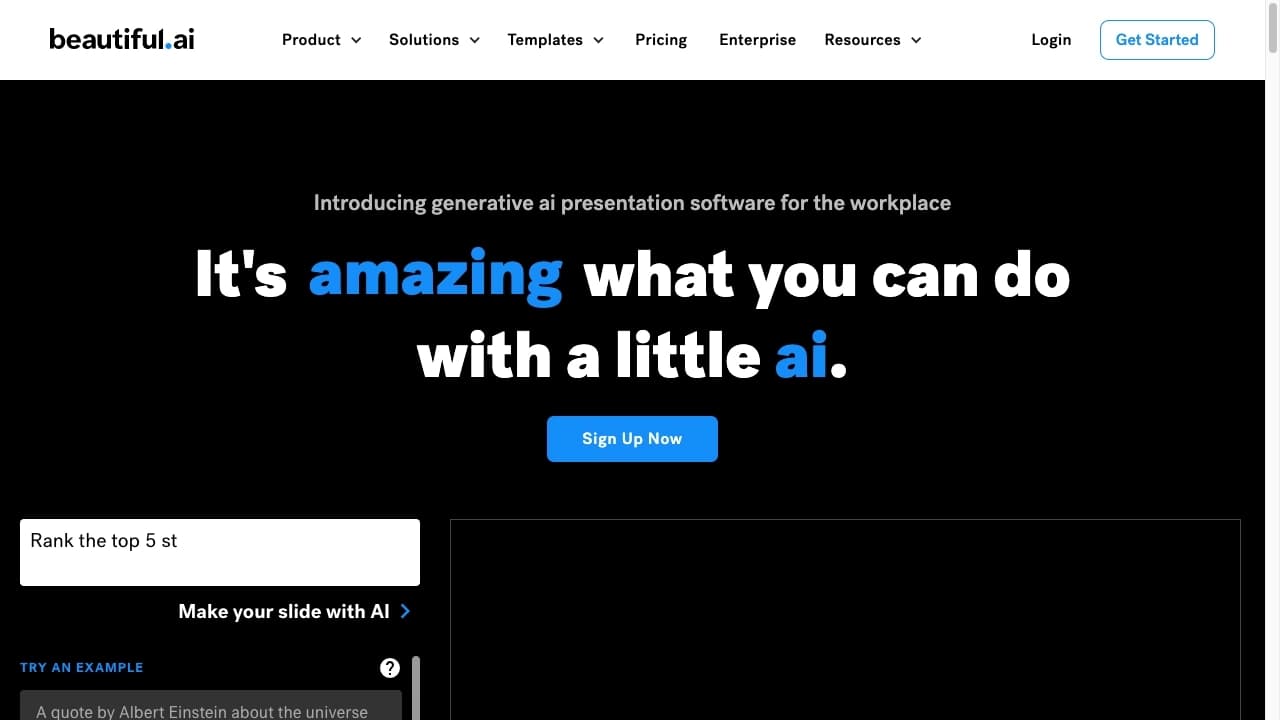
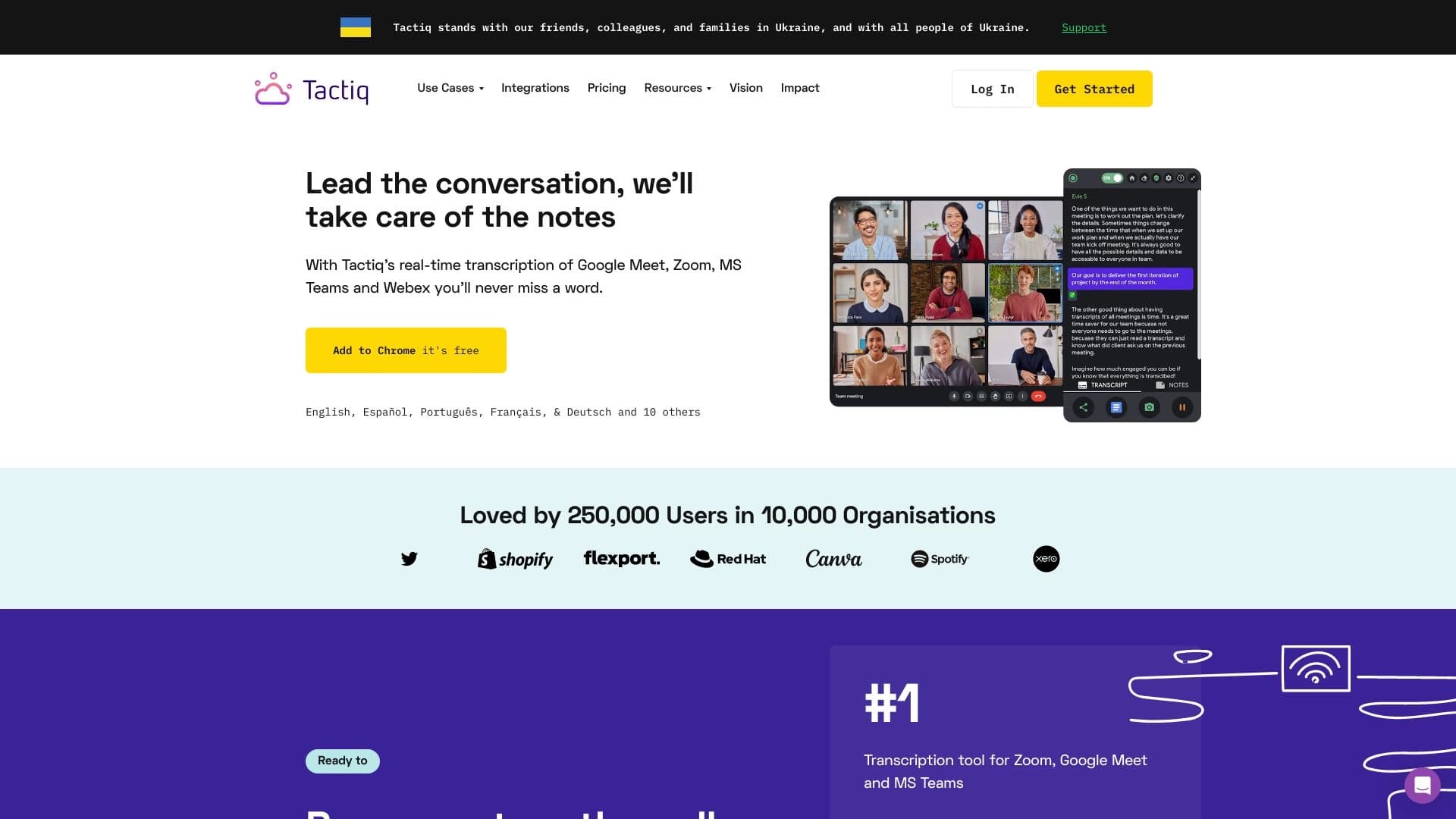
SlideSpeak выделяется на фоне других инструментов для создания презентаций сочетанием нескольких функций в одном сервисе: генерация слайдов из текстовых документов, PDF и веб-страниц, суммаризация содержимого и ответы на вопросы по материалам. Использование технологии ChatGPT обеспечивает качественные суммаризации и осмысленное формирование контента. При этом сервис предлагает бесплатный тариф и несколько платных уровней, а также включает API для интеграций. В каталогах-источниках не приводится прямых сравнений с конкретными конкурентами, однако среди возможных аналогов называются такие сервисы, как Kimi Slides, Tactiq, Beautiful.ai, Visme и другие инструменты для работы с презентациями.
Заключение
SlideSpeak — это практичный ИИ-инструмент для создания и суммаризации PowerPoint-презентаций, построенный на технологии ChatGPT. Сервис ориентирован на широкую аудиторию — от студентов и преподавателей до бизнес-профессионалов и маркетологов. Его ключевые преимущества — значительная экономия времени, поддержка различных форматов документов (Word, PDF, PowerPoint), простота использования и наличие бесплатного тарифа. В то же время некоторые продвинутые функции находятся в разработке, а будущее бесплатного плана не определено. SlideSpeak — достойный вариант для тех, кто регулярно готовит презентации и хочет автоматизировать этот процесс.
Тарифы
Часто задаваемые вопросы


Смотрите также
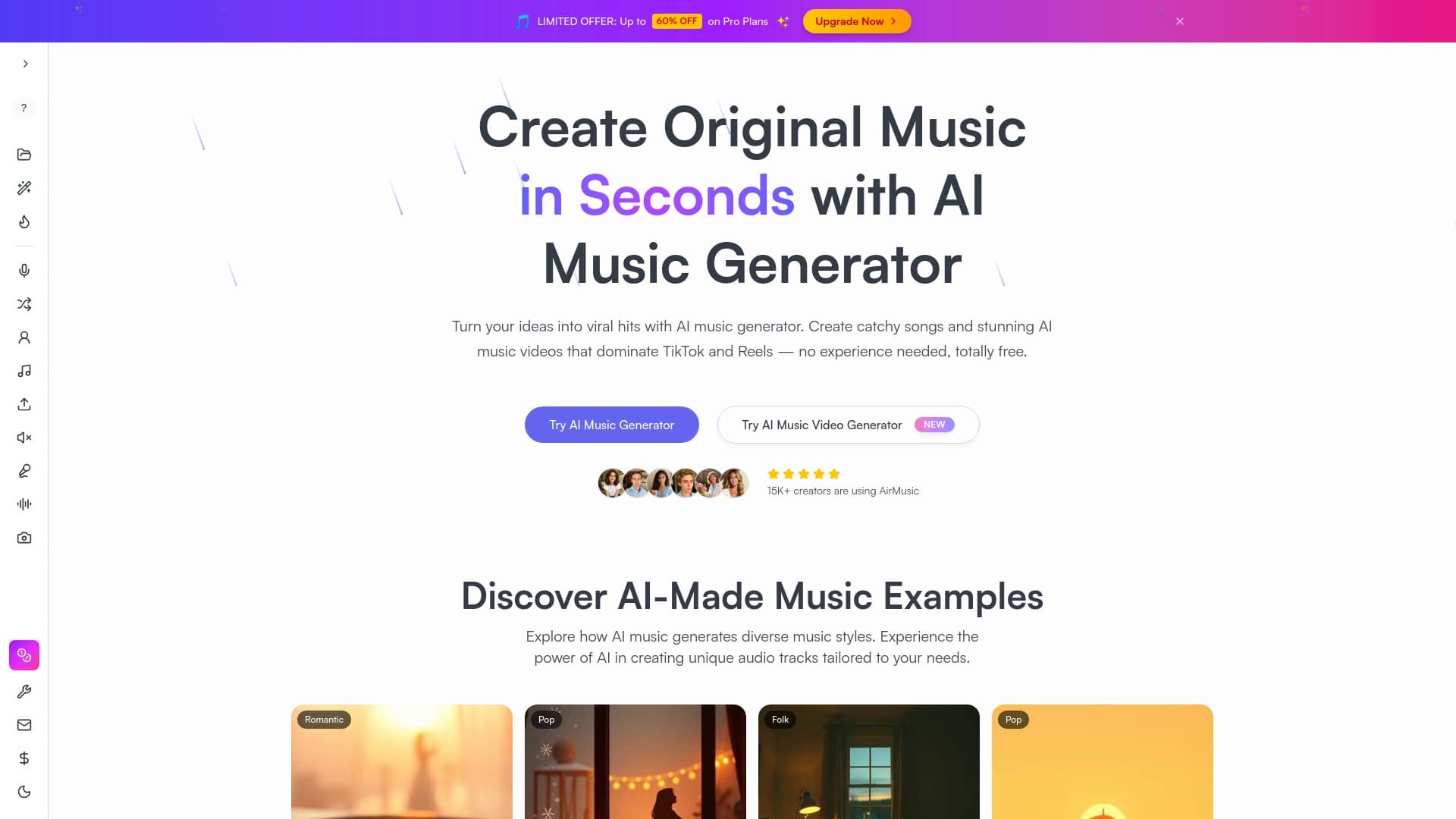
Генератор музыки по текстовому описанию с настройкой стиля и настроения, а также экспортом отдельных дорожек.

Онлайн-инструмент для замены лиц на фото, видео и GIF без регистрации и водяных знаков.


Онлайн-сервис на базе ИИ для быстрого создания презентаций по заданной теме или загруженному документу.


Сервис для превращения статичных изображений в видео с пением и синхронизацией губ с помощью ИИ.


Сервис для живых диалогов с ИИ, включающий генерацию текста, голоса и распознавание речи.

Платформа для создателей контента, объединяющая управление ссылками, email-маркетинг, онлайн-магазин и аналитику в одном визуальном редакторе без программирования.


Платформа с искусственным интеллектом для поддержки пользователей в приложениях, включающая чат-бота и тикет-систему.


Сервис на базе ИИ для автоматического создания «безликих» коротких видео для TikTok, YouTube Shorts и других платформ.