
ChatPDF
An online service that lets you chat with PDF documents: ask questions and get concise answers with source attribution.
Ranked in
Overview
ChatPDF
Description of the ChatPDF neural network
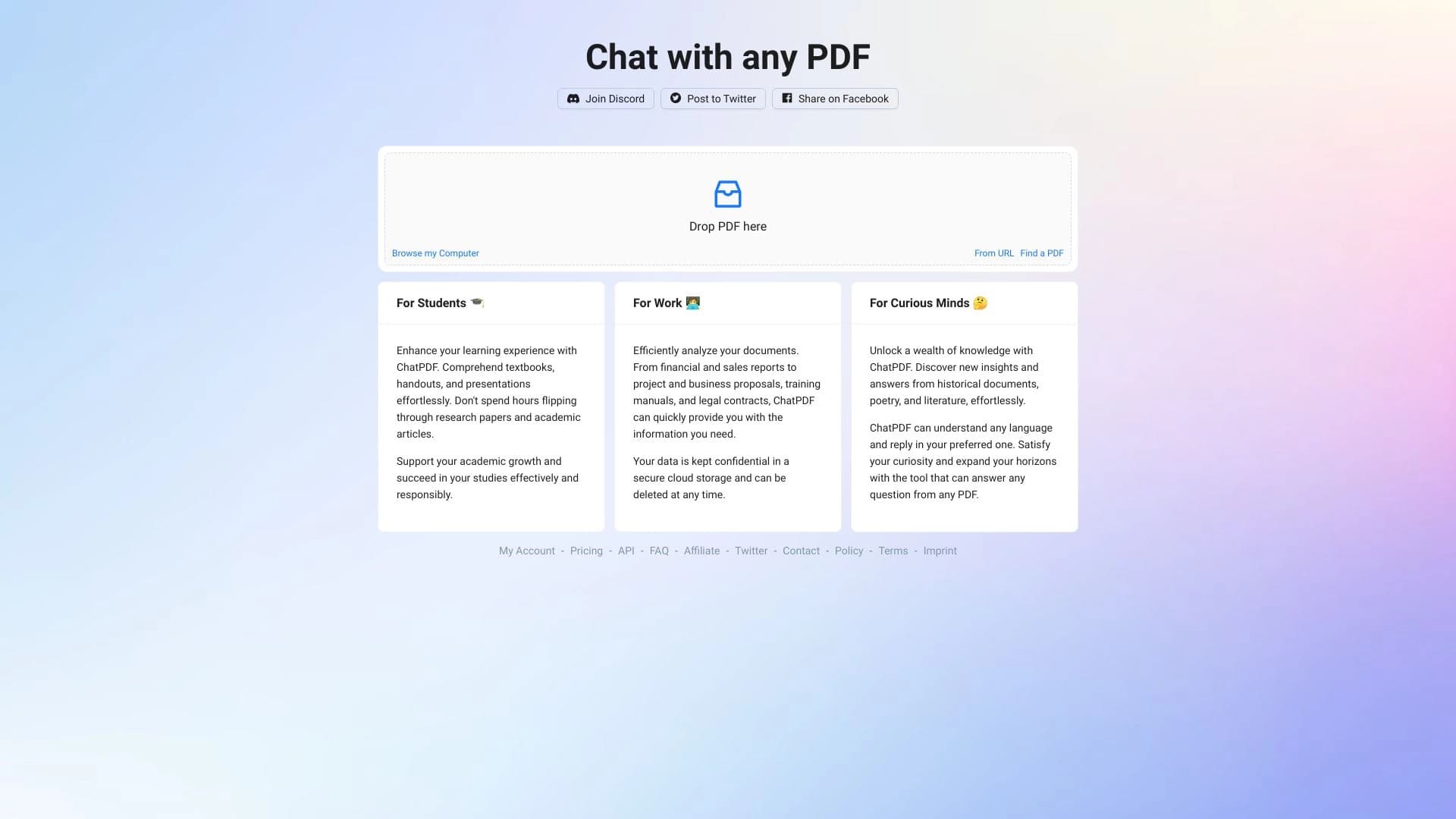
ChatPDF is an online service that turns a static PDF document into an interactive chat. The user uploads a file to the website and can ask questions about its content, receiving concise answers with source attribution — a link to a specific text fragment.
The service works directly in the browser and requires no additional software installation. No registration or OpenAI account is needed to get started — just upload a document and start a conversation. ChatPDF supports many languages, making it convenient for a wide range of users.
The main purpose of the tool is to speed up work with large volumes of textual information: instead of reading everything from cover to cover, you can ask targeted questions and immediately get answers with confirmation from the document.
ChatPDF characteristics
| Characteristic | Value |
|---|---|
| Type | Online service for working with PDF documents |
| Categories | PDF and documents, Reading and understanding, Summarization |
| Website | www.chatpdf.com |
| Publication date | August 1, 2025 |
| Distribution model | Freemium |
| Service access | Via browser, no installation required |
| Language support | Multiple languages |
| Registration | Not required |
Who is the ChatPDF neural network suitable for?
Students
ChatPDF helps quickly master textbooks, articles, and academic papers. Instead of reading an entire document at length, you can immediately ask questions on key topics and get concise answers with source attribution.
Researchers
For researchers working with large volumes of academic publications, the service speeds up finding the needed information. You can quickly verify facts, compare data, and extract key points from scientific articles.
Professionals handling large document volumes
Lawyers, financiers, analysts, and technical staff who regularly deal with voluminous files use ChatPDF to accelerate documentation analysis and reduce the time spent searching for important information.
How to use the ChatPDF neural network?
Uploading a document
The user uploads a PDF file to the website via the browser. The interface is simple and intuitive: the process starts with selecting and uploading the document.
Conducting a chat
After uploading, you can start a dialogue with the document — ask any questions about its content. The service analyzes the text and generates concise answers.
Getting information
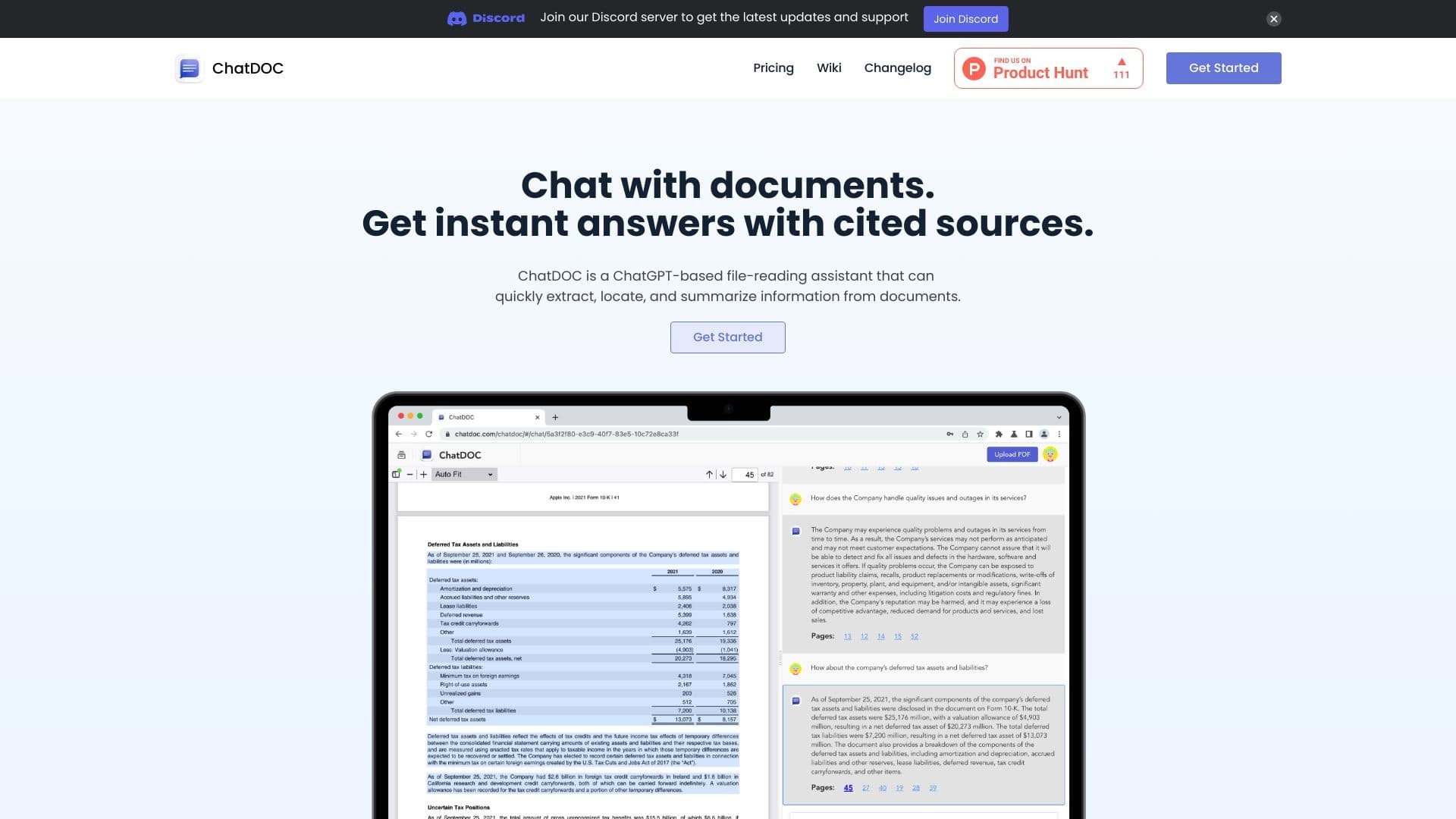
Answers come with source attribution — a link to the specific fragment of the file on which the answer is based. This allows you to verify information and return to the relevant parts of the document.
Key features of ChatPDF
Dialogue with PDF text
The main feature is conducting a full-fledged dialogue with the contents of a PDF file. The document ceases to be static and becomes an interlocutor you can ask follow-up questions.
Information extraction and concise answers
The service extracts the needed information from the document and provides short answers, saving the user from having to read the entire file.
Voice conversations
In addition to text interaction, ChatPDF supports voice conversations with document characters, expanding the ways to work with the material.
Source attribution for answers
Each answer is accompanied by a reference to the specific fragment of the document from which the information was taken, ensuring the ability to verify and double-check the data.
Advantages of ChatPDF
Speed of working with study materials
The service helps quickly study textbooks, articles, and academic papers, significantly reducing the time needed for an initial introduction to the text.
Faster document analysis
Analysis of legal, financial, and technical documents becomes faster since continuous reading is not required — you can ask targeted questions.
Time savings on information retrieval
In large files, the needed information is found significantly faster than with manual review of the entire document.
Simplicity and accessibility
ChatPDF turns a static PDF into an interactive chat, supports multiple languages, and works through the browser without installation, making it accessible from virtually any device.
Disadvantages of ChatPDF
Dependence on PDF quality
Answer accuracy directly depends on the original quality of the uploaded document. Poorly scanned files or documents with poorly recognized text may produce less accurate results.
Requirement for a stable internet connection
Since the service works online through the browser, a stable internet connection is required for full use — without it or with an unstable connection, the service becomes unavailable.
What tasks does ChatPDF solve?
Quick study of educational materials
The service helps quickly master textbooks, scientific articles, and other educational materials, extracting key information on demand.
Analysis of professional documents
Analysis of legal, financial, and technical documents is accelerated, allowing professionals to handle voluminous work documentation faster.
Searching for information in large files
Instead of spending hours reviewing large documents, you can ask a specific question and immediately get an answer with source attribution.
ChatPDF pricing
Detailed information about subscription plans and costs is not provided in the source data. It is known that the service operates on a freemium model: basic features are available for free, while extended functionality is presumably provided for a separate fee. Exact figures and the boundaries between the free and paid tiers should be checked on the official service website.
ChatPDF terms of use
The service does not require registration to get started — you can upload a document and immediately begin interacting with it. No OpenAI account is required either, which simplifies access to the tool for new users. Additional details about the terms of use, limitations, and service rules are not disclosed in the source data.
ChatPDF availability
ChatPDF works through the browser, so no software installation is required to use it. The service supports multiple languages, making it accessible to a wide audience of users from different countries and language environments.
How ChatPDF differs from alternatives
The key difference between ChatPDF and its alternatives is its narrow specialization in working with PDF documents and the ability to conduct an unlimited dialogue with the file's content, receiving answers with source attribution.
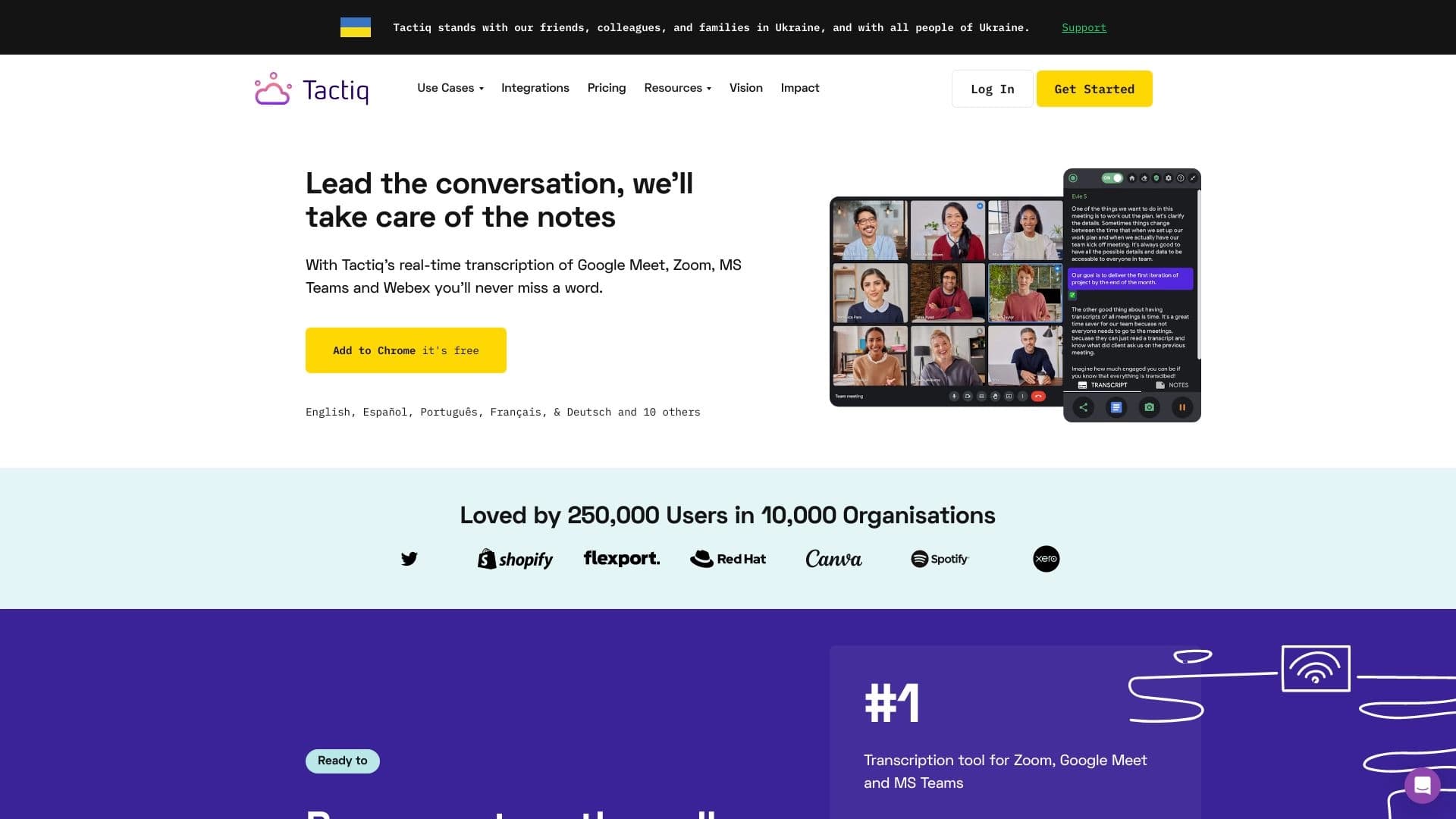
Among similar tools, Kimi Work, Turbo AI, Pelajarin AI, Kimi Slides, Tactiq, and Zoho Writer can be highlighted. Unlike many of them, ChatPDF focuses specifically on interacting with PDF files through chat, while some alternatives offer broader or different functionality — for example, working with presentations (Kimi Slides), meeting transcription (Tactiq), or office tools (Zoho Writer).
An additional difference is the absence of mandatory registration and the need for an OpenAI account, making the service convenient for users working with PDF documents.
Conclusion
ChatPDF is a practical and easy-to-use online tool that turns static PDF documents into an interactive chat. It allows you to quickly ask questions about file contents and get concise answers with source attribution, significantly saving time when working with large volumes of text. The service is especially useful for students, researchers, and professionals who regularly deal with voluminous documents, and the lack of registration, multi-language support, and browser-based operation make it accessible to almost everyone. At the same time, it is worth considering the dependence of accuracy on PDF quality and the need for a stable internet connection.
Frequently asked questions

See also
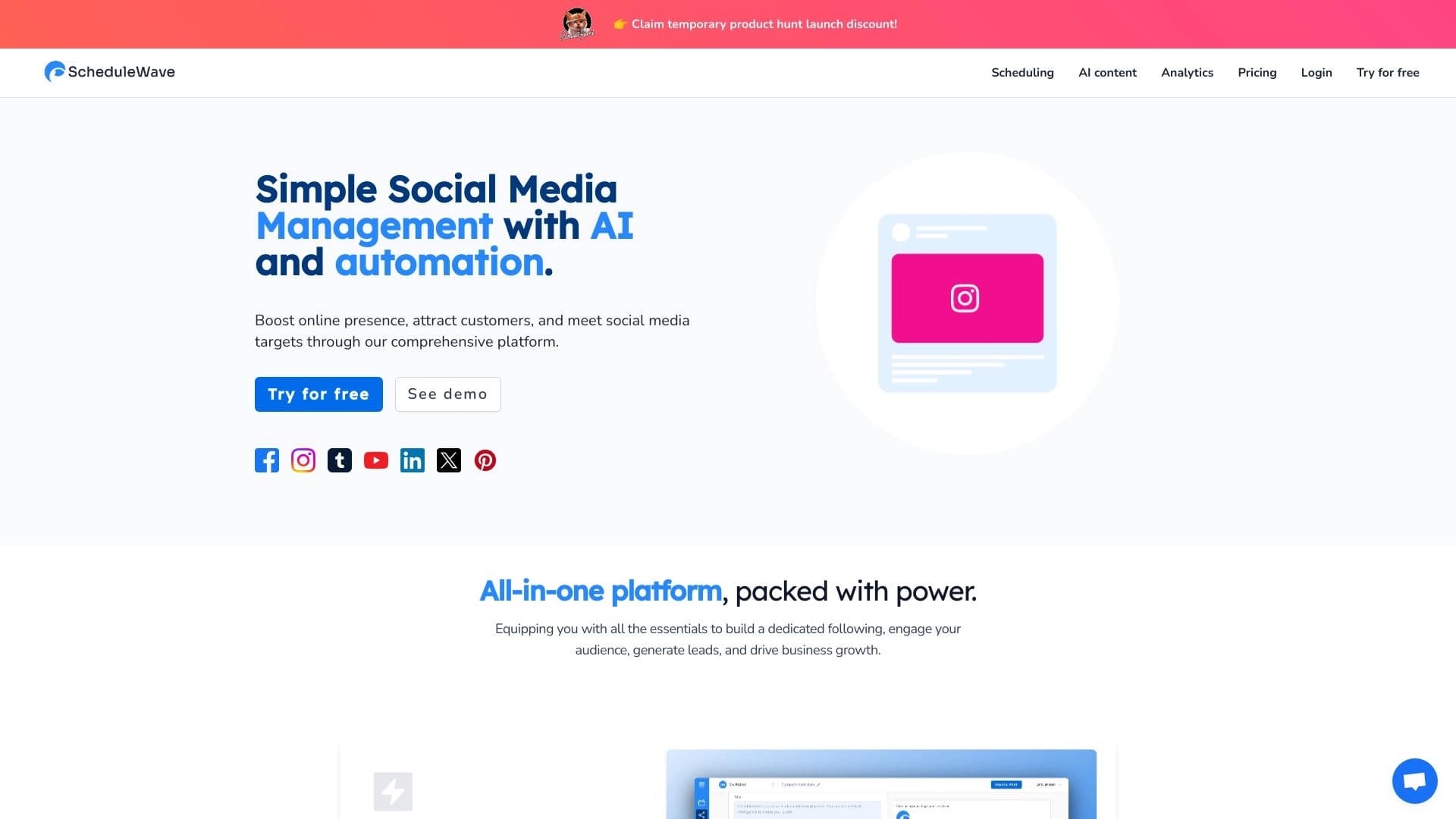
Platform for planning publishing automation into social net using artificial intelligence.
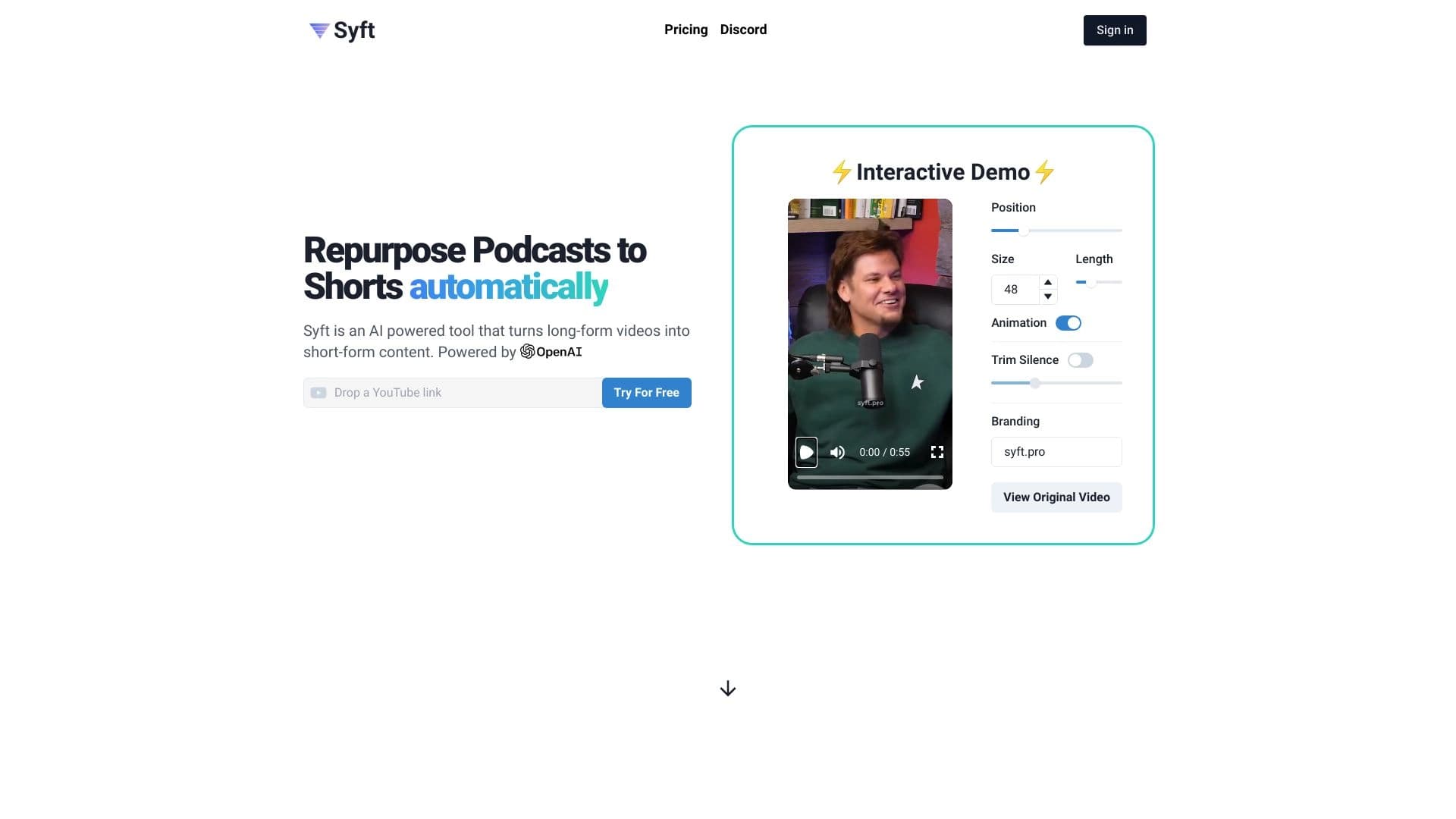
Syft - neural network for creating personal News collections based on user interests.
AI logo generator that creates unique variations in minutes.
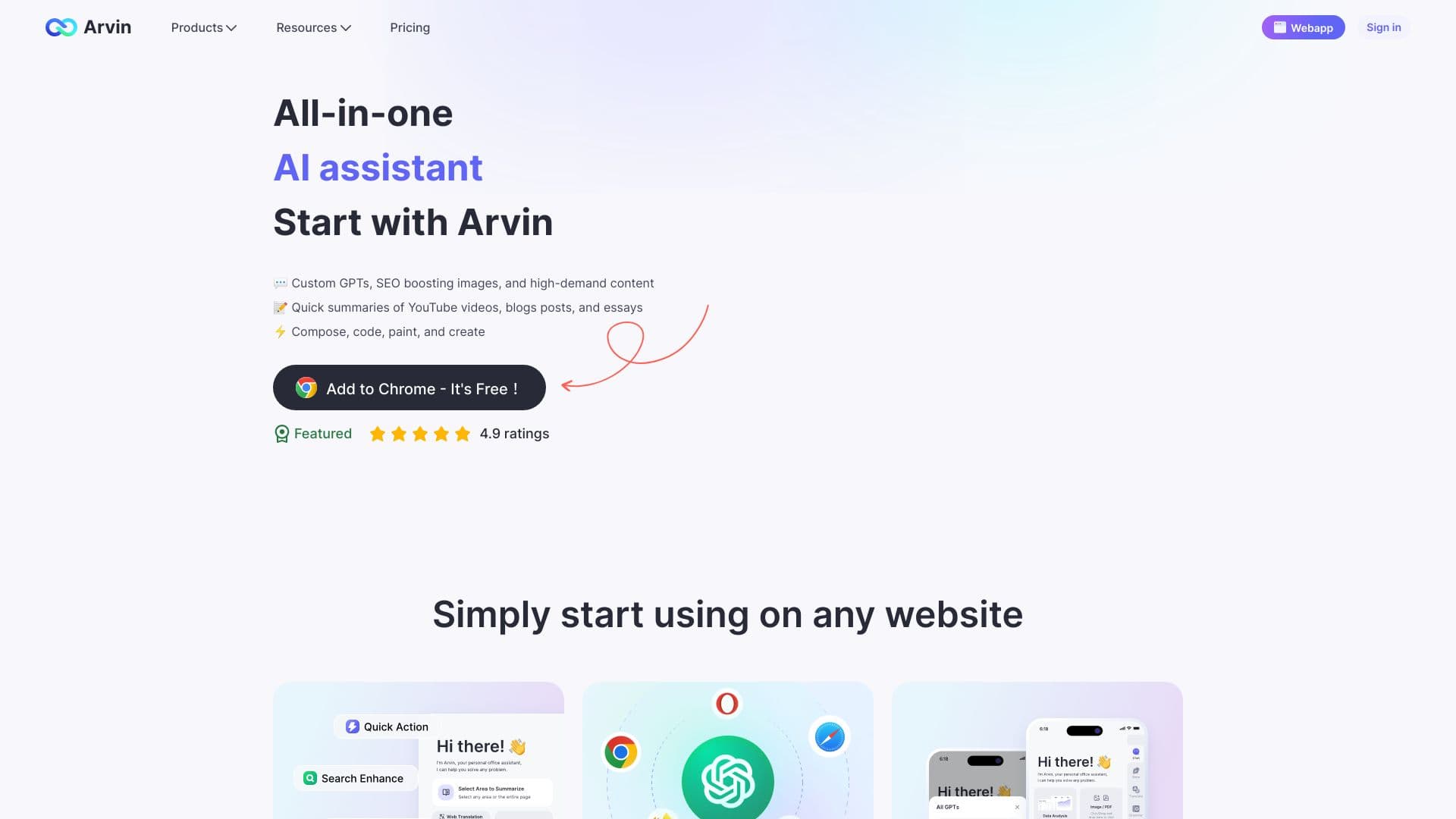
Browser extension and web service with AI assistant features: answering queries, summarizing videos and documents, and translating text.
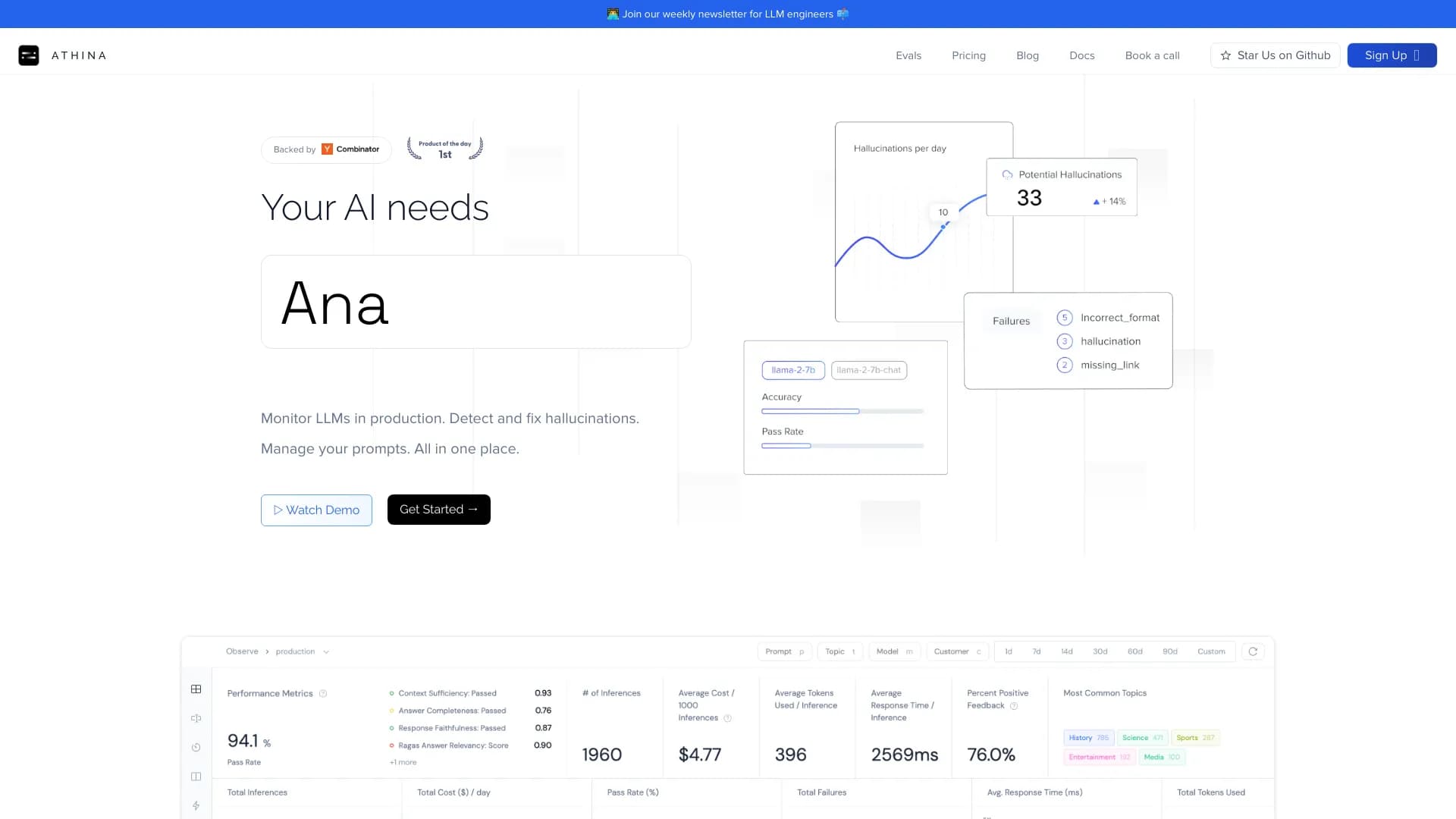

Platform for developing, monitoring, and evaluating AI applications based on large language models.

AI agent for integrating data from various sources and managing knowledge within organizations.
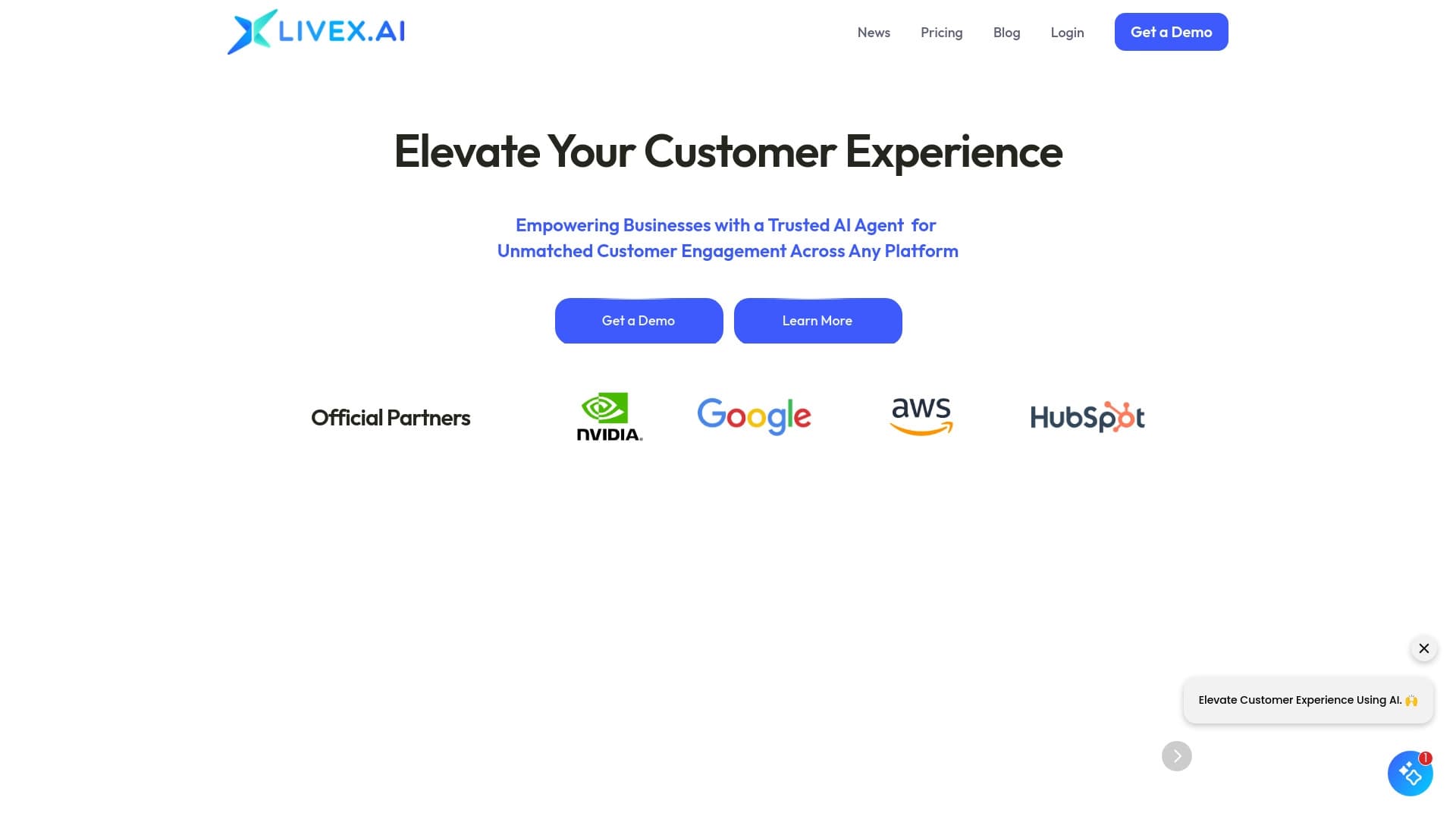

Multimodal AI agents for automating customer service and sales via chat, voice, and video.

AI agent for assisting with programming and optimizing the development workflow.