

PopAi
AI platform for working with documents, creating presentations, and generating images.
Overview
PopAi
Description of the PopAi Neural Network
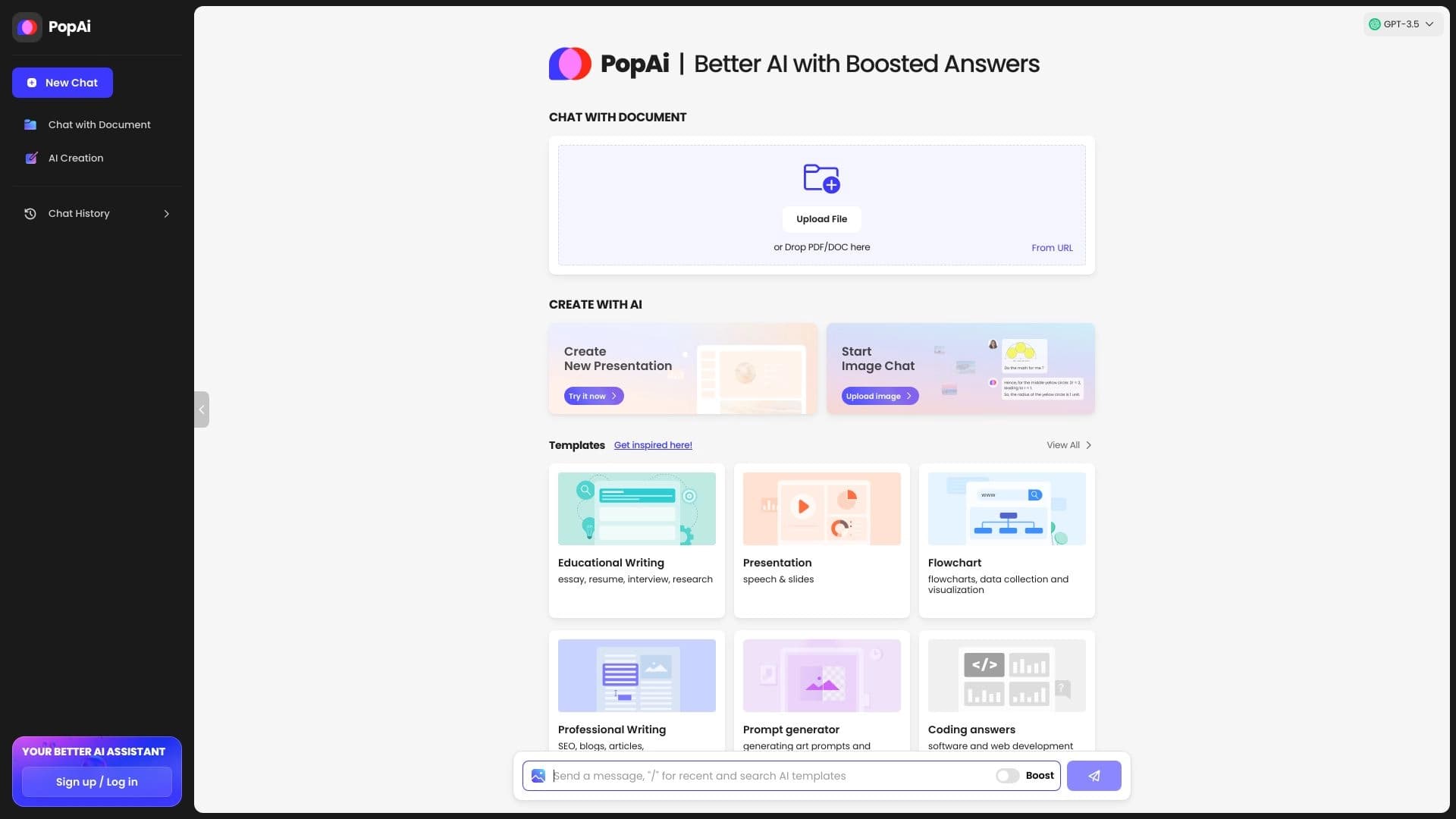
PopAi is a versatile AI platform designed for working with documents, texts, and visual content. The service combines 28 tools powered by GPT-4 and GPT-3.5 models that let you analyze PDF and Word files, create presentations, generate images, translate and recognize text, and write code.
The platform's distinguishing feature is its comprehensive approach: instead of switching between separate services for chatting with documents, generating slides, and editing, users get everything in one window. PopAi turns a topic, uploaded file, or web page into a presentation draft, lets you ask questions about your materials, and export the result in familiar formats. The platform supports more than 200 languages and offers a free plan with a limit on the number of requests.
PopAi Characteristics
| Characteristic | Value |
|---|---|
| Type | Neural network for generating presentations and working with documents, text, and images |
| Base models | GPT-4 and GPT-3.5 |
| Number of integrated tools | 28 |
| Supported languages | 200 languages, including Russian |
| Free plan | Yes (trial credits for new users; free accounts for participants of educational programs) |
| Platforms | Website, iOS and Android mobile apps, Chrome extension |
| Number of users | 2.5 million |
| Monthly request volume | 10 million |
| Launch year | 2023 |
| Developer | 01.AI Pte. Ltd. |
| VPN required | No |
| Russian interface | No |
Who is PopAi suitable for?
Students and learners
PopAi is especially useful for those who prepare homework, summaries, and reports. The platform helps quickly create lecture digests, turn study materials into presentations, and visualize complex topics for better retention. Participants of educational programs are offered special conditions, including free accounts for teachers and students.
Teachers and researchers
Educators can efficiently prepare materials for classes, while researchers can analyze large scientific documents and extract key theses from them. The chat's ability to work with PDF and Word saves time that previously went into manual reading and note-taking.
Office workers and managers
For professionals who regularly need to turn reports, plans, and texts into presentations, the service acts as a digital assistant. It handles the technical part of the work — from the initial structure to slide layout — letting users focus on the content.
Marketers, content creators, and small teams
PopAi suits those who create content for blogs and social media, generate images for projects, and need to quickly design visual materials. The ability to collaborate on documents makes the platform useful for small teams.
How to use PopAi?
Registration and access
To get started, you need to register, which takes about 20 seconds. You can create an account via the website, mobile apps, or the Chrome extension. No credit card is required at the start — new users are given trial credits.
Working with documents
To analyze a document, upload it to the platform. After that, tools for interacting with the material become available: you can ask questions about the content, get a summary, adjust text display for comfortable reading, and extract key theses.
Creating presentations
To generate slides, simply enter a topic or upload a source file (PDF, Word, PPTX, or a web page). The service automatically creates a structure with layouts and illustrations. The resulting outline can be edited before the final design generation; then you can refine the slides in the built-in editor and export the result to PPTX or PDF.
Main Functions of PopAi
Working with documents
The platform supports chatting with uploaded materials (AI ChatPDF): analyzing PDF and Word files takes seconds, and you can ask questions about the content and get brief summaries. Image and diagram analysis is available through the Capture & Ask feature, as well as creating mind maps from PDFs.
Generating presentations and images
PopAi can turn a topic or file into a slide draft using up to 15 PowerPoint templates, with online editing and export options. It also includes image generation in 1,000 styles with access to prompts and codes, including 4K quality support.
Text and auxiliary tools
The set includes text extraction and handwriting recognition, instant image translation, text reduction by up to 30%, and automatic citation in APA/MLA formats. Also available are code generation in Python and JavaScript, brainstorming with 50 idea templates, access to current news, and integration with search engines.
Advantages of PopAi
Versatility and time savings
PopAi combines 28 tools powered by GPT-4 and GPT-3.5 and processes 10 file formats. The main benefit is that all steps (slide generation, document chat, editing) are gathered in a single workflow, saving time on creating the first presentation draft from ready-made material.
Quality and convenience
The platform supports 5,000 characters of text, generates 4K images, and provides 99% summarization accuracy. Google Search integration enhances analysis capabilities, while navigation through complex documents and customizable layout simplify reading. The intuitive interface requires no lengthy learning curve.
Collaboration and storage
Users get 5 GB of cloud storage, team collaboration, and export to familiar PPTX and PDF formats. Free team accounts and special programs for students and teachers are available for educational institutions.
Disadvantages of PopAi
Limitations of the free version
The free plan provides only 2 requests per day, which may not be enough for active use. Some sources note that there is no full-fledged free plan at all, and access to the service is provided through trial credits for new users.
Result quality and transparency
The quality of the finished presentation strongly depends on the structure of the source file and how precisely the task is set — the automatic structure sometimes requires manual reordering of slides. Answers about documents should be verified against the original source, and the price of paid plans on some platforms is not disclosed and requires clarification.
What Tasks Does PopAi Solve?
Educational and work tasks
The service helps quickly create drafts of presentations and reports from a topic or ready-made material, compose short lecture summaries, and reinforce notes in memory. Educational support through visual aids makes the platform useful for preparing homework.
Information processing
PopAi handles analysis of PDF and Word documents, chat with uploaded materials with brief summaries, navigation through complex files, and extraction of key theses. Text reduction, handwriting recognition, and instant image translation are also notable.
Creative and technical tasks
The platform is used for creating images in 1,000 styles (including visual search and analysis), generating code, brainstorming with idea templates, creating content for blogs and social media, and accessing current news.
PopAi Pricing
PopAi operates on a freemium model. The free version includes 2 requests per day, and new users are given trial credits. The paid PopAi Pro plan costs from $9.99 per month and includes 500 requests.
Separate programs are available for educational purposes: free unlimited accounts for Campus Ambassador participants, free accounts for teachers and students, and free team accounts for educational organizations. Participation terms are agreed individually with the development team. It is worth noting that some sources do not disclose current subscription amounts, so exact prices may be confirmed on the official website.
PopAi Terms of Use
Registration is required to get started and takes about 20 seconds. No credit card is required at the start. New users receive trial credits to get familiar with the service.
To participate in educational programs (free accounts for students, teachers, and educational organizations), you need to submit an application and coordinate the terms with the development team. The platform does not require VPN.
PopAi Availability
PopAi is available via the website, mobile apps for iOS and Android, and a Chrome extension. Some catalogs also note support for additional platforms — Linux, Mac, and Windows.
The service supports more than 200 languages, including Russian, although the interface is not localized into Russian, and multilingual queries do not guarantee consistent quality across all languages. There is no data on regional restrictions, and VPN is not required. The service is most popular in the United States, which accounts for about 12% of traffic.
How PopAi Differs from Alternatives
The main difference between PopAi and competing solutions is that it combines several work stages into a single workflow. Instead of manually moving theses between a chat, a separate editor, and PowerPoint, the platform offers a slide generator, document chat, and built-in editor in one window. This approach lets you turn a topic, PDF, Word, PPTX, or web page into a presentation draft without switching between tools.
Another advantage is the breadth of functionality: few alternatives combine document processing, image generation in 1,000 styles, handwriting recognition, translation, and code writing on one platform with a base of 28 tools. At the same time, the availability of special free programs for educational institutions sets the service apart from competitors.
Conclusion
PopAi is a multifunctional AI platform powered by GPT-4 and GPT-3.5, combining 28 tools for working with documents, text, images, presentations, and code. The service is especially useful for students, teachers, and office workers who need to quickly turn source materials into structured presentations and summaries. The platform is available on the web, in mobile apps, and as a Chrome extension, supports 200 languages, and has a free plan limited to 2 requests per day, while the paid version starts at $9.99 per month. For a quality final result in important projects, manual verification of facts and structure will be required; however, at the initial stage of creating materials, the service saves significant time and handles most of the technical work.
Pricing
Frequently asked questions
Similar AI tools




See also

Web platform for AI-powered image and cinematic video generation, featuring studio-grade editing tools.


AI tool for creating SEO-optimized multilingual content.

A service that automatically generates enhanced photos for dating site profiles.

A platform for generating images, videos, and audio using artificial intelligence from text descriptions.
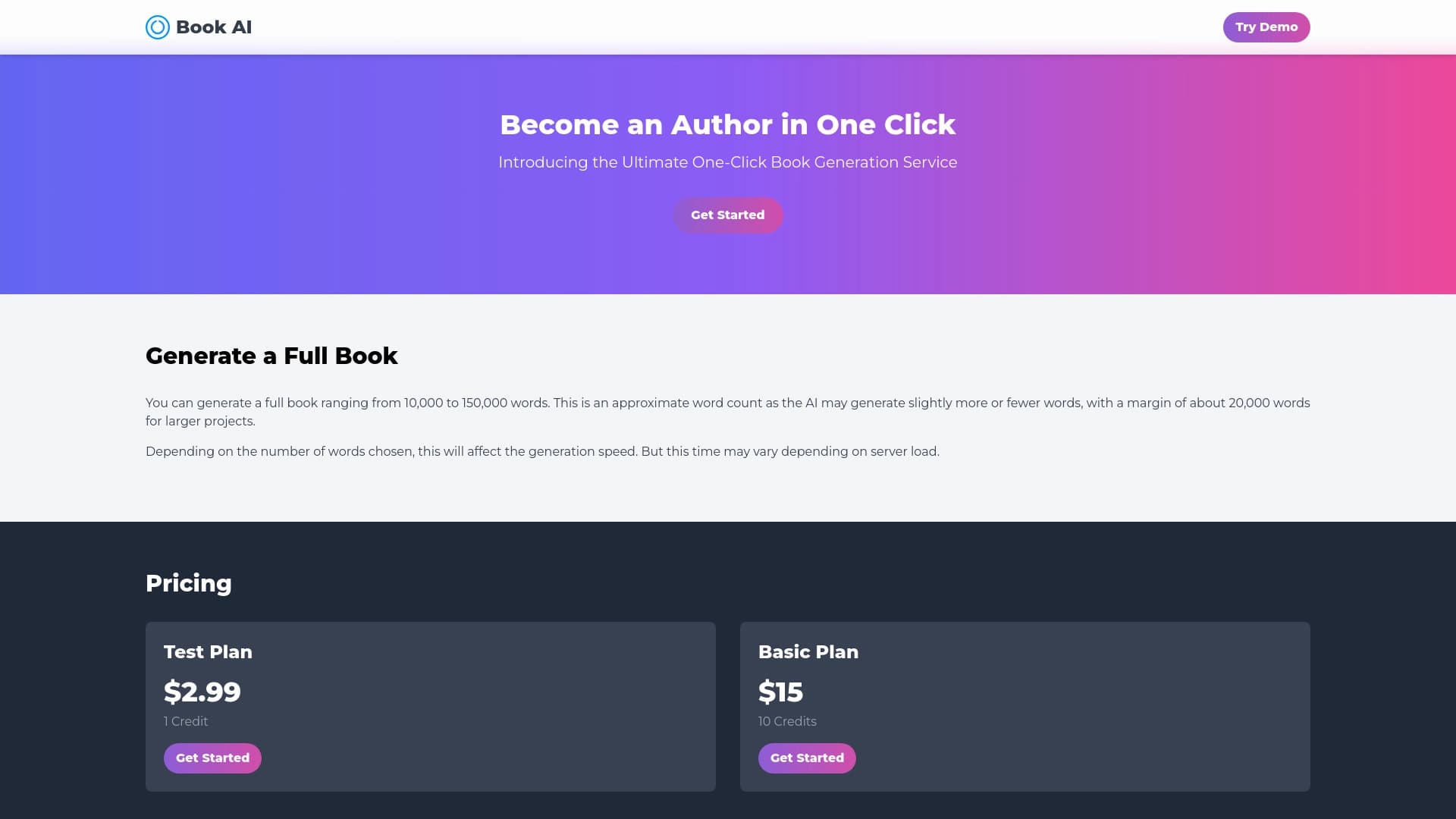

Online service for generating full book texts from a single request.
Unified API access to more than 500 AI models, including GPT-5 and Claude 4.5, with the ability to save on costs.

AI-powered online service that automatically converts bank statements from PDF into structured CSV files.

AI assistant that analyzes uploaded study documents, identifies questions, and provides detailed explanations.