

Bubble
A visual platform for creating web applications without writing code, with the ability to use an AI assistant.
Overview
Bubble
Description of Bubble AI
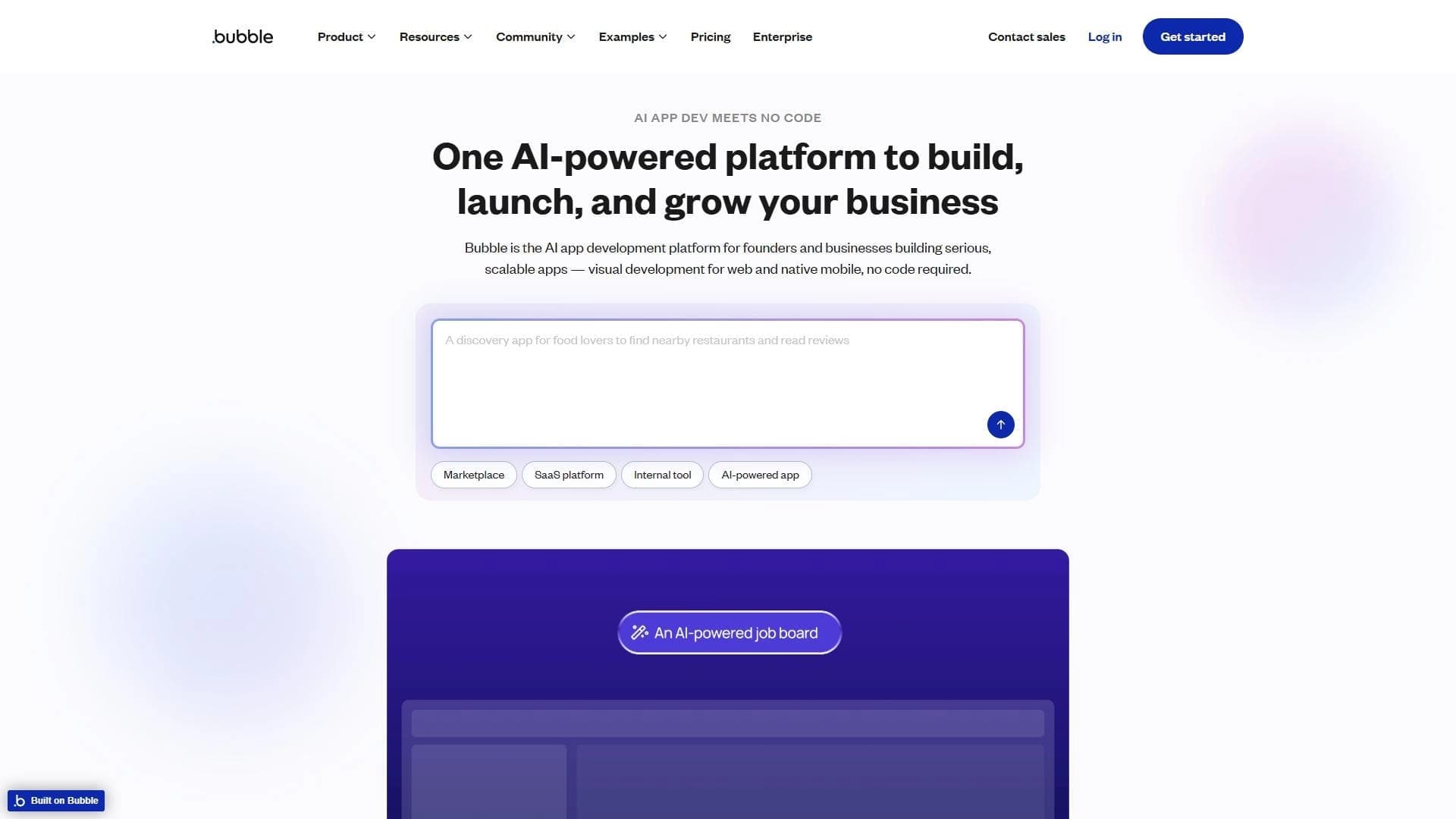
Bubble is a visual platform for creating web applications without writing code, combining a classic no-code editor with artificial intelligence capabilities. The service lets users assemble the interface and business logic of an app through an intuitive drag-and-drop interface, while the built-in AI assistant helps automate routine tasks and generate code. The platform supports integrations through plugins and runs entirely in the browser, making it accessible without installing additional software.
Bubble Features
| Characteristic | Value |
|---|---|
| Type | No-code and Low-code platform |
| Category | Website and interface builders |
| Platforms | Web |
| Website | bubble.io |
| Distribution model | Freemium |
| Editorial rating | 8.6 out of 10 |
| User rating | 4.9 |
| Publication date | August 3, 2025 |
Who is Bubble AI for?
Entrepreneurs and startups
Bubble is aimed at entrepreneurs and startups who want to quickly launch a product without hiring a development team. The platform lets you turn an idea into a working prototype in a few days, which is critical in the early stages of a business.
Developers looking to accelerate the process
For experienced developers, Bubble serves as a rapid prototyping tool. Specialists can use the visual editor to build the basic architecture of an app and, if necessary, connect their own scripts through plugins.
All kinds of use cases
The platform suits users from different fields—from building internal company tools to launching full-fledged online services. Bubble requires no prior programming knowledge, making it accessible to a wide audience.
How to use Bubble AI?
Registration and getting started
To use the platform, you need to register at bubble.io. After creating an account, the user lands on a dashboard where they can choose a template from ready-made solutions or start with an empty project.
Building the interface and logic
Work in the editor revolves around dragging and dropping interface elements—buttons, forms, text blocks, images. Each element can be assigned actions: opening a page, sending data, calling an API. App logic is configured through visual workflows that connect events to system responses.
Using the AI assistant
At any point during development, you can switch to the AI assistant, which helps generate code, configure complex scenarios, or optimize existing solutions. The AI assistant works as an additional tool that extends the capabilities of the visual editor.
Testing and publishing
App testing happens directly in the editor. After finishing, the product is published with one click—the platform automatically deploys the app on its servers and provides a ready URL.
Key features of Bubble
Drag-and-drop visual editor
The platform’s main feature is an interface builder where elements are placed on a canvas using drag-and-drop. The editor supports responsive layouts and lets you customize the appearance of each component without writing CSS.
Integration through plugins
Bubble supports connecting external services through a plugin system. Users can integrate payment systems, CRMs, analytics, databases, and other tools created by both the platform and the community.
AI integrations
The platform uses the latest artificial intelligence technologies, allowing AI functions to be embedded directly into the apps being created. This includes natural language processing, content generation, and automation of complex algorithms.
Scalability support
Bubble provides tools for app growth: from improving performance to connecting additional resources as the user base grows.
Bubble advantages
Full development cycle without code
The platform covers all stages of development—from idea to publishing a working product. Users don't need to hire programmers or learn programming languages, significantly reducing launch time and cost.
No programming skills required
Working with Bubble requires no coding knowledge. The entire process is built on visual tools and intuitive settings, making the platform accessible to people without a technical background.
AI integration support
The built-in AI assistant and the ability to use AI modules set Bubble apart from other no-code solutions. This allows creating intelligent applications with minimal effort.
Bubble disadvantages
Limitations for complex projects
Bubble isn't suitable for apps with unique business logic that require unconventional algorithms or a high degree of customization. The platform places limits on the depth of configuration, which can be a problem for narrowly specialized solutions.
Variable performance
On large, heavily loaded apps, speed may decrease. Bubble is optimized for medium-sized projects, but delays can occur when there is significant growth in the user base or data volume.
Steep learning curve for beginners
Despite not requiring programming, the platform’s interface and logic take time to learn. Beginners may need a few weeks to fully master all the editor’s capabilities.
Access limitations
Access limitations can create additional inconvenience and limit stable availability.
What tasks Bubble solves
Creating web applications without programming
Bubble’s main goal is to let people without development experience create full-fledged web applications. The platform handles technical aspects, leaving only the creative and logical part to the user.
Rapid launch of prototypes and ready-made services
For startups and entrepreneurs, Bubble solves the problem of speeding up time-to-market. A prototype can be built in a few days, and a complete service in a few weeks—much faster than traditional development.
Development with AI
The platform makes it possible to incorporate artificial intelligence into apps without writing complex AI algorithms. This is especially useful for automation, data processing, and personalizing user experience.
Bubble pricing
Bubble operates on a freemium model. The platform offers a free plan with basic capabilities that lets you start developing and test the functionality. Paid subscriptions are available for commercial use and higher limits. Exact prices and terms of paid plans are listed on the platform’s official website.
Bubble terms of use
To start using the platform, registration at bubble.io is required. The user agrees to the service’s terms of use, which govern the creation, storage, and publication of applications. The platform reserves the right to change pricing and functionality.
Bubble availability
The platform works exclusively as a web service through a browser; no additional software installation is required. Bubble is available on all modern browsers and operating systems.
How Bubble differs from alternatives
Combination of no-code and AI assistant
Bubble’s main difference from alternatives is the built-in AI assistant available at any point during development. While most no-code platforms are limited to a visual editor, Bubble offers a hybrid approach that lets you switch between manual assembly and AI generation.
A full-fledged web platform, not just a website builder
Bubble is aimed at creating web applications with full-fledged business logic, not just business-card sites or landing pages. This distinguishes it from simple website builders like Tilda or Wix and brings it closer to more powerful low-code solutions.
Community and plugin ecosystem
The platform has an active community of developers who create and publish plugins. This ecosystem makes it possible to extend the base editor’s functionality by connecting ready-made solutions for integration with popular services.
Conclusion
Bubble is a no-code platform for creating web applications that combines a visual editor with an AI assistant. The service lets you quickly launch prototypes and finished products without programming, making it attractive to entrepreneurs, startups, and developers. However, the platform has limitations for complex, high-load projects. Overall, Bubble is a well-balanced solution for those who want to build modern web applications without deep technical knowledge.
Frequently asked questions
Similar AI tools








See also
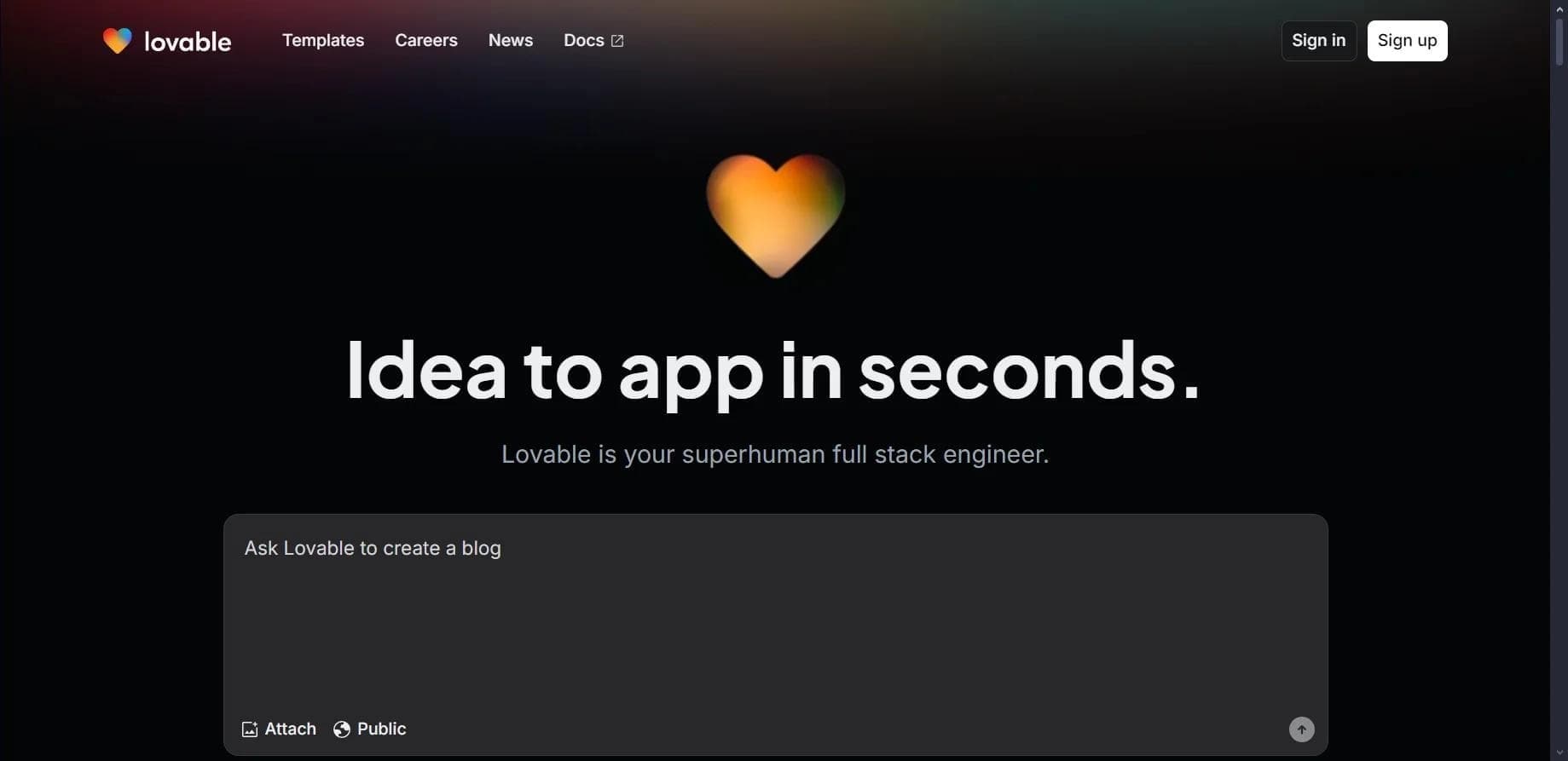

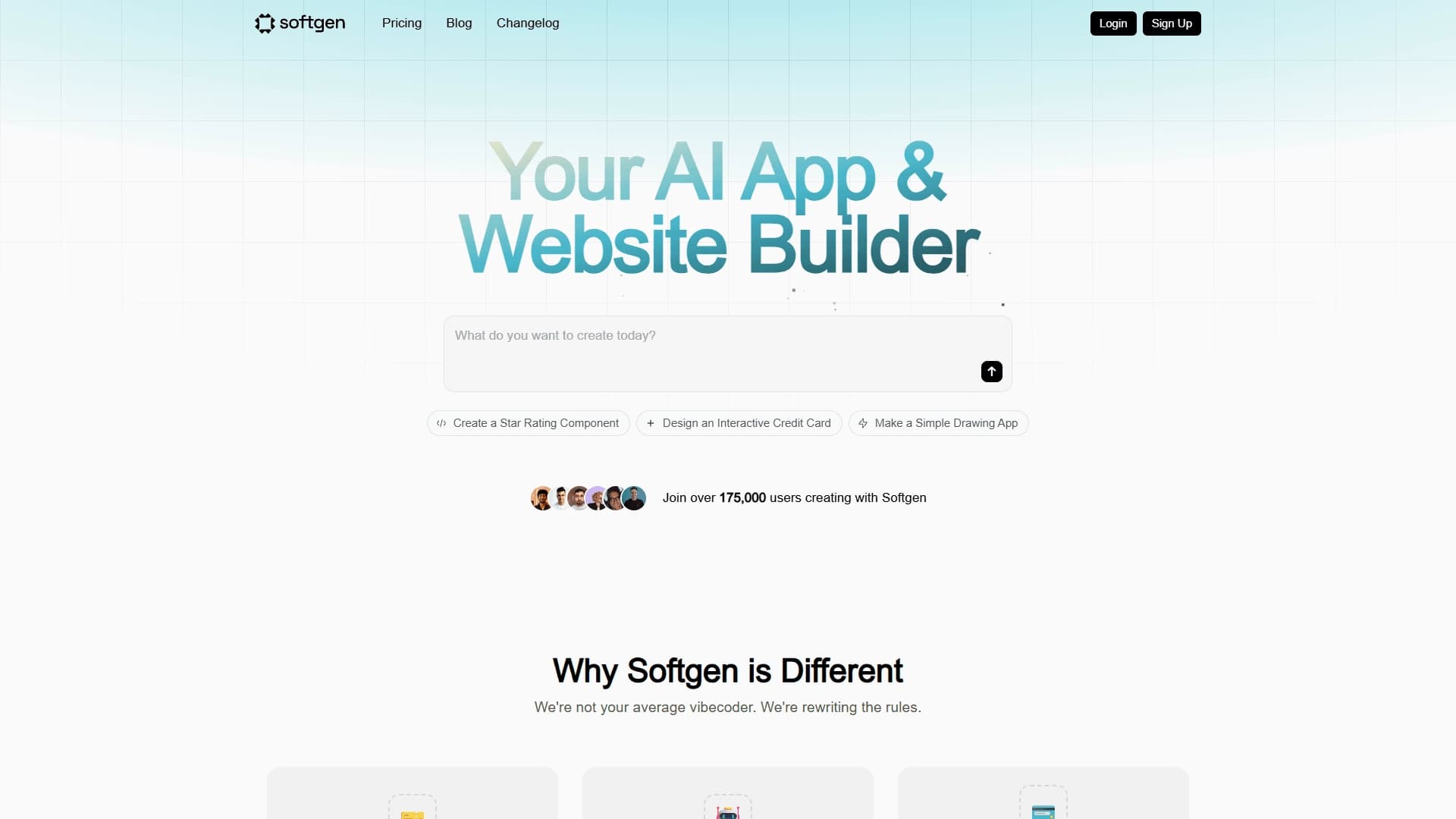
Platform for creating web applications and websites from a text description using AI.
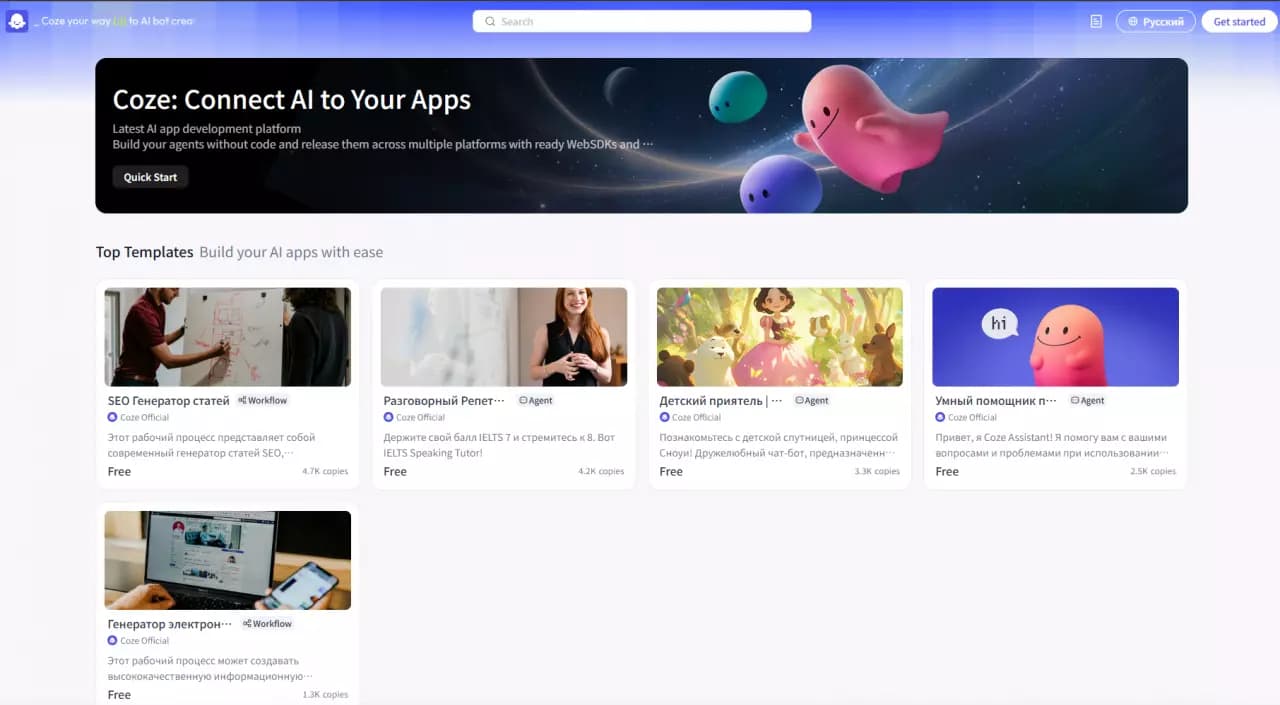

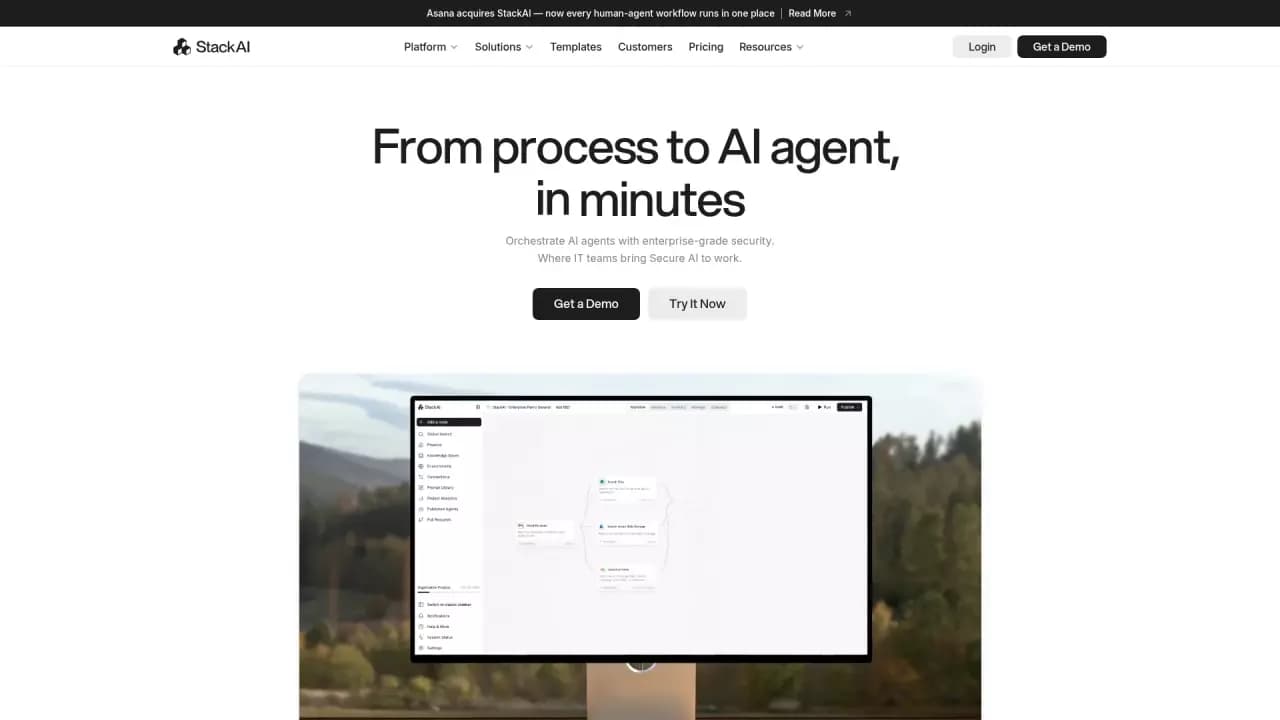
Platform for building AI chatbots with a visual builder that requires no coding skills.


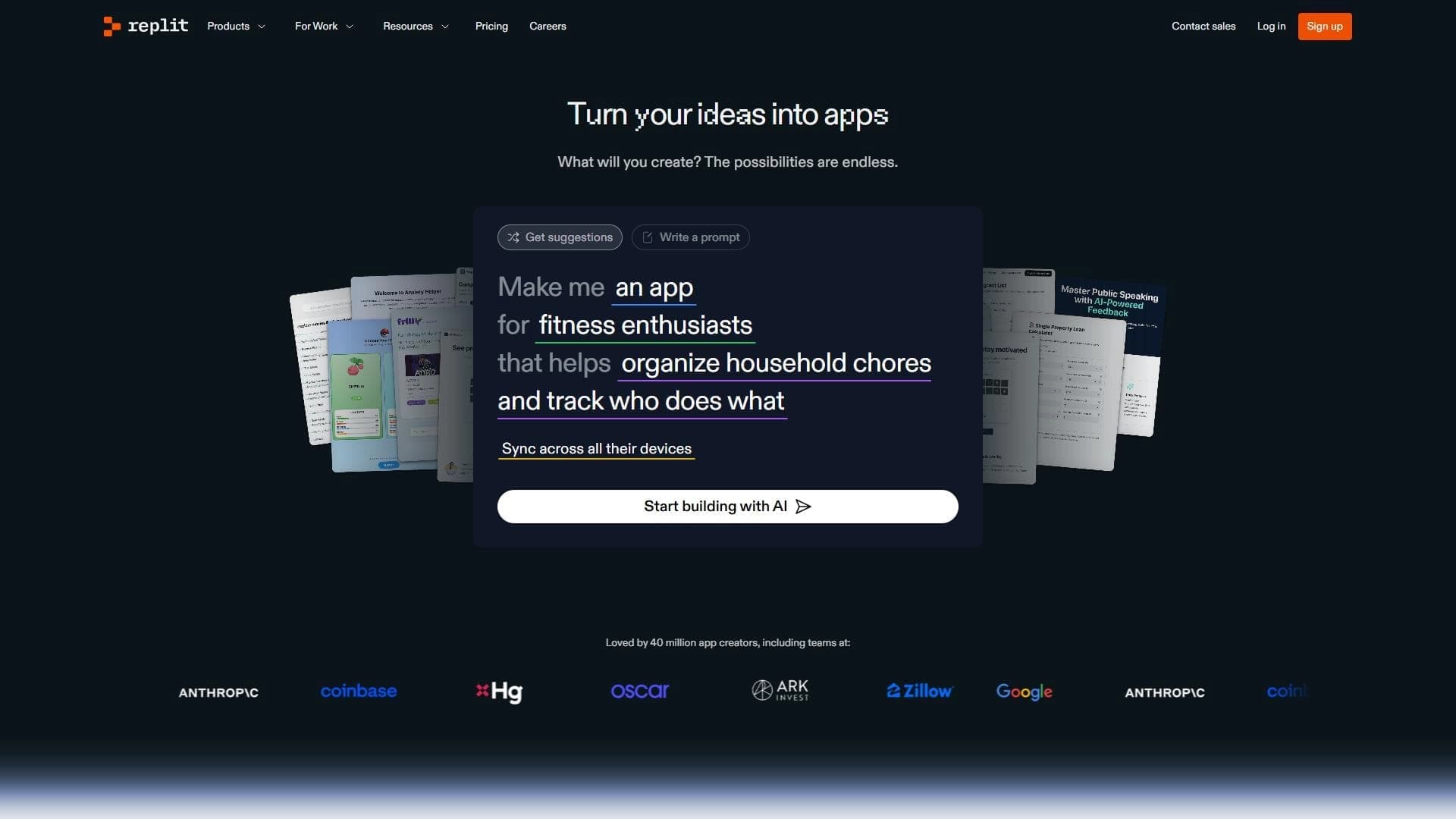
Cloud platform for launching AI applications directly in the browser without installation.
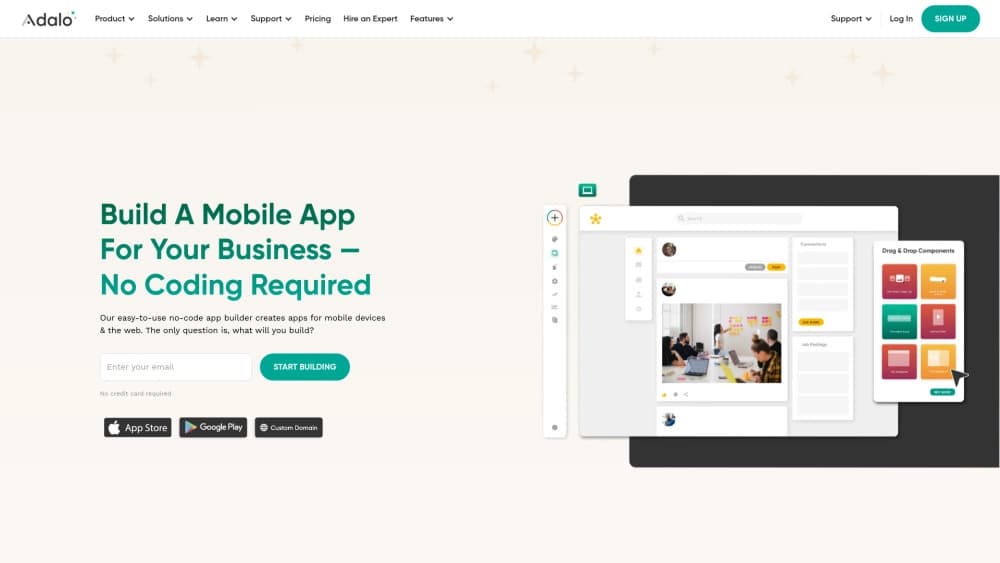
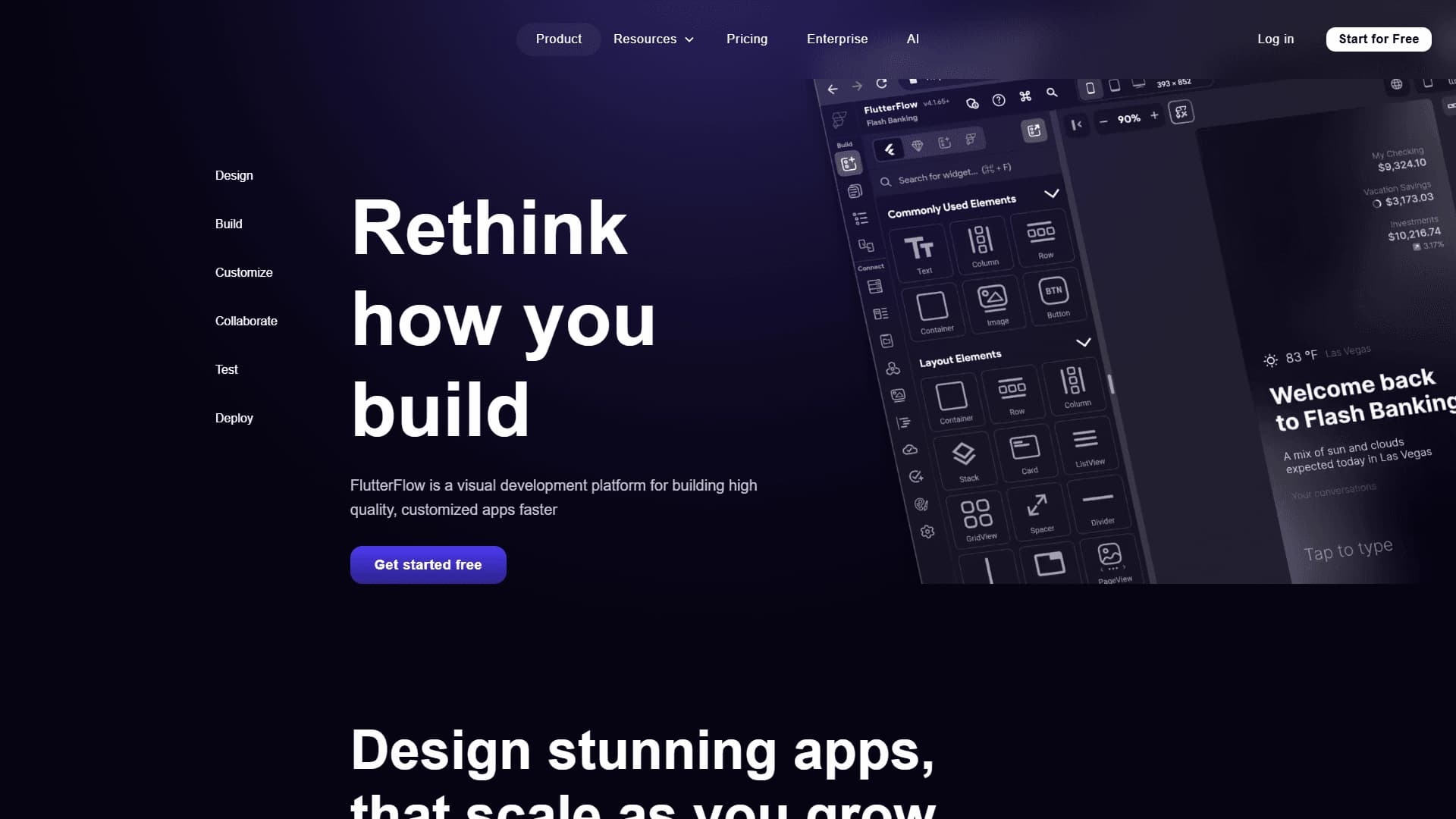
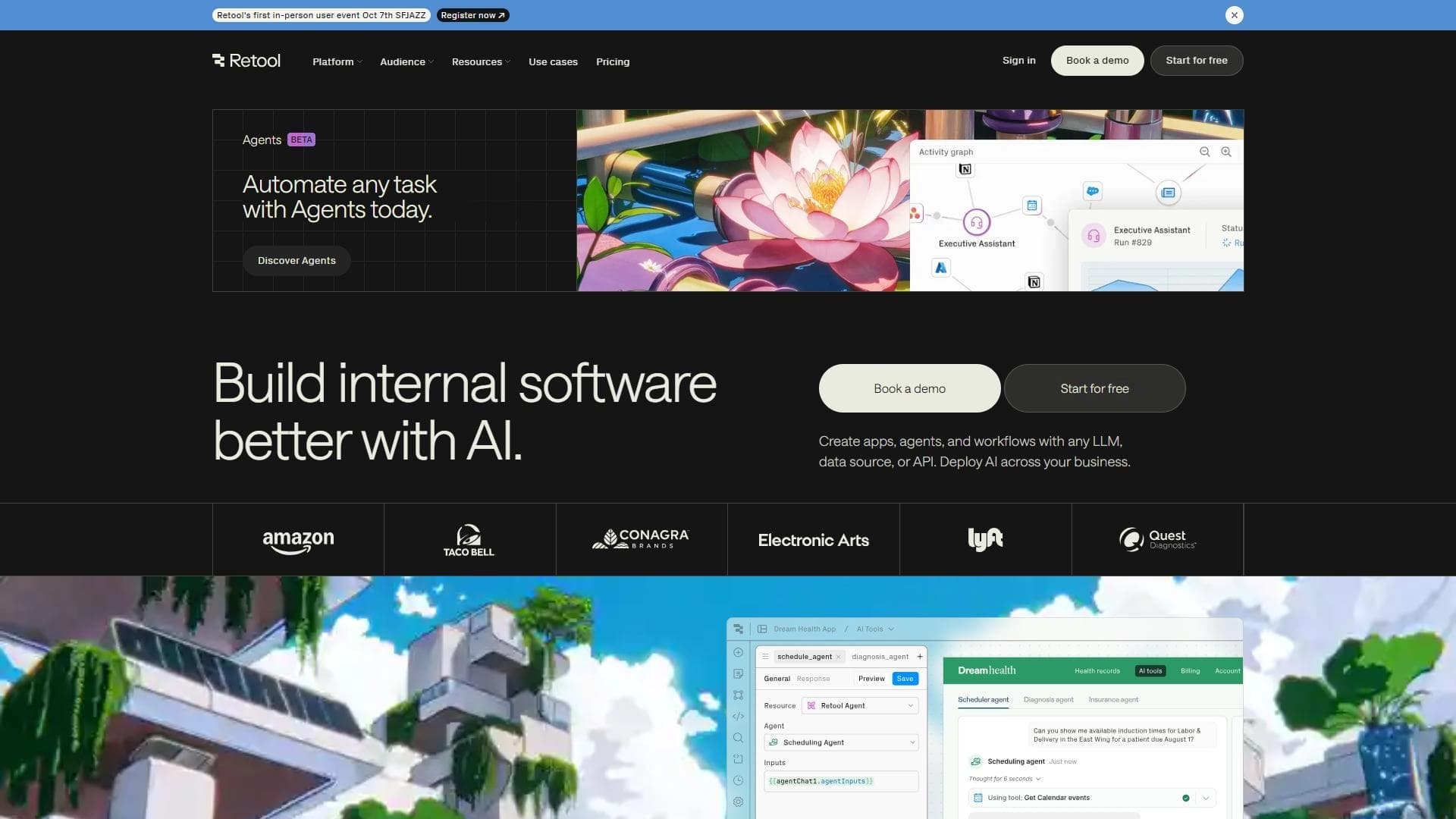
A platform for creating mobile and web applications without writing code, using a visual builder.

Platform for creating AI chatbots without coding, targeted at businesses and agencies.

A design canvas built into the code editor, allowing you to create interfaces and write code in one place.

AI platform for fast website creation and small business process management.

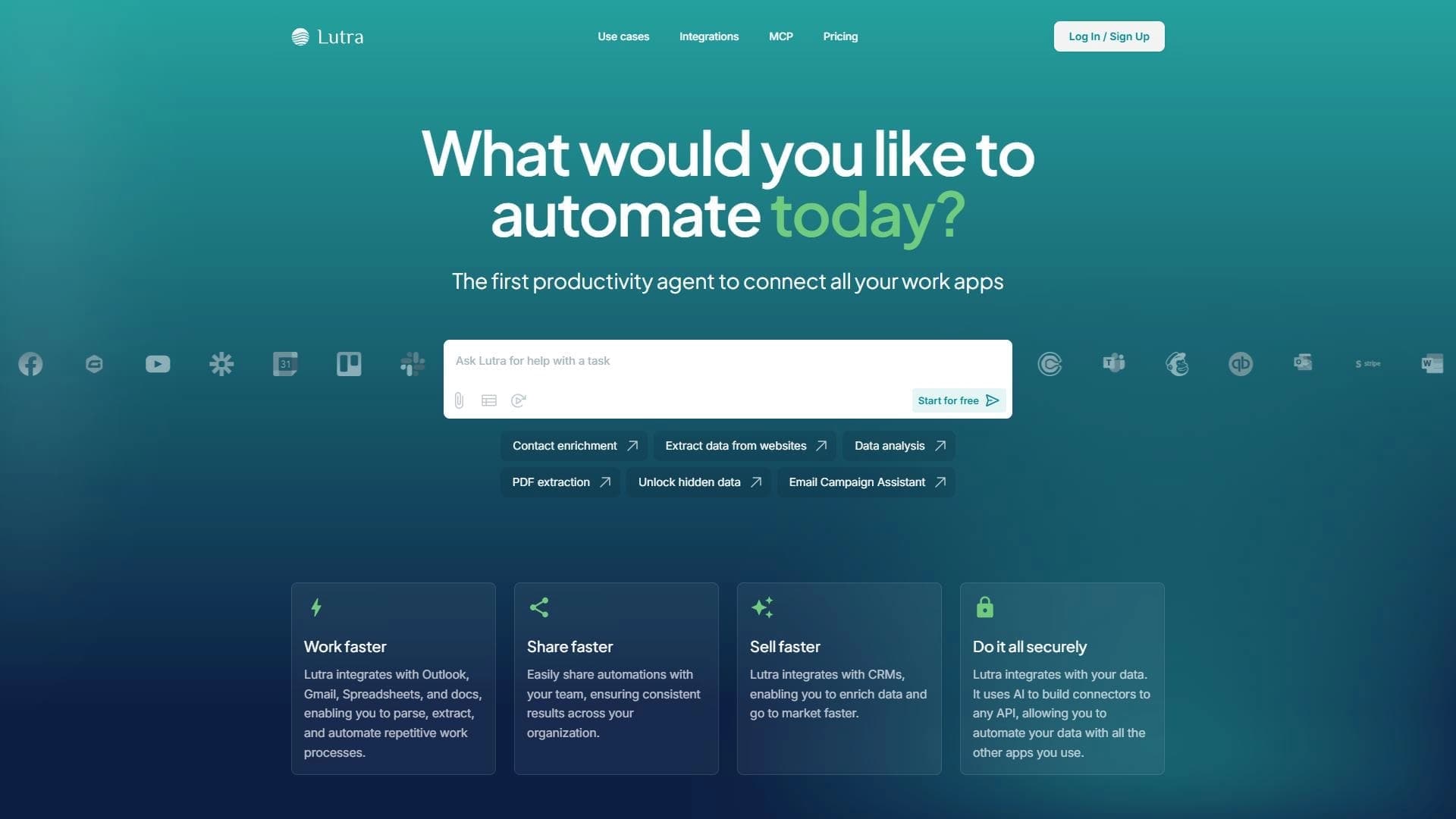
A workflow automation platform that connects thousands of apps without requiring coding.