

Coze
Platform for building AI chatbots with a visual builder that requires no coding skills.
Overview
Coze
Description of the Coze AI
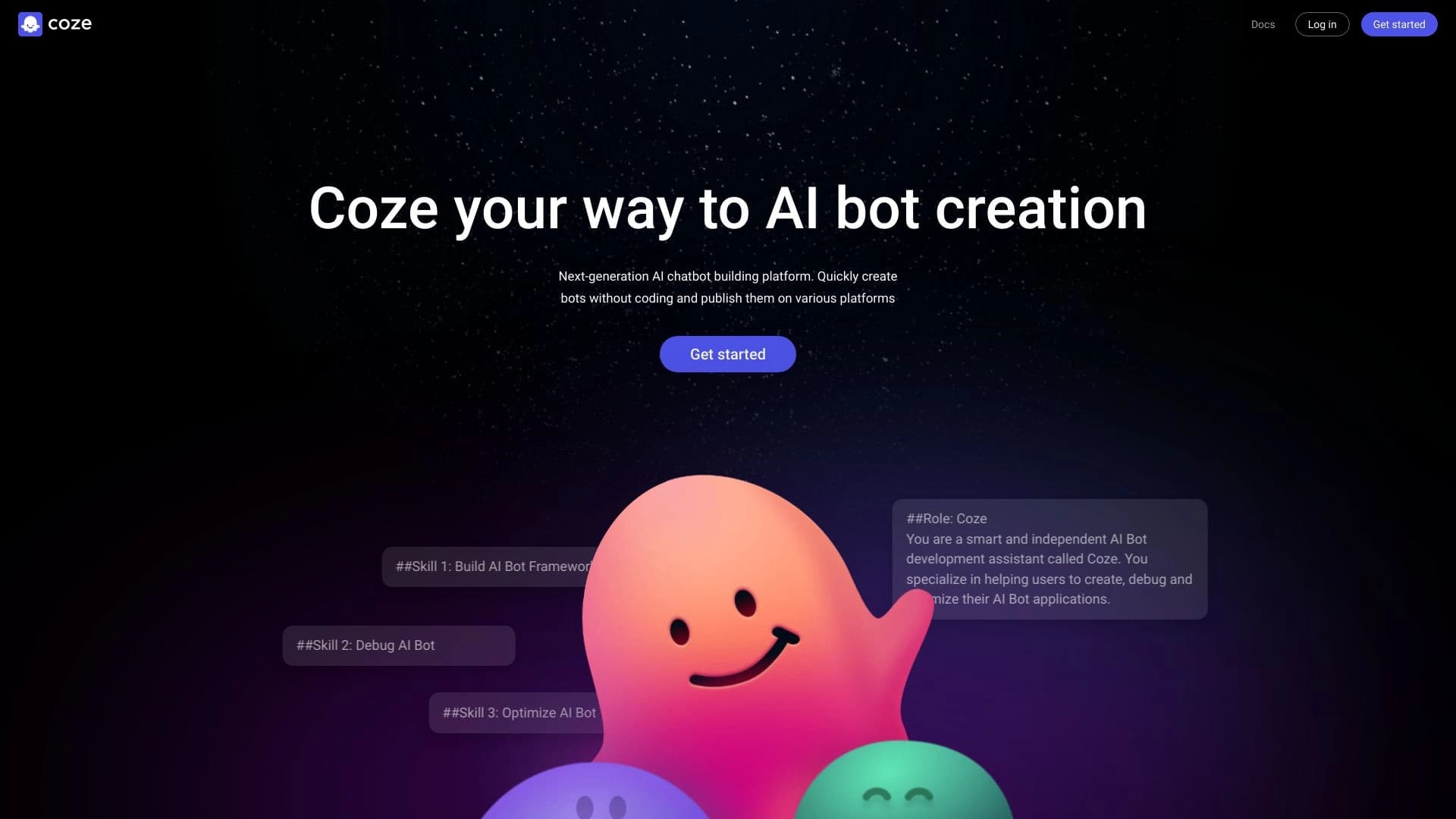
Coze is a platform for creating AI chatbots that lets you build virtual assistants without writing code. The tool is designed for users with different skill levels: the builder is based on an intuitive visual editor, where bot logic is assembled from individual blocks and the connections between them.
The platform can be thought of as a universal “next-generation” bot development environment. Instead of manual programming, the user selects the needed components, configures how they interact, and gets a ready-made assistant that can then be deployed on popular messengers and social networks. This approach makes bot creation accessible even to those who have never worked with programming before.
Coze characteristics
| Characteristic | Value |
|---|---|
| Tool type | Platform for creating AI chatbots |
| Category | Chatbots, No-code / Low-code, AI assistants, Automation, APIs and integrations |
| Programming required | Not required (advanced capabilities are available for developers) |
| Creation method | Visual editor based on blocks and connections |
| Distribution model | Free |
| Deployment platforms | Telegram, Discord, LINE, Slack, social networks |
| Integrations | External APIs, internet search, language models |
Who is Coze suitable for?
Beginners without programming experience
Coze was created primarily for those who want to build their own chatbot but do not have development skills. The visual editor and ready-made configuration templates make it easy to learn the tool and launch your first assistant without writing a single line of code.
Business and brand owners
Companies can use Coze to create virtual assistants that answer customer questions, process requests, and work in the popular messengers where their users already are.
Developers and tech-savvy users
For those familiar with programming, the platform offers additional capabilities: you can write custom scripts and fine-tune bot behavior, extending the standard functionality of the visual editor.
How to use Coze?
Building a bot in the visual editor
Work begins with creating a project, where the logic of the future bot is assembled from blocks. The user connects interaction scenario elements with each other, creating a sequence of actions that the bot will perform when communicating with users.
Adding capabilities through plugins and integrations
You can add language models for natural language understanding, connect internet search, image processing and other types of media content, as well as external APIs to expand functionality. All you need to do is select the required AI plugin and add it to the project.
Publishing on platforms
Once the bot is assembled, it can be deployed on one of the supported platforms — Telegram, Discord, LINE, Slack, or social networks. Just choose the desired platform and configure it using the suggested templates.
Key features of Coze
Scenario builder
The visual editor based on blocks and connections lets you configure various interaction scenarios with users. Bot logic is assembled visually, without writing code.
Integration of language models and external services
The platform supports connecting language models for natural language understanding, searching for information on the internet, processing images and other types of media content, as well as external APIs that expand bot functionality.
Analytics and behavior configuration
Built-in analytics helps you study user behavior and evaluate bot performance. Advanced users can also write custom scripts to fine-tune assistant behavior beyond the standard visual editor.
Advantages of Coze
Accessible to all skill levels
The platform’s main strength is how easy it is to learn. The intuitive interface and visual builder allow beginners to get started easily, while developers can go deeper into fine-tuning through custom scripts.
Free to use
Coze is distributed free of charge, which sets it apart from many alternatives that offer similar features for a license fee. This opens up bot creation to a wide range of users.
Wide range of publishing options
Ready-made bots can be deployed on several popular platforms at once — Telegram, Discord, LINE, Slack, and social networks — making it easier to bring assistants to your audience.
Disadvantages of Coze
Limited data for evaluation
The source materials do not provide information about possible limitations of the free plan, limits on the number of bots, traffic volume, or speed. Therefore, the exact boundaries of free usage cannot be reliably assessed based on current data.
Dependence on third-party platforms
The functionality of deployed bots partly depends on the messengers and social networks where they are hosted. Changes to the policies or APIs of those platforms can affect how the assistants work.
What tasks does Coze solve?
Automating communication with users
Coze solves the task of creating virtual assistants that process user requests in messengers and social networks, answer questions, and perform simple actions within configured scenarios.
Creating bots without development costs
The platform removes the need to hire developers to build a chatbot. Assembling is done in a visual editor, which saves time and resources, while the free distribution model lowers the financial barrier to entry.
Expanding functionality through integrations
Coze lets you connect internet search, media content processing, and external APIs to bots, and for advanced scenarios you can write custom scripts, making the tool suitable for tasks of very different scales.
Coze pricing
Coze is distributed under a free model. Users can create and use their bots without paying, as confirmed by the source materials. The platform positions free access as an advantage that sets it apart from alternatives offering similar features on a paid basis. No information about paid plans or restrictions on free usage is provided in the available data.
Coze terms of use
The exact terms of use for the platform are not described in detail in the source materials. It is known that Coze offers a free distribution model, and that deploying bots requires configuration on the selected platform using the provided templates. It is assumed that the rules of the messengers and social networks themselves also apply when bots are published there, but detailed licensing terms or restrictions are not contained in the available data.
Coze availability
The platform is an online service accessed through a web interface. Coze supports deploying created bots in popular messengers — Telegram, Discord, LINE, and Slack — as well as in social networks. Specific details about interface language support, regional availability, or system requirements are not provided in the source materials.
How Coze differs from alternatives
Completely free
The key difference of Coze is free access to bot creation and usage functionality. Many alternatives offer similar capabilities but require a license fee. Coze makes such tools available without financial costs.
Simple for non-programmers
The platform is designed so that people without development experience can use it. The intuitive block-based visual editor simplifies the bot creation process compared to platforms that require programming knowledge.
Flexible for experienced users
While remaining simple for beginners, Coze does not limit advanced users: the ability to write custom scripts and connect external APIs allows you to extend bot functionality beyond the standard builder.
Conclusion
Coze is an accessible and flexible platform for creating AI chatbots, combining a simple visual builder for beginners with extensive customization options for experienced users. Its free distribution model, support for popular messengers and social networks, and the ability to integrate language models, internet search, and external APIs make it a universal solution for automating communication with an audience. The tool is especially useful for those who want to quickly launch their own assistant without development costs while retaining the ability to fine-tune its behavior in the future.
Frequently asked questions
Similar AI tools



See also

Service for generating short vertical videos using a neural network via API or mobile app.

AI agent for automating customer communications and support.


AI-powered platform for generating legal documents, contract analysis, and obtaining legal information.
Unified API access to more than 500 AI models, including GPT-5 and Claude 4.5, with the ability to save on costs.


A web service that automates job search using artificial intelligence.


AI platform for automatic workday planning, task management, and prioritization.

A platform for content creators that combines link management, email marketing, an online store, and analytics in a single visual editor without coding.


AI agent for assisting with programming and optimizing the development workflow.