

Zoho Creator
Low-code платформа для создания бизнес-приложений без глубоких знаний программирования.
Обзор
Zoho Creator
Описание нейросети Zoho Creator
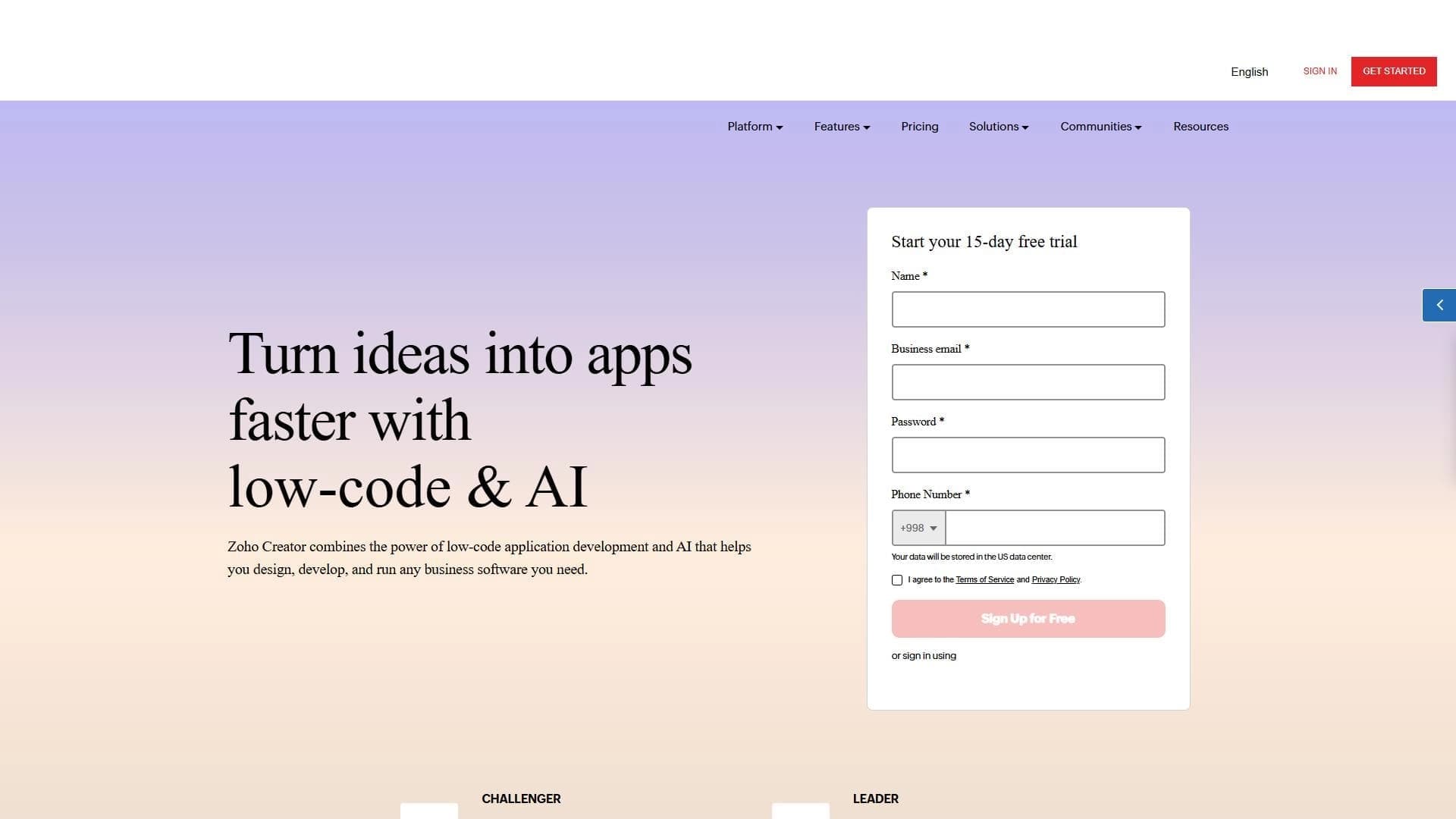
Zoho Creator — это low-code платформа, предназначенная для создания бизнес-приложений без необходимости глубоких знаний программирования. Инструмент позволяет пользователям собирать внутренние корпоративные системы, автоматизировать рабочие процессы и интегрироваться с внешними сервисами через API. Платформа подходит для быстрой разработки приложений под нужды бизнеса с возможностью последующего масштабирования.
Ключевая идея платформы
Основная цель Zoho Creator — дать возможность компаниям самостоятельно создавать нужные им инструменты, не привлекая команду разработчиков. Это достигается за счёт визуального интерфейса, библиотеки готовых шаблонов и встроенных механизмов интеграции.
Целевая аудитория
Платформа ориентирована на широкий круг специалистов: от ИТ-сотрудников и разработчиков до менеджеров, которым требуется автоматизировать рутинные процессы без написания кода.
Характеристики Zoho Creator
| Характеристика | Значение |
|---|---|
| Тип | Low-code платформа для бизнес-приложений |
| Категории | No-code и Low-code платформы, Конструкторы сайтов и интерфейсов, API и интеграции |
| Веб-сайт | www.zoho.com |
| Дата публикации | 3 августа 2025 |
| Технологии | Low-code, интеграция искусственного интеллекта |
| Модель распространения | Freemium |
Для кого подходит нейросеть Zoho Creator?
Zoho Creator создана для трёх основных групп пользователей: ИТ-специалистов, менеджеров и разработчиков.
ИТ-специалисты
Для технических сотрудников платформа становится инструментом быстрого прототипирования и развёртывания внутренних решений. ИТ-отделы могут оперативно реагировать на запросы бизнеса, создавая приложения за часы, а не недели.
Менеджеры и руководители
Менеджеры получают возможность автоматизировать отчёты, контроль задач и управление процессами без постоянного обращения в ИТ-отдел. Платформа позволяет самостоятельно настраивать дашборды и рабочие процессы.
Разработчики
Для профессиональных разработчиков Zoho Creator полезна как средство быстрой сборки прототипов и MVP. Платформа не заменяет полноценную разработку, но ускоряет начальные этапы проектов.
Как использовать нейросеть Zoho Creator?
Работа с Zoho Creator строится на использовании визуального конструктора, шаблонов и встроенных интеграций.
Использование библиотеки шаблонов
Платформа предоставляет библиотеку готовых шаблонов для типовых бизнес-задач. Пользователь может выбрать подходящий шаблон и адаптировать его под свои нужды, изменяя поля, логику и дизайн.
Настройка автоматизации и интеграций
В Zoho Creator доступна настройка автоматических действий: отправка уведомлений, обновление записей, запуск сценариев по триггерам. Также поддерживается работа с внешними API, что позволяет подключать сторонние сервисы.
Обработка данных и генерация отчётов
Платформа включает инструменты для сбора, хранения и анализа данных. Пользователи могут настраивать формы ввода, создавать отчёты, а также использовать функции ИИ для генерации отчётности и извлечения данных из документов.
Основные функции Zoho Creator
Создание приложений без программирования
Главная функция платформы — возможность собирать полноценные бизнес-приложения с помощью визуального интерфейса, без написания кода. Это включает формы, таблицы, дашборды и логику обработки данных.
Автоматизация и работа с API
Платформа позволяет настраивать автоматизацию процессов, обрабатывать данные и интегрироваться с внешними сервисами через API. Это даёт возможность связать Zoho Creator с другими системами компании.
ИИ-функции
Zoho Creator включает возможности искусственного интеллекта: генерация отчётов, извлечение данных из документов и автоматическая категоризация заявок. Эти функции помогают ускорить обработку информации.
Масштабирование и шаблоны
Платформа поддерживает масштабирование приложений под нагрузку, что важно для растущего бизнеса. Также доступна библиотека шаблонов и интеграций с популярными внешними сервисами.
Преимущества Zoho Creator
Ускорение цифровой трансформации
Zoho Creator помогает компаниям быстрее переходить на цифровые процессы. Вместо долгого согласования и разработки силами программистов, бизнес-подразделения могут самостоятельно создавать нужные инструменты.
Сборка внутренних инструментов без затрат
Платформа позволяет собирать внутренние инструменты, порталы и корпоративные системы точно под нужды компании. Это снижает зависимость от внешних подрядчиков и сокращает время внедрения.
Доступность для неспециалистов
Отсутствие необходимости в глубоких знаниях программирования делает платформу доступной для широкого круга сотрудников. Даже пользователи без технического бэкграунда могут создавать работающие приложения.
Недостатки Zoho Creator
Ограничения бесплатной версии
Бесплатная версия Zoho Creator имеет лимиты на количество пользователей и объём данных. Для небольших команд или тестовых проектов это может быть некритично, но при росте компании потребуется переход на платный тариф.
Ограниченная гибкость по сравнению с кастомной разработкой
Как любая low-code платформа, Zoho Creator накладывает определённые рамки на возможности кастомизации. Для сложных и уникальных сценариев может потребоваться полноценная разработка.
Какие задачи решает Zoho Creator
Создание внутренних инструментов и порталов
Платформа позволяет быстро разрабатывать внутренние системы: порталы для сотрудников, системы учёта заявок, базы знаний, инструменты для управления проектами.
Автоматизация бизнес-процессов
Zoho Creator помогает автоматизировать рутинные операции: от утверждения документов до рассылки уведомлений и сбора данных из разных источников.
Цифровая трансформация компании
Платформа выступает инструментом для перевода бумажных и ручных процессов в цифровой формат, что в целом ускоряет трансформацию бизнеса.
Цены Zoho Creator
Zoho Creator работает по модели freemium. Подробная информация о ценах и тарифах представлена на официальном сайте платформы. Бесплатная версия доступна с ограничениями по количеству пользователей и объёму обрабатываемых данных. Для полного доступа ко всем функциям требуется переход на платный тариф.
Условия использования Zoho Creator
Условия использования платформы регулируются соглашением, представленным на сайте Zoho. Как и для других продуктов экосистемы Zoho, пользователи должны соблюдать правила обработки данных и ограничения, установленные в рамках выбранного тарифного плана. Бесплатная версия имеет лимиты, которые могут повлиять на масштабирование приложений.
Доступность Zoho Creator
Zoho Creator доступна через веб-интерфейс на официальном сайте www.zoho.com. Платформа работает как облачный сервис, не требует установки дополнительного ПО на устройства пользователей. Доступ к сервису предоставляется после регистрации учётной записи.
Чем отличается Zoho Creator от аналогов
Zoho Creator входит в экосистему продуктов Zoho, что даёт преимущество в интеграции с другими сервисами компании (Zoho CRM, Zoho Books, Zoho Projects и другими). В отличие от многих low-code платформ, Zoho Creator делает акцент на встроенные ИИ-возможности: генерацию отчётов, извлечение данных из документов и автоматическую категоризацию заявок. Платформа ориентирована не только на разработчиков, но и на менеджеров и ИТ-специалистов без глубоких навыков программирования. При этом, как и другие low-code решения, Zoho Creator имеет ограничения бесплатной версии по пользователям и объёму данных.
Заключение
Zoho Creator — low-code платформа для создания бизнес-приложений, ускоряющая цифровую трансформацию и автоматизацию процессов. Она подходит для ИТ-специалистов, менеджеров и разработчиков, позволяя собирать внутренние инструменты, порталы и корпоративные системы без глубоких знаний программирования. Бесплатная версия имеет лимиты на пользователей и объём данных, что стоит учитывать при выборе для масштабных проектов.
Часто задаваемые вопросы



Смотрите также


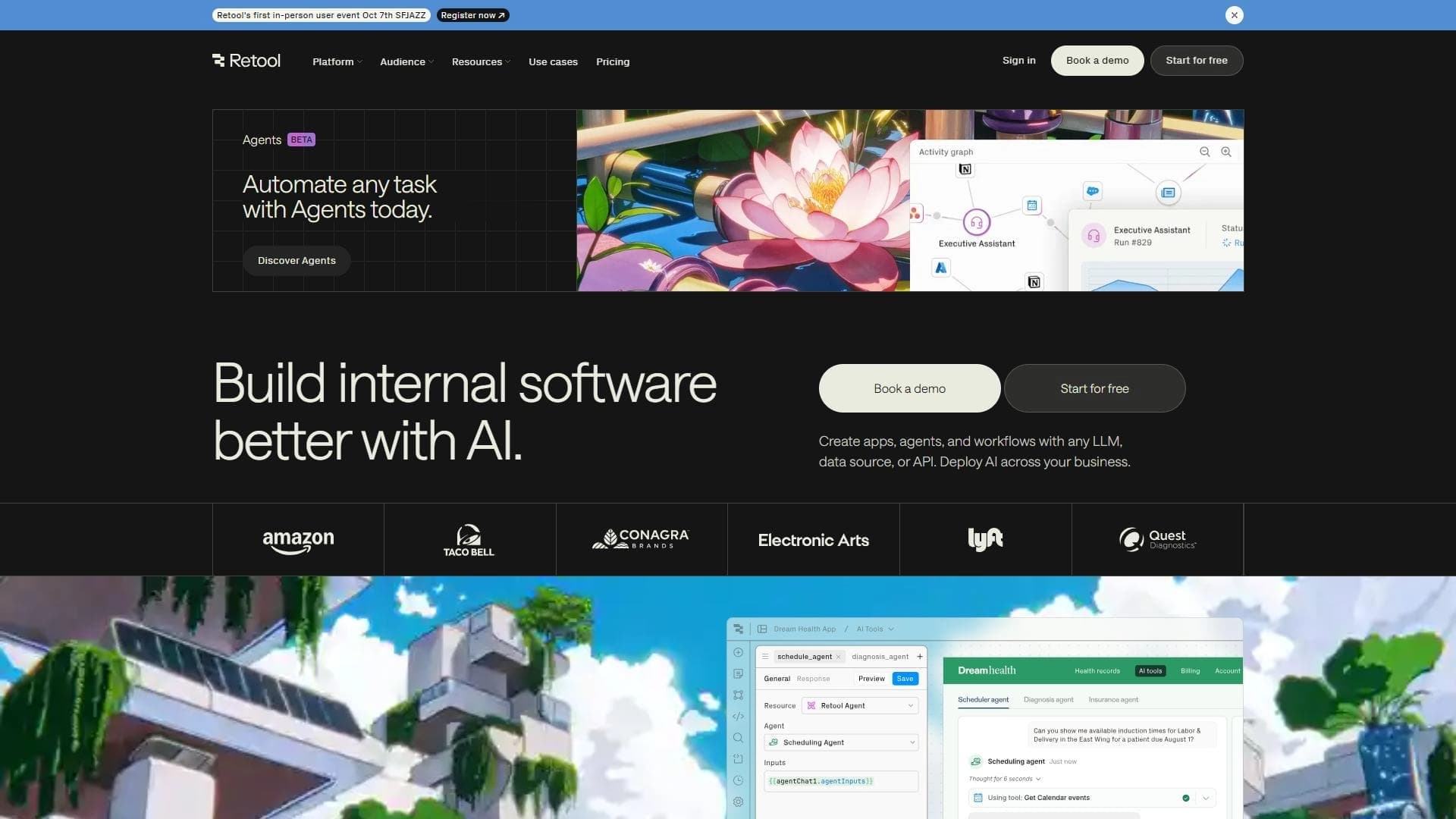
Платформа для управления проектами с функциями постановки задач, отслеживания времени и контроля загрузки сотрудников.
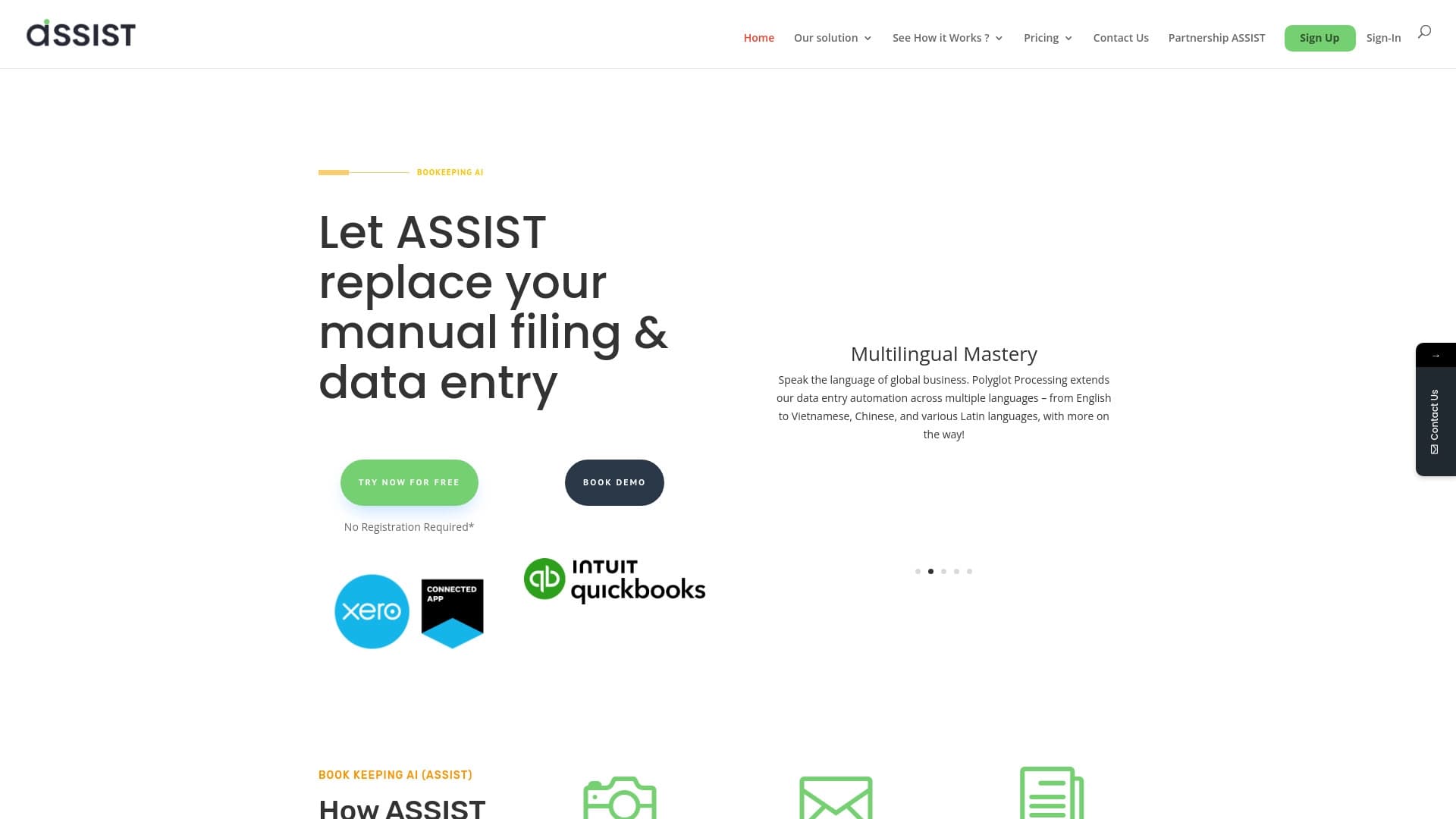

AI-инструмент для автоматического извлечения данных из финансовых документов и интеграции с бухгалтерскими системами.
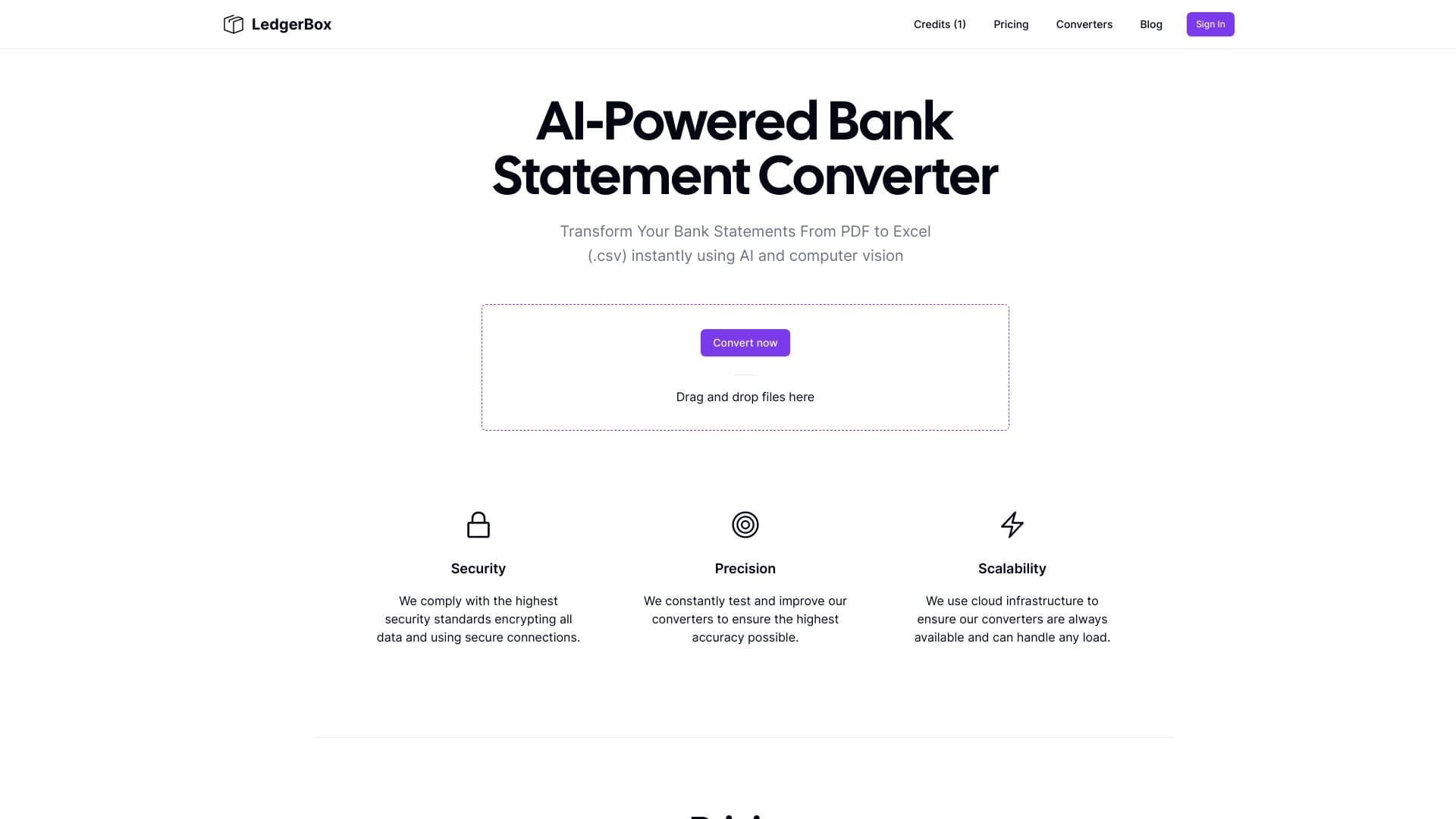
Автоматическое извлечение финансовых данных из PDF-документов и преобразование их в Excel или CSV.


Платформа-агрегатор, объединяющая различные AI-инструменты и языковые модели с оплатой только за фактическое использование.


Веб-сервис, который автоматизирует поиск работы с помощью искусственного интеллекта.

Cabina AI — это единая платформа для работы с разными генеративными нейросетями, позволяющая создавать тексты, изображения и видео.


Платформа для автоматизации поиска клиентов и персонализированных рассылок с обогащением данных из более чем 150 источников.

Платформа для синтеза и клонирования голоса с помощью ИИ, преобразующая текст в реалистичную речь.