

Retool
A platform for rapid development of internal applications with ready-made UI components and connection to databases and APIs.
Overview
Retool
Retool Description
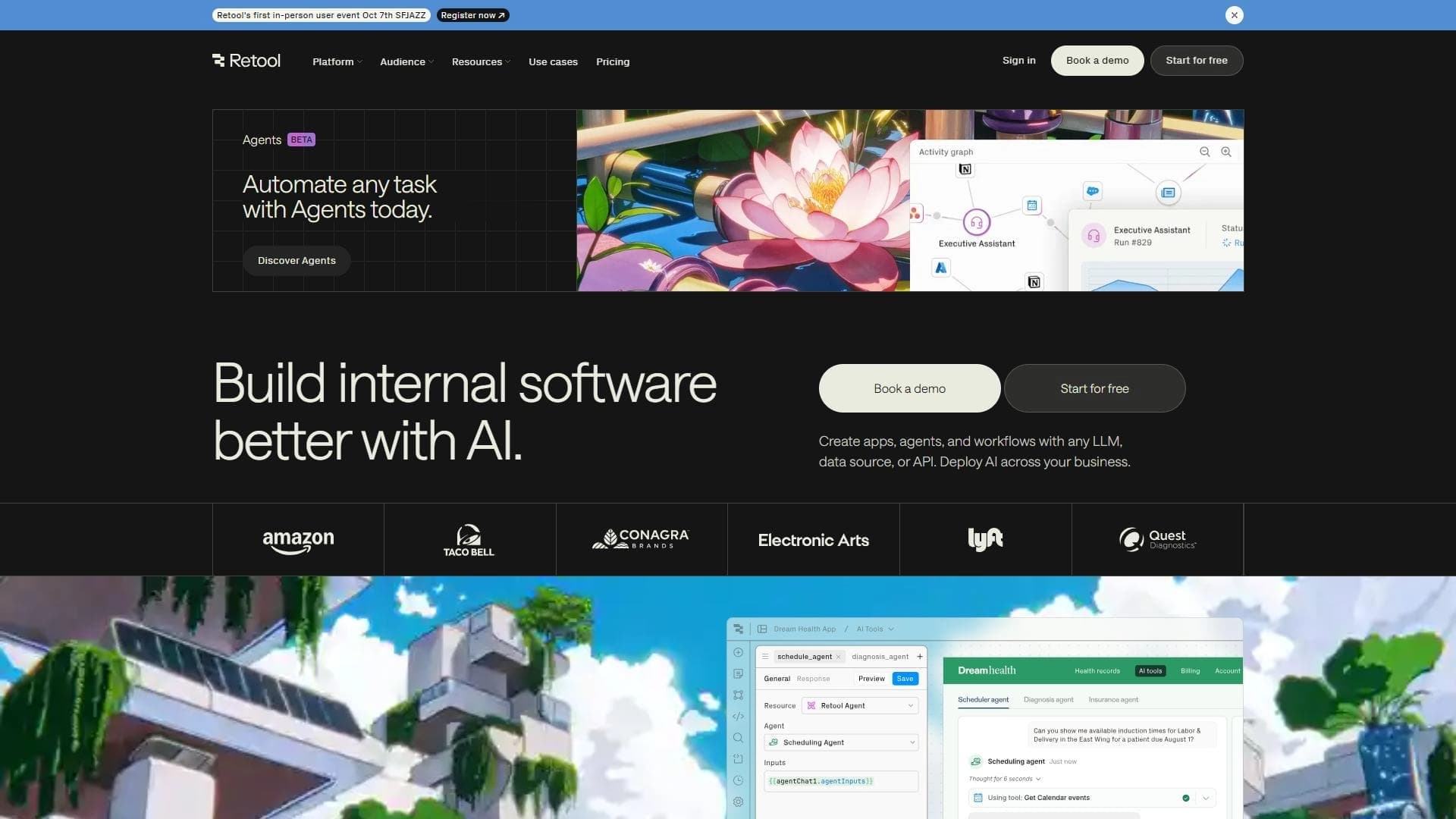
Retool is a cloud platform for rapid development of internal applications that lets you build dashboards, analytics tools, and business solutions without deep frontend knowledge. The service provides ready-made UI components and supports connections to various data sources—databases, REST and GraphQL APIs. Retool is aimed at developers and teams that need functional internal tools for working with data, automating processes, and quickly monitoring business metrics.
Retool Characteristics
| Characteristic | Value |
|---|---|
| Type | Platform for rapid assembly of internal applications |
| Categories | No-code and low-code platforms, Website and interface builders, API and integrations |
| Security standard | SOC 2 Type II |
| Distribution model | Freemium |
| Website | retool.com |
Who is Retool for?
Developers and development teams
Retool is primarily intended for developers who want to speed up the creation of internal tools. The platform reduces the time spent writing interface code and lets you focus on business logic and working with data.
Business users without deep frontend knowledge
Although mastering the platform takes time, Retool also suits those without serious web development experience. The visual editor and ready-made components simplify interface creation, while code support lets you gradually deepen your skills.
Teams working with data
Analysts, product managers, and operations specialists who need up-to-date dashboards and reports based on data from multiple sources can also use Retool to quickly assemble the tools they need.
How to use Retool?
Online work through the web interface
Retool is a fully cloud platform. No installation or server setup is required to get started. Simply register at retool.com, and the app editor becomes available right in the browser.
Visual editor with code support
Users can build interfaces by dragging and dropping ready-made components, as well as insert their own code (JavaScript, SQL) to implement specific logic. This combination of low-code and traditional development makes it possible to create both simple forms and complex multi-page applications.
Publishing and sharing
Finished applications can be published within a company and shared with colleagues. Retool supports configuring access rights to data and functions at the level of individual users and groups.
Retool Key Features
Connecting databases and APIs
Retool supports connecting various data sources: relational and NoSQL databases, REST and GraphQL APIs, as well as third-party services. The platform lets you run queries directly against databases and manage data without writing additional backend code.
Ready-made UI components
Users have access to a library of customizable components: tables, forms, charts, buttons, dropdowns, and other elements. Every component can be adapted to a company's specific tasks.
Collaboration and access control
Retool provides tools for teamwork: multiple users can edit the same application simultaneously. Administrators can flexibly configure access rights to data and functionality in line with corporate security policy.
Database query management
The platform lets you write SQL queries and process their results directly inside the application interface. This makes it possible to create complex analytical reports and interactive dashboards without a separate backend.
Retool Advantages
Rapid development of internal applications
Thanks to ready-made components and a visual editor, Retool significantly reduces the time required to build internal tools. Developers do not need to write the frontend from scratch—just assemble the necessary elements and connect the data.
Broad integration capabilities
The platform supports most popular databases and APIs, allowing it to serve as a single interface for working with heterogeneous data sources within a company.
Flexibility and control
The combination of a low-code approach with the ability to write custom code provides a balance between development speed and flexibility. The platform suits both quick prototypes and large-scale corporate solutions.
Retool Disadvantages
Time required to learn
Despite the visual editor, you need to understand Retool's logic and capabilities to work with it fully. Users without development experience may need significant time to learn the platform.
Limited offline capabilities
Retool is an online service, and its offline functions are practically absent. A stable internet connection is required to work, which may be a limitation in some usage scenarios.
What tasks does Retool solve?
Automating business processes
With Retool, you can create internal tools that automate routine operations: processing requests, approving documents, monitoring metrics, and other processes.
Building dashboards
The platform lets you assemble interactive dashboards for real-time visualization of key business metrics. Data for such dashboards can come from several sources simultaneously.
Developing analytics tools
Retool makes it possible to build customized analytical reports and monitoring systems with access to various databases and APIs, which is especially useful for internal operational analytics.
Retool Pricing
Retool is distributed under a freemium model. The free tier includes a basic set of features and lets you get started without any financial investment. For full corporate use with advanced security, data volume, and user count capabilities, paid plans are available. Exact figures and costs depend on the current pricing policy on the platform's official website.
Retool Terms of Use
The platform complies with the SOC 2 Type II security standard, confirming a high level of data protection. Under the freemium model, users can start with limited functionality; access to advanced features, higher limits, and corporate support requires switching to a paid plan. Detailed terms of use and privacy policy are published on the official website.
Retool Availability
Retool is a fully online platform. A browser and a stable internet connection are required to work. The service is available on any device with a web browser. Offline functions are practically absent, which is a feature of the service's cloud architecture.
How Retool differs from alternatives
Ready-made components for business tasks
Unlike many low-code platforms, Retool is initially focused on creating internal tools—dashboards, admin interfaces, and analytics systems. Its component library is oriented toward working with tabular data, forms, and reports.
Combination of no-code and code support
The platform does not restrict users to the visual editor only. The ability to write custom SQL queries, JavaScript logic, and customize components makes Retool closer to a hybrid low-code solution suitable both for quick assembly and complex projects.
Security and enterprise focus
SOC 2 Type II certification and flexible access control tools set Retool apart from competitors, especially in scenarios where sensitive corporate data is involved.
Conclusion
Retool is a platform for rapid development of internal applications with the ability to connect various data sources and use ready-made UI components. The service is aimed at developers and teams, but with some effort it can also be mastered by users without deep frontend knowledge. Retool solves the tasks of automating business processes, building dashboards and analytics tools, and supports collaboration and access control. It is distributed under a freemium model, works fully online, and complies with the SOC 2 Type II security standard.
Frequently asked questions
Similar AI tools








See also

A neural network-powered cloud service for generating 3D models, textures, and animations from text descriptions or images.

AI agent for automating customer communications and support.


A set of more than 200 ready-made prompts for business and SEO, adaptable to ChatGPT, Claude, and Gemini.


Terminal AI agent for programming that dynamically adapts to developer tasks.
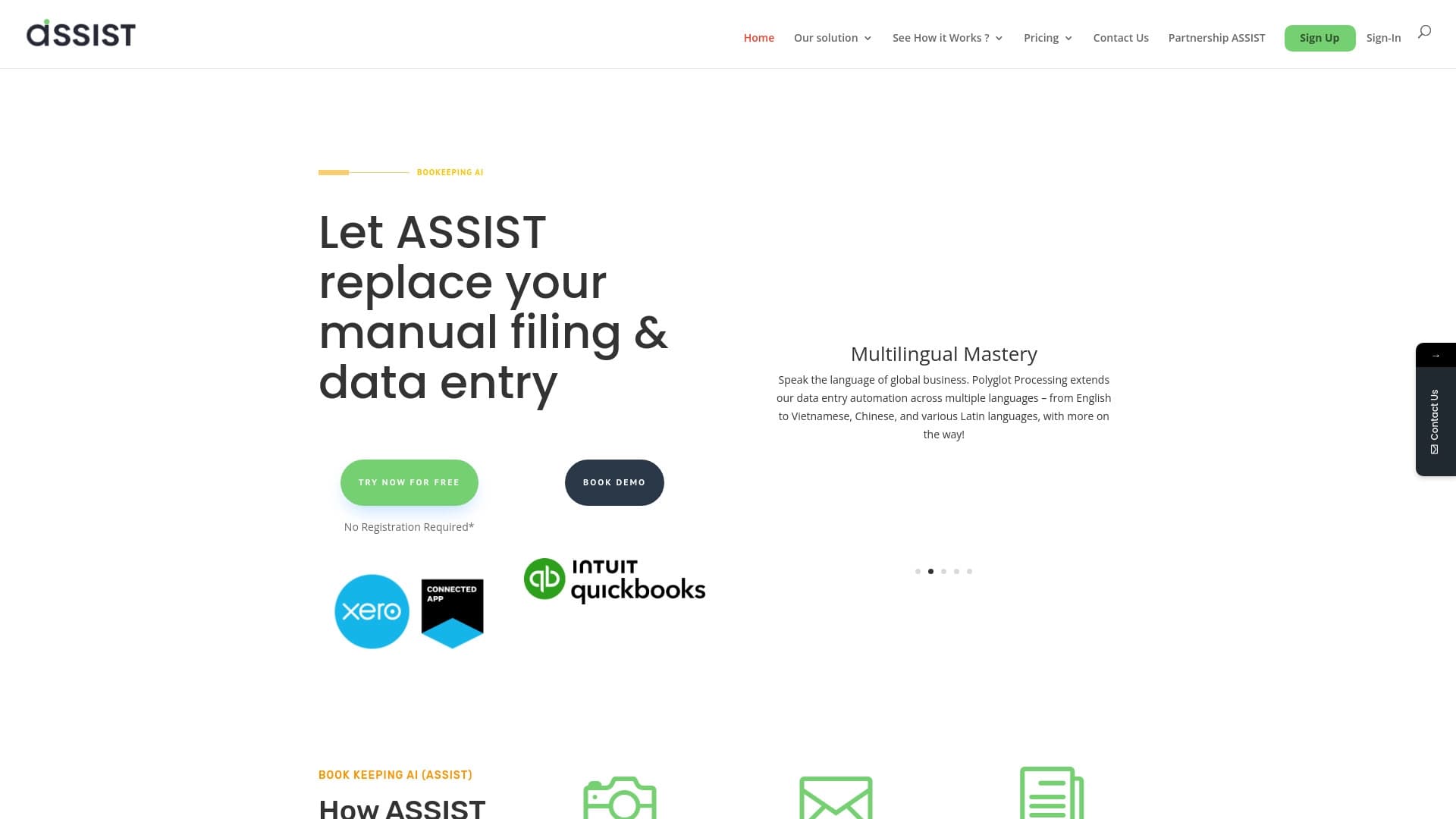

AI tool for automatic data extraction from financial documents and integration with accounting systems.


Online AI speech synthesis platform that allows generating audio with voices of famous characters and celebrities.


A web service that automates job search using artificial intelligence.


AI tool for automated code review that analyzes changes in real time and suggests fixes.