
Langflow
Visual builder for creating AI applications and agents using draggable blocks on a canvas.
Overview
Langflow
Description of the Langflow AI
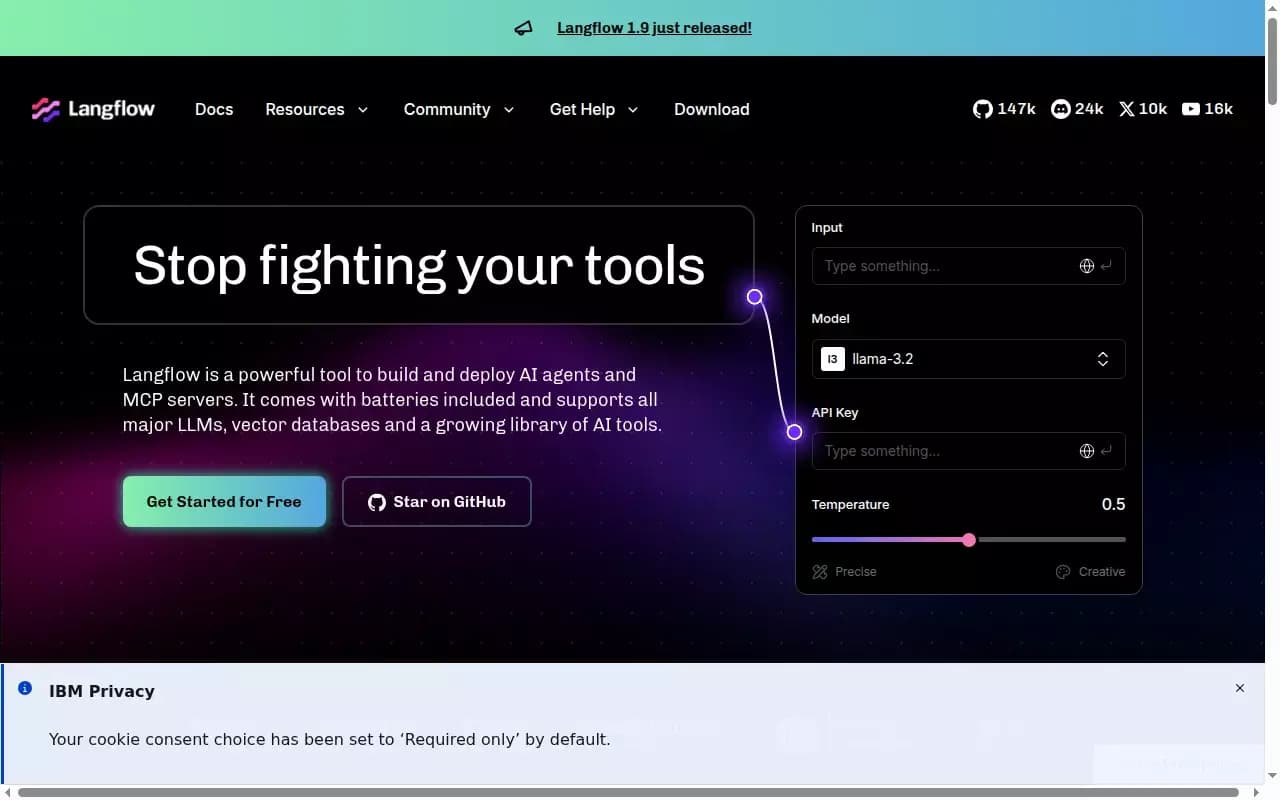
Langflow is a visual low-code builder for creating AI applications and agents. Instead of writing large amounts of boilerplate code and manually dealing with integrations, users simply drag ready-made blocks onto a canvas, connect them, and get a working application — an agent or an RAG solution.
The platform is built on the low-code principle: visual diagrams enable rapid prototyping, while clean Python code runs under the hood and can be freely customized. This provides a balance between development speed and configuration flexibility — users focus on the idea, while the platform handles the technical routine.
Langflow features
| Feature | Value |
|---|---|
| Categories | No-code / Low-code, AI assistants |
| Distribution model | Freemium |
| How it works | Visual assembly from draggable blocks with Python code under the hood |
| Supported models | Major language models |
| Additional integrations | Vector databases, AI tools library |
| Deployment options | Cloud (one-click, turning a flow into an API) and open-source local version |
Who is the Langflow AI for?
Developers who want to speed up their work
Langflow suits specialists who want to quickly build a working AI application without writing a lot of code from scratch. The visual canvas removes routine integrations and helps you focus on the logic of the solution.
Teams working together
The platform lets you share flows and collaborate within a team. This makes it convenient for collective development where several people work on the same projects.
Those who prototype and compare solutions
Thanks to the ability to switch models and duplicate components, the tool is useful for those who want to quickly experiment and compare which model or configuration works best.
How to use the Langflow AI?
Building on the canvas
Start by dragging ready-made blocks onto the canvas and connecting them together — this creates a visual diagram of your future application or agent. Ready-made templates and components are available for a quick start.
Configuration and comparison
To change the model, simply replace the corresponding block. To compare different LLMs, you can duplicate the component and run several variants at once, clearly evaluating the results.
Launch and deployment
When the project is ready, you can push it to production. A free cloud account is available: one click turns the flow into an API. Alternatively, you can deploy the open-source version locally — it works the same as the cloud version.
Key Langflow features
Visual builder
Draggable blocks and component connections on the canvas let you build AI applications without writing boilerplate code. Visual diagrams make the process fast and intuitive.
Flexible customization through Python
Under the visual interface, clean Python code runs that you can customize for your tasks. This covers the need for fine-tuning that pure no-code tools cannot provide.
Integrations and tools
The platform supports major language models, vector databases, and a growing library of AI tools. You can run a single agent or an entire fleet, giving them access to your components as tools.
Deployment and collaboration
A flow can be turned into an API with one click in the cloud, or deployed locally via the open-source version. Ready-made templates, flow sharing, and collaboration simplify teamwork.
Langflow advantages
Speed without sacrificing flexibility
The main advantage is that you don't have to choose between speed and flexibility. Visual assembly speeds up development, while Python under the hood keeps full control over the code.
Clarity and ease of experimentation
Everything happens visually: changing a model means replacing a block, comparing different LLMs means duplicating a component. The process is transparent and easy to control.
Simple deployment
No need to struggle with deployment: there is a free cloud account with enterprise-level reliability and security, one-click conversion of a flow into an API, and a full-featured open-source version for self-hosting.
Langflow drawbacks
There is no information about drawbacks in the source data, so this section provides an honest overview without invented facts. It is worth noting that, being a low-code tool, Langflow requires a basic understanding of Python for maximum customization, as well as some time to learn the visual interface and the component ecosystem. Like any visual builder, it can be overkill for simple one-off tasks where an ordinary script would suffice.
What tasks does Langflow solve?
Creating AI agents
The platform lets you build a single agent or an entire fleet of agents, giving them access to your components as tools. This is convenient for automating tasks that require multiple components to interact.
Developing RAG applications
Thanks to support for vector databases and language models, Langflow is suitable for building RAG applications — solutions that work with external data and knowledge.
Rapid prototyping and model comparison
The tool solves the task of quickly creating prototypes and comparing different language models, allowing you to visually assess which solution works better in specific conditions.
Bringing projects to production
Langflow covers the path from idea to ready-made API: a flow can easily be turned into a working interface with one click, or deployed locally via the open-source version.
Langflow pricing
Langflow is distributed under a freemium model. A free cloud account provides access to the platform with enterprise-level reliability and security, allowing you to deploy flows in the cloud. In addition, an open-source version is available for self-hosted local deployment. Specific pricing plans and details of paid tiers are not provided in the source data.
Langflow terms of use
Detailed terms of use, including the licensing requirements of the open-source version and the limitations of the free cloud account, are not described in detail in the source data. It is known that the open-source version works the same as the cloud version and is available for self-deployment, while the cloud option offers a free account with enterprise-level reliability and security.
Langflow availability
Langflow is available in two forms. The first is a cloud platform that can be accessed through a free account with enterprise-level reliability and security. The second is an open-source version that can be downloaded and run locally; it works the same as the cloud version. This approach lets you either quickly launch a project in the cloud with one click or fully control deployment on your own infrastructure.
How is Langflow different from alternatives?
Visual design with full code control
The main difference between Langflow and many alternatives is the combination of a visual builder with customizable Python code under the hood. Users get the clarity of a no-code tool without losing the flexibility of full-fledged development.
An easy path from prototype to production
Unlike solutions where prototyping and deployment are separated, Langflow offers a unified path: one click turns a flow into an API, and the open-source version lets you deploy the same logic locally.
Flexible experimentation
The ability to quickly switch models, duplicate components, and compare different LLMs makes the tool more focused on live testing and iterative development than static builders.
Conclusion
Langflow is a low-code platform that combines the speed of visual assembly with the flexibility of Python code under the hood. It is suitable for creating AI agents and RAG applications, supports major language models, vector databases, and a library of tools, offering a clear path from prototype to a ready-made API through cloud or open-source deployment. For those who value both clarity and control, Langflow presents a balanced solution that removes technical routine and lets you focus on the product idea itself.
Frequently asked questions

See also

Mobile app for photo editing and creating stylized avatars using AI.


AI-based service for automatic generation of text content in various formats.

AI assistant for automating retail tasks and optimizing call center operations.

A platform for aggregating world news using AI to analyze and reduce bias.

Cloud platform for creating videos using AI avatars, synthesized speech, and automatic translation of clips into dozens of languages.

AllChat is a universal platform that combines several popular language models in a single interface for communication, image generation, file analysis, and code execution.
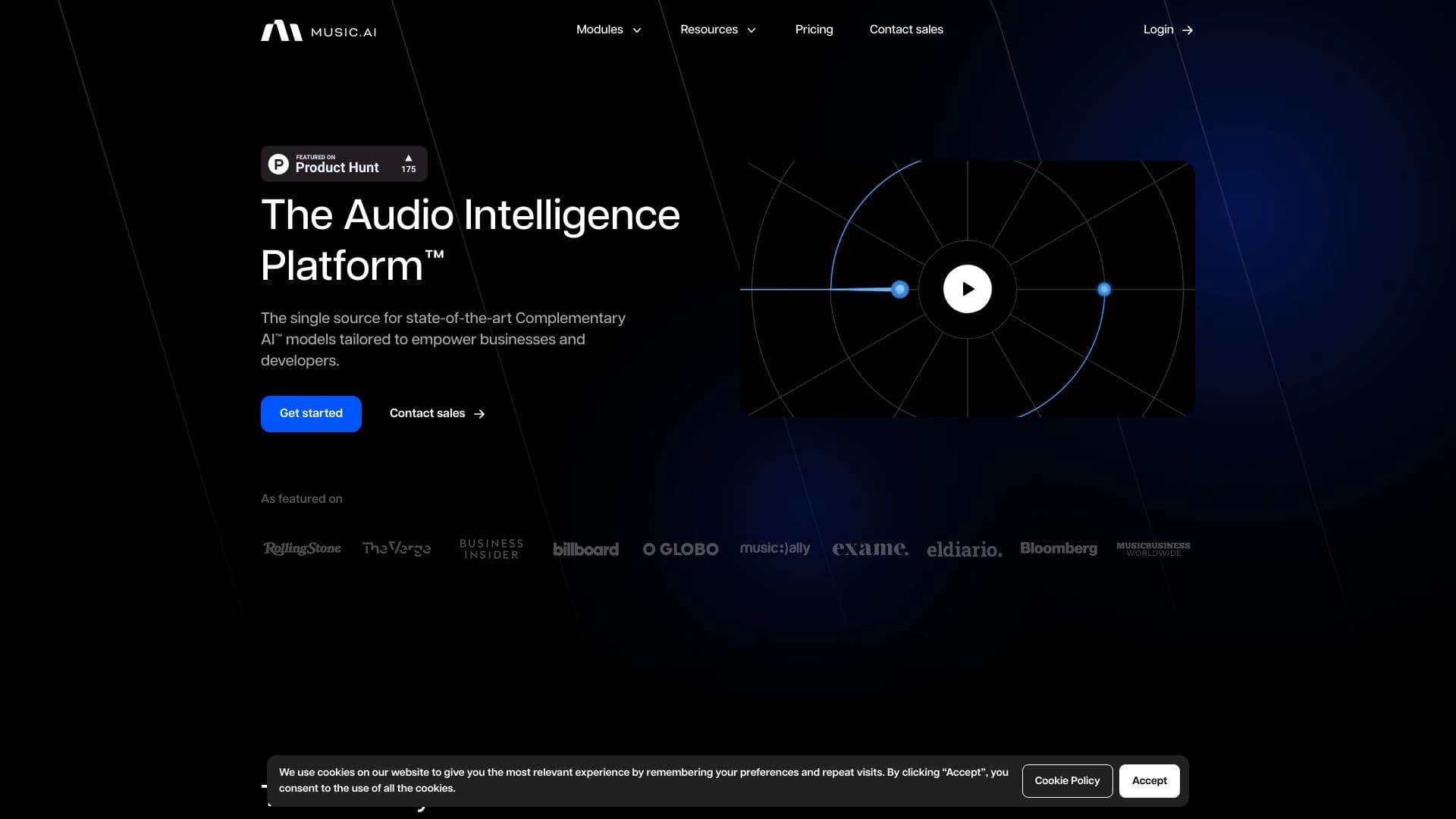
A platform for professional audio processing with AI features for track separation, mastering, and voice changing.


Chrome extension that helps manage tabs, history, and bookmarks with an AI assistant.