

Pencil
Дизайн-канвас, встроенный в редактор кода, позволяющий создавать интерфейсы и писать код в одном месте.

Обзор
Pencil
Описание нейросети Pencil
Pencil — это дизайн-канвас, который работает прямо внутри редактора кода, устраняя необходимость переключаться между Figma и IDE и бесконечно передавать макеты от дизайнера к разработчику. Открыв вкладку, вы рисуете интерфейс с точностью до пикселя, а затем сразу же пишете код — всё в одном месте и в одном репозитории.
Инструмент работает как агент-ориентированный MCP-канвас с открытым форматом файлов. Дизайн хранится в вашем репозитории, версионируется через Git, и его можно читать, редактировать или расширять собственными инструментами — без «чёрных ящиков» и привязки к одному сервису. Внутри доступен бесконечный холст, где можно промптить целые экраны или отдельные элементы прямо в контексте. Pencil поддерживает работу с Cursor, VSCode, Claude Code, OpenAI Codex и любым другим IDE, а дизайн и код всегда остаются синхронизированными.
Характеристики Pencil
| Характеристика | Значение |
|---|---|
| Тип | ИИ-сервис для дизайна интерфейсов внутри редактора кода |
| Категории | Для разработчиков, Для дизайнеров, Генерация дизайна, Ассистенты для кода, No-code / Low-code |
| Веб-сайт | trypencil.com |
| Формат хранения | Открытый формат в репозитории, версионирование через Git |
| Совместимость | Cursor, VSCode, Claude Code, OpenAI Codex и другие IDE |
| Импорт | Макеты из Figma без потери качества |
| Доступ к данным | Двусторонний MCP-доступ к базам, API и другим источникам |
| Модель распространения | Не указана |
Для кого подходит нейросеть Pencil?
Разработчикам интерфейсов
Инструмент создан для разработчиков, которым удобно проектировать и писать код в одном окружении. Благодаря открытому формату и версионированию через Git дизайн легко контролировать и расширять собственными средствами.
Дизайнерам, работающим в связке с кодом
Дизайнеры, которым нужно переносить макеты из Figma без потери качества, оценят возможность копирования и вставки векторов и стилей, а также работу с дизайн-китами и собственными дизайн-системами прямо из кодовой базы.
Командам без разделения на дизайн и разработку
Платформа подходит специалистам No-code и Low-code, которые хотят создавать интерфейсы и управлять ими в одном месте, подключая для параллельной работы AI-агентов.
Как использовать нейросеть Pencil?
Начать сессию в редакторе кода
Откройте вкладку Pencil внутри Cursor, VSCode, Claude Code или другого IDE. Дизайн-канвас появляется прямо в вашем рабочем окружении, поэтому не требуется отдельных приложений или передачи файлов между сервисами.
Промптить экраны и элементы
Используйте бесконечный холст, чтобы промптить целые экраны или отдельные элементы в контексте. Для быстрых идей можно набросать целые флоу или сгенерировать несколько вариантов экрана параллельно, подключив AI-агентов, которые работают рядом с вами.
Подключать источники данных и импортировать макеты
Настройте двусторонний MCP-доступ, чтобы не только читать, но и записывать данные из баз, API, графиков, Playwright, Puppeteer или других агентов. Если есть готовые макеты в Figma — просто скопируйте и вставьте их, векторы и стили перенесутся без потерь.
Основные функции Pencil
Дизайн-канвас внутри редактора кода
Бесконечный холст с точностью до пикселя, где можно создавать интерфейсы и сразу писать код, не покидая IDE и не переключаясь между сервисами.
Подключение AI-агентов для параллельной работы
Платформа позволяет привлекать AI-агентов, которые работают как команда дополнительных рук, помогая быстро набросать флоу или сгенерировать несколько вариантов экрана одновременно.
Импорт из Figma и использование дизайн-систем
Макеты из Figma копируются и вставляются без потери качества, включая векторы и стили. Доступны готовые дизайн-киты, а также возможность подключить собственную дизайн-систему из кодовой базы.
Двусторонний MCP-доступ к данным
Поддерживаются не только чтение, но и полноценная запись данных из баз, API, графиков, Playwright, Puppeteer и других агентов — с набором удобных инструментов для работы с канвасом.
Преимущества Pencil
Единое рабочее пространство
Дизайн и код живут под одной крышей, в одном репозитории, и всегда остаются синхронизированными. Это устраняет передачу макетов между дизайнером и разработчиком.
Открытый формат и версионирование
Дизайн хранится в открытом формате, версионируется через Git и может быть прочитан, отредактирован или расширен внешними инструментами — никакой привязки к одному сервису.
Гибкость интеграций
Двусторонний MCP-доступ к базам, API и другим источникам, а также совместимость с несколькими популярными IDE дают полный контроль над процессом.
Недостатки Pencil
В исходных данных не указаны выраженные недостатки инструмента. Отмечаются лишь общие ограничения, связанные с моделью распространения: стоимость и условия доступа в открытых источниках не раскрыты, поэтому нельзя объективно оценить бюджет внедрения. Кроме того, для эффективной работы потребуется определённый уровень знакомства с редакторами кода и Git.
Какие задачи решает Pencil
Создание интерфейсов без отдельного дизайн-инструмента
Pencil позволяет рисовать интерфейсы с точностью до пикселя прямо в редакторе кода, избавляя от необходимости держать параллельно Figma и IDE.
Быстрая генерация вариантов экрана
С помощью промптинга и подключённых AI-агентов можно быстро набросать флоу или сгенерировать несколько вариантов экрана параллельно.
Синхронизация дизайна и кода
Инструмент решает задачу рассинхронизации макета и кода: обе сущности живут в одном репозитории, версионируются через Git и автоматически остаются согласованными.
Цены Pencil
В предоставленных исходных данных нет информации о ценах на Pencil. Тарифные планы, стоимость подписки и условия бесплатного доступа не раскрываются в использованных источниках, поэтому точную стоимость оценить невозможно.
Условия использования Pencil
Сведения об условиях использования Pencil в исходных данных отсутствуют. Не указаны требования к регистрации, лицензионные ограничения, политика конфиденциальности или правила использования открытого формата файлов. Для получения актуальных условий стоит обратиться к официальной документации на сайте trypencil.com.
Доступность Pencil
Платформа работает с популярными редакторами кода, включая Cursor, VSCode, Claude Code, OpenAI Codex и любое другое IDE по вашему выбору. Дизайн хранится в репозитории в открытом формате, что обеспечивает переносимость между окружениями. Точные данные о регионах доступности и поддерживаемых языках в исходных материалах не раскрываются.
Чем отличается Pencil от аналогов
Главное отличие Pencil от традиционных инструментов дизайна — это работа непосредственно внутри редактора кода. Вместо отдельного сервиса с собственным хранилищем здесь используется открытый формат с версионированием через Git, что позволяет читать и редактировать дизайн внешними инструментами без привязки к одной платформе. Дополнительно инструмент выделяется двусторонним MCP-доступом: он не только получает данные из баз и API, но и полноценно записывает их, а подключение AI-агентов делает возможной параллельную совместную работу над канвасом.
Заключение
Pencil — это дизайн-канвас, интегрированный в редактор кода, который объединяет проектирование интерфейсов и разработку в одном репозитории. Открытый формат хранения, версионирование через Git, импорт из Figma без потери качества и двусторонний MCP-доступ к данным делают его гибким инструментом для разработчиков, дизайнеров и команд No-code. Платформа поддерживает подключение AI-агентов для параллельной работы, что ускоряет создание интерфейсов, а совместимость с популярными IDE снижает барьер для внедрения. Несмотря на недостаток информации о ценах и условиях использования, Pencil выглядит разумным решением для тех, кто хочет держать дизайн и код под одной крышей.
Часто задаваемые вопросы
Похожие нейросети




Смотрите также


Набор инструментов для генерации и редактирования видео с помощью ИИ, включая аватары, липсинк и клонирование голоса.
Единый API-доступ к более чем 500 моделям искусственного интеллекта, включая GPT-5 и Claude 4.5, с возможностью экономии на затратах.
Веб-сервис для генерации креативных изображений с помощью искусственного интеллекта.

Платформа для создателей контента, объединяющая управление ссылками, email-маркетинг, онлайн-магазин и аналитику в одном визуальном редакторе без программирования.

ИИ-агент для автоматизации клиентских коммуникаций и поддержки.

Терминальный ИИ-агент для программирования, который динамически подстраивается под задачи разработчика.
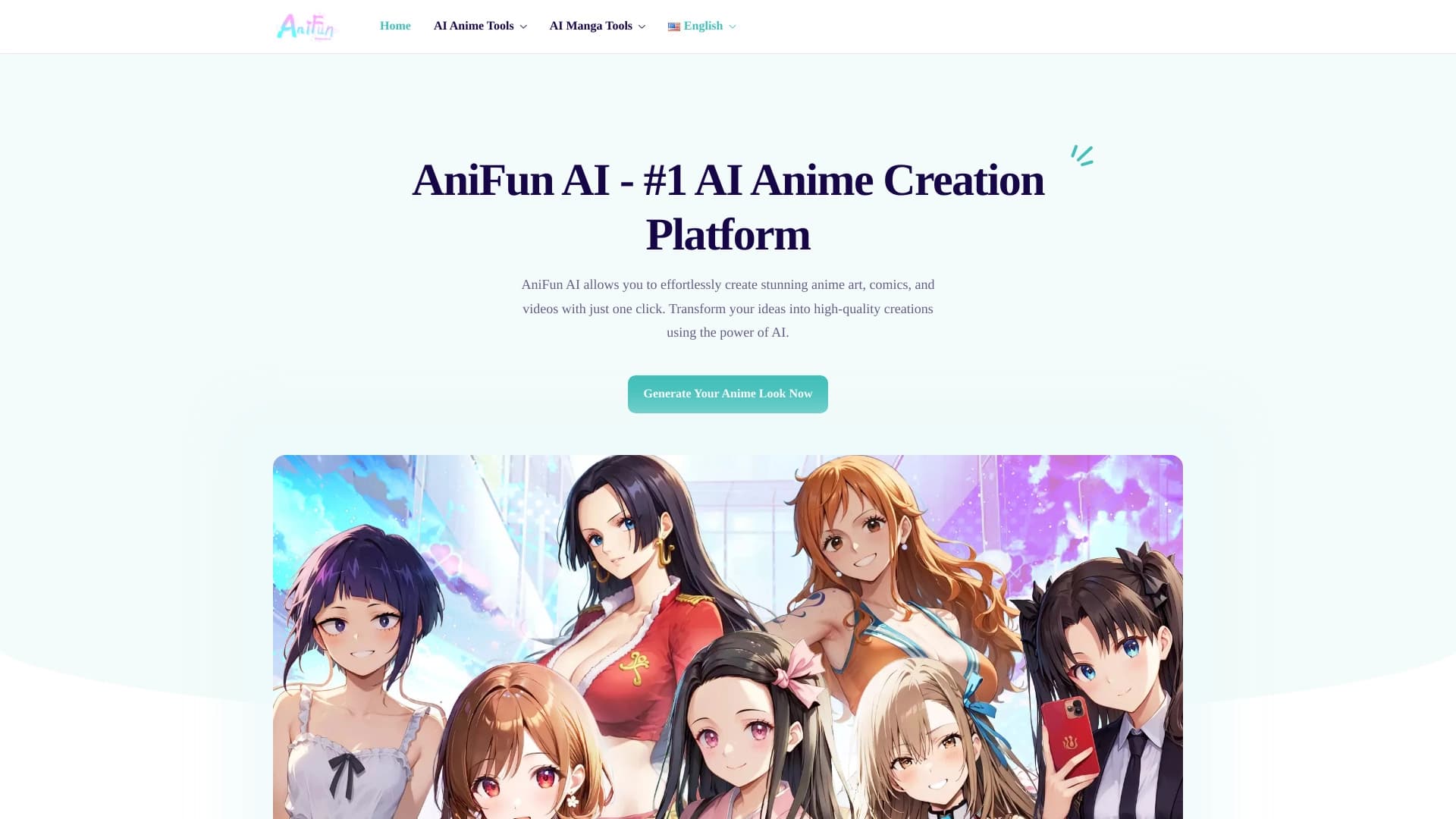

Платформа для создания аниме-арта, комиксов и видео с помощью ИИ.


Открытая платформа для генерации изображений и другого визуального контента по текстовым описаниям с помощью ИИ.