

KLING
Neural network from Kuaishou for generating realistic images and videos from text descriptions or photos.
Overview
KLING
Description of the KLING neural network
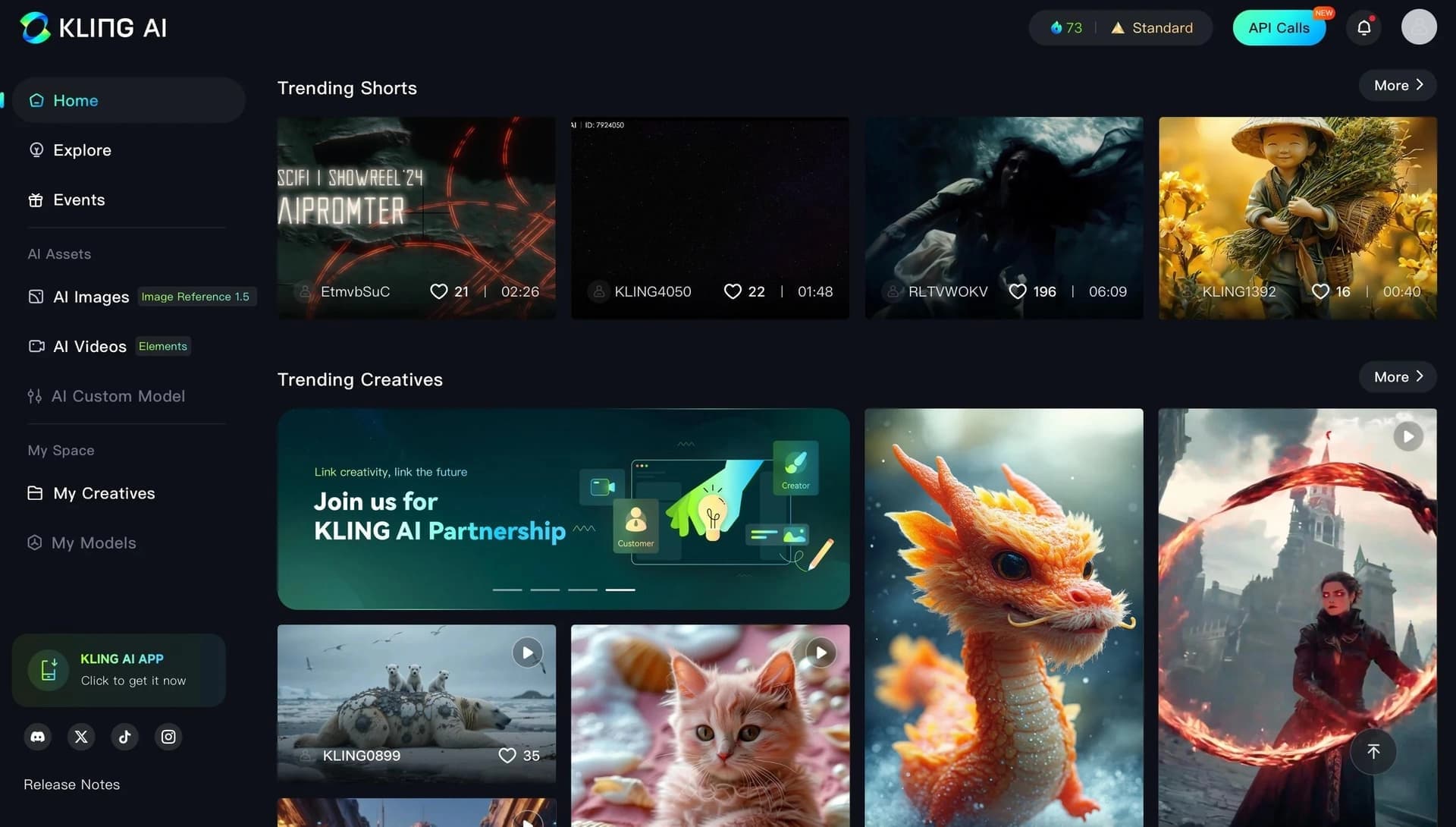
KLING is a generative neural network from Kuaishou designed to create realistic images and videos based on text descriptions or photos. The tool uses advanced technologies, including a 3D spatial-temporal attention mechanism and a Diffusion Transformer architecture, which lets it accurately simulate movement physics and deeply understand text scenes.
The neural network can generate videos up to 3 minutes long at resolutions up to 4K, supports native audio with multilingual lip sync, and offers a Motion Brush feature for manual control of object movement. KLING is available via a web interface and also has mobile apps for Android and iOS.
KLING characteristics
| Characteristic | Value |
|---|---|
| Type | Neural network for image and video generation |
| Categories | Video generation, Text to video, Image to video, Video editing, Image generation |
| Developer | Kuaishou |
| Release date | February 5, 2026 |
| Platforms | Web, Android, iOS |
| Maximum video duration | Up to 3 minutes |
| Frame rate | 30 frames per second |
| Maximum resolution | 4K |
| Native audio | Yes, with lip sync in 5 languages |
| ELO rating | 1243 (1st place among video models) |
| Motion control | Motion Brush |
| Editors' rating | 9.2 out of 10 |
| Star rating | 4.4 |
| Free functionality | Yes |
| Russian language/interface | No |
Who is KLING for?
Social media content creators
KLING is ideal for authors working with TikTok, YouTube Shorts, and Instagram Reels. The tool lets you quickly generate high-quality videos with realistic animation and audio, which significantly speeds up the content creation process.
Marketing teams
Marketing specialists can use the neural network to create product demos and ad videos. Thanks to the Motion Brush feature and the ability to preserve text on packaging and labels, KLING is suitable for e-commerce and branded content.
Filmmakers and VFX specialists
Professionals in visual effects and film production can use KLING to create complex scenes, character animation, and idea visualization. The ability to generate videos up to 3 minutes long in 4K resolution opens up new opportunities for creative projects.
How to use KLING?
Registration and setup
To get started, create an account by providing an email and password, then confirm registration with a code from the email. After logging in, you can configure generation settings.
Generation process
The user needs to upload an image or enter a text description, choose the video duration and aspect ratio, and specify a priority — quality or generation speed. After the process finishes, additional options are available: editing, adding characters, and changing animation parameters.
Saving and publishing
The finished video can be saved to your profile, sent by email, or published on social networks. Local editing, inpainting, object replacement, and style changes are also available in the Kolors 2.0 version.
Key features of KLING
Video generation from text, photos, and references
KLING can create realistic videos based on text descriptions, photos, or reference images. The model is able to interpret complex scenarios and reproduce them with a high degree of detail.
3D spatial-temporal mechanism
The neural network uses a 3D spatial-temporal joint attention mechanism to handle complex motion. This allows it to accurately model real-world physical characteristics, including object dynamics, lighting, and textures.
Multimodal MVL architecture
KLING works with text, images, audio, and video at the same time. The MVL (Multi-modal Vision Language) architecture provides deep understanding of text-video semantics built on Diffusion Transformer.
Motion Brush and motion control
The Motion Brush feature lets you manually control object movement in the frame. Users can define trajectories and movement directions, providing extra options for fine-tuning animation.
Native audio with lip sync
The tool supports audio generation with lip synchronization in 5 languages. This is especially useful for creating characters that sing, speak, or perform other actions requiring sound and image synchronization.
3D reconstruction technology
KLING can bring characters to life from a single photo using 3D face and body reconstruction. Noise reduction, audio-to-text conversion, and accent removal in recorded videos are also available.
Advantages of KLING
High content quality
The neural network ranks 1st in ELO among all video models, ahead of competitors such as Veo 3.1 and Runway Gen-4.5. KLING delivers the best photorealism for people, with detailed rendering of body movements, fabrics, and skin.
Video duration and resolution
The tool can generate clips up to 3 minutes long, while competitors are limited to 10–40 seconds. Maximum resolution reaches 4K, far exceeding the standard 1080p on most alternatives.
Free functionality
New users get 66 free credits every day, allowing them to test the neural network's capabilities without any financial investment. That is enough to generate six 5-second videos.
Workflow flexibility
KLING supports variable resolution and different aspect ratios, making it convenient for creating content for various platforms and formats.
Drawbacks of KLING
Free version limitations
Free credits only allow you to create short videos up to 5 seconds long. Longer clips and higher quality require a paid subscription. In addition, credits expire and are deducted even for failed generations.
Billing issues
Users report unauthorized charges and hidden price increases. Kling 3.0 costs about 3 times more than previous versions when converted to credits, which may come as a surprise to users switching from older plans.
Data processing
Data is processed under applicable legislation, and Kuaishou may use uploaded content to train its models. This creates risks for corporate users with data privacy requirements.
No Russian language
The interface and the tool's language do not support Russian, which can create additional difficulties for Russian-speaking users.
What tasks does KLING solve?
Creating realistic videos
KLING allows you to generate high-quality videos from text descriptions, which is useful for creative projects, advertising, and educational content.
Bringing photos to life and animating characters
Using 3D reconstruction technology, you can bring characters to life from a single photo, creating animations of singing, dancing, and other movements.
Editing and improving videos
The tool supports local editing: inpainting, object replacement, style changes, and animation parameters. Noise reduction and audio-to-text conversion are also available.
Creating content for social media
KLING is suitable for generating short videos for TikTok, YouTube Shorts, and Instagram Reels, as well as for creating multi-scene storyboards with camera control.
KLING pricing
Free plan
The free version provides 66 credits daily. This is enough to generate six 5-second videos. The finished video includes a watermark and has 360–540p resolution.
Paid plans
- Standard — $10 per month, 660 credits, 1080p resolution, no watermark.
- Pro — $26 per month, 3000 credits, priority queue.
- Premier — $65 per month, 8000 credits.
- Ultra — $180 per month, 26,000 credits, access to Kling 3.0 and 4K resolution.
Longer and higher-quality videos require a paid subscription. Plans and prices may change; details are accurate as of the time of writing.
Terms of use of KLING
To use the neural network, you must register with email and password and confirm via a code sent to your email. Credits expire and are deducted even for failed generations, so you should keep this in mind when planning your usage.
User data is processed under applicable law. Kuaishou may use uploaded content to train its models, which creates potential risks for corporate users with data confidentiality requirements.
Availability of KLING
KLING is available on the klingai.com website and through mobile apps for Android and iOS. The tool has no Russian interface and does not support Russian; however, multilingual lip sync works in 5 languages.
Every day, new users receive 66 free credits, letting them test the functionality without investing.
How KLING differs from alternatives
Length and resolution
KLING 3.0 outperforms its competitors in clip length — up to 3 minutes vs. 8–40 seconds for Runway, Veo, and Pika. Maximum resolution reaches 4K, while most alternatives are limited to 1080p.
Native audio and Motion Brush
Unlike many competitors, KLING supports native audio generation with lip sync (the only comparable feature is in Veo). The Motion Brush feature for manual object movement control is an exclusive capability.
Comparison with competitors
Runway beats KLING in its post-production toolset, while Veo is stronger in physical simulation but falls short in video length. Kling 3.0 ranks first in ELO, ahead of Veo 3.1, Runway Gen-4.5, and Pika 2.2.
Conclusion
As of April 2026, KLING 3.0 is the most powerful AI video generator by the combination of length, quality, audio, resolution, and motion control. The tool ranks first in the ELO rating among all video models and offers unique features such as Motion Brush and native audio with multilingual lip sync. The main risks are related to opaque billing and the jurisdiction of data processing. For individual content creators and marketing teams, KLING's advantages outweigh its drawbacks; however, enterprise projects are advised to run pilot testing before full-scale implementation.
Pricing
Frequently asked questions
Similar AI tools




See also

Experimental model from Stability AI for generating short videos from text descriptions or uploaded images.
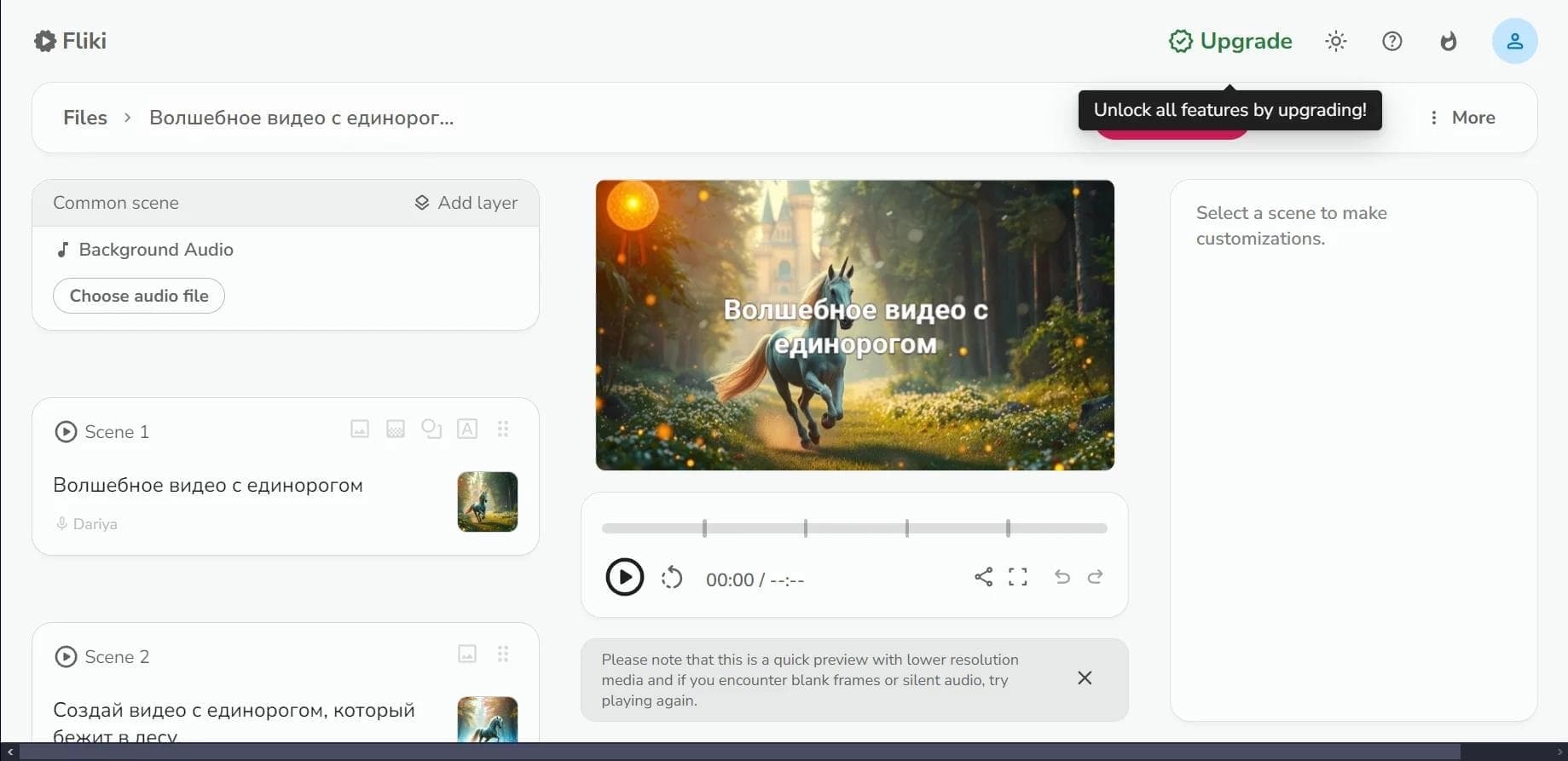

Web service for converting text into video with AI voiceover and automatic video selection.
An AI platform that turns text content into video and creates short clips from long videos and podcasts.

Multimodal family of Google models that combines text, code, images, video, and audio processing in a single system.
Video generator in cinematic 1080p format from text descriptions or images.

Platform from CapCut (ByteDance) for generating and editing images and videos using AI.

A platform for creating talking videos with a teleprompter, AI-generated scripts, subtitles, and avatars.
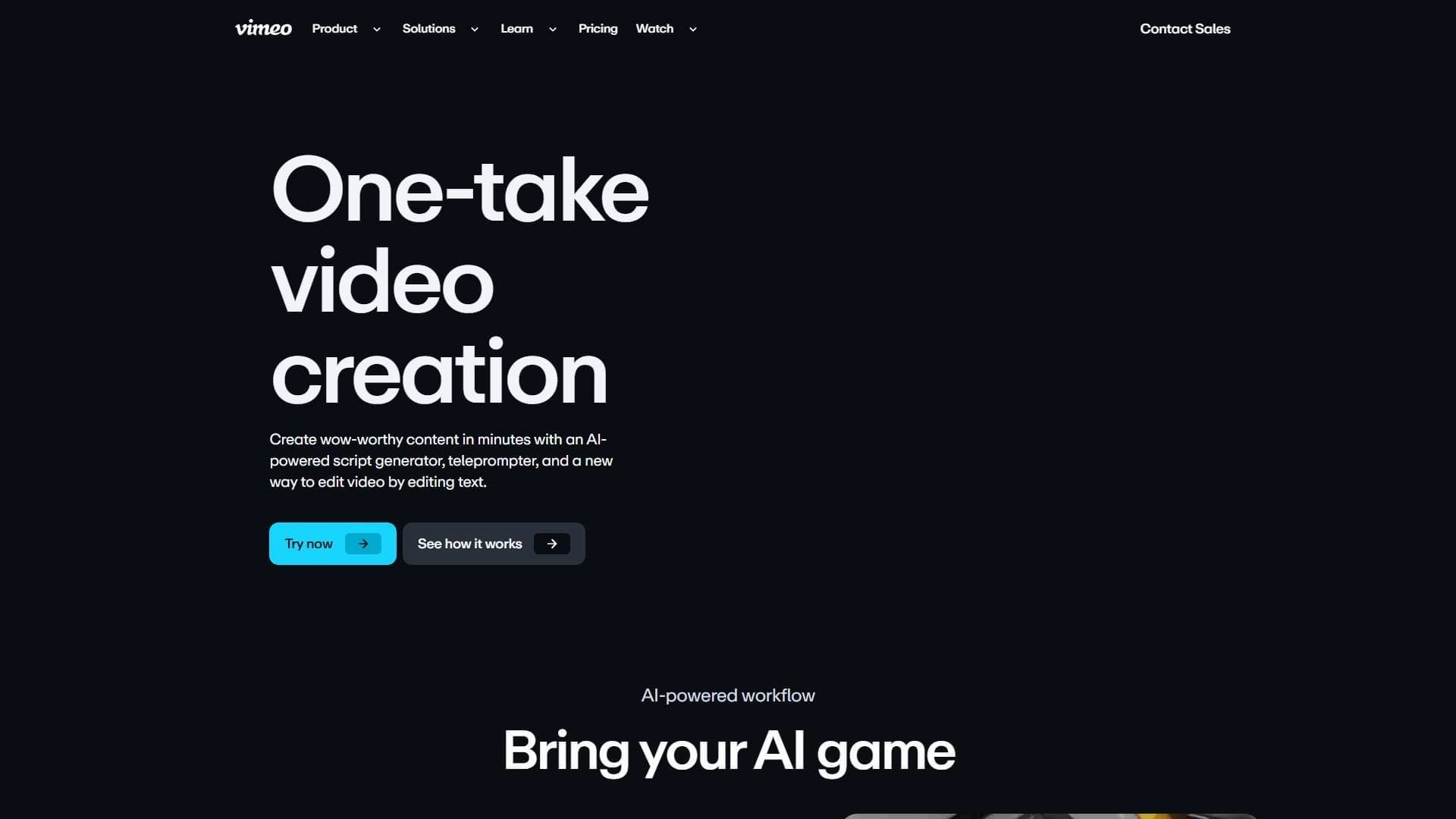

A set of AI tools for faster video creation and editing through text-based control.