

Imagica
No-code platform for creating AI applications by dragging and dropping components.
Overview
Imagica
Description of the Imagica neural network
Imagica is a platform for creating artificial intelligence applications that does not require writing code. The service was developed by Brain AI and is positioned as a tool that lets you put together your own AI application in just a few minutes. Instead of traditional development, which takes a long time, the user works with ready-made components that are connected via drag-and-drop on a visual canvas.
The key idea of the platform is to remove the technical barrier between a person and a neural network. Whereas previously creating an application required programmers, designers, and long development cycles, here the entire process comes down to assembling from ready-made elements. At the same time, Imagica supports multimodality: images, audio, and video can be included in a single application, making the resulting solutions more comprehensive and useful.
The philosophy of the no-code approach
The platform follows the low-code and no-code philosophy, which assumes that anyone can create a useful AI tool, even without programming experience. The entire assembly process is intuitive and resembles working with a construction set.
Speed as a priority
The platform is based on the principle of saving time. Since development is done from ready-made components, an application can be quickly assembled, tested, and refined, which is especially important in a rapidly changing environment.
A starting point from templates
To simplify getting started, Imagica offers a library of ready-made templates. They serve as a foundation that the user adapts to their own tasks, eliminating the need to start from scratch.
Imagica characteristics
| Characteristic | Value |
|---|---|
| Platform type | No-code AI application builder |
| Developer | Brain AI |
| Application creation method | Drag-and-drop (dragging components) |
| Availability of templates | Yes, a library of ready-made templates |
| Multimodality | Support for images, audio, and video |
| Code requirements | No coding experience required |
| Application creation time | A few minutes |
| Target audience | Users without programming experience |
Who is the Imagica neural network suitable for?
The platform is aimed at a wide range of users united by the desire to create AI applications without deep technical knowledge. First of all, these are beginners who want to try their hand at development but face the entry barrier in the form of code.
Entrepreneurs and business owners
Business owners can quickly create internal tools, automate routine tasks, and test new ideas without hiring developers or waiting months for a finished product.
Managers and product specialists
Managers working with a product get the opportunity to independently build prototypes and test hypotheses without depending on technical teams.
Beginner developers and enthusiasts
For those who are just getting familiar with artificial intelligence, Imagica serves as a convenient entry point, allowing them to learn the principles of building applications in practice.
How to use the Imagica neural network?
Working with Imagica is built around a simple visual assembly process that does not require writing code.
Choosing a starting point
The user can either start with a blank canvas or choose a suitable template from the built-in library. The templates cover typical scenarios and serve as a ready-made foundation for a future application.
Assembling from components
The main stage is dragging ready-made components onto the canvas and connecting them to each other. The user combines elements, defining the logic of the future application, and sets its functionality through their actions.
Adding multimedia
Various media formats—images, audio, and video—can be included in an application. This expands the capabilities of the solutions being created and makes them more multifunctional.
Testing and launching
Once the application is assembled, the platform allows you to quickly test it, make edits, and deploy it. Thanks to the short cycle, you can promptly refine the solution and launch it ahead of competitors.
Key features of Imagica
Imagica combines several key capabilities that make creating AI applications accessible through a visual approach.
Drag-and-drop builder
The core of the platform is a visual builder where an application is assembled from ready-made blocks by simply dragging them. This allows you to build logic and interface without a single line of code.
Library of ready-made templates
The platform provides a set of templates that can be used as a basis and adapted to your own needs. This significantly speeds up getting started and lowers the entry barrier.
Multimodal support
Imagica supports working with different data types—images, audio, and video. This allows you to create richer and more comprehensive solutions that go beyond simple text-based interaction.
Fast testing and deployment
Reduced deployment time allows you to quickly test applications in action, refine them, and roll them out, giving the user the ability to respond promptly to tasks.
Advantages of Imagica
Accessibility without code
The main advantage is the absence of the need to write code. The platform opens up development to those who previously could not create applications due to a lack of technical skills.
High development speed
Assembling from ready-made components and templates reduces application creation time from long cycles to a few minutes, which is critical in a fast-moving market.
Multimodal capabilities
Support for images, audio, and video improves the user experience and allows building more complex and useful AI solutions.
Intuitive interface
Thanks to a thoughtful and clear design, the application creation process becomes pleasant and engaging even for beginners, lowering the barrier to entry.
Disadvantages of Imagica
Detailed information about the platform's drawbacks is not disclosed in the available source materials. Based on the features of approaches similar to this platform, one can assume the likely limitations of a typical no-code service: dependence of the created applications on the platform's capabilities, less flexibility compared to fully custom development, and also the lack of accurate information about pricing and terms of service. Exact limitations and nuances of operation should be clarified in the platform's official materials.
What problems does Imagica solve
The platform is aimed at removing the barriers between a user's idea and a finished AI application. The main task that Imagica solves is making development accessible to people without programming experience.
Speeding up the development process
The service solves the problem of long development cycles, allowing applications to be created in a matter of minutes instead of months of waiting. This reduces the time from idea to finished product.
Creating multimodal solutions
Imagica solves the problem of building applications that work with different data types—images, audio, and video—which expands the range of possible business approaches.
Rapid implementation and competitive response
Thanks to the short testing and deployment cycle, users get the opportunity to quickly implement solutions and be first among competitors, responding promptly to market changes.
Imagica pricing
There is no reliable information about the cost of using the Imagica platform in the available source materials. At the moment, pricing plans, the pricing structure, the availability of a free version, or a trial period have not been disclosed. Before starting work, it is recommended to check current rates and available plans on the official website of the service.
Terms of use of Imagica
Detailed terms of use of the platform are not described in the available source materials. There is no data on license agreements, rights to created applications, usage volume restrictions, or account requirements. It is recommended to review the official rules and terms of the service on the Imagica website before starting work.
Availability of Imagica
Specific information about the geographic availability of the service, compatible devices, browsers, and the format of work (web or desktop) is not provided in the source materials. It is also not specified whether the platform is available in multiple languages. Up-to-date information about availability and technical requirements should be clarified in the official sources of the platform.
How Imagica differs from analogues
Exact comparative data on competitors is not provided in the source materials, but key distinctive features of Imagica can be highlighted based on its described capabilities.
Multimodality as a standard feature
Many no-code builders are limited to text-based scenarios, whereas Imagica supports images, audio, and video from the very beginning. This emphasis on multimedia sets the service apart from solutions with a purely text orientation.
A clear focus on speed
The platform positions speed as a central value, emphasizing the creation of applications "in a matter of minutes" and fast deployment. This is a firm bet on speed that distinguishes the service from more complex and slower development platforms.
Comprehensive simplicity for beginners
The use of templates combined with drag-and-drop makes learning and getting started as easy as possible. For a full comparison with specific analogues, their functionality, and prices, it is recommended to study reviews and official materials of the service.
Conclusion
Imagica is a convenient no-code platform that allows you to create AI applications without writing code by dragging and dropping components. Thanks to the template library and multimodal support for images, audio, and video, the service lowers the entry barrier for beginners and significantly speeds up the path from idea to a ready-made solution. At the same time, it is worth considering that for a number of issues important when choosing a service—cost, terms of use, and geographic availability—there is not yet enough data in open materials, so it is worth clarifying them in official sources before practical use of the platform.
Frequently asked questions
Similar AI tools





See also

Platform for creating web applications and websites from a text description using AI.
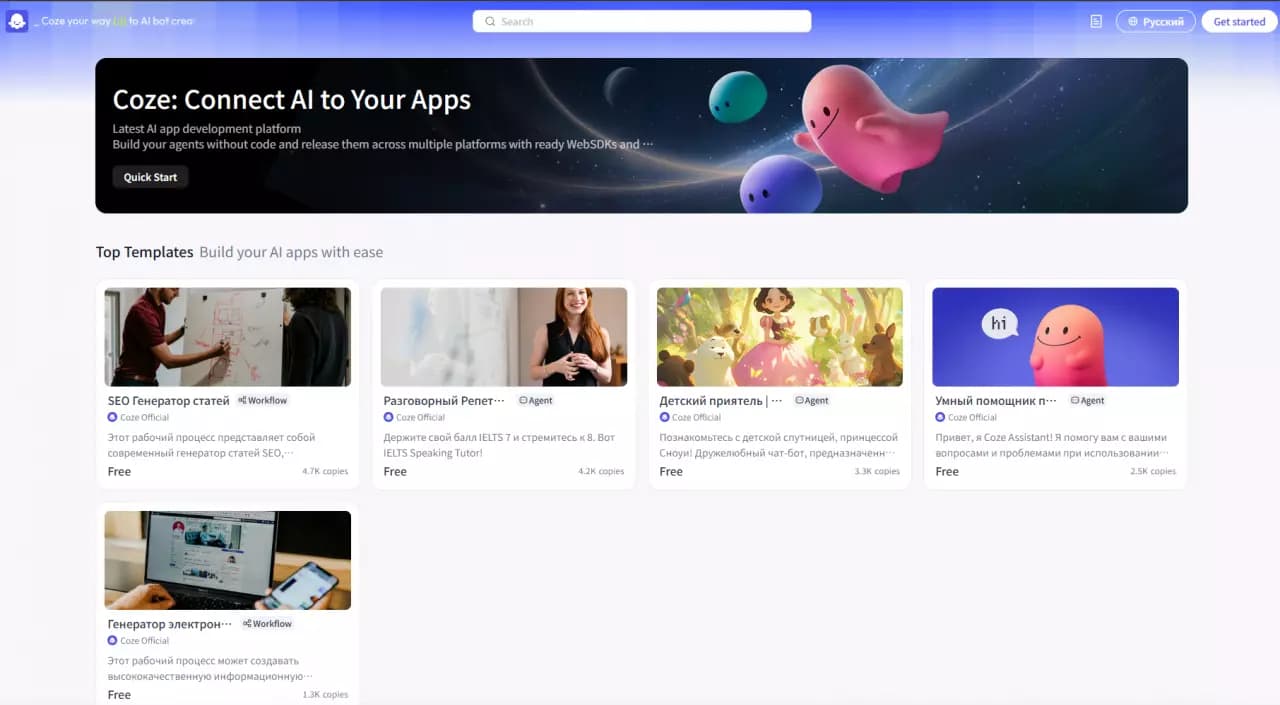

Platform for building AI chatbots with a visual builder that requires no coding skills.


Cloud platform for launching AI applications directly in the browser without installation.
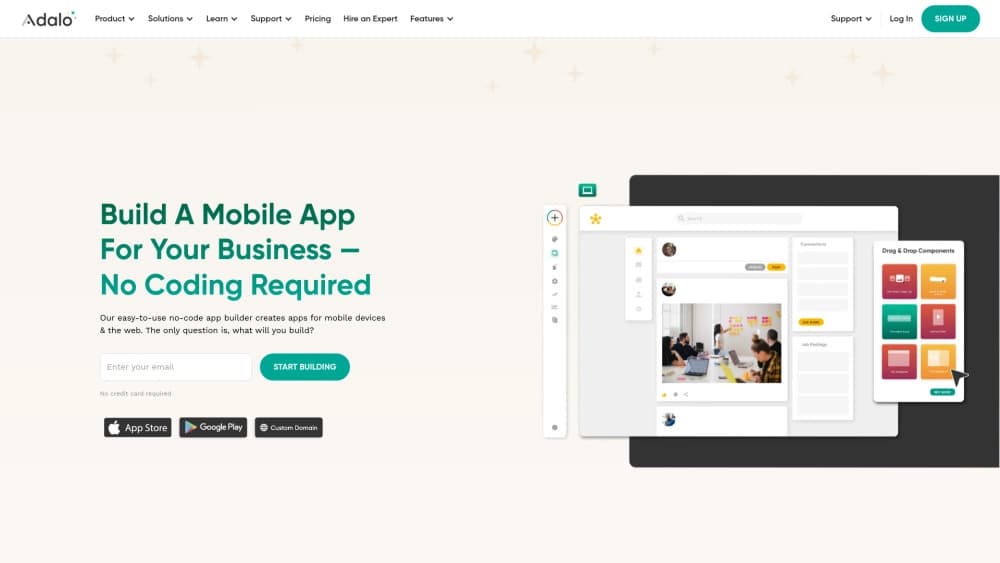
A platform for creating mobile and web applications without writing code, using a visual builder.

Platform for creating AI chatbots without coding, targeted at businesses and agencies.

A design canvas built into the code editor, allowing you to create interfaces and write code in one place.
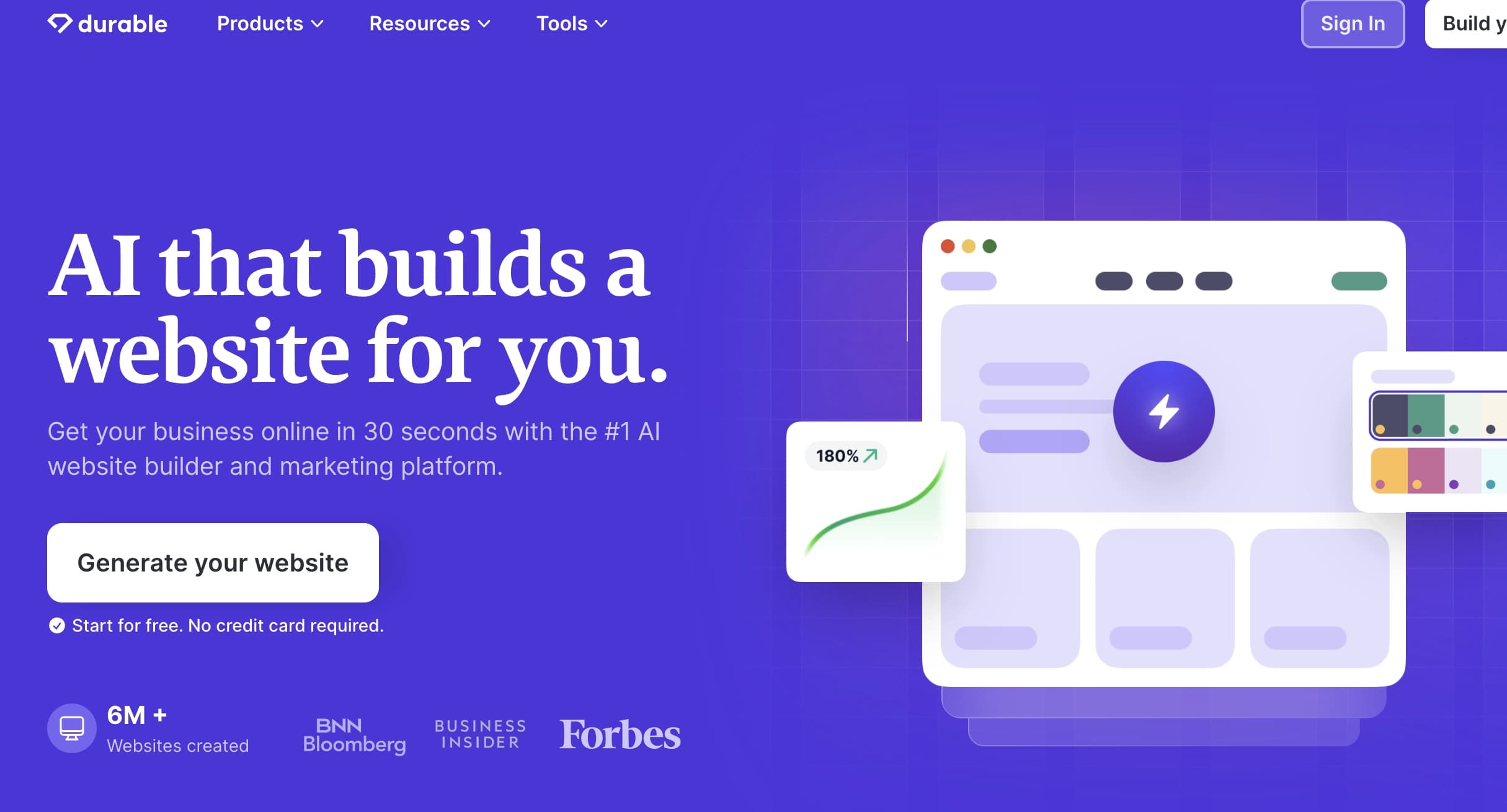

AI platform for fast website creation and small business process management.

A workflow automation platform that connects thousands of apps without requiring coding.