

Happy Horse
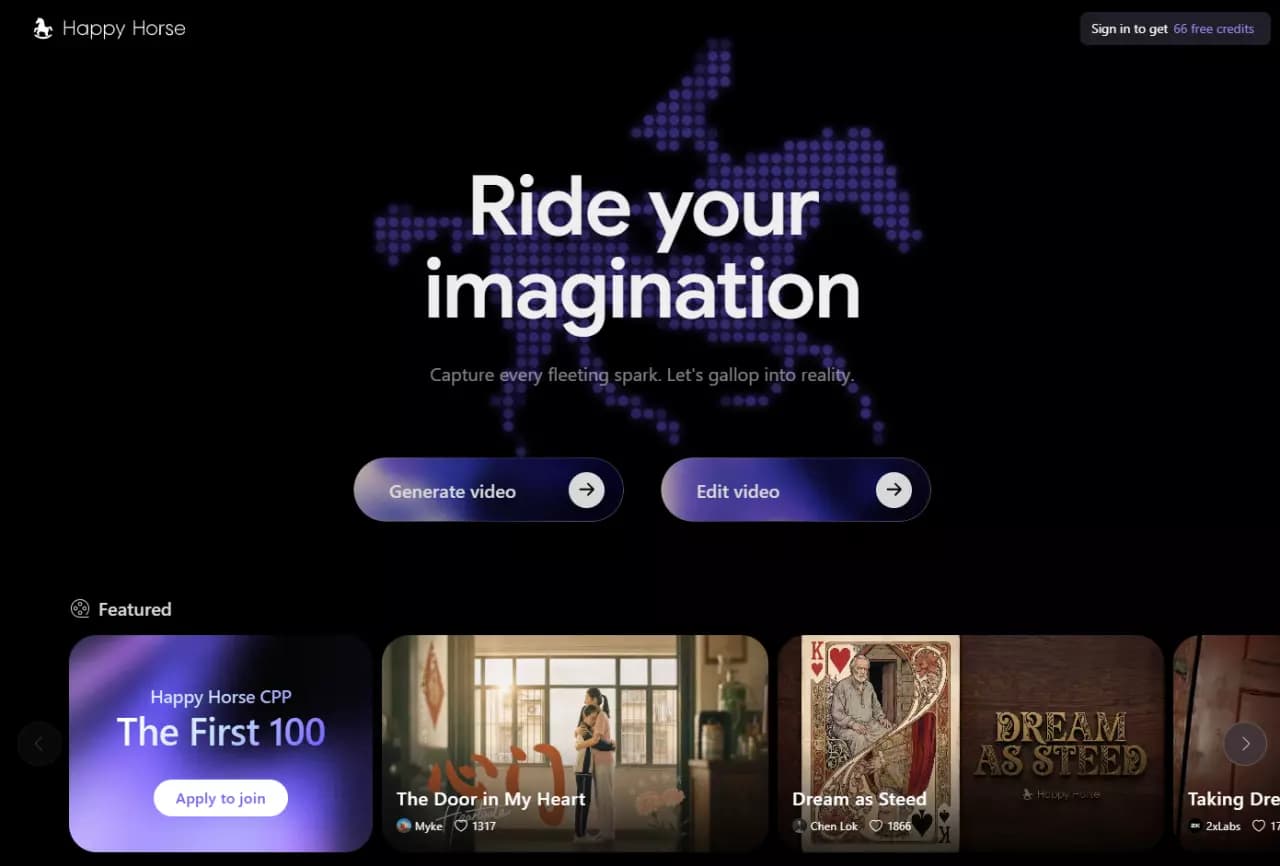
An AI-powered platform for generating and editing videos, turning text or images into short clips.
Overview
Happy Horse
Description of the Happy Horse neural network
Happy Horse is an AI video model developed by Future Life Lab (Taotian Group, Alibaba) for AI-powered video generation and editing. The platform lets you create short videos from text descriptions or images, with video and sound generated in a single pass. This is the key difference: Happy Horse can synthesize not only the video track but also synchronized speech with lip-sync across several languages.
The tool can create coherent sequences of scenes from a single text description and work with reference images to keep characters and objects consistent. The service is available via a web interface on the official website and through partner platform APIs.
Happy Horse specs
| Characteristic | Value |
|---|---|
| Developer | Future Life Lab (Taotian Group, Alibaba) |
| Category | Video generation and editing |
| Business model | Freemium |
| Platforms | WEB, API |
| Interface languages | Russian is supported (no Russian interface available) |
| VPN required | Yes |
| Maximum video length | 15 seconds |
| Resolution | 720p or 1080p |
| Generation modes | Text-to-video, image-to-video, references (up to 9 images), video editing |
| Lip-sync | Yes, in several languages |
| Free plan available | Yes (10 free credits at signup) |
Who is Happy Horse suitable for?
Marketers and SMM specialists
Happy Horse suits those who need to quickly create short promotional clips or animated ads. The tool produces a finished video file without requiring skills in complex video editors or hiring video editors.
Creators, bloggers and directors
The platform is useful for content creators who need to generate videos with talking characters and lip sync, as well as create coherent mini-stories from several scenes. For studios and directors, Happy Horse works as a tool for rapid storyboarding or previsualization.
Developers
Through the Happy Horse API, video generation can be embedded into third-party products and services, opening up opportunities for content automation and integration into existing workflows.
How to use Happy Horse?
Registration and getting credits
To get started, register on the official website happyhorse.com or through one of the partner platforms (fal, Atlas Cloud, WaveSpeed, PixVerse, Picsart, ImagineArt and others). After registration, 10 free credits are credited for testing the functionality. Note: a VPN may be required to access the service.
Choosing a generation mode
In the interface, choose one of four operation modes: generation from a text description, from a first frame (image), using reference images (up to 9 to preserve characters and objects), or editing an existing video.
Configuration and launch
After selecting the mode, upload images (if required), set the generation model, aspect ratio, resolution (720p or 1080p), and desired video length (from 3 to 15 seconds). Then generation starts, and the system creates a video with built-in sound in one pass.
Key features of Happy Horse
Single-pass video generation with sound
The model architecture combines video and audio synthesis, producing clips with native sound without a separate voiceover stage. This applies both to background noise and speech with lip-sync.
Lip-sync in several languages
Happy Horse supports lip-sync with speech in several languages. Lip-sync and audio quality are higher for English and Chinese than for rare languages.
Directing multiple scenes from a single description
The model can create coherent scene sequences based on one text description, making it possible to generate short mini-stories without splitting the process into separate requests.
Four generation modes
Available options: generation from text, from an image, using reference images (up to 9), and editing an existing video. You can choose 720p or 1080p resolution; video length ranges from 3 to 15 seconds.
Happy Horse advantages
Native sound and lip-sync without separate voiceover
The platform's main advantage is a unified architecture that generates video and sound simultaneously. This removes the need to synchronize an audio track separately and produces a more natural result.
High positions in independent rankings
The model ranks first in the independent Artificial Analysis ranking in the text-to-video and image-to-video categories, confirming its generation quality compared with alternatives.
Flexible payment system
Per-second billing with no mandatory subscription and free entry on many partner platforms let you test the model's capabilities at minimal cost.
Happy Horse disadvantages
Video length limit
The maximum duration of a single clip is 15 seconds, which may be insufficient for more complex or more elaborate scripted projects.
File storage conditions
On the free and pay-per-video plans, files are stored for only 15 days and then become unavailable. Continuous storage requires a subscription.
Openness and quality limitations
The full model weights are not publicly released, so the tool's “openness” is conditional. In addition, audio and lip-sync quality in rare languages (other than English and Chinese) is noticeably lower.
What tasks does Happy Horse solve?
Creating short ads and product animations
The tool is suitable for quickly generating promo videos, product demonstrations, and animated ads without a professional video editor.
Generating videos with talking characters
Thanks to built-in lip-sync, Happy Horse lets you create clips with characters speaking text with synchronized lip movement, which is useful for educational, entertainment, and advertising projects.
Creating connected mini-stories from several scenes
The multi-scene directing feature from a single description allows generating short logically connected sequences, useful for storytelling and storyboards.
Rapid storyboarding and previsualization
Studios and directors can use Happy Horse to roughly visualize ideas without spending time on full editing or drawing.
Embedding video generation into third-party products
Through the model API, video creation can be integrated into applications, web services, and internal developer tools.
Happy Horse pricing
Credit system
The official website uses a credit system: about 180 credits are spent for one regular clip and 240 credits for HD video. $1 equals 100 credits. At signup, users receive 10 free credits for testing.
Plans
The following payment options are available: monthly or yearly subscription (yearly comes with a discount of up to 50%), as well as one-time credit packs. On free and pay-per-video plans, files are stored for 15 days; subscribers get permanent storage and commercial rights.
Partner API pricing
On partner platforms (fal, Atlas Cloud, WaveSpeed), the cost is $0.14 per second of video at 720p and $0.28 per second at 1080p. On the EvoLink platform, prices are higher: from $0.179 per second at 720p and $0.318 at 1080p. A price of $0.32 is also listed — probably for a specific service or plan, but details are not disclosed.
Happy Horse terms of use
Registration is required to use the service. On the free plan and with one-time credit packs, files are stored for 15 days and then deleted. Subscribers get permanent storage and commercial rights to generated content. The full model weights are not publicly available — use is limited to the official service and partner APIs.
Happy Horse availability
Web service
Happy Horse is available through the web interface at the official website happyhorse.com. A VPN may be required to use it. The interface has no Russian localization, although Russian is supported in generation (text prompts and speech synthesis).
Partner platforms and API
The model is also available through partner platform APIs: fal, Atlas Cloud, WaveSpeed, PixVerse, Picsart, ImagineArt and others. This lets you choose the most convenient access and pricing method.
How is Happy Horse different from alternatives
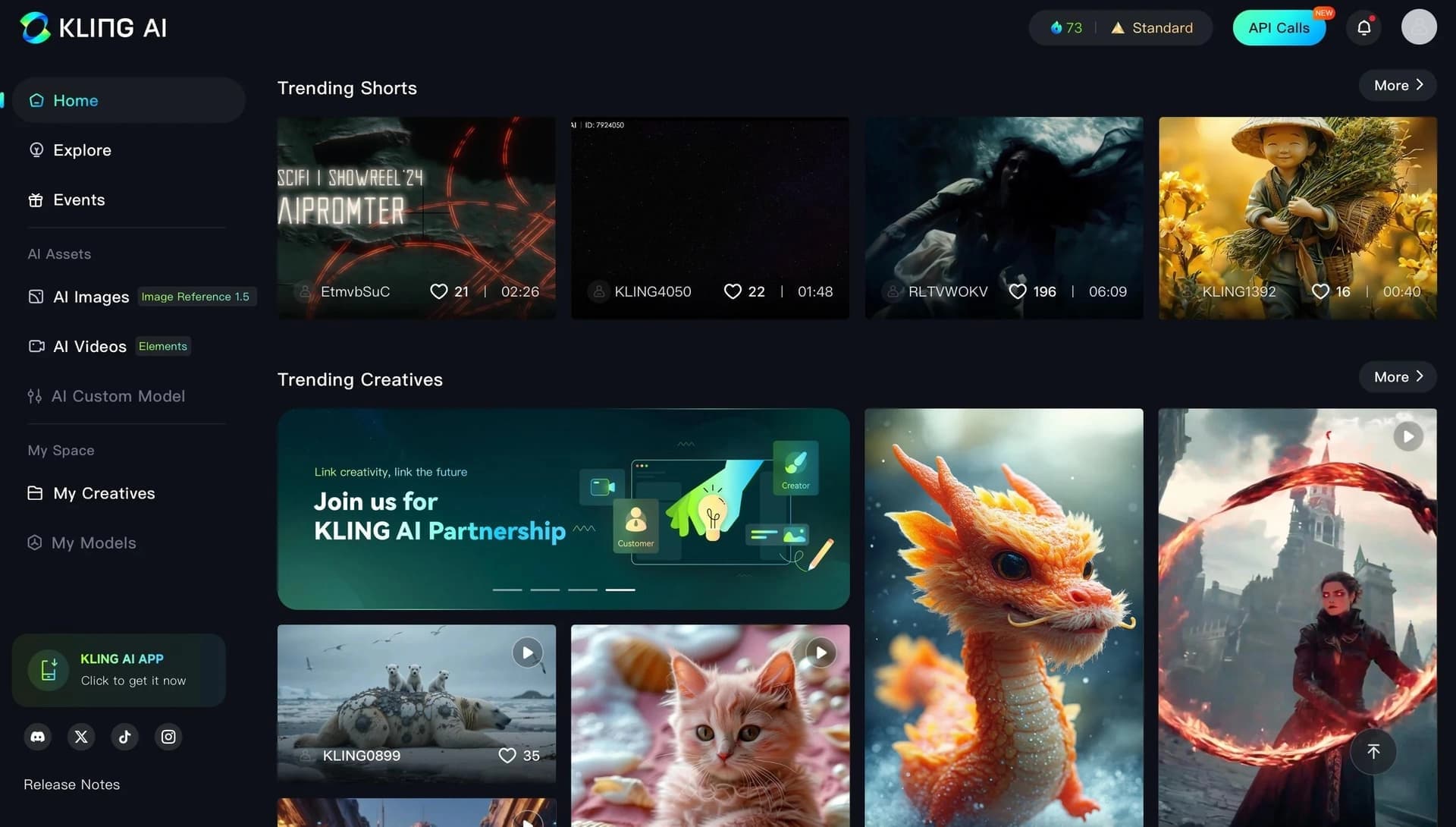
The main difference between Happy Horse and other video generators is its unified architecture, which creates audio and video in a single pass. This provides native audio and built-in lip-sync without needing to generate and synchronize speech separately. The model also stands out with multi-scene directing from a single text description and the ability to keep characters and environments consistent using up to nine reference images. In the independent Artificial Analysis ranking, the model ranks first for text-to-video and image-to-video, confirming its competitiveness. Seedance and Kling are named among direct alternatives.
Conclusion
Happy Horse is an AI video model from Alibaba focused on creating short videos with sound and talking characters without a separate voiceover. The tool's strengths are its unified video-and-audio generation architecture, lip-sync in several languages, a multi-scene mode from a single description, and reference image support. High positions in independent rankings confirm the model's quality, while per-second billing and starting free credits let you test it almost for free. At the same time, keep in mind the 15-second video length limit, the need for a VPN to access it, and the lower lip-sync quality for rare languages.
Pricing
Frequently asked questions

See also

Experimental model from Stability AI for generating short videos from text descriptions or uploaded images.
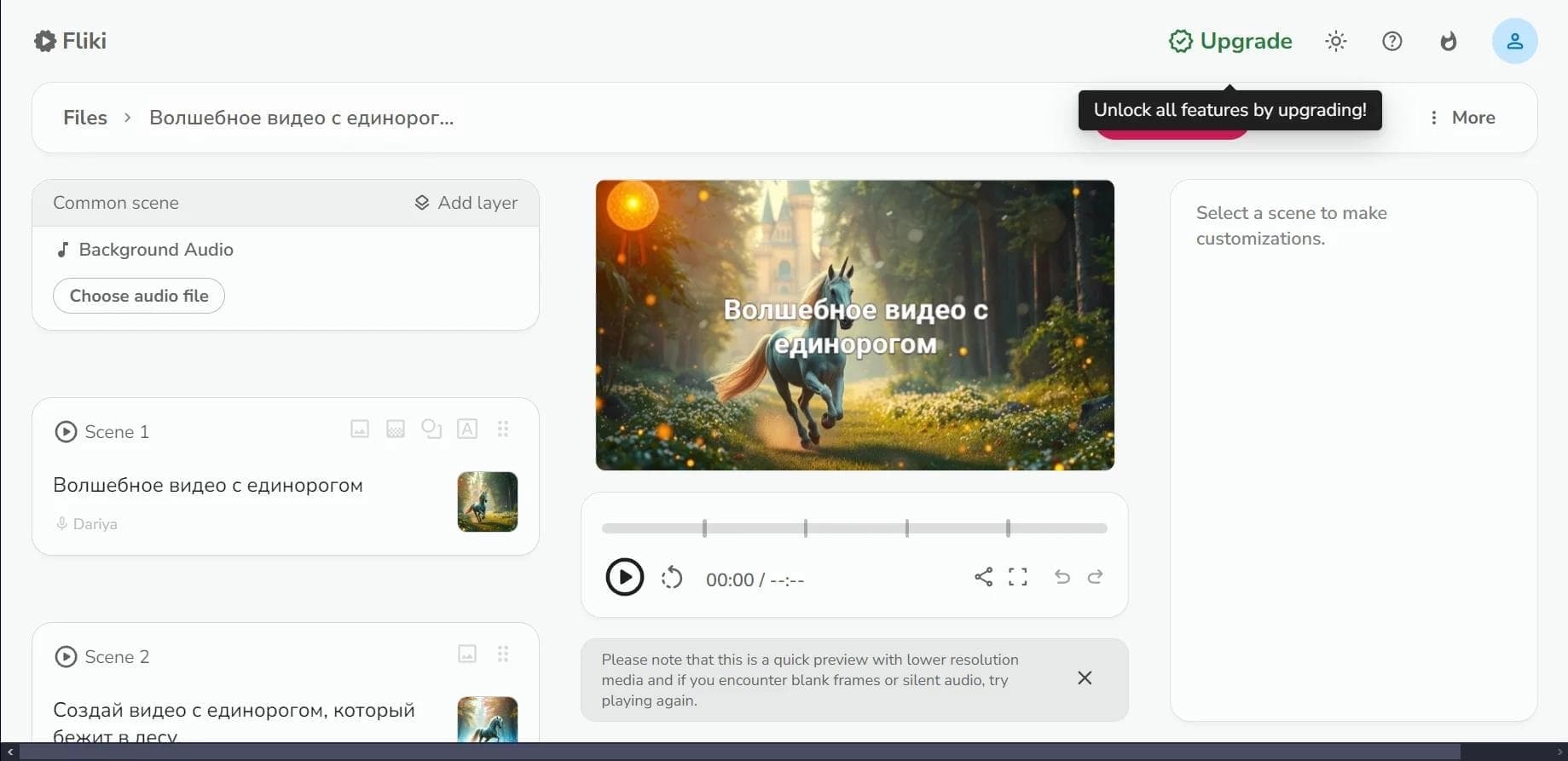

Web service for converting text into video with AI voiceover and automatic video selection.
An AI platform that turns text content into video and creates short clips from long videos and podcasts.

Multimodal family of Google models that combines text, code, images, video, and audio processing in a single system.
Video generator in cinematic 1080p format from text descriptions or images.
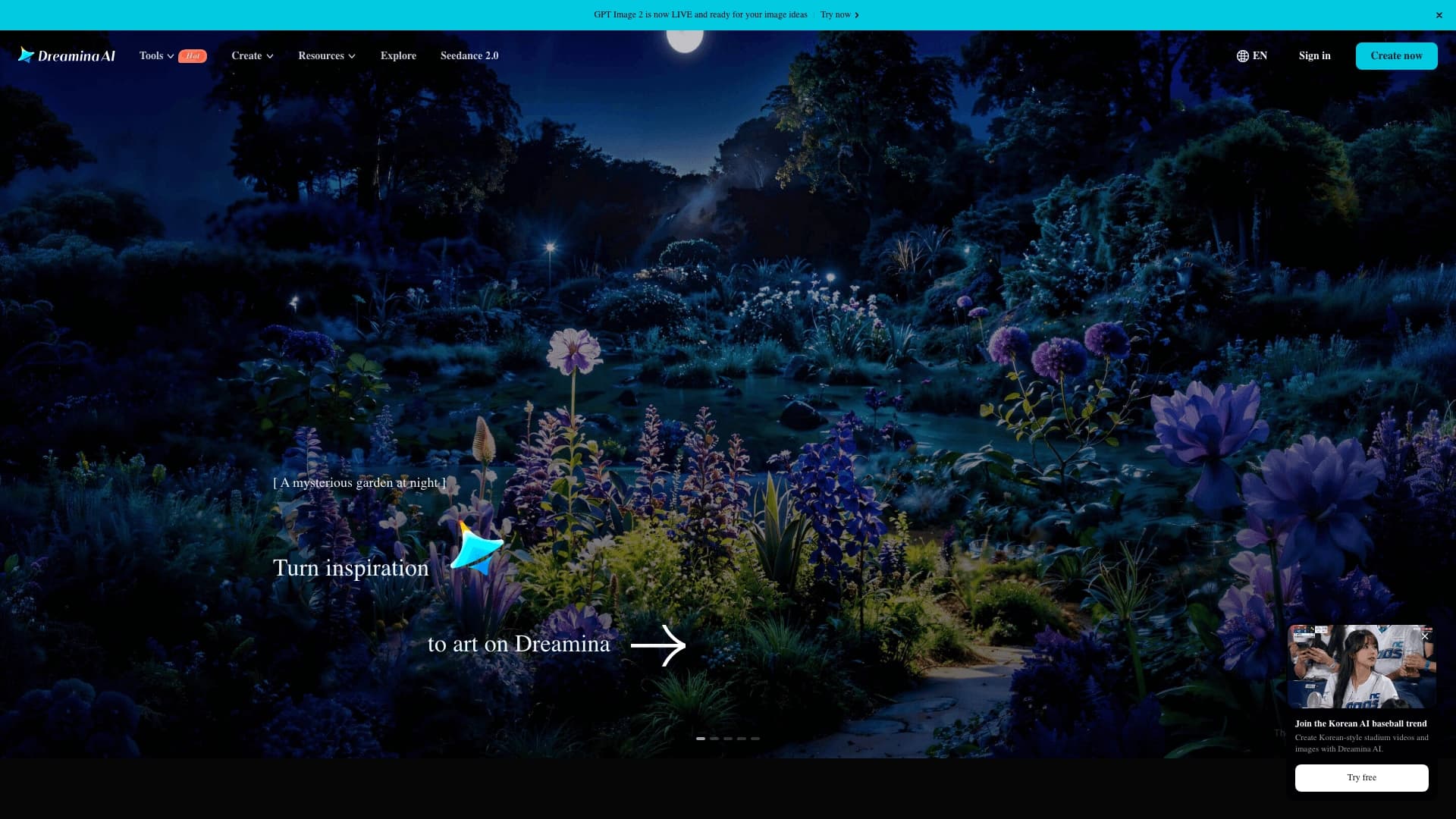

Platform from CapCut (ByteDance) for generating and editing images and videos using AI.

A platform for creating talking videos with a teleprompter, AI-generated scripts, subtitles, and avatars.


A set of AI tools for faster video creation and editing through text-based control.