
Haiper AI
Neural network for generating and editing videos based on text and images.
Overview
Haiper AI
Haiper AI Overview
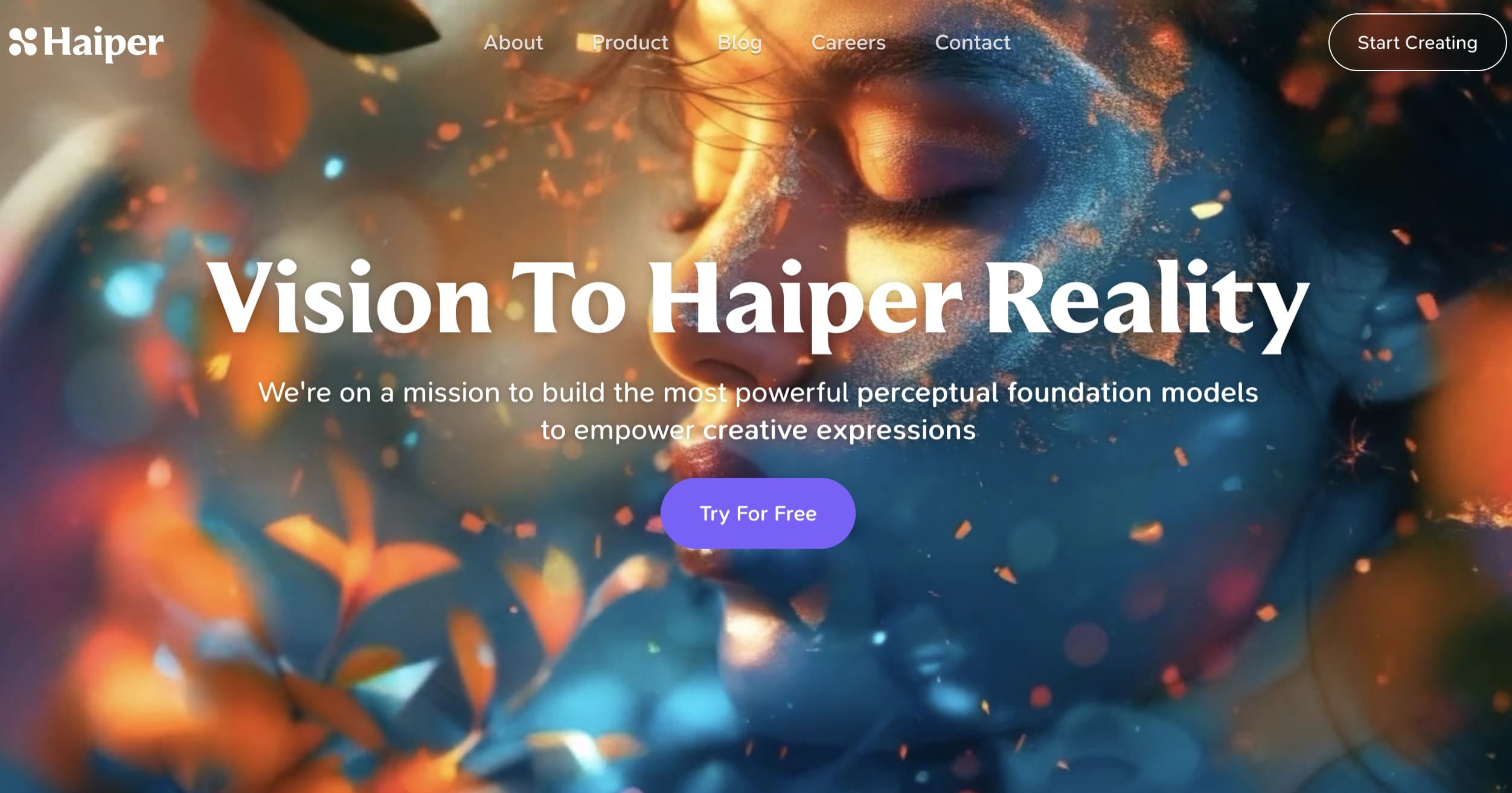
Haiper AI is a platform for creating and editing videos using artificial intelligence. The service allows you to generate short videos from text descriptions, animate static images, and edit existing videos by changing their style and details. The platform is powered by a proprietary AI model trained on large volumes of data, enabling HD-quality results without the need for complex video editing tools. The tool is aimed at users who want to create videos quickly and easily without special skills.
Haiper AI Features
| Feature | Value |
|---|---|
| Type | Video generator |
| Categories | Animation, Video, Video generation, Editing and post-production |
| Conversion | Text to video, Image to animation |
| Tasks | Create video, Create animation, Edit video |
| Platforms | Web (haiper.ai website) |
| Result format | HD-quality video |
| Free tier available | Yes |
| API available | Yes |
Who Is Haiper AI Suitable For?
Content Creators and Content Producers
Haiper AI is suitable for creators who regularly publish video content and need to quickly produce short clips without a lengthy editing process. The tool lets them experiment with formats and styles without getting bogged down in technical details.
Marketers
Marketing specialists can use the platform to quickly generate promo videos, animated banners, and visual assets for advertising campaigns. The ability to turn text descriptions into videos on demand speeds up creative approval and testing.
Designers
For designers, Haiper AI becomes an additional tool for bringing static images to life, creating animation, and adding motion to visual projects. The platform does not require in-depth knowledge of video production, allowing users to focus on the creative side of their work.
How to Use Haiper AI
Registering on the Platform
To get started, you need to register on the haiper.ai website. After creating an account, access to all the service’s basic features becomes available.
Choosing a Work Mode
After logging in, users can choose one of the available functions: enter a text description to generate a video, upload a still image for animation, or upload an existing video to edit and restyle it.
Generating and Downloading the Result
The platform interface includes prompts that simplify the workflow. Once the user sets the parameters, the AI processes the request and produces a finished video that can be downloaded or shared immediately.
Key Features of Haiper AI
Video Generation from Text Descriptions
Users enter a text description of a scene or story, and the AI generates a corresponding video. The system supports a wide range of scenes and topics, producing realistic, high-quality videos.
Animating Static Images
This feature lets users “bring to life” still photos and images by adding motion and making the visuals dynamic. It can be useful when working with archival photos, illustrations, or graphics.
Editing and Restyling Existing Videos
Haiper AI allows users to upload existing videos and change their style, apply new visual treatments, and adjust specific details. This makes it possible to refresh old materials or adapt them to new tasks.
Advantages of Haiper AI
Free Access
Unlike many alternatives, Haiper AI offers a free version with basic video generation features, making the tool accessible to a wide range of users.
Ease of Use
The platform does not require special video editing or programming skills. An intuitive interface and built-in prompts allow even beginners to get familiar with the service quickly.
Video Quality and Detail
The proprietary AI model trained on large volumes of data produces HD-quality results. The videos are realistic and highly detailed.
API Integration
The availability of an API allows developers and companies to embed Haiper AI capabilities into their own products and workflows, automating video content creation.
Disadvantages of Haiper AI
The free version of the service is limited to basic video generation features. To remove watermarks, get faster processing, and access expanded capabilities, users need to upgrade to a paid plan. There is currently no information about support for mobile platforms—the service is only available through the web version.
What Tasks Does Haiper AI Solve?
Quickly Create Videos from Text
The platform lets you turn a text idea into a finished video in minutes, which is especially useful when you need to prepare content for social media, presentations, or advertising on short notice.
Bring Static Images to Life
Haiper AI handles the task of animating still photos and images, adding movement and making visual material more expressive without manual frame-by-frame work.
Update and Restyle Old Video Materials
With the editing feature, you can change the style of an existing video, apply new visual effects, and refresh content that was previously shot or edited.
Haiper AI Pricing
The service offers a free version with basic video generation features. For users who need advanced capabilities—such as watermark removal and faster processing—paid plans are available. Corporate offerings with customized terms are also provided.
Haiper AI Terms of Use
To use the platform, registration on the website is required. The free version includes basic video creation features. Paid plans provide access to additional capabilities, including watermark removal and prioritized request processing.
Haiper AI Availability
The service is available as a web version at haiper.ai. There is currently no information about support for specific operating systems, interface language, regional restrictions, or the need to use a VPN.
How Haiper AI Differs from Alternatives
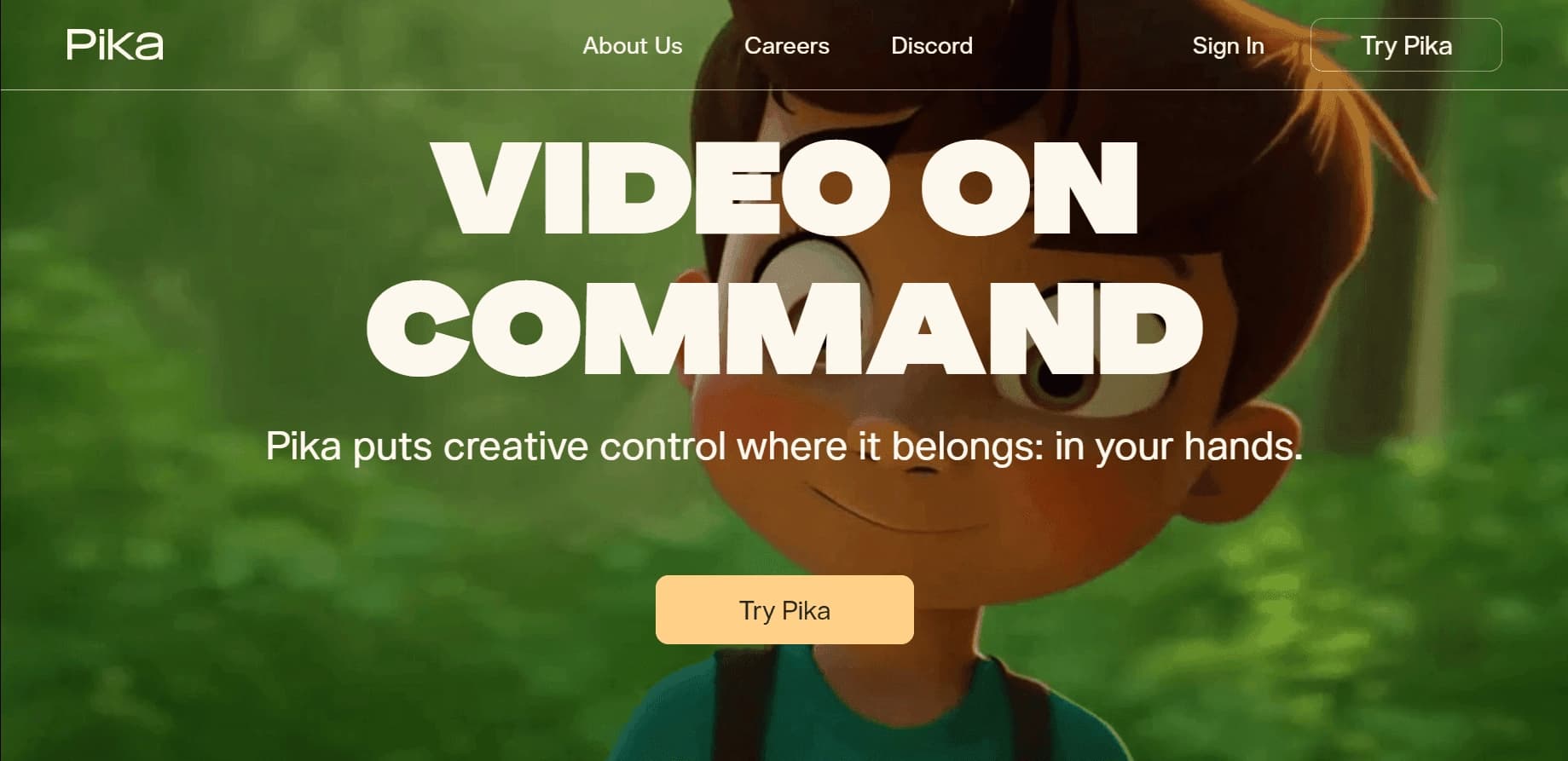
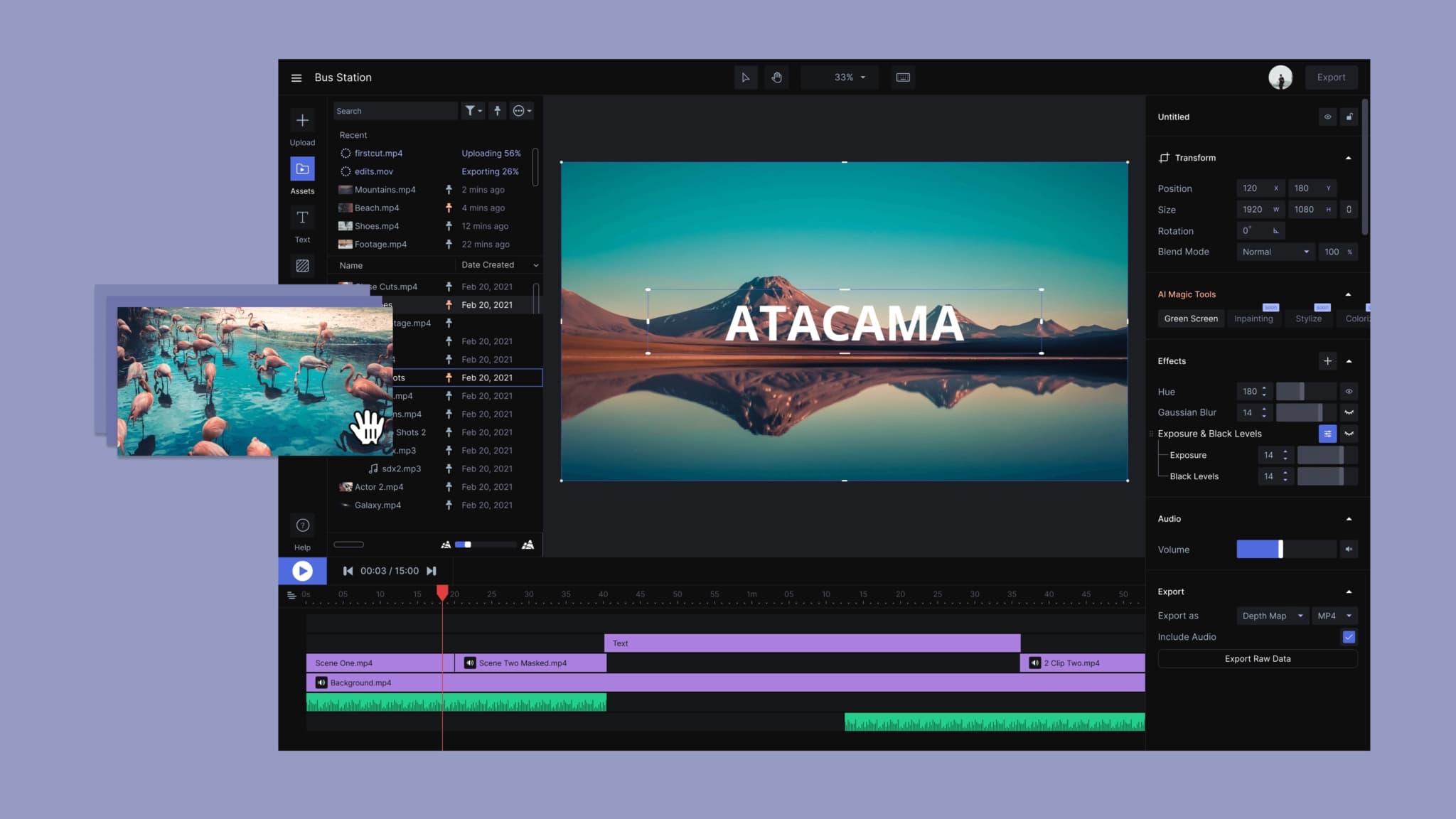
Compared with Runway, which has no free tier, Haiper AI offers free access, making it more attractive to users on a limited budget. Unlike Pika Labs, which focuses on creating videos for social media with a wide selection of templates, Haiper AI wins in editing flexibility and restyling existing materials. Vidu Studio can handle more complex tasks, but its interface is less beginner-friendly, while Haiper AI is designed for simplicity and a fast learning curve.
Conclusion
Haiper AI is a convenient and accessible tool for AI-powered video creation, combining ease of use, high-quality results, and a free tier. The platform is suitable for content creators, marketers, and designers, allowing them to quickly generate videos from text, animate images, and edit existing clips without special technical skills.
Frequently asked questions


See also

Experimental model from Stability AI for generating short videos from text descriptions or uploaded images.
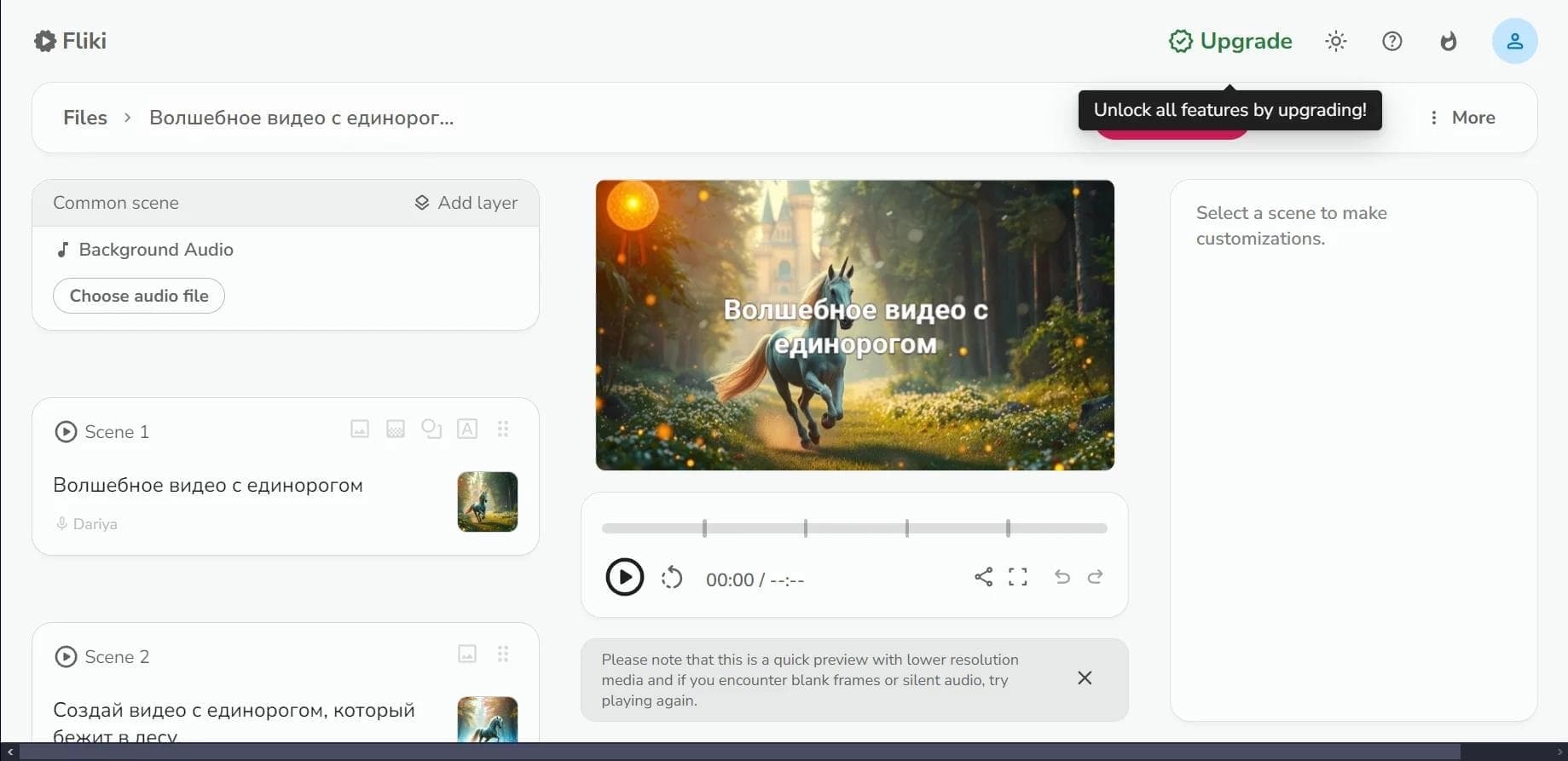

Web service for converting text into video with AI voiceover and automatic video selection.
An AI platform that turns text content into video and creates short clips from long videos and podcasts.

Multimodal family of Google models that combines text, code, images, video, and audio processing in a single system.
Video generator in cinematic 1080p format from text descriptions or images.

Platform from CapCut (ByteDance) for generating and editing images and videos using AI.

A platform for creating talking videos with a teleprompter, AI-generated scripts, subtitles, and avatars.


A set of AI tools for faster video creation and editing through text-based control.