

Gemini
A family of multimodal AI models from Google for working with text, images, audio, and video.
Overview
Gemini
About the Gemini AI
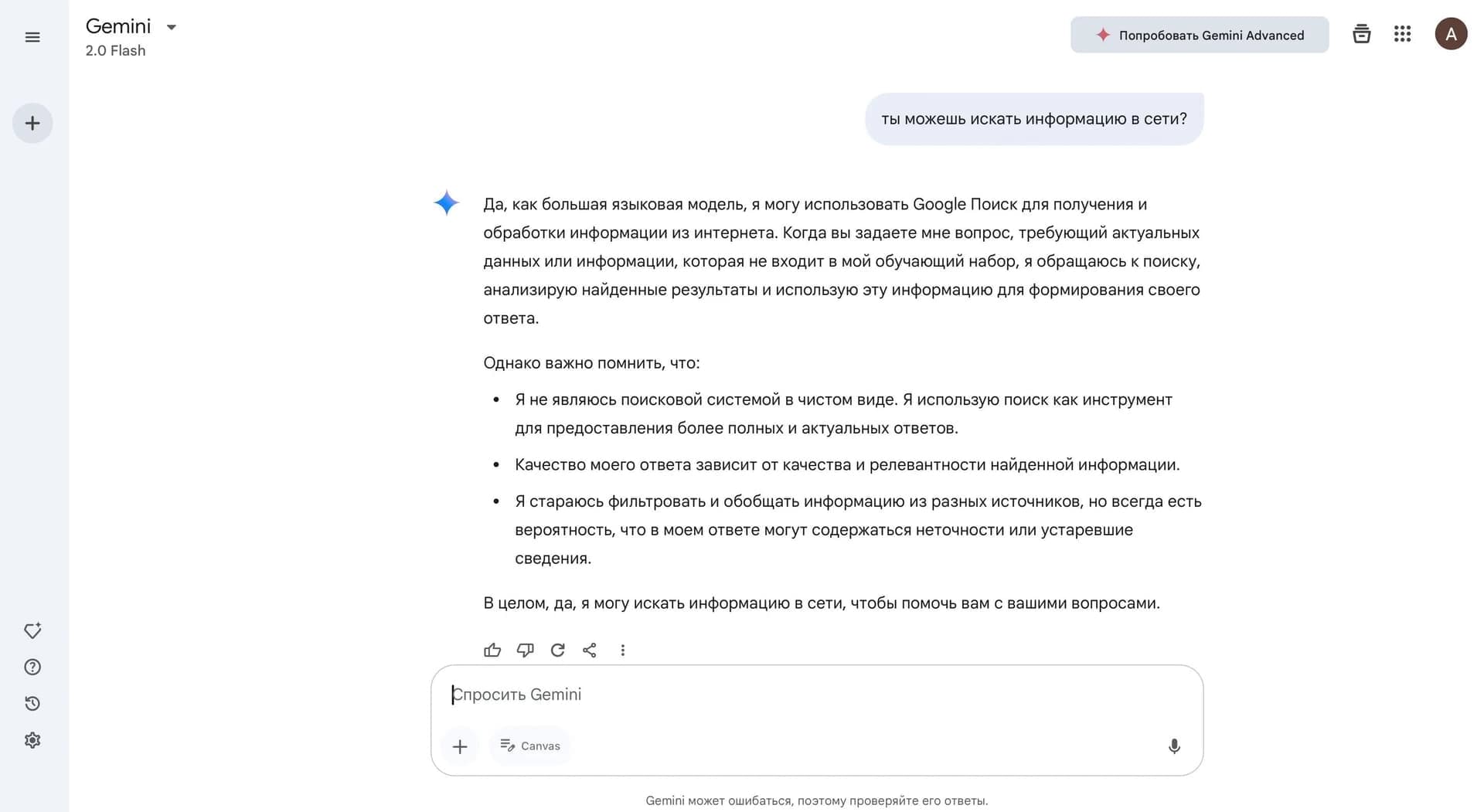
Gemini is a family of multimodal artificial intelligence models developed by Google and Google DeepMind. Unlike ordinary chatbots, Gemini is a full-fledged working environment that combines chat, content generation, in-depth data analysis, and integration with Google services in a single interface.
The system can process text, images, audio, and video simultaneously without requiring prior transcription or format conversion. Third-generation models deliver strong results in reasoning, programming, and long-context tasks.
Gemini is built into Google Search, Gmail, Docs, Sheets, the Chrome browser, and the Android mobile OS. The tool is available through a web version, mobile apps, or an API for developers.
Gemini features
| Characteristic | Value |
|---|---|
| Type | AI assistant, multimodal model |
| Developer | Google and Google DeepMind |
| Categories | AI assistants, text generation, image generation, code generation, voice assistants |
| Platforms | Web, PC, Mobile, browser extension |
| Interface languages | No Russian interface |
| Russian language in responses | Yes |
| Free plan | Yes (Free) |
| Context window | Up to 1 million tokens in paid plans, up to 2 million with Gemini 3.5 Pro |
| Models | Gemini 3.1 Pro, Gemini 3.5 Flash, Gemini 3 Deep Think, Gemini Omni, Nano Banana 2 |
Who is Gemini for?
Marketers and content creators
Gemini lets you generate text, images, video, and music without switching between services. The tool is suitable for creating social media posts, ad banners, email campaigns, and content plans.
Developers and analysts
The model supports writing, debugging, and explaining code in various programming languages. Analysts can upload large volumes of data — contracts, PDFs, codebases — and get structured summaries.
Researchers and educators
Deep Research mode can autonomously browse hundreds of sources and compile reports on complex topics. Students and teachers can use Gemini to prepare learning materials, analyze research papers, and explain difficult concepts.
Google ecosystem users
Deep integration with Gmail, Docs, Sheets, and Android makes Gemini a natural choice for those who already use Google services.
How to use Gemini
Getting started
To use Gemini, simply visit gemini.google.com or download the app for Android, iOS, or macOS. Sign in with a Google account. Depending on your region, a VPN may be required.
Choosing a model and mode
For large and complex tasks, it is recommended to choose Gemini 3.1 Pro and enable Deep Research mode. For fast everyday queries, the lighter Flash version is better suited. For deeper reasoning in scientific and engineering tasks, Deep Think mode is available.
Working with files and documents
Before analyzing large documents, you can upload them in full — Gemini processes up to 1,500 pages at a time. The system supports working with PDFs, spreadsheets, images, and audio files in one window.
Setting up recurring workflows
For standard tasks, you can create custom Gems — customizable assistant versions with predefined instructions. This speeds up recurring operations without needing to formulate the request from scratch every time.
Core Gemini features
Content generation and editing
Gemini creates texts in various styles and formats, including articles, scripts, letters, and creative content. For images, it uses the Nano Banana and Nano Banana Pro models, which support native 2K resolution with upscaling to 4K, physically realistic scene generation, and improved text rendering. Video generation is available through Veo 3.1 and Google Flow. Separate tools are available for music and voiceover.
Data analysis and research
Deep Research mode can independently browse hundreds of sources and compile detailed reports. A context window of up to 1 million tokens makes it possible to upload and analyze entire books, codebases, and multimedia files without losing coherence.
Interactive capabilities
Gemini Live provides real-time voice conversations. Canvas allows collaborative work on text and code. Gems let you create specialized assistant versions for specific tasks. Gemini Spark, Jules, and Google Antigravity agents are available.
Integration with Google services
The model is built into Search, Gmail, Docs, Sheets, Chrome, and Android. Developers can connect Gemini via the API in Google AI Studio and Vertex AI.
Gemini advantages
Context and multimodality
Gemini processes up to 1 million tokens on paid plans, allowing you to upload up to 1,500 pages at a time. Multimodality — working with text, images, audio, and video in one window — is implemented more reliably than with most competitors.
Performance and accuracy
By benchmarks, third-generation models consistently hold a top-three market position alongside OpenAI and Anthropic solutions, especially in reasoning and programming tasks. Fewer hallucinations and improved factual consistency make answers more reliable.
Ecosystem and accessibility
Deep integration with Google services and a generous free plan make it possible to evaluate the model's capabilities without financial investment. An API with token-based pricing is available for developers.
Gemini drawbacks
Regional limitations
Some advanced features are available only in certain regions and languages. The service may not be officially available in some regions; access may require a VPN, and subscription payment may require an international payment method.
Navigation complexity
The rapid renaming of models (Bard → Gemini, regular version updates) confuses users. The quality of results depends heavily on the selected model and plan, so understanding the differences between versions is necessary.
Quality limitations
Sometimes Gemini produces confidently worded but incorrect facts. Image generation may contain visual artifacts, and characters can vary from page to page.
What tasks Gemini solves
Content creation
Writing texts, generating images, video, and music without switching between services. Editing and retouching photos, creating branded materials with recurring characters.
Data analysis and processing
Analyzing large document volumes (contracts, PDFs, codebases). Deep topic research by browsing hundreds of sources and automatically compiling reports. Interpreting scientific charts, diagrams, and engineering drawings.
Programming
Writing clean, efficient code from informal descriptions, finding and fixing bugs, debugging, and explaining existing code. Vibe coding makes it possible to generate code from informal requests.
Autonomous tasks
Planning and executing multi-step tasks using external tools. Agentic features allow automating routine processes and running complex scenarios without constant user involvement.
Gemini pricing
Free plan
Access to the 3.5 Flash model, limited access to 3.1 Pro, image generation, Deep Research, Gemini Live, Canvas, and Gems. Includes 15 GB of cloud storage. Daily limits on the number of requests.
Google AI Plus — $4.99/month
Double the limits of the free plan, video generation, Daily Brief, 400 GB of cloud storage.
Google AI Pro — $19.99/month
Limits 4 times higher than the free plan, up to 1 million token context, 1,000 Google Flow credits, NotebookLM, YouTube Premium Lite, 5 TB of cloud storage.
Google AI Ultra — from $99.99/month to $199.99/month
Early access to Deep Think and Spark, Veo 3.1, Project Genie, YouTube Premium, from 20 TB of cloud storage. Maximum limits and prioritized access to new features.
Prices are listed in USD. Pay-as-you-go API pricing (per million tokens) is also available through Google Cloud Vertex AI.
Terms of use for Gemini
A Google account is required to use Gemini. The free plan is available to all users in supported regions. Paid subscriptions are available in supported regions; official Google AI subscriptions are not sold in all countries.
Paid plan limits refresh every 5 hours up to a weekly cap. Additional AI credits can be purchased if needed. Depending on your region, a VPN and an international payment method may be required to subscribe.
Images generated with Gemini can be used for commercial purposes (marketing, websites, print). Google marks content with watermarks and tracks provenance through SynthID.
Gemini availability
Gemini is available through the web version (gemini.google.com), Android and iOS apps, a dedicated macOS app, and a Chrome browser extension. The model is built into Gmail, Docs, Sheets, and other Google services.
For developers, it is available through the API in Google AI Studio and Google Cloud Vertex AI. The free plan lets you test the core capabilities, while business plans with priority support and SLAs are available for organizations.
The app interface is not translated into Russian, but Gemini responds freely in Russian. A VPN may be required for access depending on your region. Some advanced features are limited by region and language.
How Gemini differs from alternatives
By benchmarks, third-generation Gemini models consistently hold a top-three market position alongside OpenAI and Anthropic solutions, especially in reasoning and programming tasks. Multimodality — analyzing screenshots, photos, charts, and videos — works more reliably than with most competitors.
A context window of up to 1 million tokens is one of the largest on the market. This makes it possible to process entire books, codebases, and long video recordings without losing coherence. By comparison, standard competitor models typically offer 128–200 thousand tokens.
Unlike ChatGPT, which works with fixed data, Gemini uses up-to-date information from Google Search. The model was built from scratch on proprietary TPUs, which provides high speed when processing large volumes of data.
Built-in integration with the Google ecosystem (Search, Gmail, Docs, Android) gives Gemini an advantage for Google service users, as it requires no additional plugins or setup.
Conclusion
Gemini has evolved from a simple chatbot into a full-fledged working environment that combines text, image, video, and music generation with deep data analysis. The free plan is generous enough to evaluate the model's capabilities, while paid plans unlock a long context, advanced video generation, and access to agents. The tool is suitable for working with large volumes of text, for Google ecosystem users, and for anyone who needs multi-format generation without switching between services. Keep in mind that access restrictions and the possible need for a VPN may apply depending on your region.
Pricing
Frequently asked questions
Similar AI tools


















See also
AI editor for creating, editing, and publishing content with templates and prompts.

Financial platform with an AI assistant for managing accounting, taxes, and budgets.

Platform for interview preparation with AI mock interviews and real-time support.
Enterprise language model platform focused on privacy and on-premise deployment.


AI assistant for creating short summaries of videos, PDF documents, and web pages.


AI email assistant that helps quickly draft messages, adapting to the user's style.
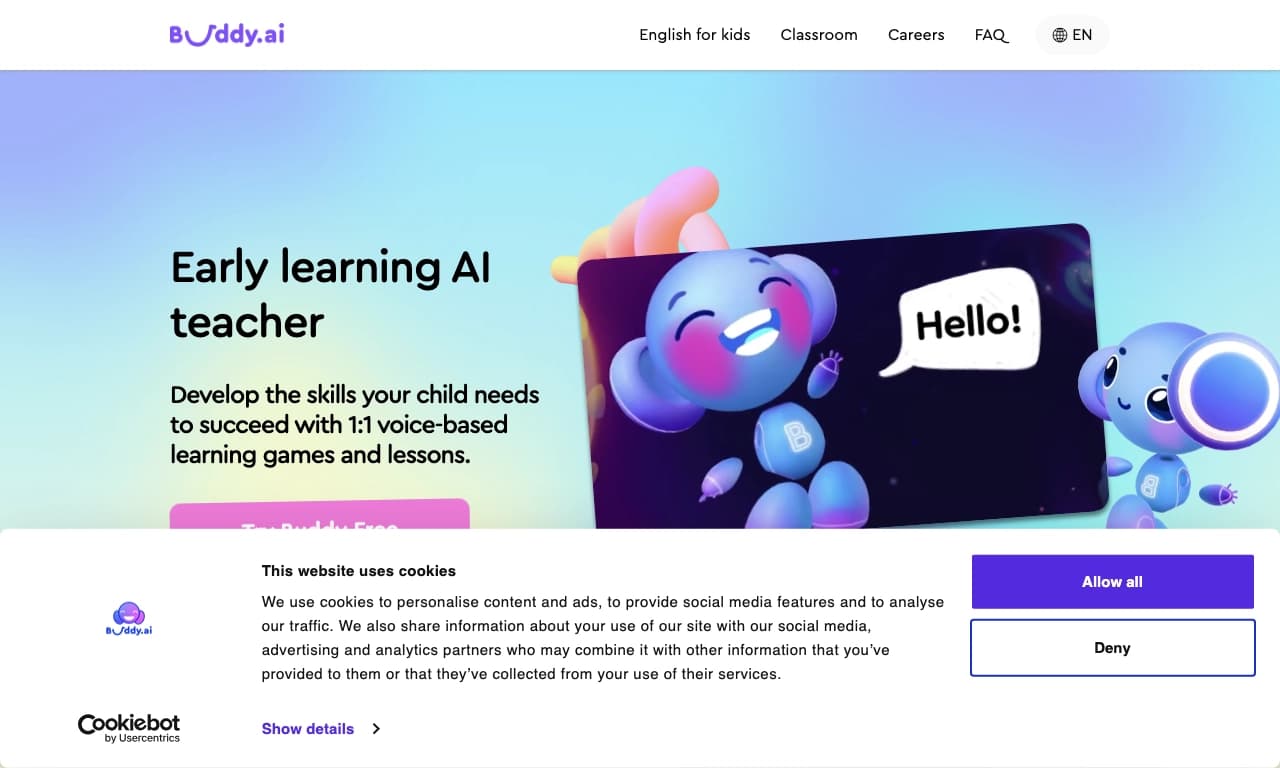

Voice AI English tutor for kids that helps practice speaking in a 1:1 format.
A sales automation platform that combines customer prospecting, deal management, and AI-powered forecasting.