
Aurora
Free open-source AI assistant that lets you interact with the command line in natural language.
Overview
Aurora
About Aurora
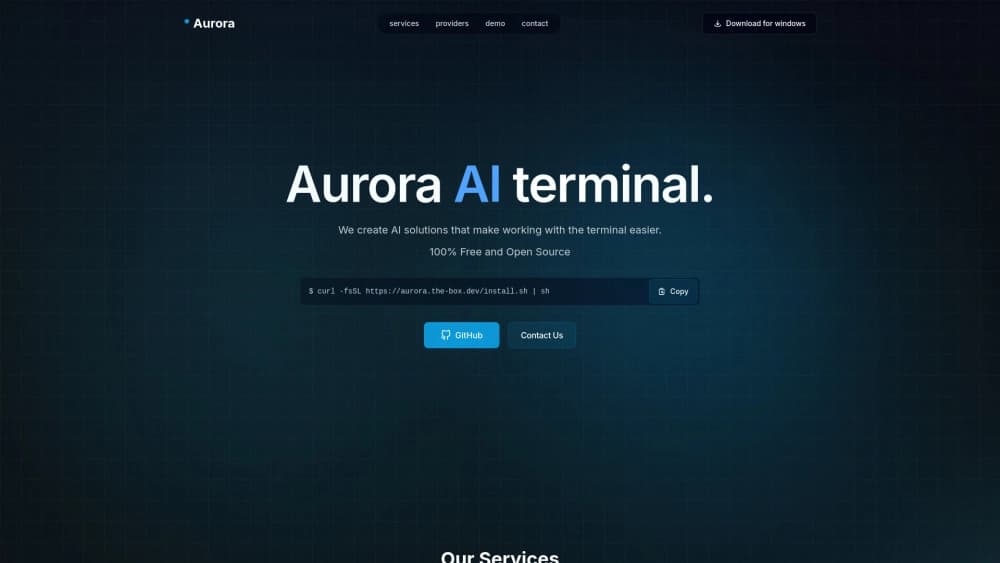
Aurora is a free, open-source AI assistant designed to work in the terminal. Its key feature is the ability to interact with the command line in natural language: you formulate a task in plain words, and the assistant automatically finds the right command and explains how it works.
The tool is aimed at speeding up everyday work with the terminal. Instead of recalling syntax, searching for commands online, or reading lengthy reference materials, you simply describe what you want to do — and get a ready-made solution with explanations. Aurora is useful both for beginners who are just learning the command line and for experienced professionals who want to automate routine operations and save time.
In addition to the terminal assistant, the name Aurora also refers to a weather model by Microsoft designed to forecast weather events, including hurricanes. It is trained on historical weather data and, according to research, produces more accurate results than leading US and European weather centers in 92% of cases. Its source code is also open and available on GitHub.
Aurora specifications
| Characteristic | Value |
|---|---|
| Type | AI terminal assistant |
| Categories | Writing assistants, text processing tools, productivity, file management |
| Developer | Aurora Terminal Agent |
| Distribution model | Free, open source |
| Price | Free basic plan; paid tiers: Basic and Professional |
| License | Open source |
| Publication date | November 7, 2025 |
| Monthly visits | 42.1K |
| Query language support | Russian |
| Platform | Terminal application (presumably cross-platform) |
Who is Aurora for?
Beginners working with the terminal
Users who are just starting to learn the command line (especially on Linux) will find Aurora a convenient mentor. Instead of memorizing the syntax of numerous commands, they can formulate tasks in natural language and receive ready-made solutions with step-by-step explanations. This lowers the barrier to entry and helps them master the system faster.
Experienced users and developers
Professionals who work with the terminal every day use Aurora to save time. They don't need to interrupt their workflow to look up rarely used commands or double-check syntax — they simply describe the task, and the assistant prepares the correct command. Automating repetitive operations also makes the tool valuable for those who want to streamline their workflow.
Users who want to automate routine tasks
Aurora suits those who would like to build command chains and automate repetitive tasks in the command line. Instead of manually performing similar operations, users can leave command selection and assembly to the assistant.
How to use Aurora
Installing the application
To get started, download Aurora from the official developer website. The project page contains installation instructions and a terminal install command that you can copy and run.
Formulating requests
After installation and launch, users write requests in natural language — for example, describing an action to perform or a file to find. Aurora analyzes the request and outputs a ready-made command along with an explanation of what it does and how it works.
Checking the result
Since the quality of the generated command depends on how complete and correct the input is, it's important to formulate requests as precisely as possible. Incomplete or inaccurate descriptions can lead to strange or potentially dangerous commands, so it's recommended to check the result before running it.
Key features of Aurora
Natural-language interaction with the terminal
Aurora's core capability is understanding requests formulated in plain words and converting them into correct terminal commands. You don't need to remember the exact syntax — just describe the goal.
Automatic command suggestions
The tool automatically suggests commands that fit the described task, removing the need to search for solutions in documentation or online manually.
Step-by-step command explanations
Every generated command comes with an explanation of how it works and what it does. This not only helps complete the current task but also supports gradual learning of the terminal and understanding of its principles.
Automation of repetitive tasks
Aurora lets you assemble command chains to automate recurring operations. Instead of repeatedly typing the same actions by hand, you can prepare a sequence of commands that handles the whole task at once.
Advantages of Aurora
Time savings
With Aurora, there's no need to remember command syntax or search for commands online. You formulate the task in plain language, and the right command is selected automatically, considerably speeding up work in the terminal.
Ease of interaction
Interaction is built on natural language, making the tool accessible even to those without deep knowledge of the command line. Users describe the task the way they usually would, without translating it into "command language."
Learning while working
Step-by-step command explanations help users learn the terminal and avoid mistakes. You don't just receive a ready-made solution — you also understand why it works that way, which accelerates learning.
Disadvantages of Aurora
Difficult installation
Installation can be tricky, especially on non-standard systems. Users working in unusual environments may need extra time for setup and troubleshooting.
Lack of learning materials
Beginners may struggle due to the limited amount of learning materials, especially in Russian. The absence of detailed documentation and guides creates an additional barrier to entry.
Dependence on input quality
Aurora's output directly depends on how complete and correct the request is. Incomplete or inaccurate input can lead to strange or even dangerous commands, so careful task formulation is required.
What tasks does Aurora solve?
Quick command search and generation
One of the tool's main tasks is selecting and building terminal commands based on user requests. This removes the need to remember syntax and speeds up everyday operations.
Automation of repetitive tasks
Aurora helps automate typical command-line operations. Users can build command chains and hand routine actions over to the assistant.
Explaining how commands work
The tool serves as a learning aid: step-by-step explanations help understand how a given command is structured and what it does. This is useful both for beginners mastering the terminal and for experienced users checking the behavior of rarely used commands.
File search and system tasks
Aurora helps find files and perform system operations in the terminal. By describing which file to locate or which system action to perform, users get a ready-made command without manually searching for a solution.
Aurora pricing
Aurora is available under a freemium model, allowing you to start for free.
Free plan
The free plan includes the tool's core features, including natural-language command handling. No subscription or payment is required to get started — just download the app from the official website.
Basic plan
The Basic plan is a paid tier that provides additional integrations and priority user support.
Professional plan
The Professional plan unlocks the full capabilities of the tool, including extended security settings and team command features for collaborative work.
Terms of use for Aurora
To start using Aurora, download the app from the developer's official website. The tool's source code is open, allowing users and developers to study how it works, modify it, and adapt it to their own needs.
The open license means the project develops with community involvement: anyone can review the code, suggest improvements, or deploy their own copy. At the same time, it's worth keeping in mind that performance and available features may depend on the chosen plan.
Availability of Aurora
Aurora is a terminal application and most likely runs on various platforms. The request interface supports Russian, making the tool convenient for Russian-speaking users.
Installation is done through the official website, which provides the install command and corresponding instructions. The open-source nature also means the tool is available for study and community-driven improvement.
It's worth noting that Microsoft also has a weather model under the name Aurora, available through an open repository on GitHub. Its code can be used by meteorologists and developers to build their own weather forecasting solutions; future plans include integrating the model into a weather app for a broad audience.
How Aurora differs from alternatives
The main difference between Aurora and alternatives such as Gemini, ChatGPT, DeepSeek, Grok, Notion.AI, or Mistral Large is its narrow specialization. Most of these tools are general-purpose language models capable of solving a wide range of tasks, from text generation to data analysis. Aurora, by contrast, focuses exclusively on the terminal: its job is to select, explain, and automate command-line commands.
Another difference is the distribution model. Aurora is distributed free of charge with open source, while some major alternatives offer certain capabilities only by subscription. Openness allows the community to study, refine, and adapt the tool to specific needs.
At the same time, Aurora also has paid plans for those who need extended capabilities, integrations, and priority support — so the tool combines openness with a flexible monetization model.
Conclusion
Aurora is a free, open-source AI assistant that simplifies terminal work by selecting commands from natural-language requests and explaining how they work. The tool suits both beginners learning the command line and experienced users looking to save time and automate routine operations. However, it's worth considering possible installation difficulties, the limited amount of learning materials in Russian, and the fact that results depend on the quality of request formulation. In addition, Microsoft has an open-source weather model under the same name on GitHub, aimed at improving the accuracy of weather forecasting.
Frequently asked questions
Similar AI tools





See also


BannsAi is an AI-powered service for quickly creating ad banners based on a text description or reference.


AI assistant for creating short summaries of videos, PDF documents, and web pages.

Unified API for accessing over 100 popular AI models for developers.
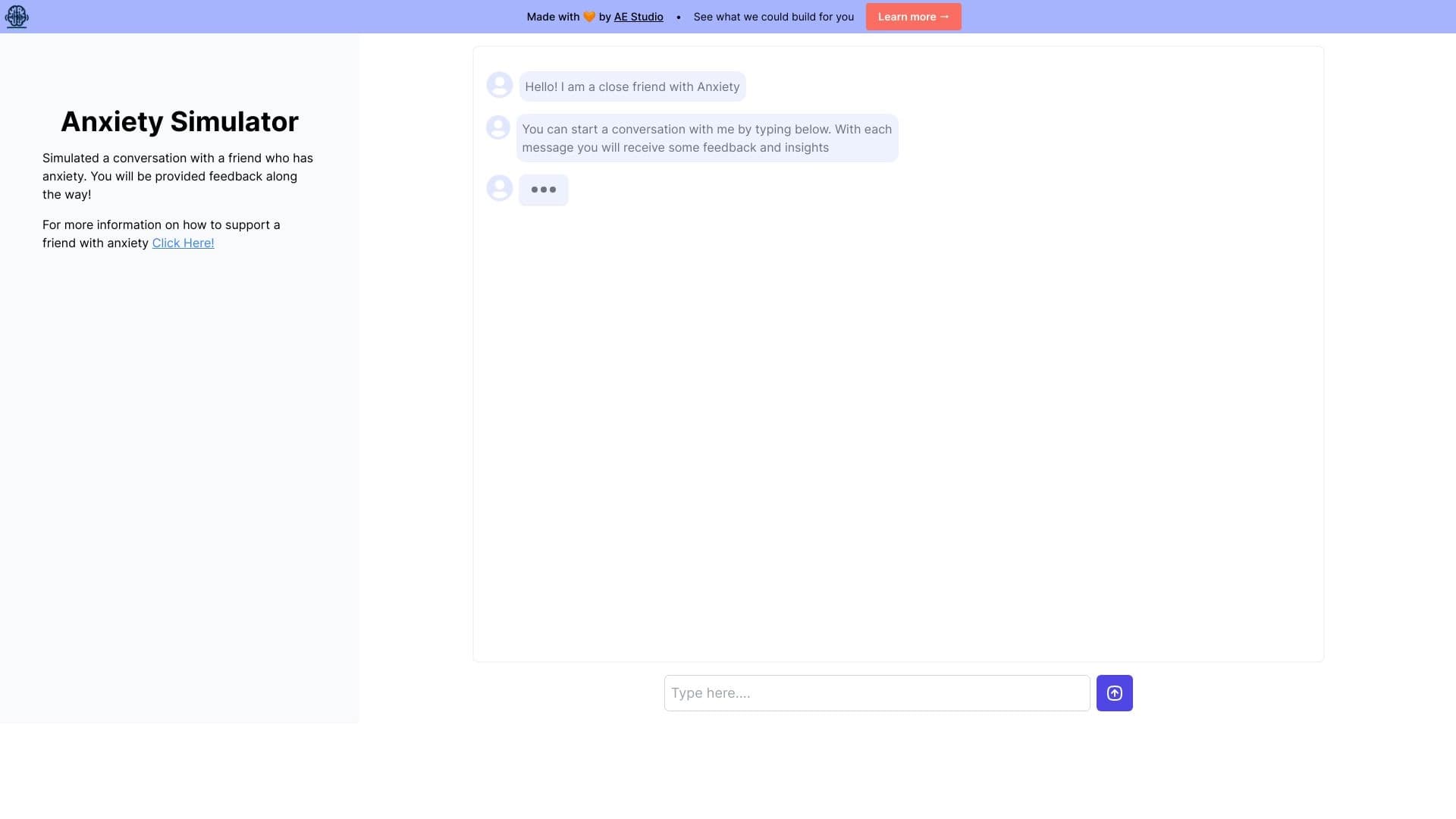
Web simulator for practicing supportive communication with a person experiencing anxiety.


AI-powered platform for automated video clip creation, editing, and translation.


AI-powered platform for generating legal documents, contract analysis, and obtaining legal information.


Universal AI assistant that analyzes videos and web pages, answers questions, and creates summaries.


AI platform for fast website creation and small business process management.