
AIPRM - Chrome Extension
Расширение для браузера с библиотекой готовых шаблонов-подсказок для Claude.

Место в рейтингах
Обзор
AIPRM - Chrome Extension
Описание нейросети AIPRM - Chrome Extension
AIPRM — это расширение для браузера Google Chrome, которое предоставляет доступ к обширной библиотеке готовых шаблонов-подсказок для нейросети Claude. Инструмент предназначен для пользователей, которые регулярно работают с Claude и хотят ускорить процесс создания текстового контента. Вместо того чтобы каждый раз придумывать запрос с нуля, можно выбрать подходящий шаблон из коллекции и мгновенно получить черновик текста, письма, SEO-материала или поста. Расширение также поддерживает настройку профиля пользователя и возможность делиться шаблонами с коллегами, что делает его удобным решением для командной работы.
Характеристики AIPRM - Chrome Extension
| Характеристика | Значение |
|---|---|
| Тип | Расширение для браузера |
| Категория | Помощники для написания текстов, Генераторы текстового контента |
| Платформы | Google Chrome |
| Основная нейросеть | Claude |
| Количество шаблонов | Более 4500 |
| Разработчик | AIPRM |
| Ежемесячные посещения | 388.9K |
| Бесплатный тариф | Есть (ограниченный доступ к шаблонам) |
Для кого подходит нейросеть AIPRM - Chrome Extension?
Авторы контента и копирайтеры
Специалисты, которые ежедневно пишут тексты, статьи и посты, смогут существенно ускорить свою работу за счёт готовых промптов. Вместо долгого формулирования запроса они получают рабочий шаблон и сразу приступают к редактированию результата.
Маркетологи и SEO-специалисты
Для задач по генерации заголовков, мета-описаний, SEO-текстов и рекламных материалов расширение предлагает специализированные шаблоны. Это помогает быстро создавать контент, оптимизированный под поисковые системы.
Команды, работающие с текстами
Возможность обмениваться шаблонами между коллегами позволяет выстроить единые стандарты написания текстов в команде. Все участники могут использовать одинаковые промпты, что упрощает контроль качества и согласованность контента.
Как использовать нейросеть AIPRM - Chrome Extension?
Установка и регистрация
Для начала работы необходимо установить расширение AIPRM из Chrome Web Store. После установки потребуется зарегистрироваться в сервисе, чтобы получить доступ к библиотеке шаблонов.
Выбор и применение шаблона
После регистрации в интерфейсе расширения откроется каталог с более чем 4500 промптами. Пользователь выбирает подходящий шаблон для конкретной задачи — будь то генерация текста, создание письма или SEO-оптимизация — и применяет его как готовый запрос для Claude. Весь процесс занимает один клик.
Основные функции AIPRM - Chrome Extension
Библиотека готовых промптов
В распоряжении пользователя — более 4500 однокликовых шаблонов для Claude. Они охватывают широкий спектр задач: от написания писем и статей до генерации SEO-контента и заголовков.
Фильтрация и настройка профиля
Расширение позволяет фильтровать шаблоны по категориям и задачам, а также настраивать профиль для получения более точных результатов. Это помогает не тратить время на просмотр нерелевантных промптов.
Обмен шаблонами
Пользователи могут делиться созданными или найденными шаблонами с коллегами. Это особенно полезно для командной работы, когда необходимо использовать единые подходы к формулировке запросов.
Преимущества AIPRM - Chrome Extension
Экономия времени при дедлайнах
Огромная библиотека готовых промптов позволяет не изобретать запрос с нуля каждый раз. При высокой загрузке или сжатых сроках это существенно ускоряет процесс создания черновиков.
Гибкие настройки для точных результатов
Фильтры и возможность настройки профиля помогают быстро находить наиболее подходящие шаблоны под конкретную задачу, исключая лишние варианты.
Удобство командной работы
Функция обмена шаблонами позволяет команде использовать единые стандарты при работе с Claude. Это упрощает координацию и поддержание одинакового качества контента.
Недостатки AIPRM - Chrome Extension
Привязка к одной модели
Расширение работает исключительно с нейросетью Claude. Пользователям, которые предпочитают другие модели (ChatGPT, Gemini и другие), инструмент не подойдёт.
Риск снижения креативности
Избыток готовых шаблонов может привести к тому, что тексты станут однотипными. Постоянное использование одних и тех же промптов снижает вариативность и уникальность контента.
Потенциальные риски безопасности
Поскольку расширение обрабатывает запросы непосредственно в браузере, существуют потенциальные риски, связанные с безопасностью передаваемых данных. Это стоит учитывать при работе с конфиденциальной информацией.
Какие задачи решает AIPRM - Chrome Extension
Быстрое создание черновиков
Инструмент помогает оперативно получать черновики писем, статей, постов для социальных сетей и других текстов. Это избавляет от необходимости каждый раз формулировать запрос с чистого листа.
Генерация заголовков и SEO-контента
Для маркетологов и SEO-специалистов расширение предлагает шаблоны, нацеленные на создание заголовков, мета-описаний и оптимизированных текстов, что ускоряет подготовку контента для сайтов.
Преодоление творческого ступора
Когда нет идей для формулировки запроса, готовая подсказка из библиотеки помогает сдвинуться с мёртвой точки и начать работу.
Стандартизация контента в команде
Возможность делиться шаблонами позволяет ввести единые промпты для всех участников команды, что обеспечивает согласованность и предсказуемость результатов.
Цены AIPRM - Chrome Extension
Бесплатный тариф
Доступен с ограниченным набором шаблонов. Подходит для знакомства с инструментом и выполнения простых задач.
Платный тариф «Стандарт»
Стоимость — 999 рублей в месяц. Включает основные функции и расширенный набор шаблонов.
Платный тариф «Премиум»
Стоимость — 1999 рублей в месяц. Предоставляет полный доступ ко всем возможностям расширения, приоритетную поддержку и командный доступ для совместной работы.
Условия использования AIPRM - Chrome Extension
Для работы с инструментом требуется установка расширения в браузер Google Chrome и регистрация в сервисе. Без регистрации доступ к библиотеке шаблонов не предоставляется.
Доступность AIPRM - Chrome Extension
Расширение доступно для браузера Google Chrome. Установить его можно через Chrome Web Store. Другие браузеры официально не поддерживаются.
Чем отличается AIPRM - Chrome Extension от аналогов
На основе доступных данных прямое сравнение с аналогами не приводится. Основное отличие инструмента — его узкая специализация: AIPRM работает исключительно с моделью Claude, в то время как аналоги вроде ChatGPT, Gemini, DeepSeek, Notion.AI, Grok и Mistral Large либо не привязаны к конкретной модели, либо предлагают собственные встроенные решения для работы с промптами. AIPRM решает задачу каталогизации и упрощения подсказок именно для Claude, тогда как конкуренты чаще ориентированы на универсальное использование или имеют другую бизнес-модель.
Заключение
AIPRM — это полезное расширение для пользователей нейросети Claude, которое предоставляет обширную библиотеку готовых промптов и ускоряет создание контента. Инструмент особенно удобен при высокой нагрузке и в командной работе, где важна стандартизация запросов. Однако его главное ограничение — привязка только к одной модели, а также потенциальное снижение креативности при постоянном использовании шаблонов. Выбор в пользу AIPRM оправдан, если вы активно работаете с Claude и нуждаетесь в готовых решениях для типовых задач.
Тарифы
Часто задаваемые вопросы
Похожие нейросети





Смотрите также
AI-инструмент для автоматического создания комиксов и манги из текстовых сценариев и историй.


Нейросеть для генерации изображений и коротких видео по текстовым описаниям.
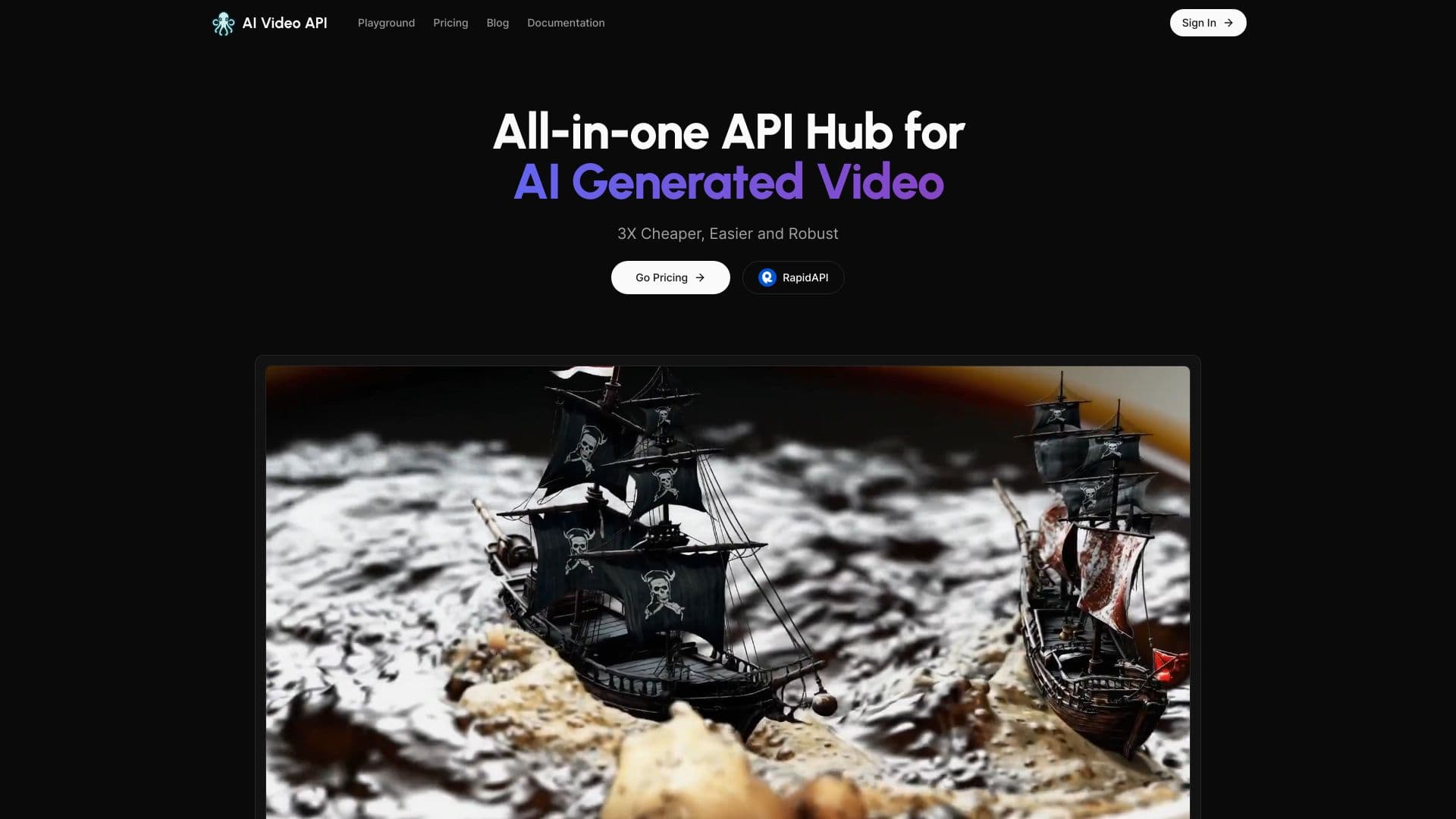

Сервис для генерации коротких вертикальных видео с помощью нейросети через API или мобильное приложение.
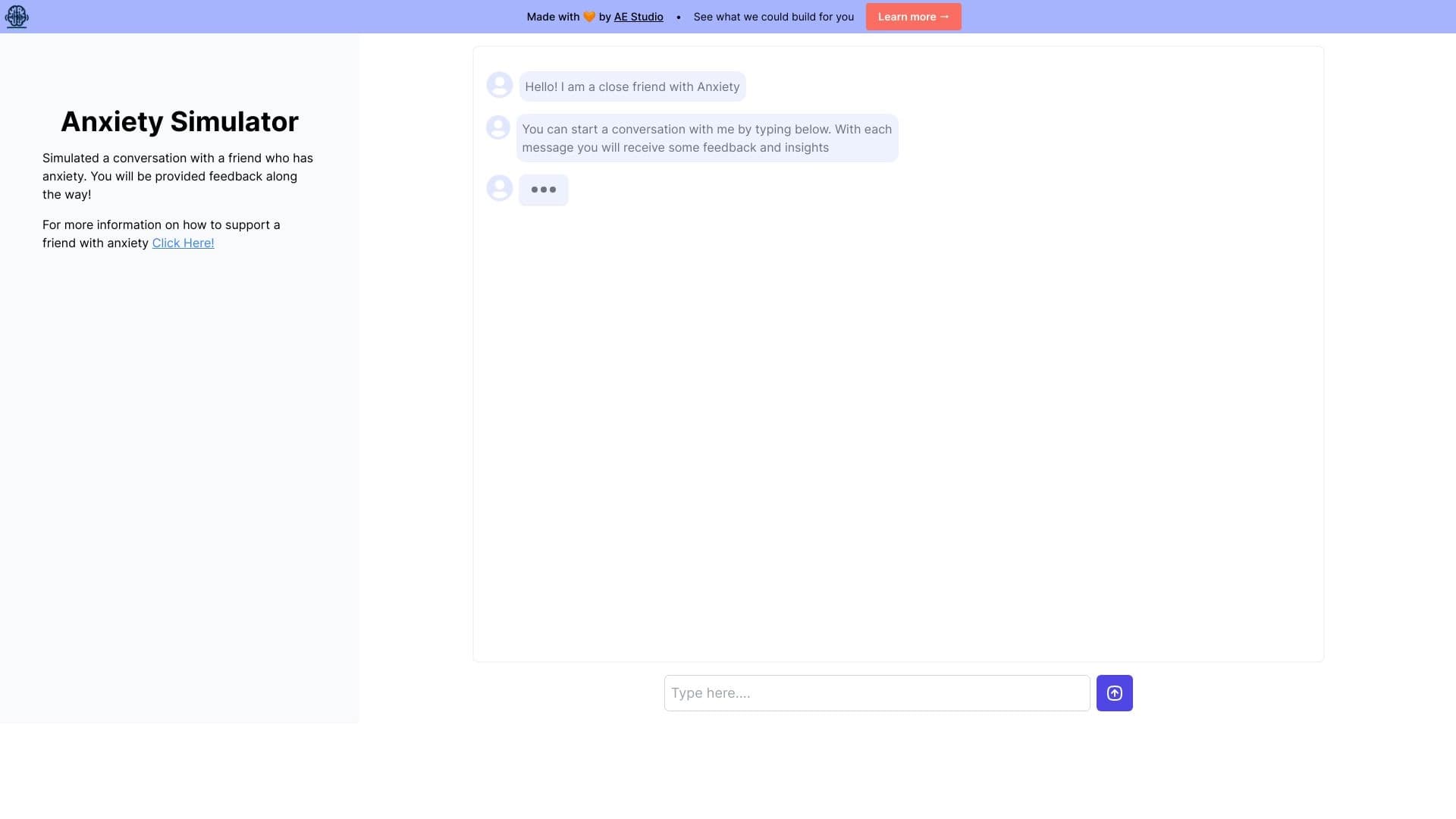
Веб-симулятор для практики поддерживающего общения с человеком, испытывающим тревогу.

AI-инструмент для автоматического удаления фона с изображений прямо в браузере.


Платформа для автоматизированного создания, редактирования и перевода видеоклипов с помощью ИИ.

Каталог нейросетей и онлайн-инструментов для генерации изображений, анимаций и видео.

Многофункциональная AI-платформа для создания контента, объединяющая синтез речи, генерацию текста, создание аватаров и редактирование видео.