

Bearly
A desktop AI assistant triggered by a hotkey on Mac, Windows, and Linux, that accelerates work with texts, documents, and images.
Overview
Bearly
About Bearly AI
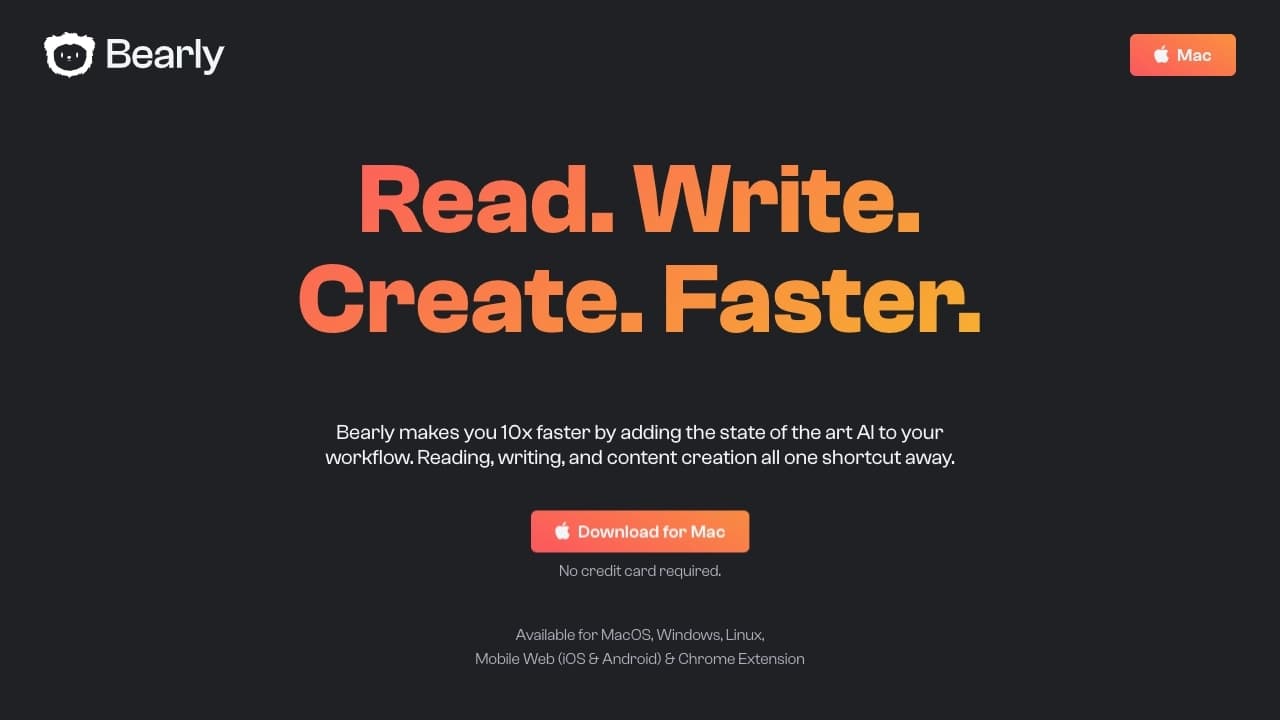
Bearly is a desktop AI assistant that can be summoned with a hotkey right from your desktop. It brings together a wide range of text-processing tools in a single window: from generating articles and images to summarizing documents, PDFs, and videos, checking grammar, and analyzing Amazon reviews.
The tool is positioned as a solution for accelerating workflows related to reading, writing, and learning. Instead of switching between multiple services, users get a "Swiss Army knife" for processing information in one app. That said, it's worth noting that Bearly can put a noticeable load on the system, especially on weak or older computers.
Bearly specifications
| Characteristic | Value |
|---|---|
| Type | AI assistant for reading, writing, and learning |
| Category | Text content generators |
| Platforms | Mac, Windows, Linux, Chrome extension |
| Free plan | Yes (limited access to core features) |
| Developer | Bearly, Inc. |
Who is Bearly AI for?
Writers and content creators
Bearly suits those who work with large amounts of text every day and need fast information processing. Automatic writing, summarization, and grammar checking help speed up content creation.
Students and professionals
For those looking to improve their reading and writing efficiency, Bearly offers quick summaries of long materials, error correction, and the ability to find the right information in seconds.
Researchers
For people who need to quickly find precise information in large documents and academic papers, the service helps avoid hours of reading by creating brief summaries of sources.
How to use Bearly AI?
Installing the app
Download and install the Bearly app on a Mac, Windows, or Linux computer. Once installed, the assistant is available via a hotkey right from the desktop.
Browser extension
You can also install the Chrome extension to use Bearly's features directly in your browser when working with web pages.
Using it at work
After setup, you can use the tool to create texts, summarize documents, check grammar, generate images, and analyze content from Amazon and YouTube.
Key features of Bearly
Summarization and text processing
Bearly performs deep summarization of texts — PDFs, articles, long publications, and videos. In seconds, the service produces concise summaries, saving hours of reading.
Content generation and editing
The assistant can automatically write texts and blog posts, check grammar and fix errors, and create images.
Analysis and communication
Features include quick analysis of Amazon reviews and YouTube videos, as well as chatting with AI characters for conversation and getting answers.
Advantages of Bearly
Fast access
The assistant is summoned with a hotkey from the desktop, allowing instant access to tools without switching between windows and applications.
Everything in one app
Bearly combines many functions in a single window — from text and image generation to summarization and grammar checking — acting as a "Swiss Army knife" among AI tools.
Cross-platform support
The service supports Mac, Windows, and Linux, and is also available as a Chrome extension, making it convenient for users on different systems.
Drawbacks of Bearly
Limited customization
The service works with generic templates and offers few personal settings options, which may not suit users
Frequently asked questions
Similar AI tools







See also


AI service for automatically selecting music to match the mood of videos, images, or text, with legal licenses.


Neural network for generating SEO-optimized articles and automating blog management.

A platform for generating images, videos, and audio using artificial intelligence from text descriptions.

A platform for accountants that combines task management, file sharing, and client communication in a single interface.


AI email assistant that integrates with Gmail and Outlook.


Platform for automatic work time tracking and team productivity analysis.


An open platform for generating images and other visual content from text descriptions using AI.

AI platform for fast resume screening that helps recruiters select suitable candidates.