
Clipfly
Online platform for creating and editing videos using artificial intelligence.
Overview
Clipfly
Description of Clipfly neural network
Clipfly is an online platform for creating and editing videos using artificial intelligence. The service lets you turn text descriptions, images, and short prompts into finished video clips right in your browser, without installing software or learning complex video editing.
The platform's key feature is that it works with multiple AI models at once — Veo 3, Flux, Wan 2.5, Seedance, and Kling. This allows users to match a visual style to a specific task, from realistic clips to creative animation. Clipfly also supports automatic video processing, making the service convenient for those who are new to working with video.
Clipfly characteristics
| Characteristic | Value |
|---|---|
| Type | Online video generator from text and images, AI-powered platform for creating and editing videos |
| Categories | Video generation, text-to-video, image-to-video, video editing, video enhancement |
| Platforms | Web browser (online), Web |
| Distribution model | Freemium |
| AI models used | Veo 3, Flux, Wan 2.5, Seedance, Kling |
| Rating | 4.3 / 5 (on the page), editorial rating 9.1 out of 10 |
| Website | www.clipfly.ai |
| Publication date | December 17, 2025 |
Who is Clipfly suitable for?
Bloggers and content creators
Clipfly is primarily designed for bloggers and authors who need to regularly produce visual content. The platform lets you quickly create videos for social networks without spending time learning professional editors.
Marketers and advertising teams
The service is convenient for marketers and small teams who need to quickly test advertising hypotheses and try different formats. Being able to get videos in seconds helps you quickly compare options and choose the best ones.
Beginners without video editing experience
Clipfly is also aimed at users who have never worked with video. The platform handles the technical part of video creation, so to get started you only need to describe a scene in text or upload a source image.
How to use Clipfly?
Browser-based work
Clipfly works entirely in a web browser, so no software installation is required. Just open the service website, and all video creation and editing tools become available online.
Creating video from text
To get a clip, you can simply describe the desired scene in text — the service will turn the description into finished video material. This approach suits those who want quick results without preparing source files.
Generating video from images
An alternative is to upload your own image and animate it. Clipfly turns a static picture into a dynamic video clip, which is convenient when working with existing visual materials.
Key features of Clipfly
Text-to-video conversion
The platform's core feature is generating video from text prompts. A short scene description is turned into a finished clip in seconds, greatly speeding up content creation.
Multiple AI model selection
The service offers several AI models to choose from: Veo 3, Flux, Wan 2.5, Seedance, and Kling. Users can pick a model to match a specific style — from realistic video to creative animation and dynamic clips.
Video editing and enhancement
In addition to generation, Clipfly offers rich video editing and processing capabilities. The platform can automatically process video material and improve it without manual adjustments.
Advantages of Clipfly
Fast creation without editing experience
The main advantage of the service is the ability to get ready-made videos without any video editing skills. All the complex technical work is done by artificial intelligence, while the user only needs to provide a description or upload an image.
Flexible visual style
Thanks to support for multiple AI models, Clipfly allows you to change the visual style depending on the task. This can be a photorealistic clip, creative animation, or a dynamic video for social networks.
Low barrier to entry
The platform significantly lowers the barrier to video production. No professional equipment or software is required — just a browser and a text description of the future clip. The high editorial rating (9.1 out of 10) also confirms the quality of the service.
Disadvantages of Clipfly
Regional access limitations
The main limitation is possible restricted availability in some regions. Users in affected areas may need to take additional steps to access the platform.
What tasks does Clipfly solve?
Preparing content for social networks
The service is well suited for creating short videos for TikTok, Reels, and YouTube Shorts. Fast generation allows you to produce a lot of content and maintain a regular posting schedule.
Creating videos for presentations
Clipfly can be used to create videos that are then embedded into presentations. This helps make presentations more visual and dynamic without hiring professional editors.
Testing advertising hypotheses
For marketers, the service is useful for quickly testing advertising ideas. Being able to create multiple video variants on the fly lets you compare their effectiveness and choose the best format for a campaign.
Clipfly pricing
Clipfly follows a freemium distribution model. This means users have access to a free version of the service with basic features, as well as paid plans with expanded functionality. Exact figures, pricing details, and the list of options available in the free version are not specified in available sources, so specific pricing information should be checked directly on the official service website.
Terms of use for Clipfly
Individual terms of service, including registration requirements and specific restrictions, are not described in detail in available sources. The limitations of the free plan are also not specified. It is recommended to review the current terms and conditions directly on the Clipfly website before starting, so you clearly understand the registration process and available options.
Clipfly availability
Clipfly is available only through a web browser — no separate installation is required, and the service works entirely online. In most regions, the service can be accessed directly through the browser without additional settings.
How Clipfly differs from alternatives
Wide selection of AI models within one service
The main difference between Clipfly and many competitors is the ability to choose from several AI models (Veo 3, Flux, Wan 2.5, Seedance, Kling) right within one platform. This lets you adapt the generation style to a specific task without switching between different services.
Simplicity for beginners
Unlike professional editing programs, Clipfly is designed for users without video editing experience. Control is reduced to describing a scene in text or uploading an image, while complex technical tasks are handled by artificial intelligence. The focus on beginners is backed by a high editorial rating (9.1 out of 10), which sets the service apart from many alternatives.
Conclusion
Clipfly is a convenient online platform for creating and editing videos with the help of artificial intelligence, aimed at users without video editing experience. Thanks to support for multiple AI models, the service lets you choose a visual style for each task, and browser-based operation plus fast generation make it a practical solution for bloggers, marketers, and small teams. While availability may vary by region, the service deserves attention from anyone looking to quickly create high-quality video content.
Frequently asked questions
Similar AI tools



See also

Experimental model from Stability AI for generating short videos from text descriptions or uploaded images.
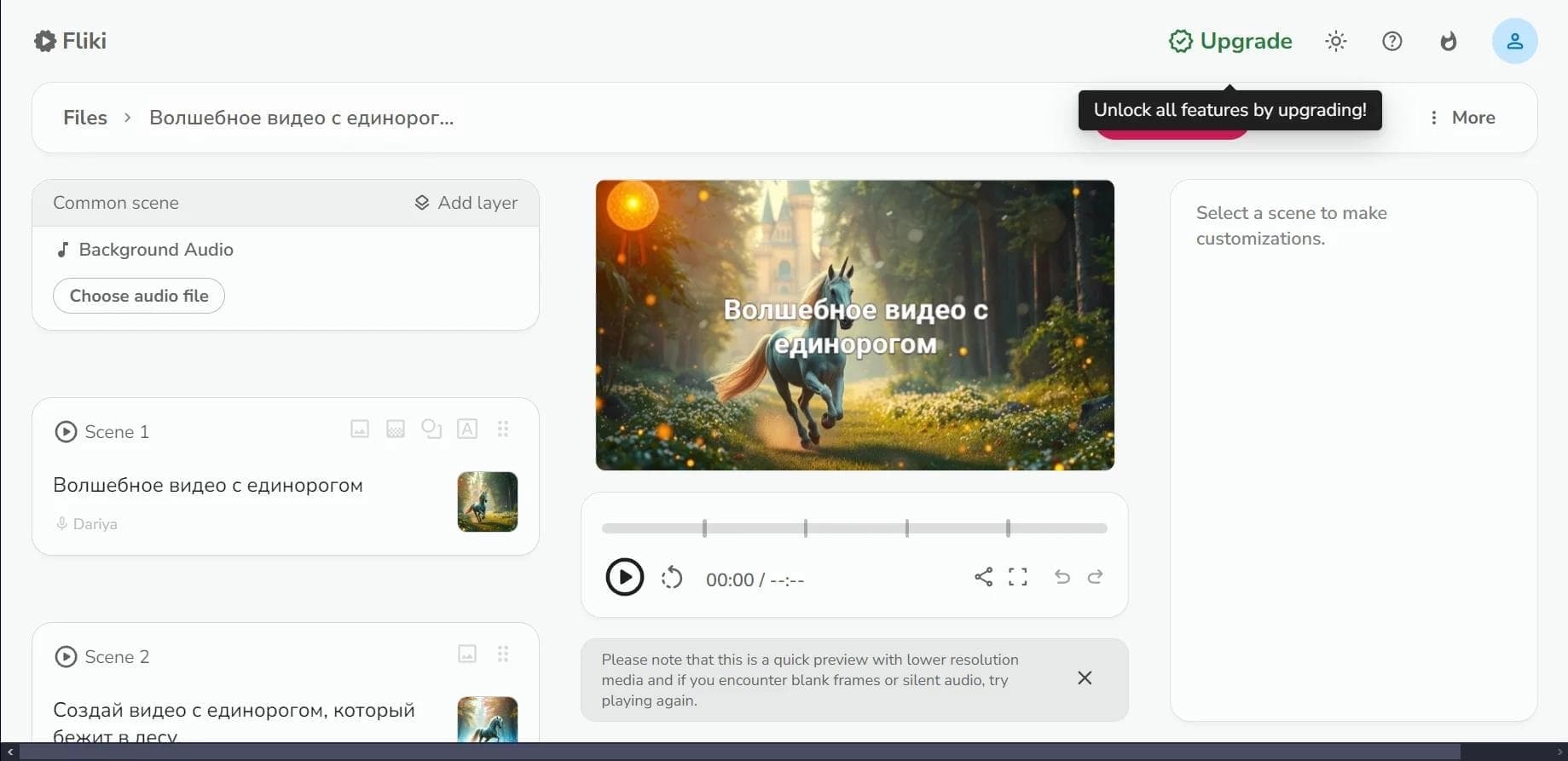

Web service for converting text into video with AI voiceover and automatic video selection.
An AI platform that turns text content into video and creates short clips from long videos and podcasts.

Multimodal family of Google models that combines text, code, images, video, and audio processing in a single system.
Video generator in cinematic 1080p format from text descriptions or images.

Platform from CapCut (ByteDance) for generating and editing images and videos using AI.

A platform for creating talking videos with a teleprompter, AI-generated scripts, subtitles, and avatars.

A set of AI tools for faster video creation and editing through text-based control.