
Animaker AI
Online service for creating animated and regular videos right in the browser without installing any software.
Overview
Animaker AI
About Animaker AI
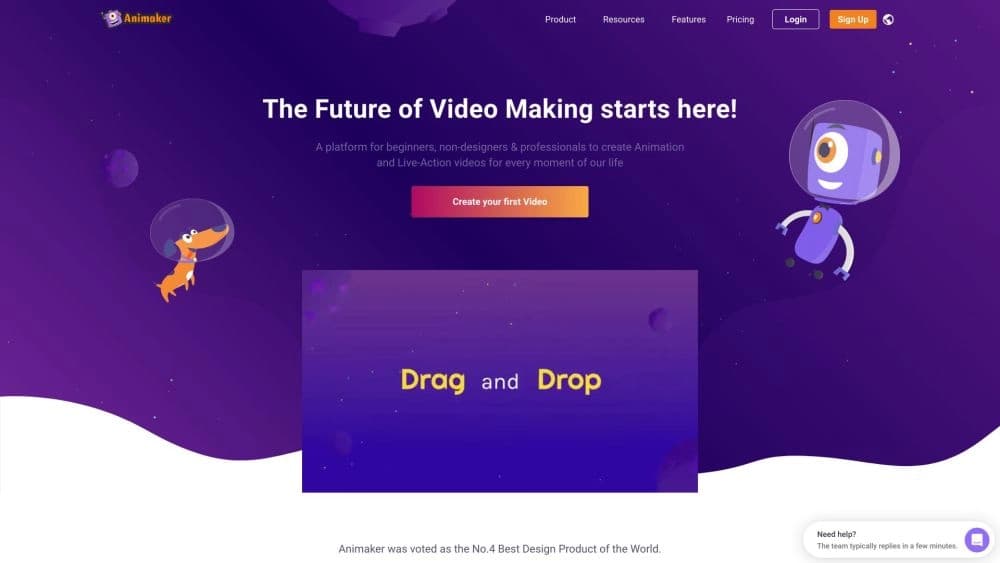
Animaker AI is an online service for creating animated and regular videos that works entirely in the browser. Users don't need to install any additional software — all functionality is available through a web interface. The service offers ready-made templates, customizable characters, a stock content library, and animation tools. Animaker AI is a good fit for those who want to get a finished video quickly without deep knowledge of video editing.
The service is developed by Animaker Inc. It is positioned as a tool for creating videos for social media, presentations, learning, and business communication.
Animaker AI specifications
| Specification | Value |
|---|---|
| Type | Video generator |
| Categories | Product description generators, user-generated video content generators, AI video generators, neural network video generators, advertising tools, animated video generators |
| Platform | Web (online service) |
| Developer | Animaker Inc |
| Free plan available | Yes (free basic access) |
| Monthly visits | 3.8 million |
| Distribution model | Freemium |
Who is Animaker AI for?
Beginners with no editing experience
The service is designed for people who have never worked with video editing software. The interface is built on a drag-and-drop principle, so you can put together a video in minutes without any special training.
Marketers and small business owners
Animaker AI is suitable for quickly creating ads and promo videos. Ready-made templates and a content library speed up video production for social media and websites. There's no need to hire a designer or video editor for simple tasks.
Teachers and HR specialists
For educational purposes, the service lets you create training videos and presentations. HR departments can use Animaker AI to prepare materials for employees — instructions, announcements, video greetings.
Anyone creating content for social media
Bloggers, SMM managers, and creators can quickly generate videos for TikTok, Instagram, and YouTube. Built-in format-switching features let you adapt one video for different platforms.
How to use Animaker AI?
Registration and sign-in
Getting started requires free registration on the service website. After creating an account, you enter a workspace where you can choose a template or start a project from scratch.
Building a video with drag-and-drop
The main working principle is drag-and-drop. You drag characters, text, backgrounds, and other elements onto the stage with your mouse. Objects can be customized: you can change their size, color, and position, as well as add animation, transitions, and effects.
Final editing and export
After assembling the video, you can trim it, apply additional effects, and export it in resolutions up to 4K. The finished video can be saved to your device or published directly to social media.
Key features of Animaker AI
Intuitive drag-and-drop editor
The editor is built on a timeline principle, where all elements can be moved and adjusted with the mouse. This lowers the barrier to entry and speeds up work compared to professional editing software.
Character builder
Users can create unique characters with many customization options: appearance, clothing, facial expressions, and movements. This is especially useful for animated videos and presentations.
Extensive content library
The service provides access to millions of stock images, video clips, and music tracks. You can use ready-made materials or upload your own media files.
Social media formatting
A built-in quick format-switching feature lets you adapt videos for TikTok, Instagram (Reels), and YouTube without manually adjusting aspect ratios and resolutions.
Advantages of Animaker AI
Quick results without training
Videos are assembled in just a few clicks. According to the developer, even a beginner can figure out the interface in 10–30 minutes. This makes the service accessible to a wide audience without a technical background.
Large media library
A huge collection of ready-made videos, images, and templates covers most typical use cases — from advertising to greetings. Users don't need to look for separate content resources.
Professional-looking results
The final videos look polished and are suitable for showing to clients, colleagues, or publishing publicly. Effects, animation, and transitions can be adjusted without losing quality.
Drawbacks of Animaker AI
Limited flexibility
The service is heavily tied to templates, which makes it difficult to create truly unique effects. For non-standard tasks, the editor's capabilities may not be enough.
Templates look similar
Although there are many templates, they look visually alike. Creating an exclusive style that stands out from other users' work is challenging.
Internet dependency
Animaker AI is a fully online service. It doesn't work without a stable internet connection, which limits its use while traveling or on poor connections.
What tasks Animaker AI solves
Quick creation of animated videos
The service's main task is generating animated video without editing skills. Users get a finished result in a short time using ready-made scenes and characters.
Preparing training materials
Animaker AI is suitable for creating instructions and training videos for employees or students. Text blocks, voiceover, and animation can all be configured.
Presentations and video greetings
The service lets you create client presentations in video format, as well as original greetings with animated elements.
Social media content
Generating videos for TikTok, Instagram, and YouTube is one of the key use cases. Quick format switching and built-in trimming tools speed up publishing.
Animaker AI pricing
Animaker AI operates on a freemium model. The following plans are available:
- Free plan — basic access to the service's functionality with limitations.
- Starter plan — $25 per month. Provides expanded features and watermark-free video export.
- Professional plan — $49 per month. Includes full access to all the service's capabilities and priority support.
Animaker AI terms of use
Getting started requires free registration on the website. Immediately after creating an account, users get access to the editor and a basic set of features without payment.
Animaker AI availability
The service is a web application and is available through any modern browser. Animaker AI has no desktop or mobile version to install. A constant internet connection is required for stable operation.
How Animaker AI differs from alternatives
Simplicity and speed
Unlike professional video editors, Animaker AI requires no installation, no complex interface to learn, and no animation skills. Ready-made templates and drag-and-drop let you get results in minutes.
Focus on animation
Many alternatives, such as Jasper AI or Polymer, focus on text generation or analytics. Animaker AI was originally built as a tool for animated videos, which gives it an advantage in this niche.
Online format
Unlike desktop solutions, Animaker AI runs in the browser, which removes the tie to a specific device and simplifies collaboration. However, the same factor becomes a limitation without internet access, whereas some competitors (for example, Yandex Art in certain scenarios) can work offline.
Conclusion
Animaker AI is a simple online service for creating animated videos, aimed at both beginners and professionals. It lets you quickly assemble videos from templates using drag-and-drop, but has customization limitations and requires internet access. The service is suitable for marketing, learning, presentations, and social media, especially when speed of results matters more than a unique visual style.
Pricing
Frequently asked questions


See also

Experimental model from Stability AI for generating short videos from text descriptions or uploaded images.
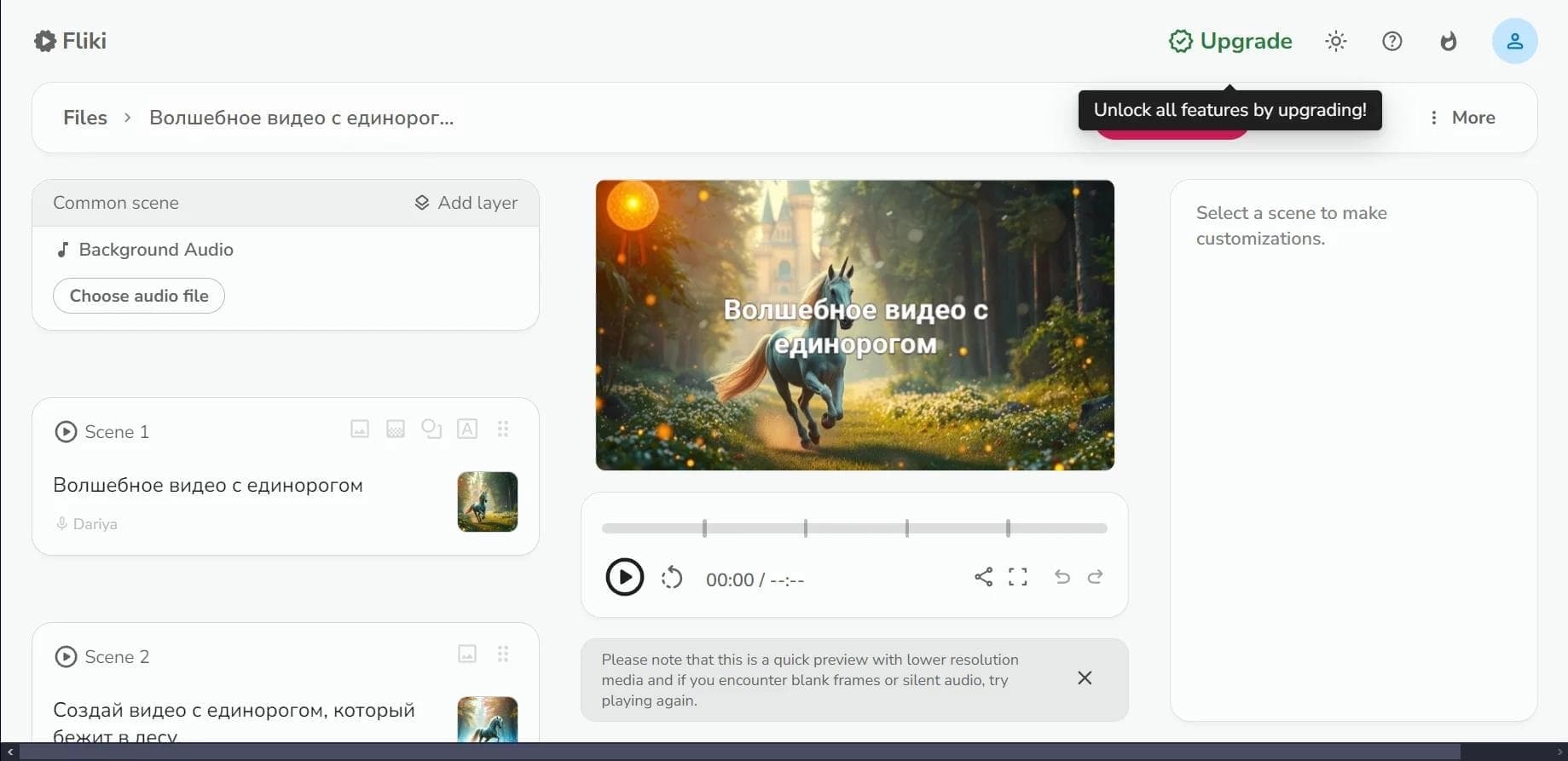

Web service for converting text into video with AI voiceover and automatic video selection.
An AI platform that turns text content into video and creates short clips from long videos and podcasts.

Multimodal family of Google models that combines text, code, images, video, and audio processing in a single system.
Video generator in cinematic 1080p format from text descriptions or images.

Platform from CapCut (ByteDance) for generating and editing images and videos using AI.

A platform for creating talking videos with a teleprompter, AI-generated scripts, subtitles, and avatars.

A set of AI tools for faster video creation and editing through text-based control.