

Uizard
AI-powered platform for rapid prototyping of web and mobile app interfaces.
Overview
Uizard
Uizard AI description
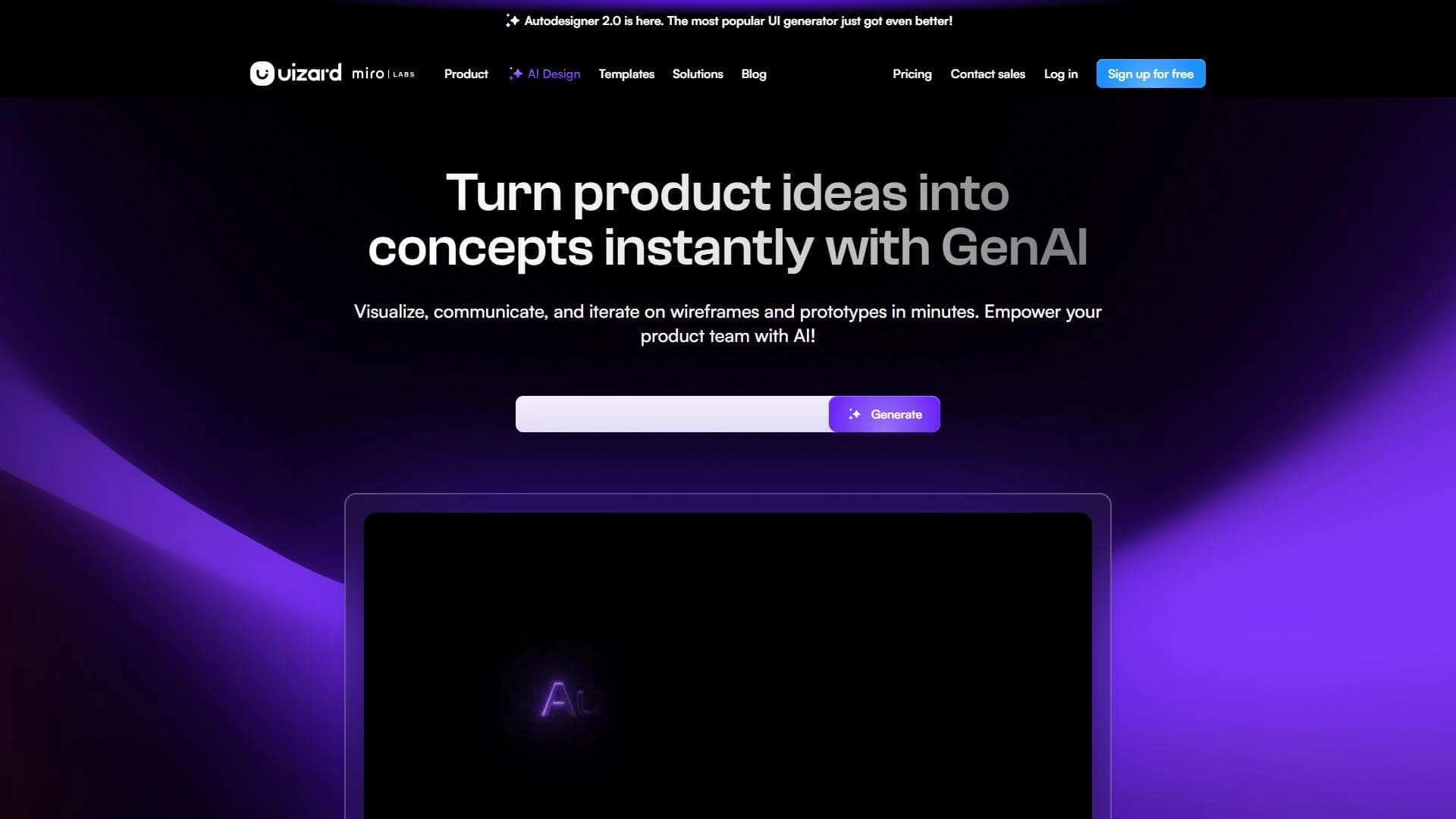
Uizard is an AI tool for rapid prototyping of website and mobile app interfaces. The platform allows creating UI/UX layouts from English text descriptions, as well as converting handwritten sketches and screenshots into editable digital prototypes. The built-in online editor lets you refine the design, change themes, and create interactive prototypes for different devices. The tool is suitable for both professional designers and beginners with no UI/UX experience. Uizard was developed by Uizard Technologies (founders — Tony Beltramelli, Eivind Trapp, Antonio Rivelli) and launched in 2018.
Uizard features
| Characteristic | Value |
|---|---|
| Type | AI tool for UI prototyping |
| Categories | Design assistants and mockups; Website and interface builders |
| Category (additional) | Designer assistant, Automation |
| Platforms | WEB |
| Developer | Uizard Technologies |
| Year of release | 2017 (launched in 2018) |
| Business model | Freemium |
| Free plan available | Yes |
| Russian interface | No |
| Russian language | No |
| VPN required | No |
| Website | uizard.io |
Who is Uizard suitable for?
Designers and developers
Designers can use Uizard as an auxiliary tool to speed up creation of prototypes and draft mockups. For developers, the platform helps quickly visualize ideas and obtain source code for interfaces.
Users with no UI/UX experience
Beginners, freelancers, and entrepreneurs can create prototypes without professional design skills. The platform lowers the entry barrier to interface development.
Product teams and startups
Product managers, marketers, and brainstorming participants can quickly visualize concepts and discuss them with the team. The tool is suitable for startups and large enterprises as well as educational institutions.
How to use Uizard?
Getting started from a text description
To start, you just need to sign up at uizard.io and choose a template or start from scratch. The user writes a few sentences in English describing the desired interface. The Autodesigner 2.0 system analyzes the description and produces a multi-screen mockup.
Importing sketches and screenshots
You can upload a screenshot of an existing interface using the Screenshot Scanner feature or photograph a handwritten sketch using the Wireframe Scanner. The tool converts them into an editable digital project.
Editing and collaboration
After the mockup is generated, users adjust elements in the online editor, change themes, and add components. For collaboration, real-time commenting and project sharing tools are available. The finished design can be exported to PNG, JPEG, PDF, as well as to code (React, HTML/CSS).
Key features of Uizard
Autodesigner 2.0
This feature converts English text prompts into multi-screen interface mockups. The system understands project context — for example, "food delivery app with a dark theme" — and generates a matching design.
Converting sketches and screenshots
Uizard can turn handwritten sketches into digital wireframes (Wireframe Scanner) and convert interface screenshots into editable projects (Screenshot Scanner). All generated elements remain editable.
Additional capabilities
The built-in editor with a library of ready-made components (buttons, icons, forms) works on a drag-and-drop basis. The platform supports automatic adaptation of interfaces for different devices, theme generation for instantly changing the styling, creation of clickable prototypes for presentations, AI text generation for interfaces, user attention prediction (heatmaps), and integration with Unsplash or Giphy for creating images. A Brand Kit is available to maintain a consistent project style.
Uizard advantages
High prototyping speed
The tool lets you get a first prototype in 2–5 minutes instead of weeks. Uizard significantly reduces the time spent creating and testing interface concepts, bridging the gap between an idea and its visualization.
Accessible to non-specialists
The platform is suitable for users without professional UI/UX experience. An intuitive interface and ready-made templates make design accessible to a broad audience. The free plan includes 3 AI generations per month, 2 projects, and 10 templates.
Flexibility and collaboration
Uizard supports work on mobile and web projects, as well as real-time collaboration with comments. All generated elements remain editable, allowing the design to be refined for specific tasks.
Uizard disadvantages
Customization limitations
The depth of AI design customization may be limited compared with professional tools like Figma or Adobe XD. Designs can come out repetitive, and the AI does not always understand users' specific needs.
Generation and export quality
Autodesigner sometimes produces strange results with complex prompts. Code export (React, HTML/CSS) is rough and requires manual polishing. Bugs occasionally occur: uploads can lag, and export sometimes does not work on the first try.
Takes time to learn
Despite the simplicity of basic operations, mastering all the capabilities of the tool takes time. Users need to get used to phrasing requests in English to achieve quality results.
What problems does Uizard solve?
Rapid prototyping
Uizard automates user interface design, allowing users to quickly generate, edit, and prototype website and mobile app mockups. The tool accelerates the design process for startups, idea presentations, and team brainstorming.
Turning ideas into digital format
The platform helps transfer handwritten sketches from whiteboards or napkins into digital projects, as well as recreate interface structures from screenshots of other apps. This simplifies visualizing ideas and discussing them with the team.
Adapting to different devices
Uizard lets you adapt designs for various devices — mobile phones, tablets, and desktops. This helps product teams test interfaces on different screens without manual mockup rework.
Uizard pricing
Uizard operates on a Freemium model. The free plan includes 3 AI generations per month, 2 projects, and 10 templates. The paid Pro plan costs from $12 per month (discounted with annual billing) and provides 500 generations, 100 projects, and access to Autodesigner 2.0. The Business plan costs from $49 per month (annual billing only) and includes all Pro features plus team capabilities and priority support.
Uizard terms of use
To use the platform, you need to register at uizard.io. Generating interfaces from text requires a description in English. The free plan is limited to 3 AI generations, 2 projects, and 10 templates per month. Users can purchase a paid subscription to remove these limits.
Uizard availability
Uizard is available as a web platform (WEB). There is no Russian language or Russian interface. VPN is not required. The service is available to users in different countries.
How Uizard differs from alternatives
Uizard is positioned as an auxiliary tool rather than a replacement for professional design environments like Figma or Adobe XD. For experienced designers, it simplifies and speeds up the creation of draft prototypes, but falls short of specialized tools in depth of settings. The main difference is the ability to generate multi-screen interfaces from text descriptions or handwritten sketches, making it especially useful for beginners, freelancers, and product managers.
Conclusion
Uizard is an AI tool for rapid UI/UX prototyping aimed at a broad audience, from professional designers to users with no experience. The platform lets you generate mockups from text descriptions, sketches, and screenshots, work in an online editor, and create interactive prototypes. The free plan makes the tool accessible for evaluation; however, users should consider its limitations in customization and code export quality. For beginners, freelancers, and product managers, Uizard is a useful assistant, while for experienced designers it serves as a supporting tool rather than a primary design environment.
Pricing
Frequently asked questions


See also

Platform for creating web applications and websites from a text description using AI.

Platform for building AI chatbots with a visual builder that requires no coding skills.


Cloud platform for launching AI applications directly in the browser without installation.
A platform for creating mobile and web applications without writing code, using a visual builder.

Platform for creating AI chatbots without coding, targeted at businesses and agencies.

A design canvas built into the code editor, allowing you to create interfaces and write code in one place.

AI platform for fast website creation and small business process management.

A workflow automation platform that connects thousands of apps without requiring coding.