

Stitch
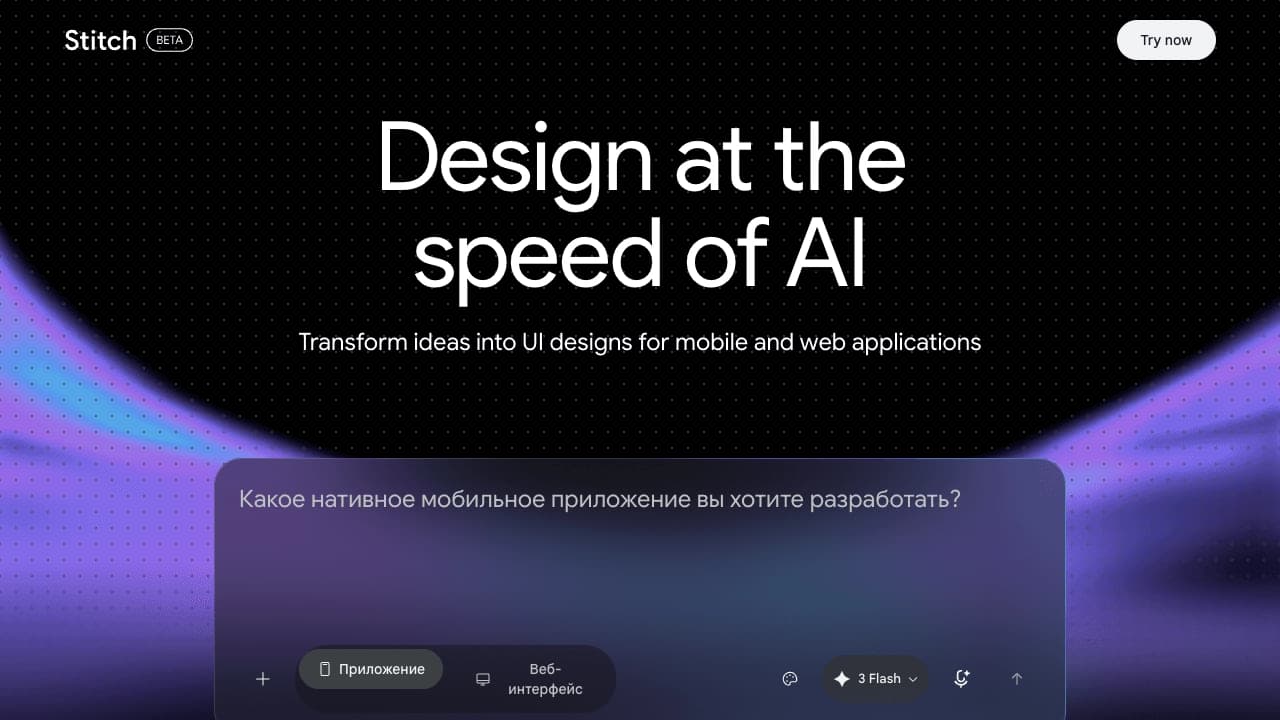
An experimental Google Labs tool for generating interfaces and layouts for mobile and web apps from text descriptions or uploaded images.
Overview
Stitch
Description of the Stitch neural network
Stitch is an experimental tool from Google Labs designed for quickly generating interfaces and layouts for mobile and web applications. The service lets you turn text descriptions or uploaded images into ready-made UI designs in just a few minutes.
At its core are the Gemini 2.5 Pro and Flash models. The tool was announced on May 22, 2025, at Google I/O. Stitch's history is tied to Galileo AI: Google acquired that startup in mid-2025 and relaunched the product under a new name with Gemini model integration.
A distinctive feature of Stitch is that it works not with single screens but with entire user scenarios. The tool generates several related layouts, lets you combine them into interactive prototypes, and exports the result to Figma or code (HTML/CSS, React). During beta testing, the service remains free.
Stitch characteristics
| Characteristic | Value |
|---|---|
| Type | Experimental platform |
| Developer | Google Labs (Google) |
| Announcement date | May 22, 2025, at Google I/O |
| Base models | Gemini 2.5 Pro, Gemini 2.5 Flash |
| Categories | Interface generation, code generation, design generation, app generation, No-code / Low-code |
| Platforms | Web |
| Distribution model | Free |
| API availability | Yes (indicated on the page) |
| Launch date | May 2025 (version 2.0 — March 2026) |
| Monthly visits | 388.9 thousand |
| Language support | English only |
| Interface language | English only |
| VPN requirement | May be required in some regions |
Who is Stitch suitable for?
Designers and product teams
The tool is aimed at UI/UX designers and product teams who need to move quickly from concept to prototype. Stitch speeds up the early stages of design and allows ideas to be tested quickly without lengthy manual mockup work.
Developers and technical specialists
Developers can use the tool to get ready-made HTML/CSS or React code, as well as to quickly visualize ideas before writing code by hand. Figma export simplifies collaboration between design and development.
Founders, entrepreneurs, and beginners
For startups without an in-house designer and for entrepreneurs, Stitch is a convenient solution: just describe the idea in text to get several interface options. The tool does not require special design skills or knowledge of graphic editors, so it is also suitable for beginners.
How to use Stitch?
Text-based interface generation
The user enters a text prompt in natural language — for example, "a login page with a dark theme and a centered form" or "a mobile app for habit tracking." The system processes the description and generates one or more related screens.
Image-based generation
In addition to text, you can upload an image — a sketch or screenshot — and the tool will build a corresponding interface based on it. This approach is convenient when the idea is already partially visualized.
Iterative refinement and export
The process is iterative: the user selects themes, refines the design in dialogue with the system, and makes edits by voice or with annotations directly on the layout. If necessary, alternative variants can be generated. The finished result can be exported to Figma (preserving layers and Auto Layout) or downloaded as HTML, CSS, and React code.
Key features of Stitch
UI layout generation from text and images
The tool turns text descriptions and uploaded images into ready-made interface layouts for mobile and web applications. One prompt generates several design variants at once.
Multi-screen generation and interactive prototypes
Stitch creates up to five related screens at a time with a unified design system. Individual screens can be combined into interactive prototypes: by selecting several layouts, the user links them into a logical flow, and the system itself understands where a tap or swipe should lead.
Editing and export
Edits are made by voice or with annotations directly on the layout, without rewriting the prompt. Results can be exported to Figma or downloaded as HTML, CSS, React, and Tailwind. The tool uses a DESIGN.md file for design rules and transferring context between tools.
Advantages of Stitch
- Speeds up prototyping: designs are generated in minutes instead of lengthy manual mockup work.
- Completely free during beta testing.
- Generates multiple related screens at once with a unified design system, setting it apart from most alternatives that create only one screen at a time.
- Runs on modern Gemini 2.5 models that deliver high-quality generation.
- Direct export to Figma and to code narrows the gap between design and development.
- Edits are made by voice or annotations, which is more convenient than rewriting the prompt.
- Lowers the barrier to entry: you just describe an idea without needing design skills.
- Convenient for testing hypotheses thanks to the generation of several alternative variants.
Disadvantages of Stitch
- It is in an experimental phase, which means instability and possible changes to terms.
- Due to regional restrictions or server load, "Stitch unavailable" messages may appear.
- It is tied to the Material Design 3 design language: the result requires rework for iOS or branded interfaces.
- It supports English only.
- It is not suitable for complex, long user scenarios — a maximum of five screens at a time.
- It has weak manual editing tools, so final polish is still done in Figma.
- It does not replace full-featured design tools like Figma or Adobe XD.
- Images may display incorrectly in some browsers.
What tasks does Stitch solve?
Designing interfaces and prototypes
The tool is designed for quickly creating UI layouts for websites and apps from a text description or image, as well as for prototyping user scenarios.
Code generation for developers
Stitch outputs ready-made HTML, CSS, and React code and also lets you assemble clickable prototypes for presentations.
Speeding up product processes
The tool helps product teams visualize ideas faster at early stages, test UX hypotheses through multiple interface variants, and validate user scenarios before development begins.
Stitch pricing
As of 2026, the service is completely free; there are no official pricing plans or mentions of payments on the site. Limits apply within Google Labs: 350 generations per month on Gemini 2.5 Flash (free mode) or 200 generations on Gemini 2.5 Pro (Pro mode). Paid plans are expected to appear in Q4 2026 after the tool leaves Google Labs.
Stitch terms of use
A Google account is required to sign in; no additional installation is needed. Registration, subscription, and trial period are not mentioned — the service is open to all users.
Monthly generation limits apply depending on the selected mode (Flash or Pro). Regional access restrictions may occur, resulting in a "Stitch unavailable" message, as well as temporary limits stemming from server load.
Stitch availability
The tool is available as a web service at stitch.withgoogle.com. A VPN may be required in some regions because the service encounters regional restrictions. Only English is supported at the moment.
How Stitch differs from alternatives
The main difference between Stitch and most competitors is the simultaneous generation of up to five interconnected pages with a unified design system, whereas many alternatives create only one screen at a time. The tool also offers direct export to Figma and code (HTML, CSS, React) and supports voice control and on-layout annotations.
Being based on Gemini 2.5 models ensures high-quality generation, and integration with the Google ecosystem gives it an additional advantage over competitors. Compared with paid alternatives, Stitch is free. By nature, though, it is an auxiliary tool for the early design stage, focused on speed and simplicity: it does not replace full-featured tools
Pricing
Frequently asked questions
Similar AI tools



See also
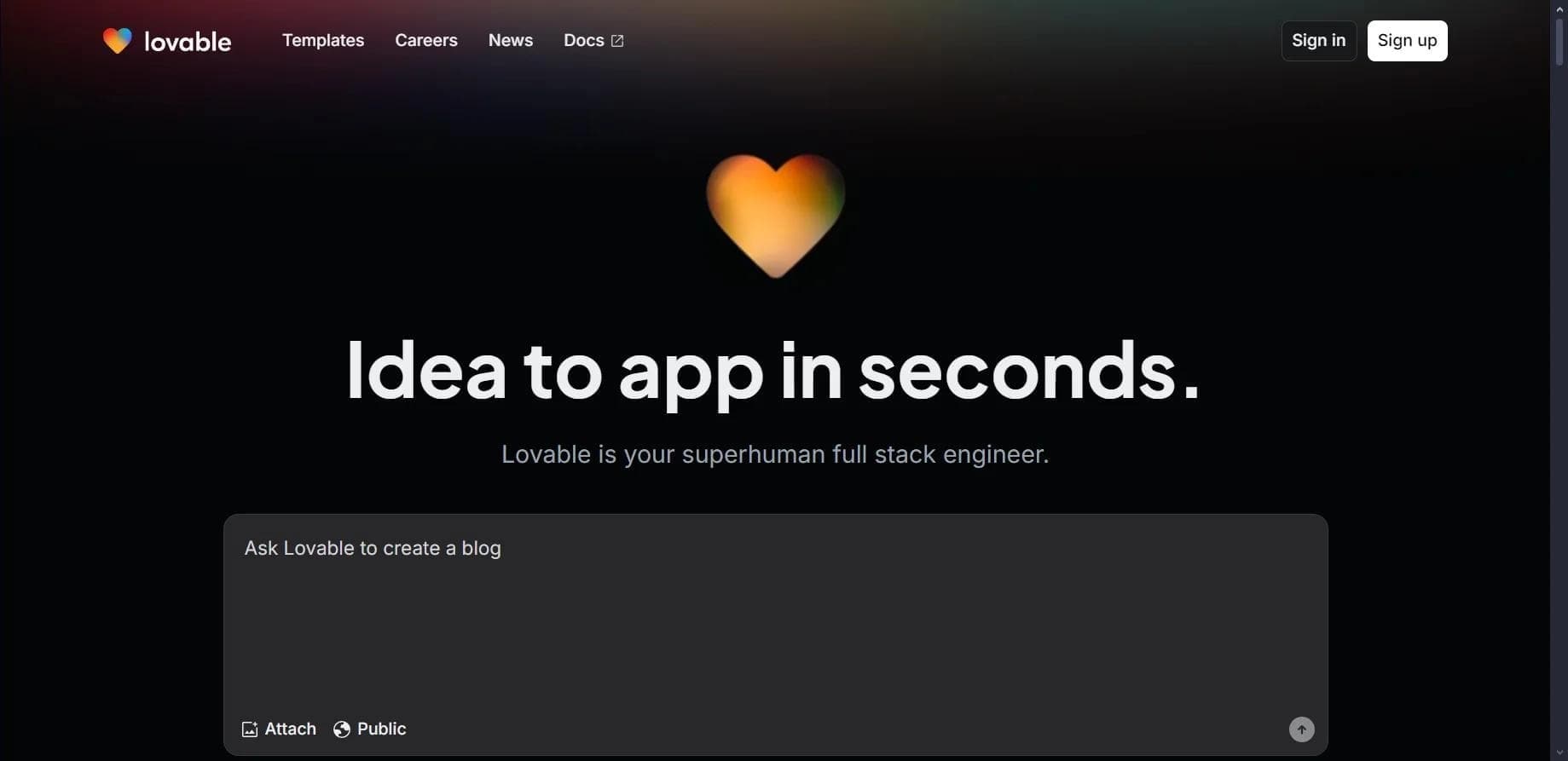

Platform for creating web applications and websites from a text description using AI.

Platform for building AI chatbots with a visual builder that requires no coding skills.


Cloud platform for launching AI applications directly in the browser without installation.
A platform for creating mobile and web applications without writing code, using a visual builder.

Platform for creating AI chatbots without coding, targeted at businesses and agencies.

A design canvas built into the code editor, allowing you to create interfaces and write code in one place.

AI platform for fast website creation and small business process management.

A workflow automation platform that connects thousands of apps without requiring coding.