

MAGE GPT Web App Generator
AI tool for quickly building full-fledged web applications on the Wasp, React, Node.js, and Prisma stack.
Overview
MAGE GPT Web App Generator
Description of the MAGE GPT Web App Generator neural network
MAGE GPT Web App Generator is an AI tool designed for quickly creating full-fledged web applications. It works on a simple principle: the user enters a minimal set of data, and the GPT-based system automatically assembles a ready-made project.
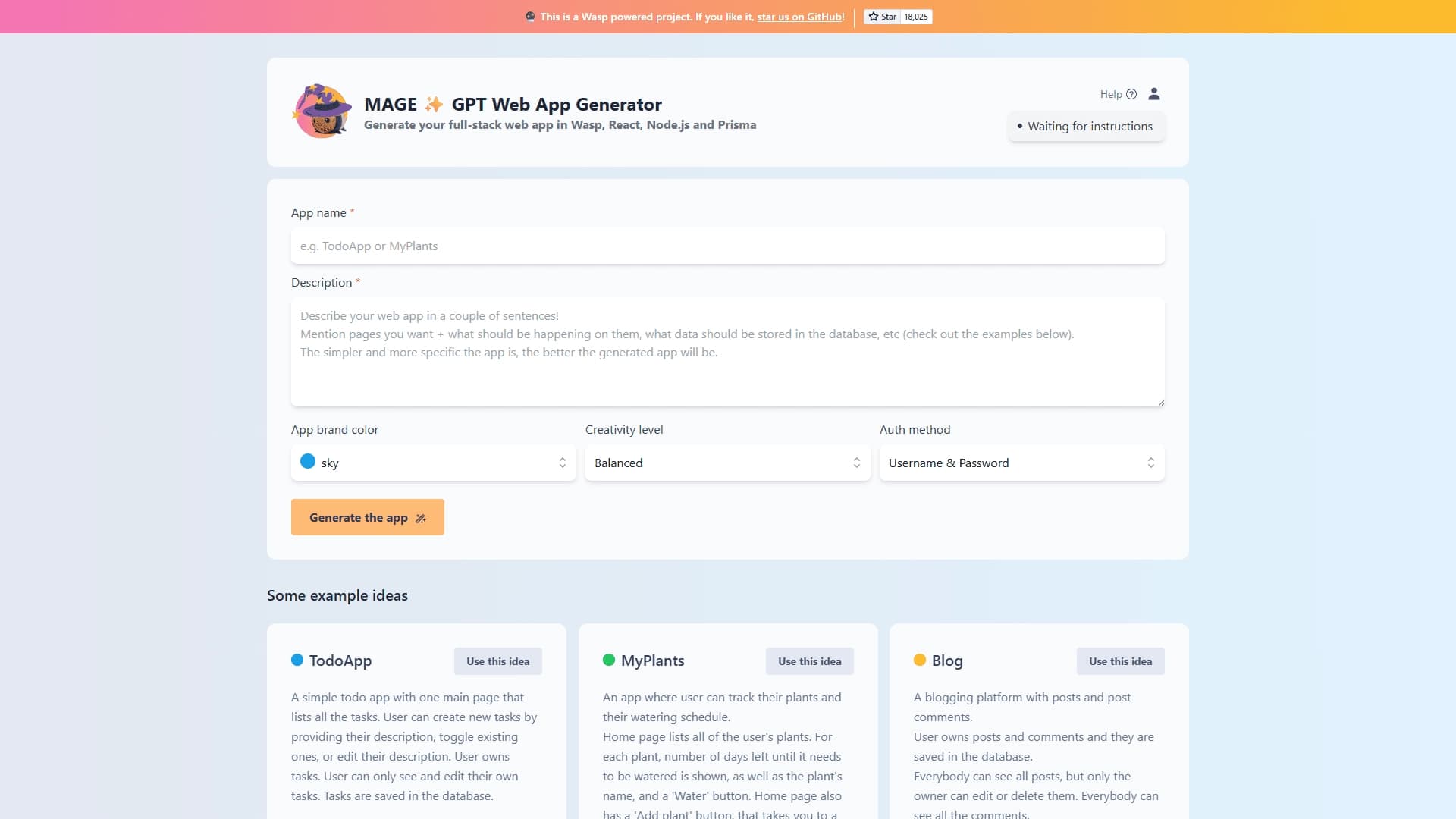
To start generation, it is enough to specify the name of the future application, its brief description, choose a brand color and authentication method. After that, the tool independently generates the frontend, backend, and database configuration.
The solution is based on the Wasp full-stack framework, which combines React, Node.js, and Prisma. This approach allows you to get not just a set of stubs, but a working project that can be immediately opened, tested, and refined. The tool is aimed at developers and startups for whom it is important to quickly test a hypothesis and launch an MVP without lengthy manual infrastructure setup.
Specifications of MAGE GPT Web App Generator
| Specification | Value |
|---|---|
| Type | AI-based web app generator |
| Categories | No-code and Low-code platforms, Code generation |
| Core stack | Wasp, React, Node.js, Prisma |
| Interface language | Russian |
| API | Yes |
| Mobile app | Yes |
| Browser extension | Yes |
| Registration | Not required |
| Open source | Yes, code available on GitHub |
| Free plan | Yes (free) |
| Website | usemage.ai |
Who is the MAGE GPT Web App Generator neural network for?
Developers and technical specialists
The tool is primarily designed for web application developers who need to quickly create full-featured projects using AI. Since the generated code is based on the real Wasp, React, Node.js, and Prisma stack, it can be freely edited and development can be continued from where the generator left off.
Startups and hackathon participants
For teams working under tight deadlines, MAGE becomes a way to quickly turn an idea into a working prototype. Instead of spending time on environment setup and basic architecture, you can immediately get a ready-made project and focus on testing the idea.
No-code creators
Despite its technical foundation, the tool is also accessible to those who are not professional developers. The intuitive interface allows you to enter application data and get a working result without deep dives into implementation details.
How to use the MAGE GPT Web App Generator neural network?
Entering input data
The process begins with filling out a simple form. The user specifies the application name, a brief description, and selects basic parameters: brand color, creativity level, and authentication method. All input is done in an intuitive interface without the need to write code manually.
Choosing a ready-made idea
For those who do not know where to start, there is an option to choose one of the example app ideas. These include to-do lists, plant trackers, and blogs. This is a convenient starting point for getting acquainted with the tool and understanding how it works.
Project generation and refinement
After entering the data, MAGE uses GPT to generate the project structure, frontend, backend logic, and database configuration. The resulting project can be immediately opened and used, and if necessary, freely edited and extended, since it is built on the Wasp framework.
Main features of MAGE GPT Web App Generator
Full-stack app generation from a description
The main function of the tool is creating full-fledged full-stack web applications from a text description. The user does not need to design the architecture or write basic code themselves — the generator does all of that.
Creating multi-page applications
The tool can create multi-page web applications, including home pages, pages for creating and editing records, and viewing details. This allows you to get a comprehensive user experience from the very beginning.
Support for data ownership models
MAGE supports creating ownership models where each user is responsible for their own data — for example, each user owns their own tasks. This is an important aspect of security and proper data organization in multi-user applications.
Configuring key generation parameters
The user can set the brand color, creativity level, and authentication method. These parameters directly affect the appearance and functionality of the created application.
Advantages of MAGE GPT Web App Generator
Quick transition to idea testing
The main advantage is the speed of obtaining a ready-made full-stack project without manual environment setup. This is especially valuable for startups, hackathons, and fast MVPs, where time to market plays a crucial role.
Flexibility and extensibility of the code
The generated code is based on the Wasp framework, so it can be freely refined and extended. The user is not locked into a closed platform — they get a real project that can be worked on using standard development tools.
Creativity and openness
The tool offers flexibility in choosing the project type and supports a creative approach. Moreover, the open source code on GitHub means the tool's capabilities can be developed with the help of the developer community.
Disadvantages of MAGE GPT Web App Generator
Among the available data, there is not enough information to form a complete list of the tool's disadvantages. It can be noted that, like any code generator, MAGE depends on the quality of the text description entered by the user, and multi-page applications created automatically may require refinement for specific business needs. In addition, details about free usage limits, generation restrictions, and support for typical scenarios are not disclosed in detail in open sources.
What tasks does MAGE GPT Web App Generator solve?
Rapid prototyping and MVP launch
One of the main tasks of the tool is the rapid creation of prototypes and MVPs of web applications. Instead of a lengthy manual project setup, the user gets a working foundation in a few minutes and can immediately check whether their idea is viable.
Generating apps with authentication and a database
MAGE automatically creates applications with authentication, CRUD operations, and a database. These basic components are present in most modern web services, so their automatic generation significantly saves time.
Speeding up development through automation
The tool takes over the automatic generation of the project structure, frontend, and backend. This speeds up the overall development process and allows the team to focus on unique business logic rather than routine infrastructure setup.
Pricing for MAGE GPT Web App Generator
According to available information, MAGE is distributed under a free model — the plan is marked as “Free”. No other paid plans are mentioned in the sources. It is also noted that registration is not required to get started, and the tool's source code is open and available on GitHub.
Terms of use for MAGE GPT Web App Generator
Registration is not required to use MAGE — you can start creating an app immediately after opening the tool. The project has an open source code published on GitHub, allowing developers to study, use, and modify it. Additionally, a user community is supported, with communication taking place via Discord.
Availability of MAGE GPT Web App Generator
The tool's interface supports Russian, making it accessible to Russian-speaking users. MAGE provides an API, and is also available as a mobile app and a browser extension. Information about the service's availability in specific regions is not specified in the source data.
What sets MAGE GPT Web App Generator apart from similar tools?
The key difference between MAGE and many similar solutions is the
Frequently asked questions
See also
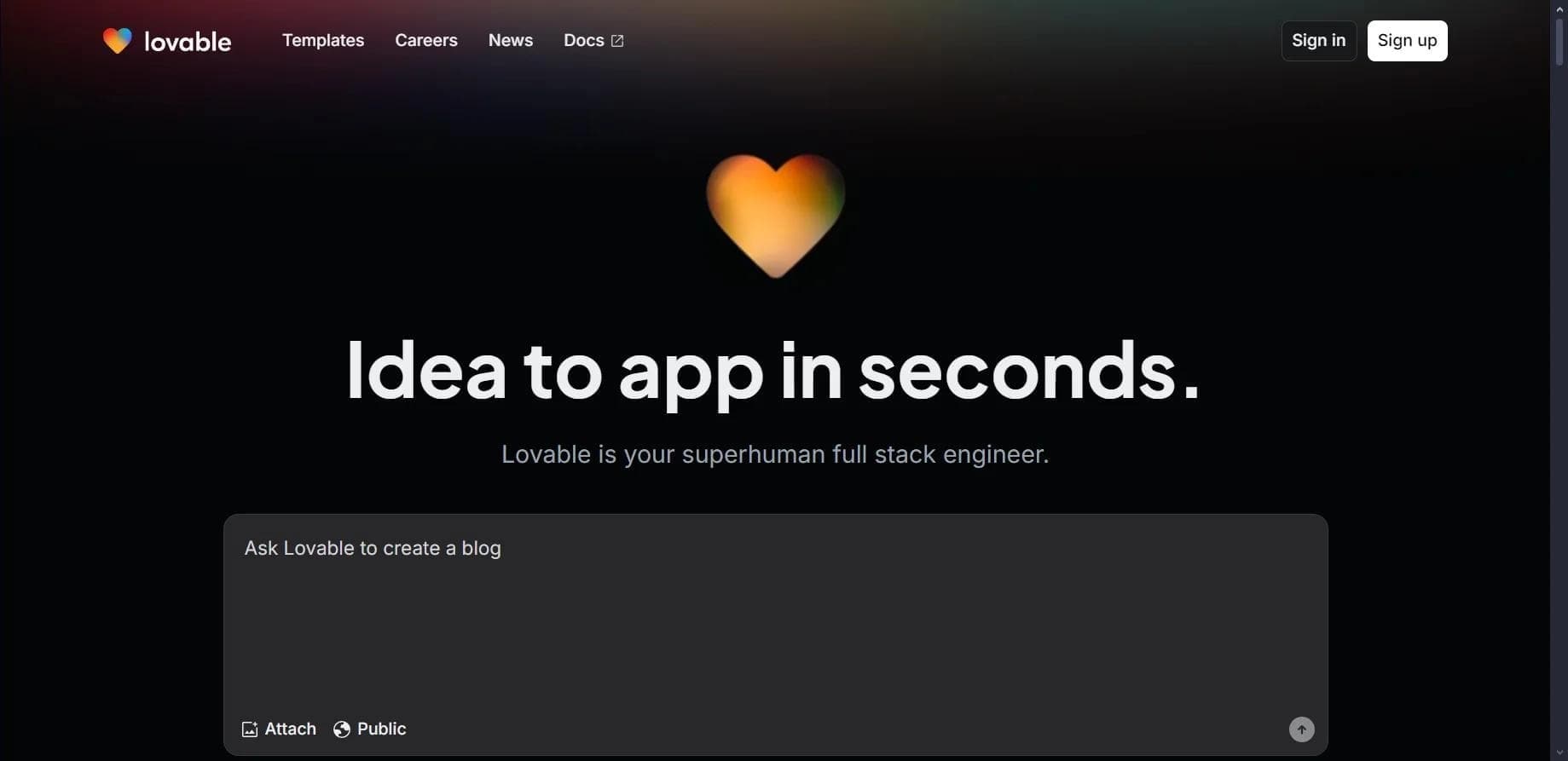

Platform for creating web applications and websites from a text description using AI.
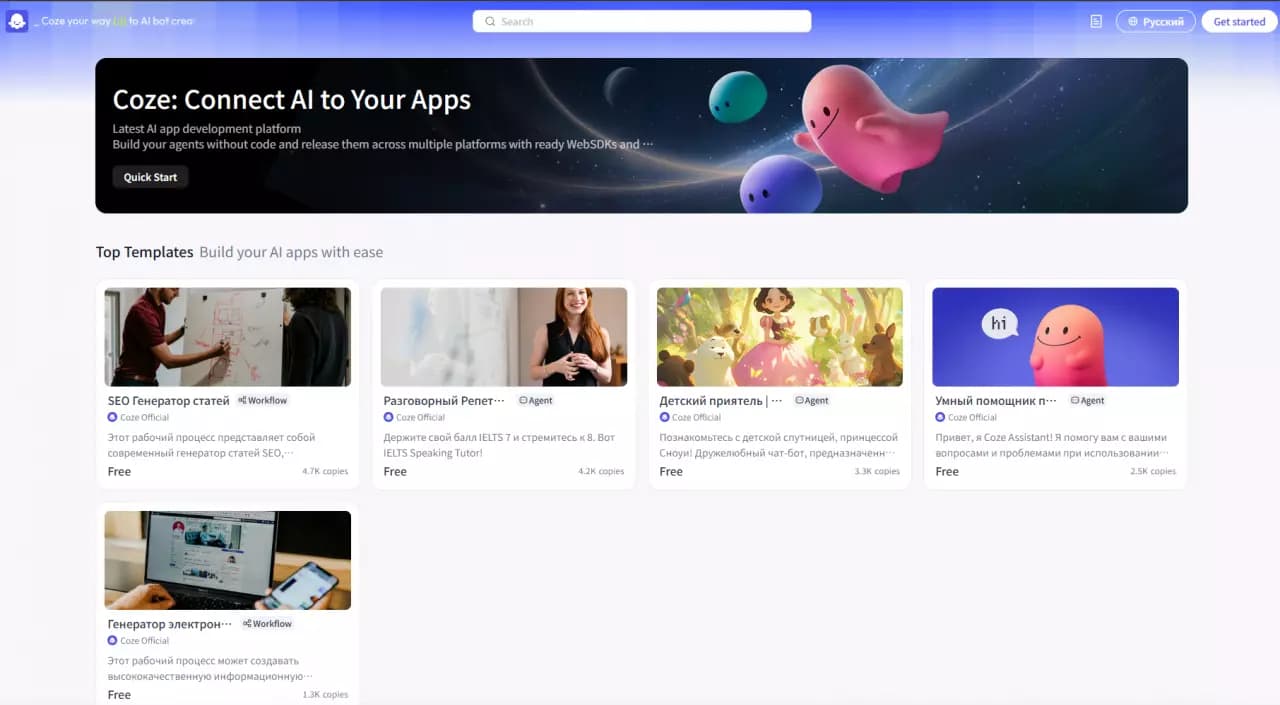

Platform for building AI chatbots with a visual builder that requires no coding skills.


Cloud platform for launching AI applications directly in the browser without installation.
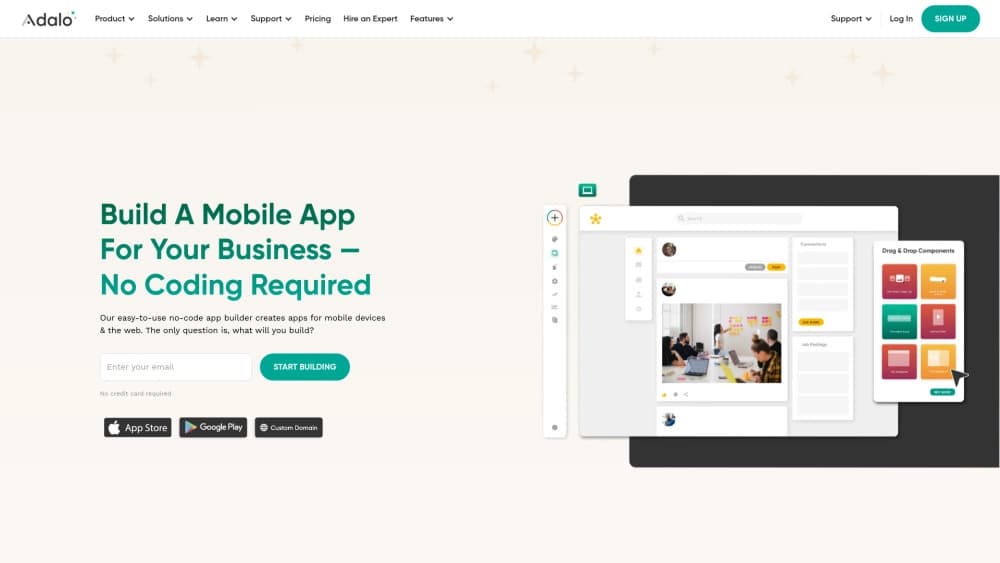
A platform for creating mobile and web applications without writing code, using a visual builder.

Platform for creating AI chatbots without coding, targeted at businesses and agencies.

A design canvas built into the code editor, allowing you to create interfaces and write code in one place.

AI platform for fast website creation and small business process management.

A workflow automation platform that connects thousands of apps without requiring coding.