

LM Studio
Desktop app for running open-source language models locally on your computer.
Overview
LM Studio
Description of the AI model LM Studio
LM Studio is a free, open-source desktop application designed for running large language models (LLMs) locally on your own computer. The program lets you download and run various open-source models directly on your device, providing a convenient chat interface for interacting with them without requiring an internet connection.
The key feature of LM Studio is full control over your data. All information processing happens locally, which prevents data from being sent to third-party servers. The application supports searching for and downloading models from Hugging Face, and it can also function as a local server with an API compatible with the OpenAI format. This makes the tool popular among developers, researchers, and AI enthusiasts who value privacy and want to experiment with LLMs without cloud limitations.
LM Studio specifications
| Specification | Value |
|---|---|
| Type | Desktop application |
| Categories | Open Source neural networks, Chatbots, Personal assistant |
| Platforms | Computer (desktop application) |
| Release date | April 24, 2024 |
| Developer | LM Studio company |
| Free plan available | Yes, completely free for personal use |
| Open source | Yes |
| Credit card required | No |
| Lifetime plan available | No |
Who is LM Studio suitable for?
Developers and engineers
Programmers working with artificial intelligence can use LM Studio to test LLMs and integrate them into their projects. The local server with an OpenAI-compatible API makes it easy to connect models to existing applications and experimental development environments.
AI researchers
Scientists and machine learning specialists can run and compare different open-source models locally without depending on cloud services. This speeds up experimentation and gives full control over model parameters and configurations.
Enthusiasts and content creators
Users interested in AI technologies can comfortably interact with language models through the built-in chat interface. LM Studio is suitable for generating texts, writing blogs, creating educational content, and business reports without having to pay for subscriptions or risk data privacy.
How to use LM Studio?
Installation and launch
The process begins with downloading the application to your computer. After installation, you can open the program and start working with models right away. No registration or account creation is required, which simplifies the first launch.
Searching for and downloading a model
The built-in search interface lets you find a suitable open-source model on Hugging Face. LM Studio automatically downloads the selected model to your local computer, where it is saved for repeated use without needing to download it again.
Interacting through chat
Once a model is loaded, a chat interface opens where you can ask questions, give instructions, or hold a conversation. All responses are generated locally, with no requests sent over the internet. If needed, you can edit generated content using built-in tools, save the result, or share it.
Key features of LM Studio
Local LLM execution
The application lets you run large language models directly on your device. This ensures fully offline operation and fast response times provided your computer has sufficient performance. Models are supported through llama.cpp and MLX.
Built-in chat interface
LM Studio features a convenient interface for communicating with models. You can hold conversations, ask questions, and get detailed answers in real time without switching between different windows or programs.
Hugging Face integration
The ability to search for and download models directly from Hugging Face simplifies access to thousands of open-source LLMs. You don't need to manually hunt for files or set up the environment — everything is done through the LM Studio interface.
Local server with OpenAI-compatible API
The application can run as a local server providing API endpoints compatible with the OpenAI format. This allows developers to integrate local models into their applications, replacing cloud services with their own local instance.
Advantages of LM Studio
Complete data privacy
Since all computations are performed on your local computer, your data never leaves your device. This is especially important when working with sensitive information, trade secrets, or personal data that cannot be sent to third-party servers.
Free for personal use
LM Studio is completely free for personal use. Users do not need to pay for subscriptions, purchase tokens, or enter credit card details, making the tool accessible to everyone.
Open source
The program is distributed with open source code, allowing the community to review and improve its functionality. Users can be confident that there are no hidden data collection features or undocumented capabilities.
Convenient interface and model management
LM Studio combines ease of use with flexible model configuration management. Users can easily switch between different LLMs, adjust launch parameters, and test various versions in a single interface.
Disadvantages of LM Studio
Hardware requirements
Running large language models locally places serious demands on your computer. Working with large models requires a significant amount of RAM and a powerful processor, which may limit use on older or low-power devices.
Limited information about commercial use
Although the application is free for personal purposes, the terms for commercial use are not clearly defined in public sources. For commercial applications, it is recommended to contact the developers directly, which can create uncertainty for business users.
No mobile or web version
LM Studio is available only as a desktop application. Users who want to run models on mobile devices or through a web browser will not be able to use this tool, as it is not available on Android, iOS, or as a web service.
What tasks does LM Studio solve?
Confidential LLM testing
Researchers and developers can run and compare different language models locally without sending data to external servers. This makes it safe to experiment with AI technologies even when working with confidential datasets.
Integrating AI into your own applications
Thanks to OpenAI-compatible API support, LM Studio can act as a local backend for third-party programs. Developers can connect their applications to their own local server, gaining full control over the model and its behavior.
Creating content offline
Users can generate texts, write blogs, create business reports, and educational materials in offline mode. After a model is downloaded, LM Studio does not require a constant internet connection, which is convenient when working with limited network access.
LM Studio pricing
LM Studio is completely free for personal use. Information about commercial pricing is not stated in official sources. To get up-to-date information about the cost of a commercial license, it is recommended to visit lmstudio.ai or contact the developers directly.
Terms of use for LM Studio
The application is distributed free of charge for personal use. If you plan to use LM Studio for commercial purposes, you need to contact the developers to clarify the terms. No credit card is required to download and use the application, and no lifetime plan is offered.
Availability of LM Studio
LM Studio is available as a desktop application for computers. Official sources do not specify the list of supported operating systems (Windows, macOS, Linux) or interface languages. No regional restrictions for downloading and use have been announced. The application is not available on web platforms, Android, or iOS.
How LM Studio differs from alternatives
Unlike cloud services such as OpenAI and Copy.ai, LM Studio runs entirely locally, which guarantees data privacy and requires no payment for use. Jasper and Copy.ai offer cloud platforms for content generation with integrations and collaboration, but they are paid and require sending data to external servers. LM Studio, by contrast, is aimed at developers and enthusiasts who want to manage models themselves, experiment with open-source LLMs, and keep full control over their data, while sacrificing cloud-based collaboration features and mobile accessibility.
Conclusion
LM Studio is a powerful, free, open-source desktop application for running large language models locally. It combines a convenient chat interface, Hugging Face integration, and OpenAI-compatible API support, giving users full control over their data and the LLM workflow. The tool's main strengths are privacy, free access, and offline operation. However, you should consider the hardware requirements, the lack of mobile and web versions, and the uncertainty around commercial use terms. LM Studio will be an excellent choice for those who value privacy and want to explore the possibilities of modern language models on their own.
Frequently asked questions



See also
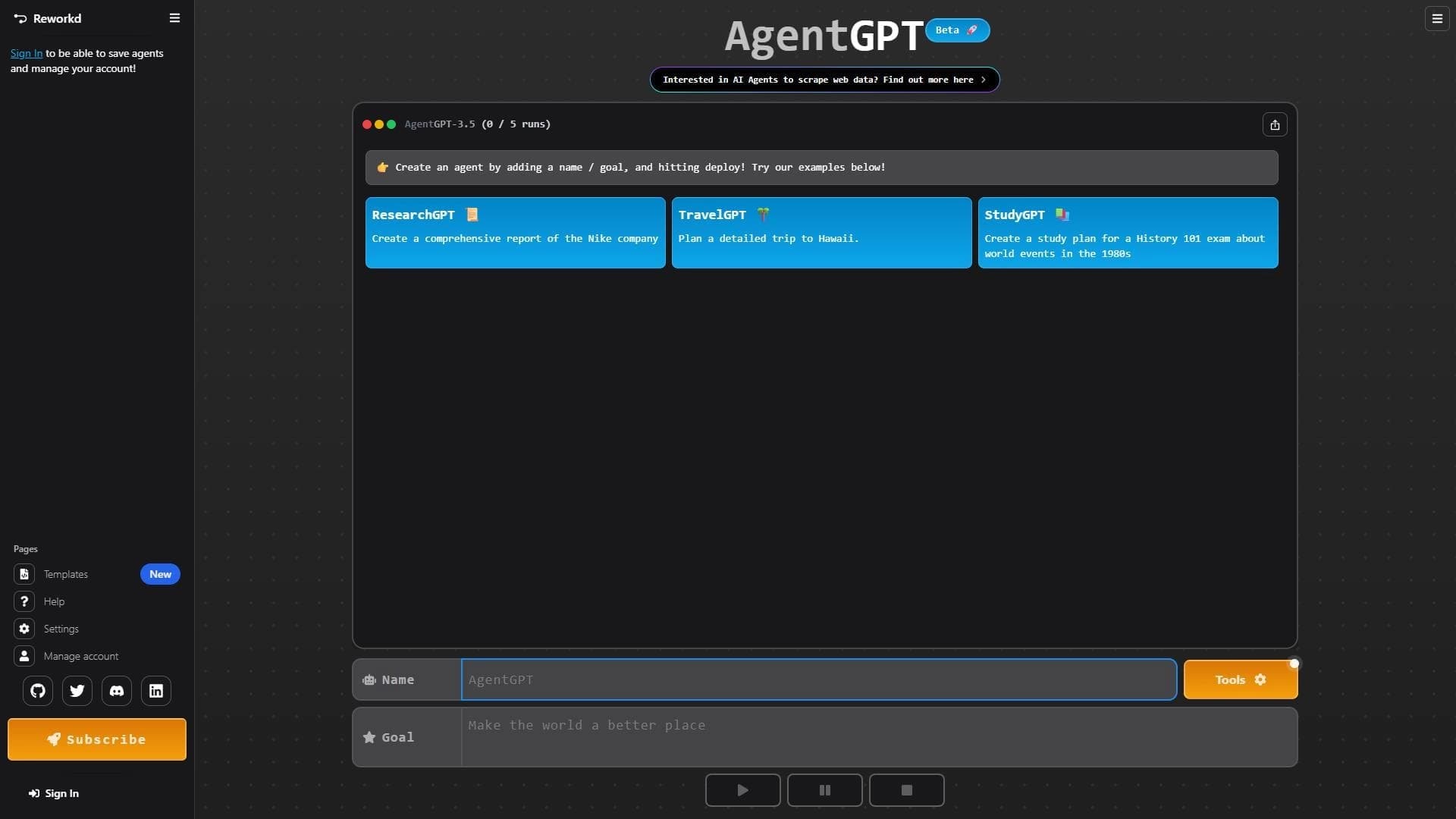

Platform for creating and launching autonomous AI agents that independently complete tasks on the internet.

The largest open language model from Meta with 405 billion parameters, available for commercial use and independent fine-tuning.
A platform for private and free communication with AI that generates text, images, and code through open neural network models.

Free open-source AI assistant that lets you interact with the command line in natural language.
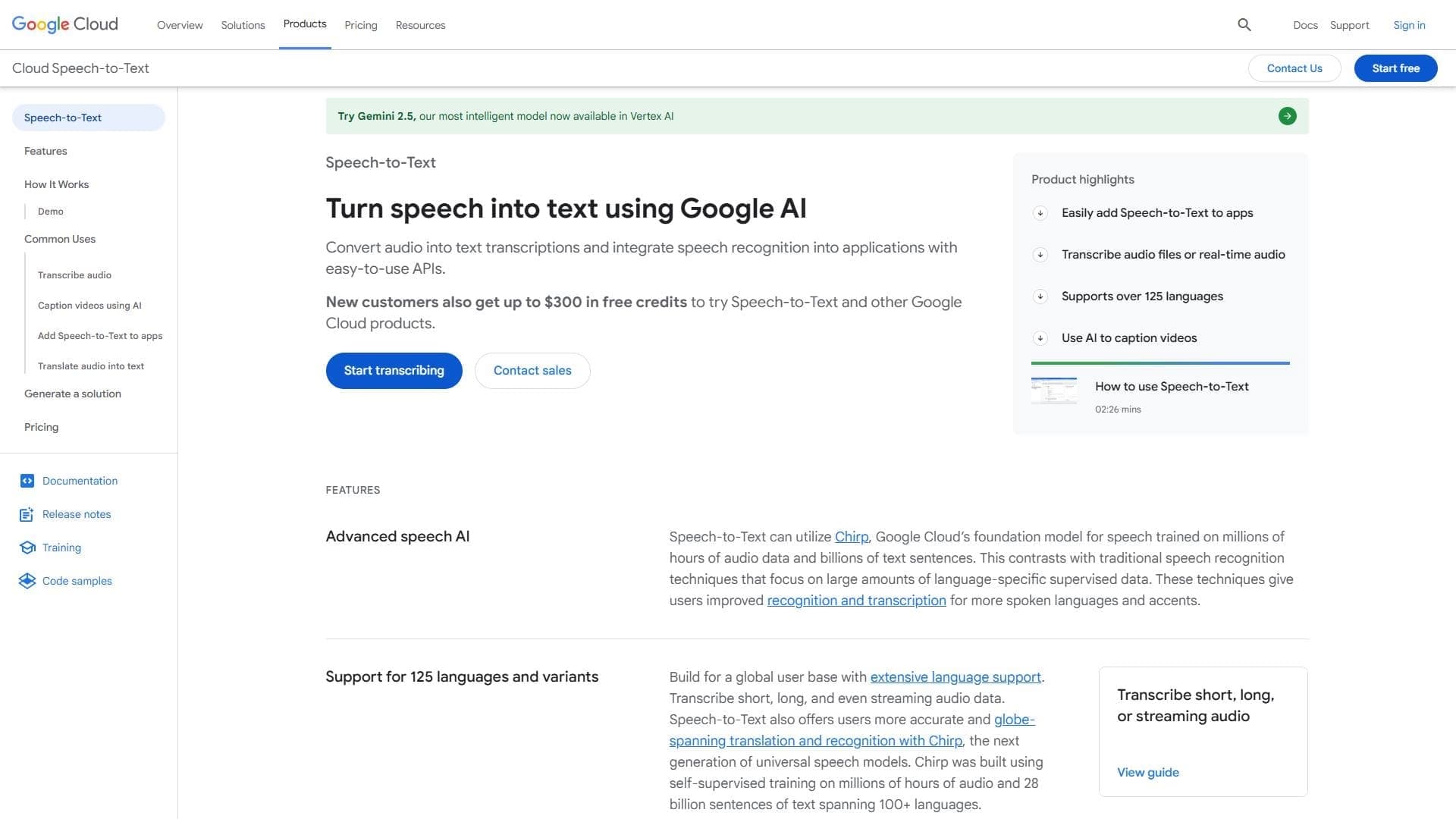

Cloud service for converting audio and speech to text using AI.

Open AI-powered workspace for managing projects, notes, and knowledge bases.
A family of multimodal AI models from xAI with reasoning, coding, and image processing capabilities.

Open-source platform for integrating data from various sources into data warehouses and analytics systems.