

Happy Scribe
A service for automatic and professional transcription of audio and video, creating subtitles, and translating materials.
Overview
Happy Scribe
What is Happy Scribe?
Happy Scribe is a platform for transcribing audio and video, creating subtitles, and translating materials. The service combines artificial intelligence capabilities with manual review, achieving speech recognition accuracy from 85% to 99% depending on the selected mode. Happy Scribe works with more than 120 languages and supports over 45 file formats, making it a versatile tool for working with voice and video content.
Unlike simple speech-to-text solutions, Happy Scribe offers a complete working environment for content. Here you can not only get a transcript, but also edit it, prepare subtitles, translate the material, and polish the final result in a single workflow.
Happy Scribe Features
| Feature | Value |
|---|---|
| Type | Service for transcribing, subtitling, and translating audio/video |
| Categories | Audio transcription, Speech recognition, Editing and post-production, AI Caption Generator, AI Transcription |
| Platforms | Web (happyscribe.com), Mac, Windows |
| Number of supported languages | 120+ |
| Supported file formats | 45+ |
| Transcription accuracy | 85–99% |
| Business model | Freemium |
| Date added to catalog | June 09, 2024 |
Who is Happy Scribe for?
Content editors and authors
The service is useful for editors who need accurate text for publication, and for course authors creating learning materials based on webinar or lecture recordings.
Video production and teams
Video production teams and teams working on subtitles and text versions of videos can use Happy Scribe to process large volumes of material quickly.
Researchers, journalists, and students
Businesses, researchers, content creators, journalists, and students use the service to transcribe interviews, document meetings, analyze customer feedback, and convert podcasts into text.
How to use Happy Scribe?
Sign up and upload a file
To get started, you need to register on the happy scribe website. After registering, users upload an audio or video file in one of the supported formats.
Choose a transcription mode
The platform offers two options: fully automatic AI-powered transcription or professional transcription with human review. The choice depends on the required level of accuracy — from 85% in automatic mode to 99% with manual review.
Wait and download the result
After selecting a mode, users need to wait for processing to finish. The final result can be downloaded in a convenient format, edited in the built-in editor, or exported as subtitles.
Key features of Happy Scribe
Audio and video transcription
The service converts audio and video recordings into text with high accuracy, supporting more than 120 languages and 45+ file formats.
Subtitle creation
Users can generate subtitles for videos based on the transcript. This feature is convenient for video production, course creators, and anyone working with video content.
Material translation
The built-in translation tool allows users to translate transcriptions into other languages, expanding the content's audience.
Transcript editor
The built-in editor lets users refine the generated text, add timestamps, and polish the result before publication.
Happy Scribe advantages
High accuracy
The combination of artificial intelligence and manual review ensures speech recognition accuracy in the range of 85% to 99%.
Time savings
Automatic transcription processes files much faster than manual transcription, which is especially important when working with long podcasts, webinars, or courses.
User-friendly interface
The platform offers an intuitive working environment that combines all the necessary tools for content work.
A complete content workspace
Happy Scribe is not just a speech-to-text service, but a full-fledged environment where you can get text, prepare subtitles, translate material, and finalize the result in a single process.
Happy Scribe drawbacks
No information about the service's drawbacks was provided in the source materials. For an objective assessment, it is recommended to test the free version and evaluate for yourself how well the functionality meets your specific needs.
What tasks does Happy Scribe solve?
Transcribing interviews and meetings
The service is suitable for transcribing interviews, business meetings, and negotiations where an accurate text record is important.
Creating subtitles for videos
Users can generate subtitles based on the transcript, making it easier to adapt videos for an international audience.
Converting podcasts into text
Happy Scribe allows users to convert podcast audio recordings into text for publication on a website, blog, or for further editing.
Analyzing customer feedback
Businesses can use the service to document and analyze customer feedback recordings.
Documenting webinars and courses
Long webinar and training course recordings are processed quickly, and the result can be edited and prepared for publication right away.
Happy Scribe pricing
Happy Scribe operates on a freemium model. Exact pricing for paid plans and the scope of free usage were not specified in the source materials. We recommend checking the official service website for up-to-date information.
Happy Scribe terms of use
Registration is required to use the service. No mention of regional restrictions or the need for a VPN was found in the source data. Users can upload files, choose automatic or manual transcription, and download the final result.
Happy Scribe availability
The service is available through the web interface at www.happyscribe.com as well as in the form of applications for Mac and Windows platforms. No regional restrictions were specified in the source materials.
How is Happy Scribe different from alternatives?
Unlike simple speech-to-text services, Happy Scribe is a full-fledged content workspace. The platform allows users to get text, prepare subtitles, translate material, and polish the result in a single process. This sets the service apart from alternatives such as NeatScribe, Voice Gecko, Willow Voice, Rev, Otter.ai, Sonix, and Trint, which often specialize in only one aspect of processing.
Conclusion
Happy Scribe is a versatile platform for transcription and subtitle creation that combines artificial intelligence capabilities with human expertise to ensure high accuracy. The service suits a wide range of users, from editors and course authors to researchers and businesses. Support for more than 120 languages and 45 file formats, a built-in editor, and translation capabilities make Happy Scribe a convenient tool for comprehensive work with audio and video content.
Frequently asked questions


See also
Screen recording tool with subsequent AI transcription and summarization of content.

AI platform for working with documents, creating presentations, and generating images.
AI editor for creating, editing, and publishing content with templates and prompts.
A browser extension that embeds ChatGPT GPT-4 into any website for translating texts, summarizing articles, and answering questions.

AI service for automatically turning long videos into short clips for social media.

Cloud platform for creating videos using AI avatars, synthesized speech, and automatic translation of clips into dozens of languages.
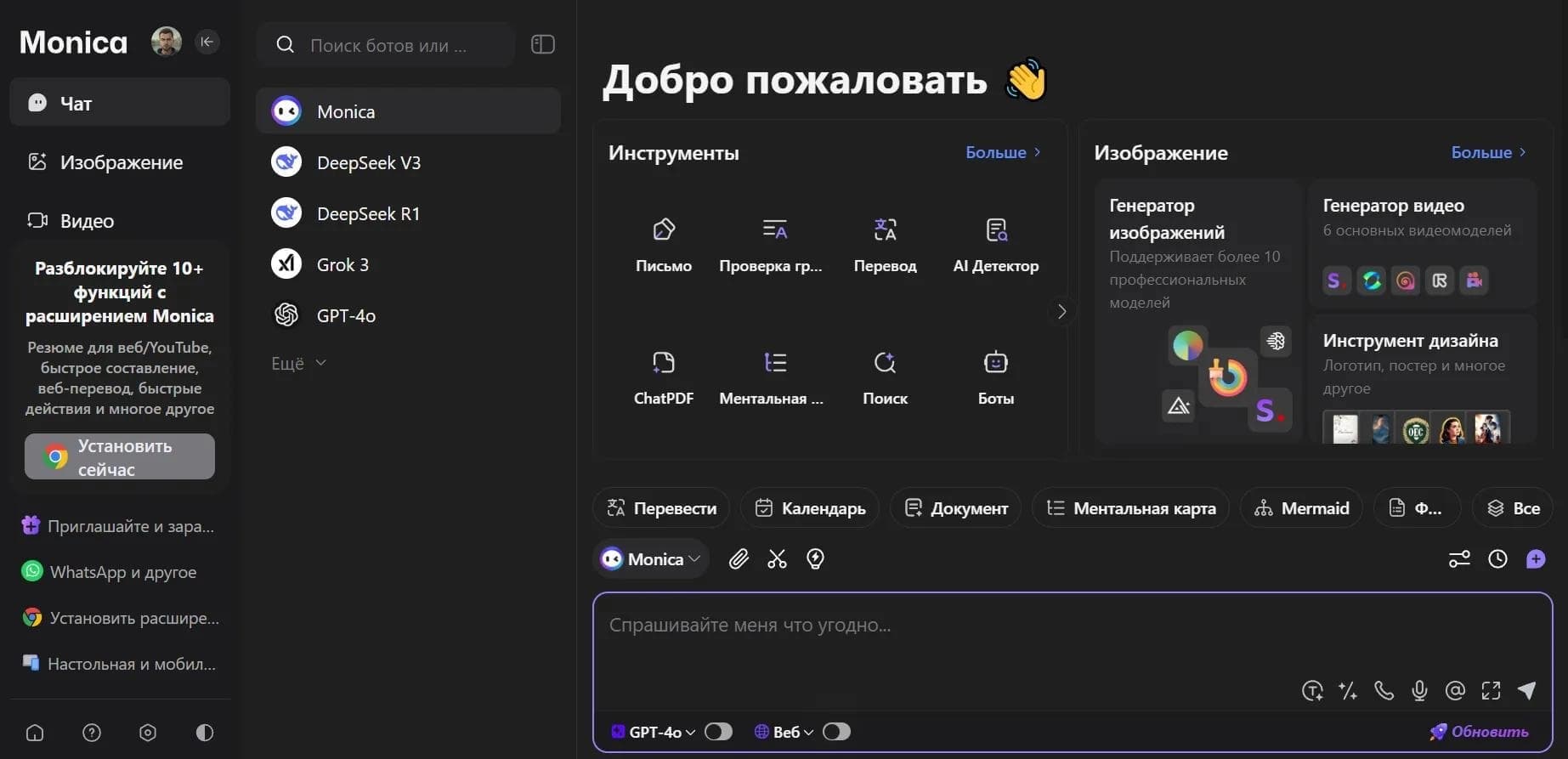

AI assistant in the form of a browser extension, website, and mobile app for chat, search, writing text and code, translation, and file analysis.

A browser with built-in AI tools for chatting with neural networks, generating texts and images, translating and summarizing pages.