

Sigma AI Browser
Браузер со встроенными ИИ-инструментами для общения с нейросетями, генерации текстов и изображений, перевода и суммаризации страниц.

Место в рейтингах
Обзор
Sigma AI Browser
Описание нейросети Sigma AI Browser
Sigma AI Browser — это веб-браузер с интегрированными инструментами искусственного интеллекта, которые встроены прямо в интерфейс и не требуют установки сторонних расширений. В основе браузера лежит встроенный помощник SigmaGPT, который позволяет общаться с нейросетью, генерировать тексты и изображения, создавать краткое содержание статей, переводить страницы и искать информацию, не покидая окно браузера и не переключаясь между разными сервисами.
Отличительная особенность Sigma AI Browser — умение работать как агент внутри самих сайтов. Браузер способен выполнять многошаговые действия по простой текстовой команде: входить в сервисы, управлять электронной почтой или бронировать отели. По сути это умный помощник, который берёт на себя рутинные веб-задачи, работая быстрее человека и избавляя от необходимости переключаться между множеством вкладок.
Согласно информации из источников, браузер позиционируется как продукт с приоритетом ИИ, повышающий продуктивность за счёт встроенных инструментов и умных функций просмотра. Он доступен на всех основных платформах и обеспечивает синхронизацию данных между устройствами.
Характеристики Sigma AI Browser
| Характеристика | Значение |
|---|---|
| Тип | Браузер с искусственным интеллектом, AI-агентный браузер |
| Категория | AI-браузер, автоматизация, поисковые системы |
| Платформы | Windows, macOS, Linux, Android, iOS |
| Встроенные модели | SigmaGPT (генерация текстов и изображений) |
| Преобразование | Текст в текст, текст в изображение |
| Веб-сайт | sigmabrowser.com |
| Модель распространения | Freemium, есть полностью бесплатный тариф |
| Статус | Бета-тестирование, доступ по листу ожидания |
| Синхронизация | Поддержка синхронизации данных между устройствами |
Для кого подходит нейросеть Sigma AI Browser?
Пользователи, работающие с контентом
Sigma AI Browser подходит тем, кому нужны быстрые решения по созданию, переводу и обработке контента. Встроенные инструменты позволяют генерировать тексты, обобщать материалы и переводить страницы без обращения к внешним ИИ-сервисам.
Люди, заботящиеся о приватности
Браузер включает интегрированные инструменты приватности и сохранения анонимности, которые работают без установки сторонних расширений. Это делает его интересным для пользователей, ценящих защиту личных данных в сети.
Пользователи, нуждающиеся в автоматизации
Для тех, кто устал от рутинных повторяющихся веб-задач — очистки почты, бронирования, ведения соцсетей — браузер выступает как агент, выполняющий многошаговые действия по текстовой команде. При этом интерфейс простой и адаптирован для новых пользователей.
Как использовать нейросеть Sigma AI Browser?
Начало работы
Основные функции браузера доступны сразу после установки. Интерфейс простой и адаптирован для новых пользователей, поэтому специальная подготовка не требуется. Встроенные ИИ-инструменты уже интегрированы и не требуют настройки отдельных сервисов.
Принцип работы агента
Работа с автоматизацией строится по принципу: пользователь ставит задачу обычным языком, а ИИ-агент разбивает её на шаги и выполняет внутри веб-сайтов. Например, можно дать команду войти в почтовый сервис, отсортировать письма или забронировать отель — браузер сам выполнит последовательность действий.
Основные функции Sigma AI Browser
Общение с ИИ и генерация контента
Встроенный SigmaGPT поддерживает общение с нейросетью, генерацию текстов и создание изображений. Всё это работает прямо в окне браузера без переключения между отдельными сервисами или установки расширений.
Суммаризация и перевод
Браузер умеет создавать краткое содержание статей и научных материалов, а также переводить страницы. Это удобно для быстрого ознакомления с длинными публикациями и работы с иноязычным контентом.
Автоматизация действий на сайтах
Sigma AI Browser автоматизирует работу внутри веб-сайтов: вход в сервисы (например, в Gmail), управление почтой, бронирование отелей и авиабилетов, ведение соцсетей, управление календарём и работу с CRM. Также он умеет собирать данные — извлекать таблицы с сайтов в Excel и собирать отзывы клиентов в документы.
Поиск информации
Встроенные инструменты обеспечивают глубокий поиск, в том числе по научным статьям, помогая находить и структурировать нужную информацию.
Преимущества Sigma AI Browser
Скорость и удобство
Браузер обеспечивает быструю генерацию и обработку контента, а также автоматизирует рутинные задачи быстрее человека. Единая платформа объединяет множество функций, избавляя от необходимости переключаться между разными сервисами.
Встроенная приватность и кроссплатформенность
Интегрированные инструменты приватности и анонимности работают без сторонних расширений. Браузер доступен на Windows, macOS, Linux, Android и iOS с синхронизацией данных между устройствами.
Независимость и доступность
Для работы не нужен внешний ИИ-сервис — все функции встроены в сам браузер. По данным одного из источников, сервис позиционируется как полностью бесплатный.
Недостатки Sigma AI Browser
Кривая обучения
Освоение ИИ-функций требует времени — несмотря на простой интерфейс, для эффективного использования всех возможностей автоматизации понадобится привыкнуть к принципам работы агента.
Ограниченная поддержка расширений
Поддержка сторонних расширений ограничена, что может стать препятствием для пользователей, привыкших использовать дополнительный набор плагинов. Также сервис находится на стадии бета-тестирования, что предполагает возможную незавершённость функций.
Какие задачи решает Sigma AI Browser
Работа с контентом и поиском
Браузер решает задачи создания текстов, генерации изображений, общения с искусственным интеллектом, краткого обзора материалов (саммари) и перевода контента. Он также помогает находить информацию, в том числе в научных публикациях.
Автоматизация рутинных веб-задач
Sigma AI Browser берёт на себя рутинные операции: очистку почты (массовую отписку от рассылок и сортировку писем), бронирование авиабилетов и отелей с поиском вариантов и сравнением цен, ведение соцсетей и управление календарём.
Сбор и защита данных
Браузер помогает собирать и структурировать данные с веб-сайтов, а также обеспечивает защиту личных данных пользователя и анонимность в сети.
Цены Sigma AI Browser
Sigma AI Browser работает по модели freemium. По данным одного из источников, существует полностью бесплатный тариф — на странице сервиса указано, что он «совершенно бесплатен». Другой источник упоминает бесплатную пробную версию. Точные цифры, стоимость платных тарифов и подробности ценовой политики в исходных данных не раскрываются, поэтому детальной информации о премиум-уровне нет.
Условия использования Sigma AI Browser
По данным источников, сервис находится на стадии бета-тестирования, и доступ к нему предоставляется по листу ожидания — чтобы начать работу, пользователю необходимо оставить заявку для получения раннего доступа. Такие условия типичны для продуктов на раннем этапе развития, когда функциональность ещё дорабатывается и распространяется среди ограниченного круга пользователей.
Доступность Sigma AI Browser
Браузер поддерживает Windows, macOS, Linux, Android и iOS, что покрывает практически все основные настольные и мобильные платформы. Отдельно отмечается поддержка синхронизации данных между устройствами. По данным одного из источников, сервис помечен как «Популярный» и, вероятно, широко доступен, однако точные списки поддерживаемых языков и регионов в исходных данных не указаны.
Чем отличается Sigma AI Browser от аналогов
Главное отличие Sigma AI Browser от многих аналогов в том, что это не просто отдельный ИИ-сервис или поисковик, а полноценный браузер с ИИ, встроенным прямо в интерфейс. Он объединяет общение с нейросетью, генерацию текстов и изображений, суммаризацию и перевод в одном окне, избавляя от необходимости переключаться между разными сервисами и устанавливать расширения.
Ключевая особенность, выделяющая его среди конкурентов, — агентный подход: браузер работает внутри самих сайтов, выполняя многошаговые задачи (вход в сервисы, управление почтой, бронирование) по простой текстовой команде, тогда как многие аналоги лишь открывают сайты или отвечают на вопросы. При этом браузер совмещает функции поисковой системы, инструментов приватности и платформы для автоматизации, чего обычно нет у узкоспециализированных сервисов. Однако, в отличие от некоторых аналогов, поддержка сторонних расширений у Sigma ограничена, а доступ на этапе бета-тестирования требует ожидания.
Заключение
Sigma AI Browser — это перспективный браузер со встроенными инструментами искусственного интеллекта, который объединяет общение с нейросетью, генерацию текстов и изображений, суммаризацию, перевод и поиск информации в едином интерфейсе без необходимости устанавливать сторонние расширения. Его главная отличительная особенность — агентный подход, позволяющий автоматизировать многошаговые веб-задачи вроде работы с почтой, бронирования и сбора данных по простой текстовой команде. Сервис находится на стадии бета-тестирования с доступом по листу ожидания, работает по модели freemium и поддерживает все основные платформы с синхронизацией данных. Благодаря встроенной приватности, кроссплатформенности и независимости от внешних ИИ-сервисов, Sigma AI Browser выглядит привлекательным решением для пользователей, которым нужны быстрые и удобные инструменты работы с контентом и автоматизации рутинных задач.
Часто задаваемые вопросы

Смотрите также


AI-помощник для проверки грамматики, орфографии и стиля английского текста, доступный как браузерное расширение и веб-редактор.


AI-генератор аниме-изображений по текстовому описанию с выбором шаблона.
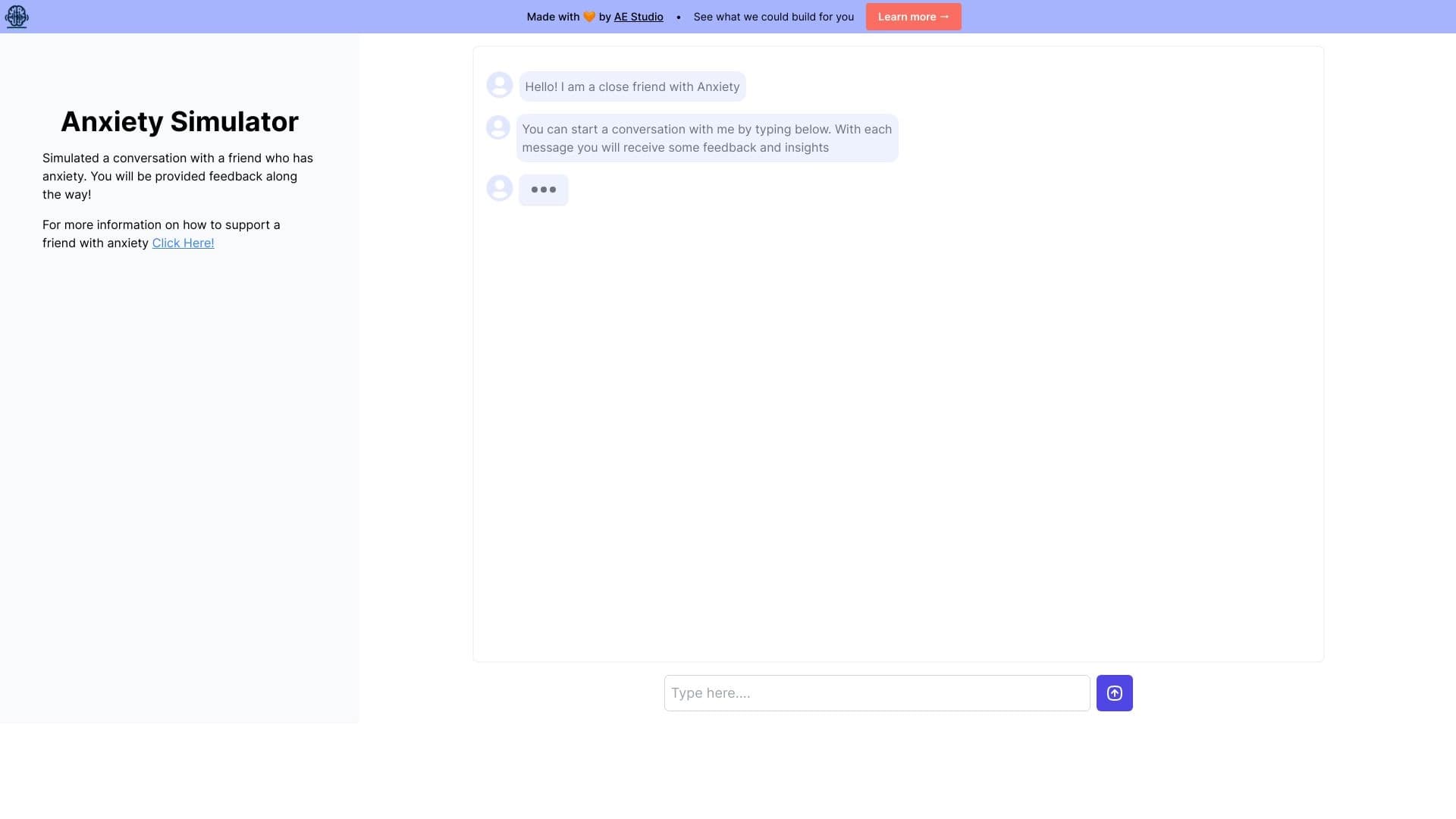
Веб-симулятор для практики поддерживающего общения с человеком, испытывающим тревогу.


ИИ-помощник для работы с электронной почтой, интегрирующийся с Gmail и Outlook.


Нейросеть для генерации изображений и коротких видео по текстовым описаниям.

AI-генератор названий для бизнеса с проверкой доступности доменов.


Онлайн-сервис с искусственным интеллектом, который автоматически создает презентации на заданную тему.


AI-платформа для автоматизации видеоредактирования, включая замену лиц, перевод видео и создание аватаров.