
ChatGPT Chrome-Extension (AIWingman)
A browser extension that embeds ChatGPT GPT-4 into any website for translating texts, summarizing articles, and answering questions.
Overview
ChatGPT Chrome-Extension (AIWingman)
Description of the ChatGPT Chrome-Extension (AIWingman) AI
ChatGPT Chrome-Extension (AIWingman) is a Google Chrome browser extension that integrates the GPT-4 language model directly into the web browser. Users get access to artificial intelligence capabilities without having to switch to separate services or open tabs with chatbots.
The tool lets you translate selected text on web pages, get summaries of long articles, and ask AI questions while browsing a site. The extension is aimed at users who regularly work with large volumes of information online and want to speed up routine tasks. A free version with basic functionality is available, as well as paid plans with advanced features.
ChatGPT Chrome-Extension (AIWingman) characteristics
| Characteristic | Value |
|---|---|
| Type | Browser extension |
| Developer | AI Wingman |
| Base model | GPT-4 |
| Categories | Translation tools, Text processing tools, Chatbot creation tools |
| Monthly visits | 388.9K |
| Free plan | Yes (access to basic functions) |
| Distribution model | Freemium |
Who is ChatGPT Chrome-Extension (AIWingman) for?
Users who work with large amounts of information online
The extension will be useful for those who regularly need to process many articles, reports, and web pages. Quickly getting summaries and translating texts saves time when working with information flows.
Professionals who need quick AI assistance when working with customers
The tool suits support staff, sales managers, and anyone who needs fast AI help in responding to customer questions. The extension helps craft responses and find the information you need without leaving the page you are working on.
How to use the ChatGPT Chrome-Extension (AIWingman) AI
Installing the extension
To get started, install the extension from the Chrome Web Store. The installation process is standard for any browser extension — you add it to Chrome and follow the developer’s instructions. Once installed, the AI assistant is available on any website.
Working with AI on web pages
No complex setup is required after installation. You can interact with the AI right on the page you are viewing: select text to translate, request article summaries, and ask questions. All features are available without switching to other services or separate applications.
Key features of ChatGPT Chrome-Extension (AIWingman)
Instant text translation
The extension provides fast, high-quality translation of selected text on a web page. You don’t need to use separate translators or copy text into third-party services — translation happens right in the browser in a few clicks.
Summarizing articles and long texts
The tool can create concise summaries of long articles and reports in seconds. This is especially useful when working with lengthy materials and you need to quickly grasp the main points without reading the entire text.
Real-time answers to questions
You can ask the AI questions and get answers without leaving the current page. This works on any website, making it convenient for studying, work, and quick research queries.
Automatic translation of website content
The extension can automatically translate web page content, making it easier to work with foreign websites and documents.
Advantages of ChatGPT Chrome-Extension (AIWingman)
Instant help without switching between services
The AI is always at hand right in the browser. You don’t need to search the internet, wait for support, or open additional apps — help arrives immediately on the same page.
Time savings when working with texts
The ability to get summaries of long materials and quick translations removes the need to read large amounts of text in full or use separate translation programs. This significantly speeds up information processing.
Integration with any website
The extension works on virtually all web pages without restrictions. You can use the AI features anywhere on the internet — for work, study, or personal tasks.
Drawbacks of ChatGPT Chrome-Extension (AIWingman)
Requires a constant internet connection
The extension does not work in offline mode. Any operation — translation, summarization, or answering questions — requires an active internet connection. This limits use in areas with unstable connectivity or no internet access.
Data privacy risks
All requests and data sent through the extension are transmitted to remote servers for processing. This carries potential risks of personal or corporate information leakage. Users should consider this when working with confidential data.
Limitations in understanding complex requests
The AI does not always correctly handle complex or highly specialized requests. In some cases, answers may be too general or fail to take specific context into account, which may require additional clarification.
What tasks does ChatGPT Chrome-Extension (AIWingman) solve?
Fast translation of text on foreign websites
The extension lets you instantly translate selected text on web pages without using separate translation services. This is especially useful when working with foreign sources of information.
Getting concise summaries of long articles and reports
With the summarization feature, you can quickly get a condensed version of a large piece of content. This saves time when reading news, research papers, analytical reports, and other long texts.
Instant answers to questions without switching to other services
The tool lets you ask the AI questions and receive real-time answers without leaving the current page. This simplifies information lookup and improves work efficiency.
Faster customer work with AI hints
The extension helps you craft responses to customers, find the information you need, and complete work tasks faster thanks to AI prompts right in the browser.
Pricing of ChatGPT Chrome-Extension (AIWingman)
The tool is distributed under a freemium model. A free plan with basic features is available, enough to get familiar with the extension’s capabilities.
For users who need more, there are two paid options:
- Premium plan — monthly subscription. Includes advanced features and priority support.
- Professional plan — one-time payment. Provides lifetime access to all features and updates.
Terms of use of ChatGPT Chrome-Extension (AIWingman)
To use the extension, you need to install it in Google Chrome from the Chrome Web Store. A stable internet connection is required — without it, the extension’s features are unavailable.
All requests and data sent through the extension are transmitted to remote servers for processing. Users should be aware that this carries certain privacy risks, especially when working with confidential information.
Availability of ChatGPT Chrome-Extension (AIWingman)
The extension is available for Google Chrome and can be installed from the Chrome Web Store. Once installed, it works on all websites without restrictions — you can use the AI features anywhere on the internet.
The official page of the extension is in the Chrome Web Store.
How is ChatGPT Chrome-Extension (AIWingman) different from alternatives?
GPT-4 integration directly in the browser
The main difference is the built-in GPT-4 language model that works right in the browser without switching between services. While many alternatives, such as Botmother, Leadtex, Aimylogic, SaleBot, Botpress, or Botsify, are separate chatbot-building platforms or require opening separate interfaces, ChatGPT Chrome-Extension (AIWingman) offers seamless AI integration on any website.
Versatility and ease of use
The extension combines translation, summarization, and Q&A interaction in one tool. This sets it apart from specialized solutions that often focus on a single task — for example, only translation or only chatbot creation. Installation and use are extremely simple: no complicated settings, just click and the AI is ready to help.
Focus on accessibility
The availability of a free plan with basic functions and lifetime access at a fixed price makes the tool more accessible to a broad audience compared with some alternatives that require an ongoing subscription and do not offer a one-time payment option.
Conclusion
ChatGPT Chrome-Extension (AIWingman) is a practical browser extension that integrates GPT-4 capabilities directly into the web browser. The tool lets you translate texts, get concise summaries of articles, and ask the AI questions on any website without switching between services. It saves users time but requires a constant internet connection and does not guarantee complete data privacy. Thanks to the free plan and affordable paid subscriptions, the extension is suitable both for exploring the technology and for regular professional use.
Frequently asked questions


See also


AI platform for automating video editing, including face replacement, video translation, and avatar creation.


An add-in for Microsoft Word that uses neural networks to automate the creation, editing, and analysis of legal contracts.
Web service for making AI-generated texts look more natural and human.


AI Slide Studio is an AI-powered service for quickly creating customizable presentations on a given topic.


A tool for automated SEO content creation with keyword research and long-form text generation.


AI-powered platform for generating legal documents, contract analysis, and obtaining legal information.


Web service for generating images from text descriptions and communicating with virtual characters.
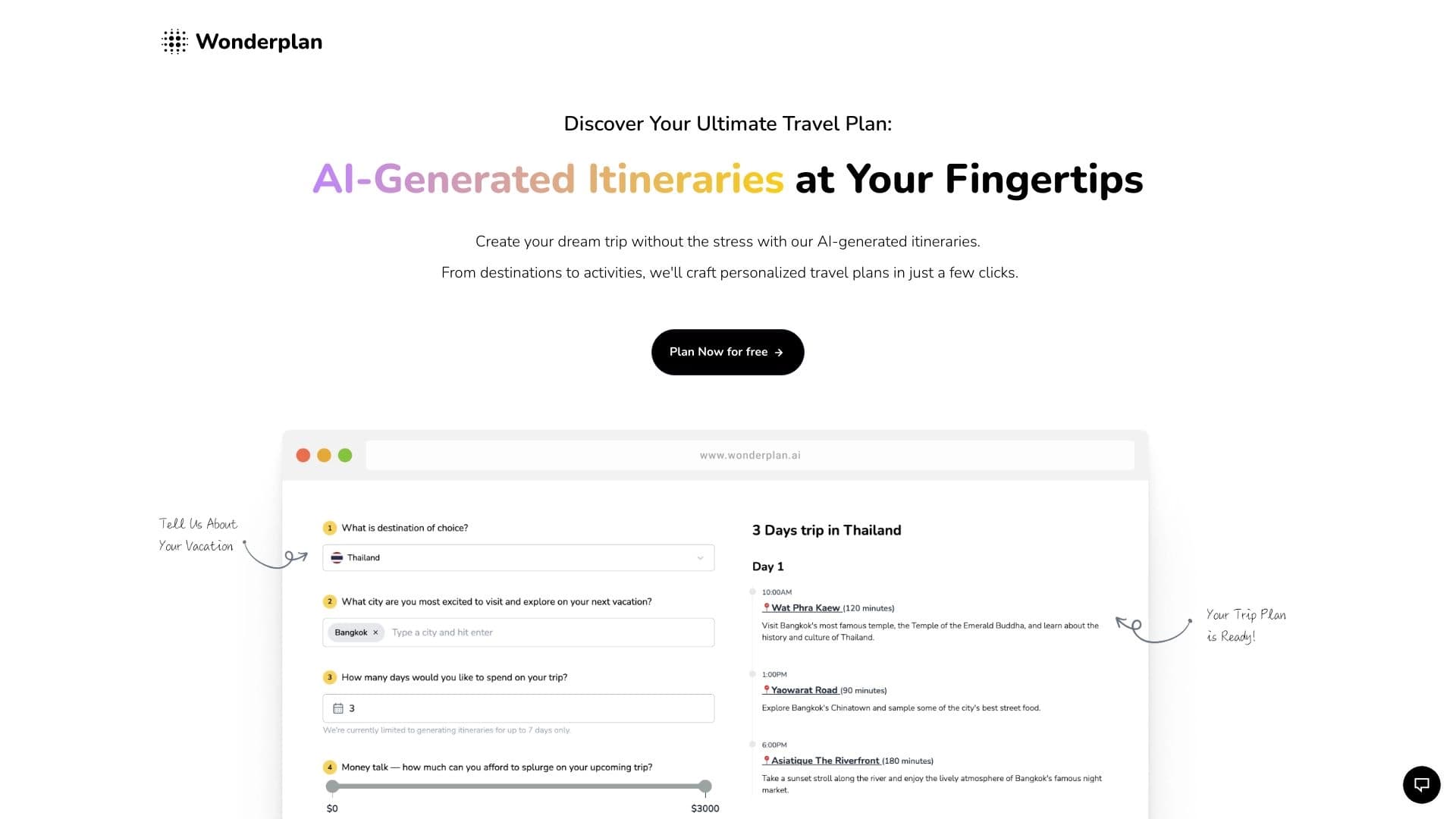

An AI travel planning assistant that creates detailed itineraries based on preferences, budget, and trip duration.