

Monica
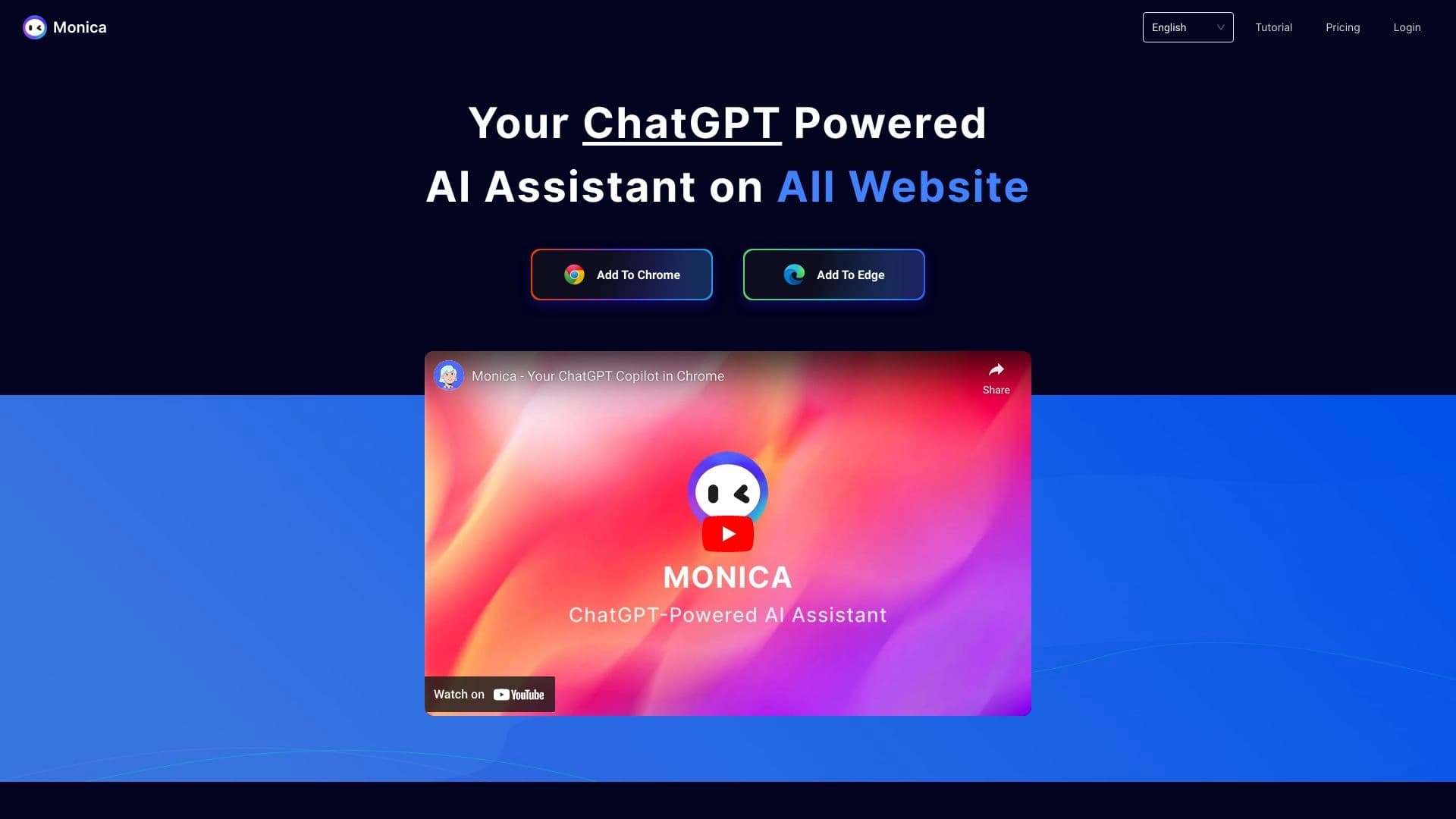
AI assistant in the form of a browser extension, website, and mobile app for chat, search, writing text and code, translation, and file analysis.
Ranked in
Overview
Monica
Description of Monica AI
Monica is a multifunctional AI assistant that combines several advanced language models (GPT-4o, Claude 3.7, DeepSeek R1, Gemini, and others) in a single interface. The tool is available as a browser extension for Chrome and Edge, a web application, and mobile apps for iOS and Android. Monica lets you chat with AI, search for information, generate text and images, translate web pages, analyze PDF files, and create videos. The assistant also provides more than 80 copywriting templates and can explain, paraphrase, or translate selected text on any web page.
Monica Characteristics
| Characteristic | Value |
|---|---|
| Type | AI assistant |
| Categories | AI assistants, Browser extensions, Chatbots, Text generation, Speech recognition |
| Platforms | Website, Chrome, Edge, mobile apps (iOS, Android) |
| Integrated models | GPT-4o, Claude 3.7, DeepSeek R1, Gemini, and others (up to 10 models in total) |
| Interface languages | Russian and 50+ other languages |
| Free plan | Yes (100 requests per day) |
| Distribution model | Freemium |
| Registration required | Yes |
| Credit card required | No |
| Lifetime plan | No |
| Date added to catalog | May 11, 2024 |
Who is Monica AI for?
Freelancers and content specialists
Monica is suitable for freelancers, copywriters, and content writers who need fast text generation, paraphrasing, translation, and the creation of marketing materials using ready-made templates.
Students and researchers
Students and researchers can use Monica to search for information, analyze PDF files, translate web pages, and get help with writing papers.
Software developers
Developers will find in Monica an assistant for writing code, explaining code fragments, and solving technical tasks using different language models.
General audience
The tool is designed for anyone who wants to make everyday tasks more efficient with AI — from communication and search to creativity and document work.
How to use Monica AI?
Registration and installation
To get started, you need to register on the monica.im website. After registration, you can install the browser extension for Chrome or Edge, or download the mobile app for iOS or Android.
Launch and operation
To summon Monica in the browser, press Cmd+M (on macOS) or Ctrl+M (on Windows). In the menu that appears, select the desired function, enter a query, or upload a file. The result will be displayed in the chat. To work via the website or mobile app, simply log in to your account and start a conversation with the AI.
Choosing a model
Before you start, you can select one of the available language models (GPT-4o, Claude 3.7, Gemini, DeepSeek R1, and others) to tailor responses to a specific task.
Main functions of Monica
Chat and search
Monica supports one-click AI chat and advanced information search. The assistant can answer questions, hold conversations, and help find the data you need on the internet.
Text generation and copywriting
The tool provides more than 80 templates for creating marketing texts, as well as functions for paraphrasing, explaining, and translating a selected fragment on any web page. Monica can automatically write texts for various purposes.
Working with images and video
Monica can create images using DALL·E 3 and generate 4K videos from text via Veo2. It also offers Recraft vector graphics generation and image analysis for identifying objects.
Document translation and analysis
The assistant supports parallel translation of web pages while preserving the original formatting, automatic extraction of key data from PDF files, and analysis of uploaded documents.
Additional capabilities
Monica includes more than 40 tools for processing text, media, and data, integrations with messengers (WhatsApp, Telegram, Line
Frequently asked questions
Similar AI tools


See also


Service for quickly generating e-books on a given topic.

Platform for creating custom AI chats trained on your own business data.


Online image editor with AI-powered features for photo processing, design, and content generation.
AIJOURNEY is a catalog and search platform for discovering AI tools, updated daily.


AI platform for user support in applications, including a chatbot and ticketing system.


Platform for automating client acquisition and personalized email campaigns with data enrichment from over 150 sources.

AI business name generator with domain availability checking.


AI-powered platform for generating and editing images and videos.