

Sonix
Веб-сервис для автоматической транскрибации аудио и видео в текст с поддержкой более 50 языков.

Место в рейтингах
Обзор
Sonix
Описание нейросети Sonix
Sonix — это веб-сервис для автоматической транскрибации аудио и видеофайлов в текст, работающий прямо в браузере. Сервис поддерживает более 50 языков распознавания речи и объединяет в себе сразу несколько полезных инструментов: встроенный редактор транскриптов, функции автоматического перевода, создание субтитров и AI-анализ содержимого.
Помимо простого преобразования звука в текст, Sonix умеет резюмировать расшифровки, выделять главные темы и давать пояснения к содержимому. Благодаря такому набору функций сервис подходит для повседневных задач обработки записей — от встреч и лекций до интервью и учебных материалов. Работает по модели freemium с бесплатным пробным периодом, а для использования требуется постоянный доступ к интернету.
Характеристики Sonix
| Характеристика | Значение |
|---|---|
| Тип | Сервис для транскрибации, перевода и создания субтитров |
| Категории | Транскрибация аудио, распознавание речи, субтитры, перевод, бизнес |
| Поддерживаемые языки | Более 50 языков (транскрибация и перевод) |
| Платформа | Браузер (веб-сервис) |
| Бизнес-модель | Freemium |
| Бесплатный тариф | Да (30 минут бесплатной транскрибации для новых пользователей) |
| Веб-сайт | sonix.ai |
Для кого подходит нейросеть Sonix?
Sonix ориентирован на широкий круг пользователей, которым нужно регулярно переводить аудио- и видеозаписи в текст. Подробнее рассмотрим основные группы.
Журналисты и исследователи
Представителям этих профессий Sonix помогает быстро расшифровывать интервью, записи встреч и архивные материалы. Вместо многочасового ручного набора текста они получают готовую расшифровку, которую легко редактировать и делиться с коллегами.
Преподаватели и студенты
Для образовательных целей сервис полезен при обработке лекций и семинаров. Возможность перевода и создания сводок делает его удобным инструментом для работы с учебным контентом на разных языках.
Контент-мейкеры и специалисты
Контент-мейкерам функция субтитров помогает оформлять видео, а юристам и другим специалистам — вести протоколы встреч. Благодаря инструментам совместной работы сервис подходит и для командных проектов с большим объёмом материалов.
Как использовать нейросеть Sonix?
Работа с Sonix построена на простом принципе «загрузил файл — получил расшифровку», и все действия выполняются в браузере. Рассмотрим основные этапы.
Загрузка и распознавание
Пользователь загружает аудио- или видеофайл и выбирает нужный язык. Сервис автоматически выполняет транскрибацию, преобразуя речь в текст без необходимости устанавливать дополнительное программное обеспечение.
Редактирование и организация
После получения расшифровки доступен встроенный редактор: в нём можно искать фрагменты текста, проигрывать соответствующие участки записи, исправлять ошибки и структурировать содержимое. Также есть возможность организовывать и делиться готовыми текстами.
Использование расширенных опций
Для освоения продвинутых функций — перевода, создания субтитров, AI-анализа и совместной работы — новичкам может понадобиться время. Начать лучше с бесплатного пробного периода, чтобы познакомиться с интерфейсом и основными возможностями.
Основные функции Sonix
Sonix предлагает комплекс инструментов, охватывающий полный цикл работы с аудио- и видеоконтентом. Перечислим ключевые возможности.
Транскрибация и редактор
Ядро сервиса — автоматическое преобразование речи в текст с высокой точностью. Встроенный браузерный редактор позволяет искать, редактировать, проигрывать и обмениваться транскриптами, а также экспортировать их в различные форматы.
Перевод и субтитры
Сервис поддерживает автоматический перевод транскриптов на 54+ языков, а также создание и настройку субтитров для видео — полезная функция для локализации контента.
AI-анализ контента
Встроенный искусственный интеллект умеет создавать автоматические сводки, формировать заголовки глав, проводить тематический анализ, а также определять темы и ключевые сущности в тексте. Это помогает быстро структурировать даже большие объёмы материала.
Совместная работа
Функции группировки и совместной работы предназначены для крупных проектов, позволяя командам обрабатывать и организовывать материалы сообща.
Преимущества Sonix
Сервис выделяется среди аналогов рядом сильных сторон, которые делают его удобным для повседневного использования.
Высокая точность и удобство
Sonix обеспечивает высокую точность распознавания речи при хорошем качестве звука. Интерфейс простой и понятный, а работа прямо в браузере избавляет от необходимости устанавливать программы.
Широкая языковая поддержка
Сервис работает с более чем 50 языками как для транскрибации, так и для перевода, что делает его универсальным инструментом для международных проектов.
Гибкие тарифы и расширенные функции
Пользователям доступны гибкие варианты оплаты, в том числе модель pay-as-you-go без абонентской платы и бесплатное тестирование с 30 минутами транскрибации. В премиум-тарифе открываются пользовательский словарь, неограниченный экспорт и API-интеграция.
Недостатки Sonix
Несмотря на сильные стороны, у сервиса есть ограничения, которые стоит учитывать перед использованием.
Зависимость от интернета
Для работы Sonix требуется постоянный доступ к сети, а офлайн-возможности сервиса ограничены. Это не лучший вариант для тех, кто часто работает без подключения к интернету.
Подписка и кривая обучения
Оплата осуществляется только по подписке, а новичкам понадобится время, чтобы освоить расширенные опции — от продвинутых настроек редактора до инструментов анализа и совместной работы.
Какие задачи решает Sonix
Sonix закрывает широкий спектр задач, связанных с обработкой звука и видео. Рассмотрим основные из них.
Расшифровка и работа с текстом
Сервис автоматически преобразует речь из аудио- и видеофайлов в текст, а также позволяет редактировать, организовывать и делиться готовыми расшифровками. Речь идёт об обработке записей встреч, лекций, интервью и других материалов.
Субтитры и перевод
Sonix помогает создавать субтитры для видео и переводить транскрипты на десятки языков, что упрощает локализацию и делает контент доступнее для международной аудитории.
Анализ и структурирование
Встроенный AI выполняет сводку содержимого, выделяет темы и формирует заголовки глав, помогая быстро ориентироваться в объёмных текстах и материалах — от брендов и исследовательских отчётов до учебных записей.
Цены Sonix
Сервис предлагает три тарифных плана, различающихся по модели оплаты и набору функций.
Standard
Тариф работает по модели pay-as-you-go без абонентской платы: транскрибация стоит $10 за час, перевод — $10 за час. Подходит для тех, кто пользуется сервисом эпизодически.
Premium
Подписка обходится в $22 в месяц за пользователя, а при годовой оплате действует скидка до $16,50 в месяц. В этом тарифе транскрибация дешевле — $5 за час, перевод — $3 за час, плюс открываются пользовательский словарь, неограниченный экспорт и API-интеграция.
Enterprise
Для команд от 5 пользователей предусмотрен корпоративный тариф с индивидуальными условиями. Новым пользователям доступно 30 минут бесплатной транскрибации для пробной работы с сервисом.
Условия использования Sonix
Для начала работы с сервисом требуется регистрация, после чего пользователь получает доступ к бесплатному пробному периоду. Подписчикам Premium-тарифа открываются дополнительные возможности: пользовательский словарь, неограниченный экспорт транскриптов и интеграция через API. Подробности о конкретных ограничениях бесплатного тарифа и лимитах в исходных данных не раскрываются, поэтому их стоит уточнить на официальном сайте сервиса.
Доступность Sonix
Sonix доступен через браузер и работает более чем с 50 языками как для транскрибации, так и для перевода. Сервис требует постоянного подключения к интернету, а его офлайн-возможности ограничены. Информация о мобильных приложениях, региональных ограничениях или требованиях к VPN в исходных данных не указана.
Чем отличается Sonix от аналогов
Отличия Sonix от прямых конкурентов в исходных данных прямо не описаны, поэтому сравнивать его с аналогами по конкретным параметрам затруднительно. Вместе с тем сервис объединяет в одном месте сразу несколько возможностей: транскрибацию на более чем 50 языках, автоматический перевод, создание субтитров и AI-анализ контента со сводками и выделением тем. Такое сочетание «всё в одном» вместе с гибкой моделью оплаты pay-as-you-go и бесплатным пробным периодом может быть определяющим фактором при выборе среди других решений для расшифровки речи.
Заключение
Sonix — это универсальный веб-сервис для автоматической транскрибации аудио и видео в текст с поддержкой более 50 языков, встроенным редактором, функциями перевода, создания субтитров и AI-анализа контента. Он подходит журналистам, преподавателям и контент-мейкерам, а также всем, кому нужно быстро обрабатывать записи встреч, лекций и интервью. Сервис работает по модели freemium с бесплатным пробным периодом на 30 минут, предлагает гибкие тарифы от pay-as-you-go до корпоративного, требует постоянного доступа к интернету и является удобным решением для тех, кто ценит работу в браузере без установки дополнительного ПО.
Тарифы
Часто задаваемые вопросы
Похожие нейросети






Смотрите также


Многофункциональный AI-ассистент для генерации текстов, изображений и аудио.

Нейросеть для анализа документов, которая извлекает ключевую информацию, создаёт резюме и отвечает на вопросы по содержимому загруженных файлов.


Нейросеть для генерации SEO-оптимизированных статей и автоматизации ведения блогов.


Онлайн-сервис на базе ИИ для быстрого создания презентаций по заданной теме или загруженному документу.


Сервис для превращения статичных изображений в видео с пением и синхронизацией губ с помощью ИИ.


Сервис для живых диалогов с ИИ, включающий генерацию текста, голоса и распознавание речи.
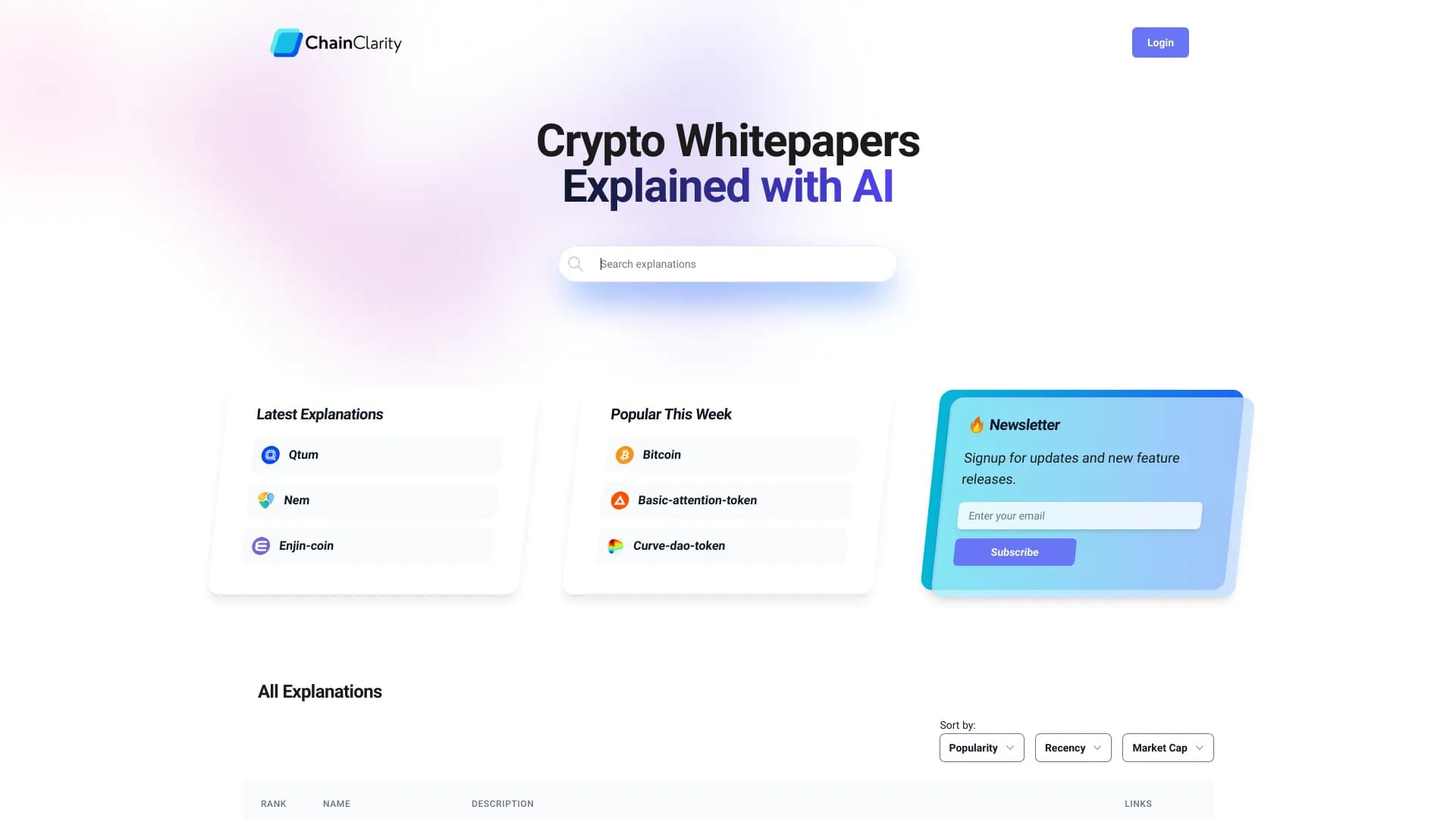
Сервис на базе ИИ, который упрощает технические документы криптовалютных проектов для широкой аудитории.


ИИ-ассистент для создания текстового контента, изображений и работы с голосом, ориентированный на русскоязычных пользователей.