

FlutterFlow
Visual builder for creating cross-platform applications with AI-powered code generation.
Overview
FlutterFlow
About FlutterFlow
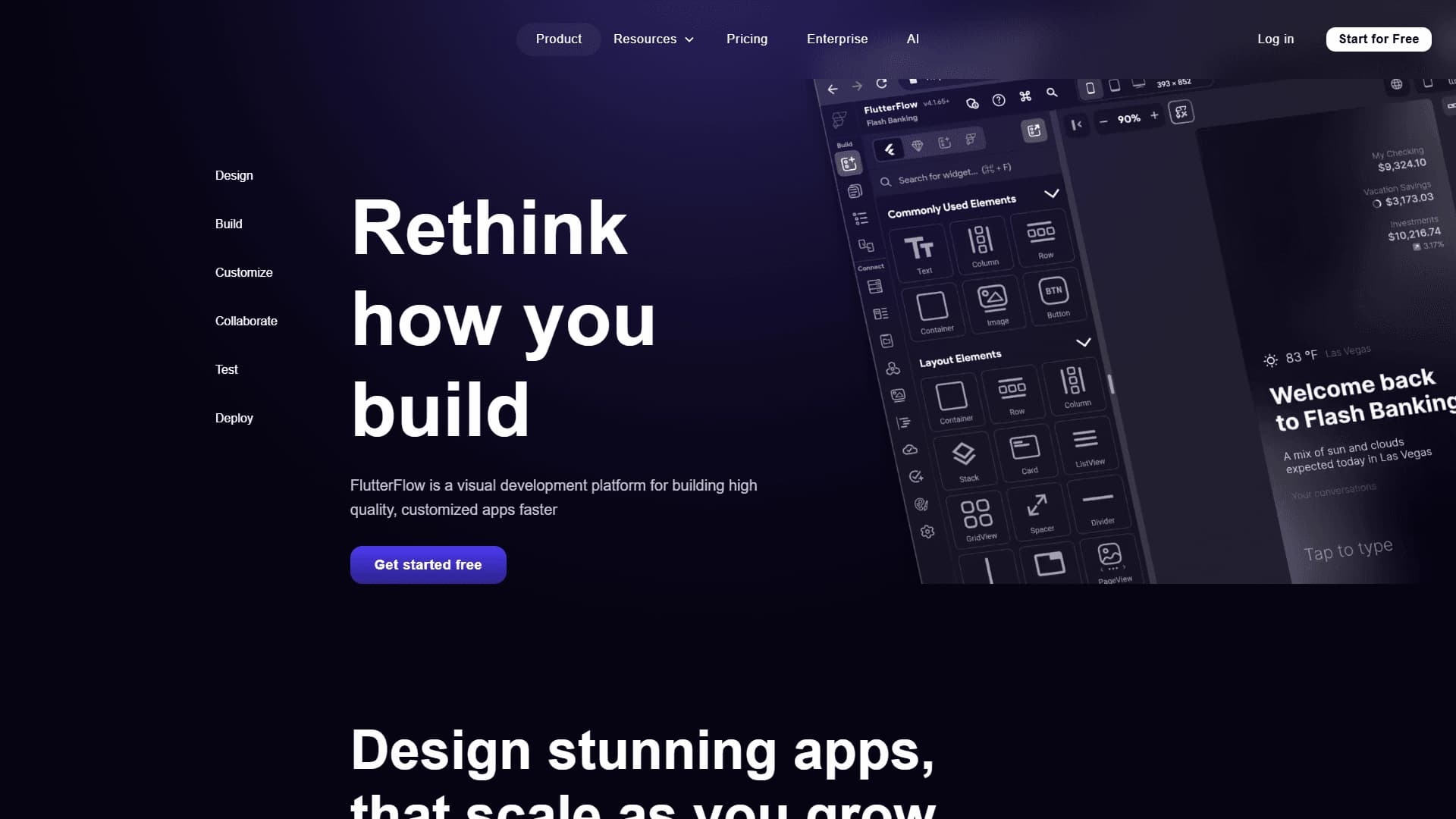
FlutterFlow is a visual platform for rapidly building cross-platform applications, running directly in the browser. The tool combines the functionality of a no-code builder with artificial intelligence capabilities for code generation. Users can design interfaces using drag-and-drop, configure business logic, and connect external services such as Firebase and APIs without writing code manually. The finished project can be exported as clean Dart code or published directly to app stores.
The platform uses Google's Flutter framework, which ensures native performance on iOS, Android, and the web. Thanks to its built-in AI, FlutterFlow accelerates the development process by automating routine coding tasks and providing ready-made templates and widgets for typical solutions.
FlutterFlow characteristics
| Characteristic | Value |
|---|---|
| Type | Visual app development platform |
| Category | Development |
| Platforms | iOS, Android, web |
| Base framework | Flutter by Google |
| Code generation | Clean Dart code |
| Free plan available | Yes |
| Trial period | Yes |
| API available | Yes |
| Use cases | Development |
| Transformation | Text to code, text to app |
| Tasks | Write code, create an app |
Who is FlutterFlow for?
Startups and entrepreneurs
FlutterFlow is ideal for startups that need to quickly launch a minimum viable product (MVP) and test a business hypothesis. The platform allows creating working prototypes without hiring expensive developers or long classic development cycles.
Designers and developers
Designers can implement their mockups into working apps on their own, without waiting for programmers. Developers, in turn, get a tool to speed up routine tasks: the visual builder makes it easy to assemble an app skeleton, and the clean exported Dart code can be refined manually to implement complex logic.
Teams and individual specialists
The platform supports collaborative work on projects, which is convenient for small teams. Solo developers and product managers who value efficiency will also find FlutterFlow useful for quickly creating prototypes and full-featured applications.
How to use FlutterFlow?
Getting started with the visual builder
To get started, you need to sign up on the platform. After that, you can immediately begin building an app in the drag-and-drop visual builder. The user drags ready-made widgets and interface elements onto the canvas and configures their appearance and layout.
Configuring logic and integrations
Once the interface is created, you can move on to configuring business logic. FlutterFlow allows connecting external services such as Firebase for database and authentication, as well as using APIs to integrate with third-party tools. All settings are performed visually, without writing code.
Exporting and publishing
The finished project can be exported as clean Dart code. This code can then be refined manually in any development environment that supports Flutter. In addition, the platform lets you publish the app directly to the iOS and Android app stores or deploy a web version.
Core FlutterFlow features
Visual drag-and-drop builder
The platform offers a full-featured visual editor for designing interfaces. Users can create app screens, add buttons, forms, lists and other elements, and configure animations and transitions between pages without writing code.
Clean Dart code generation
FlutterFlow automatically generates clean Dart code from the visually created project. The code can be exported and used in third-party development environments for further customization. This ensures flexibility and the option of manual refinement when necessary.
Firebase and API integration
The platform supports a direct connection to Firebase, allowing you to work with the database, authentication, cloud functions and other Google services. Integration with any external APIs is also available for connecting third-party services.
Cross-platform development support
FlutterFlow lets you create apps for iOS, Android and the web from a single codebase. This reduces development time and simplifies app maintenance across different platforms.
FlutterFlow advantages
Speed of app development
The visual editor and ready-made templates significantly reduce development time compared with classic coding. A prototype or MVP can be built in hours rather than days or weeks.
Versatility and a single codebase
FlutterFlow uses the Flutter framework, making it possible to create apps for iOS, Android and the web from a single project. This simplifies development and reduces the cost of maintaining multiple app versions.
Flexibility and customization options
Unlike many no-code platforms, FlutterFlow offers the ability to export clean Dart code. This means the user is not locked into the platform: the code can be refined manually, integrated into existing projects, or handed off to developers for further evolution.
Easy integration setup
FlutterFlow provides ready-made integrations with Firebase and other external services. Connecting databases and APIs is configured visually, making the platform accessible even to users without deep technical knowledge.
FlutterFlow drawbacks
Like any tool, FlutterFlow has limitations. The free plan includes basic functionality, but access to advanced features such as team collaboration and additional API integrations requires a paid subscription. In addition, the platform is focused on the Flutter framework, which can be a limitation for developers used to other technology stacks. Complex, non-standard scenarios may require manual refinement of the exported code, which implies skills in working with Dart.
What problems does FlutterFlow solve?
Rapid creation of cross-platform apps
FlutterFlow's main job is to accelerate the development of iOS, Android and web applications. The platform allows creating ready-to-publish products with minimal time investment.
Building prototypes and MVPs
FlutterFlow is ideal for rapid prototyping and launching minimum viable products. This is especially relevant for startups and teams that need to validate a business hypothesis with real users.
Development with room for further customization
The platform solves the challenge of creating applications that can be refined and evolved later. Export to clean Dart code makes it possible to hand the project over to professional developers for implementing complex logic.
Collaborative work on projects
FlutterFlow supports teamwork, allowing several participants to work on the same project simultaneously, design interfaces and configure logic.
FlutterFlow pricing
FlutterFlow operates on a freemium model. A free plan is available that includes core functionality: visual builder, code export and project creation. Paid plans are available via a monthly subscription. The subscription unlocks team collaboration, extended API integrations and other advanced features. A trial period is also provided for testing paid features before purchase.
FlutterFlow terms of use
To work with FlutterFlow, you need to register on the platform. The free plan has limited functionality — for example, not all integrations and team collaboration features are available. A paid subscription is required to get full access to the platform's features.
FlutterFlow availability
The platform runs in the browser and lets you create applications for iOS, Android and the web. The interface is available in Russian and English. There is no information about regional restrictions or the need for a VPN on the official page.
How FlutterFlow differs from alternatives
Comparison with Bubble
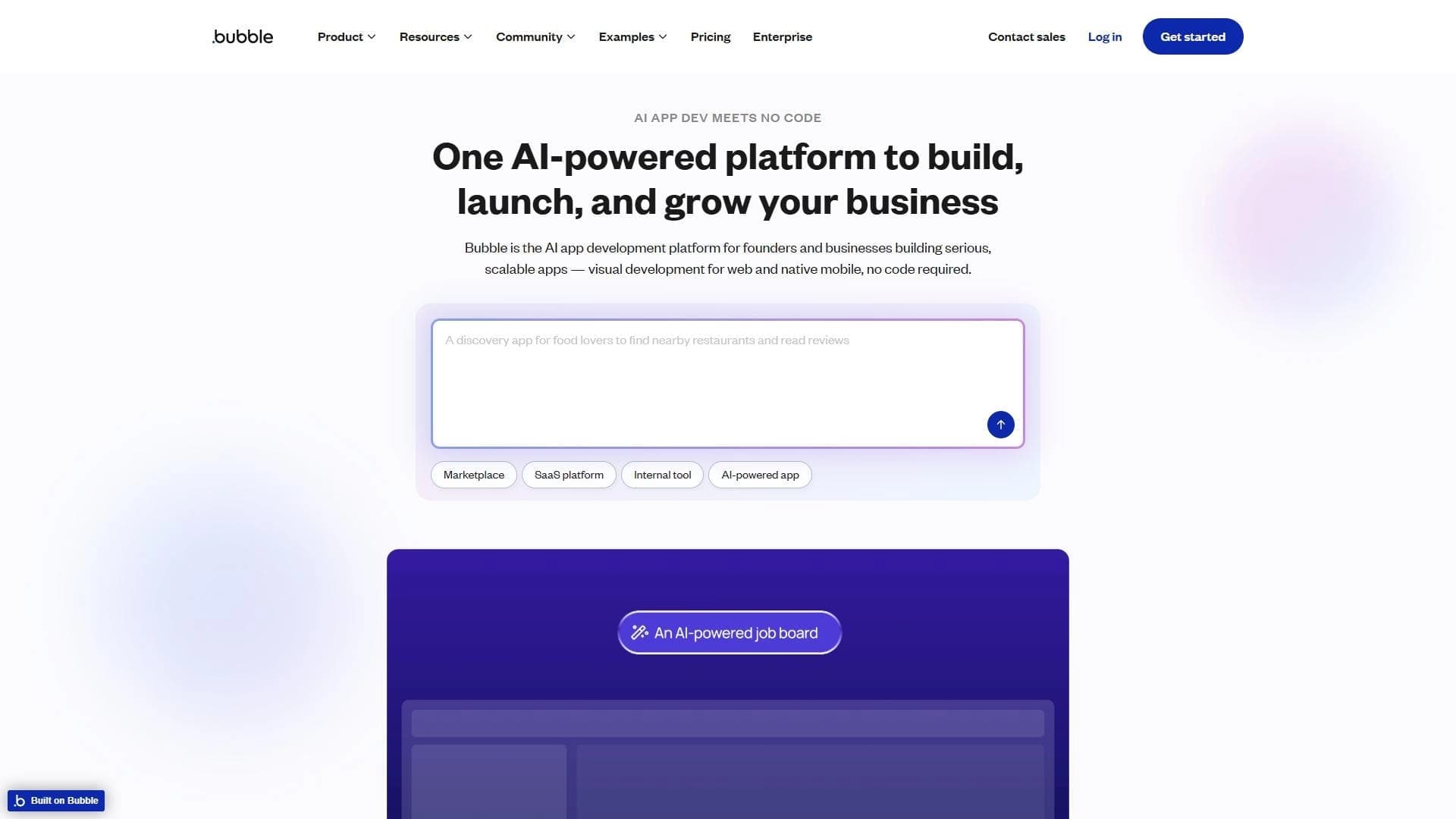
Bubble focuses primarily on building web applications, while FlutterFlow supports native development for iOS and Android. This makes FlutterFlow a more versatile solution for projects that need mobile apps alongside a web version.
Comparison with Adalo
Adalo is also a no-code platform, but it falls behind FlutterFlow in depth of customization and code export capabilities. FlutterFlow provides clean Dart code that can be refined manually, whereas Adalo offers more limited options for manual refinement.
Advantage over traditional development
Compared with hand-writing Flutter code, FlutterFlow significantly speeds up launching prototypes and MVPs. The platform automates routine tasks, allowing developers to focus on implementing unique logic and business requirements.
Conclusion
FlutterFlow is a practical tool for quickly building cross-platform applications with the ability to customize and export code. The platform is suitable for startups, designers and developers who value speed and flexibility. Thanks to the visual builder, Firebase integration and clean Dart code generation, FlutterFlow lets you take an app from prototype to production without needing deep programming knowledge, while still offering the option of manual refinement for complex scenarios.
Pricing
Frequently asked questions

See also
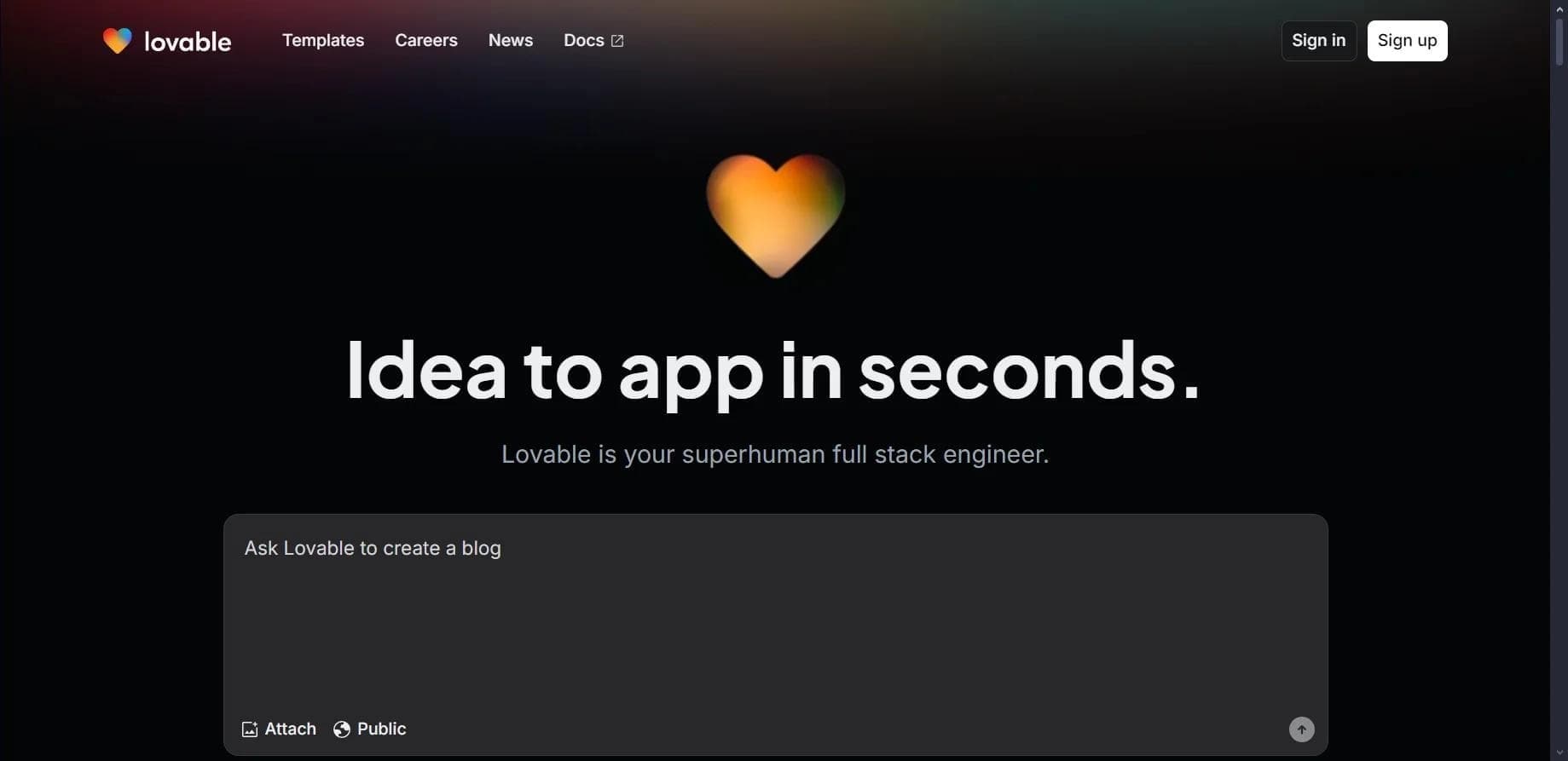

Platform for creating web applications and websites from a text description using AI.
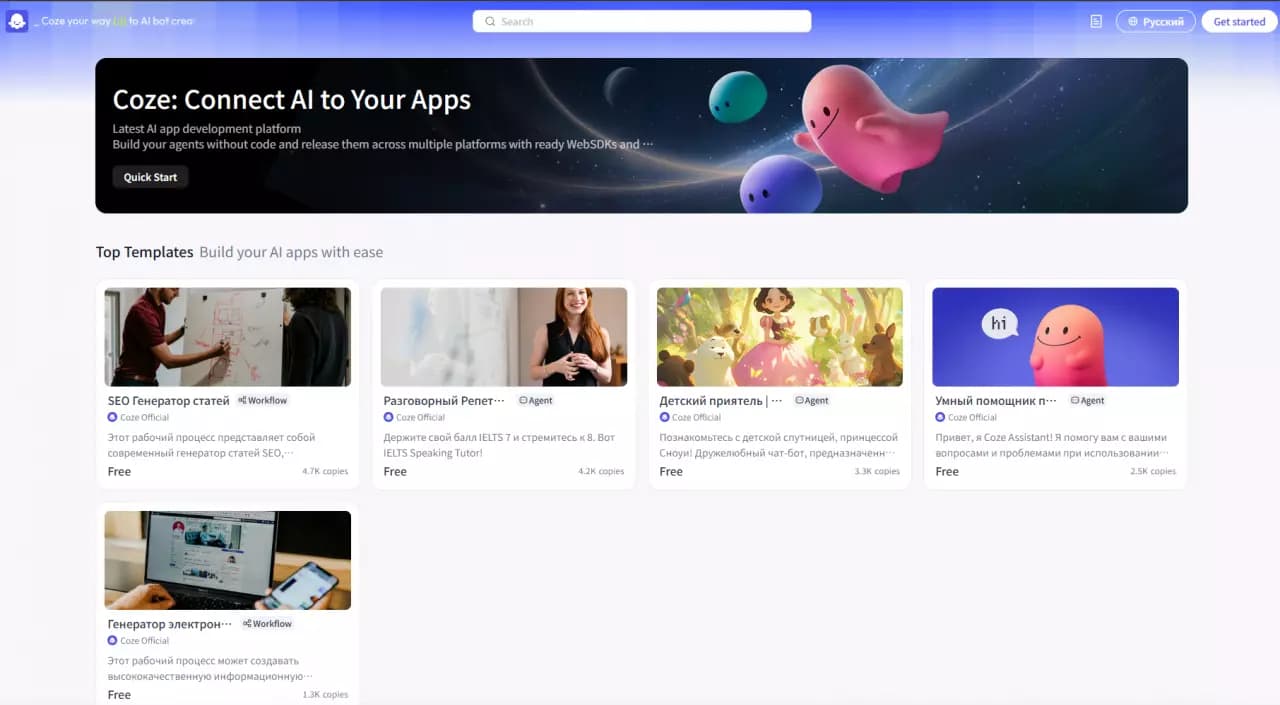

Platform for building AI chatbots with a visual builder that requires no coding skills.


Cloud platform for launching AI applications directly in the browser without installation.
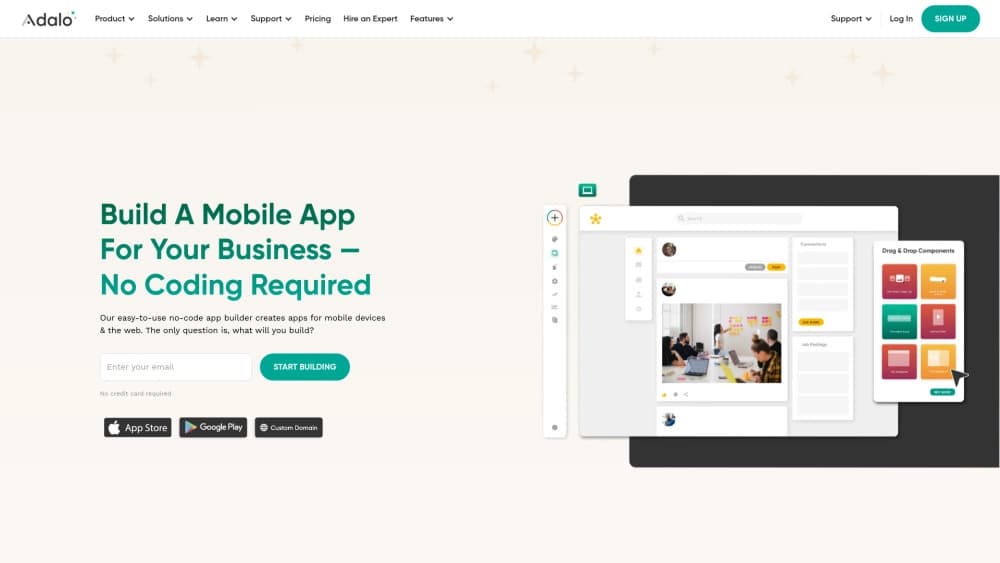
A platform for creating mobile and web applications without writing code, using a visual builder.

Platform for creating AI chatbots without coding, targeted at businesses and agencies.

A design canvas built into the code editor, allowing you to create interfaces and write code in one place.
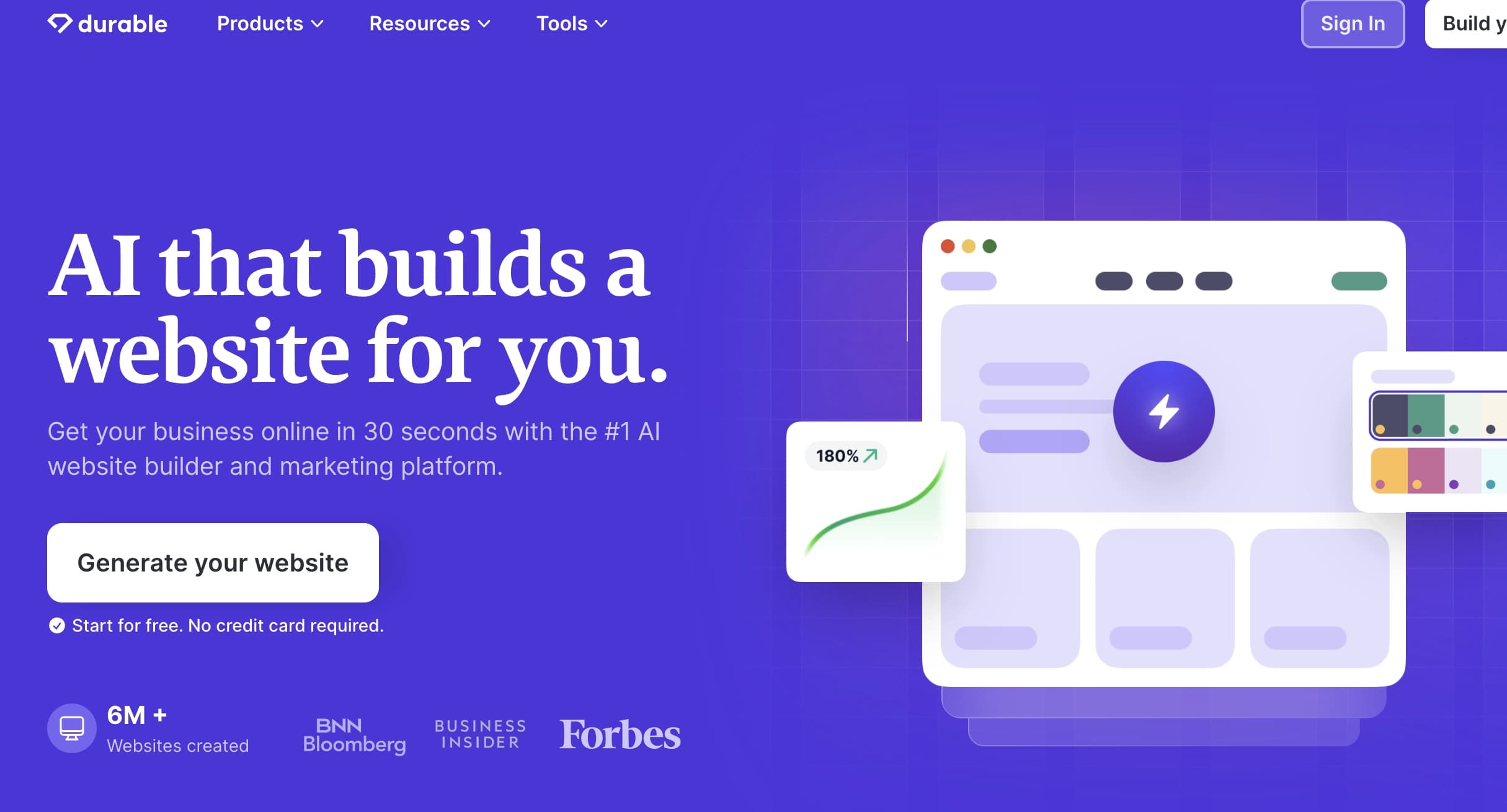

AI platform for fast website creation and small business process management.

A workflow automation platform that connects thousands of apps without requiring coding.