

Coqui
Web platform for text-to-speech synthesis with the ability to clone and create AI voices.
Overview
Coqui
Description of the Coqui neural network
Coqui is an AI-powered web platform designed for text-to-speech synthesis. The service makes it possible to create realistic digital voices for a wide variety of tasks, from reading text aloud to complex multimedia projects.
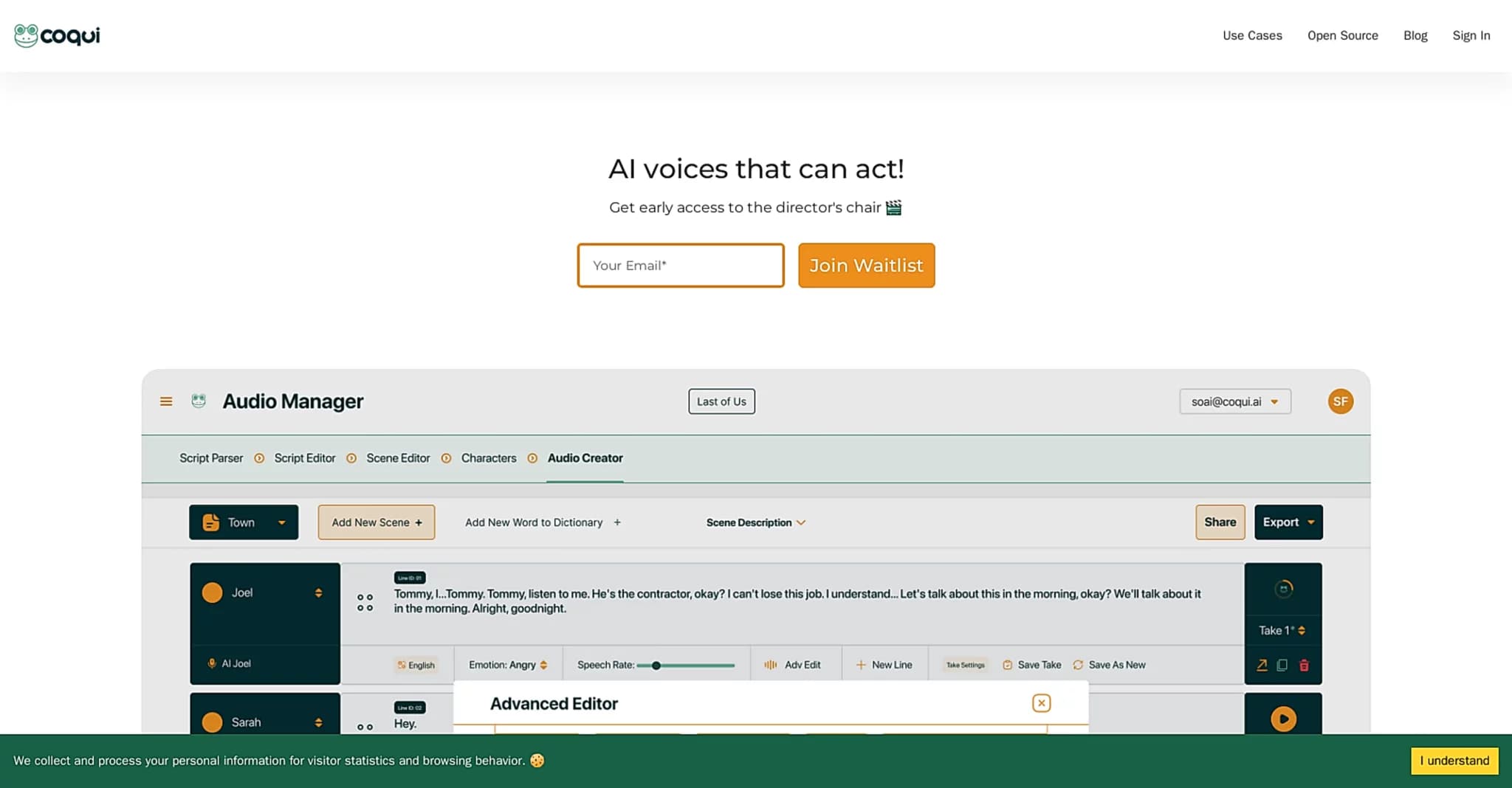
Coqui’s main feature is the ability to quickly obtain high-quality generative voices. Users can clone a voice from just a few seconds of audio, create new voices from scratch by mixing existing ones, or generate voices simply by describing the desired result. In addition, the platform provides tools for controlling the emotional tone of speech and working with multiple voices simultaneously.
Coqui is distributed on a freemium model: there is a free version, a paid plan, and a trial period. This approach makes the service accessible both to beginners exploring voice generation and to professionals who need advanced features.
Coqui characteristics
| Characteristic | Value |
|---|---|
| Category | Audio processing, text to audio, voice generation |
| Access type | Free, paid, trial |
| Distribution model | Freemium |
| Interface language | Russian |
| API | Yes |
| Mobile app | Yes |
| Browser extension | Yes |
| Registration | Not required |
| Platforms | Web |
Who is the Coqui neural network for?
Video game developers
Coqui helps improve the gaming experience for players. With realistic AI voices, game characters can be voiced, adding expressiveness and liveliness without the need for recording studios.
Post-production specialists
The tool helps streamline dubbing and voice-over processes. Universal AI-generated voices speed up the production of audio for media projects and simplify the process of making edits.
Content creators and musicians
Coqui is well suited for content creators who want to add dynamic, emotional voices to their multimedia projects. The service is also useful for musicians and professionals in a wide range of fields where voice generation is required.
How to use the Coqui neural network?
Getting started on the platform
Coqui is available as a web service — to get started, simply open the platform in your browser; no registration is required. A mobile app and a browser extension are also available, and an API is provided for integration into your own projects.
Creating a voice
Users can synthesize speech from text using built-in AI voices, clone a voice from just a few seconds of audio, or create a new voice by mixing existing ones. It is also possible to describe the voice you want, and the platform will generate it.
Working on a project
For convenience, a timeline editor is provided that allows working with multiple AI voices at once. You can import scripts and involve team members, making collaborative voice-over work easier.
Core features of Coqui
Voice cloning
The platform lets you create generative AI voices from just a few seconds of audio. This is one of the key capabilities, greatly speeding up the process of achieving the desired result.
Emotion and voice control
Users can adjust emotional tone and control the voice to create dynamic, expressive performances. This makes voice-overs more lifelike and better matched to a specific script.
Timeline editor
This feature makes it possible to direct scenes with multiple AI voices, achieving smooth integration of dialogue lines. The editor simplifies multi-voice audio editing in one place.
Collaboration and script import
Coqui supports project management and teamwork: you can import scripts and collaborate with team members on a shared task, which is convenient for large projects.
Advantages of Coqui
Realistic generative voices
Coqui allows users to create high-quality, realistic AI voices suitable for a wide range of applications, from games to post-production.
Fast voice cloning
Cloning requires only a few seconds of audio, making the process quick and convenient even for time-sensitive tasks.
Flexible voice customization
Users can control emotions and voice parameters to achieve the desired delivery. This sets the platform apart from simple text-to-speech converters.
Accessibility
The availability of a free version, a trial period, a Russian interface, a mobile app, and an API makes the service convenient for a large number of users.
Disadvantages of Coqui
Pricing model
The tool uses a freemium model with paid plans and a trial period. To take full advantage of all the advanced features, a paid subscription will likely be required.
What tasks does Coqui solve?
Voice-over and speech synthesis
Coqui’s main task is converting text into speech and creating audio. The service handles the synthesis of natural-sounding voices from text scripts.
Voice generation and audio content creation
The tool helps create audio content for a wide range of needs, from video game voice-overs to dubbing and multimedia projects. The platform is also suitable for generating voices when the desired voice is not available among the ready-made ones.
Coqui pricing
Coqui is distributed on a freemium model. The tool has a free version, a paid plan, and a trial. Users can start with the free features and expand their capabilities with a paid subscription if necessary. Exact pricing figures are not specified in the source data.
Coqui terms of use
No registration is required to get started, which simplifies access to the service. The tool has been tested and is positioned as a recognized company with a strong social media presence.
Coqui availability
Coqui is available as a web version, as well as through a mobile app and a browser extension. An API is provided for integration into your own products. The platform interface is available in Russian, which is convenient for Russian-speaking users.
How Coqui differs from alternatives
Coqui stands out among similar voice generation solutions by combining several important capabilities in one service. The key difference is its broad functionality: in addition to standard text-to-speech conversion, the platform offers fast voice cloning (from just a few seconds of audio), creation of new voices by mixing existing ones, and control over the emotional tone of speech.
Another distinguishing feature is the timeline editor for working with multiple AI voices simultaneously, as well as support for script import and collaborative teamwork. This makes Coqui more than just a text-to-speech converter — it is a full-fledged tool for producing multi-voice audio content. The Russian-language interface, the lack of mandatory registration, and the availability of an API, mobile app, and browser extension add to its convenience.
Conclusion
Coqui is a functional AI-powered tool for creating realistic voices and voice-over text. The platform offers fast voice cloning, emotion control, a timeline editor, and collaboration features, making it suitable for video games, post-production, and content creation. At the same time, the freemium distribution model, which involves paid plans, should be taken into account.
Frequently asked questions

See also

AI-powered platform for generating and editing images and videos.
Cloud platform for text-to-speech conversion with realistic AI-powered voices.


Cloud platform for launching AI applications directly in the browser without installation.


An AI-powered service for handling phone calls that transcribes conversations in real time and creates concise summaries of the discussion.
AI tool for musicians that lets you split audio recordings into separate tracks, change tempo and key, and generate full arrangements from a single audio track.
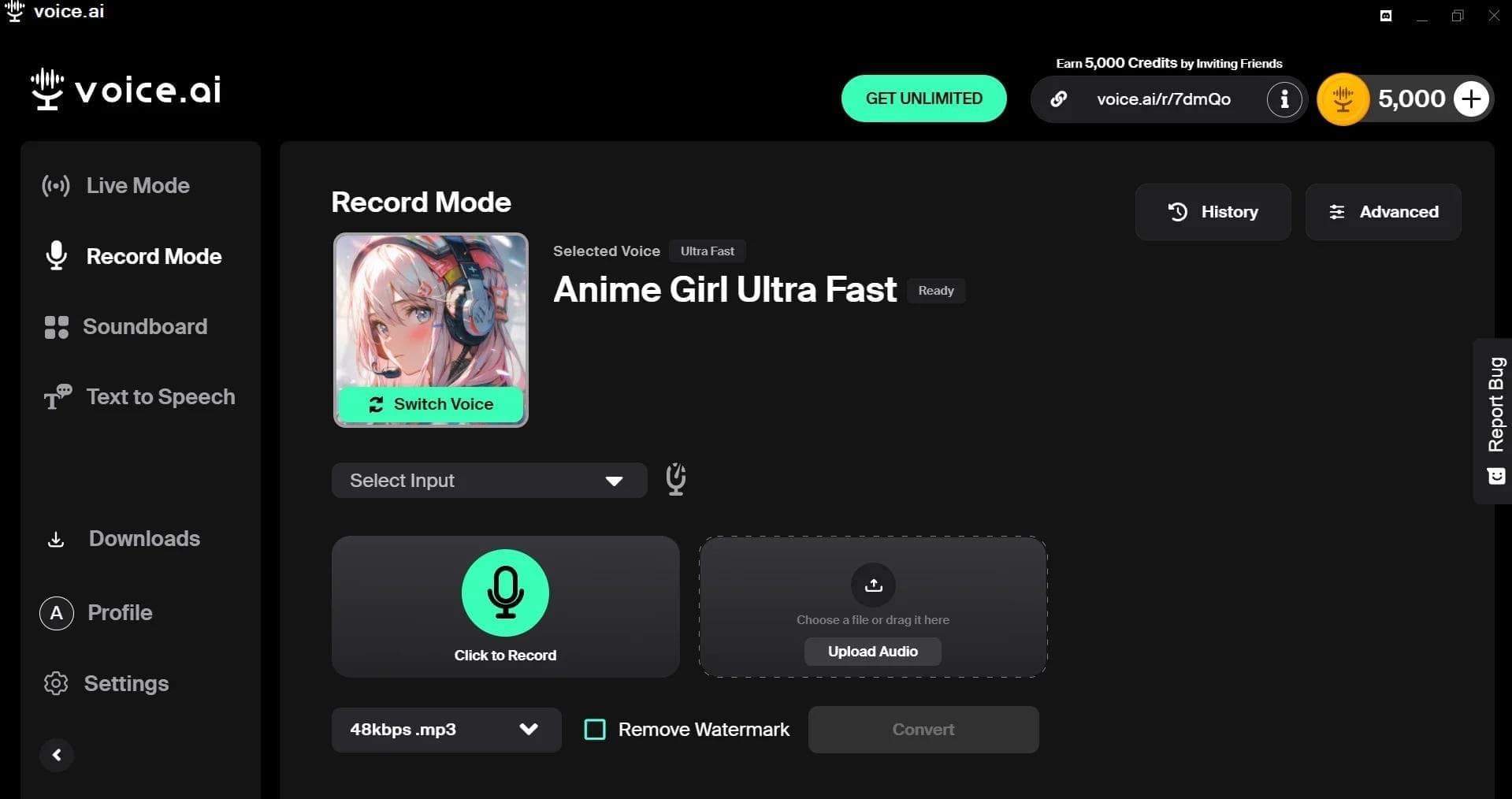

AI-powered platform for real-time voice changing and cloning.
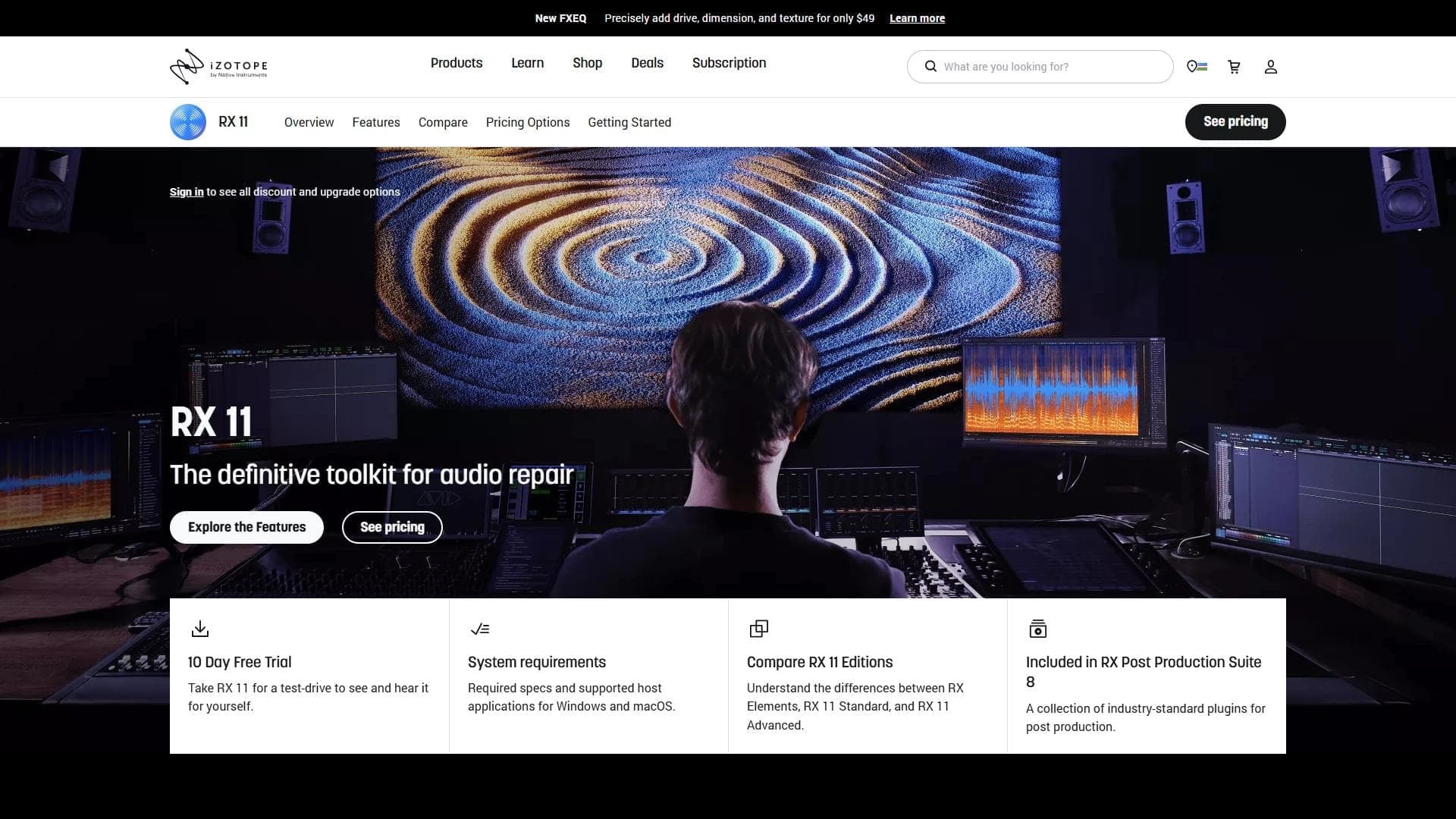

Professional audio restoration and cleaning software powered by machine learning.


Platform for recording, editing, and publishing podcasts and video content with built-in AI tools.