
Tasker AI
ИИ-ассистент, который выполняет рутинные задачи в Google-аккаунте, а не просто дает советы.
Обзор
Tasker AI
Описание нейросети Tasker AI
Tasker AI — это ИИ-ассистент, который встроен в браузер Chrome и подключен к вашему Google-аккаунту. Его ключевая особенность — он не просто отвечает на вопросы и дает рекомендации, а самостоятельно выполняет порученные задачи. Речь идет о реальных действиях: запланировать встречу, разобрать входящие письма, создать таблицу или даже заказать продукты.
Вместо того чтобы открывать десяток вкладок и переключаться между сервисами, вы делегируете рутинные операции ассистенту. При этом сервис поддерживает настройку повторяющихся сценариев — например, ежедневный утренний обзор событий или автоматическое резюмирование поступивших документов.
Важно учитывать, что продукт находится на ранней стадии развития. Это означает, что возможны медленная работа, неожиданные результаты и ограничения по сложности запросов. Для максимальной точности при выполнении нетривиальных задач рекомендуется использовать английский язык.
Характеристики Tasker AI
| Характеристика | Значение |
|---|---|
| Тип | AI-ассистент, цифровой помощник |
| Категория | Продуктивность |
| Бизнес-модель | Freemium |
| Интеграция | Google-аккаунты (календарь, почта, облачное хранилище) |
| Платформа | Расширение для Chrome |
| Состояние | Ранняя стадия разработки |
Для кого подходит нейросеть Tasker AI?
Тем, кто тонет в рутине
Инструмент создан для людей, которые устали вручную разгребать почту, составлять однотипные отчеты, планировать встречи и постоянно переключаться между вкладками. Если повседневная работа отнимает больше времени, чем хотелось бы, ассистент готов взять на себя часть этих операций.
Пользователям экосистемы Google
Поскольку Tasker AI глубоко интегрирован с сервисами Google (почта, календарь, облачное хранилище), он будет особенно полезен тем, кто активно пользуется этими инструментами. Чем больше вашей digital-жизни сосредоточено в Google-аккаунте, тем более полным и автономным будет взаимодействие с ассистентом.
Специалистам, работающим с большим объемом информации
Тем, кто регулярно работает с таблицами, текстами и видео, Tasker AI может помочь с транскрибацией, анализом данных и оформлением информации в структурированном виде.
Как использовать нейросеть Tasker AI?
Установка и подключение
Основной интерфейс — расширение для Chrome. Первый шаг — установить его и предоставить доступ к вашему Google-аккаунту. Ассистенту понадобится доступ к почте, календарю и облачному хранилищу для выполнения задач.
Постановка задач
После подключения вы можете ставить ассистенту задачи на естественном языке. Он воспринимает поручения как команды к действию, а не как запросы на консультацию. Например, можно попросить его запланировать встречу или отправить ответ на письмо.
Настройка сценариев
Для регулярных операций можно создавать повторяющиеся сценарии. Если вам нужно ежедневно получать сводку событий или еженедельно формировать отчет, ассистент сделает это автоматически по расписанию.
Основные функции Tasker AI
Работа с почтой и календарем
Ассистент умеет планировать встречи, управлять календарем, а также разбирать и отправлять письма. Это избавляет от необходимости вручную контролировать каждое уведомление.
Создание контента и документов
Инструмент может создавать таблицы, генерировать изображения и презентации, а также работать с текстами. Это полезно для подготовки материалов к встречам, отчетов или учебных пособий.
Обработка информации
Tasker AI способен транскрибировать видео — преобразовывать речь в текст — и резюмировать научные статьи. Это позволяет быстро получать суть длинных материалов без их полного прочтения.
Онлайн-покупки
Помимо офисных задач, ассистент поддерживает заказ продуктов и поиск выгодных предложений. Он поможет подобрать нужные товары и оформить заказ через интернет.
Преимущества Tasker AI
Выполняет, а не советует
Главное преимущество перед обычными чат-ботами — способность совершать реальные действия в ваших сервисах. Вы получаете не рекомендацию «что сделать», а готовый результат.
Глубокая интеграция с Google
Работа внутри экосистемы Google позволяет ассистенту иметь доступ ко всем ключевым данным и эффективно оперировать ими: почтой, календарем, документами и облачными файлами.
Экономия времени на рутине
Автоматизация стандартных операций освобождает время для более важных задач. А настройка повторяющихся сценариев снижает необходимость вмешиваться в однотипные процессы.
Недостатки Tasker AI
Ранняя стадия разработки
Продукт еще не отлажен: возможны торможения, ошибки и непредсказуемые результаты. Пользователю нужно быть готовым к тому, что ассистент может работать нестабильно.
Ограничения по языку
Для сложных запросов точность выполнения выше при использовании английского языка. Русскоязычные пользователи могут столкнуться с менее качественными результатами в нетривиальных сценариях.
Вопросы безопасности
Для работы сервису требуется доступ к вашему Google-аккаунту — почте, календарю, облачному хранилищу. Это неизбежно вызывает опасения относительно конфиденциальности данных и требует осознанного решения.
Какие задачи решает Tasker AI
- Автоматизация планирования встреч и управления календарем.
- Автоматизация работы с электронной почтой: разбор, сортировка, отправка писем.
- Сбор и оформление данных из разных источников в структурированные таблицы.
- Создание презентаций и генерация изображений.
- Транскрибация видео и резюмирование текстовых и научных материалов.
- Заказ товаров и услуг онлайн, поиск выгодных предложений.
Цены Tasker AI
Модель распространения — freemium. Это означает наличие бесплатного тарифа с базовым набором функций и возможность перехода на платные расширенные планы по мере необходимости.
Условия использования Tasker AI
Для начала работы требуется зарегистрироваться и предоставить сервису доступ к вашему Google-аккаунту. Без разрешения на чтение и управление почтой, календарем и облачным хранилищем полноценное функционирование ассистента невозможно. Это стандартное условие для подобных интеграционных сервисов.
Доступность Tasker AI
Инструмент распространяется в виде расширения для браузера Chrome. Для полной функциональности обязательным условием является наличие Google-аккаунта и предоставление к нему соответствующих разрешений.
Чем отличается Tasker AI от аналогов
Ключевое отличие Tasker AI от многих других AI-инструментов — модель поведения. Традиционные чат-боты ограничиваются генерацией ответов и советов: они подскажут, как поступить, но не сделают это за вас. Tasker AI же действует самостоятельно в рамках выданных прав. Он не пишет «проверьте почту», а сам открывает письма, сортирует их и отвечает на нужные. Для пользователя это означает переход от режима «прочитал и сделал сам» к режиму «поставил задачу и получил результат».
Заключение
Tasker AI — это цифровой ассистент на ранней стадии развития, который автоматизирует повседневные задачи через глубокую интеграцию с Google-сервисами. Его главная сила — в способности выполнять действия, а не только давать рекомендации, экономить время на рутинных операциях. Однако на текущем этапе пользователю стоит быть готовым к возможным ошибкам, медленной работе и необходимости предоставить доступ к своим аккаунтам. Инструмент подойдет тем, кто активно пользуется экосистемой Google и готов мириться с недочетами ранней версии ради автоматизации рутины.
Часто задаваемые вопросы

Смотрите также


ИИ-ассистент для создания текстового контента, изображений и работы с голосом, ориентированный на русскоязычных пользователей.


AI-платформа для автоматического планирования рабочего дня, управления задачами и приоритезации дел.

Каталог AI-инструментов с обучающими материалами и руководствами для подбора нейросетей.


Платформа для увеличения органического трафика и создания контента с помощью ИИ и участия экспертов.
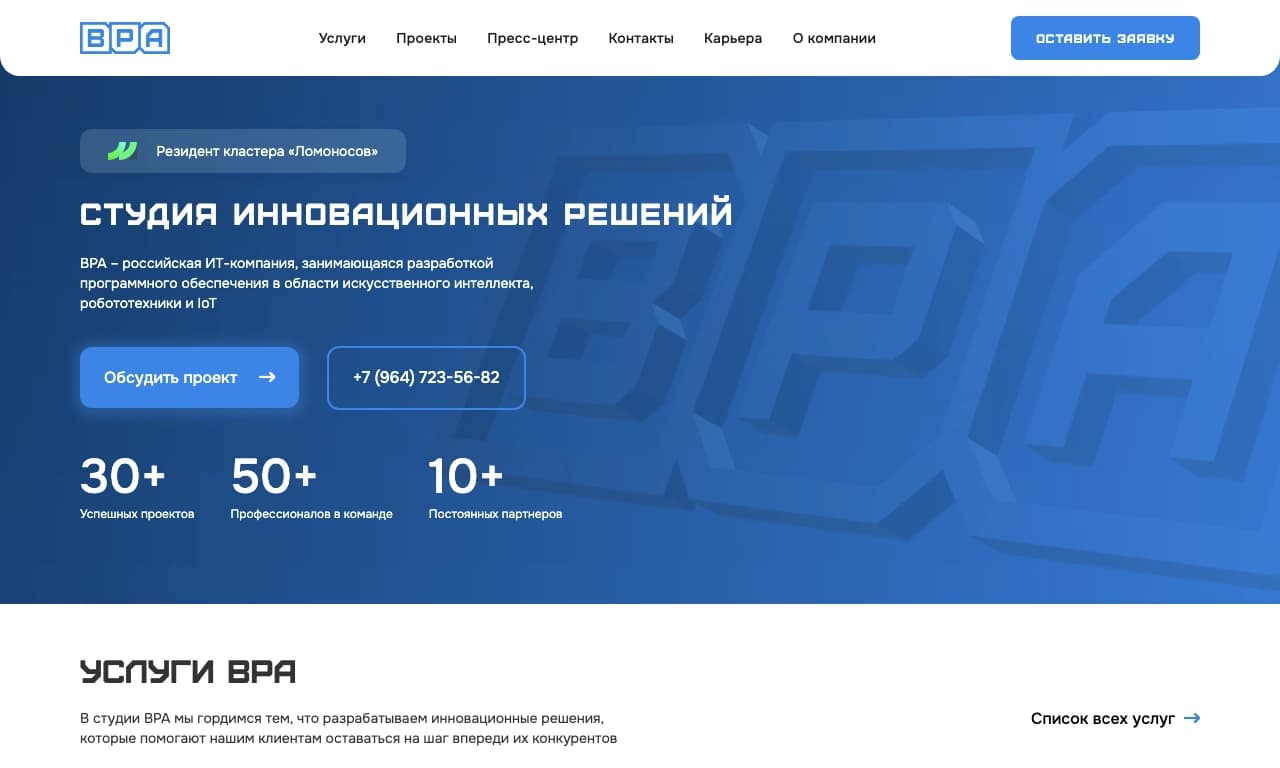

Облачная AI-платформа для автоматизации контроля чистоты в офисах и мониторинга действий сотрудников.


Многофункциональный AI-ассистент для генерации текстов, изображений и аудио.

Платформа для создателей контента, объединяющая управление ссылками, email-маркетинг, онлайн-магазин и аналитику в одном визуальном редакторе без программирования.

AI-планировщик путешествий, который создаёт персонализированные маршруты и помогает подобрать перелёты, жильё и активности в чате.