

Voice AI
Платформа для изменения и клонирования голоса в реальном времени с помощью ИИ.
Место в рейтингах
Обзор
Voice AI
Описание нейросети Voice AI
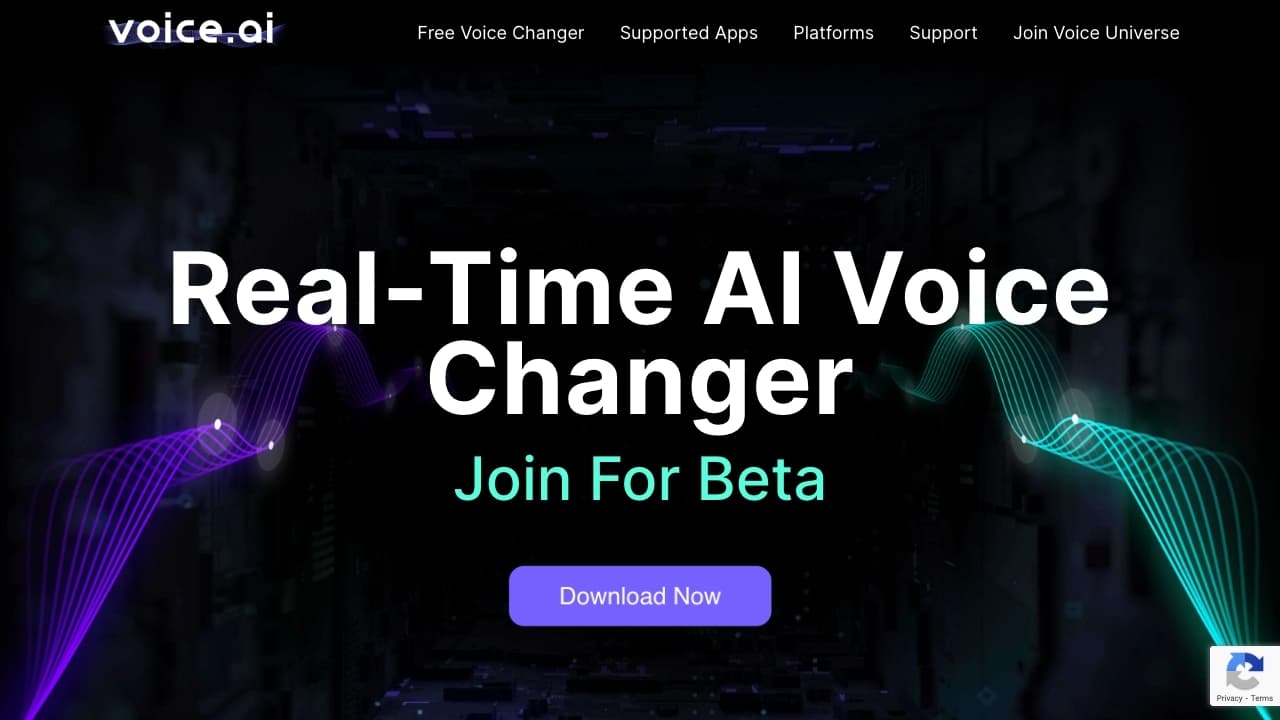
Voice AI — это платформа для изменения и клонирования голоса с использованием технологий искусственного интеллекта. Инструмент работает в реальном времени и доступен в формате десктопного приложения для Windows, веб-инструментов и мобильного приложения. Пользователи могут выбирать голоса из обширной библиотеки сообщества Voice Universe, насчитывающей более 15 000 вариантов, или загружать собственные аудиофайлы для создания синтетических копий голоса. Voice AI совместим с популярными платформами, включая Discord, Zoom, Skype, Google Meet и различные игры, что делает его универсальным решением для изменения голоса в играх, стримах, звонках и озвучке контента.
Характеристики Voice AI
| Характеристика | Значение |
|---|---|
| Тип | Изменение голоса, клонирование голоса |
| Категория | Аудио, голосовое генерирование |
| Платформы | Windows, веб-инструменты, мобильное приложение (версия для Mac в разработке) |
| Язык интерфейса | Русский не поддерживается |
| Наличие бесплатного тарифа | Да, базовая версия |
| Нужен VPN | Нет |
| Работа в реальном времени | Да |
| Количество голосов в библиотеке | Более 15 000 |
Для кого подходит нейросеть Voice AI?
Геймеры и стримеры
Voice AI ориентирован в первую очередь на геймеров и стримеров, которые хотят изменить свой голос в реальном времени во время игр или прямых трансляций. Инструмент совместим с популярными играми, такими как Minecraft, Among Us и CS:GO, что позволяет развлекать зрителей или разыгрывать друзей.
Создатели контента
Платформа подходит для создателей видео, подкастов и другого аудиоконтента. С помощью Voice AI можно озвучивать ролики без дорогого оборудования, создавать уникальные голосовые эффекты и генерировать звуковые дорожки.
Пользователи для общения и творческих проектов
Инструмент также интересен обычным пользователям, которые хотят изменить голос в звонках через мессенджеры и видеоконференции, разыгрывать друзей в голосовых сообщениях или экспериментировать с голосом в творческих проектах.
Как использовать нейросеть Voice AI?
Установка и регистрация
Для использования Voice AI на ПК необходимо скачать и установить десктопное приложение. Процесс установки занимает несколько минут. После установки требуется зарегистрировать аккаунт. Бесплатная версия программы доступна для загрузки без оплаты.
Настройка и выбор голоса
После регистрации можно настроить базовые параметры голоса: тембр, тон, интонацию и другие характеристики. Пользователь может выбрать голос из библиотеки Voice Universe, которая насчитывает тысячи вариантов, или загрузить аудиофайл для создания синтетической копии голоса. Обучение ИИ для создания нужного голоса занимает несколько минут.
Применение в играх и приложениях
После настройки голос можно использовать в реальном времени в совместимых программах: Discord, Zoom, Skype, Google Meet, WhatsApp, а также в играх. Voice AI работает со всеми основными приложениями на Windows, не требуя сложных дополнительных настроек.
Основные функции Voice AI
Библиотека голосов Voice Universe
Платформа предоставляет доступ к большой библиотеке голосов, созданной сообществом. Количество доступных вариантов превышает 15 000, что позволяет выбрать голос практически для любых целей — от реалистичных до фантастических.
Клонирование голоса по аудиофайлу
Voice AI позволяет загружать аудиофайлы для создания синтетических копий голоса. Клонированные голоса сохраняют интонацию, тембр и эмоции оригинала, что делает их максимально реалистичными.
Работа в реальном времени
Одна из ключевых функций — изменение голоса в реальном времени. Это позволяет использовать инструмент во время прямых трансляций, видеозвонков и игр без задержек.
Веб-инструменты для обработки звука
Помимо десктопного приложения, платформа предлагает веб-инструменты для обработки звука: удаление вокала, разделение аудио и другие операции.
Преимущества Voice AI
Простота установки и использования
Приложение устанавливается за несколько минут и не требует специальных технических навыков. Voice AI совместим с большинством популярных программ и всеми основными операционными системами (Windows, веб, мобильные устройства).
Реалистичное изменение голоса
Благодаря технологиям ИИ, изменённый голос звучит естественно. Клонированные голоса сохраняют интонации, тембр и эмоциональную окраску оригинала, что выгодно отличает платформу от простых голосовых фильтров.
Совместимость с популярными платформами
Voice AI работает с Discord, Zoom, Skype, Google Meet, WhatsApp, а также с множеством игр, включая Minecraft, Among Us, CS:GO. Это делает инструмент универсальным для разных сценариев использования.
Недостатки Voice AI
Ограничения бесплатной версии
Бесплатная версия имеет существенные ограничения по выбору голосов и доступным эффектам. Платные пресеты нельзя протестировать в пробной версии, что затрудняет оценку полного функционала перед покупкой.
Отсутствие версии для Mac
Версия для операционной системы Mac находится в разработке. На текущий момент десктопное приложение доступно только для Windows, что ограничивает круг потенциальных пользователей.
Отсутствие русского языка
Интерфейс Voice AI не поддерживает русский язык, что может создать сложности для русскоязычных пользователей при настройке и использовании инструмента.
Какие задачи решает Voice AI
Изменение голоса в реальном времени
Основная задача инструмента — изменение голоса во время игр, стримов и видеозвонков. Пользователь может говорить в микрофон, а на выходе звучит выбранный или клонированный голос.
Создание синтетической речи
Voice AI позволяет генерировать синтетическую речь, имитирующую реальную манеру общения. Это полезно для озвучки видео, подкастов и другого контента без привлечения профессиональных актёров озвучивания.
Озвучивание контента без дорогого оборудования
Платформа даёт возможность создавать качественную озвучку роликов и подкастов, не требуя дорогого студийного оборудования. Достаточно загрузить аудиофайл или выбрать голос из библиотеки.
Шутки и розыгрыши
Voice AI подходит для развлекательных целей: разыгрывание друзей в мессенджерах, голосовых сообщениях и звонках с использованием неожиданных голосов.
Цены Voice AI
Voice AI работает по модели freemium. Существует бесплатная базовая версия с ограниченными функциями, которая позволяет начать использование инструмента. Для доступа к расширенным возможностям — большему количеству голосов, улучшенному качеству и дополнительным эффектам — требуется премиум-план. Точные цены на официальных источниках не указаны.
Условия использования Voice AI
Для использования голосового чейнджера требуется скачать и установить приложение на ПК с Windows. Бесплатная версия имеет встроенные ограничения по функционалу. Для полноценной работы необходимо зарегистрировать аккаунт. Программа распространяется бесплатно, но полный доступ к библиотеке голосов и расширенным функциям предоставляется только по подписке.
Доступность Voice AI
Платформы
Voice AI доступен на Windows (десктопное приложение), через веб-браузер (веб-инструменты) и в формате мобильного приложения. Версия для Mac в настоящее время находится в разработке.
Региональные ограничения
Инструмент не требует использования VPN и доступен без региональных ограничений. Однако языком интерфейса является только английский — русский язык не поддерживается.
Совместимость с приложениями
Voice AI поддерживает работу с Discord, Zoom, Skype, Google Meet, WhatsApp, а также с играми Minecraft, Among Us, CS:GO и другими приложениями на Windows.
Чем отличается Voice AI от аналогов
Voice AI выделяется среди аналогов прежде всего масштабом библиотеки голосов — более 15 000 вариантов, созданных сообществом. Платформа предлагает не только изменение голоса в реальном времени, но и клонирование по загруженному аудиофайлу с сохранением интонаций и эмоций. Инструмент совместим с широким спектром приложений и игр, что делает его универсальным решением. В отличие от некоторых конкурентов, Voice AI имеет бесплатную версию, хотя и с ограничениями. Основным недостатком на данный момент является отсутствие версии для Mac и поддержки русского языка.
Заключение
Voice AI — это универсальная платформа для изменения и клонирования голоса в реальном времени с помощью ИИ, ориентированная на геймеров, стримеров и создателей контента. Инструмент предлагает библиотеку из более чем 15 000 голосов, совместимость с популярными приложениями и играми, а также возможность создания синтетических копий голоса по аудиофайлу. Бесплатная версия позволяет начать использование, однако для полного функционала требуется премиум-подписка. Основные ограничения — отсутствие версии для Mac и поддержки русского языка.
Часто задаваемые вопросы
Похожие нейросети




Смотрите также
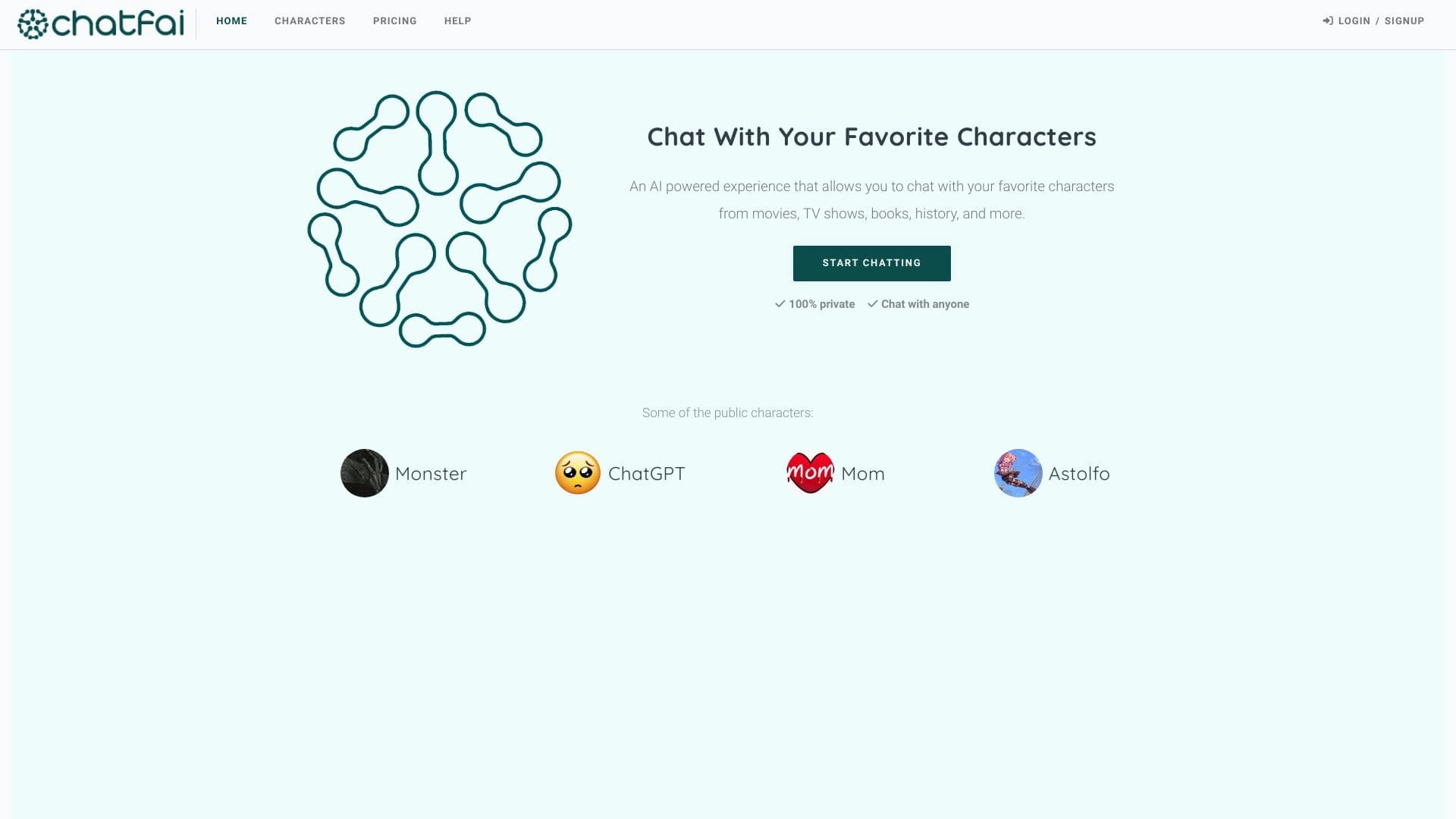

Платформа для диалогов с ИИ-персонажами, включая готовых и созданных пользователем.
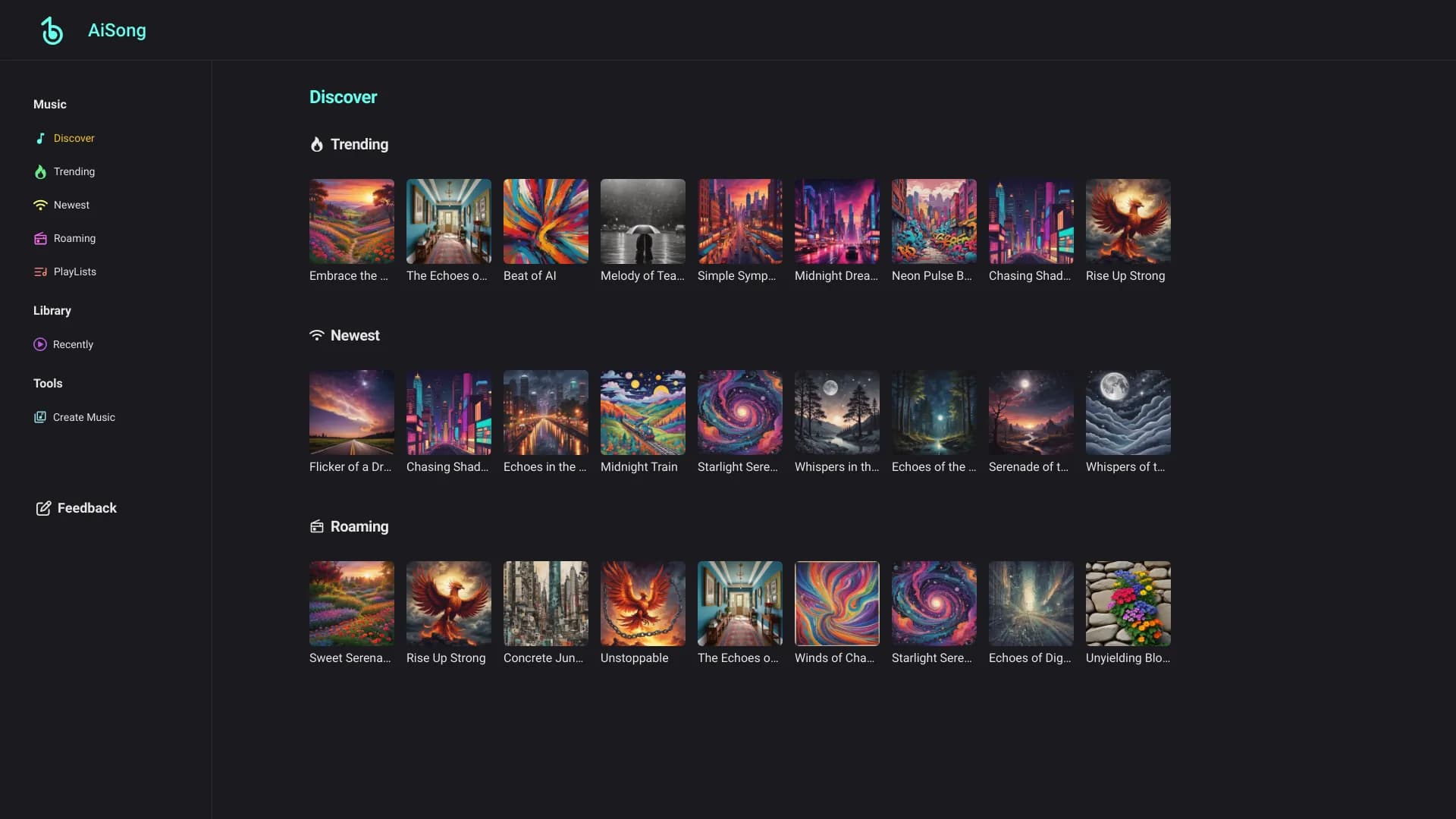
Онлайн-сервис для генерации уникальных музыкальных треков по текстовому описанию пользователя.


Сервис для автоматической расшифровки аудио и видео в текст с поддержкой более 100 языков.

Онлайн-сервис для создания реалистичного клона голоса по короткой аудиозаписи и озвучивания текста.
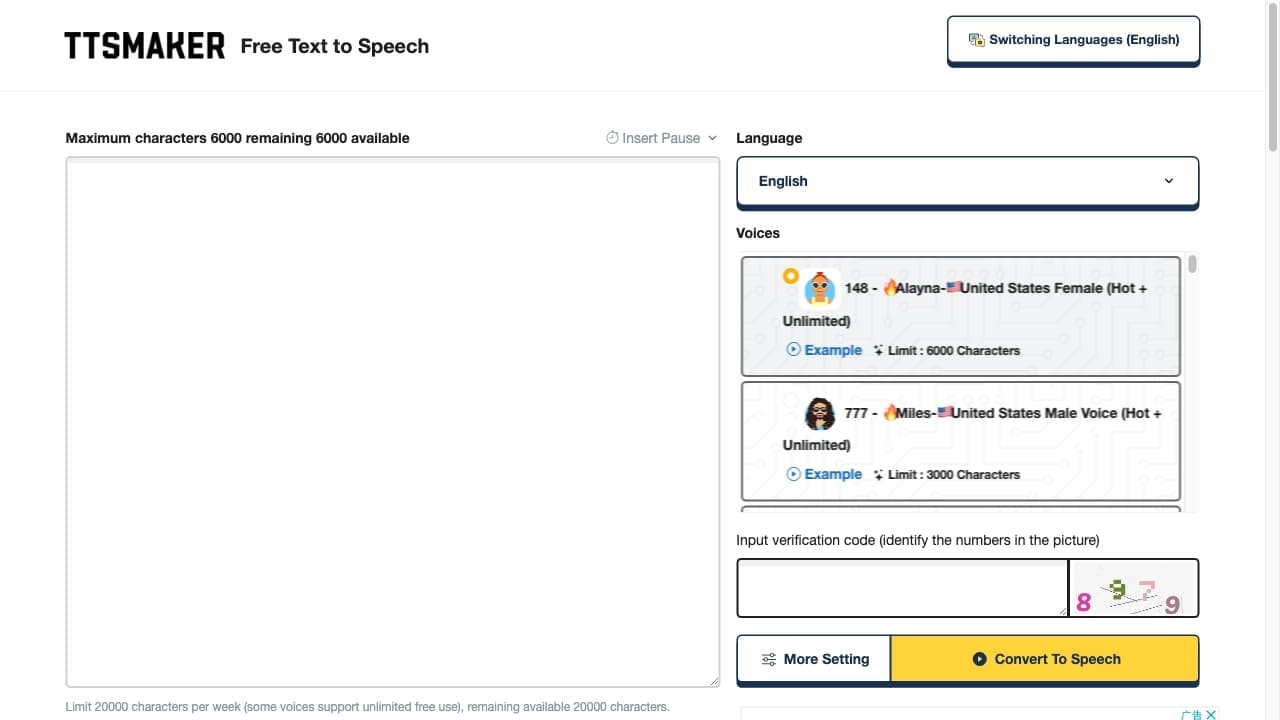
Бесплатный онлайн-сервис для преобразования текста в речь с более чем 200 голосами на множестве языков.


Инструмент для генерации 3D-моделей на основе текстового описания, изображений или набросков.
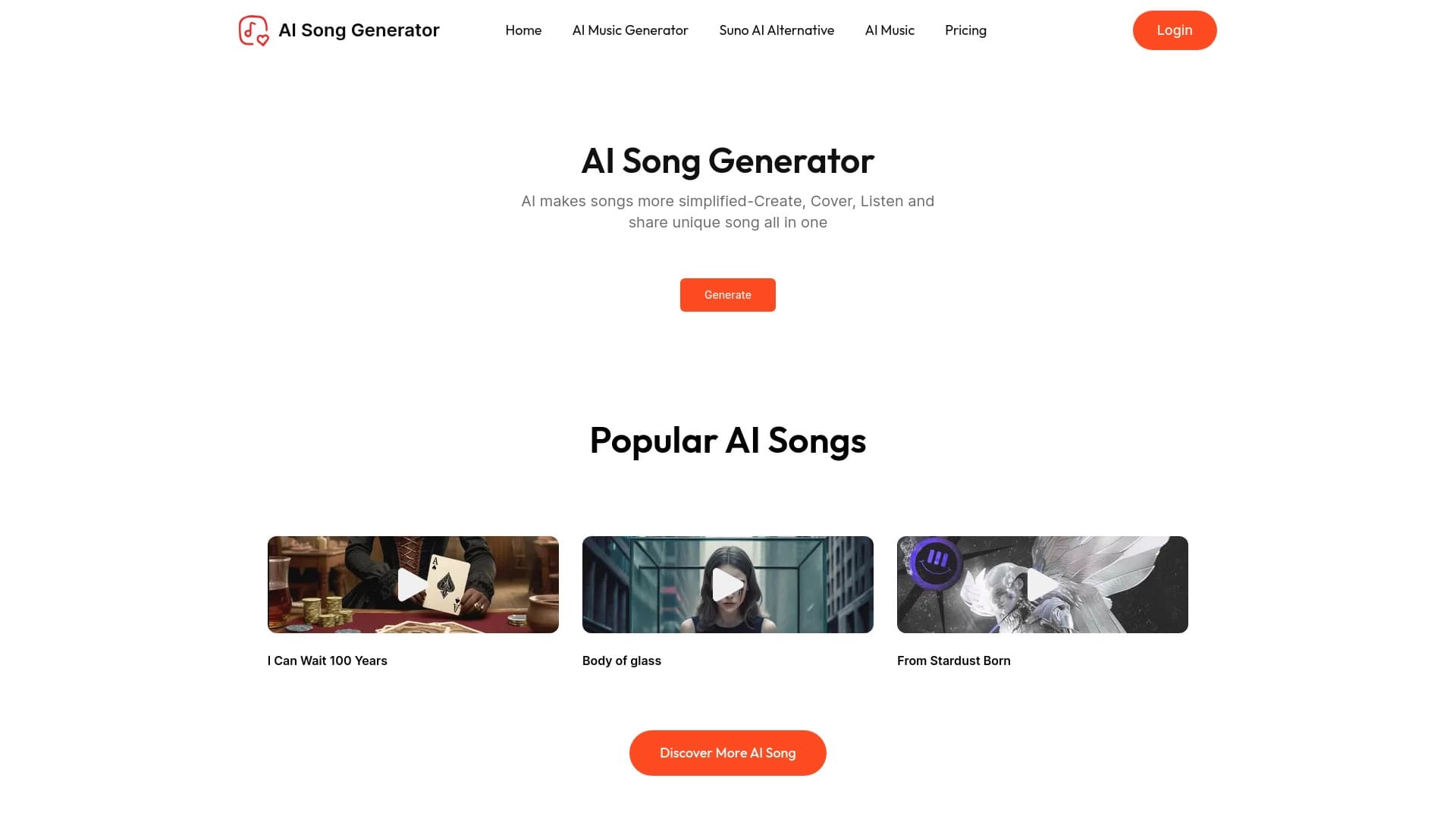
Онлайн-сервис, который с помощью ИИ создаёт песни и музыку, поддерживая как простые текстовые описания трека, так и загрузку собственных текстов.


AI-сервис для автоматического подбора музыки под настроение видео, изображений или текста с легальными лицензиями.