

Continual Engine
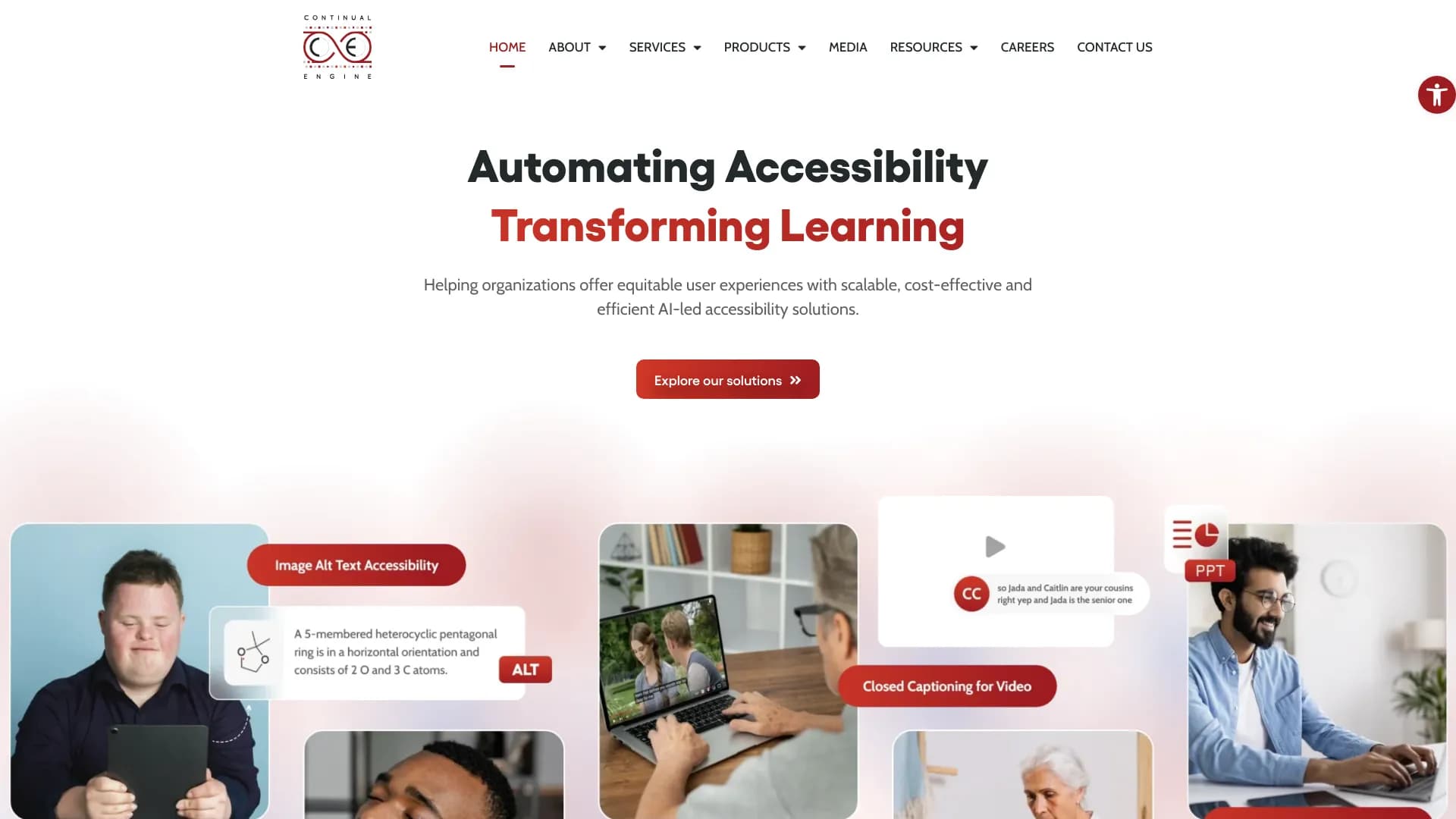
AI platform for automatic processing of PDF documents to bring them into compliance with digital accessibility standards.
Overview
Continual Engine AI Description
Continual Engine is an AI platform designed for the automatic processing of PDF documents to bring them into compliance with digital accessibility standards. The system solves the task of converting regular PDF files into a format that is correctly perceived by people with disabilities, including users with visual, hearing, or cognitive impairments.
The platform automates a process that is traditionally performed manually by accessibility specialists. Instead of the lengthy and costly manual tagging of each document, Continual Engine uses machine learning algorithms to recognize the structure, reading order, and semantic elements of a page, producing a fully tagged and accessible PDF file as output.
Continual Engine Characteristics
| Characteristic | Value |
|---|---|
| Solution type | AI platform for automatic PDF processing |
| Core function | Bringing PDF documents into compliance with digital accessibility standards |
| Standards compliance | WCAG, ADA, Section 508 |
| Processing format | PDF files |
| Operating mode | Batch processing of multiple files |
| Built-in verification | Automatic document validation for regulatory compliance |
Who Is Continual Engine AI For?
Organizations with High Document Volumes
Continual Engine is designed for companies and institutions that work with large numbers of PDF documents and are required to provide them in an accessible format. This may include government agencies, educational institutions, financial organizations, and medical centers.
Legal and Compliance Departments
Teams responsible for meeting legal requirements in the area of accessibility gain a tool for checking and converting documents, reducing the risks of lawsuits and fines for non-compliance with regulations.
Publishers and Media Companies
Organizations that publish e-books, magazines, reports, and brochures can use the platform to prepare their materials for publication in accessible formats without hiring third-party contractors.
How to Use Continual Engine AI
Uploading Documents
Users upload PDF files to the system through the platform interface. Batch upload is supported, allowing multiple documents to be processed in a single cycle.
Automatic Conversion
The system independently analyzes the structure of each document, identifies headings, paragraphs, tables, images, and other elements, and generates semantic markup in accordance with accessibility standards requirements.
Verification and Download
After processing is complete, the platform automatically checks the resulting files for compliance with WCAG, ADA, and Section 508 requirements. Finished documents can be downloaded and used in the organization's workflows.
Key Features of Continual Engine
Automatic PDF Tagging
The platform recognizes the logical structure of a document and assigns the correct semantic tag to each element — heading, list, table, footnote, and others. This allows screen reader software to correctly interpret the content for blind users.
Standards Compliance Checking
Each processed document undergoes automated validation for compliance with current digital accessibility standards. The system identifies markup errors and provides information about the document's status.
Batch File Processing
The platform supports the simultaneous processing of multiple PDF files, which is especially important for organizations with large document archives. Users do not need to run conversion for each file individually.
Advantages of Continual Engine
Time and Resource Savings
Automation replaces the manual work of document tagging specialists, significantly speeding up the process of bringing files into compliance with accessibility standards. Organizations can process large volumes of documentation in a short time.
Cost Reduction
Using the platform helps reduce expenses on outsourcing accessibility services. Companies do not need to pay external contractors or hire additional staff to tag each document manually.
Compliance with Legal Requirements
Automatic document verification ensures that every file meets WCAG, ADA, and Section 508 requirements. This reduces legal risks associated with non-compliance with accessibility legislation.
Disadvantages of Continual Engine
Information about the platform's disadvantages is not available in the provided source data. Like any automated solution, Continual Engine may require selective manual review of complex documents — for example, those containing non-standard layout elements or complex graphical schemes. However, the system's exact limitations are not disclosed by the manufacturer.
What Problems Does Continual Engine Solve
Ensuring Accessibility for People with Disabilities
The platform converts PDF files into a format that is correctly read by screen access software, allowing blind and visually impaired users to access information on an equal basis with others.
Meeting Regulatory Requirements
The system ensures documents are brought into compliance with the requirements of the ADA (Americans with Disabilities Act), Section 508, and the WCAG guidelines, which are mandatory for government institutions and many private companies in the United States and other countries.
Scaling Accessibility Processes
Organizations with large PDF archives can process all accumulated documents at once, and also integrate the accessibility checking process into regular document workflows, allowing them to maintain compliance on an ongoing basis.
Continual Engine Pricing
Specific information about the cost of paid service plans is not available in the provided source data. The manufacturer does not publish open price lists, so to obtain current prices for using the platform, you need to contact the developer company directly.
Continual Engine Terms of Use
Official terms of use, including requirements for minimum upload volumes, file size limits, and processing times, are not disclosed in the provided materials. Details can be clarified by requesting a commercial proposal or documentation from the solution provider.
Continual Engine Availability
The platform's distribution model is not officially defined. There is no data in the source materials about the availability of a free version, trial period, or open access to the service. Most likely, the platform is distributed under a B2B subscription model for corporate clients, but this cannot be confirmed based on the available data.
How Continual Engine Differs from Alternatives
The main difference between Continual Engine and traditional methods of ensuring PDF document accessibility lies in the full automation of the process. Instead of manually tagging each document element, the system uses machine learning algorithms that independently determine the semantic structure of a page.
A key feature of the platform is the combination of conversion and verification in a single process. Many alternatives offer either automatic tagging tools or validation tools, whereas Continual Engine combines both functions: after document conversion, the system immediately checks compliance with standards requirements.
Batch file processing also sets the platform apart from solutions that work only with individual documents. For organizations with large archives, the ability to process multiple files at once is critical, as it directly affects the speed and cost of implementing accessibility across the entire company.
Conclusion
Continual Engine is a specialized AI solution for automating digital accessibility processes for PDF documents. The platform addresses the pressing task of converting files into a format compliant with WCAG, ADA, and Section 508 requirements, which is especially important for government institutions, educational and medical organizations. The combination of automatic tagging, built-in verification, and batch processing allows companies to significantly speed up and reduce the cost of bringing their document workflows into compliance with legislation. However, the lack of open information about pricing and terms of use requires direct contact with the developer to assess the solution's applicability to a specific organization.
Frequently asked questions
See also


Chrome extension that helps manage tabs, history, and bookmarks with an AI assistant.


AI platform for fast website creation and small business process management.


Desktop AI assistant for macOS, Windows, and Linux that launches via hotkey above all windows and combines multiple language models in one interface.

A neural network for document analysis that extracts key information, creates summaries, and answers questions about the contents of uploaded files.

A multimedia AI toolkit for editing and enhancing photos, videos, and PDF documents.

AI assistant for business that helps manage tasks and automate routine through dialogue.

AI agent for automating customer communications and support.

AI-powered toolkit for optimizing workflows and boosting productivity.