

Fluxy AI
एआई-आधारित टूलसेट जो कार्यप्रवाह को सुव्यवस्थित करने और उत्पादकता बढ़ाने के लिए डिज़ाइन किया गया है।
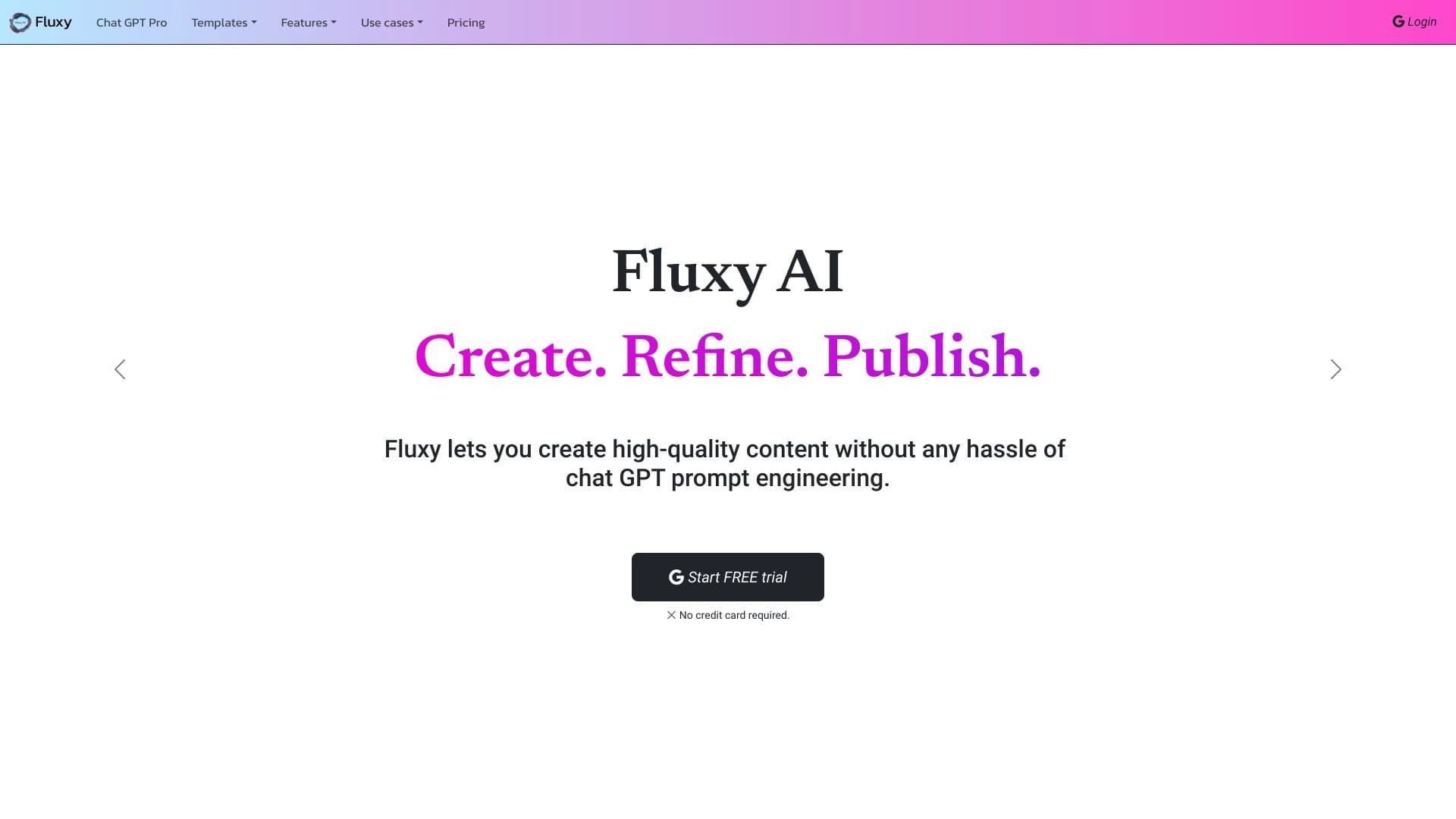
अवलोकन
फ्लक्सी एआई का विवरण
फ्लक्सी एआई कृत्रिम बुद्धिमत्ता पर आधारित टूल्स का एक सेट है, जो कार्य प्रक्रियाओं को अनुकूलित करने और उत्पादकता बढ़ाने पर केंद्रित है। यह प्लेटफ़ॉर्म प्रोजेक्ट प्रबंधन और व्यक्तिगत कार्य संगठन से जुड़े नियमित कार्यों को स्वचालित और सरल बनाने के लिए बनाया गया है। फ्लक्सी एआई का मुख्य उद्देश्य उपयोगकर्ताओं को दोहराए जाने वाले कार्यों पर लगने वाले समय को कम करने और अधिक महत्वपूर्ण कार्यों पर ध्यान केंद्रित करने में मदद करना है।
फ्लक्सी एआई का मुख्य विचार
प्लेटफ़ॉर्म की अवधारणा कार्य प्रबंधन के लिए एक समग्र दृष्टिकोण पर आधारित है। अलग-अलग टूल्स के बजाय, फ्लक्सी एआई एक एकीकृत पारिस्थितिकी तंत्र प्रदान करता है जो योजना, निष्पादन और कार्य प्रक्रियाओं के नियंत्रण को एक ही स्थान पर जोड़ता है। यह उपयोगकर्ताओं को अधिक प्रभावी कार्य परिदृश्य बनाने और अपने लक्ष्यों को तेज़ी से प्राप्त करने में सक्षम बनाता है।
प्लेटफ़ॉर्म के साथ काम कैसे काम करता है
प्लेटफ़ॉर्म दैनिक कार्य प्रक्रिया में एकीकृत होता है, जो विभिन्न स्वचालन टूल्स तक पहुँच प्रदान करता है। उपयोगकर्ता क्रियाओं के अनुक्रम सेट कर सकते हैं, कुछ कार्यों को कृत्रिम बुद्धिमत्ता को सौंप सकते हैं और रणनीतिक रूप से महत्वपूर्ण मामलों के लिए अधिक समय प्राप्त कर सकते हैं। फ्लक्सी एआई स्वतंत्र कार्य और सामूहिक उपयोग दोनों के लिए उपयुक्त है।
फ्लक्सी एआई की विशेषताएँ
| विशेषता | मान |
|---|---|
| टूल का प्रकार | कार्य प्रबंधन के लिए एआई टूल्स का सेट |
| मुख्य उद्देश्य | कार्य प्रक्रियाओं का स्वचालन और अनुकूलन |
| लक्षित दर्शक | व्यक्तिगत उपयोगकर्ता और टीमें |
| मुख्य कार्य | नियमित कार्यों का स्वचालन, कार्य संगठन |
| वितरण मॉडल | निर्धारित नहीं |
फ्लक्सी एआई न्यूरल नेटवर्क किसके लिए उपयुक्त है?
व्यक्तिगत उपयोगकर्ताओं के लिए
फ्लक्सी एआई उन पेशेवरों के लिए उपयोगी होगा जो अपने कार्यों में व्यवस्था लाना चाहते हैं और नियमित कार्यों पर लगने वाले समय को कम करना चाहते हैं। फ्रीलांसर, सलाहकार, प्रबंधक और अन्य पेशेवर इस प्लेटफ़ॉर्म का उपयोग अपनी दैनिक गतिविधियों को संरचित करने और व्यक्तिगत प्रभावशीलता बढ़ाने के लिए कर सकते हैं।
टीमों और संगठनों के लिए
यह टूल सामूहिक कार्य पर भी केंद्रित है। टीमें फ्लक्सी एआई का उपयोग कार्यों के समन्वय, जिम्मेदारी के पारदर्शी वितरण और कार्यों के निष्पादन की निगरानी के लिए कर सकती हैं। यह प्लेटफ़ॉर्म को छोटे कार्य समूहों और बड़े विभागों के लिए उपयुक्त समाधान बनाता है, जहाँ प्रयासों का समन्वय महत्वपूर्ण है।
फ्लक्सी एआई न्यूरल नेटवर्क का उपयोग कैसे करें?
कार्य में एकीकरण की प्रक्रिया
फ्लक्सी एआई के साथ काम शुरू करने के लिए, उन प्रमुख प्रक्रियाओं की पहचान करना आवश्यक है जो सबसे अधिक समय लेती हैं, और उनमें से उन प्रक्रियाओं को खोजना जिन्हें स्वचालित किया जा सकता है। इसके बाद, प्लेटफ़ॉर्म विशिष्ट कार्यों के लिए टूल्स को कॉन्फ़िगर करने और उन्हें दैनिक कार्य लय में एकीकृत करने की अनुमति देता है।
व्यावहारिक उपयोग परिदृश्य
उपयोगकर्ता फ्लक्सी एआई का उपयोग दोहराए जाने वाले कार्यों को स्वचालित करने, समय सीमा को नियंत्रित करने और कार्य स्थान को व्यवस्थित करने के लिए कर सकते हैं। प्लेटफ़ॉर्म कार्य की अधिक स्पष्ट संरचना बनाने में मदद करता है, जिससे कार्यों के बीच तेज़ी से स्विच करना और महत्वपूर्ण परियोजनाओं पर ध्यान न खोना संभव होता है।
फ्लक्सी एआई के मुख्य कार्य
नियमित कार्यों का स्वचालन
प्लेटफ़ॉर्म की कृत्रिम बुद्धिमत्ता उन नियमित क्रियाओं को करने की जिम्मेदारी लेती है जिनके लिए पहले मैन्युअल भागीदारी की आवश्यकता होती थी। यह अधिक सार्थक कार्य के लिए समय मुक्त करता है और मानवीय कारक से जुड़ी त्रुटियों की संभावना को कम करता है।
कार्य प्रबंधन और प्रक्रिया नियंत्रण
फ्लक्सी एआई कार्यों की योजना, वितरण और निष्पादन की ट्रैकिंग के लिए टूल्स प्रदान करता है। उपयोगकर्ता प्रत्येक परियोजना की पूरी तस्वीर देख सकते हैं, समय सीमा को नियंत्रित कर सकते हैं और कार्य प्रक्रिया में तुरंत सुधार कर सकते हैं।
कार्य समय का अनुकूलन
प्लेटफ़ॉर्म कार्यभार को पुनर्वितरित करने और समय संसाधनों का अधिक तर्कसंगत उपयोग करने की अनुमति देता है। स्वचालन के कारण, कार्य समय वास्तव में महत्वपूर्ण कार्यों पर खर्च होता है, न कि यांत्रिक संचालन पर।
फ्लक्सी एआई के लाभ
समग्र प्रभावशीलता में वृद्धि
नियमित प्रक्रियाओं के स्वचालन के कारण, फ्लक्सी एआई उपयोगकर्ता कम समय में अधिक कार्य कर सकते हैं। यह व्यक्तिगत स्तर और पूरी टीम के स्तर पर उत्पादकता पर सकारात्मक प्रभाव डालता है।
लचीलापन और बहुमुखी प्रतिभा
प्लेटफ़ॉर्म विभिन्न गतिविधि क्षेत्रों और टीम आकारों के लिए उपयुक्त है। फ्लक्सी एआई उपयोगकर्ता की विशिष्ट आवश्यकताओं के अनुसार अनुकूलित होता है, चाहे वह अकेले काम करे या बड़े संगठन के हिस्से के रूप में।
समय व्यय में कमी
कृत्रिम बुद्धिमत्ता यांत्रिक कार्य का एक महत्वपूर्ण हिस्सा अपने ऊपर ले लेती है, जिससे मानक संचालन पर लगने वाला समय कम हो जाता है। उपयोगकर्ता उन कार्यों पर ध्यान केंद्रित कर सकते हैं जिनके लिए रचनात्मक दृष्टिकोण और विशेषज्ञ ज्ञान की आवश्यकता होती है।
फ्लक्सी एआई की कमियाँ
प्लेटफ़ॉर्म के बारे में सीमित जानकारी
फिलहाल फ्लक्सी एआई के काम करने के विशिष्ट विवरणों के बारे में बहुत कम सार्वजनिक डेटा उपलब्ध है: सटीक विशेषताएँ, उपलब्ध कार्य और एकीकरण क्षमताएँ। यह संभावित उपयोगकर्ताओं के लिए प्लेटफ़ॉर्म पर स्विच करने का निर्णय लेना कठिन बना सकता है।
वितरण मॉडल के बारे में अनिश्चितता
फ्लक्सी एआई सशुल्क सदस्यता, फ्रीमियम सिद्धांत या मुफ्त में उपलब्ध है या नहीं, इसकी जानकारी उपलब्ध नहीं है। यह उन लोगों के लिए अनिश्चितता पैदा करता है जो टूल का नियमित रूप से उपयोग करने की योजना बनाते हैं।
फ्लक्सी एआई कौन से कार्य हल करता है
कार्य प्रक्रिया का संगठन
फ्लक्सी एआई दैनिक कार्यों में व्यवस्था लाने में मदद करता है: डेटा को संरचित करना, कार्य चरणों की योजना बनाना, उनके निष्पादन को नियंत्रित करना। यह उन लोगों के लिए विशेष रूप से प्रासंगिक है जो बड़ी संख्या में समानांतर परियोजनाओं के साथ काम करते हैं।
नियमित कार्यों पर समय कम करना
प्लेटफ़ॉर्म टेम्पलेट क्रियाओं को करने की जिम्मेदारी लेता है, जिससे बौद्धिक कार्य के लिए समय मुक्त होता है। उपयोगकर्ताओं को दोहराए जाने वाली प्रक्रियाओं पर प्रयास खर्च नहीं करना पड़ता — सिस्टम उन्हें स्वचालित रूप से निष्पादित करता है।
टीम समन्वय में सुधार
टीम उपयोग के लिए, फ्लक्सी एआई सदस्यों के कार्यों के समन्वय, कार्यों के पारदर्शी वितरण और उनके निष्पादन पर नियंत्रण के कार्यों को हल करता है। यह अधिक सुसंगत कार्य और गलतफहमी से जुड़ी त्रुटियों की संख्या में कमी में योगदान देता है।
फ्लक्सी एआई की कीमतें
फ्लक्सी एआई प्लेटफ़ॉर्म के उपयोग की लागत के बारे में जानकारी फिलहाल उपलब्ध नहीं है। यह ज्ञात नहीं है कि कौन से टैरिफ प्लान पेश किए जाते हैं, क्या मुफ्त संस्करण उपलब्ध हैं और व्यक्तिगत और कॉर्पोरेट उपयोगकर्ताओं के लिए मूल्य कैसे बनता है। कीमतों के बारे में सटीक जानकारी के लिए, उत्पाद की आधिकारिक वेबसाइट या उसके दस्तावेज़ीकरण से संपर्क करने की अनुशंसा की जाती है।
फ्लक्सी एआई के उपयोग की शर्तें
आधिकारिक उपयोग की शर्तें और उपयोगकर्ताओं के लिए आवश्यकताएँ फिलहाल सार्वजनिक नहीं हैं। इस बारे में कोई डेटा नहीं है कि पंजीकरण आवश्यक है या नहीं, कौन से लाइसेंस लागू होते हैं और मुफ्त पहुँच के लिए कोई प्रतिबंध हैं या नहीं। संभावित उपयोगकर्ताओं को प्लेटफ़ॉर्म के साथ काम शुरू करने से पहले उपलब्ध जानकारी का ध्यानपूर्वक अध्ययन करना चाहिए।
फ्लक्सी एआई की उपलब्धता
विभिन्न प्लेटफ़ॉर्म और क्षेत्रों में फ्लक्सी एआई की उपलब्धता के बारे में जानकारी सीमित है। यह ज्ञात नहीं है कि टूल वेब इंटरफ़ेस के माध्यम से उपलब्ध है, डेस्कटॉप या मोबाइल एप्लिकेशन है, क्लाउड और स्थानीय तैनाती का समर्थन करता है या नहीं। समर्थित प्लेटफ़ॉर्म की वर्तमान सूची केवल आधिकारिक वेबसाइट के माध्यम से जाँची जा सकती है।
फ्लक्सी एआई एनालॉग्स से कैसे अलग है
फ्लक्सी एआई का मुख्य अंतर एकल एआई समाधान के बजाय टूल्स के एक व्यापक सेट के रूप में इसकी स्थिति में है। प्लेटफ़ॉर्म कार्य प्रबंधन और उत्पादकता से संबंधित कई कार्यों को एक ही इंटरफ़ेस में जोड़ता है। विशेष एप्लिकेशन के विपरीत, फ्लक्सी एआई कार्य प्रक्रियाओं के व्यापक कवरेज पर केंद्रित है।
दूसरा अंतर — उपयोग की बहुमुखी प्रतिभा। प्लेटफ़ॉर्म व्यक्तिगत उपयोगकर्ताओं और टीमों दोनों के लिए लक्षित है, जो इसे विशिष्ट क्षेत्रों के लिए बनाए गए टूल्स की तुलना में अधिक लचीला समाधान बनाता है। हालाँकि, उत्पाद के बारे में सीमित सार्वजनिक जानकारी के कारण प्रतिस्पर्धियों से अंतर का पूर्ण मूल्यांकन फिलहाल कठिन है।
निष्कर्ष
फ्लक्सी एआई — कृत्रिम बुद्धिमत्ता पर आधारित टूल्स का एक आशाजनक सेट है, जो कार्य प्रक्रियाओं के स्वचालन और उत्पादकता बढ़ाने पर केंद्रित है। प्लेटफ़ॉर्म व्यापक दर्शकों के लिए लक्षित है और इसका उपयोग व्यक्तिगत कार्य संगठन और टीम कार्य प्रबंधन दोनों के लिए किया जा सकता है। मुख्य लाभों में नियमित कार्यों का स्वचालन, समय व्यय का अनुकूलन और उपयोग का लचीलापन शामिल हैं। साथ ही, फिलहाल उत्पाद के बारे में सीमित जानकारी उपलब्ध है, जिसमें कीमतों, उपयोग की शर्तों और उपलब्धता पर डेटा शामिल है, जो प्लेटफ़ॉर्म पर स्विच करने का निर्णय लेने में बाधा बन सकता है। फिर भी, कार्य प्रबंधन के लिए समग्र दृष्टिकोण की अवधारणा फ्लक्सी एआई को एक ऐसा टूल बनाती है जिसे व्यक्तिगत और टीम प्रभावशीलता में सुधार के संदर्भ में विचार करना उचित है।
अक्सर पूछे जाने वाले प्रश्न
यह भी देखें


तेजी से वेबसाइट निर्माण और लघु व्यवसाय प्रक्रिया प्रबंधन के लिए एआई मंच।.

बैंक स्टेटमेंट्स को PDF से संरचित CSV फाइलों में स्वचालित रूप से बदलने वाली AI-आधारित ऑनलाइन सेवा।


एआई एजेंट जो कोडिंग में मदद करता है और डेवलपमेंट वर्कफ़्लो को अनुकूलित करता है।


ग्राहक खोज और व्यक्तिगत मेलिंग को स्वचालित करने का प्लेटफ़ॉर्म, जिसमें 150 से अधिक स्रोतों से डेटा संवर्धन शामिल है।


एआई अनुप्रयोगों के विकास, निगरानी और मूल्यांकन के लिए बड़े भाषा मॉडल पर आधारित प्लेटफ़ॉर्म।

एआई-प्लेटफ़ॉर्म जो रिज़्यूमे की तेज़ी से स्क्रीनिंग करता है, जिससे रिक्रूटर्स को उपयुक्त उम्मीदवारों का चयन करने में मदद मिलती है।
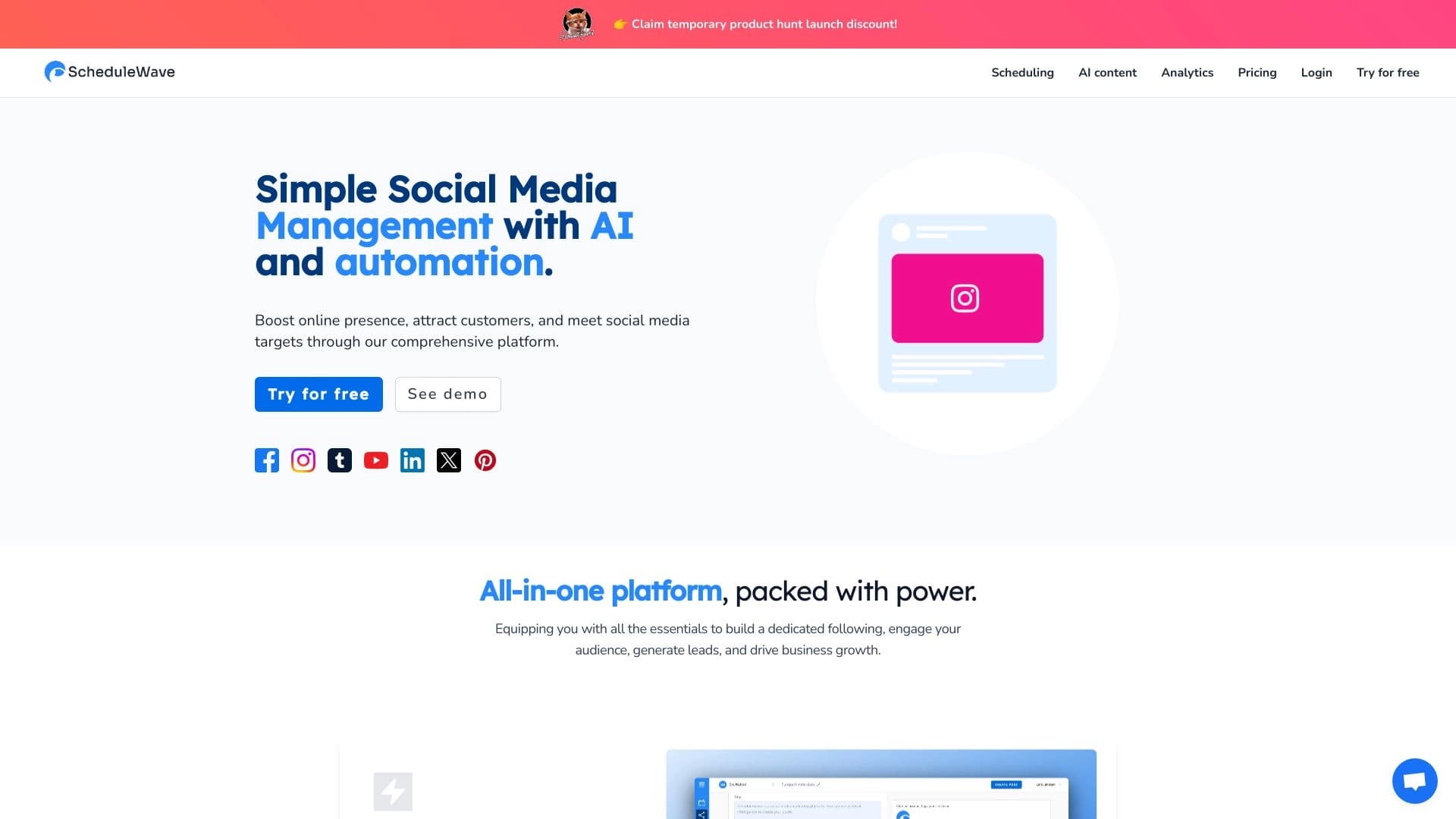
सोशल मीडिया पोस्टिंग की योजना बनाने और स्वचालित करने के लिए कृत्रिम बुद्धिमत्ता-आधारित प्लेटफ़ॉर्म।
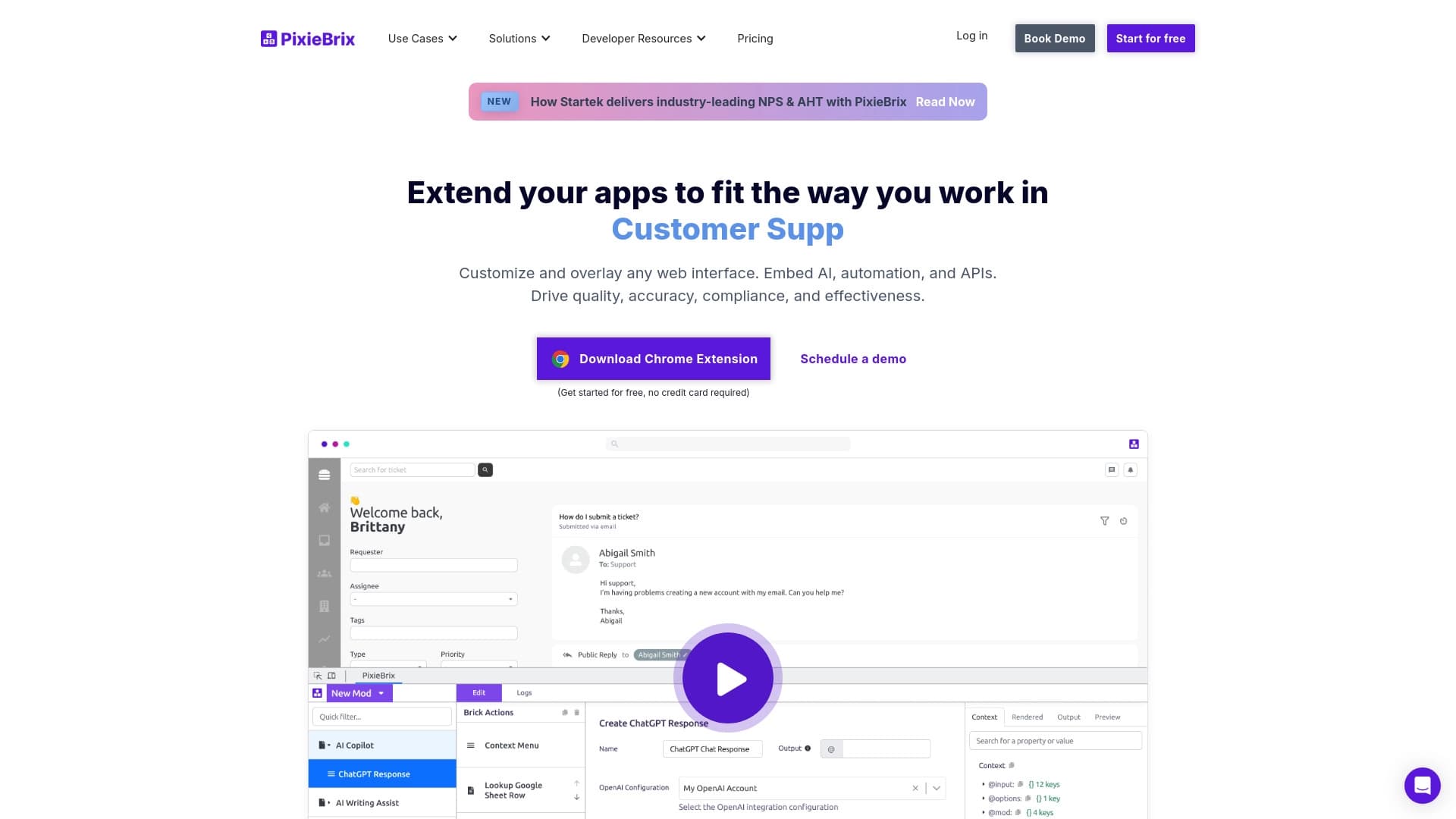

ब्राउज़र एक्सटेंशन जो AI की मदद से किसी भी वेबसाइट पर नियमित कार्यों को स्वचालित करता है।