

AIPex
Chrome extension that helps manage tabs, history, and bookmarks with an AI assistant.
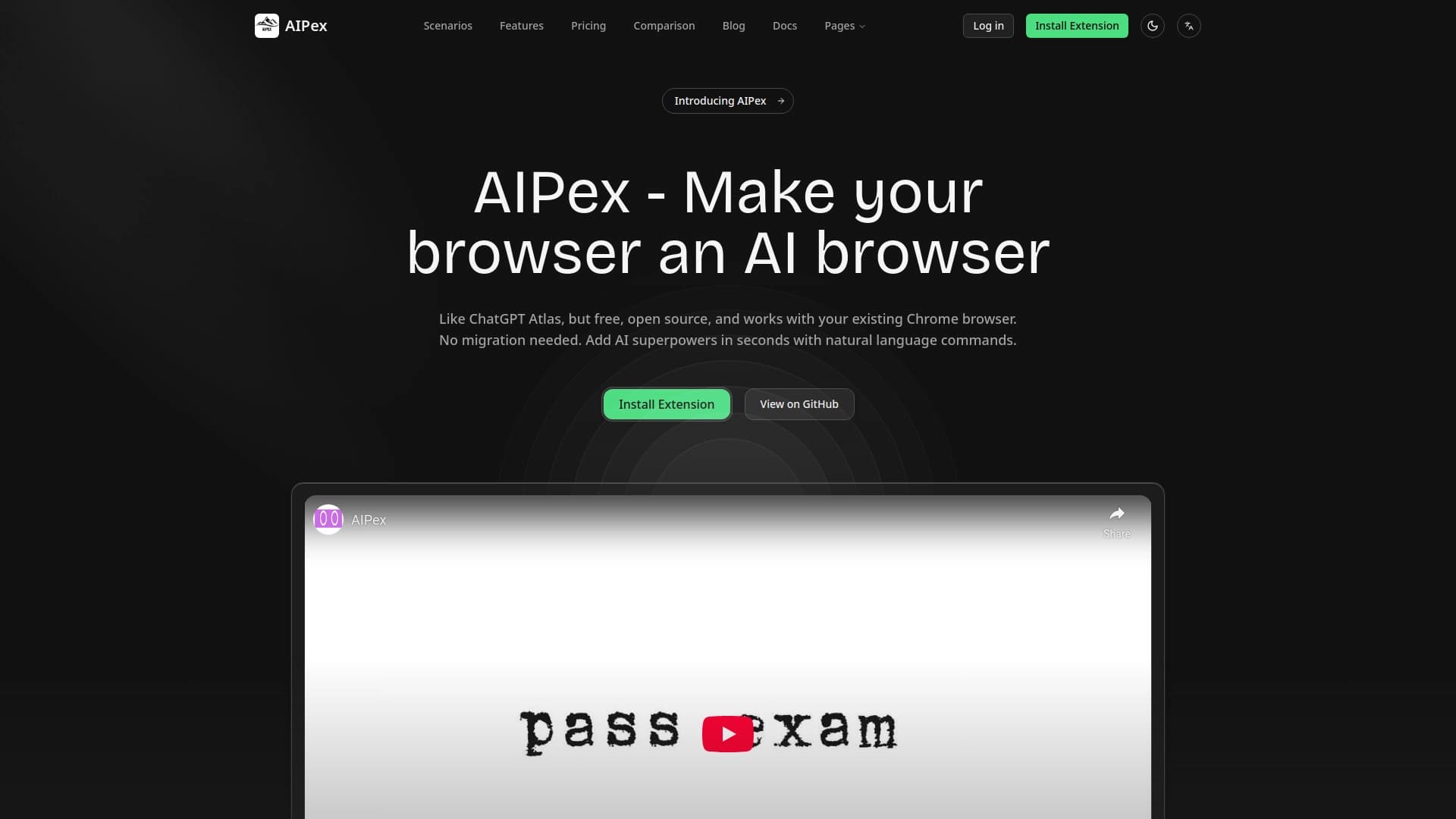
Overview
AIPex Neural Network Description
AIPex is a Google Chrome browser extension that combines a tab, bookmark, and history organizer with a built-in AI chatbot. The tool helps bring order to your browser: quickly switch between numerous open pages, find the information you need in your browsing history, and automate repetitive operations such as moving or sorting bookmarks.
AIPex's main feature is its AI assistant, available directly in the browser, eliminating the need to switch to third-party web services or separate applications. The extension has an open source code, so developers can study it, modify it for their own tasks, or suggest improvements.
AIPex Features
| Feature | Value |
|---|---|
| Type | Browser extension |
| Category | AI development tools, Chatbot creation tools |
| Platform | Google Chrome (Chrome Web Store) |
| Developer | AIPex Technologies |
| Distribution model | Free (basic plan) |
| Monthly website visits | 56.4K |
| Open source | Yes (open-source) |
| Integrations | Notion, Figma, Asana, and other services |
| Interface languages | Not specified |
| Pricing range | Free, Standard, Premium |
Who is AIPex suitable for?
For professionals working with many tabs
Users who open dozens of tabs simultaneously in their line of work will find AIPex a convenient navigation tool. The extension helps sort open windows and quickly switch between needed pages without visual clutter.
For anyone who wants to automate routine tasks
AIPex suits those who regularly perform repetitive browser operations: moving bookmarks, clearing history, organizing saved links. The extension handles these tasks, freeing up time for core work.
For developers and open-source enthusiasts
Since the extension has an open source code, it appeals to the developer community. Specialists can not only use the ready-made tool but also enhance its functionality, adapting it to personal or corporate needs.
How to use the AIPex neural network?
Installing the extension
Getting started is extremely simple. Just go to the Chrome Web Store, find the AIPex extension, and click the "Install" button. The extension then becomes immediately available in your browser.
First steps after installation
Right after installation, you can start managing tabs, bookmarks, and history. The built-in AI chatbot is available for conversations and answering questions directly while browsing. No complex setup is required to use the core features.
Custom development
Thanks to the open source code, more advanced users can make their own modifications to the extension's code, adapting it to their specific workflows.
Key AIPex features
Tab, history, and bookmark management
The extension is designed to organize browser activity. It allows you to sort open tabs, search browsing history, and structure bookmarks, which is especially useful when dealing with large amounts of accumulated data.
Built-in AI chatbot
An intelligent assistant is integrated into the browser, answering user questions directly during work. This allows you to get information without switching to other services or applications.
Integrations and automation
AIPex supports connections to popular work services, including Notion, Figma, and Asana. Additionally, the extension automates routine browser operations — for example, moving bookmarks from one profile to another or clearing history.
AIPex advantages
Time savings when switching
AIPex noticeably speeds up browser work by offering quick switching between tabs and instant access to the needed sections. This reduces time spent on navigation.
An intelligent assistant at hand
Having an AI chatbot directly in the browser is a significant advantage. Users don't need to open separate tabs with external AI services or chats.
Automation of routine actions
The extension handles monotonous tasks — moving bookmarks, clearing history, sorting tabs. This reduces the manual load on the user.
AIPex disadvantages
System load
On weak devices or with an excessively large number of open tabs, the extension may slow down the browser. Users with limited hardware resources should keep this in mind.
Limited personalization
Users note few settings for individually customizing the interface and behavior of the extension, which may not suit those accustomed to fine-tuning tools to their preferences.
Privacy concerns
Since the extension requires access to browsing history, bookmarks, and other browser data, this raises legitimate questions about information confidentiality. Users should independently assess their level of trust in the developer.
What tasks does AIPex solve?
Bringing order to the browser
AIPex helps cope with visual and informational noise. The extension sorts open tabs, provides history search, and structures bookmarks, simplifying navigation, especially when actively working with many pages.
Quick access to an AI assistant
The extension solves the problem of quickly obtaining information through a chatbot, eliminating the need to switch to external internet resources for questions and clarifications.
Automation of regular actions
A separate layer of tasks AIPex solves is the automation of typical operations: moving bookmarks, clearing history, integrating with work tools. This increases overall productivity.
AIPex pricing
Free plan
AIPex provides free access to basic functionality, which includes core tab and history management features. This is enough to get familiar with the tool or solve simple tasks.
"Standard" plan
The subscription cost is 599 rubles per month. This plan unlocks expanded bookmark management and full access to the AI chatbot's capabilities.
"Premium" plan
The maximum package is priced at 1199 rubles per month. It includes the full set of tools, all available integrations with external services, and advanced automation capabilities.
AIPex terms of use
AIPex is an open-source extension, meaning the software code is available for study and modification. Users can download the extension from the official Chrome Web Store, which guarantees a certain level of installation security.
When using the extension, keep in mind that it has access to browser history, bookmarks, and open tabs to perform its functions. The distribution model is freemium, with an optional paid subscription for accessing expanded capabilities.
AIPex availability
The extension is designed exclusively for the Google Chrome browser and is distributed through the Chrome Web Store extension marketplace. Official information about supported interface languages is not provided. The official project website receives about 56.4 thousand visits per month, indicating moderate popularity of the tool among users.
How AIPex differs from alternatives
A combination of functions in one tool
There are many separate solutions on the market: tab managers, AI bots, and automation tools. AIPex stands out by combining these three categories into a single extension, eliminating the need to install several different tools.
Open source code
Unlike many commercial alternatives, AIPex is fully open to the community. This allows for transparent security auditing of the code and modification to suit individual needs, which is a key difference from closed competitors.
Comparison with competitors
Among direct competitors, solutions like Leadtex, Botmother, Botpress, Aimylogic, SaleBot, and Botsify can be highlighted. However, most of them are narrowly specialized chatbot creation platforms — unlike AIPex, which focuses on browser management and integration.
Conclusion
AIPex is a practical and flexible solution for users who want to organize their work in Google Chrome. The extension combines tab and bookmark management with a built-in AI assistant, and also offers automation of routine actions and integrations with popular services. The open source code makes this tool attractive to developers. However, potential users should consider the possible load on weak devices and data privacy concerns when working with an extension that has access to history and bookmarks. The balanced pricing system allows you to start for free and switch to a paid plan if expanded functionality is needed.
Frequently asked questions
See also


No-code platform for creating and configuring neural networks without writing code.
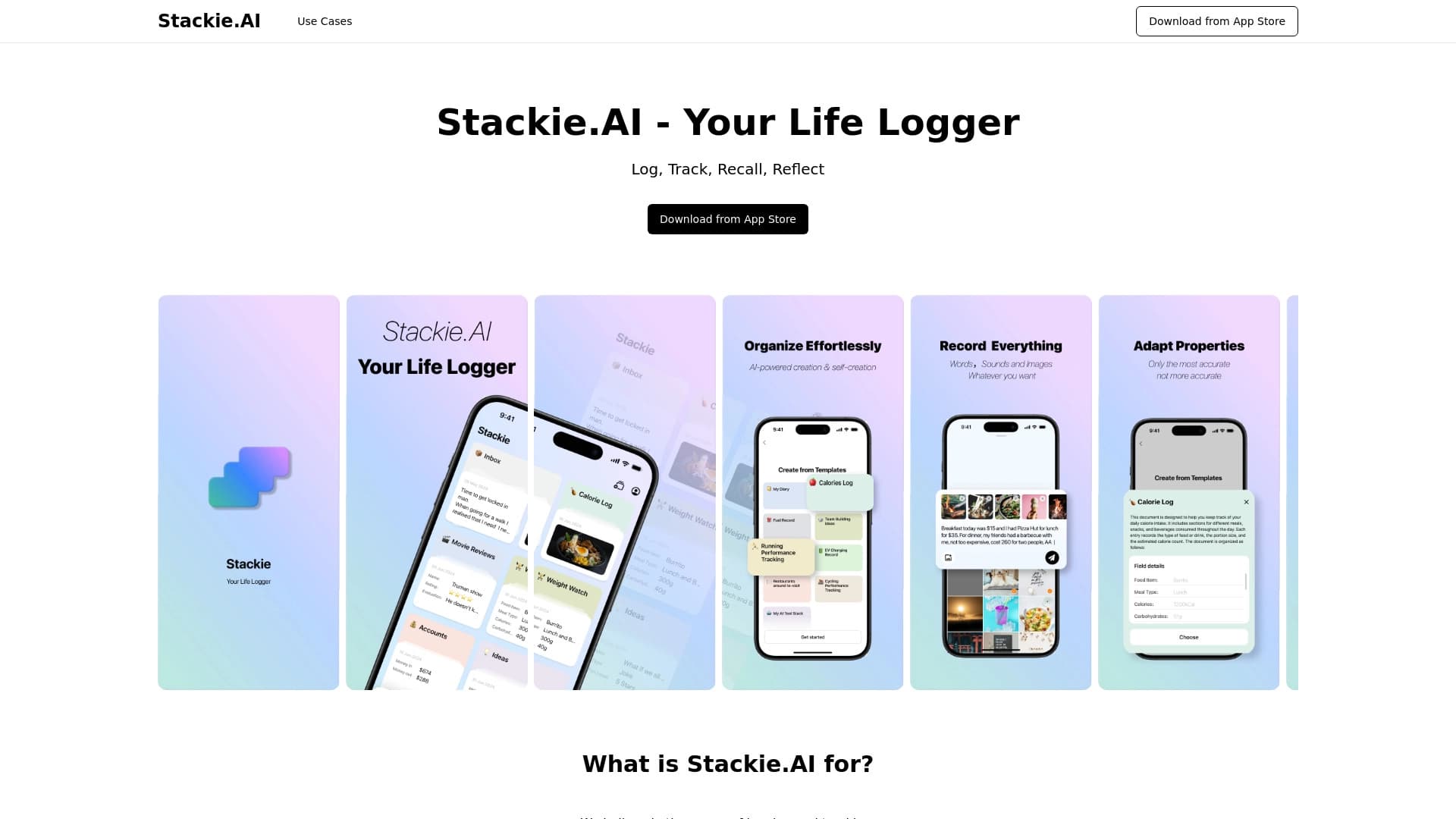
A life logging tool that allows you to record, track and analyze everyday activities and habits.
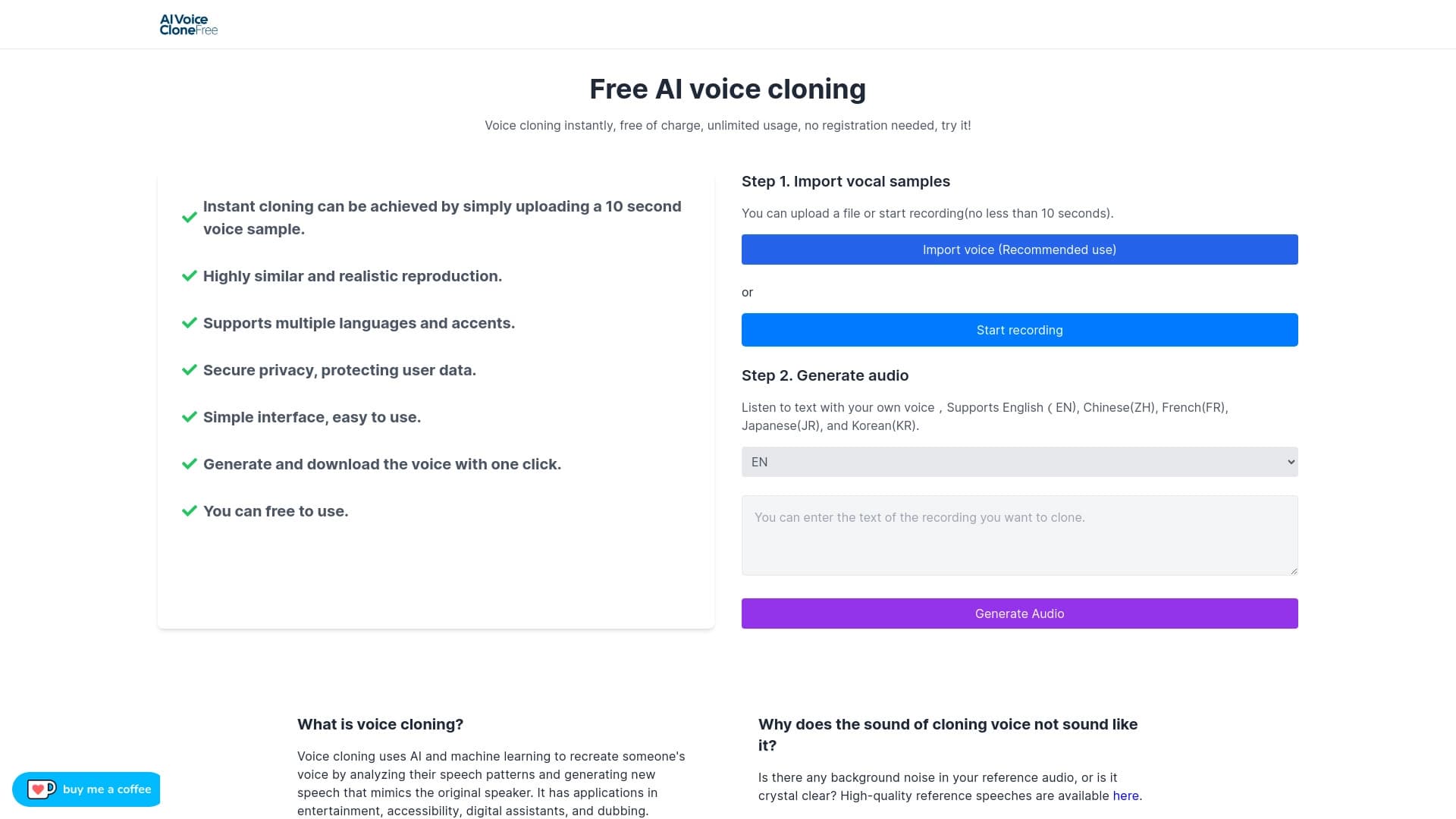
Online service for creating a realistic voice clone from a short audio recording and text-to-speech.

Browser extension for generating images via CloudflareAI from the context menu.

Neural network from Google DeepMind for video analysis and processing.

Open. platform for creating and interacting with AI characters in role-playing roles play-chat uncensored.
A presentation creation service that uses multiple AI agents for information gathering, design, and data analysis.

AI dating assistant that helps improve profiles and conversations in dating apps.