

Alice
Desktop AI assistant for macOS, Windows, and Linux that launches via hotkey above all windows and combines multiple language models in one interface.

Overview
Alice
Alice AI Assistant Overview
Alice is a desktop AI assistant that installs on your computer and can be summoned with a hotkey above any open window. The app brings multiple language models—such as GPT-4, Claude, and Groq—into a single interface, so you don't have to switch between different services while working.
The assistant is designed to boost productivity: instead of opening a browser and doing tasks there, Alice integrates with the operating system and works directly with the programs installed on your computer. Users can create custom assistants for specific scenarios, automate routine actions with snippets and hotkeys, and integrate with services like Google Calendar. An important detail—all data is stored locally on the user's device.
Alice Characteristics
| Characteristic | Value |
|---|---|
| Type | Desktop AI assistant |
| Categories | AI assistants, Personal assistant, AI model aggregators, Code assistants, Voice assistants |
| Platforms | macOS, Windows, Linux |
| Developer | HeyAlice |
| Website | heyalice.app |
| Distribution model | Freemium |
| Supported AI models | GPT-4, Vision, Perplexity, Claude, Groq, local solutions (e.g., Ollama) |
| Data | Stored locally on the user's device |
| Monthly visits | ~92.4K |
Who Is Alice AI Assistant For?
People Who Work on a Computer
Alice is designed for those who spend a lot of time at their computer and want to cut down on switching between windows, copying text, and performing manual operations. The assistant is summoned with a single keypress and appears on top of all windows, speeding up everyday work.
Those Who Work with Multiple AI Models
The tool suits users who prefer working with different language models (GPT-4, Claude, Groq, and others) in one window without switching between separate services or juggling multiple subscriptions.
Those Who Value Automation
Alice is useful for anyone who wants to automate routine tasks—snippets, hotkeys, and customized scenarios can reduce the number of repetitive actions throughout the day.
How to Use Alice AI Assistant?
Installation and Launch
Download the app to your computer and install it. Alice runs on macOS, Windows, and Linux (according to sources, macOS and Windows are the primary platforms). After installation, the assistant is launched with a single key—a hotkey—and opens on top of any windows.
Choosing a Model and Working
In the app, users choose the AI model they want to talk to. GPT-4, Perplexity, Claude, Groq, and local solutions like Ollama are supported. In addition to text, you can also work with images—editing and generating them.
Using Snippets and Integrations
Alice supports creating custom snippets and setting up hotkeys to automate repetitive actions. There are also integrations with third-party services—for example, Google Calendar, programs installed on your computer, and notes.
Alice Key Features
Working with Multiple AI Models
The app brings different language models into a single interface. Users can switch between GPT-4, Claude, Groq, Perplexity, and local solutions, picking the right model for each task—without switching between separate services.
Automation and Hotkeys
Alice integrates into the operating system and speeds up everyday work. Snippets, hotkeys, and preconfigured scenarios that run on demand and reduce the number of routine requests are supported.
Text, Images, and Integrations
The assistant generates texts and social media content, handles paraphrasing and text processing, and supports image editing and generation. There are voice notes, expense tracking, and integration with Google Calendar and third-party services.
Local Data Storage
User data is stored locally on the device, providing strong privacy protection—context and personal information never leave the computer.
Alice Advantages
A Single Command Center for Tasks
The app works as a single hub for tasks that previously had to be handled in the browser: asking a question, generating text, looking up information, or launching a ready-made scenario all happen in one interface without switching between windows.
Automation of Routine Tasks
Powerful automation with snippets and hotkeys reduces the number of routine requests and repetitive actions, saving time during the workday.
Flexibility and Privacy
Alice lets you choose your own AI models, integrates easily with installed apps, and supports custom snippets. At the same time, data is always under the user's control, and the license can be purchased once without a monthly subscription.
Alice Drawbacks
No Free Version
Alice does not have a free plan. Instead of a trial period, there is only a 14-day money-back guarantee after purchase, so you can't fully evaluate the tool without paying.
Dependence on Third-Party Providers
The assistant's operation depends on third-party AI providers (OpenAI, Anthropic, and others). This could affect stability and feature availability if external services run into issues.
Limited Customization
According to reviews, there aren't enough options for fine-tuning the tool—functionality within a single interface is somewhat limited in configuration flexibility.
What Tasks Does Alice Solve?
Working with Text and Content
Alice generates texts and social media content, helps with writing, translation, copywriting, paraphrasing, grammar checking, and text processing. You can ask a question or clarify information.
Automation and Task Management
The app automates routine tasks with snippets and hotkeys, lets you launch preconfigured scenarios, manage tasks and schedules, and automate scheduling and Google Calendar integration.
Working with Images and Notes
Image generation and editing are supported, along with note-taking and voice memos, as well as automatic replies and email handling—including email drafting.
Tracking and Data
Alice helps with expense tracking and data analysis, and also lets you create chatbots and assistants for social media.
Alice Pricing
Individual License
For a single user, the license costs $99. The price includes use on 1 device and 1 year of updates.
Family and Team Plans
Small team or family—$199 (3 devices, 1 year of updates). The team plan is available on request. Large team or enterprise—$899 (unlimited licenses in the domain, 1 year of updates).
No Free Plan
Alice does not have a free plan. Instead, there is a 14-day money-back guarantee after purchase. The license is a one-time purchase and does not require a monthly subscription.
Alice Terms of Use
To use Alice, you need to purchase a license. There is no free trial—instead, a 14-day money-back guarantee is available if the tool isn't right for you. After buying a license or connecting the needed service, you can start using the assistant right away. A separate subscription, such as ChatGPT Plus, is not required: Alice connects directly to the APIs of the necessary providers.
Alice Availability
Alice is available as a desktop app for macOS, Windows, and Linux. According to sources, macOS and Windows are the primary platforms for the desktop version, and Linux is also supported. The app installs on your computer and is used as a local tool that launches via a hotkey above all windows.
How Is Alice Different from Alternatives
The main difference of Alice is its focus on working directly on your PC rather than in the browser. Unlike many other assistants, it lets you choose your own AI models (GPT-4, Claude, Groq, and others), integrates easily into installed apps, and supports custom snippets.
Another distinguishing feature is data control: all information is stored locally on the user's device. Alice also receives regular updates, and the license is a one-time purchase—no monthly subscriptions. However, the tool has limitations: no free version, dependence on third-party AI providers, and a lack of fine-tuning options.
Conclusion
Alice is a desktop AI assistant for macOS, Windows, and Linux that integrates into the operating system and launches via a hotkey above all windows. It brings multiple language models into a single interface, supports automating routine tasks through snippets and hotkeys, and integrates with installed programs and services like Google Calendar. At the same time, data is stored locally on the device, ensuring privacy. The main limitations are the absence of a free version, dependence on third-party providers, and limited customization, but flexible integration, data control, and a one-time license purchase without monthly subscriptions make Alice an attractive option for computer-based work.
Pricing
Frequently asked questions


See also
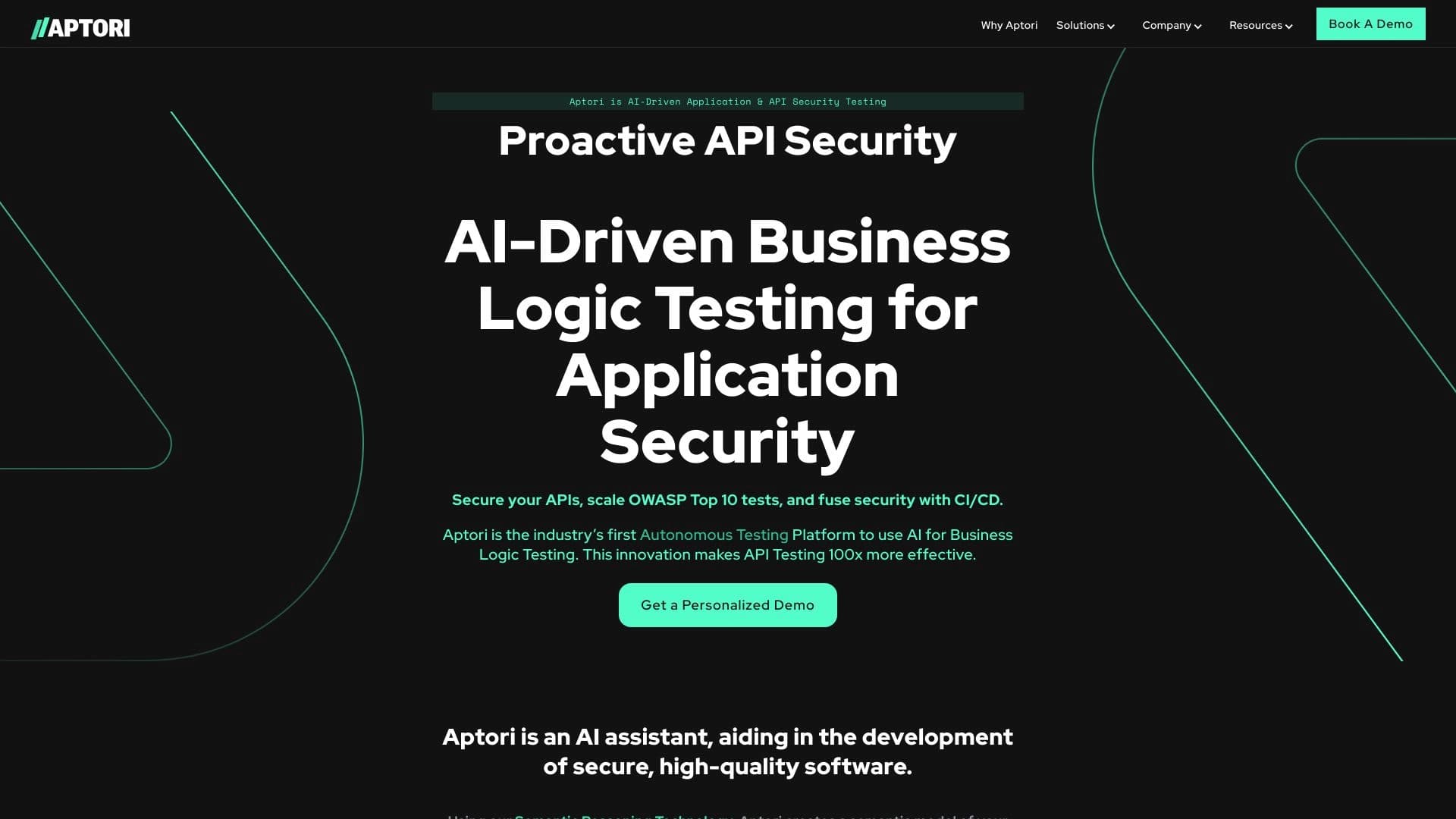

AI-powered platform for automated API security testing and vulnerability discovery in code and cloud infrastructure.

A customer support automation platform that analyzes inquiries and helps operators respond faster.

AI assistant for real-time hints during online interviews.

Service for creating personalized avatars and photo shoots using AI based on uploaded selfies.


Platform for organizing live chat and communicating with website visitors, offering a free chat widget for customer support.


BannsAi is an AI-powered service for quickly creating ad banners based on a text description or reference.

Generate advertising UGC videos with virtual actors without real filming.


A platform for chatting with virtual AI characters with image generation during the conversation.